


What we have introduced beforeimmersive translationIt is already very easy to use. I usually use it to quickly translate foreign content or YouTube videos. Recently, I discovered a new “DeepTranslate” extension. The interface is very similar to immersive translation, both in terms of operating interface and settings. However, this one has a great feature: OpenAI translation is free, no need to fill in the API Key, and you can choose the latest ChatGPT 4o or ChatGPT4o-mini. According to the model, it is predicted that the fee will change in the future. People in need should use it now.
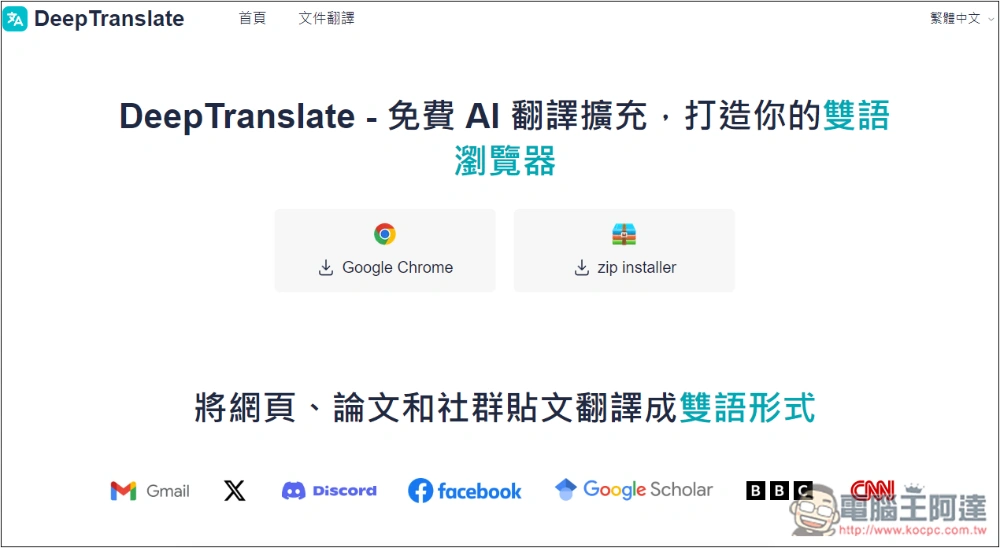
“DeepTranslate” AI translation expansion function installation and operation tutorial
“DeepTranslate” is a Chrome extension, so any browser developed with Chromuim core can be installed. I tested it and it was indeed the case, but I have to pay attention to the support. I had some problems with the Arc browser when I tested it. The language selection menu was also blocked by the extension window, and sometimes the translation didn’t respond.
Switching to Chrome is very smooth. It seems that this extension has just been launched, so it has not been fully tested yet. Currently only recommended for Chrome users.
If you have used immersive translation, the usage of this extended function is similar. However, the translation services provided are currently only Google, Microsoft and OpenAI, and it does not support real-time translation of YouTube or other streaming videos. In terms of completeness and power of functions, immersive translation wins.
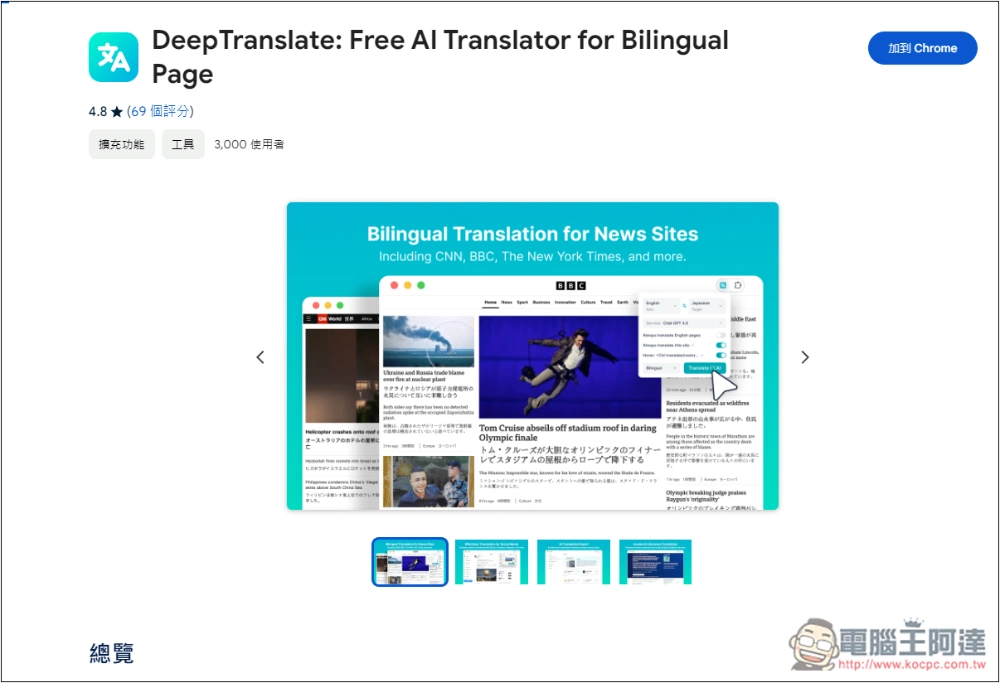
After clicking the link above to enter the Chrome store, click on the upper right corner to add to Chrome:
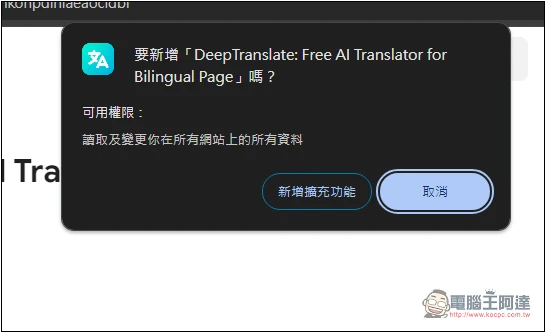
This message will pop up at the top, click on Add Extension Function:
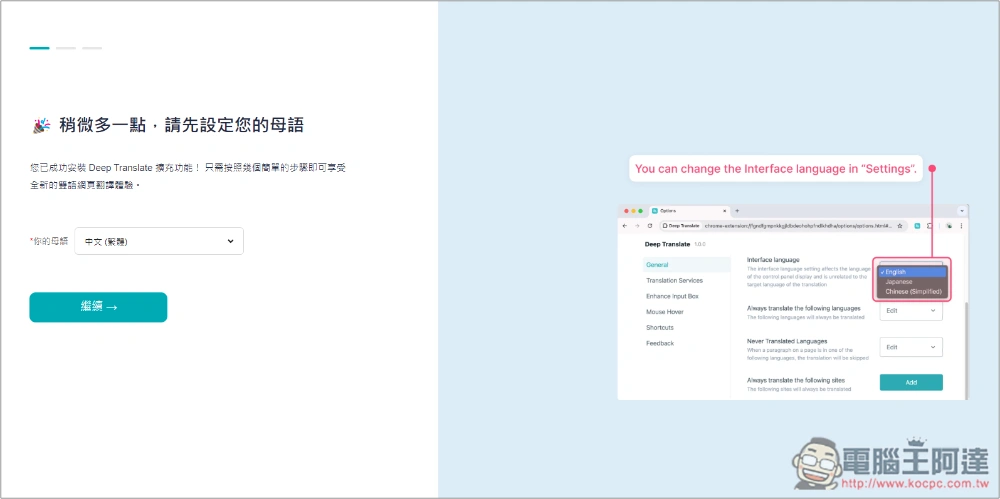
After installation, there will be some functional setting requirements and attempts just like immersive translation:
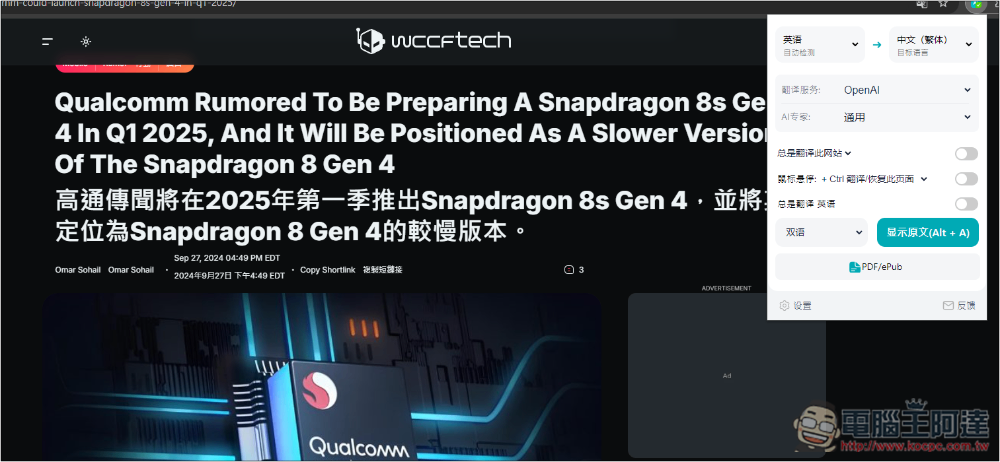
When browsing foreign news, if you want Chinese translation, just activate the extension function and click Translate. A Chinese translation will appear below each foreign paragraph on the web page, making it bilingual. The default translation service is OpenAI, you can also change it to others:
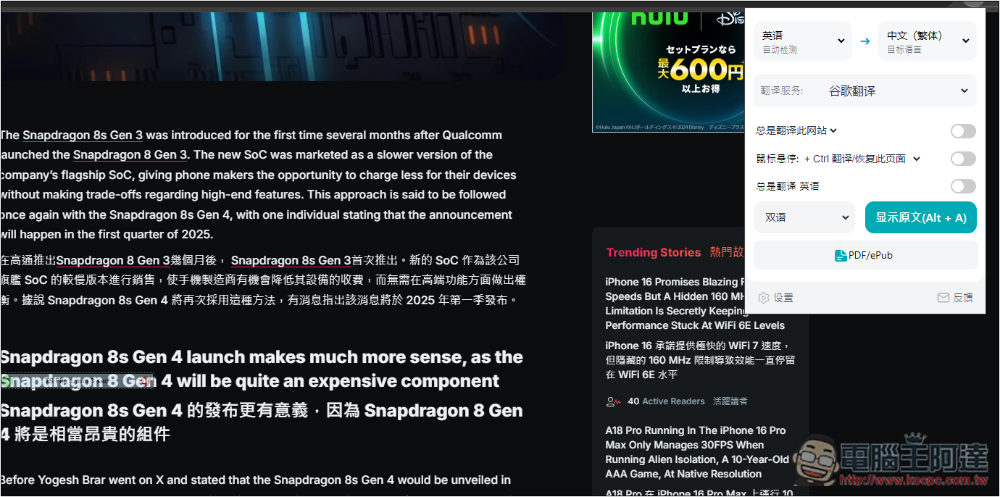
For example, Google Translate, I checked, is really different from OpenAI Translation, so it can be seen that the OpenAI model should really be used:
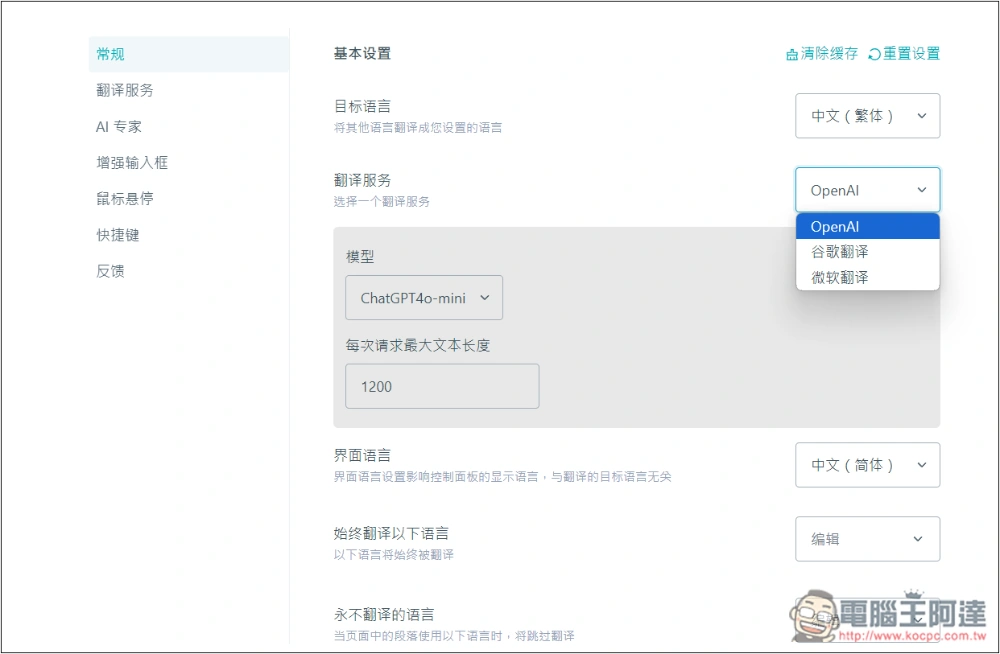
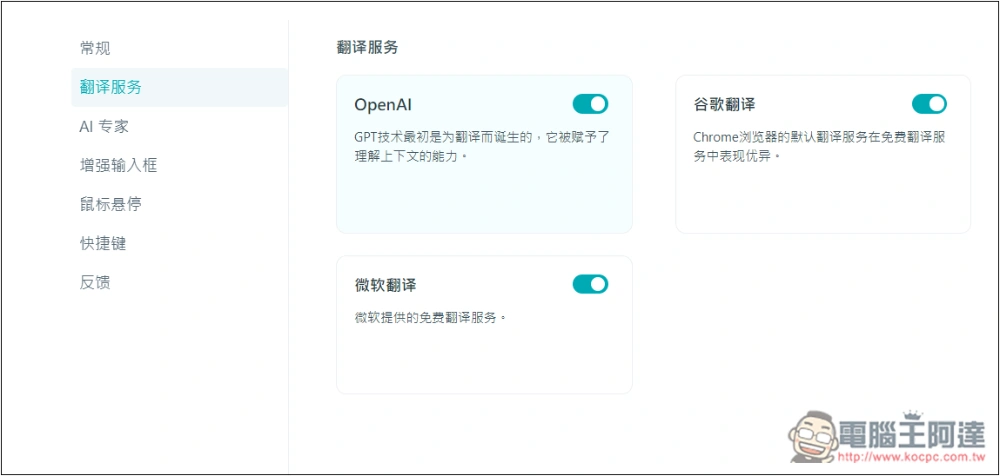
Go into the settings and in the translation service section, you can see the options currently provided:
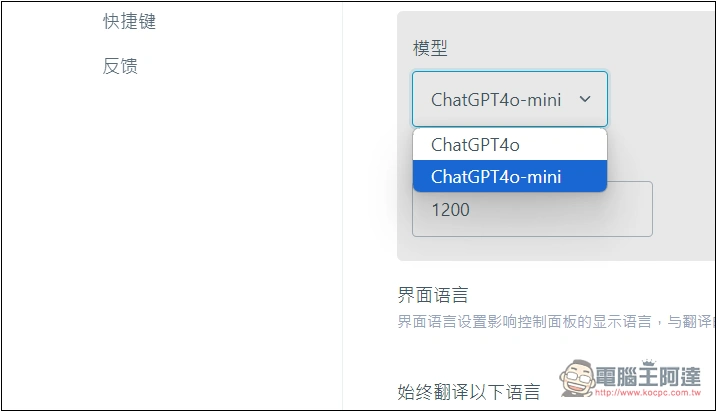
OpenAI can choose to use ChatGPT 4o or ChatGPT4o-mini. There seems to be no usage limit, but the maximum content length of each request can only be 1200, and there is no way to set more:
If you have a translation service that you don’t want to use, you can go into this menu and turn it off so that it won’t be displayed again:
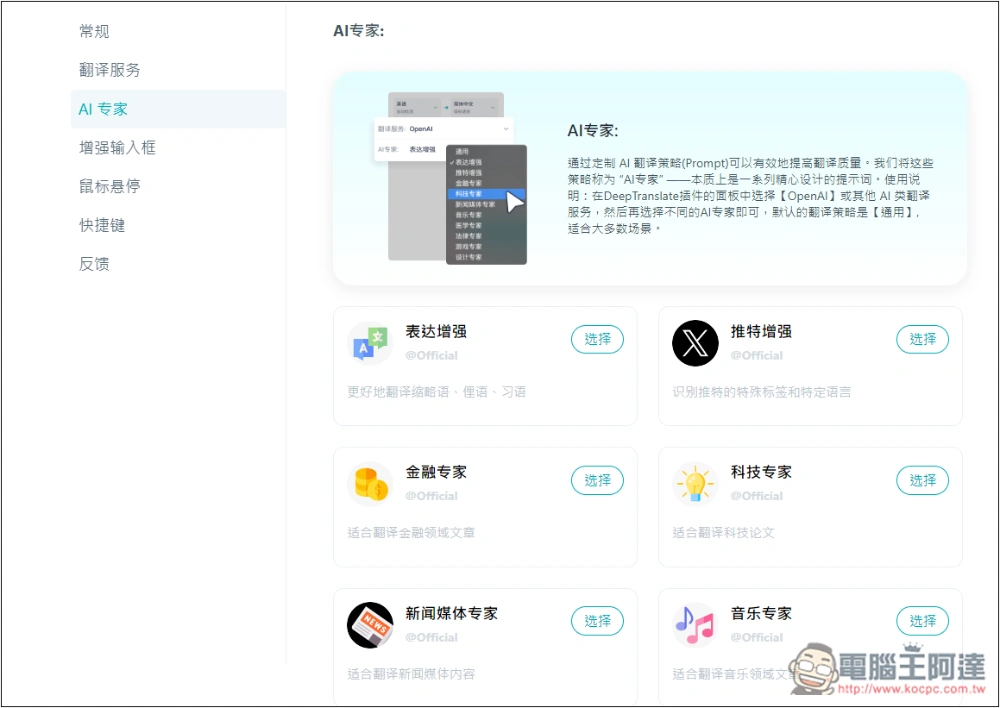
In particular, this model has built-in AI experts, which can select suitable experts for different purposes to improve translation quality, such as news media experts, Twitter enhancements, technology experts, financial experts, etc. However, I have tested it and it seems to be useless now? The results I translated from different experts are the same. Readers can test this by themselves:
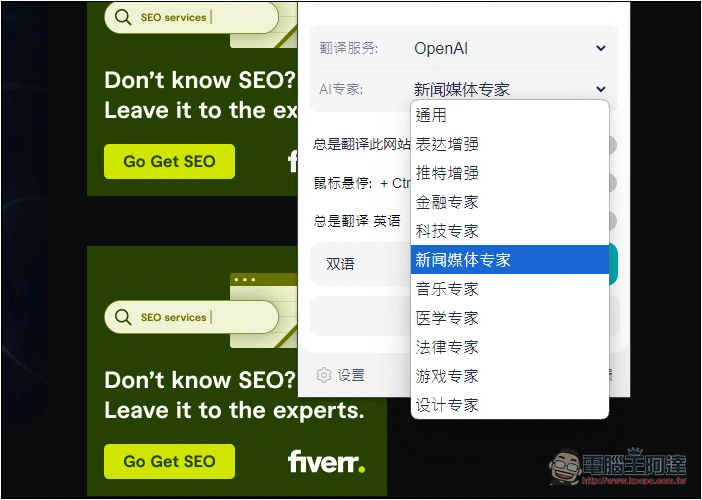
You can also switch directly in the extended function menu:
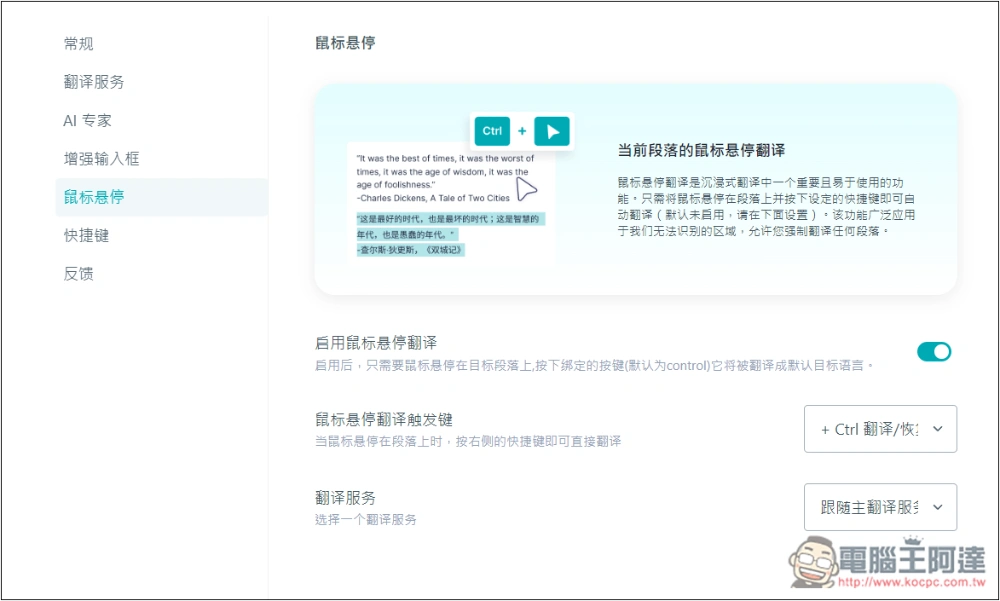
The mouse-over translation function is also supported. It is turned off by default. People who need it can turn it on themselves:
Is DeepTranslate’s OpenAI translation really free?
As far as I’ve used it so far, it’s really free, because it doesn’t ask for any payment information or OpenAI API when using it, and it can translate content within the 1200 limit normally.
Of course, being free now does not mean it will be free in the future. When the number of users increases, it is speculated that there will be more restrictions, and even charging plans will be introduced, especially GPT-4o, which is not cheap now.
Source: KOCPC Chinese