


Although the network provider itself will provide it, many people still choose to install their own router. You can choose the most suitable model from a large number of products according to your needs or budget, but you may alsoWant to know if you’ve chosen the right model?. However, you may be confused when you see expensive high-end routers. They look cool and have more functions, but in fact you may not need to pay for them. Why?
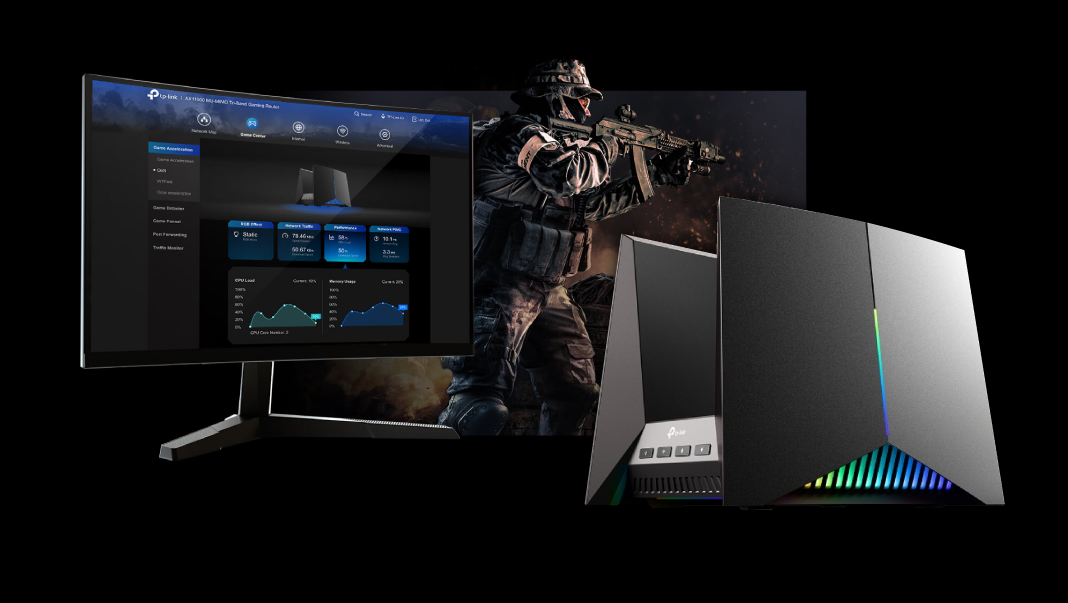
6 reasons you don’t need to spend a fortune on a fancy router
1. You may not need advanced features
Router brands love to hype all the advanced features on their new models, but how many of them will you actually use? You can buy a router for large-traffic network transmission, but most people only need a router to connect their home computers, tablets, and mobile phones to the Internet, so this basic need can actually be met with a cheaper router.
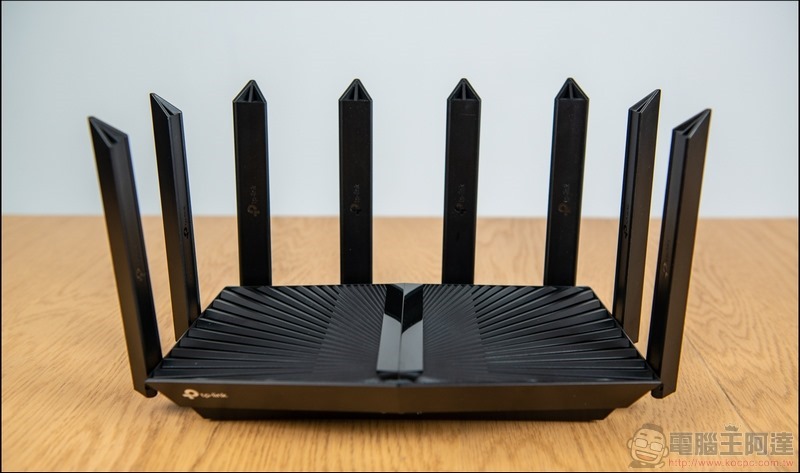
Much of the cost of these new advanced router models comes from their extra features and support for the latest network standards. If you find that you need some advanced features after using a basic router to surf the Internet, you can always install some open source firmware; if you want to upgrade your router, please keep this in mind so that you can choose from the dazzling array of options.
2. Your internet speed and tariff combination is also a bottleneck
Although connection speed is one of the features that router brands charge higher in high-end models, the fact is that unless you have a very fast Internet speed at home, you will not be able to enjoy the fastest Internet speed supported by the router itself. Before deciding on a router, you should also check the Internet speed rate you choose. Therefore, if you only apply for 100Mbps, even the best router in the world will not allow your connection speed to exceed 100 Mbps.
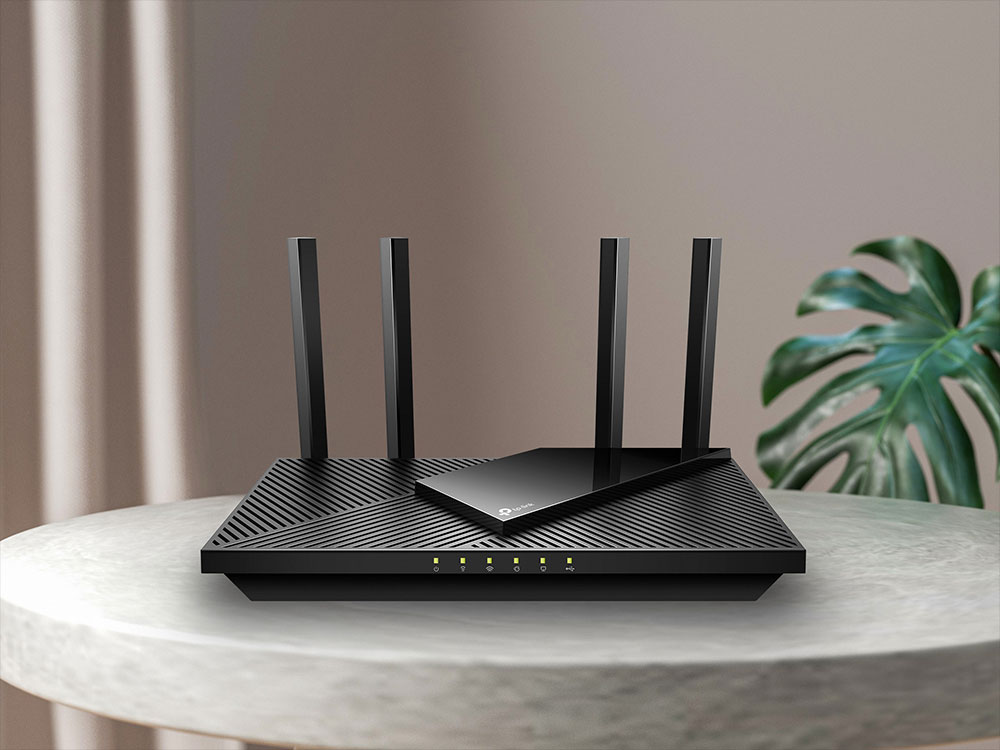
However, if you’ve upgraded your internet speed plan, it might be a good idea to check out your router, especially if your router hasn’t been replaced in years. When your internet speed has been increased to 200Mbps, but the router only supports up to 100 Mbps, then the extra money you pay every month is in vain.
3. You can unlock advanced features by installing open source firmware (but it may break the warranty)
Many of the features that come with expensive premium routers appear to be unlocked on cheaper models as well, and these extra features can be found elsewhere, often using the same design and with similar firmware. So, if you have a DIY bent and a knack for technology, you can by all means find and take advantage of advanced router features even on older routers.
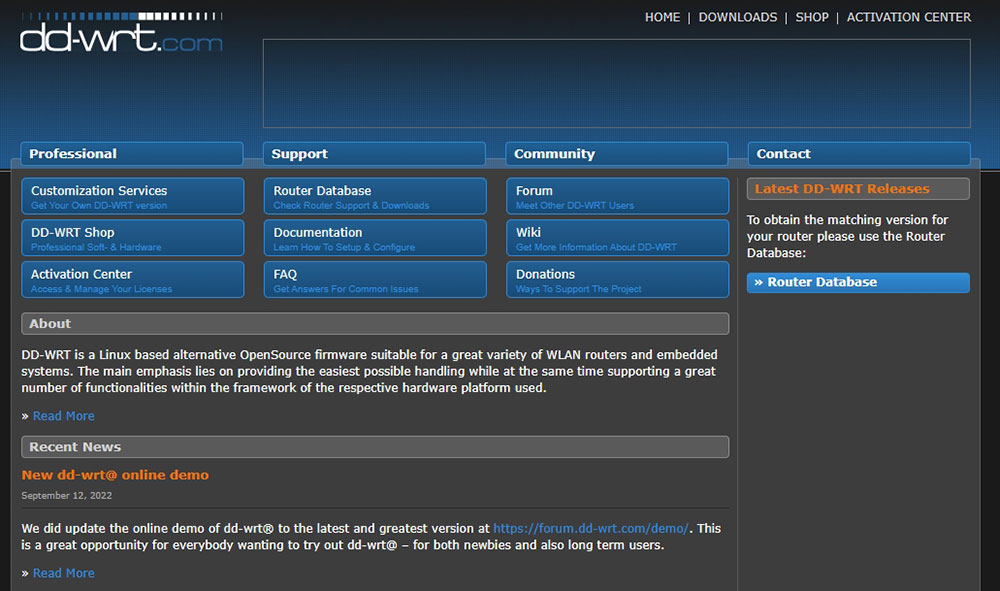
you can use DD-WRT Wait for the open source firmware to download and update your router, adding features you might have to spend hundreds or thousands of dollars more to get, just make sure you download the version that’s appropriate for your router model.
4. You don’t need the latest Wi-Fi standard yet
Of course, you can immediately upgrade to the latest Wi-Fi standards, such as Wi-Fi 6 and Wi-Fi 7, but there is not much advantage in doing so. The value of a network increases with the number of connections; that is, its usefulness depends on the number of connected devices and the number of people using it. If not many people are using the new standard yet, then there is no reason to rush to buy it. It is better to save it and wait and wait for more people to upgrade to the newer standard.
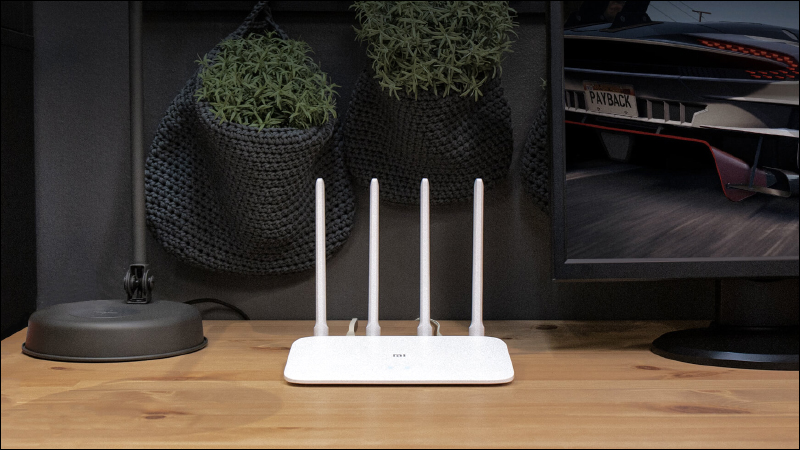
5. No matter how expensive a router is, it cannot solve the coverage problem.
One of the reasons you might consider an expensive router is to solve the problem of insufficient Wi-Fi coverage in your home. Routers rely on signal transmitters, and transmitters can only play a specific role. To enhance the signal, it is best to place the router where you can get the best coverage. So if you’re having Wi-Fi coverage issues, even if you buy a new Wi-Fi 7 high-end router and put it in the same location, you’re still going to continue to have coverage issues.
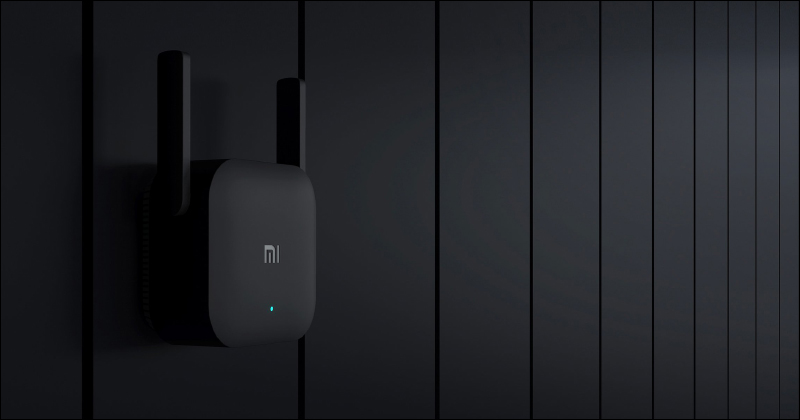
A more cost-effective solution is to add a Wi-Fi extender to the existing network to extend the coverage. If the budget is higher, you can use Mesh to solve the coverage problem.
★ Further reading:
What is Mesh Wi-Fi? How does it work? What are the advantages and disadvantages?
For optimal Wi-Fi coverage, this is where your Mesh router nodes should be!
6. Newer routers can also become obsolete quickly
Another problem with new Wi-Fi standards is that they are still evolving and being developed. If the standards change and the manufacturer retires your router, you will be stuck with expensive and outdated equipment, which is also a microcosm of the problem with many expensive routers on the market. Router manufacturers typically profit from early adopters by releasing expensive routers with more features to attract early adopters. However, the networking market changes and certain models are abandoned to make way for better models.
Unless you’ve just upgraded to a faster internet speed plan, there’s not much point in buying an expensive premium router. You may have the latest features, but you probably won’t use most of them, and your router may become obsolete faster. If you really want to give networking a try, custom firmware may be a better option for DIY enthusiasts.
Source: KOCPC Chinese