


The back-and-forth between Apple and Microsoft has been acrimonious for years and will continue in the coming years. Both companies have their own word processing software, Apple Pages and Microsoft Word, so which product should you use? Or, which one is right for you?
Which is right for you, Apple Pages or Microsoft Word?
Which one has the best price?
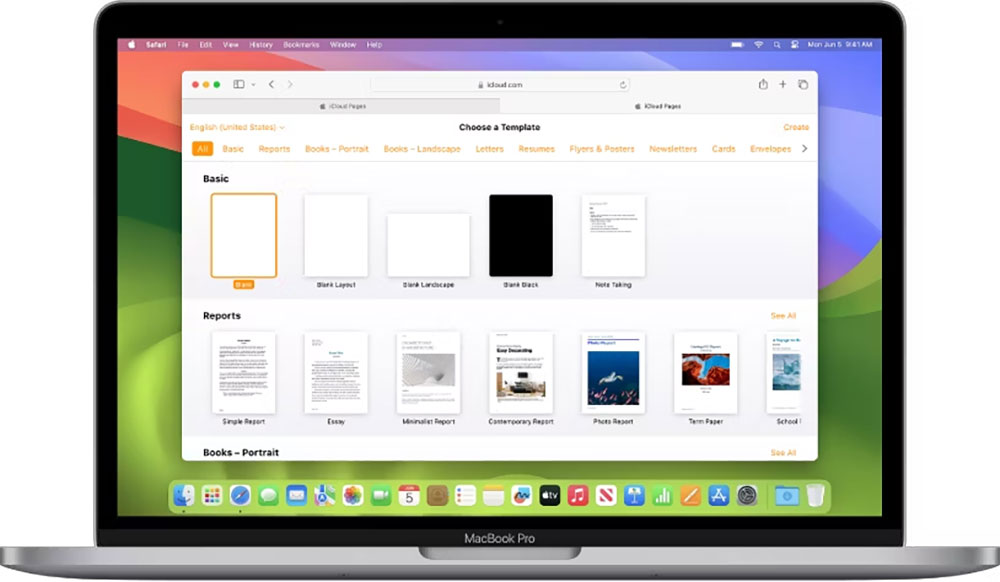
The Pages app comes standard on iPhone, iPad, and Mac laptops, available right out of the box, and can be downloaded for free from the App Store at any time, even after removal. For non-App Store devices, a web version of Pages is available through the iCloud website, but this version has some limitations, including requiring an Internet connection and fewer features.
Microsoft Word has a free online version, but its functionality is quite limited. Without a paid subscription to Word, you won’t be able to insert tables, use most formatting features, or access most other advanced features. A paid version of Word is available for Windows and Mac computers, with subscriptions priced at $219 per month as one of the Microsoft 365 features.
For the price alone, the free version of Pages offers more features, however, the experience is definitely not optimized for Windows devices.
Device compatibility for Word and Pages
Naturally, Windows Word runs best on Windows devices, while Apple Pages will perform best on Apple devices. However, that doesn’t mean they can’t be used cross-fertilized. In fact, Word for Mac even runs great on iPads and iPhones, with full functionality and completely smooth integration, including keyboard shortcuts and more. This is not the case with Pages. Pages runs perfectly on iOS, iPadOS, and macOS devices, but there is no downloadable version for Windows. Windows users can only log in to their Apple ID to use Pages through the iCloud website, but the experience is not optimized and the functionality is limited.
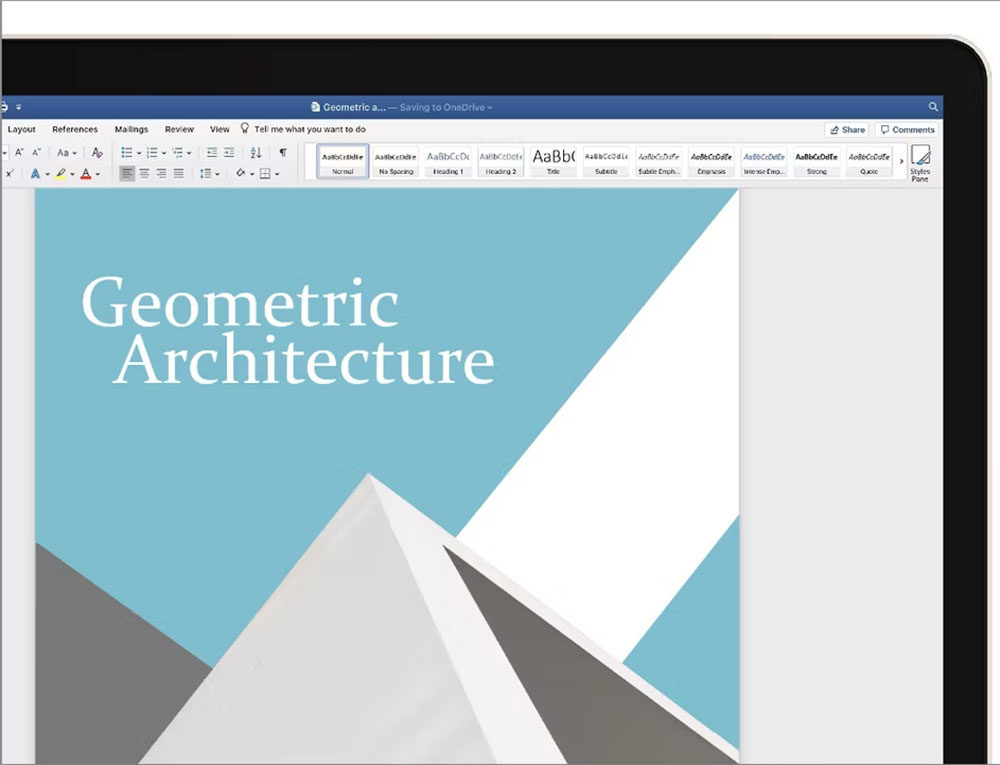
Word’s broad compatibility means that any user can easily use Word on any device. With Pages, anyone without an Apple device will never be able to use or access all other features offline.
Which one has better file format compatibility?
Both Word and Pages can save files as their own unique file types, DOCX and PAGES, respectively, and they also provide built-in methods to save files as other common formats, including PDF, RTX, or TXT files.
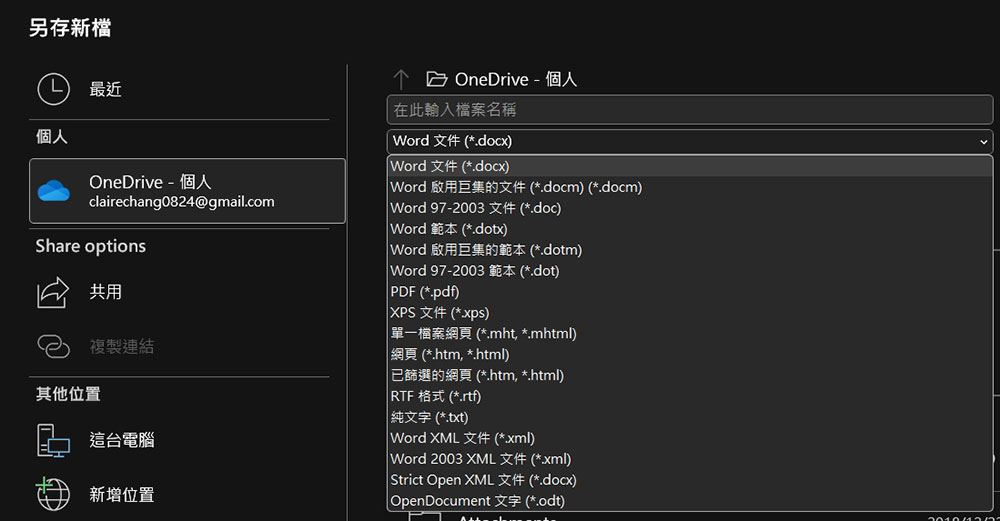
Pages does allow users to save documents as Word-compatible documents directly from within the application, while Word does not allow users to save documents as “.pages” files. However, it is still possible to open Word files in Pages, but formatting may be lost and fonts may be lost. You can then save the document as a “.docx” or “.pages” file. Although collaboration and similar features don’t work between file types, you can reliably convert from one file type to another when necessary.
Does Apple Pages have more features than Microsoft Word?
In terms of sheer functionality, Microsoft Word is the winner. Word has more features than Pages, especially when it comes to formatting options. Word also allows users to add plug-ins from the Internet to further expand its functionality. While cheats can technically be installed on pages, the process is not native to the app and requires a lot of fixes for an often unreliable experience.
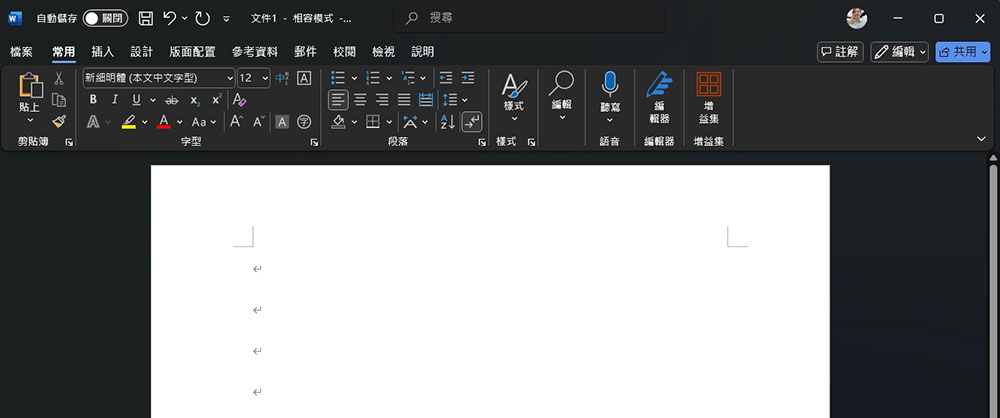
All of Word’s features can make the program seem intimidating by comparison. Pages has all the features the average user needs, and its simplicity makes it easy for any user to understand and get started. While advanced users may miss the array of formatting options Word offers, those looking for a simple word processor won’t feel the difference.
So, which one is better?
All in all, the most effective methods vary from person to person. Microsoft Word is more widely used and is definitely more of an industry standard than Pages, and may be the first choice in a collaborative or office environment. However, for experienced Apple users who are already deep into the ecosystem and value ease of use over powerful features, Apple’s native free text tool may be a better choice. Of course, you can also have both at the same time and switch between them as needed.
Source: KOCPC Chinese