


Previously we taught how to use Wineskin Winery You can install Steam on your Mac to play various PC games. However, this method is a bit complicated for many people. This article will introduce another method: using CrossOver software with Apple’s Game Porting Toolkit, you can easily install Steam. Even “Black Myth: Wukong” is currently supported.
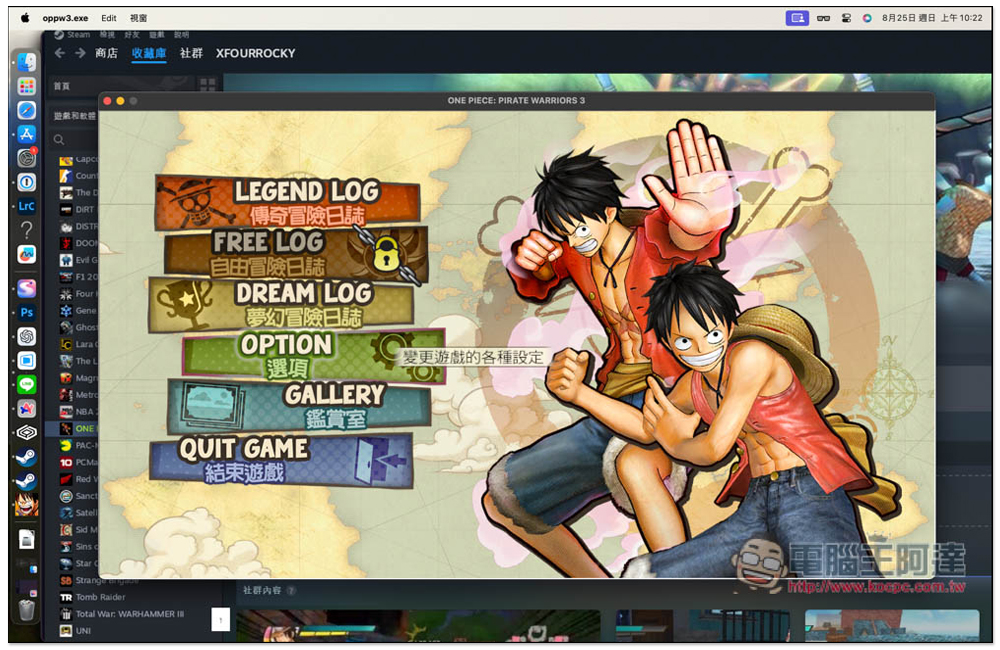
The easiest way to play PC games on an M-series Mac! “Black Myth: Wukong” also supports
Before I start the introduction, let me explain that CrossOver is not a completely free software. There is a 14-day free trial, so you can try it out first. If you think it’s good, you can consider upgrading to the paid version.
First, obtain the installation files of these two softwares. CrossOver needs to fill in the E-Mail to obtain the download point. For Game Porting Toolkit, you need to go to Apple’s official website and log in with your Apple ID to display the download point.
Game Porting Toolkit is available in 1.0 and 2.0 beta 2, you can download 2.0 beta 2 this one:
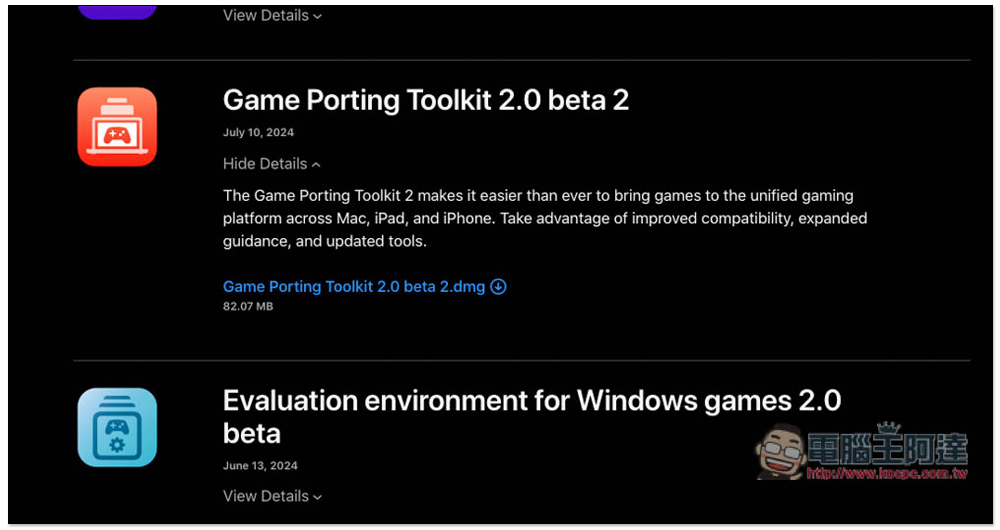
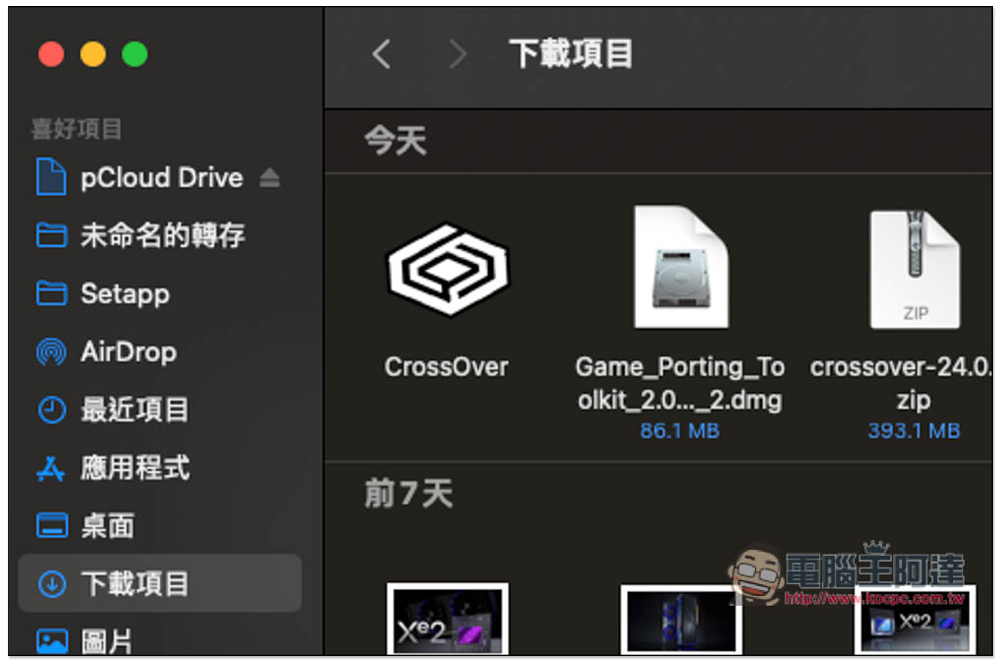
After obtaining both installation files, first drag CrossOver to the Mac’s Applications folder:
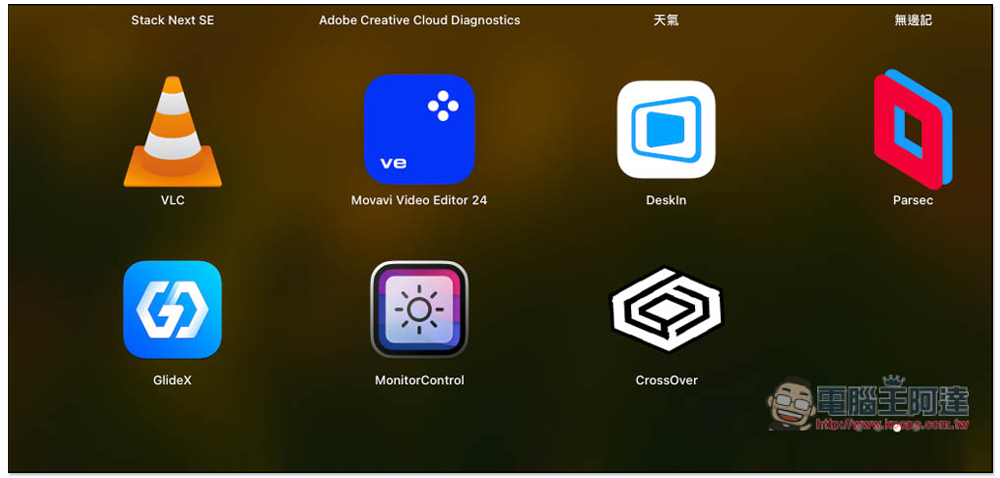
Then you can find CrossOver in Launchpad. First test to see if it can run normally:
This message will pop up, click to open:

Then you will be reminded that it is currently a trial version and can be used for 14 days. Click to try it now:
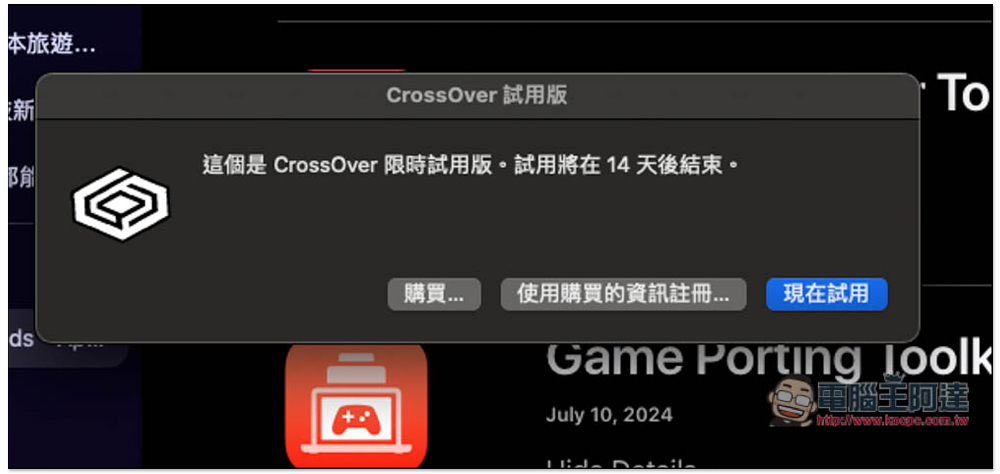
After confirming that it can run normally, you need to install the Game Porting Toolkit. You can turn off CrossOver first:
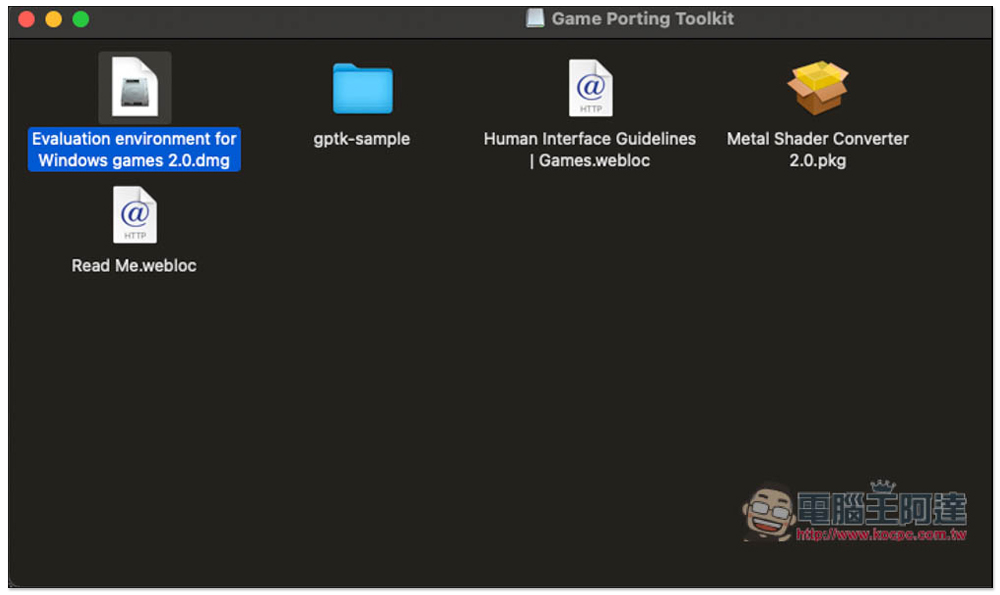
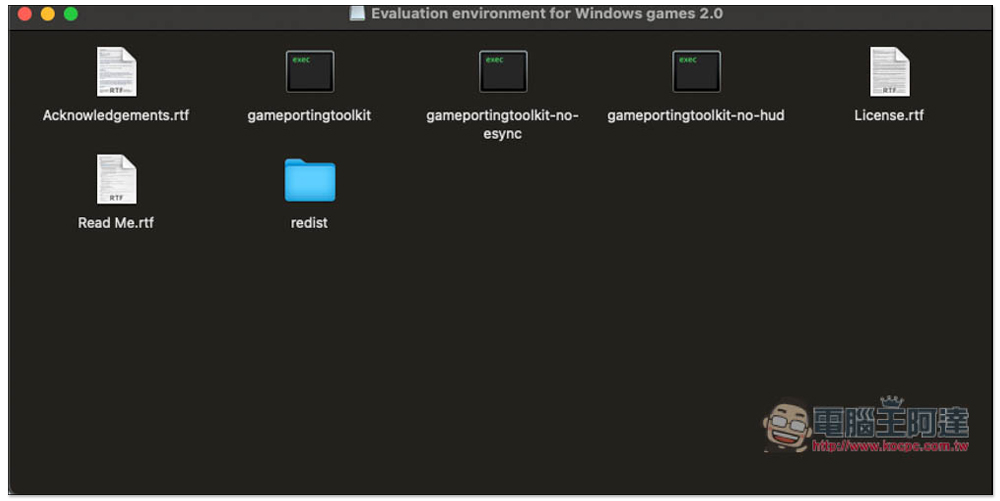
Open the Game Porting Toolkit dmg file and you will see five options. Click on the first .dmg:
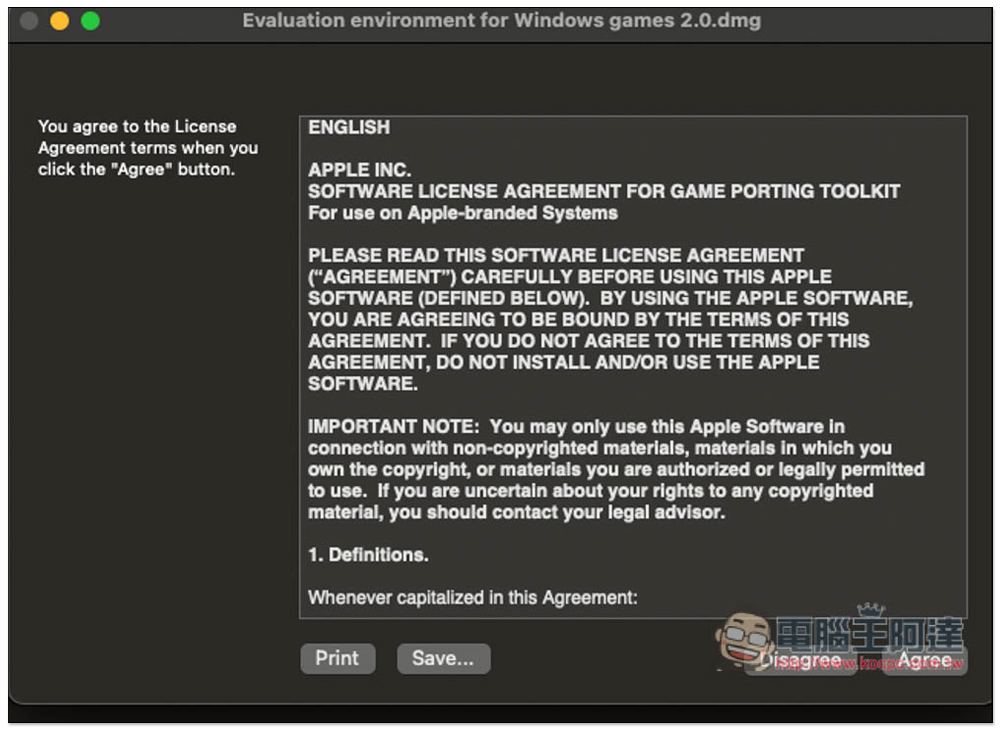
Press Agree:
This window will open, please go to the redist folder:
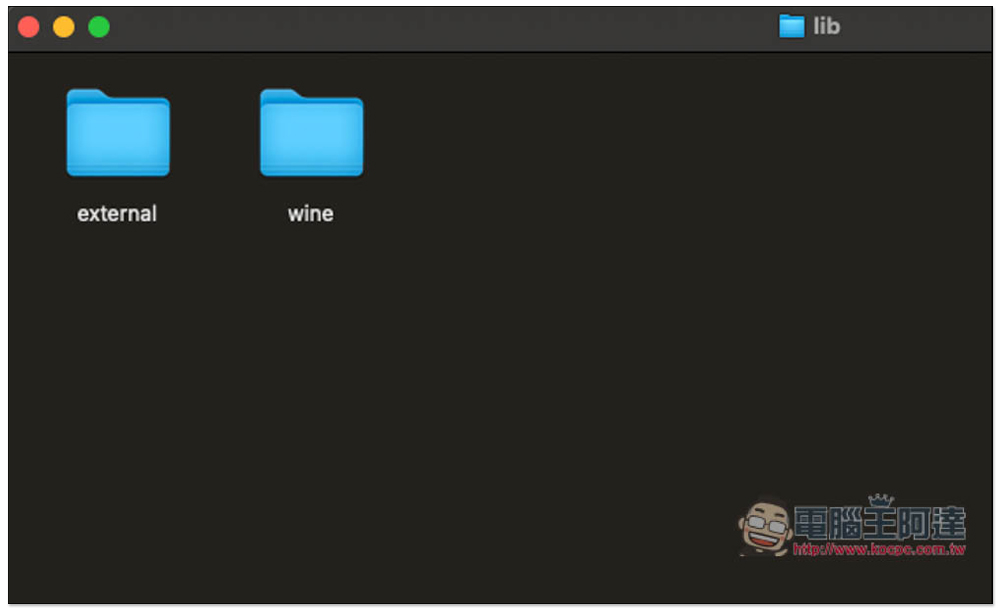
After entering lib, you will see these two folders. Please copy (Command+C) external this folder:
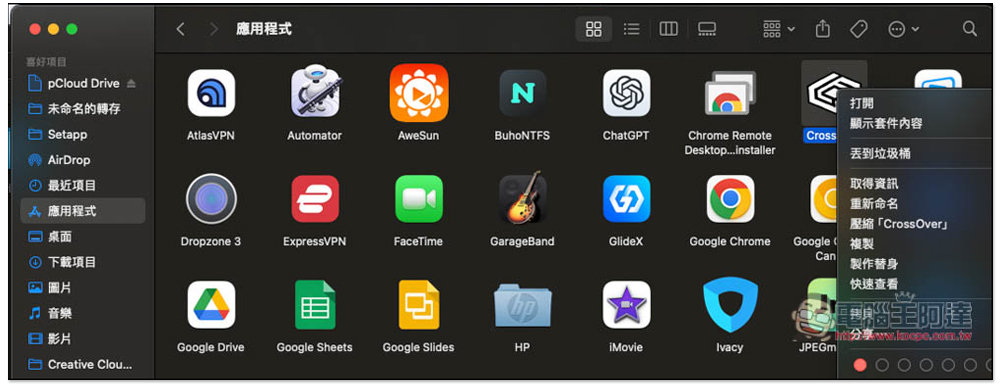
Open Finder and enter the application menu. After finding CrossOver, right-click to enter “Show Package Contents”:
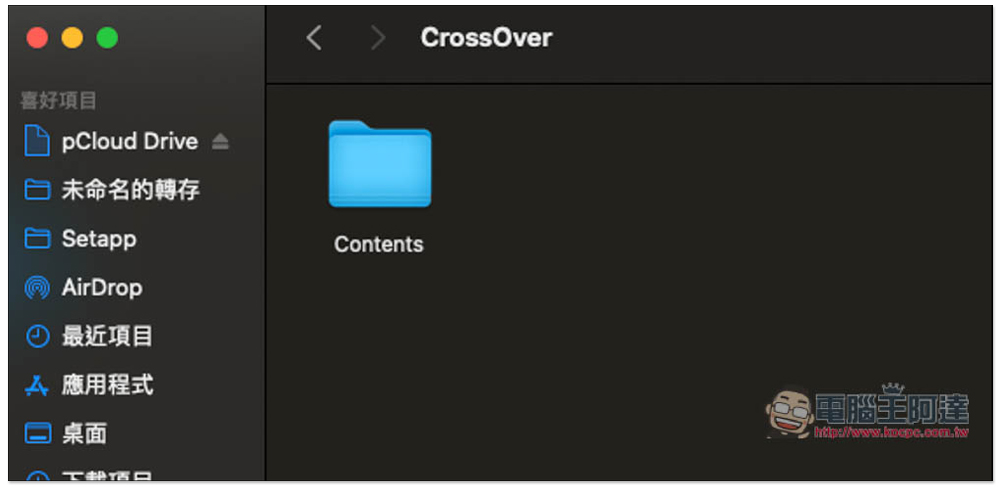
Go to the Contents folder:
Go to the SharedSupport folder -> CrossOver folder -> lib64 folder -> apple_gptk folder:
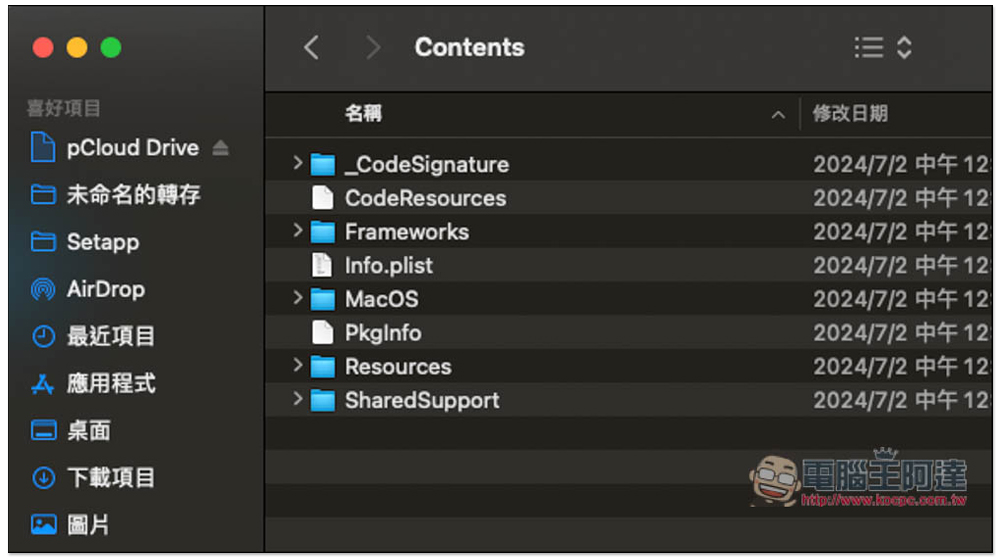
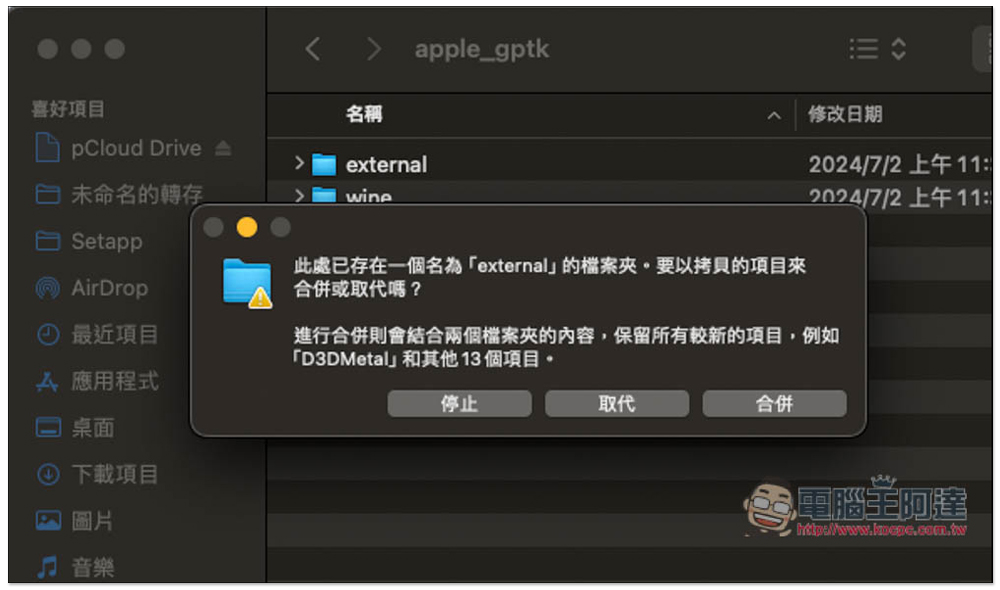
You will see an external folder with the same name, please paste the one you just copied (Command + V):
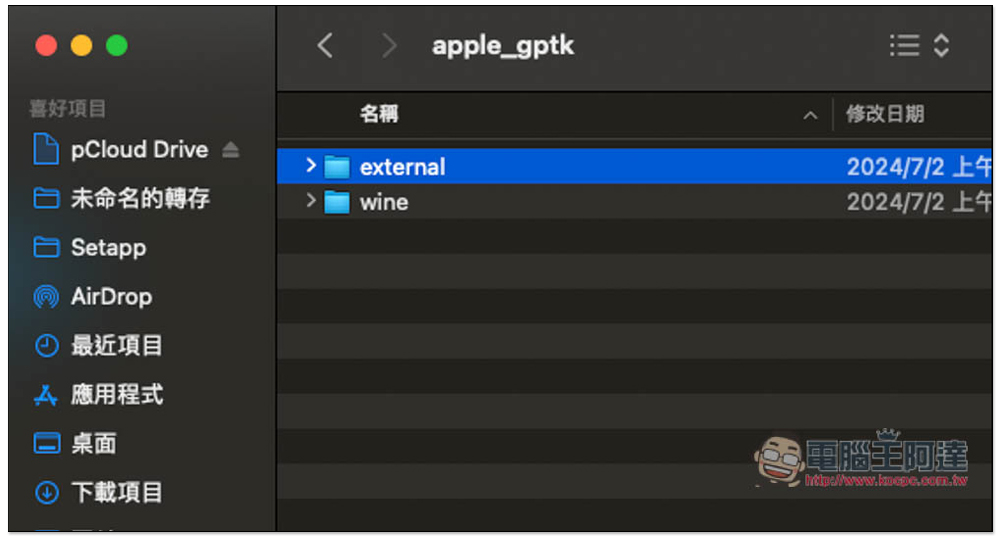
Press Override and you’re done, turn on CrossOver:
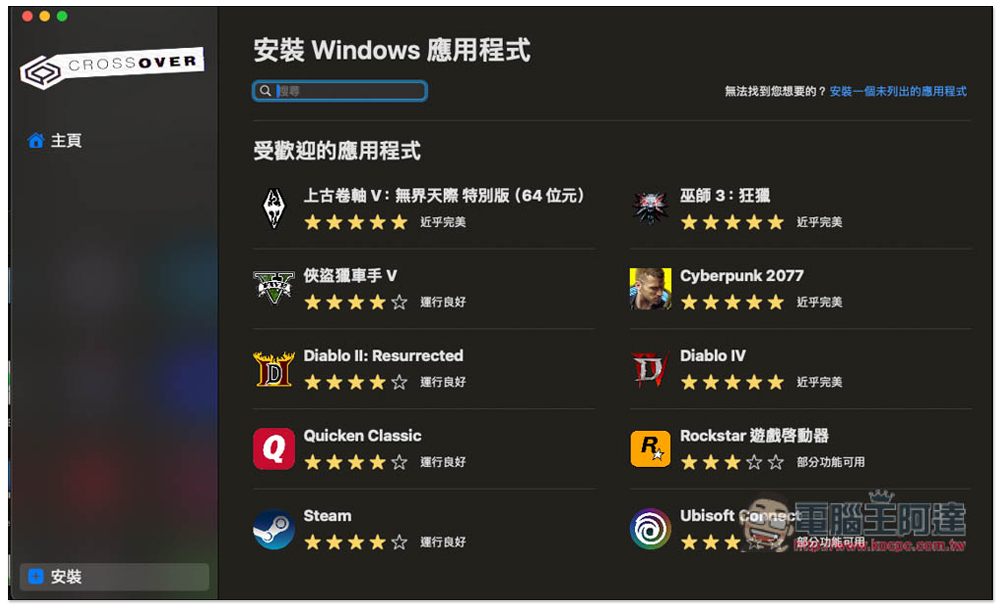
Then you can start installing Steam:
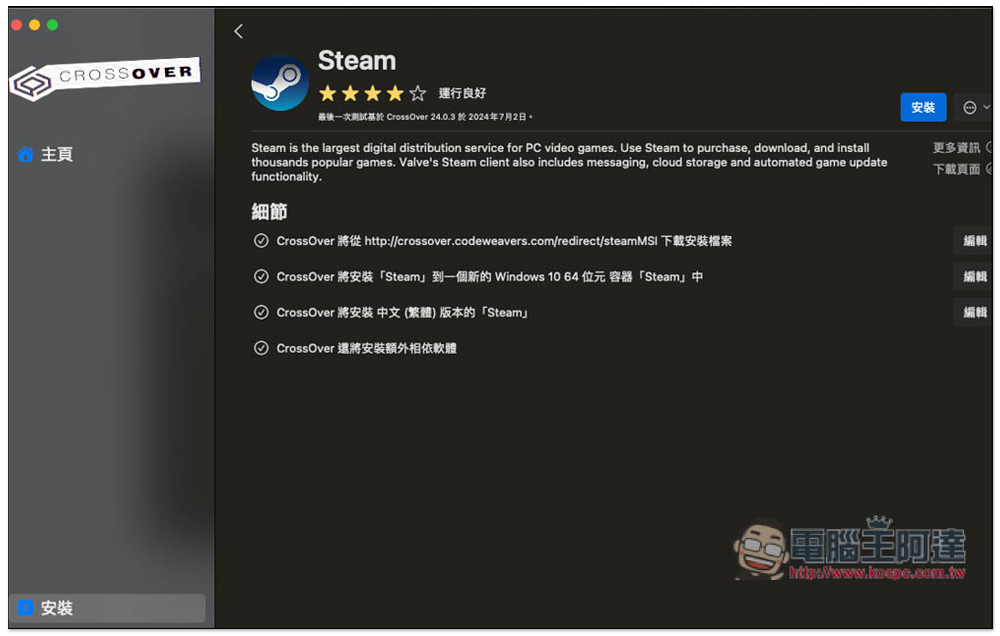
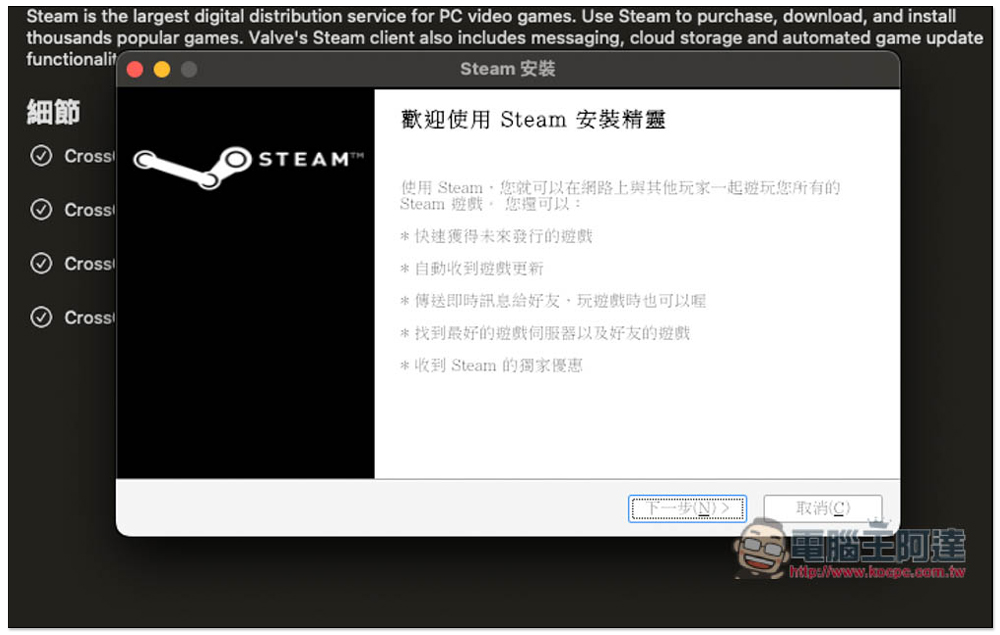
Just keep pressing Next for the installation steps:
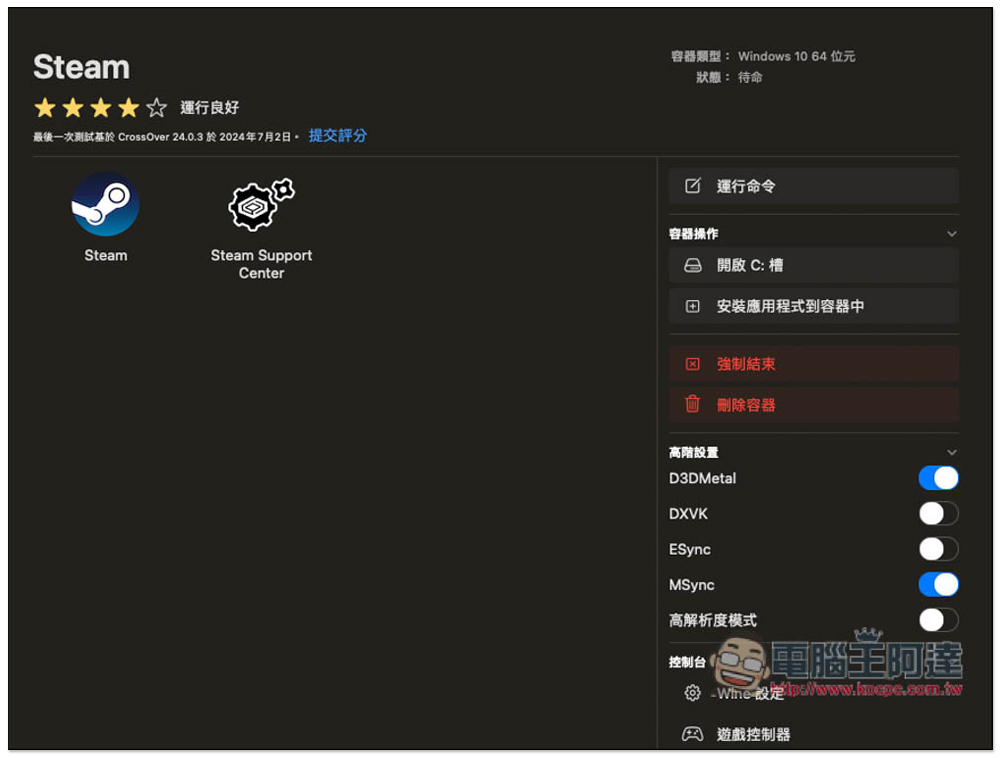
After installation, before opening Steam, please turn on both “D3DMetal” and “MSync” in the advanced settings on the right:
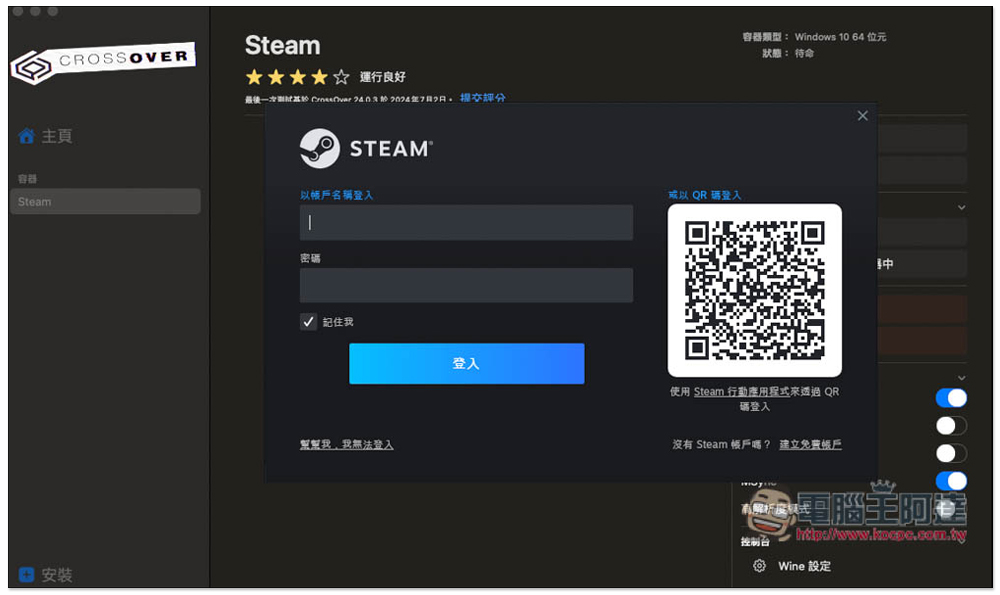
Log in to your Steam account:
Now you can start installing the Steam game you want to play:
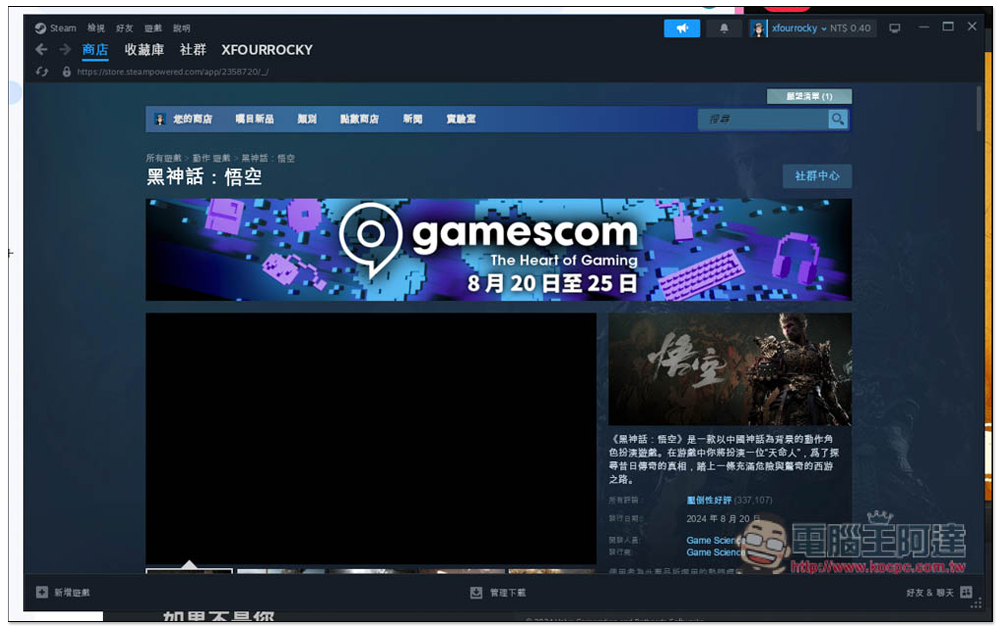
However, I would like to remind you that the current support of this simulation method is not very good, so not every game can be played. You can only install it yourself and test it.
If it cannot be executed normally, you can check online to see if other netizens have shared solutions, such as which settings need to be adjusted and what program codes need to be entered.
Some netizens have tested that they can use CrossOver to play Steam’s “Black Myth: Wukong”, but there are a few things to note before implementation:
- Before starting the game, please open the content menu on the right side of “Black Myth: Wukong” and enter: -dx12 in the startup options.
- Make sure to use compatibility mode when launching the game
- There may be an “Old AMD Driver” warning message. Click No to ignore it and the game will still start normally.
- Mac with 16GB or more RAM recommended
- The M1 will have serious operational issues due to hardware limitations
- M3 reportedly may crash
- M2 currently looks the most stable, M2 Pro and M2 Max have the best performance
- It is recommended to use low to medium settings
- There will be a long black screen when starting the game, please wait patiently.
For related practical operations, you can refer to this video:
Source: KOCPC Chinese