


With the rapid development of social media, users around the world have an increasing demand for online interaction. Since 2019, the LINE community has emerged and has gradually become a part of many people’s lives. Today, the LINE community has accompanied users around the world for 5 years, and during this period, it has continuously enriched its functions to provide a more diverse and convenient interactive experience. To celebrate this milestone, LINE has launched a series of special 5th anniversary events to allow users to review and celebrate this special moment together.

LINE community celebrates its 5th anniversary globally and launches limited-time chat room special effects! Enter keywords to wake up the mysterious easter egg
Since its first launch in Japan and Thailand in 2019, the LINE community has rapidly expanded to all parts of the world and has become an important platform for many users to exchange interests and topics. Since its launch in 2020, Taiwan’s LINE community has attracted a large number of active users, with more than 260,000 active community chat rooms every month, covering a variety of topics. Whether it is discussion of popular current affairs, sharing of interests, or in-depth exchanges in professional fields, you can find corresponding chat rooms in the LINE community, allowing users to easily find like-minded partners to share, communicate and grow together.
In order to thank users for their support and celebrate the 5th anniversary of LINE Community with users around the world, LINE has specially launched the “LINE Community 5th Anniversary Chat Room Special Effects”. This special effect not only adds fun to the chat room, but also allows everyone to feel the joyful atmosphere of this special moment.
How to enable LINE community 5th anniversary chat room effects
During the event, users only need to enter relevant keywords in the chat room, such as “openchat” or “LINE community” to activate the fifth anniversary special effects. These special effects will display special animation effects in the chat room, making the entire chat room full of festive atmosphere.
It’s worth noting that this effect is only active during a specific period: now until 10am on August 26, 2024. In addition, the user’s LINE version also needs to meet specific requirements. iOS users need to update to version 9.15.0 (inclusive) or above, Android users need to update to version 10.2.0 (inclusive) or above, and the Android operating system needs to be 7.1 or above.

Chat room special effects replay tips
If your LINE version is 12.0.0 (inclusive) or above, when you enter keywords and trigger chat room effects, these keywords will automatically be converted into clickable links. If you want to replay the special effects later, you only need to click on the link without having to enter the keyword again, allowing you to enjoy the 5th anniversary special effects more conveniently. In addition, if you still cannot see the special effects after meeting all the conditions, it is recommended that you try to reopen LINE or check whether the “Chat Room Background Effects” in LINE settings is turned on.

Additional screening at the same scene: LINE community homepage and community cover special effects
In addition to chat room special effects, LINE has also prepared limited-time special effects for community homepages and community covers. From now until 10 a.m. on August 26, 2024, users can experience small surprises on the community homepage and cover, adding more fun to this 5th anniversary celebration.
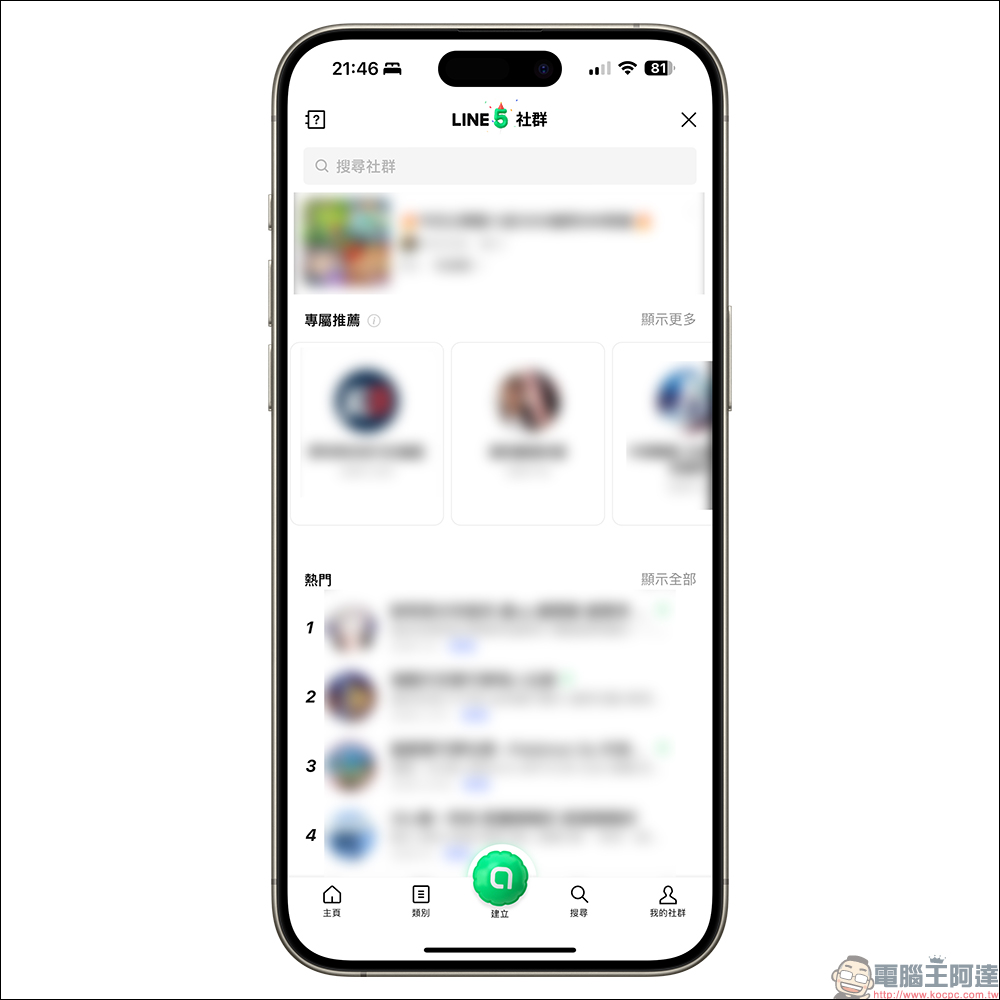
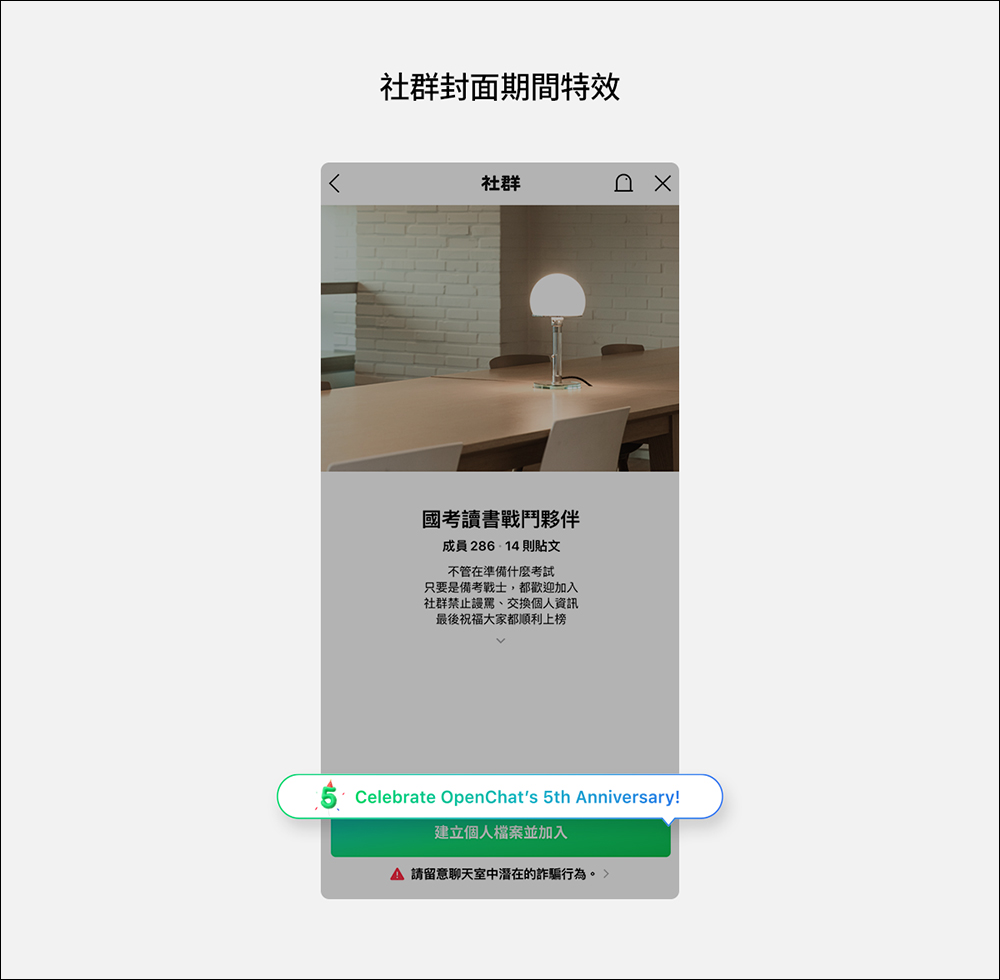
Review the functional development of LINE community
Since its launch, the LINE community has continuously introduced new ideas and is committed to improving users’ interactive experience. In order to help community managers better organize and manage the community, LINE has launched a series of practical management tools, such as “Discussion thread”, “Message summary”, “Administrator icon and automatic response mode”, “Live Talk” and “Sub-community” and other functions. These functions not only improve management efficiency, but also enhance interaction and participation among community members.
Through these functions, LINE communities allow users to communicate in a more organized and interactive environment. Whether they want to discuss a topic in depth or quickly understand important information in the community, these functions can meet the needs of users.
Further reading:
LINE Invoice Manager: iOS/Android vehicle barcode setting tips (tutorial)

Source: KOCPC Chinese