


Microsoft Office suite tools are extremely popular in personal, education, and enterprise environments, and if you’re a Microsoft 365 user, you regularly get new features. At the Ignite 2025 conference, Microsoft announced Microsoft Office 365 Copilot agents designed specifically for Word, Excel, and PowerPoint, and also offers free Copilot chat integration across all these applications. However, there is a smaller feature that may be more important than these, yet it hasn’t received much attention.
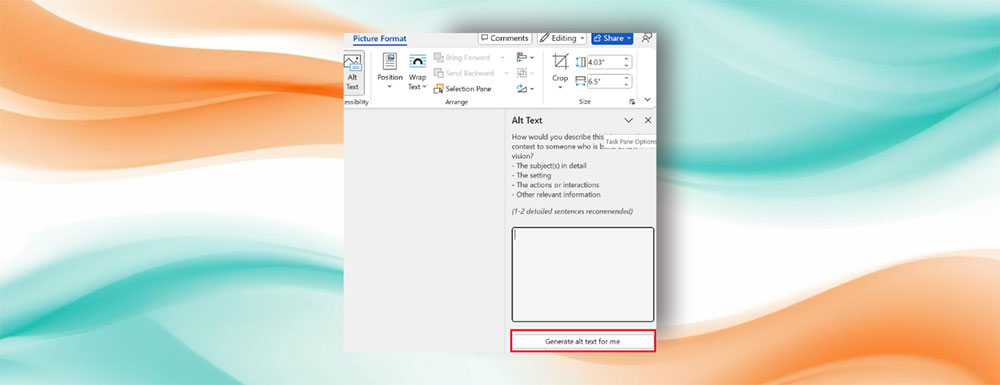
Microsoft announces AI generation features for Word and PowerPoint
Microsoft announcedIn the future, alt text generation in Word and PowerPoint will be driven by generative AI models, rather than the existing Azure Vision model. To briefly explain, alt text is essentially a description embedded with an image, typically used by screen readers. This allows screen readers to describe images to blind or visually impaired people, and this tool is used to improve accessibility.
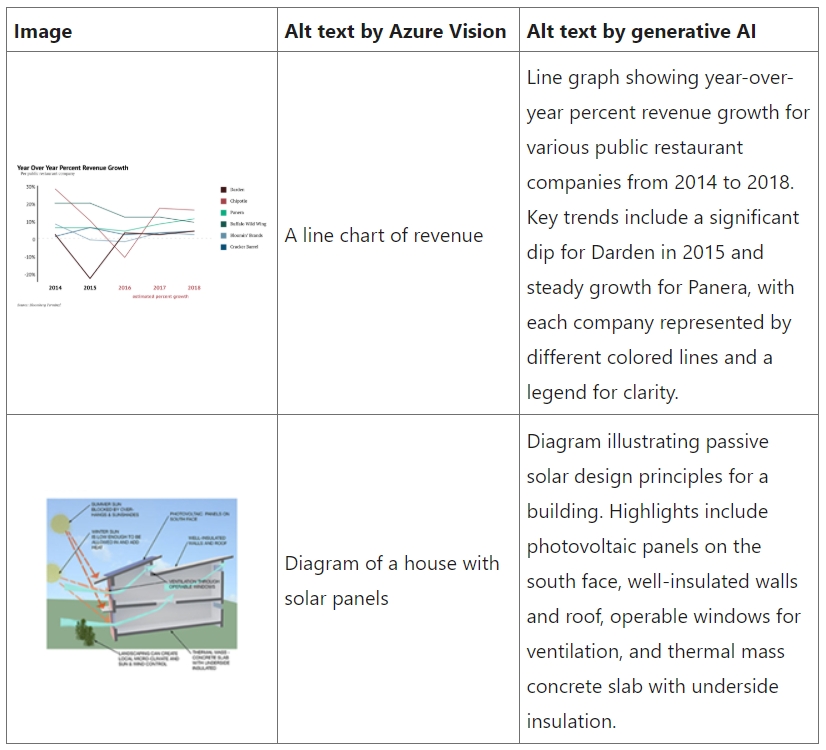
While this is very important, embedding alt text can sometimes be a tedious manual process. Microsoft has addressed this issue to some extent by integrating Azure Vision into Office applications, ensuring that inserted images come with alt text descriptions by default. However, those descriptions are not always accurate—they can sometimes be too generic or lacking in context. With the integration of the latest generative AI models, Microsoft will provide richer, more contextually coherent, and more accurate alt text. This means you’ll get higher-quality results with richer context, more control over when and how alt text is added, and descriptions that are more thoughtful, accurate, and better aligned with both the content and the audience.
Using AI to assist in generating alternative text helps content creators write better descriptions, reduces manual work, and improves accessibility at scale. Microsoft has also implemented safeguards to ensure the descriptions are respectful, closely aligned with the visual content, and genuinely useful to those who rely on them.
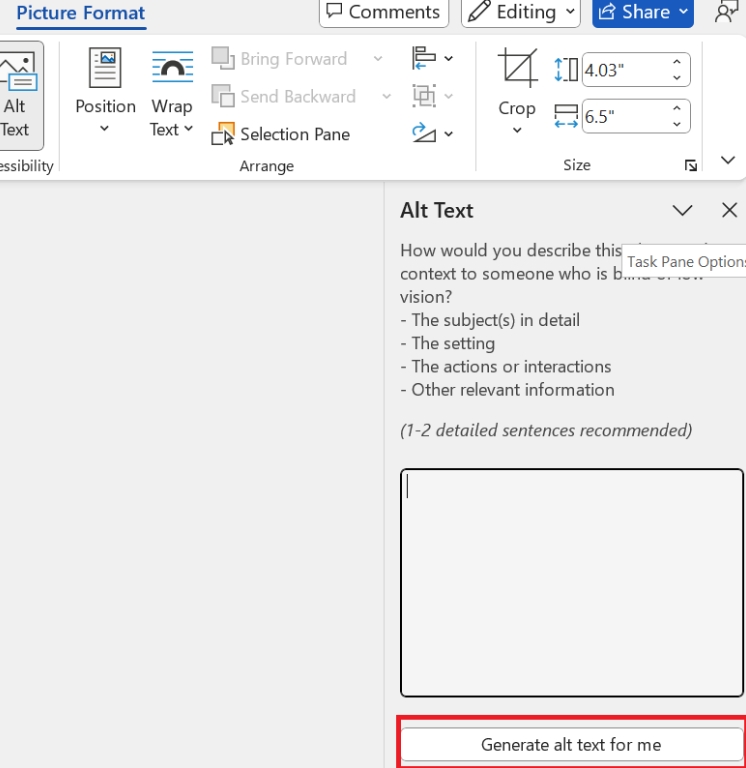
The biggest difference this time is that previously, all images would have alt text generated automatically, but users had to deliberately insert it when needed. This can be done through the “Alt Text >> Generate alt text for me” option in the image format settings in Word and PowerPoint. For users of the one-time purchase version of Office, there’s one notable point: it will not generate alt text by default in the future. Future perpetual licenses will include alt text generation powered by the same generative AI models used by Microsoft 365 customers. Currently, this feature is only available to Microsoft 365 Insider users, and can be seen in Word and PowerPoint, version 2510 (19328.20000) or later.
Source: KOCPC Chinese