


When you decide to improve the Wi-Fi environment in your space and purchase a Mesh Wi-Fi system, you have to make full use of its value to make sure you spend more money than a traditional router. For best results, you should want to make sure your routers and nodes are in optimal locations, so this time we’ll tell you how to place your mesh router nodes for optimal speed and coverage.
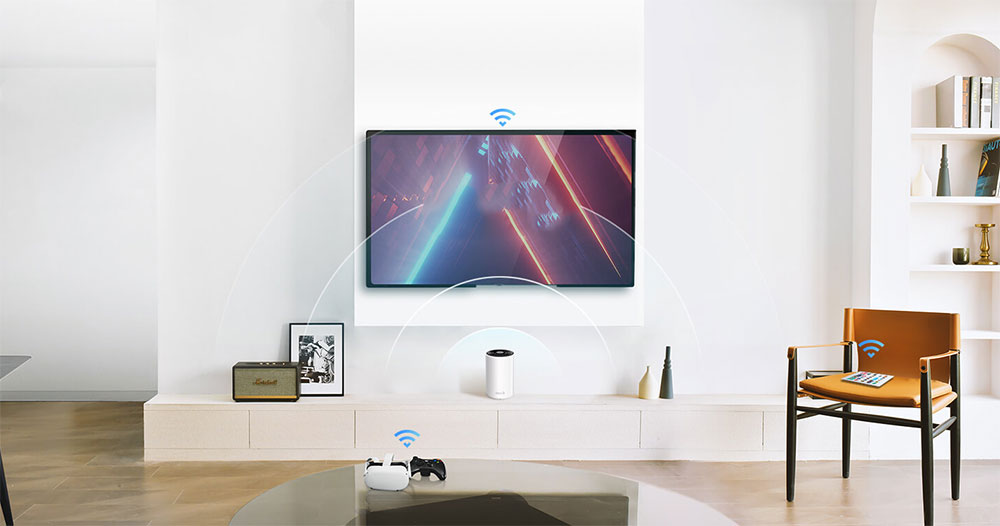
For optimal Wi-Fi coverage, this is where your Mesh router nodes should be!
Before we begin, let’s do some imagination exercises. You can imagine each node being surrounded by a giant ball, symbolizing the internal Wi-Fi coverage and helping you understand how to place mesh Wi-Fi nodes effectively. Technically speaking, the shape of Wi-Fi around a Mesh node is not a perfect ball, more typically a donut shape, but for the sake of simplifying our thinking, let’s think more concretely in terms of a ball.
Network nodes must overlap
Coverage may vary from network node to network node, but the coverage sphere around a Wi-Fi node is about 30 – 50 feet (about 9 – 15 meters) in diameter, and your goal is to place all mesh network nodes within that distance of each other. Staying within this distance is important, especially if you are not using a wired network to connect to the Wi-Fi node.
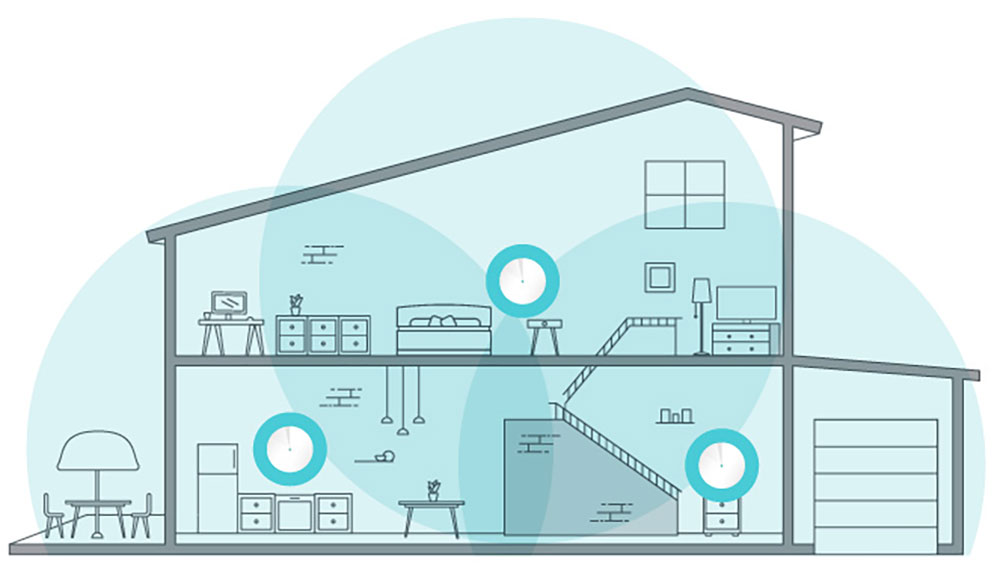
In a true Mesh Wi-Fi configuration, the signal of each node needs to overlap with one or more network nodes to ensure a stable and smooth connection transition between each node, so as to achieve the purpose of seamlessly building a huge network environment. With wired backhaul, each node can communicate with the router using Ethernet, but you still want to have dead spots between nodes. Most people don’t configure Ethernet backhaul, so keeping each node 30 to 40 feet away from each other is ideal.
Raise the node
Placing mesh nodes too low is a common mistake. Wi-Fi is a radio signal, and in our homes, most of the radio wave-absorbing materials are in the lower half of the room, which is mostly empty when it’s 5 feet above the ground, and your Wi-Fi signal will travel better. You don’t need to specifically mount your mesh node on a high wall, but placing it on the highest shelf in the room will greatly protect your Wi-Fi from physical interference.
avoid exterior walls
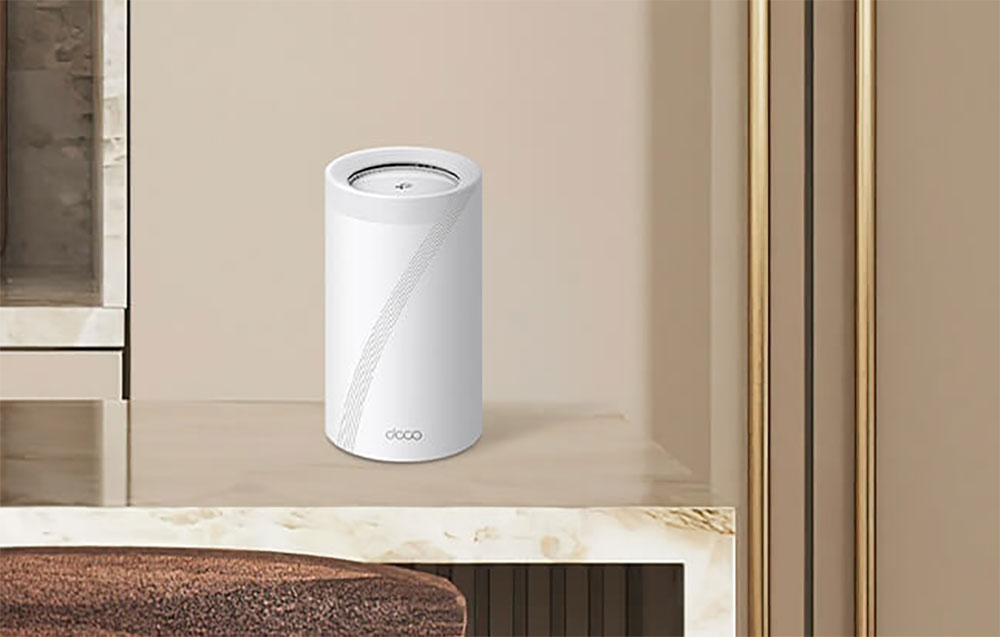
Speaking of walls in your home, avoid placing mesh Wi-Fi nodes on exterior walls unless your goal is to deliver Wi-Fi signals to an outdoor patio, balcony, or provide a better signal for an outdoor Wi-Fi monitor. If you remember the Wi-Fi ball we mentioned at the beginning, placing Mesh Wi-Fi on an exterior wall or windowsill will project half of the ball outside your home. If your home occupies a large area, this is a good thing, but if you are not satisfied with the Wi-Fi deep in your home, please move the nodes closer to the exterior walls closer to the center of your home.
Based on visual straight-line distance
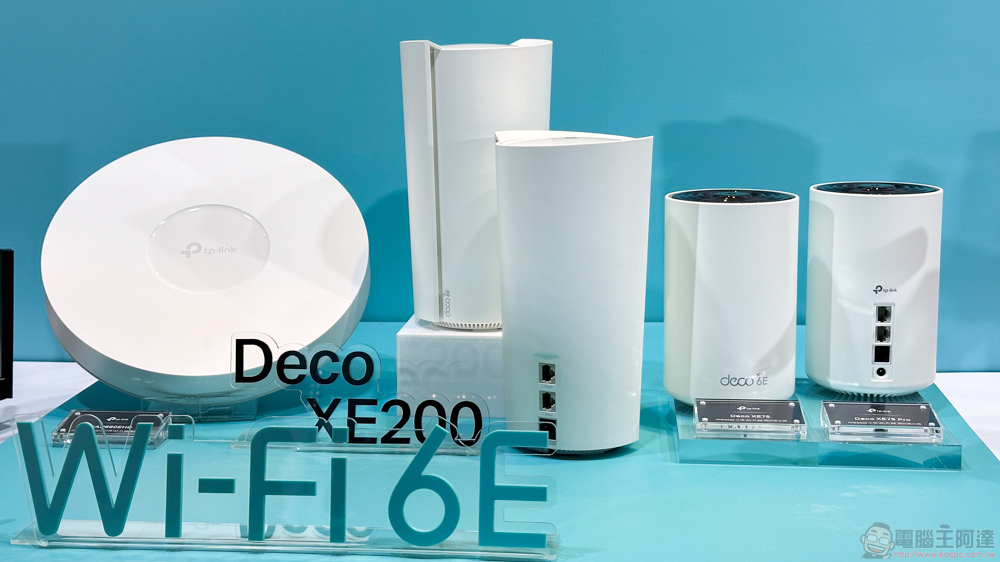
Ideally, one or more network nodes should be placed within a straight line. Of course, this is unlikely to be possible with today’s home designs, but you can consider the positioning of nodes in perspective. If you stand where one of the nodes is and look at the other node, what is on the line? Ideally it is an empty space with only wall columns and partitions in between. If there are a large number of objects between one Wi-Fi node and another, such as a utility room, kitchen, or even a bookshelf filled with books, consider repositioning the Wi-Fi node so that the straight path between the nodes is not obstructed by any radio shielding.

Keep the perimeter of the node open
If you follow the visual straight line placement of the previous item, it will basically be open to the surroundings, but many people often mistakenly place the nodes in places that weaken the Wi-Fi signal. A node placed in a crowded shelf of multimedia equipment, surrounded on the top, bottom and sides by metal casings, game consoles and other electronic equipment, will not have as strong a signal as if it were placed in an open environment. The same goes for being in a cabinet. If you don’t like the look of your nodes, you’ll often want to put them out of sight or cover them. Ideally you’ll want to put them in an open environment, but if you do want to cover any Wi-Fi equipment, you should choose a non-metallic material with good ventilation.
Solve the coverage problem of additional nodes
If you have tried the above tips and found that the coverage problem has not improved, it is time to purchase more nodes to ensure that the entire space is covered. After years of using Wi-Fi extenders to deal with network issues, many people have turned to purchasing an extender as a default troubleshooting step. You probably even have an extender on hand, as it’s a way to tinker with a spotty Wi-Fi situation a bit before getting a mesh system.
However, the beauty of Mesh Wi-Fi systems is that they are expandable and you no longer need a Wi-Fi extender. The Mesh system itself is essentially a very sophisticated extender system that avoids the shortcomings of using third-party extenders to extend your Wi-Fi network. Whenever you need more coverage to reach the last corner of the house or make sure you don’t consume mobile data while sitting on the patio doing Instagram, buy additional mesh nodes to expand your network for stable, permanent coverage.
Further reading:
What is Mesh Wi-Fi? How does it work? What are the advantages and disadvantages?
Source: KOCPC Chinese