


The 14-inch M3 MacBook Pro standard model (that is, the non-Pro/Max version) has been confirmed to have a clamshell mode in the new version of macOS Sonoma 14.6 update to support the use of external dual screens. Continue reading Apple finally added support for dual external screens to the standard M3 MacBook Pro.
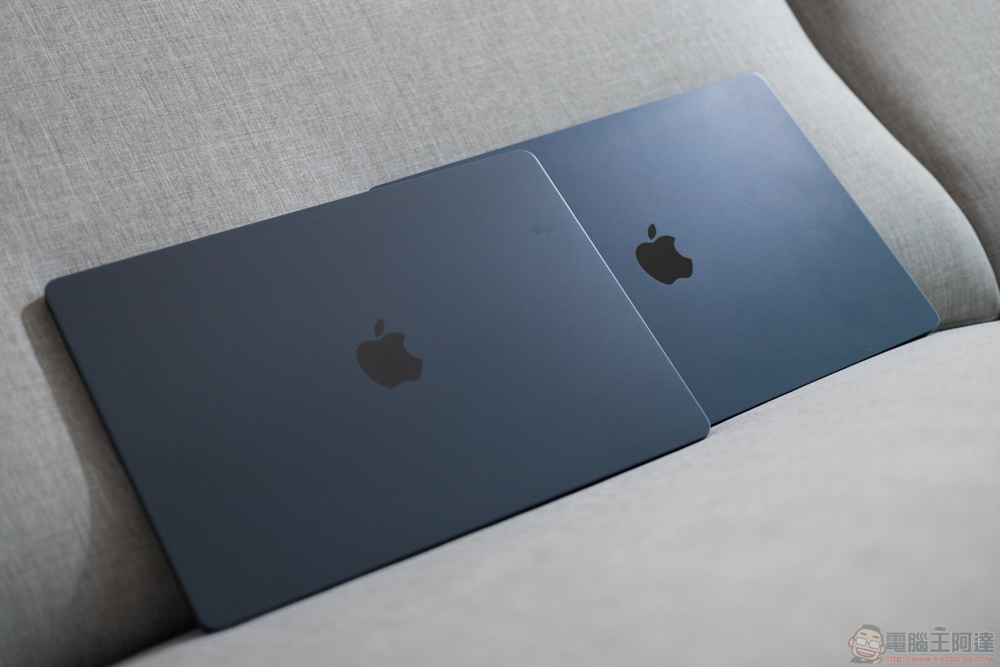
Apple finally adds support for dual external screens to the standard M3 MacBook Pro
It is also a surprise that the standard version of the Apple M series M3 MacBook Air has added “dual screen (but the cover needs to be closed)” support that breaks through the specifications. In the eyes of users who have just bought the M3 MacBook Pro standard model, it may be a shock – after all, it is also an unprinted version of the M3 SoC, but the result is that the relatively cheap MacBook Air has more powerful external screen specifications.
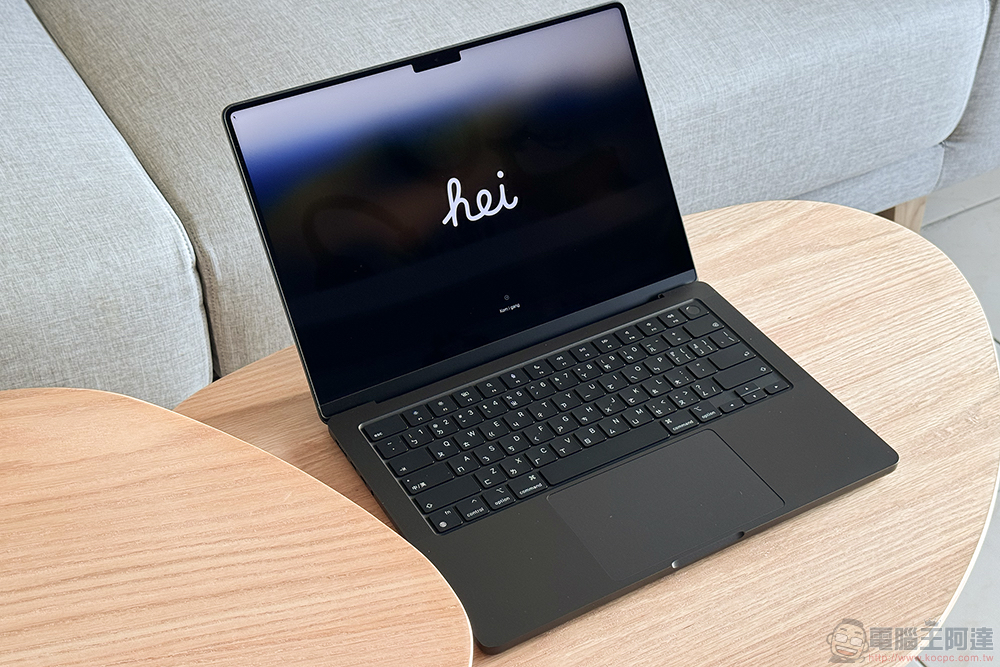
Fortunately, not long after the M3 MacBook Air 13 and 15 inches were officially launched, Apple also publicly announced to foreign media that in the next system update, the official will add the same extended support for dual external screens (but the cover needs to be closed).
What was recently covered up by the Apple Intelligence test system update is that the 14-inch M3 MacBook Pro standard model has been confirmed to have clamshell mode to support the use of external dual screens in the new version of macOS Sonoma 14.6 update.
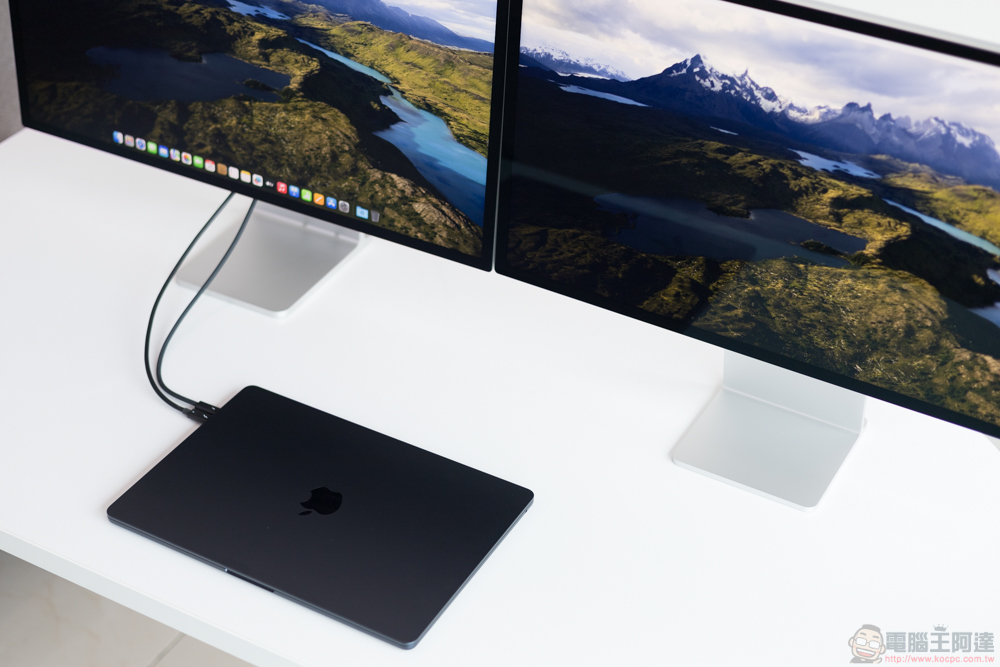
At this stage, the official website still shows that the M3 MacBook Pro only supports one external screen (butEnglish version of the support pageIt has been modified). The reason why it is called the standard version (or the suffix-free version M3?) is mainly because it has the Liquid Retina XDR display specifications of the awesome mini-LED panel that the higher-end M3 Pro / M3 Max has.
However, the number of external ports has been reduced from the three Thunderbolt 4 (USB-C) ports of the high-end model to the same level as the M3 MacBook Air. Previously, the standard version of the M series SoC maintained the limitation of only one external monitor. Therefore, in terms of external capabilities, it will give people a more limited feeling of entry-level products.
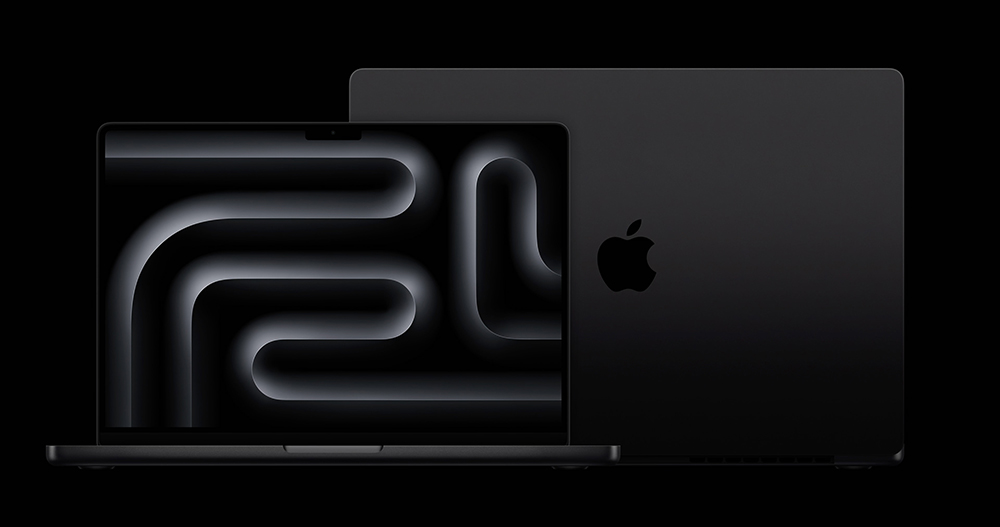
▲Image source: Apple
But now it seems that after the M3 MacBook Air is opened, it can be connected to up to 5K 60Hz and 6K high-resolution screens when the laptop is closed and an external power supply, keyboard and mouse are connected. It was originally worried about the following errors, but now it has been supplemented with more professional external capabilities through the updates scheduled by Apple to users.
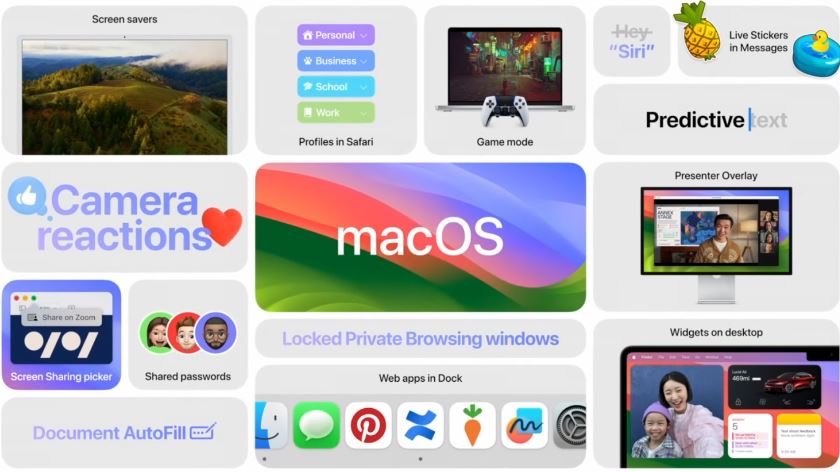
▲Image source: Apple
This update also fixes some security holes. So I believe that whether you want to receive better support for external monitor specifications, or you want to maintain system security, this update should be a version that you want to “update” as soon as possible, right?
Please move to the “General > Software Update” function in the macOS system settings, quickly download the update and try it out to see if your 14-inch M3 MacBook Pro becomes more Pro!
Quote sources:MacRumors
Further reading:
Source: KOCPC Chinese