


AI features in Google Photos can already help users make the most of their memories—simply ask a question to edit photos, get creative and reimagine images in new styles, search and ask complex questions, and more. Now, Google is improving its existing AI tools and adding new features, including several powered by Gemini’s highly acclaimed image editing model, Nano Banana. We’ve rounded up 6 new ways to use AI to edit, create, and search photos in Google Photos.
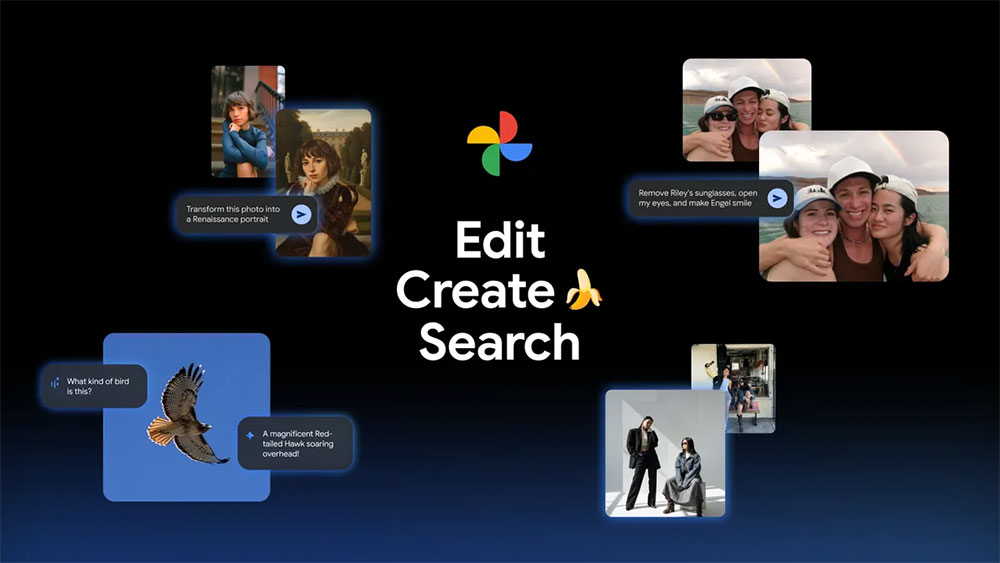
Nano Banana is now available in the Google Photos app, and the Ask Photos feature is rolling out to more regions.
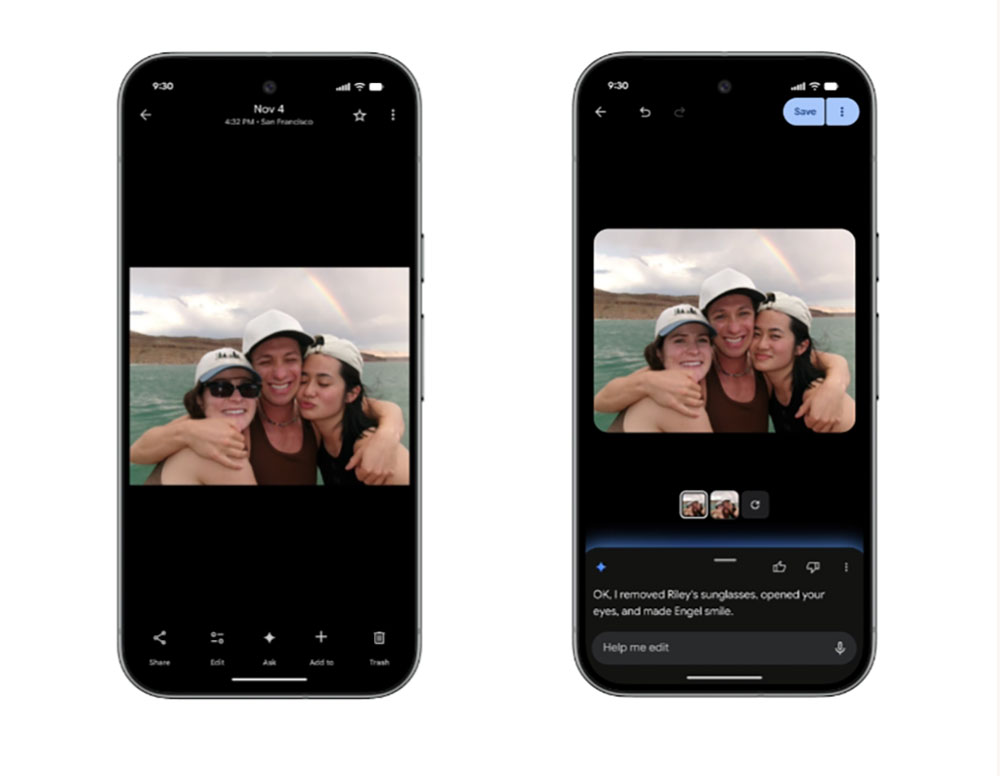
Requires removing sunglasses, adjusting smiles, etc., and provides personalized modification services.
Have you ever captured a perfect moment, only to find small imperfections in the photo, like forgotten sunglasses, a friend’s closed eyes, or a missed smile? Just open the photo, select Edit for Me, and type “Remove A’s sunglasses, open my eyes, and make B smile with eyes open” to easily fix these issues. The Photos app uses images from your private face groups to generate personalized, precise edits for the people in your photo library.
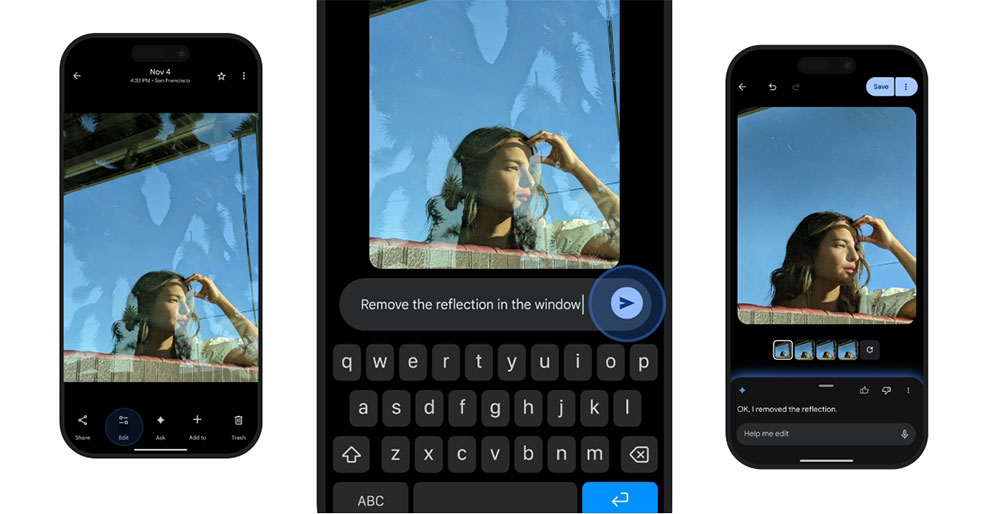
Simply ask to edit photos—now expanded to iOS
No need to switch tools or adjust sliders—just speak to edit, and the iOS version is coming soon. In the US, you can simply use voice or text to describe the edit you want, and Google Photos will turn your idea into reality. Google is also bringing its redesigned photo editor to iOS, letting you edit with simple gestures, one-tap suggestions, and now natural language.
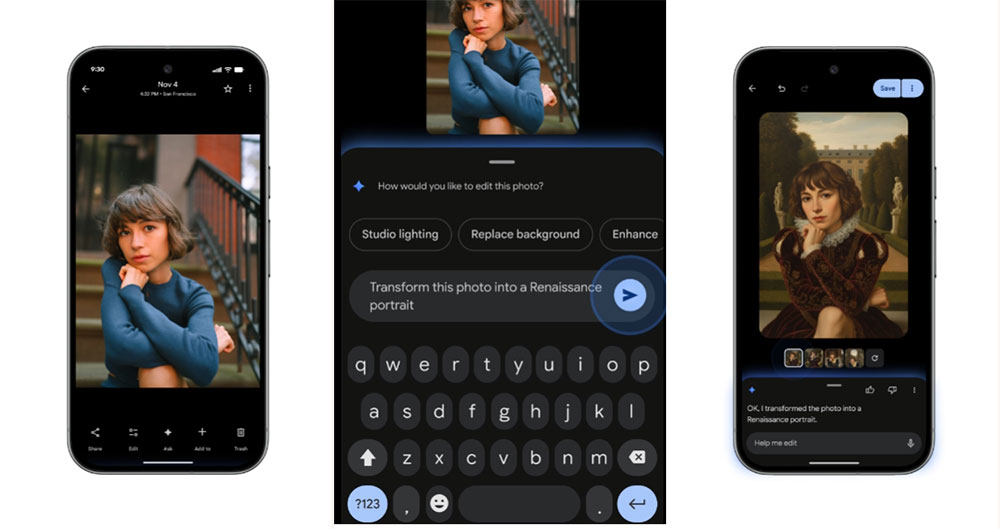
Redesign images in more ways in the photo editor.
Nano Banana is coming to Google Photos! Now, with the Nano Banana feature in the Photos editor, you can make all-new transformations to your photos. Just open a photo, tap “Help me edit” in the editor, and describe the new style you want. For example, you can have Photos paint you as a Renaissance portrait, redesign the image into a mosaic made of colorful tiles, or turn the photo into a page from a children’s picture book.
Reimagine photos using AI templates
When you try to use generative AI to create or edit images, coming up with a good prompt can be frustrating. To help you out, Google has added a “Create with AI” feature. Starting this week, Android users in the US and India will see a section with ready-made AI modules in the “Create” tab. Powered by Nano Banana, these new modules help you quickly create images based on popular editing needs, such as “put me in a high-fashion photo shoot,” “create a professional headshot,” or “show me on a winter holiday card.”
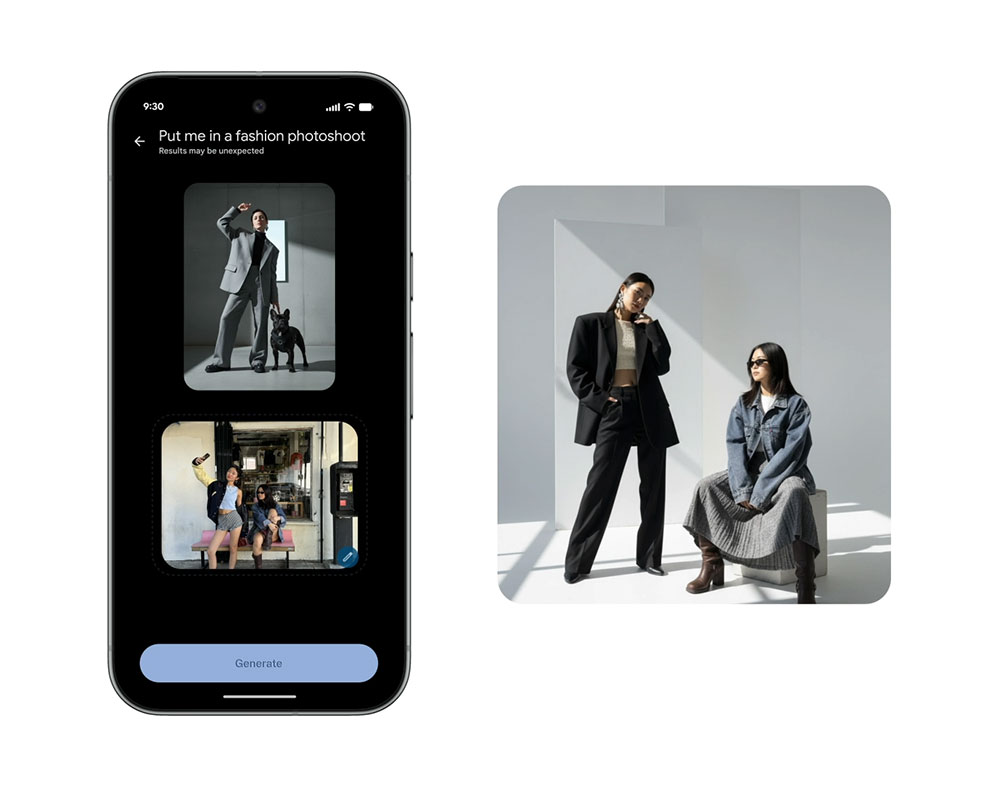
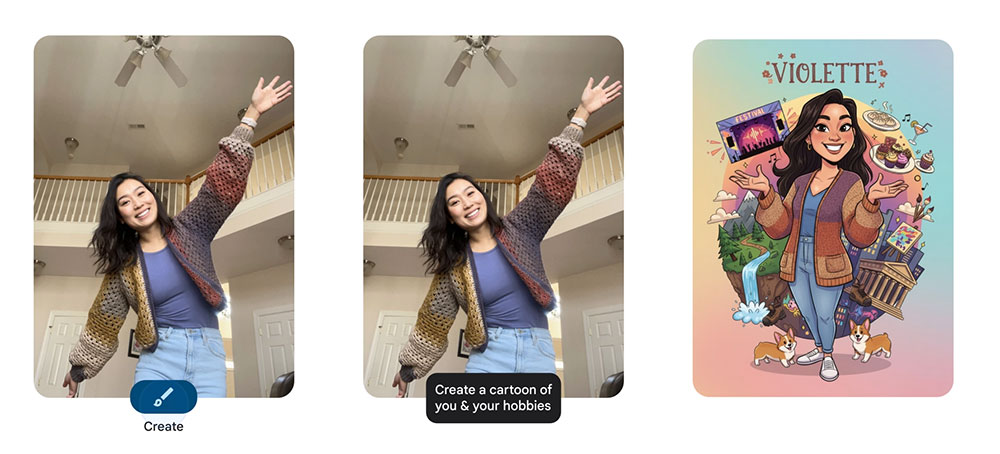
In the coming weeks, Google will also roll out the first batch of personalized templates. In the U.S., some websites will use information from users’ photo libraries to create unique edited works tailored to their interests and experiences, such as “a custom name doodle for me” or “a cartoon drawing of me and my hobbies.”
Ask Photos has expanded to over 100 countries and 17 new languages.
“Ask Photos” is a powerful tool that helps you find specific photos more easily and search your library information in a natural way. Just say what you’re looking for, and Google Photos will show the most relevant photos and information. Starting this week, the “Ask Photos” feature is officially rolling out to over 100 new countries and regions, adding 17 languages, enabling more people around the world to use this more intuitive way to search Google Photos.
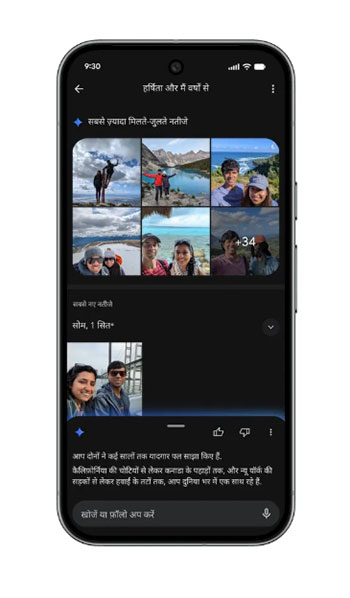
Use the new “Ask” button to learn more about photos.
“Ask Photos” helps you find photos and information in your library, and the new “Ask” button offers even more. It helps you make better use of your images. While browsing photos, you can start a conversation to get instant answers about what’s in your images, discover related highlights, or simply describe the edit you want and see the changes take effect within seconds. Just tap “Ask” while browsing photos, then start typing or use suggestion cards to get going.
Source: KOCPC Chinese