


Enabling two-factor authentication (2FA) has always been regarded as a basic means to protect account security, but the security differences between different verification methods are actually quite huge. Over the past 10 years, SMS verification codes have been the most popular and easiest-to-understand 2FA method: when you log in to your account, the system will send a set of one-time passwords to your mobile phone, which can be verified after entering. This method was once considered “highly secure”, but as attack methods continue to evolve, its weaknesses are gradually exposed.
Microsoft is removing two-factor authentication from SMS to improve security and reduce scams
Today, SMS 2FA is no longer a security fortress, but has become one of the most common attack points used by hackers. SIM swapping, SMS interception, social engineering fraud and other techniques are emerging in endlessly. As long as an attacker can obtain your mobile phone number or successfully deceive the telecom operator, they can easily seize your account. Therefore, Microsoft officially announced that it will gradually phase out SMS two-factor authentication and will fully switch to more secure methods such as email and password keys in the future.
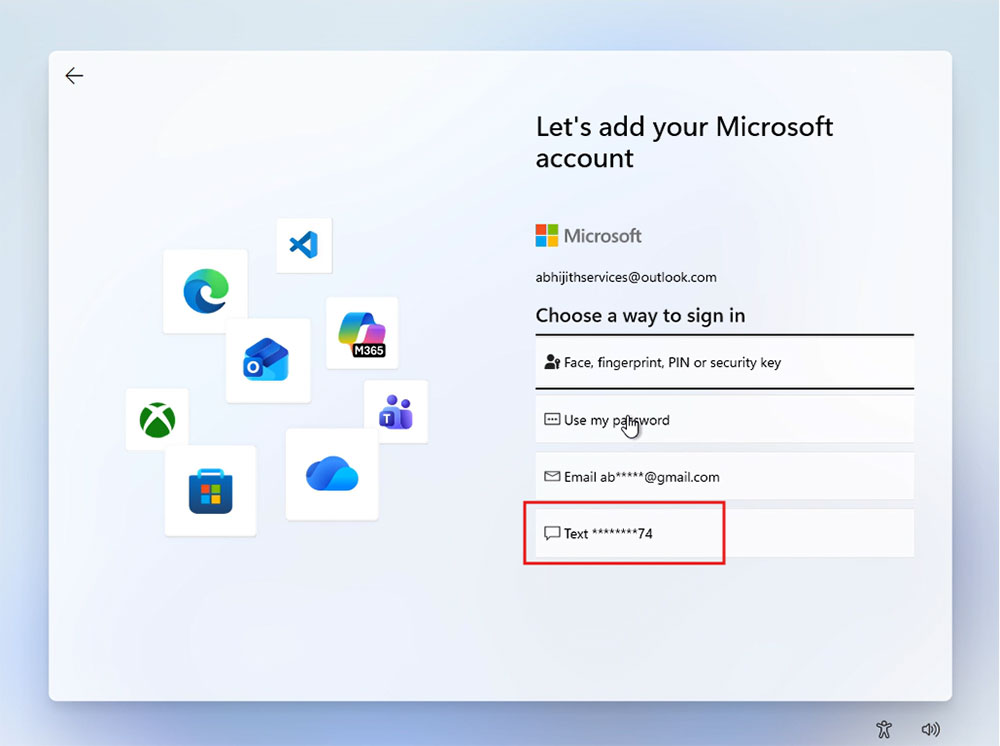
according to Report from Windows Latest, Microsoft recently released an official document titled “Microsoft will stop sending SMS verification codes to personal accounts,” detailing the company’s future 2FA policy adjustments. Microsoft admitted frankly that SMS verification codes are no longer able to deal with modern threats, and the company hopes to promote a “passwordless” verification model that is more secure and more in line with future trends. The document states that Microsoft believes that future authentication should have three qualities: passwordless, secure, and user-friendly. SMS verification codes have become one of the main sources of fraud, so Microsoft has chosen to focus on passkeys, verified emails, and other methods that do not rely on SMS. These methods not only reduce the risk of attacks, but also make the login process smoother.
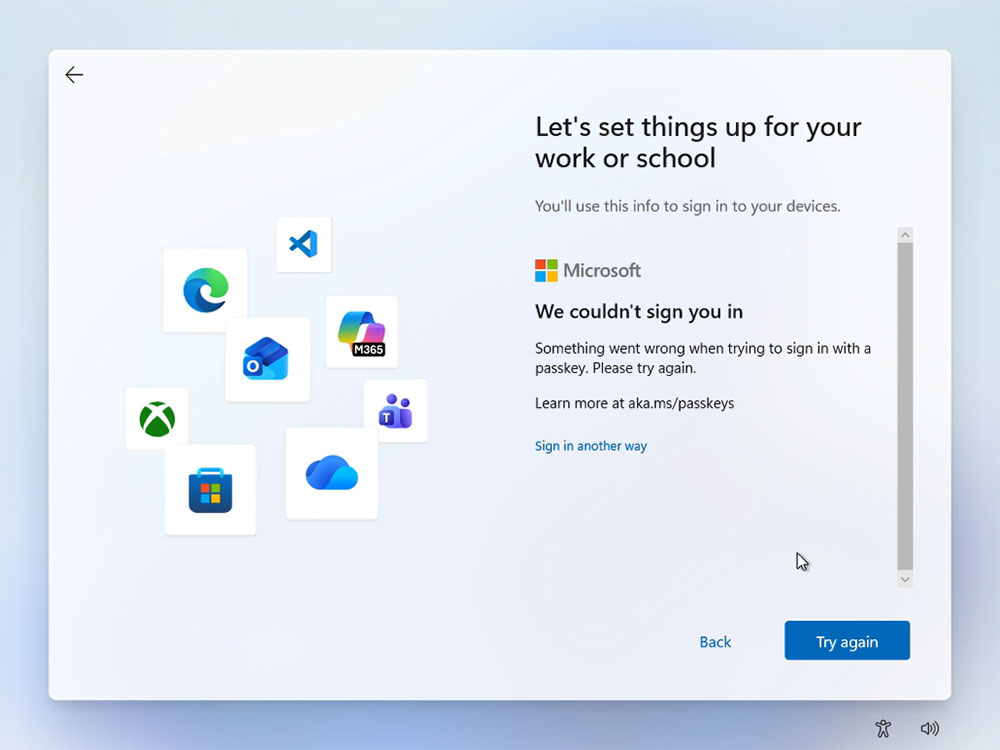
In fact, Microsoft’s push for “password-free” is not groundless. By default, newly registered Microsoft accounts do not require a traditional password, but instead use email verification and a passkey as the primary login method. Passkey is a verification method based on public key encryption technology. When logging in, an invisible “secret handshake” is performed between your device and the server. There is no need to enter any password, and no strings that can be phished are generated. In other words, there is no password to steal even if a hacker wants to.
Microsoft recommends that all users create their own password keys as soon as possible. This method can not only effectively resist phishing attacks, but also avoid the risk of text messages being intercepted or SIM cards being used fraudulently. For ordinary users, the process of setting up a pass key is very simple and can be completed using a supported device (such as a mobile phone, biometric or security key).
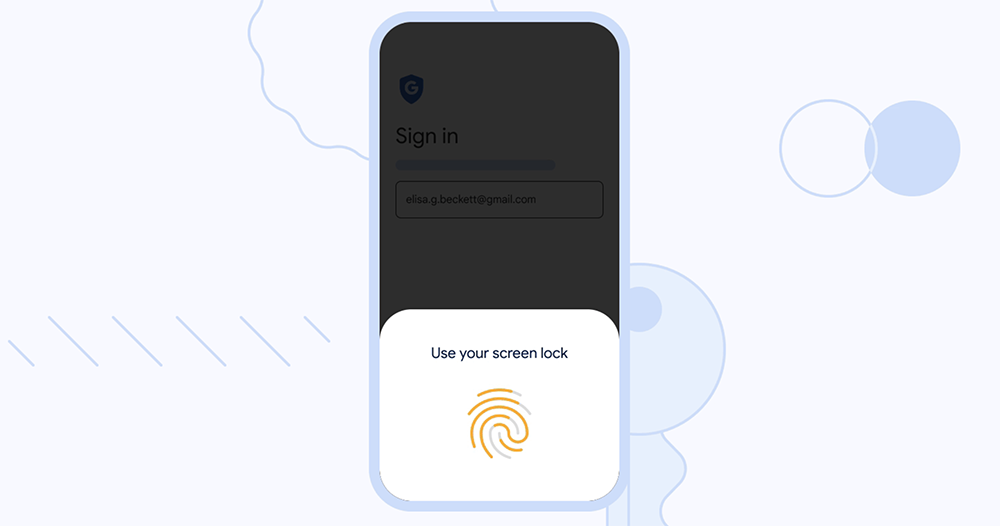
This policy adjustment by Microsoft reflects a common trend in the entire technology industry: passwords are gradually withdrawing from the stage, and more secure password-less technologies are becoming mainstream. Large technology companies such as Google, Apple, and Meta are also promoting common key standards in an attempt to create a more secure network environment that is less dependent on memorizing passwords. For users, this change means two things: first, SMS verification codes will no longer be a reliable security tool; second, future account protection will rely more on the security and biometric technology of the device itself. While this requires an adaptation period, it is indeed a necessary evolution from a safety perspective.
Source: KOCPC Chinese