


The new-generation Google Maps map navigation route app interface experience, which has been open for testing before, has now been fully rolled out to Android users. Continue reading The new Google Maps route planning interface is coming to Android, it is more simple and beautiful but lacks a “real. Hidden function” (move your eyes) report text.
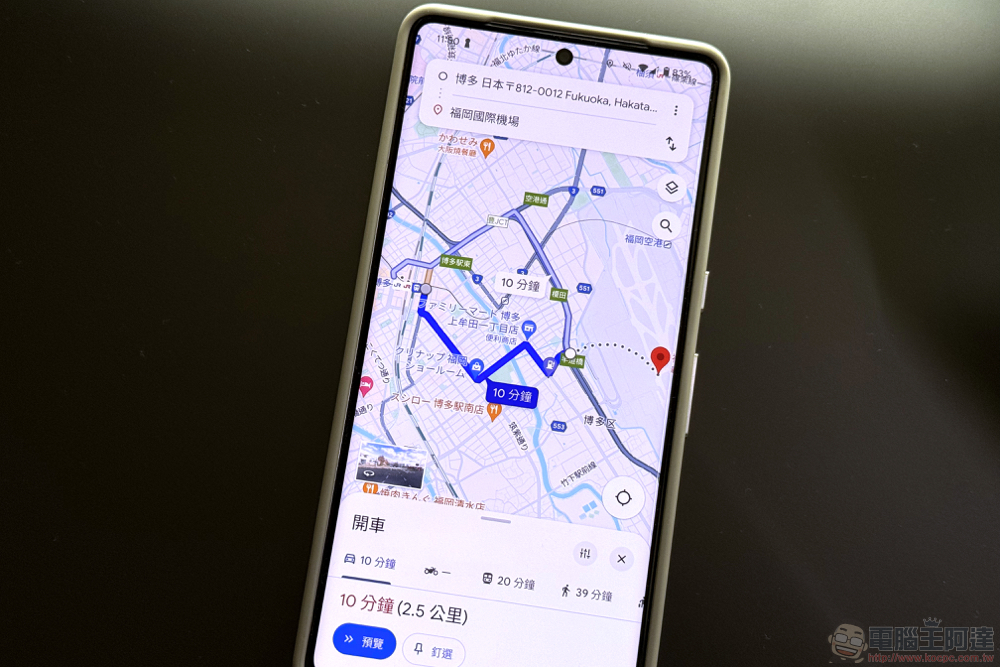
The new Google Maps route planning interface comes to Android, it is more simple and beautiful but lacks a “real. Hidden function” (Dongyankan)
That’s right, Google is tweaking the interface of its signature free navigation app again. This comes after Google Maps finally rolled out speedometer and speed limit alerts across the board for iOS (and CarPlay) this month (see more:Google Maps finally launches speedometer and speed limit reminders on iOS and CarPlay, so iPhone users no longer have to worry about speeding tickets), also brings a new look to the Android system interface.
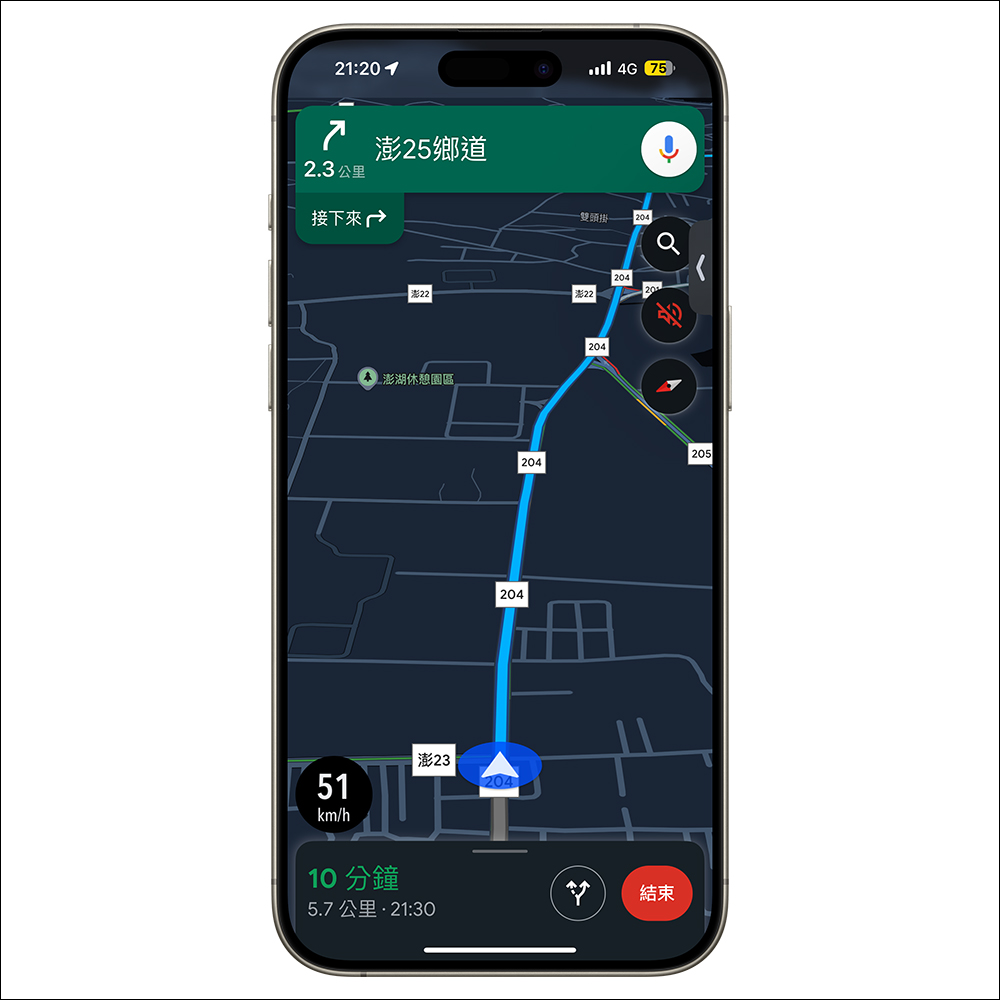
Foreign media 9to5Google discovered that the new-generation Google Maps map navigation route App interface experience, which was previously open for testing, has now been fully rolled out to Android users.
I personally think there are several main points in this revision, including the enhancement of accessibility and closing the page experience, and reducing the interface of the display page that fully covers the screen – at least for the navigation route part.
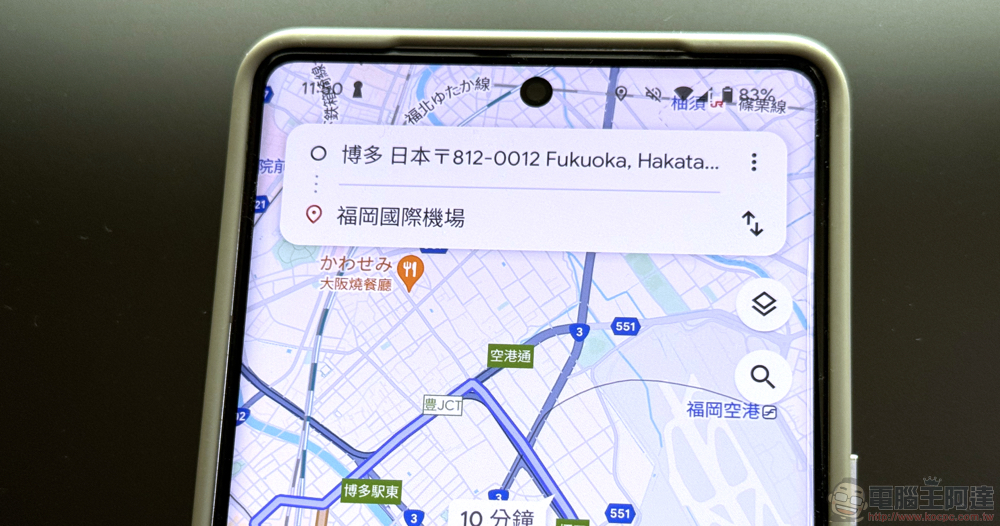
In this revision, when you click “Route”, you will find that the interface has changed a lot – the “Departure/Destination” that originally occupied the top will be added to the interface including driving, cycling, public transportation and other transportation modes. Now only the former will remain, and it will float above the map like a floating window. As for the original transportation options, they have been placed in a more convenient bottom drawer interface.
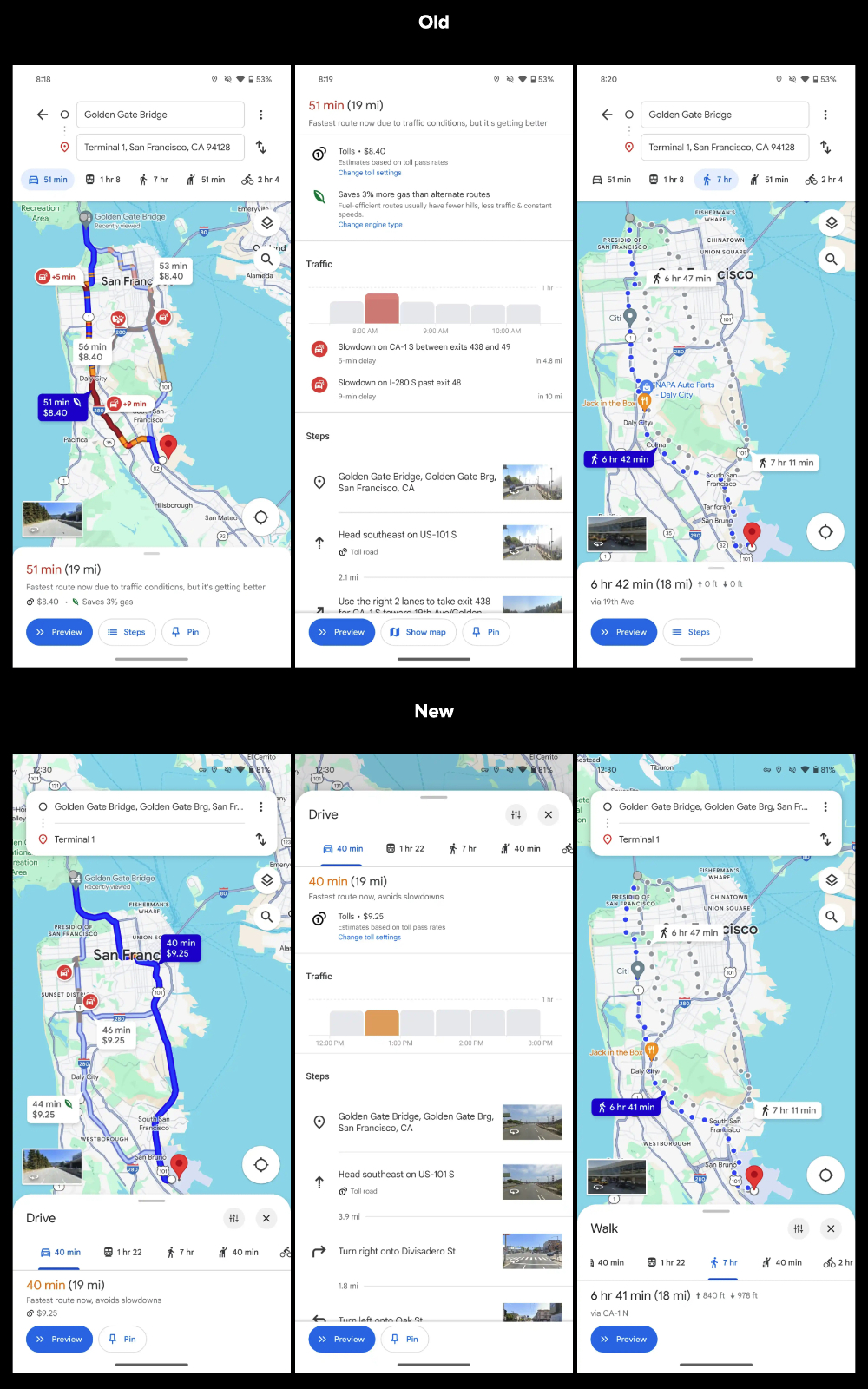
▲Image source: 9to5Google
The bottom interface part has quietly added an “X” circular close button; when you expand the drawer interface to view detailed navigation paths and other detailed information, it will not occupy the entire screen as before. Instead, the map block will be slightly exposed at the top to make it clearer that the drawer page can be closed again through the drop-down screen.
That is to say, the Android system will later add a “previous” gesture for swiping in from the left and right edges of the screen. It should be more intuitive than slowly opening a drawer or clicking a button? Therefore, it is speculated that this new button to close the route page should be roughly prepared for the subsequent landing on the iOS platform.
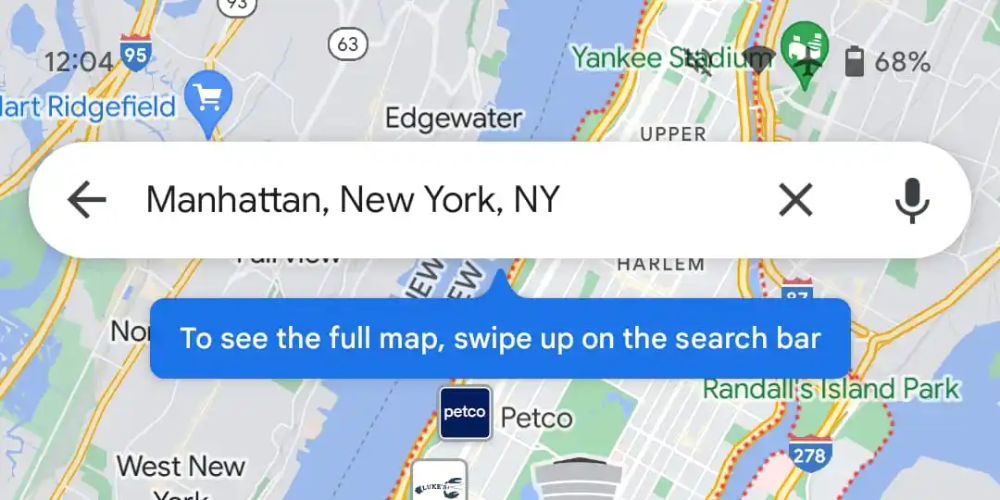
▲Image source: 9to5Google
After all, without the additional gesture of returning to the previous page/previous step, you could only jump out of the route planning page by touching the arrow in the upper left corner, which was not a user-friendly experience for one-handed control and accessibility. Now it can be turned off with a simple button.
What’s interesting is that maybe you don’t want to confuse the operating experience. Google Maps previously added a gesture that allows you to “swipe up” the navigation search text box to display the map in full screen, but it was also confirmed to be canceled in this Android interface update. So if you really like to view Google Maps in full screen, you may have to click on the blocks without any information on the map as you used to do.
Further reading:
Apple launches first-ever Windows PC game emulator on iOS App Store
Source: KOCPC Chinese