


For those who are learning foreign languages, in addition to daily practice of vocabulary, listening and speaking, they will definitely want to learn the keyboard input method of that country. There are many free tools on the Internet for Chinese and English, but there are relatively few for other languages. This article will recommend a Monkeytype typing speed test and practice website for almost all languages around the world. If you want to learn any new language in the future and want to practice computer typing in that language, this website is enough.
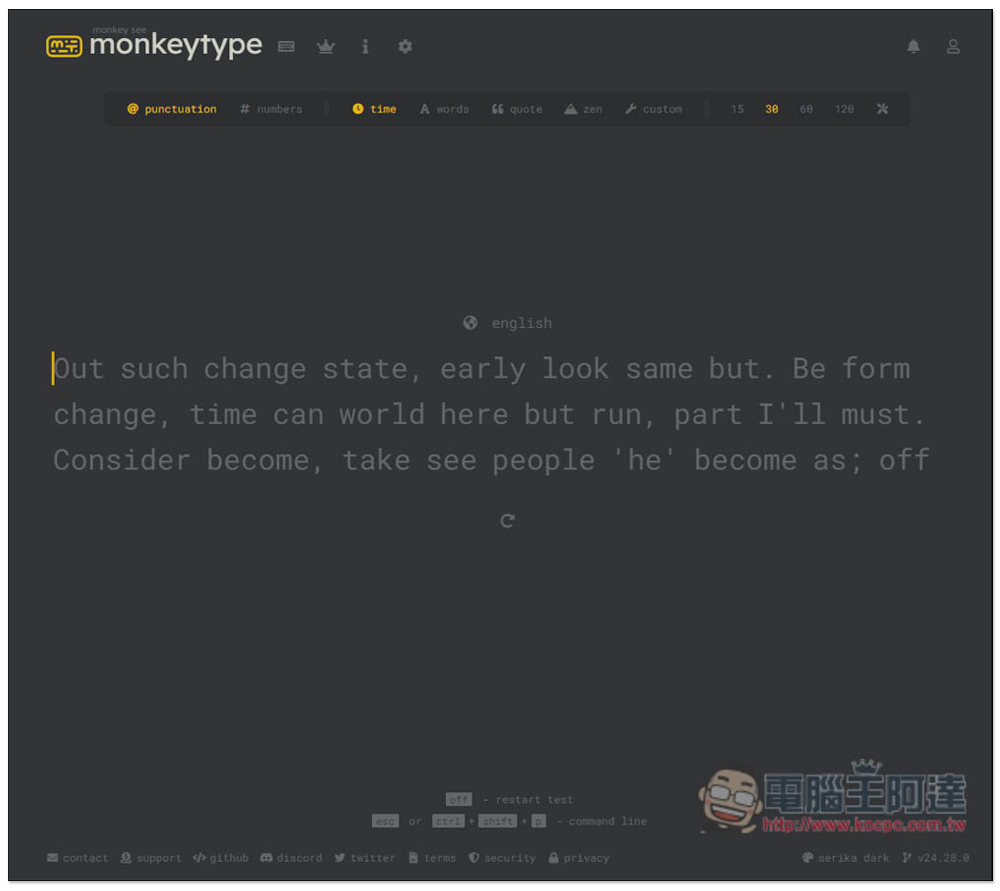
Monkeytype provides online typing speed tests and exercises in multiple languages, including Chinese, English, Japanese, etc.
Monkeytype is a completely free online typing speed test and practice website with no ads. The method of use is very simple. After clicking the link above to enter the website, if you want to practice English, you can start practicing and testing.
You can set whether symbols and numbers should appear in the content. If you are just starting to learn, it is better to turn it off first and focus on typing in the language of that country. The test can also be set to limit the time, word count, quotes, or completely blank and type by yourself. The time and word count can also be set by yourself.
After entering the website, the toolbar is located at the top. First, set the content display, test, and practice methods. If it lights up, it means it is open. As shown in the picture below, the content contains symbols and limits the test time. On the far right is the number of seconds:
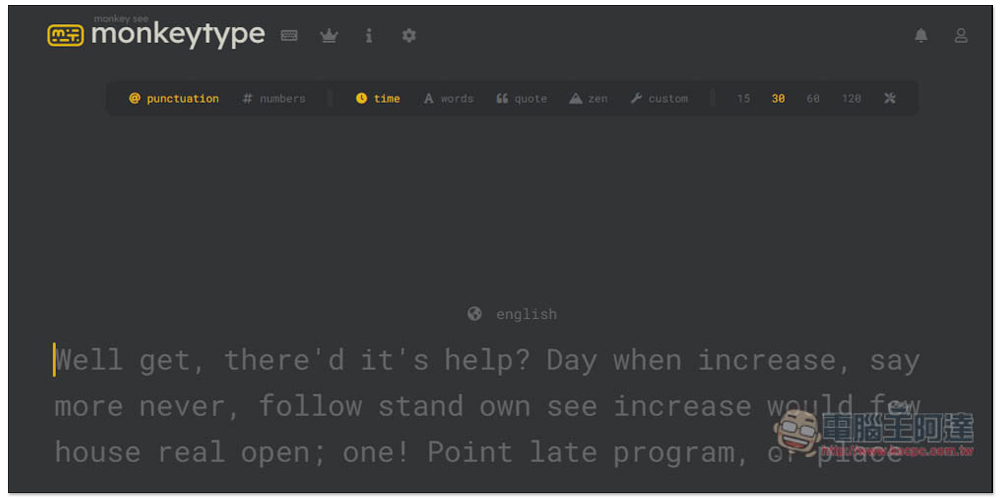
If you want to change the language, press English on the screen to switch to other languages. It supports many languages, so it is recommended to search for keywords directly. For example, if you want to practice Japanese, enter Japa…, and for Chinese, chine…:
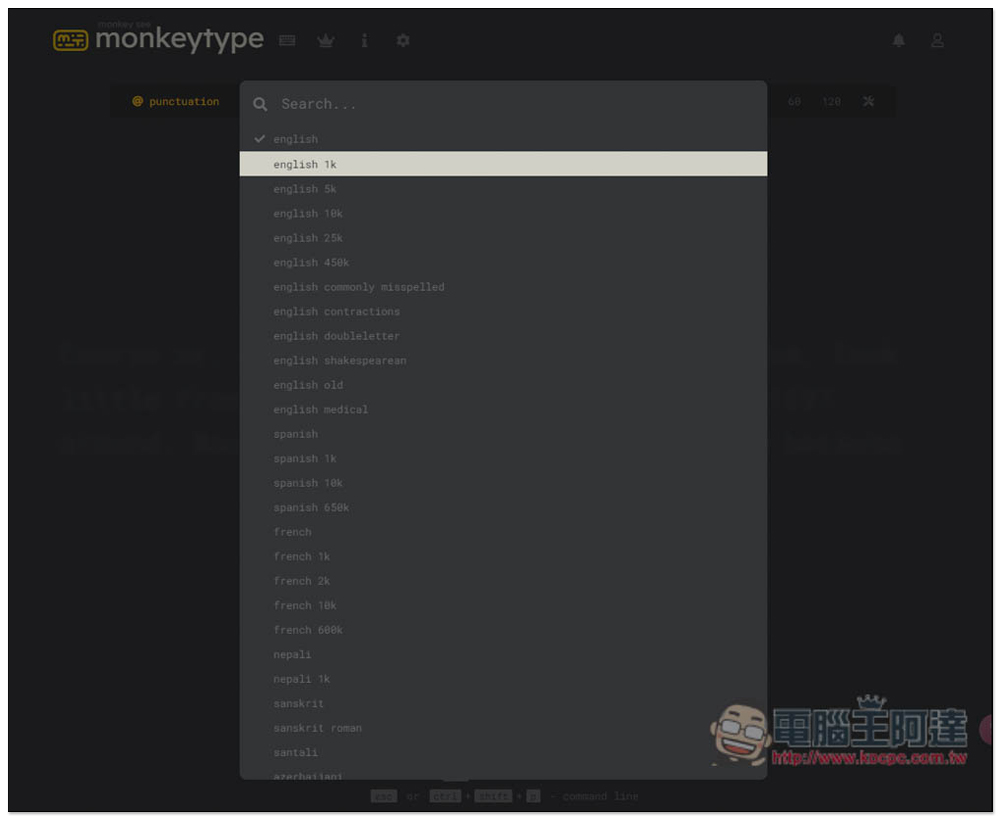
The input methods for each language are divided into multiple types. For example, for Japanese, you can set whether to use Hiragana, Katakana content, or include Chinese characters:

I select Hiragana, and the content on the screen will change to Hiragana content, and then I can start practicing and testing:

The Chinese part has simplified and traditional Chinese. People who need to practice simplified input method can also use this website:
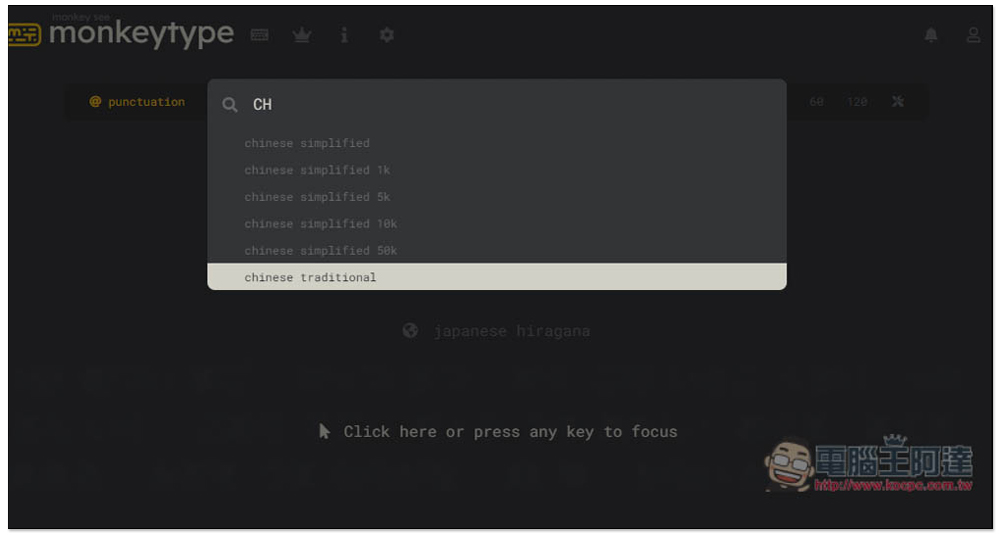
Although I can also practice Traditional Chinese, the support of the input method I tested seems to be very poor. When I press the space button, there will be no response, so I can’t continue practicing. For those who want to practice Traditional Chinese input method, it is better to use other websites:
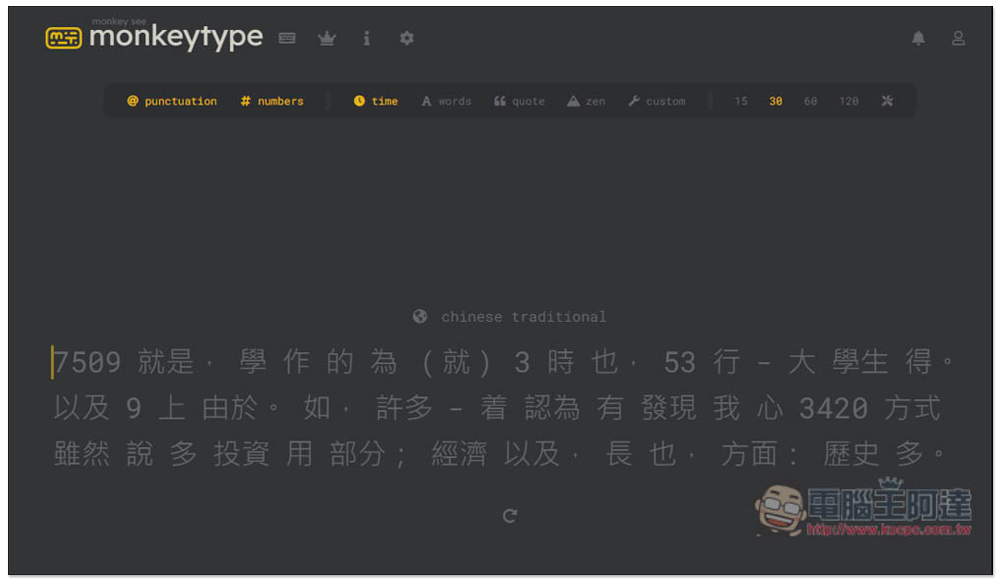
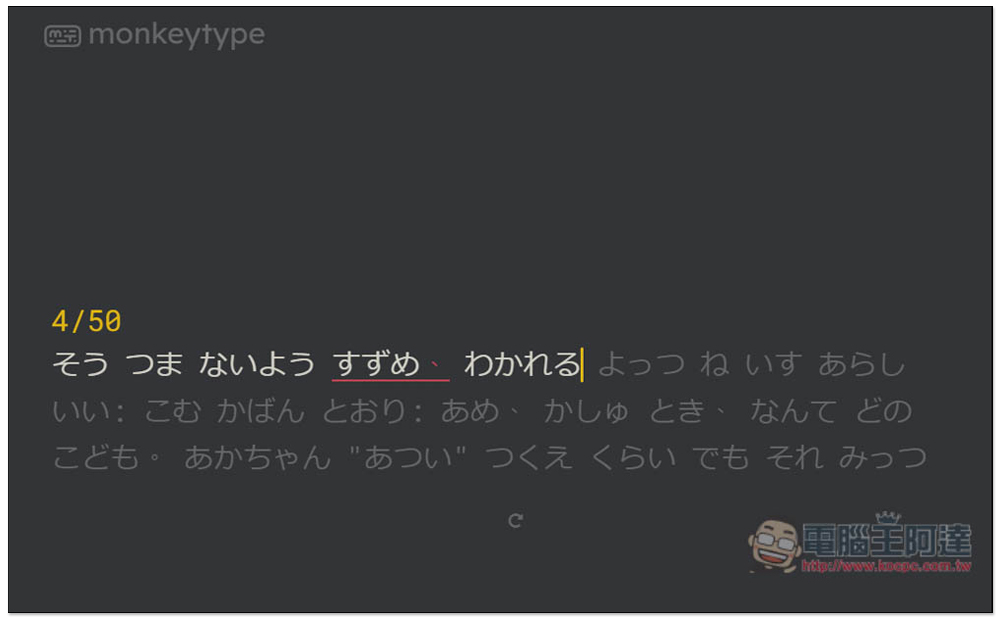
After inputting, it will start to calculate. If you make a typo or miss a typo, it will remind you with a red mark. Of course, you can ignore it and continue typing:
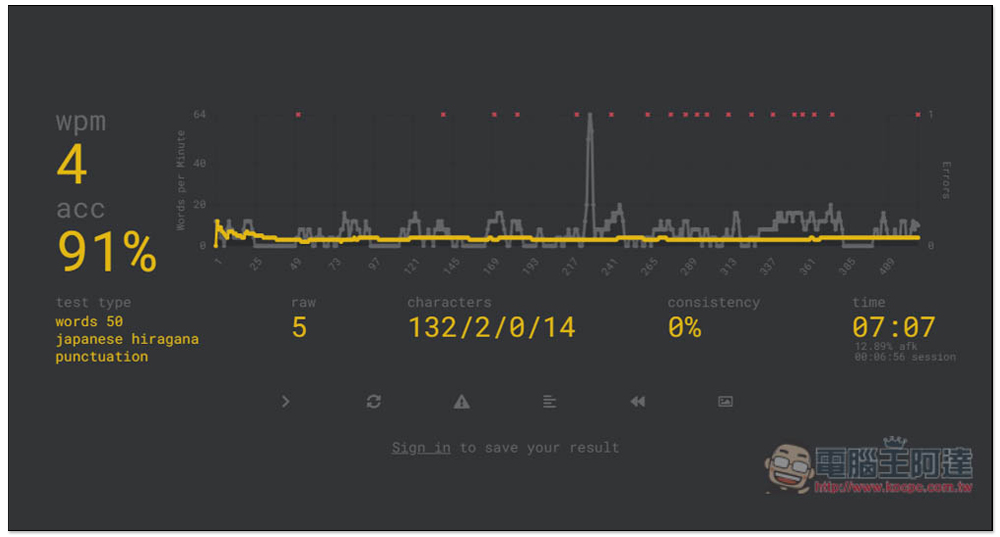
After everything is entered, a statistical report will be given to you, including the number of errors, accuracy rate, completion time, etc.:
What’s more worth mentioning is that this website actually has a design ranking list (the crown icon at the top of the page), where you can compete with other netizens to see who is the fastest, but you need to register and log in to an account.
In addition, it is not available in every national language. For example, all-time only provides rankings for English input methods. Daily has more, including English, Spanish, German, French, Portuguese, Indonesian, and Italian, but not others, which is quite a pity.
If you don’t practice a language with rankings, you won’t be able to compare with other netizens. For those who want to save the results each time, remember to log in before testing. Quick registration with Google and GitHub accounts is supported.
Source: KOCPC Chinese