


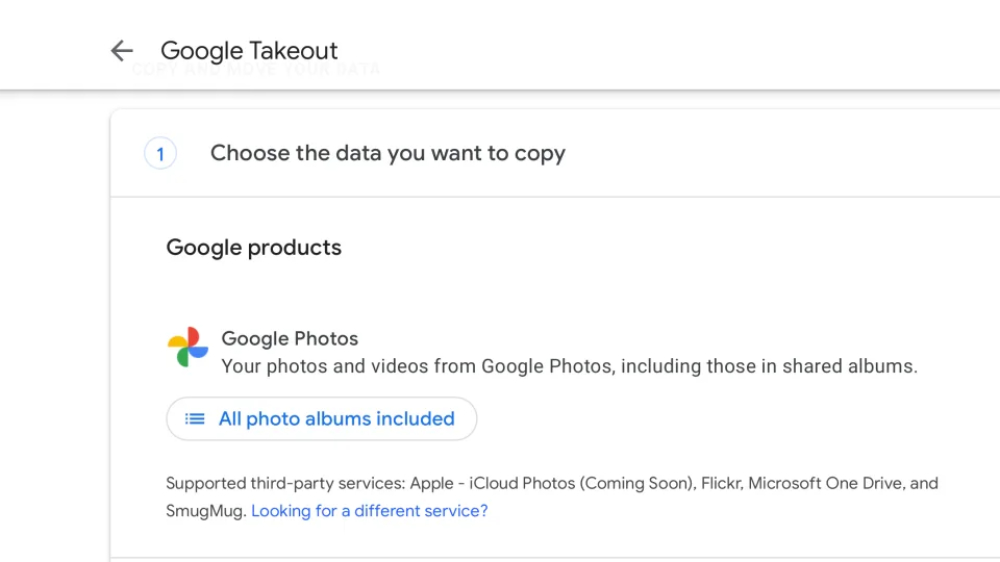
Previously, Apple teamed up with Google to provide automatic backup to Google Photos/Google Photos. Seeing the progress of this “cooperation” in response to more user-friendly, everyone should expect that in addition to backing up from iCloud to Google Photos, there will also be two-way backup – that is, the function of automatically backing up from Google Photos to iCloud. As a result, I didn’t expect that the wait would end now. Continue reading Finally, Google Photos can also be easily synced and backed up to iCloud photos! The official tool will report the content next week.
▲Image source: Google
Finally, Google Photos can also be easily synced and backed up to iCloud photos! Official tools coming next week
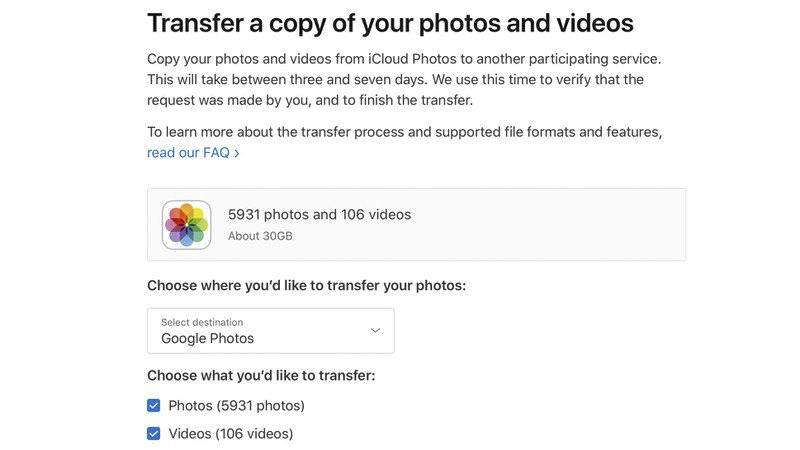
In response to the direction advocated by the Data Transfer Initiative (DTI) to simplify data transferability. Apple has launched it as early as early 2021, which can save users the complicated “moving” project of downloading a large amount of data and then uploading it to another cloud service.Transfer a copy of your data” function is a convenient tool that automatically backs up photos and videos on iCloud to other services.
▲Image source: MacRumors
At that time, Apple worked together to provide support for the first three-party service, which was the Google Photos / Google Photos service that many people loved. Seeing such cooperation progress in response to a more user-friendly approach, everyone should expect that in addition to backing up from iCloud to Google Photos, there is also the possibility of two-way backup – that is, the function of automatically backing up from Google Photos to iCloud.
Unexpectedly, we have to wait until today – well, to be precise, it will not be officially available in the Google Takeout service until next week.
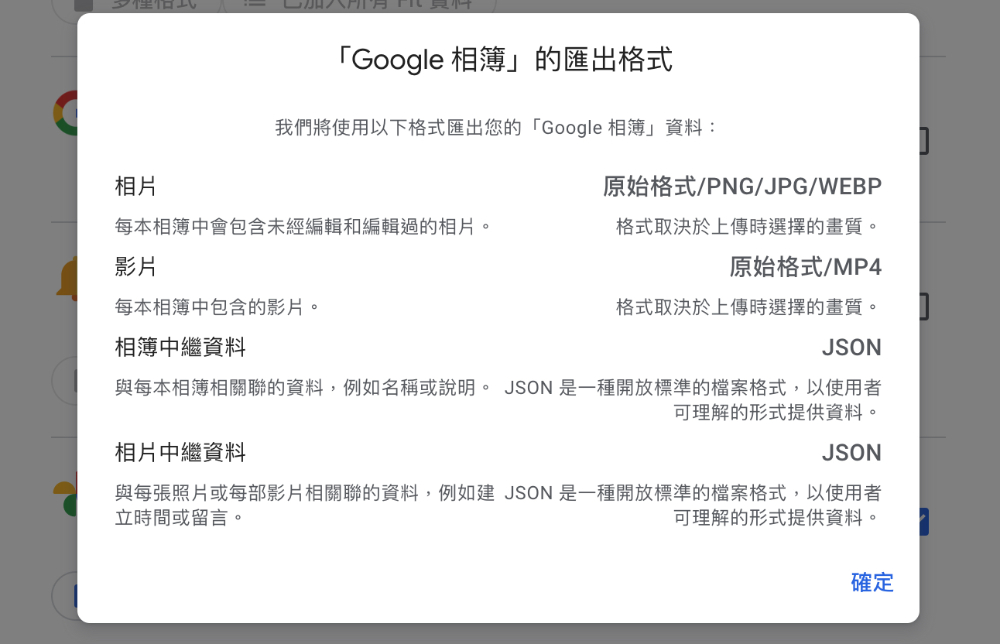
As can be learned from DTI’s official press release, this more user-friendly feature of fast and automatic data backup between cloud services is supported by the open source Data Transfer Project (DTP) tool to officially achieve the possibility of bidirectional backup between Apple and Google.
And according to Apple’s official instructions. Depending on the amount of data, this migration process can take anywhere from a few hours to a few days. The advantage is that users do not need to download and upload it themselves (which is really good, after all, a large file is a big test for network speed and even local available storage space).
The description also mentions, “When you move photos and videos to iCloud Photos, they will not be deleted from Google Photos.” 』So at least after the migration is completed, the two services will basically be in a state of having backups of each other – but it is still recommended that you confirm whether the automatic backup is really correct (roughly look at the backed up data).
After all, there may still be some file format restrictions that cannot be backed up (such as dynamic photos, “original photos” or “memories”). Apple also explains that there may be photo and video files (including RAW files) that cannot be moved to iCloud Photos, and these will be moved to iCloud Drive for storage.
Finally, we also provide the migration steps on Apple’s instruction page for your reference:
- Go to “Google Export」。
- Follow the instructions to start exporting from Google Photos.
- Select “Apple – iCloud Photos” as the transfer destination and log in with your Apple ID.
- Click Allow to give Google sharing permission to add photos and videos to iCloud.
Further reading:
Source: KOCPC Chinese