


In the past, if you wanted to create a chart,ImageAdding dynamic effects to any content requires significant time to edit, and the professional […]Softwarenor is it something ordinary people can easily master. Recently, I came across this Hera AI online toolEven those without any technical background can effortlessly use natural language conversation to AI Quickly create the dynamic effects you want—it’s really that simple. Here’s a demonstration for everyone.
Hera AI Tutorial: Using Conversation to Add “Dynamic Effects” to Charts and Images
Hera is an online tool for AI motion effects that lets users quickly create professional-grade animated images, animation videos, or visual effects using simple text prompts or built-in templates—no more having to use traditional methods like before. Adobe When working in After Effects, which can take hours or even a day, it greatly shortens the time. It is very suitable for content creators, marketers, small businesses, visual designers, and similar groups.
Main Features:
- Text-to-animation: Users simply describe the animation effect they want in natural language, and Hera AI automatically generates the animation.
- Built-in template library: also provides a wide range of ready-made animation/motion graphic templates that can be directly modified and used to speed up the production process.
- Professional output formats: After completing the animation, multiple export formats are supported, including MP4、GIFTransparent background MOV, etc., also features brand color schemes, custom colors/fonts to meet commercial needs.
- Save time costs: reduce motion graphics production from what might originally take 5 hours to just 5 minutes, greatly improving time efficiency.
- Can be used for commercial purposes: all animated visual content created can be used for commercial purposes without the need for additional licensing.
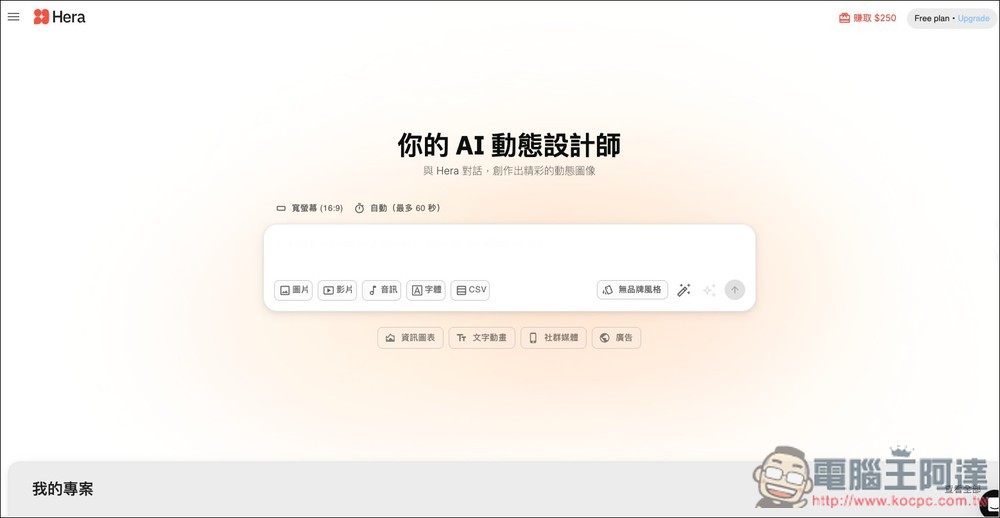
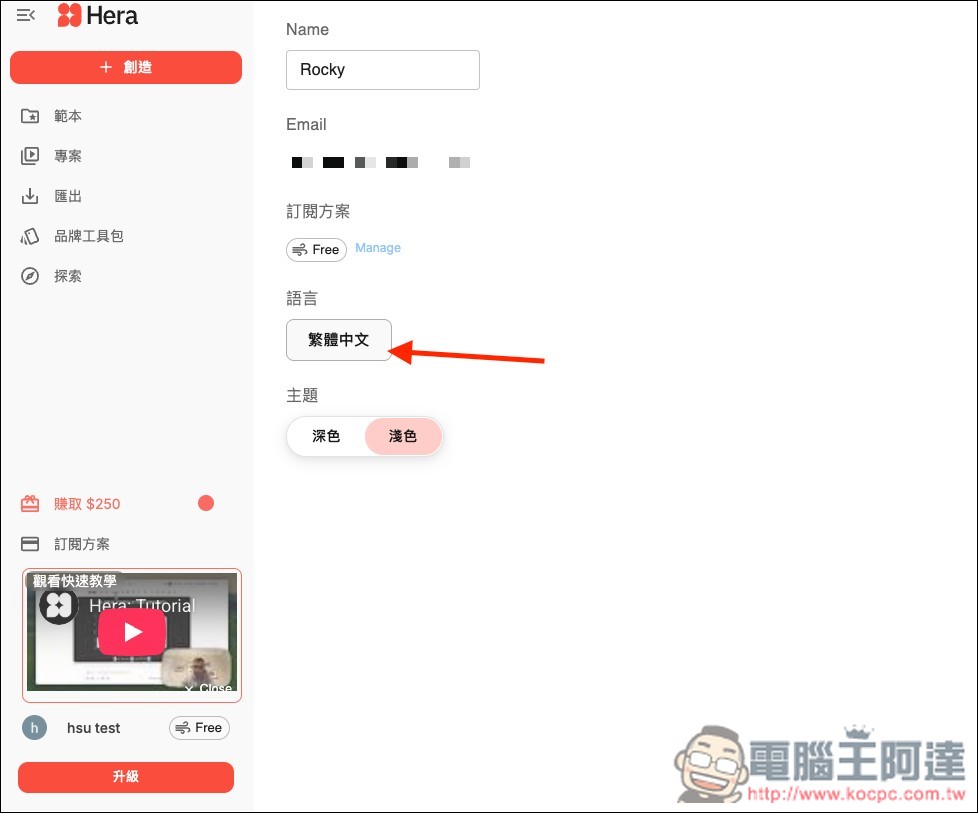
Before we begin, a quick reminder: Hera AI supports a Traditional Chinese interface. If you can’t read English, you can change it in the settings. I only discovered this after using it for a while.
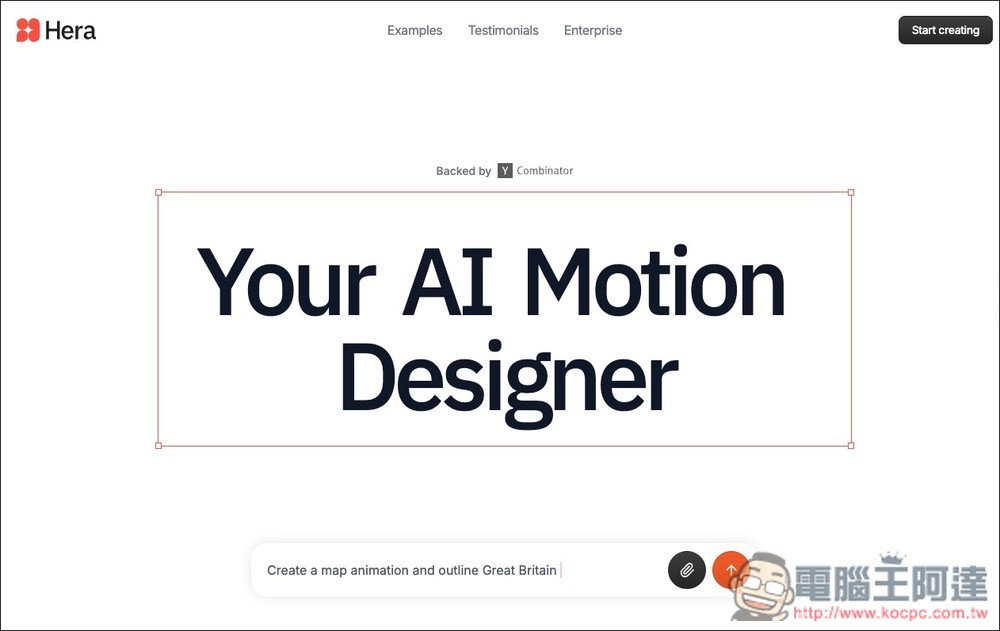
After going to Hera AI via the link above, click “Start creating” in the top right corner:
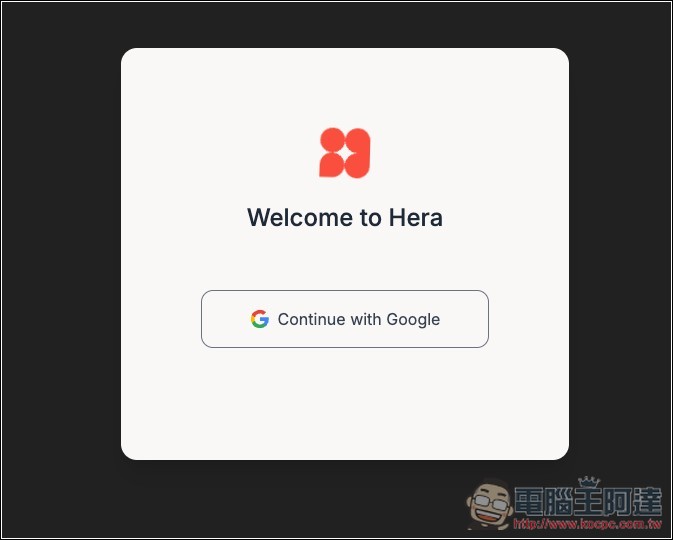
Registration is required to use it. Currently, only Google account registration is supported:
Then they’ll ask you some questions, such as where you heard about Hera, what your occupation is, and so on.
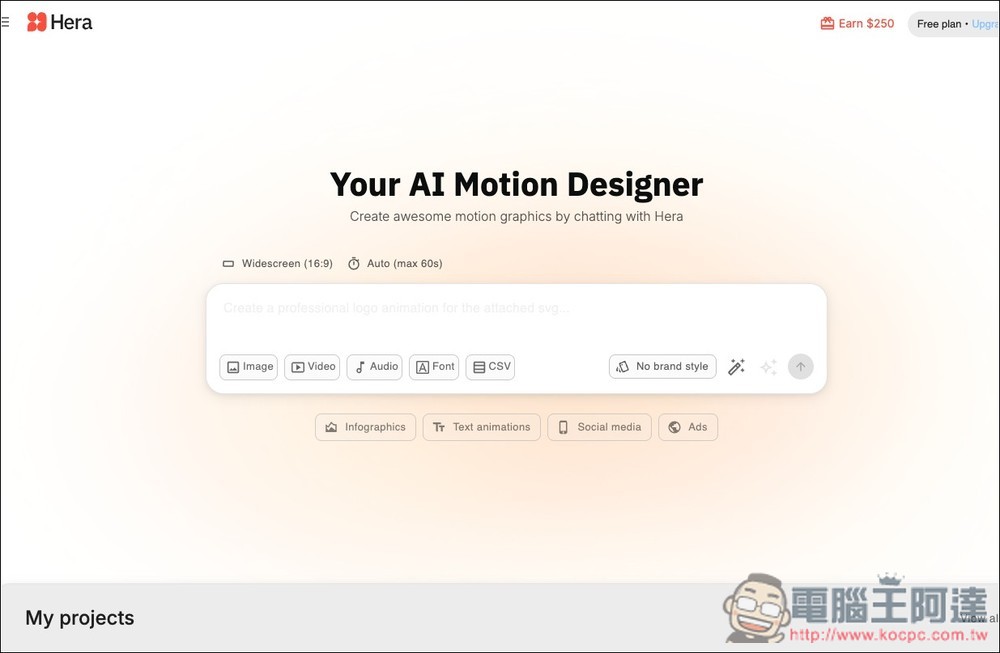
Next, you’ll enter the user interface, which looks similar to other AI tools. Below the dialog box, you can upload multiple formats, including images, videos, audio, fonts, and CSV files.
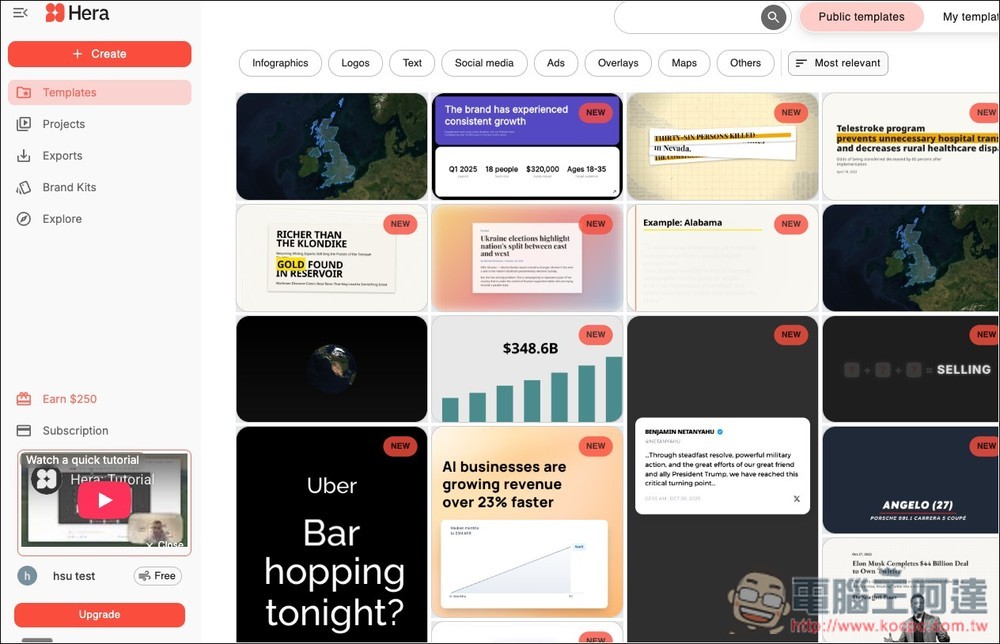
We suggest starting by browsing the templates in the Templates list on the left. If you find one you like, you can use and modify it directly:
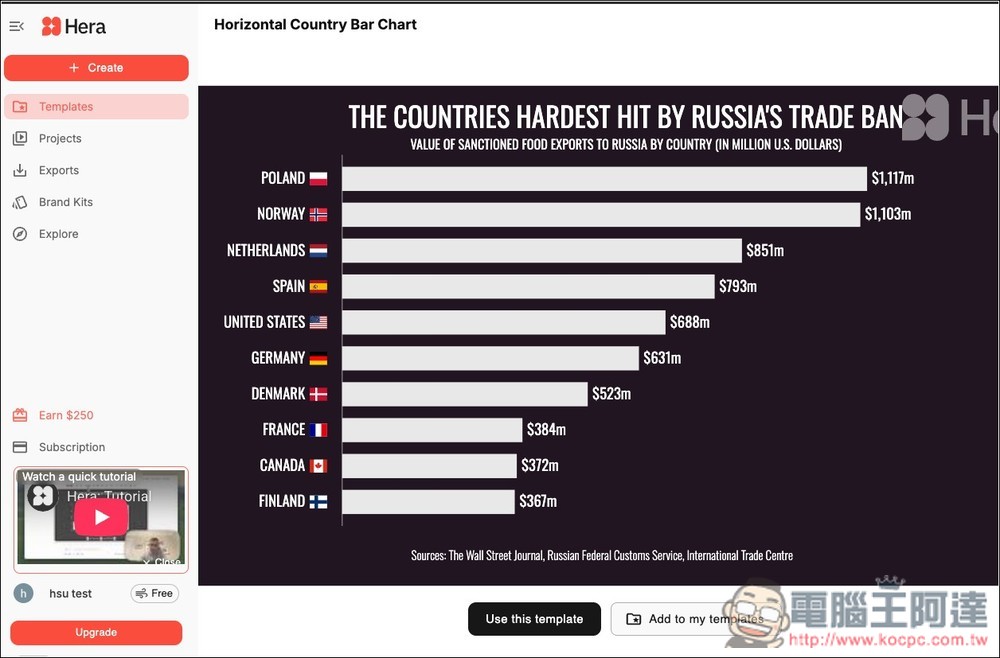
Every template can be opened to see what its dynamic effect looks like.
Next, I will demonstrate turning the table below into a chart with dynamic effects:
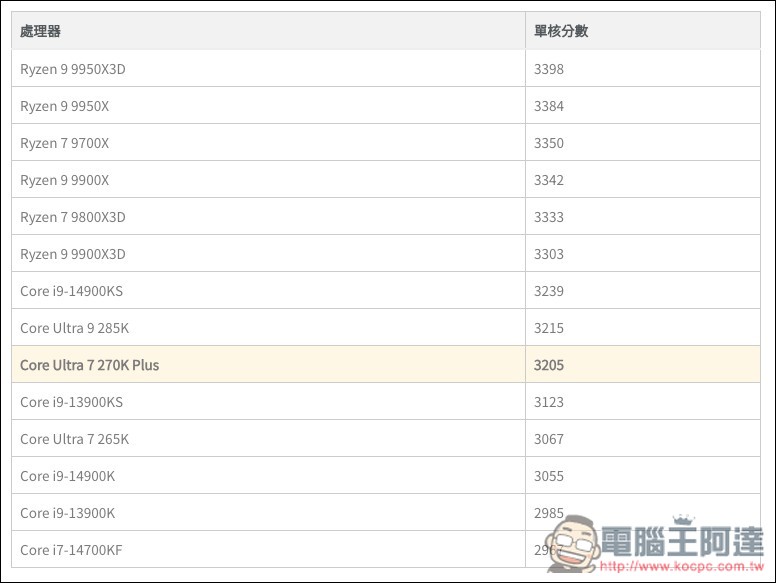
Return to the previous chat interface, upload the image file, and then request: “Convert this table into a bar chart, with each score bar appearing one after another.”
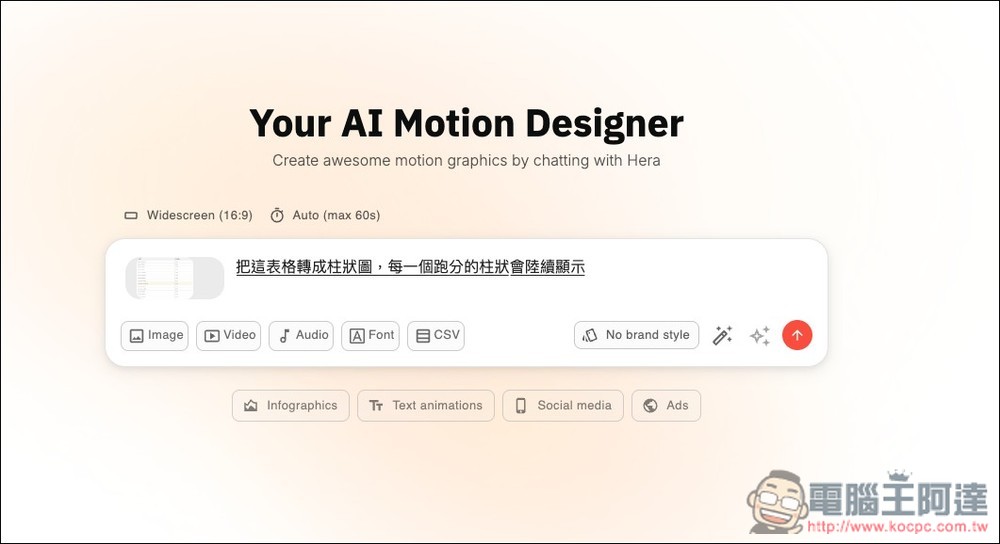
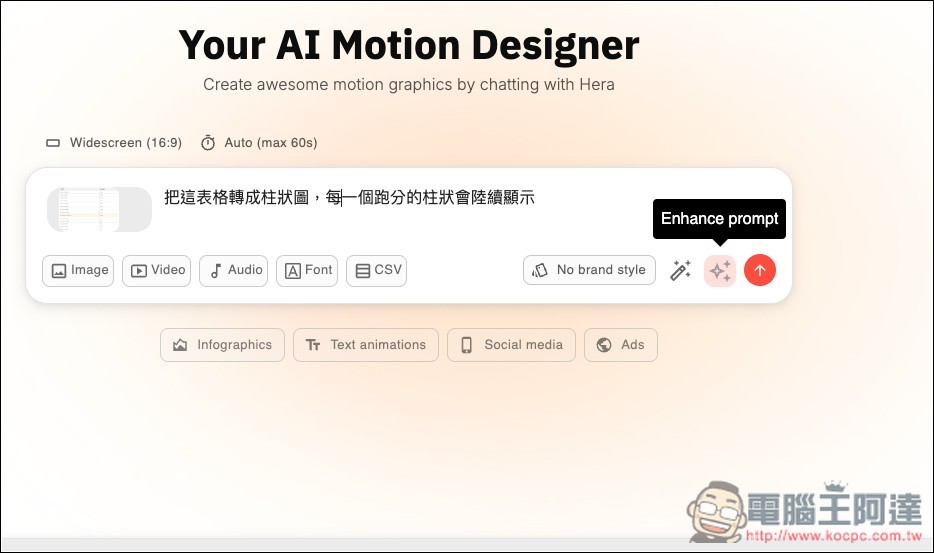
If you feel your prompt isn’t well-crafted, you can click the Enhance prompt button below and let the AI optimize it for you:
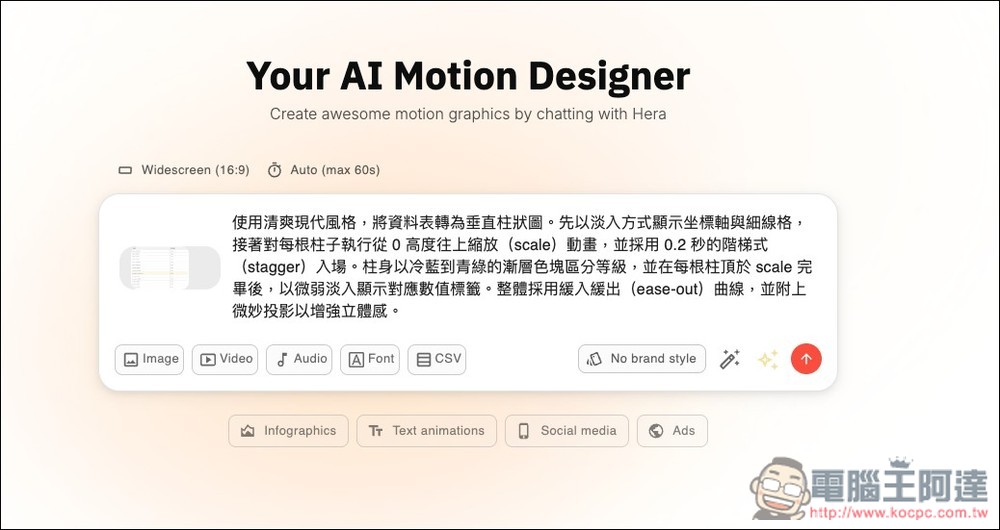
Like that simple prompt I just used, after AI optimization it became much richer and included many details—if it looks good, just hit send.
The AI will start converting and generating, wait a few dozen seconds and it’ll be done, the speed is quite fast:
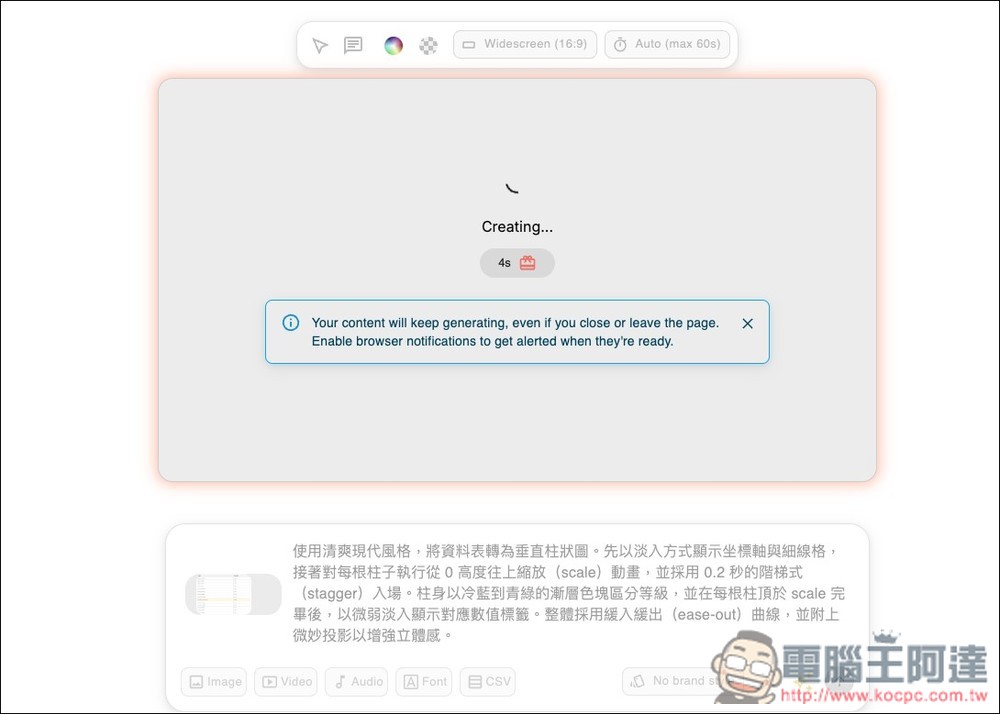
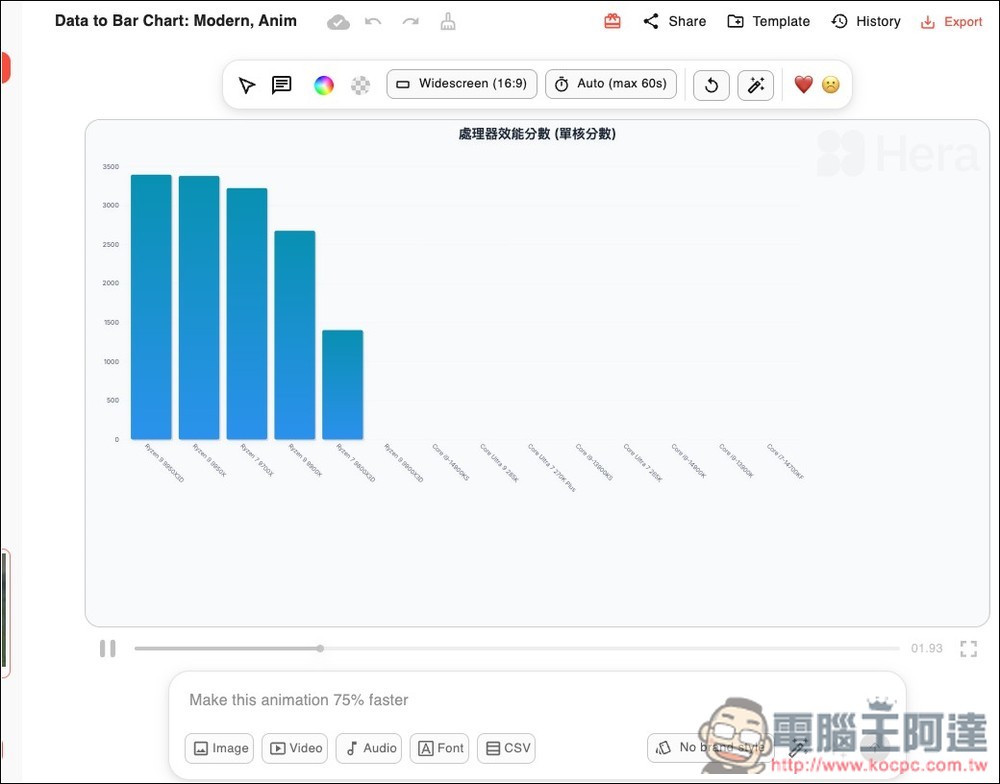
When complete, it will directly play the converted animated video. You can continue making adjustments to the details, and once satisfied, you can export and download the video.
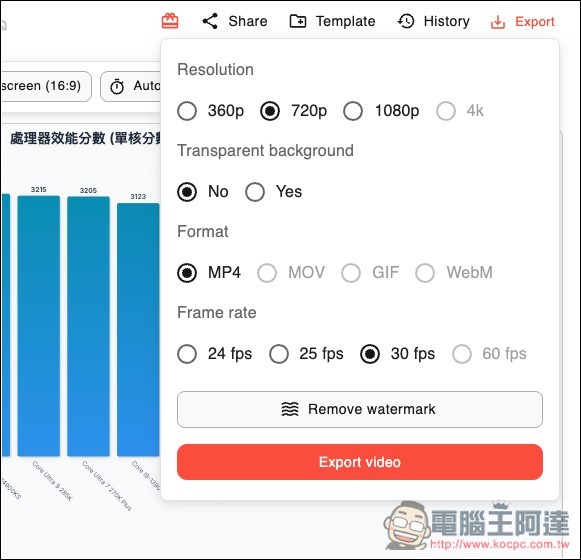
Click Export at the top right. The free version can only download up to 1080p resolution at 30 fps, supports only MP4 format, and cannot remove the watermark. After making your settings, click Export video:
Below is the result of converting the table I just had into a dynamic chart.
And the subsequent editing method is the same, just talk to the AI directly, and say which part you want to modify:
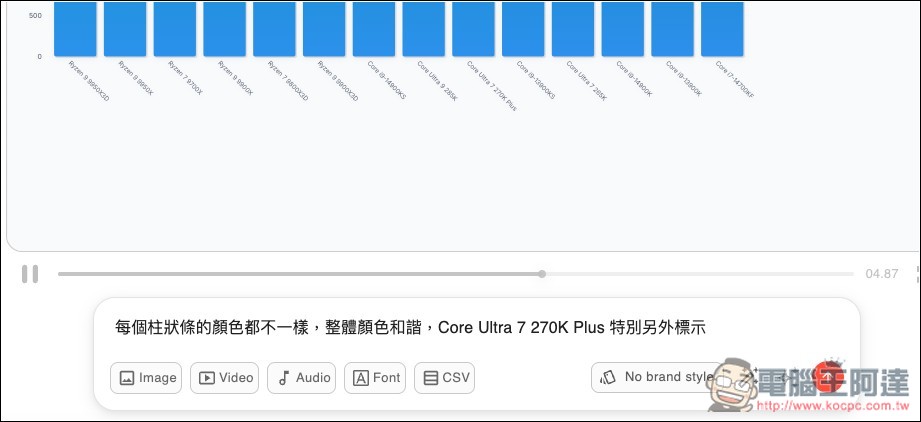
I asked the AI to make each bar a different color and to especially highlight the Core Ultra 7 270K Plus:
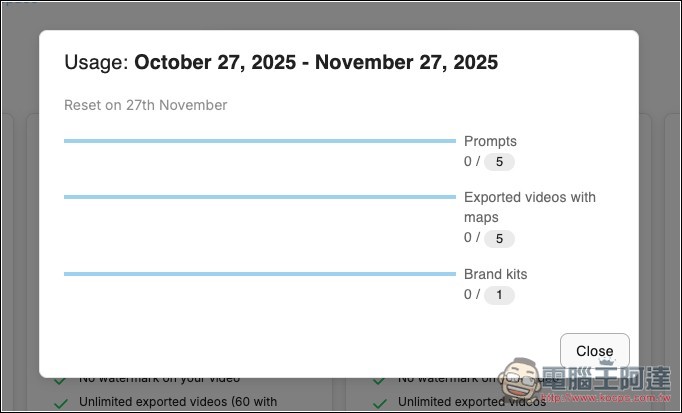
Also note that the free version only provides 5 prompts per month, outputs 5 videos containing maps, and allows you to create 1 brand kit—the allowances are quite limited. If you think it’s worth it, you might consider upgrading to the paid version.
Source: KOCPC Chinese