


VideoProc Converter AI is a very powerful software that, aside from offering practical video downloading and conversion features, now also has three major… AI Features include AI upscaling, AI video enhancement, and AI noise reduction. The original price was $78.9, and there’s currently a limited-time free promotion. Although it’s not the latest version, at least all the AI features work (Windows only), and the results are quite good, so it’s highly recommended for those who don’t have it yet.
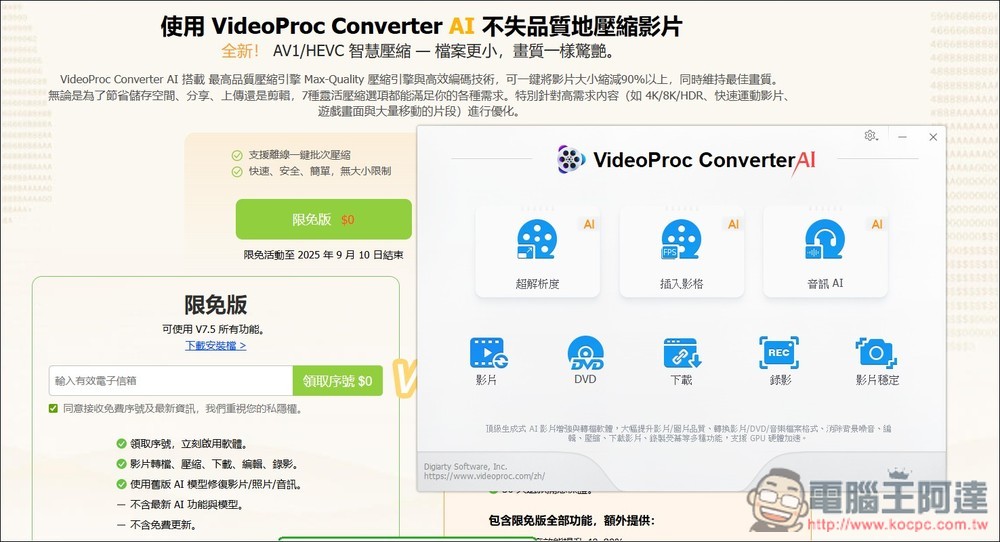
VideoProc Converter AI is free for a limited time! Built-in AI enhances resolution, video, and audio features—save $78.90 now.
This VideoProc Converter AI free giveaway runs until October 31, 2025, meaning there are about 4 days left. Same as the last giveaway, the Windows free version this time is V7.5, which has built-in AI features. However, the Mac version is V6.5, which doesn’t have AI, so it can only use previous features like downloading and file conversion.
For Mac users, only download it if you happen to lack these features; otherwise, you can skip it. For Windows users, it’s highly recommended.
Additionally, the officials have specifically noted that due to the high maintenance costs of AI models, versions after V7.8 will not offer free access. The latest version is currently V7.8, which means V7.5 should be the last version you can get for free.
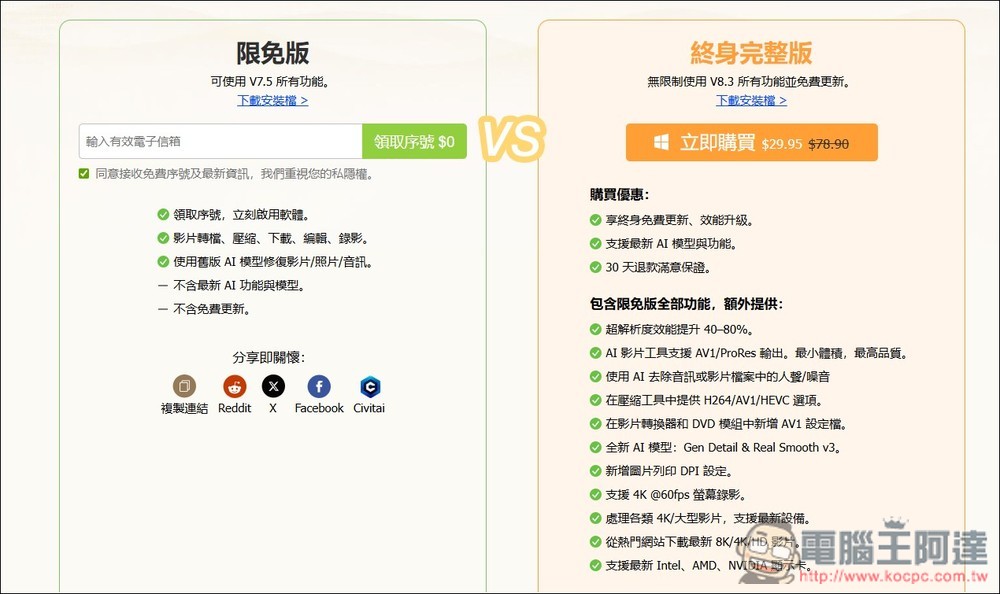
Click the link above to open this screen. On the left, under the limited-time free version, enter your email and click Get Code; the code will be sent to the email you provided:
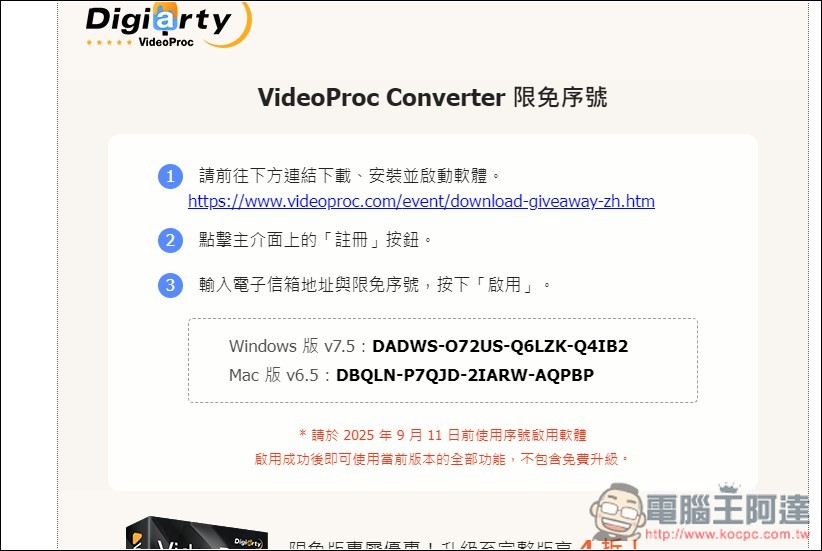
You will receive this email. Click the link above to download the installation file. Serial numbers for both Windows and Mac versions will be provided at once. Remember to activate the software before October 31, 2025. It will expire once the date has passed.
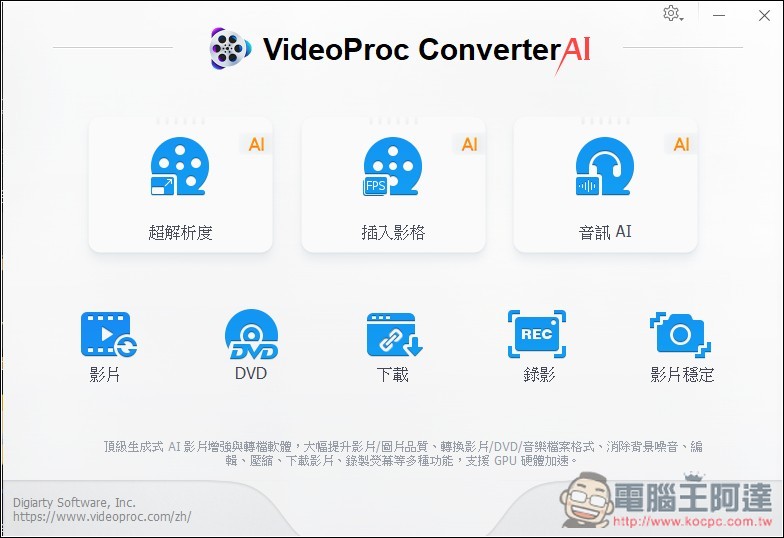
The following image shows the operation interface of VideoProc Converter AI. The three at the top are the AI features: Super Resolution, Frame Interpolation, and Audio AI. The ones below are older features, but they’re all quite useful, such as video conversion, video downloading, screen recording, and more:
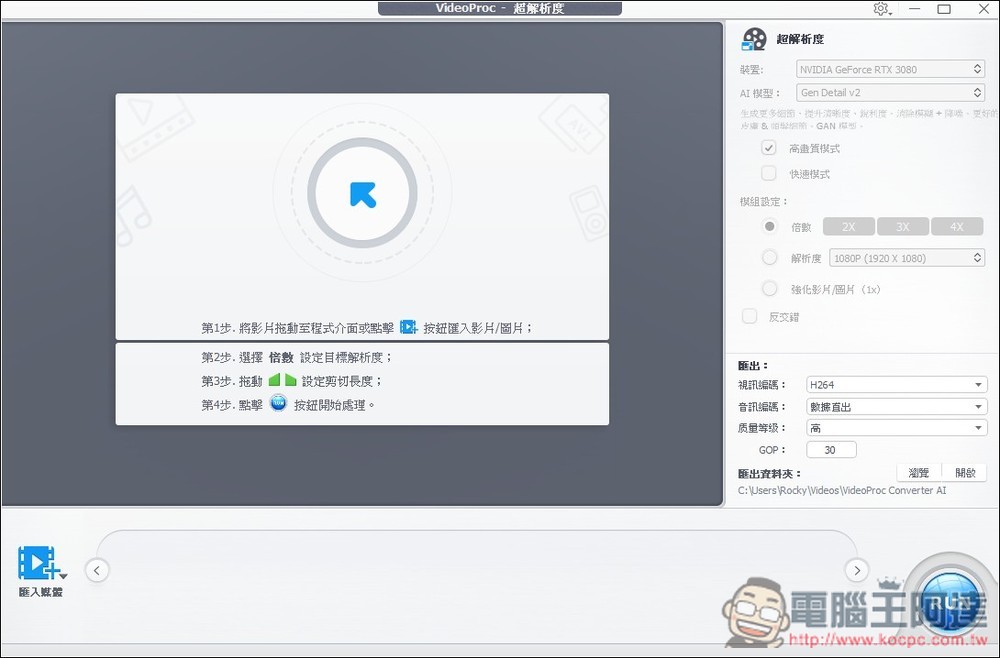
If you’re using Open AI’s Sora2 and Google’s latest Nano Banana, the videos and images they generate have low resolution. That’s where VideoProc Converter AI’s AI super-resolution comes in handy—just import your generated images:
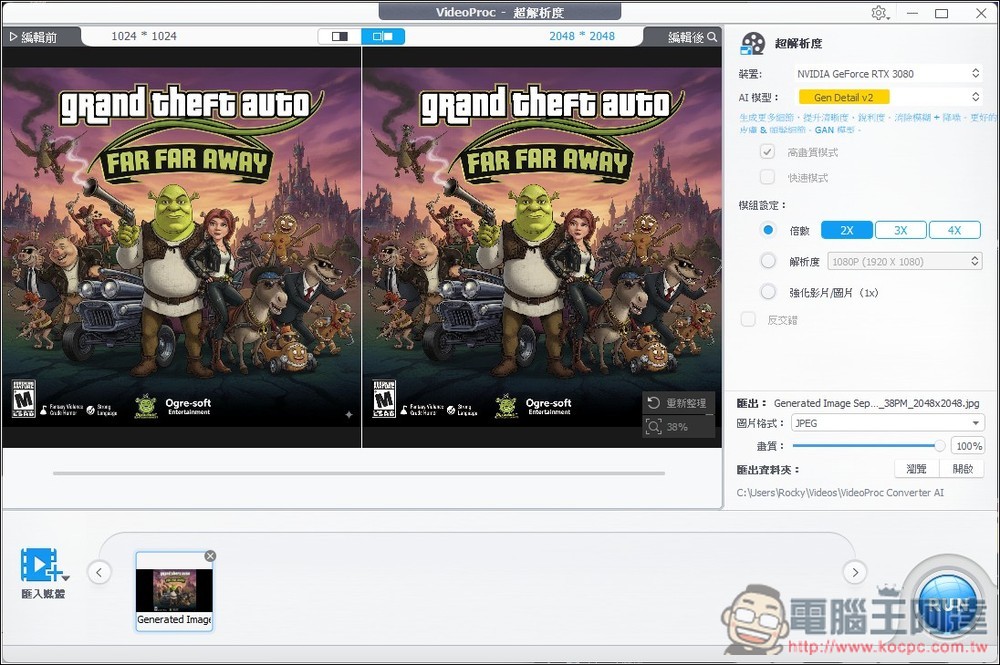
This is a game cover I generated with Nano Banana. On the left is the original image, which is marked with only 1024×1024 resolution. After feeding it into VideoProc Converter AI, it instantly doubled to 2048×2048, and on the right you can also adjust it to 3X and 4X:
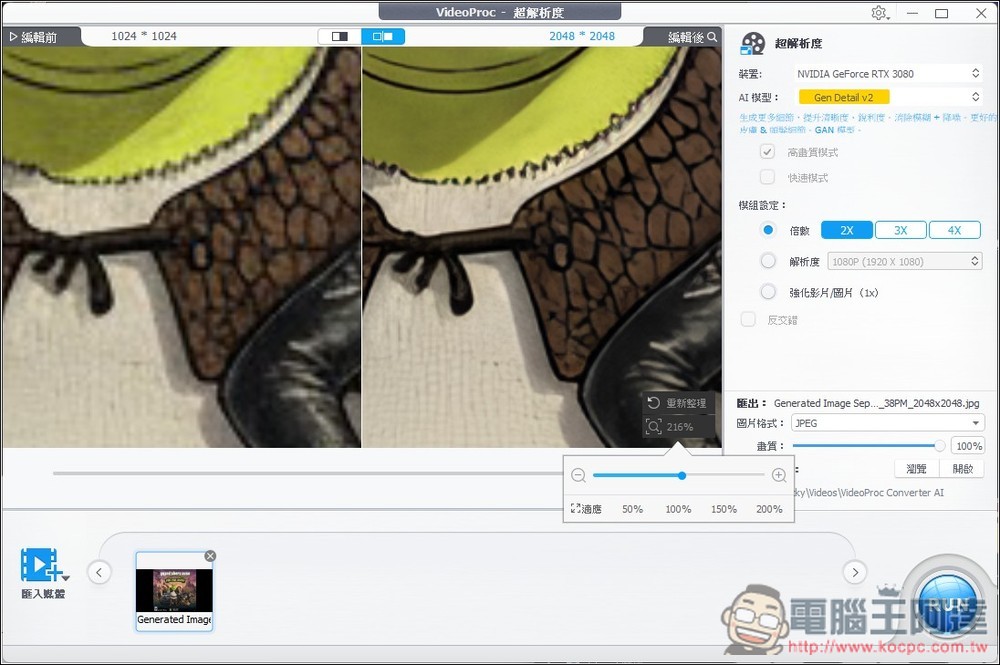
After zooming in, you can clearly feel that just by doubling the resolution, the image quality becomes clearer.
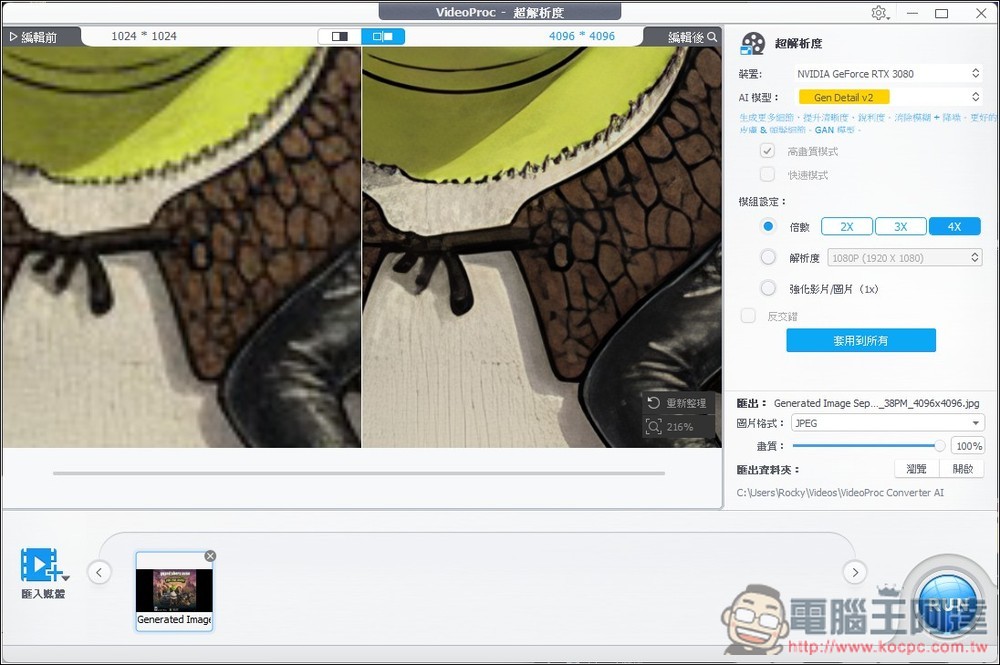
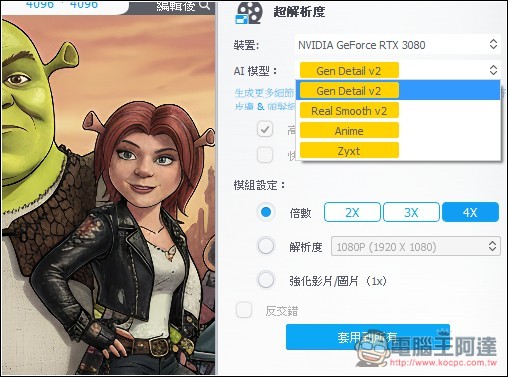
The image below is upscaled 4x to 4096×4096, and the image quality has improved even further.
AI super-resolution offers four models, each with its own pros, cons, and ideal use cases. You can try them all:
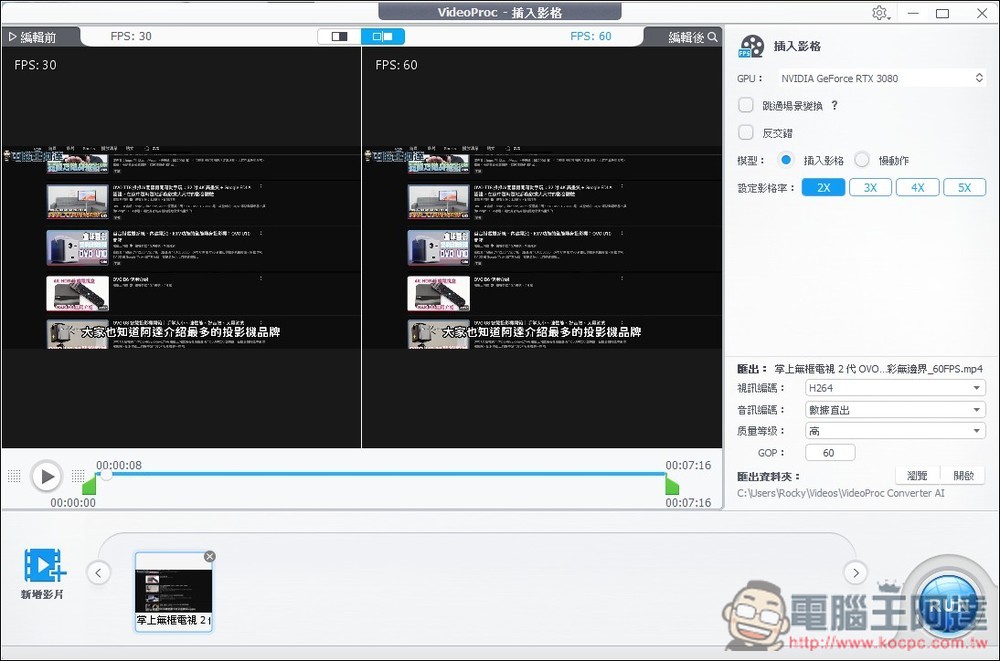
Frame interpolation uses AI to boost FPS, raising a video from 30FPS to 60FPS. However, this is very demanding on computer performance, so be careful when using it:
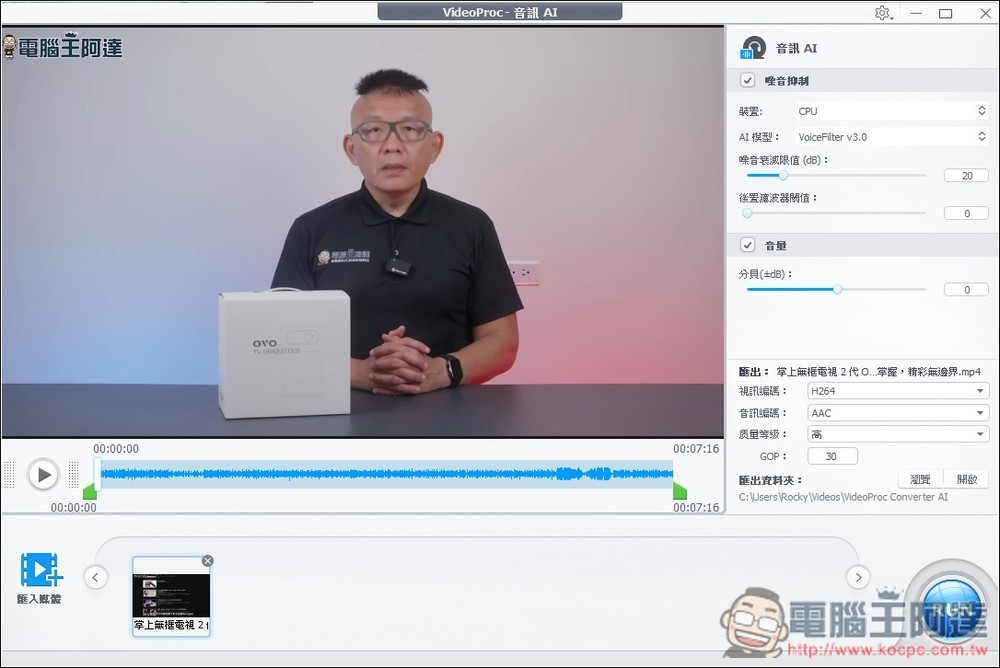
Audio AI, on the other hand, is used for noise reduction, with only the VoiceFilter model:
Source: KOCPC Chinese