


Speaking of Ummy video download tool, it may be familiar to some people. Yes, this also has a desktop version of the software “Ummy Video Downloader”. Compared with the online version, it is more stable, but it requires the installation of the software.
If you don’t want to install it, or you only download online videos occasionally, then using an online tool is enough, which is the “Ummy Online Video Downloader” we will introduce in this article. It supports more than 700 websites. The official list does not list all of them, but most communities support it, including YouTube, X (formerly Twitter), TikTok, Facebook, Instagram, ViMeo, Dailymotion, VK, etc.
More importantly, there are no ads on the web page, so it is very smooth to use and will not be disturbed.
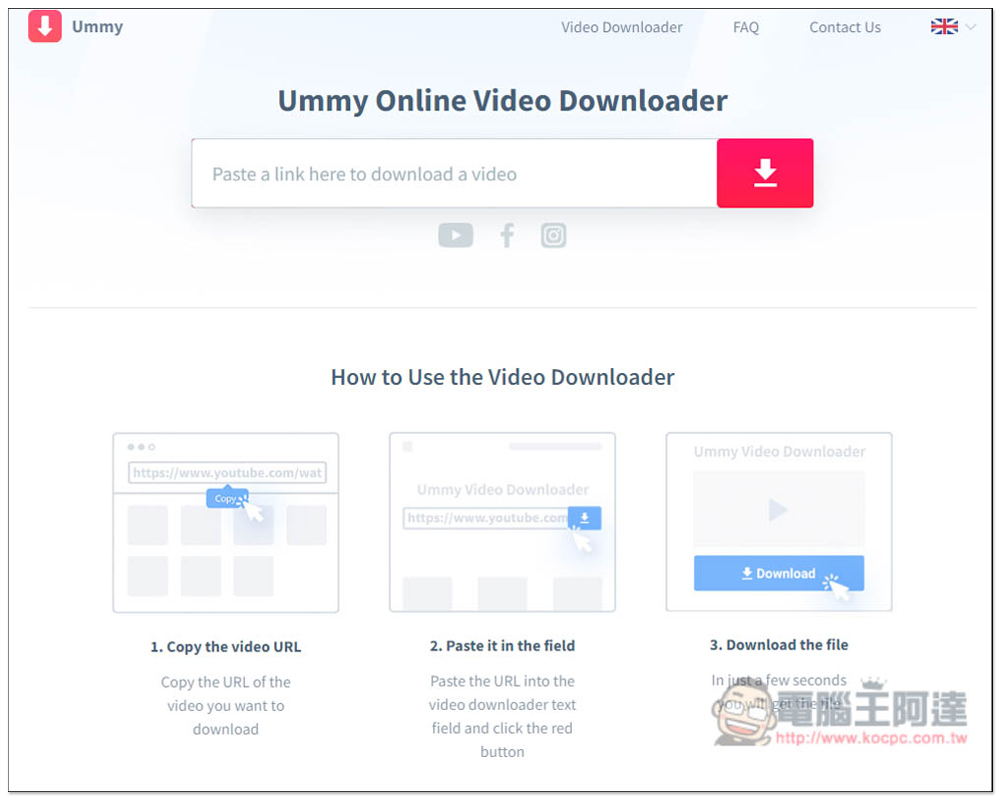
Ummy supports video download tools from more than 700 websites, including YouTube, FB, TikTok, etc.
- Go to Ummy Online video download tool
On the introduction page of Ummy, it also specifically states that it can download FullHD and 4K+ video quality. I am not sure which website it is from. I tested YouTube and it didn’t work. The highest is 720p.
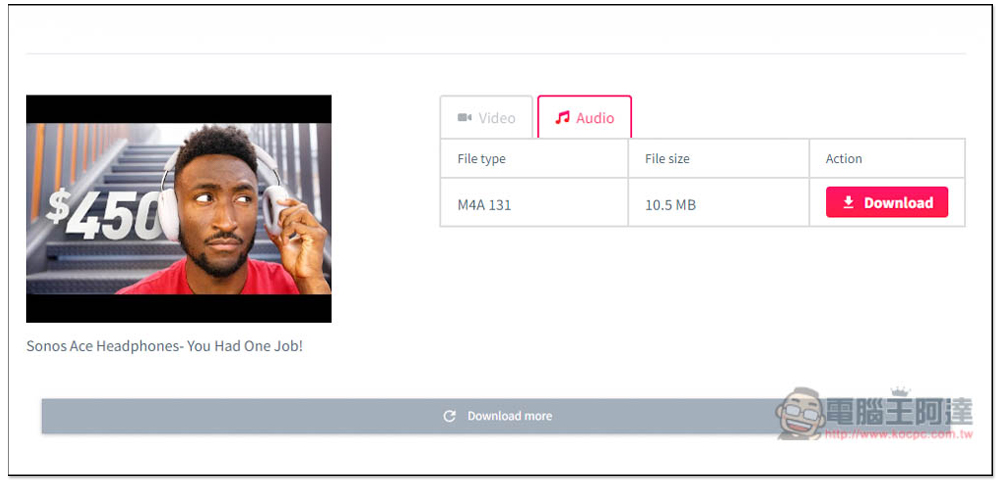
As for music, YouTube only has M4A format. If you want to download YouTube MP3 music, it is recommended to use other online tools, such as the ones we introduced before Cobalt.tools, this one can download 4K videos and MP3 format music.
The method of use is also very simple. Just like other online tools, just paste the URL of the video you want to download, and the download point will start to be generated without pressing any buttons.
However, when you press the download button, there will be a pop-up advertisement. Once you confirm that the video or music has started downloading, you can close the advertisement window. The original Ummy webpage does not have any advertisements.
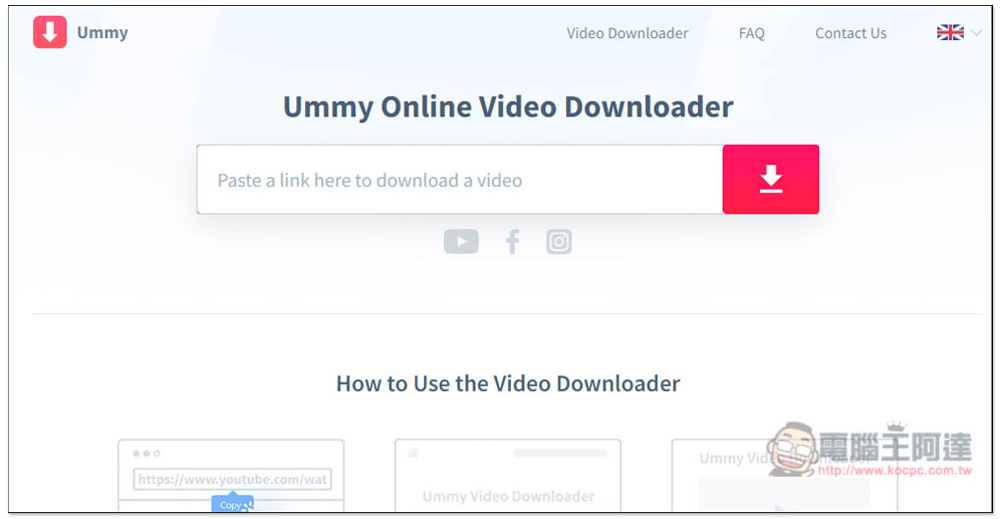
After clicking the link above to enter the Ummy online tool, paste the URL of the video you want to download in the Paste a link here to download a video box:
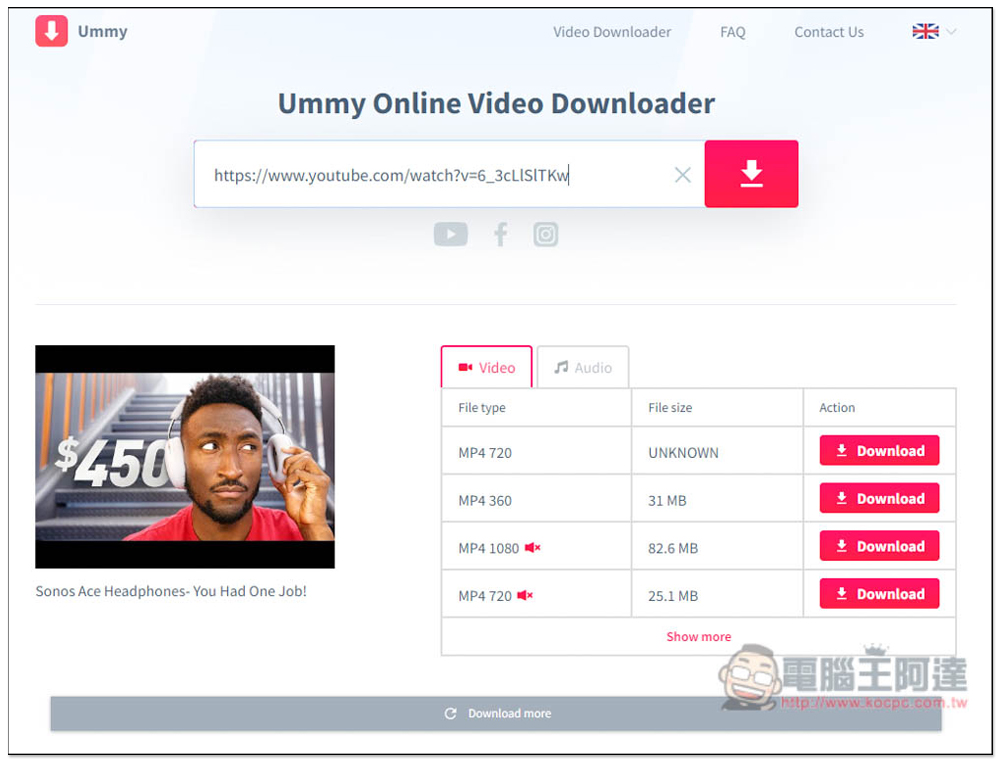
Then the page will be loaded automatically. I tested the YouTube video first. The highest quality is only 720p. This video originally had 4K and the format was MP4. It should be noted that there is a 1080p option below, but there is an icon with an X for sound next to it, which means there is no sound, only the picture:
There is only one option for the sound part, the format is M4A. After you find what you want to download, click Download next to it and the download will start:
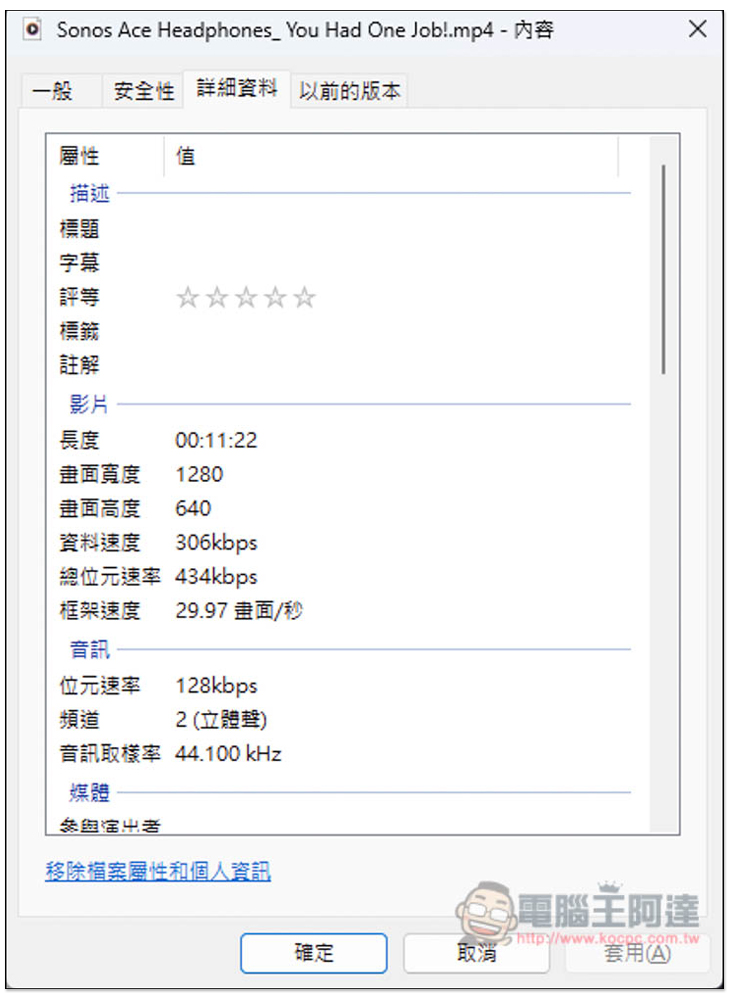
MP4 videos are indeed downloaded with 720p quality:
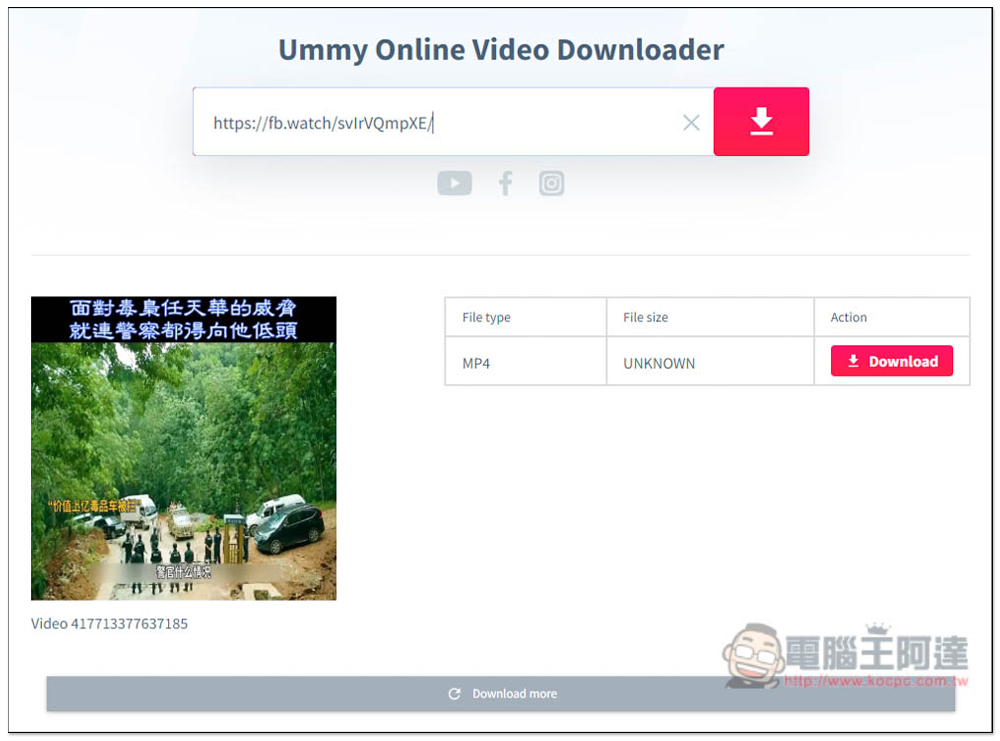
The Facebook test was also successful, but only the video was downloaded:
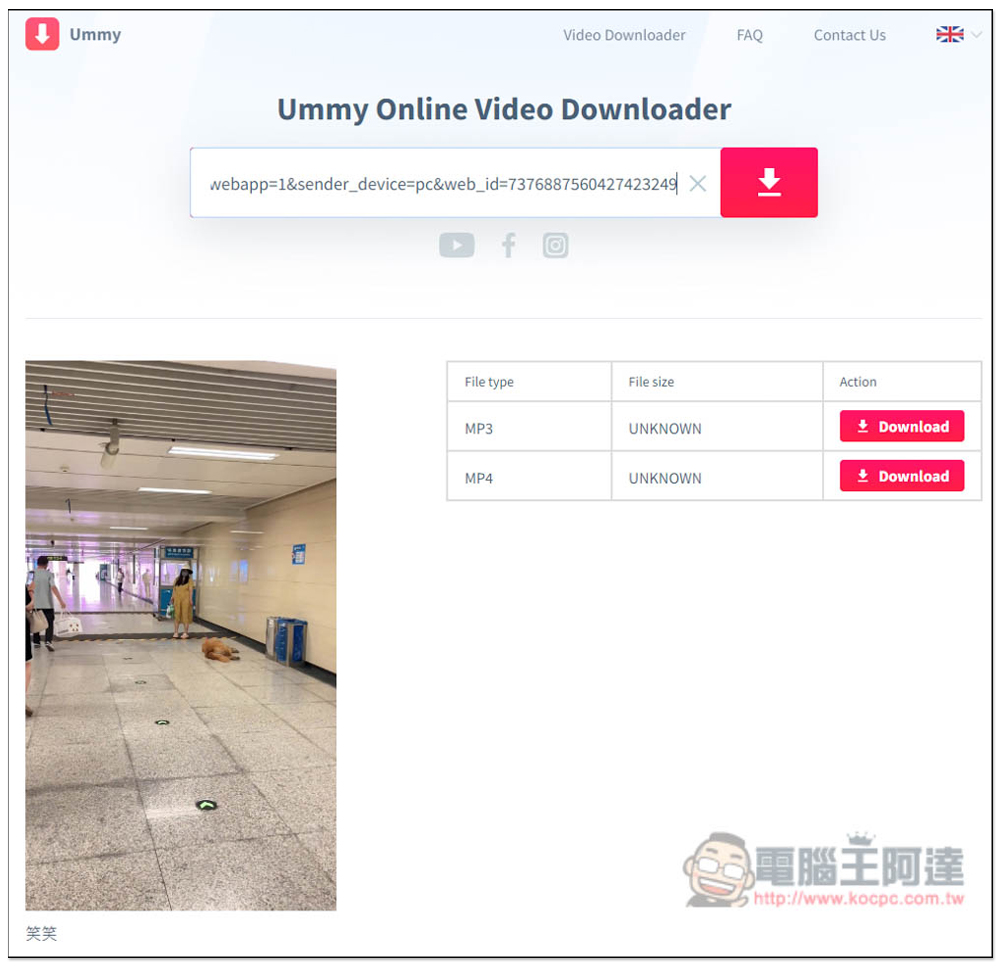
TikTok is equally successful, with videos and music available for download:
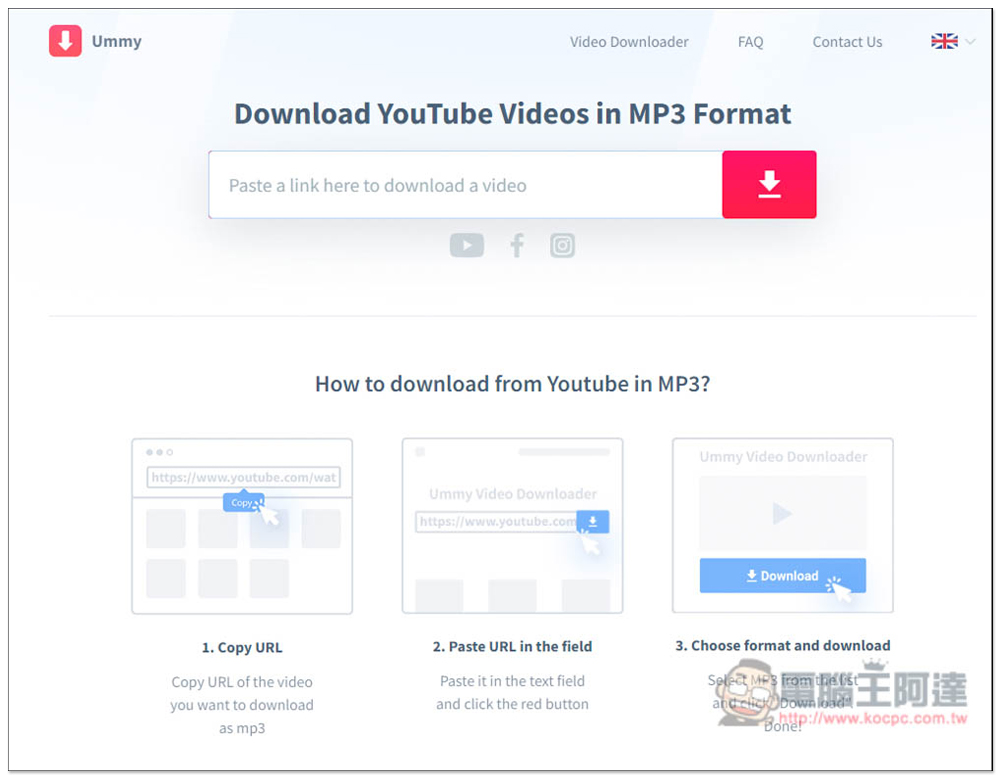
This website also provides a YouTube MP3 format downloader, but it seems to be broken at the moment. I tested multiple YouTube URLs and couldn’t find it:
Finally, I would like to remind you that the stability of such online tools is not very good, and sometimes it may encounter failure. If you are unlucky and encounter it, you can only use other download tools, or come back after a while to try again.
Source: KOCPC Chinese