


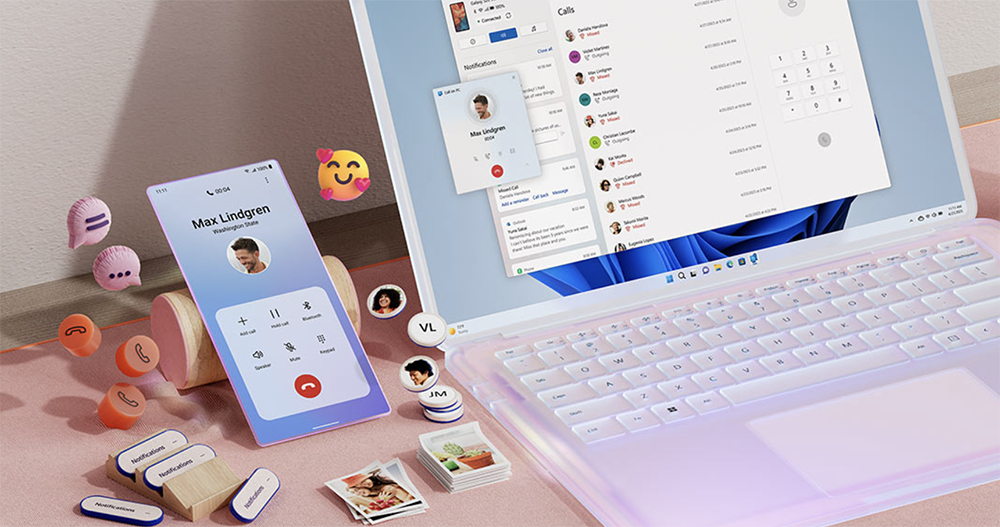
In the past year or two, Microsoft has been working very hard to make Android and even the iPhone phones that will be supported in the future work more closely with Windows devices. Recently, Microsoft has also begun to introduce an OCR function that can directly read the text content of photos on the phone in the Release Preview Insider version of the Phone Link app. Continue reading Windows will open the convenient function of directly copying text in Android photos.
▲Image source: Microsoft
Windows will open the convenient function of directly copying text in Android photos
Microsoft has developed a new software that makes working with Windows PCs more pleasantPhone Link (formerly known as “Your Phone”)”, although it can easily be used to directly compare the experience between devices such as the Google ecosystem (between Android and Chrome OS) and even what should currently be the highest standard in “relay” functionality – the Apple ecosystem’s iOS and Mac devices.
However, in the past year or two, Microsoft has been working very hard to make Android and even the iPhone phones that will be supported in the future work more closely with Windows devices. Recently, Microsoft has also begun to introduce an OCR function that can directly read the text content of photos on the phone in the Release Preview Insider version of the Phone Link app.
▲Image source: Future
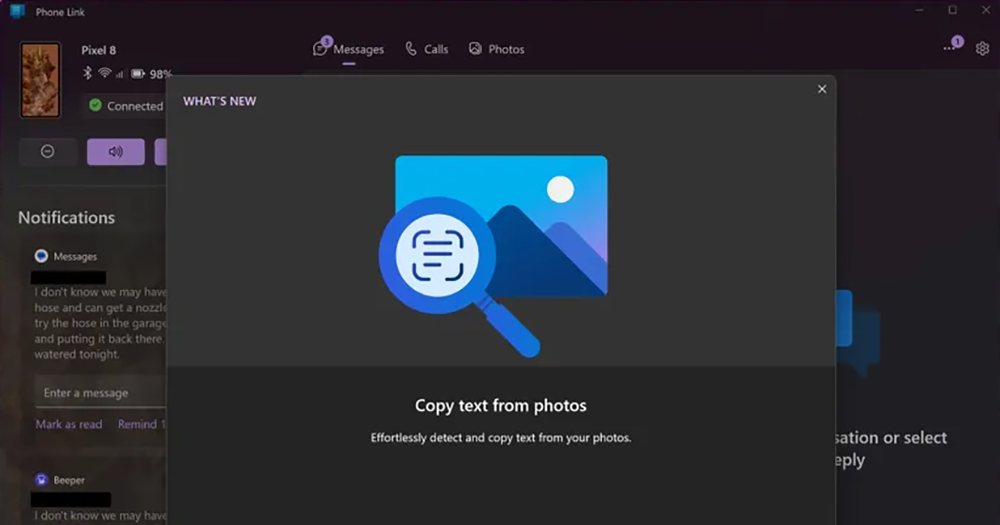
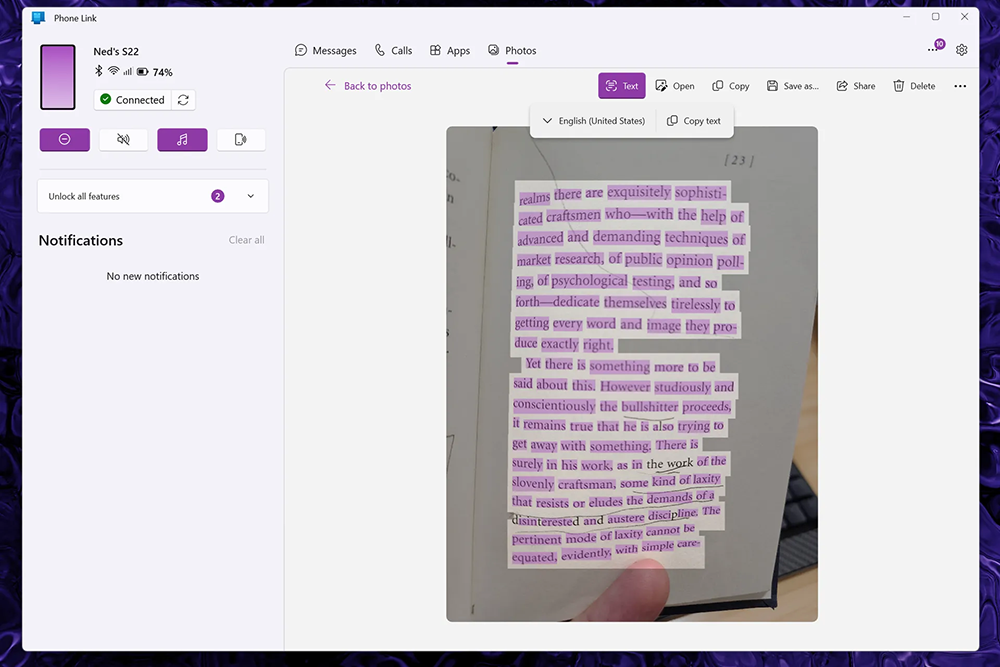
Foreign media found that after Phone Link version 1.24051.91.0, you should receive a “Copy text from photos” function reminder when you enter the Windows version of the app. This feature will direct you to the Photos section of the Phone Link app. Then you will find that there is a “Text” function button in the function list, which allows you to copy all the text in the photo by converting OCR image recognition to text when text appears in the photo library of the connected phone.
▲Image source: The Verge
Although this function is basically very common in Android and even iOS mobile phone systems. Even if you copy the photos directly to the Windows system, I believe there are more than hundreds of applications or services that can handle it better; or that support “Cross-device copy and paste“For models with cross-device copy and paste function, text data can be simply copied and pasted to the Windows system after being recognized directly on the phone.
But basically this feature is just a thoughtful update that allows you to quickly access the OCR function.
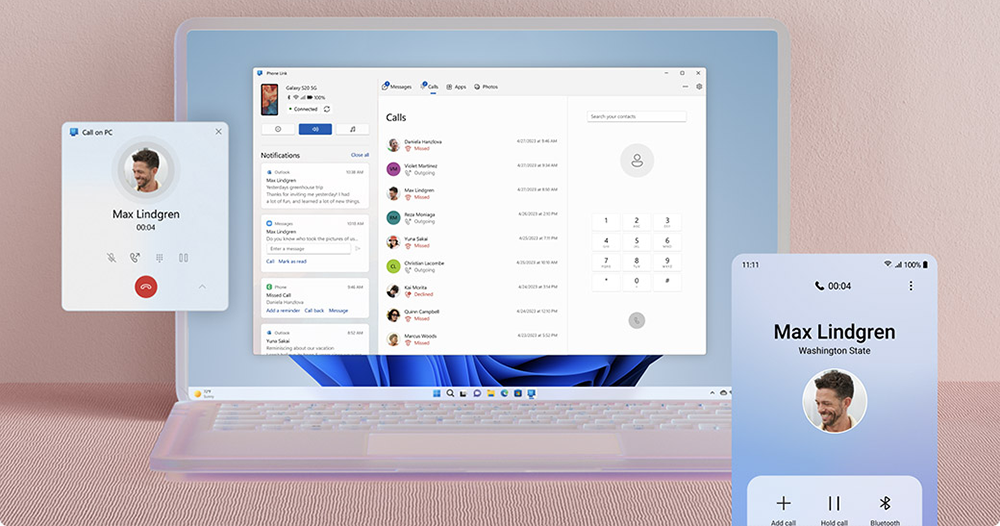
Phone Link, formerly known as “Your Phone”, is a practical function that allows you to operate and view information on paired linked phones from your computer. After pairing is completed, users will be able to send and receive text messages, view call logs and other functions. If you want to try this feature, you may need to install the pre-test version. But I believe that in the near future, the official version will also keep up with such functions.
via|
Further reading:
Source: KOCPC Chinese