


In recent months, “Video Stabilizer” has been launched for free for a limited time several times (get it quickly, the portal is here). In the past two days, the price on the App Store has been adjusted again from the original price of US$4.99 (approximately NT$150) to free. Continue reading the hands-on report of “Video Stabilizer” to help you stabilize video content.

“Video Stabilizer” that helps you stabilize video content is free for a limited time. Try it yourself (Update: The limited time free service has ended)
Even today’s mobile phones basically have pretty good image stabilization functions, and there are even advanced stabilization effects such as sports modes specially provided for strenuous exercise. However, what should we do when the weather is unpredictable, people have inexplicable hand shakes (is there such a thing?), or sometimes they simply forget to turn on the advanced anti-shake/anti-shock function?
In recent months, the limited-time free “Video Stabilizer” has been launched several times (get it quickly,App Store The portal is here – Update: This limited exemption has ended), and in the past two days, the price on the App Store has been adjusted again from the original price of US$4.99 (approximately NT$150) to free. The editor who finally got the limited free copy this time also briefly tried out “Video Stabilizer” to see if it is really that amazing. The image stabilization function that is built into many editing software is worth the price – it must be very useful!
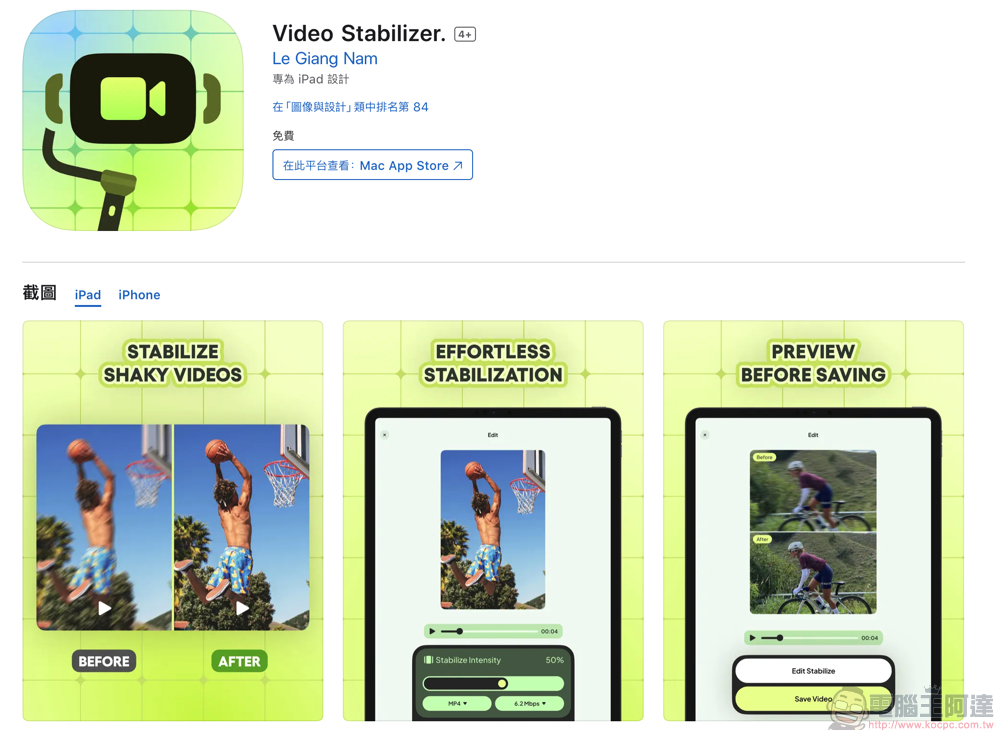
According to the official description on the App Store, this “Video Stabilizer” App will make your videos look smoother and more stable by analyzing images and post-production. This app should fix issues that cause very unstable situations when recording videos while running or moving!
Its main features include advanced stabilization technology and easy-to-use interface. In addition to analyzing the stabilized video “frame by frame” through a special algorithm, you can also customize the strength of this algorithm through settings and provide a real-time preview function.
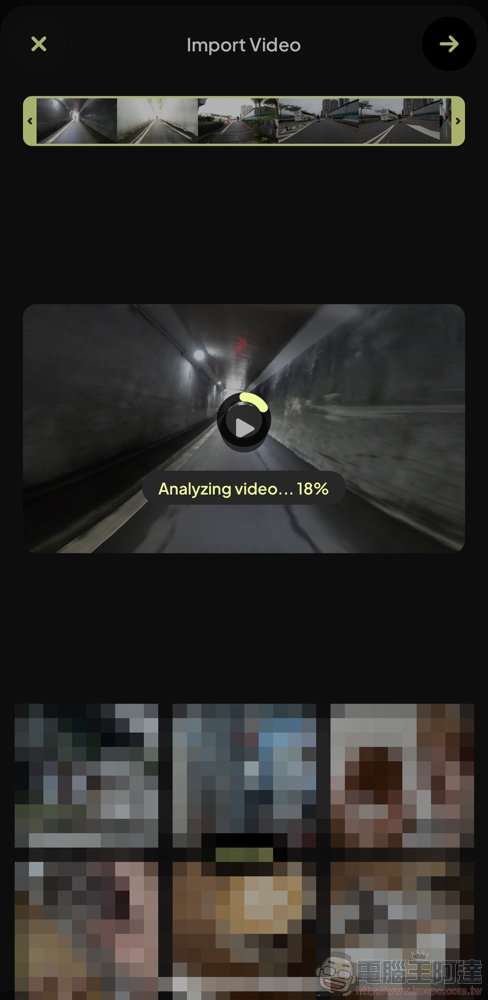
I simply downloaded and tried “Video Stabilizer” through the limited-time free opportunity. It will initially need to import the video for frame-by-frame analysis – the analysis will take a while, and it seems that the waiting time will vary with the length of the video. Therefore, I would suggest that it might be more efficient to process fragments of particularly unstable images.
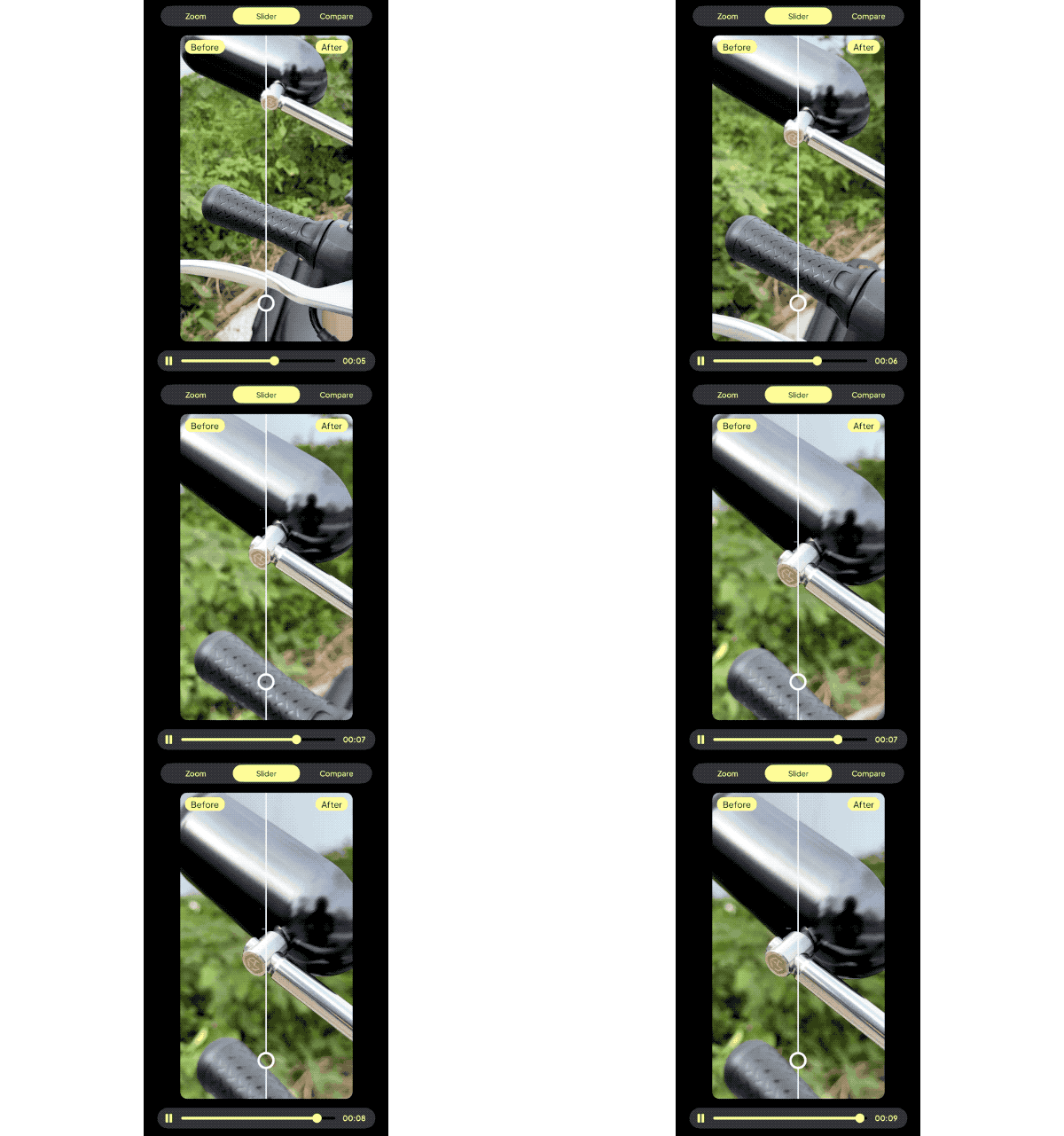
After the imported analysis is completed, there will be a preview screen of the video effect and a strength adjustment bar for you to set – you don’t need to be too nervous here, basically you can still make fine adjustments later; the final output screen is actually designed quite well, and you can preview the stability difference after the processing is completed in three forms. And use “Edit Stabilize” at the bottom to reset the percentage of the stabilization effect.
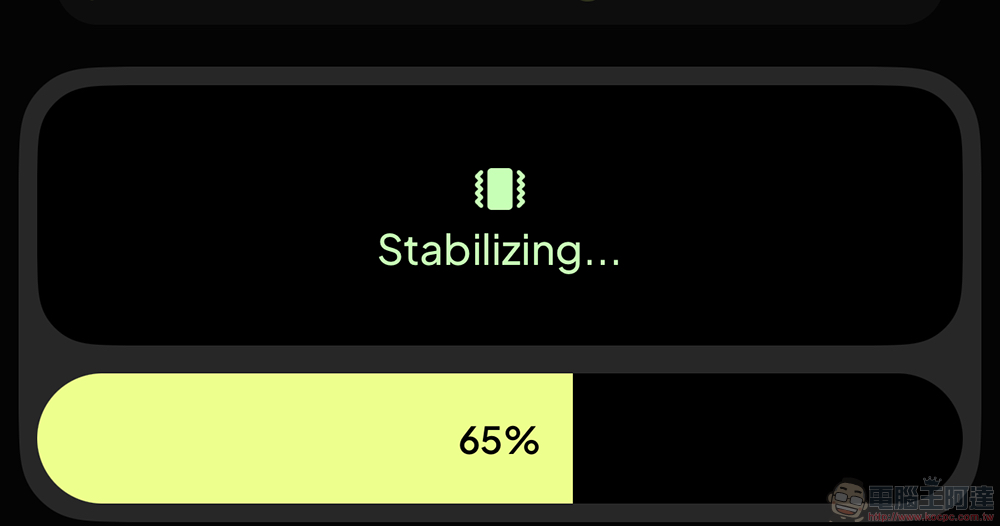
That is to say, if I simply shoot a video with an already quite stable action camera, I will find that the detection mechanism seems to occasionally have some small problems, causing the picture to look shaken. However, when I took another video that was relatively obviously shaking, I found that its stabilization effect was quite obvious.
This is probably partly because without the assistance of gyroscope data captured by the camera, “Video Stabilizer” can only rely on elements on the screen for stabilization. Therefore, it will be necessary to rely on a larger image to lock the target and achieve a better stabilizing effect. Therefore, it is recommended that when you use it, you still have to consider whether you can obtain better results through post-production based on the content of the video.
Further reading:
Source: KOCPC Chinese