


Lately, it can be said…Video generationThe moment of a great leap forward in tools, followed by Veo 3 Bring stunning image quality and synchronized sound generation to everyone.Sora 2 also keep up, and can even use the cameo feature to create content where you’re the protagonist. AI videoNot only that, recently it was also discovered that Gaga Art, a free video generation tool, is quite powerful as well. With its latest GAGA-1 model, all you need is a photo of an actor plus text, and it can make the actor perform and speak the way you want, turning it into a video. AI The actor video, many people call it the Chinese version of Sora 2.
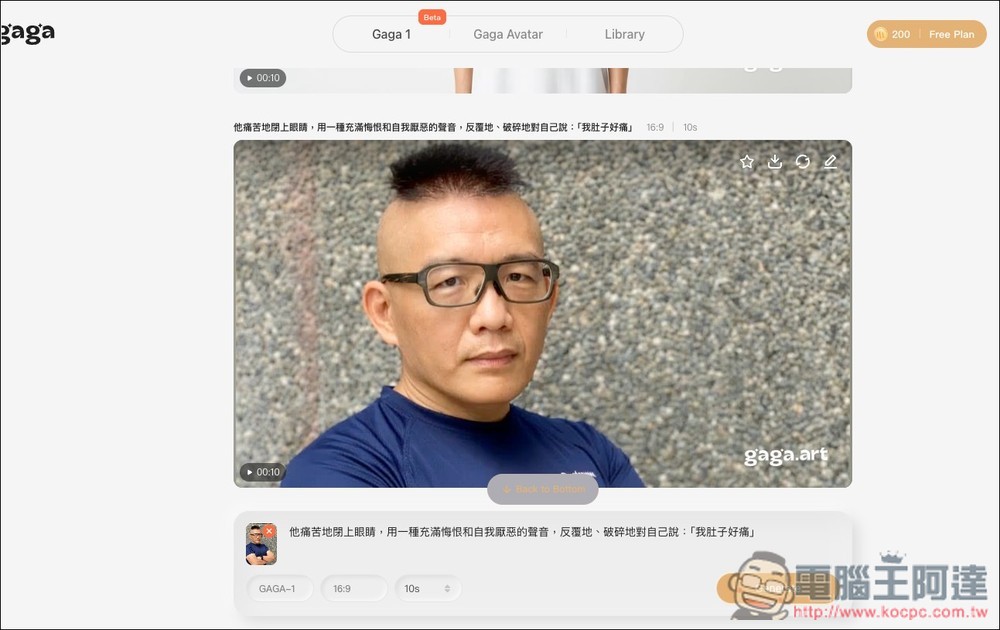
Gaga Art only needs one image + text to create AI actor videos.
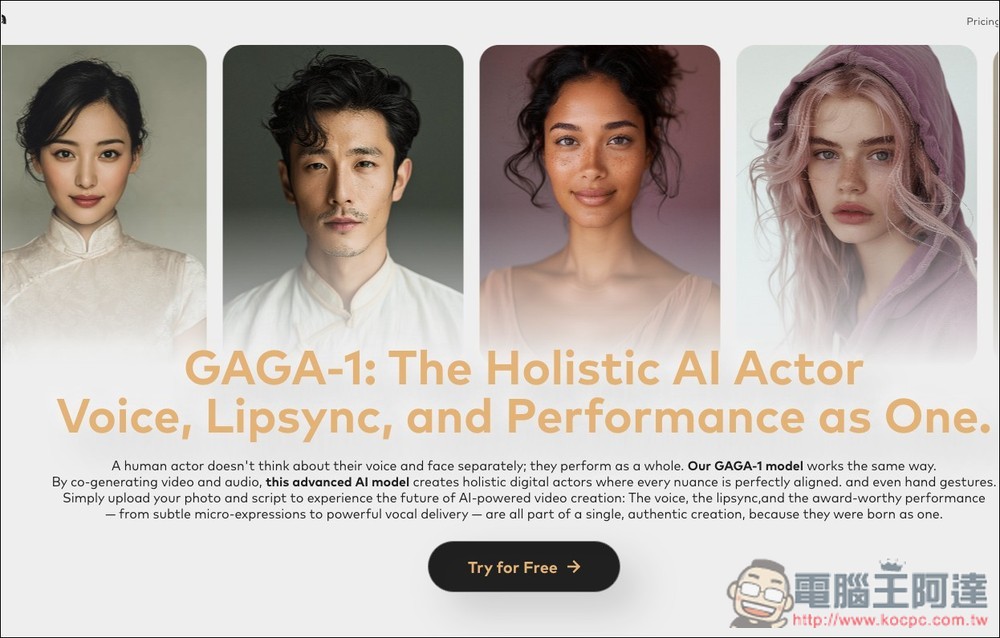
Gaga.art is an AI actor video generation tool. Its latest GAGA-1 model integrates user-specified text-to-speech, lip sync, and performance to create lifelike, emotionally expressive virtual avatars. Users simply upload an image and provide a text description (prompt), and GAGA-1 applies these elements to the character in the image, generating AI actor videos with facial expressions, movements, and full speech.
Whether for story creation, game development, virtual streaming, or social media content, you can easily use this tool to produce more lively and interactive videos.
Main Features
- GAGA-1 Model: Integrating speech, lip sync, and performance to create holistic dynamic performances.
- Multilingual support: can generate speech in multiple languages.
- Rich emotional expression: Generated AI actors can display a full range of emotions.
- Easy to use: Users simply upload images and prompts to quickly generate AI actor videos.
After entering Gaga.art via the link above, click “Try for Free” on the screen:
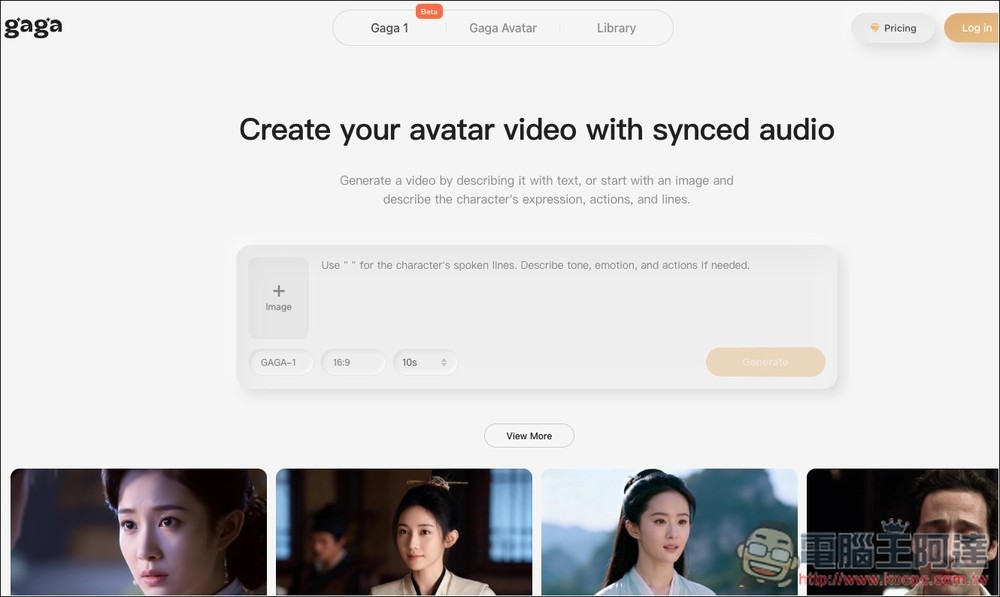
Then you will enter the main operation screen. Some examples are provided below; those interested can take a look first. The middle section is where you upload images and give prompts:
You can create an image, take a photo, upload, or choose from your photo library—whichever you prefer:
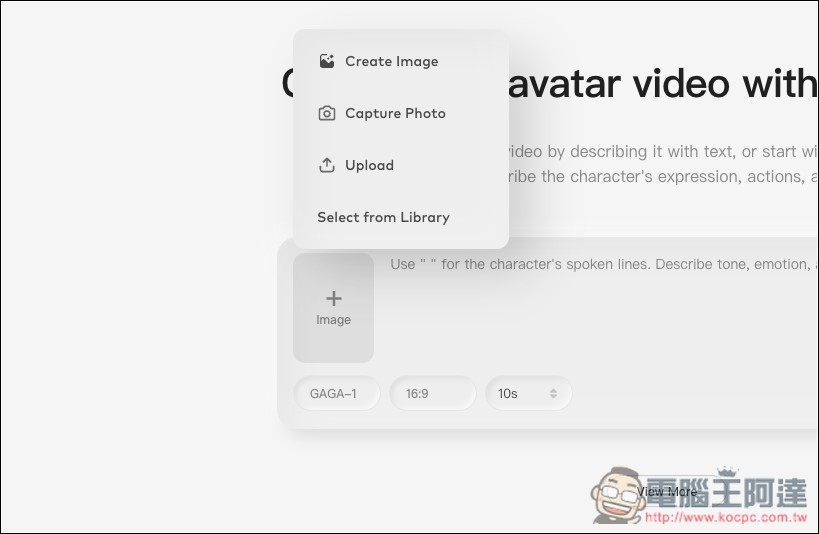
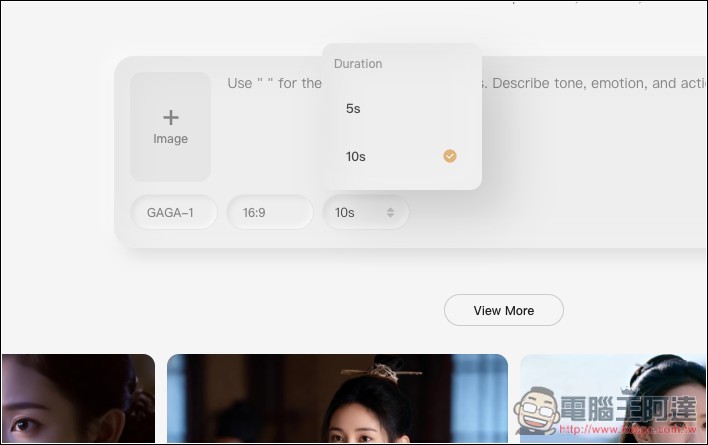
There are two options for the generated video length: 5 seconds and 10 seconds. As for the aspect ratio, it’s currently only 16:9 and cannot be adjusted. There’s also only one model available: GAGA-1.
Remember to register an account before using. You can only start generating after registering and logging in. Supports Email registration, or quick registration with Google or Discord:
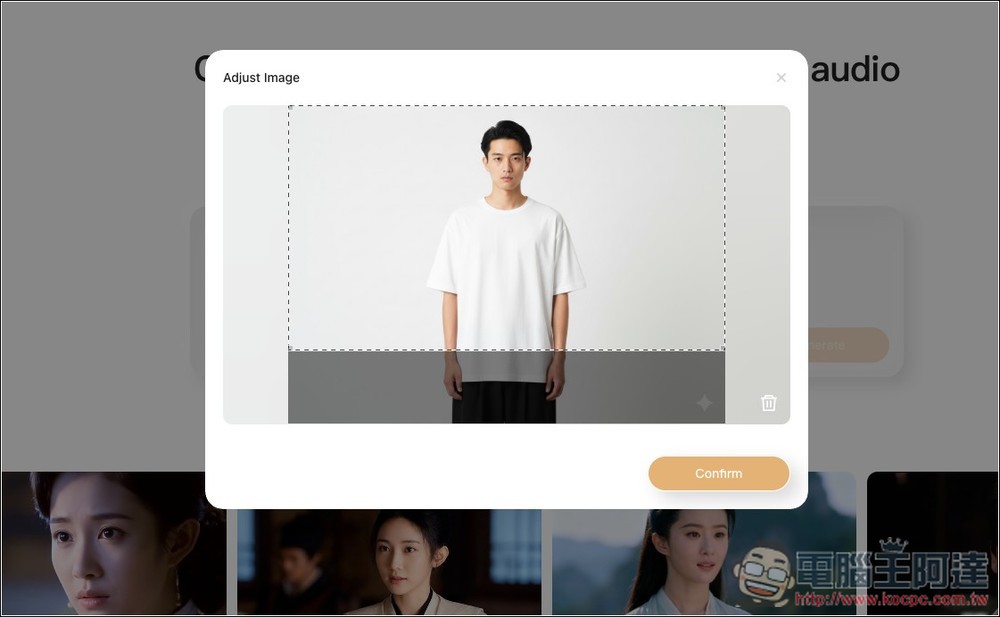
When I upload images, to match the 16:9 video aspect ratio, after the image is imported, it first goes to the crop tool. You select the area you want to keep, then press Confirm:
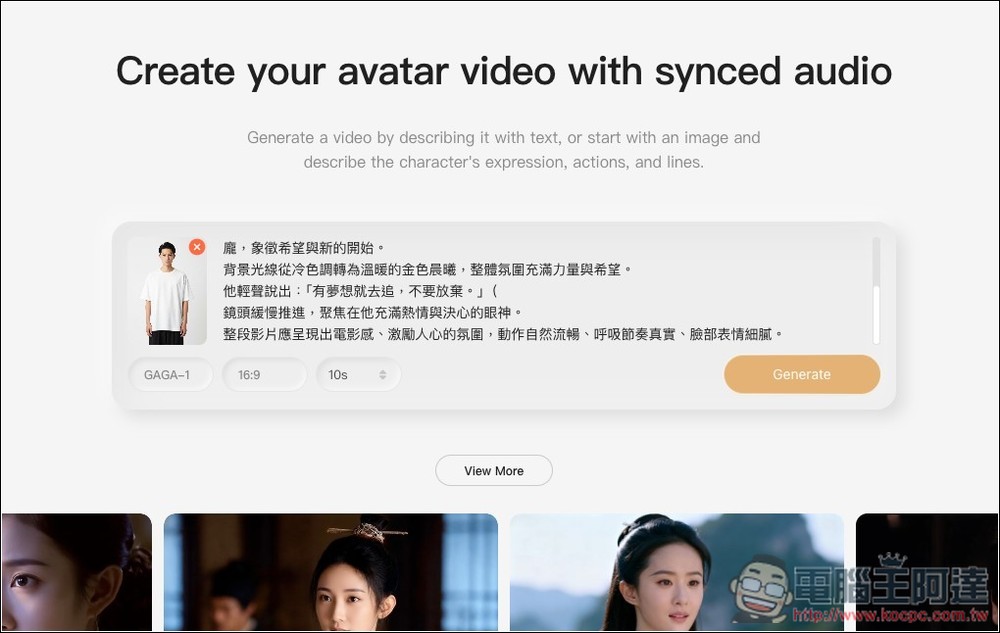
Then you can enter your requirements—how you want the image to move, what it should say, background changes, and what kind of camera shot to use. You don’t need to get the input perfect on the first try. It seems this was just launched, because when I tested generating videos, it didn’t deduct any credits, meaning you can keep generating and keep experimenting.
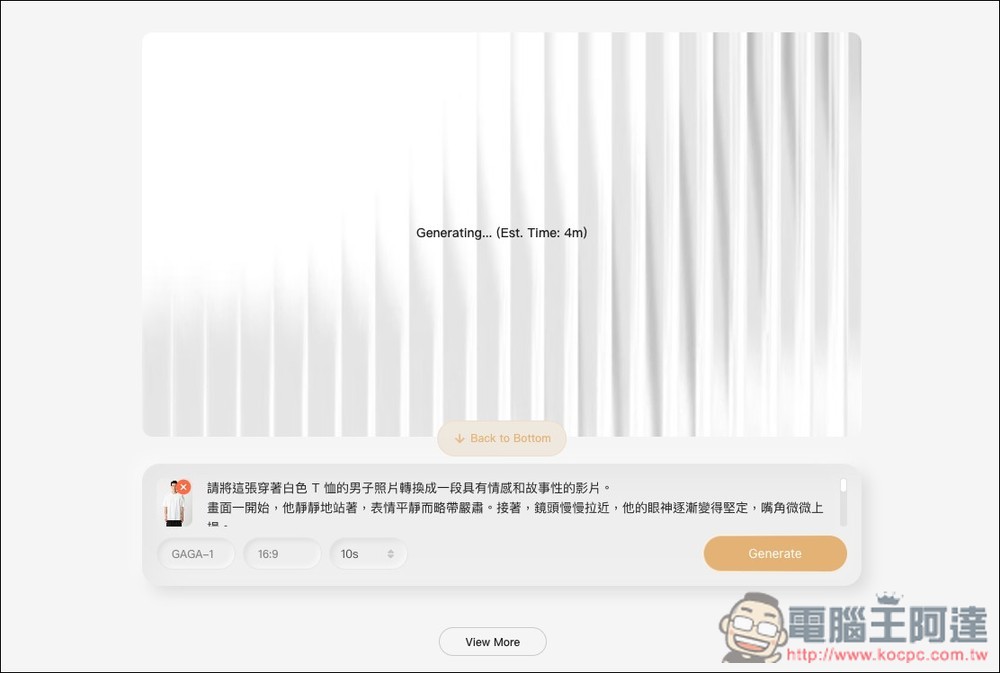
However, compared to Veo 3 or Sora 2, Gaga.art’s generation speed is slightly slower, with each video taking about 3~5 minutes:
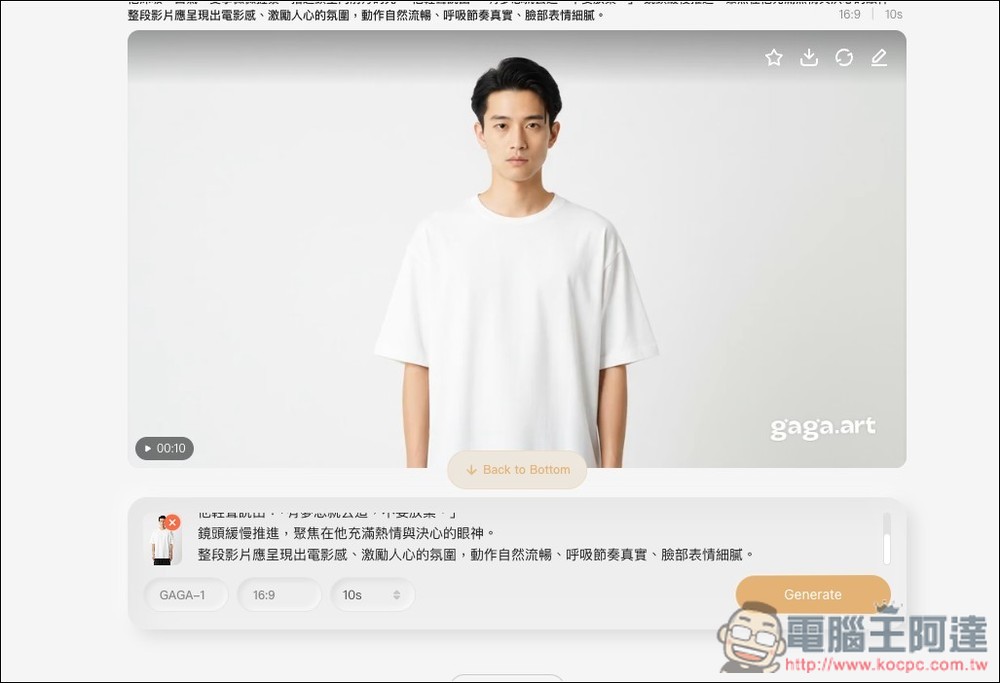
After the video has been generated, you can play a preview to see if you’re satisfied:
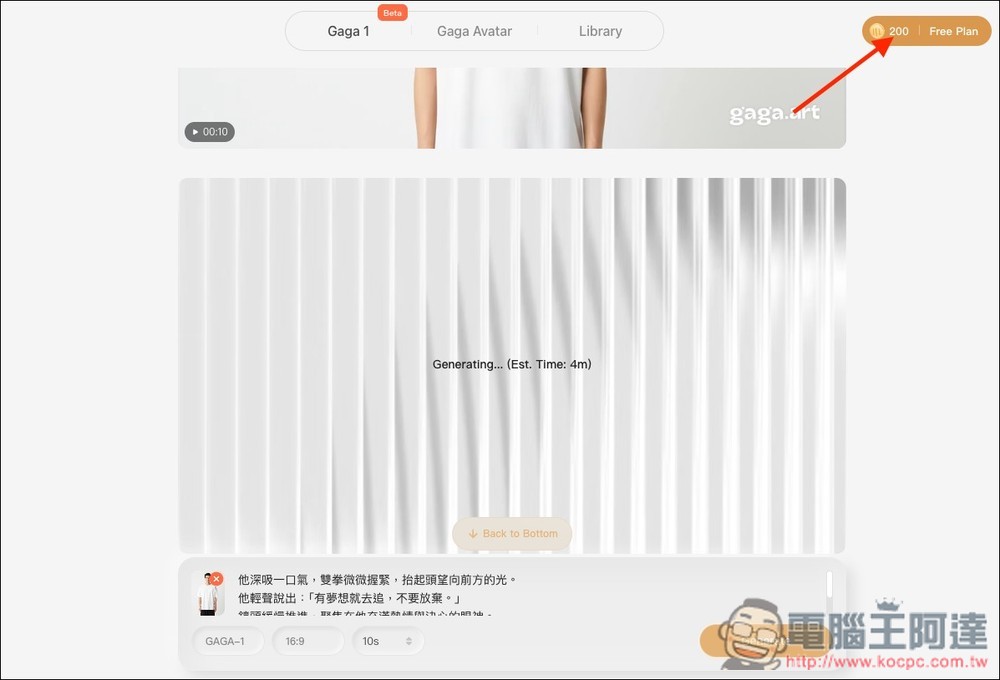
If you’re not satisfied, you can tweak the text a bit and try again. No matter how many you generate, the 200 points in the top right corner don’t seem to decrease for now.
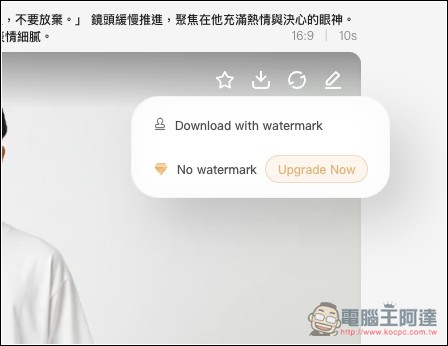
If satisfied, click the download icon in the top right corner to download the video. The free version only allows downloading the version with a watermark.
Here are the two videos I tried with this tool. The first one is the example from the test above, and the second one uses Ada’s profile photo.
Prompt: He takes a deep breath, clenches his fists slightly, and raises his head to look at the light ahead. He says softly, “If you have a dream, chase it—don’t give up.” The camera slowly pushes in, focusing on his eyes filled with passion and determination. The entire video should convey a cinematic, inspiring atmosphere, with natural, fluid movements, a realistic breathing rhythm, and subtle facial expressions.
Stage direction: He painfully closes his eyes, and in a voice full of regret and self-loathing, repeatedly and brokenly says to himself: “My stomach hurts so much.”
Source: KOCPC Chinese