


A few days ago, Taiwan Google The official once announced on their blog that they would launch a Traditional Chinese version in Taiwan. AI However, at that time only a very small group of lucky users received it, and the vast majority of people probably never saw it. But earlier today, it seems to have fully rolled out — I tested it across my 3 Google accounts and AI Mode is now enabled on all of them, so everyone can give it a try. Below I’ve compiled 4 ways to use Google’s AI Mode, along with common questions like how it differs from regular search / AI Overviews.
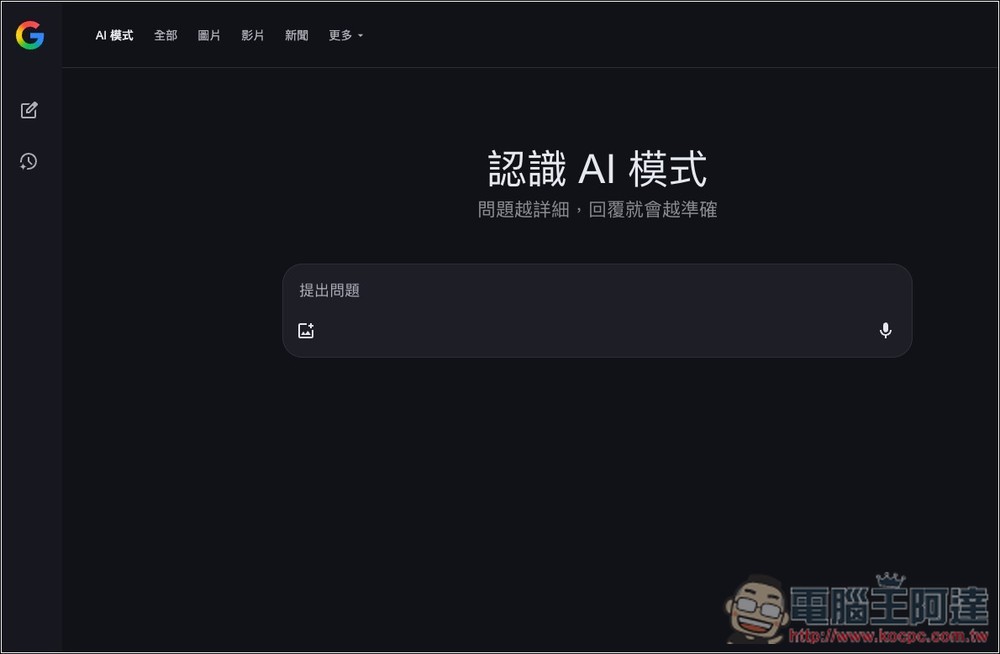
What is Google AI Mode?
Google AI Mode is a feature that integrates generative AI technology into the traditional search engine. Simply put, it’s like ChatGPT Search,Perplexity Same.
Google’s goal in developing this mode is to change the way users interact with information—no longer simply providing a list of links, but directly giving you the complete answer, and when you have the need, you can then go into the links in the search results to read further.
You can use text,VoiceUse images (take a photo or upload) to ask questions. AI mode understands various forms of queries and processes them. For complex problems, AI mode automatically breaks them down into multiple sub-questions, searches each one simultaneously, and then consolidates all the information to give you an overall reply—simpler, faster, and more comprehensive than searching slowly on your own.
More importantly, the chat content of every AI mode will be saved, meaning you can quickly find previous content in the future, and even ask the AI more follow-up questions on that topic.
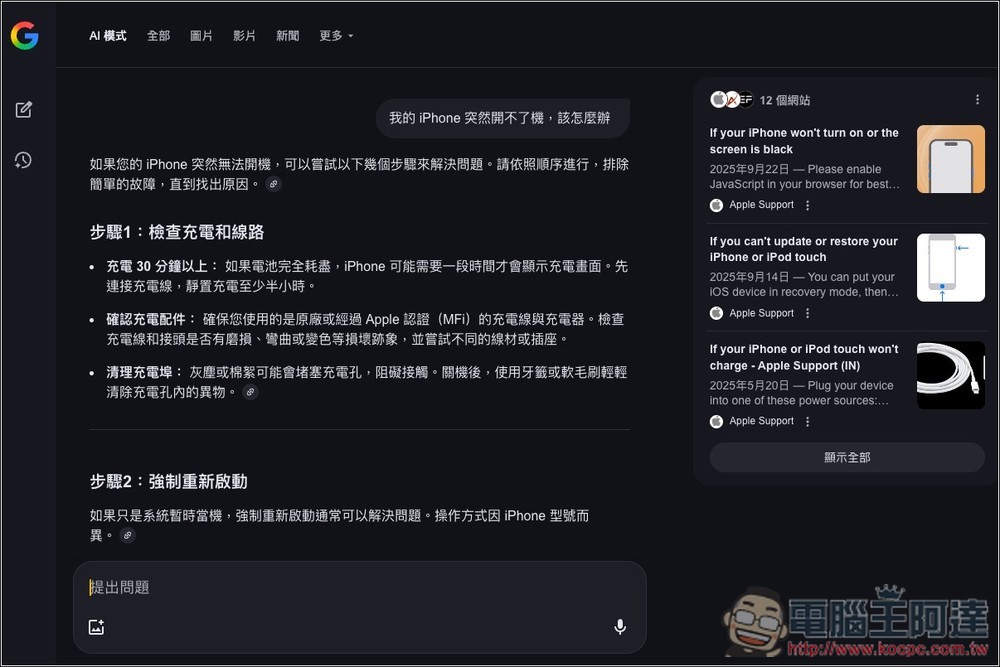
4 Ways to Use Google AI Mode
Google AI Mode currently offers 4 ways to use it:
- Go straight in. https://google.com/ai to the website, and you can start chatting with Google AI.
- Go to the Google search page and click the AI mode next to the search bar.
- As before, just type what you’re looking for or your question directly into Google Search, and on the search results page, you’ll see a button to switch to AI mode.
- When you open the Google App on your phone, you’ll see a button on the homepage to enable AI mode.
What’s the difference between Google AI Mode and AI Overviews in search results?
Google search results have long displayed AI summaries at the top. Many people might be curious about the differences between the two. Here are the main distinctions.
- AI summaries in search results are not shown every time; the search system decides on its own and only displays an AI summary when needed. In contrast, Google AI Mode gives you an AI answer no matter what you ask.
- Google’s AI Mode can engage in continuous follow-up questioning on the same or related topics and provide AI-compiled answers—something AI Overviews cannot do.
- AI summaries are centered on text summarization, while AI mode emphasizes multimodal understanding (text/voice/images).
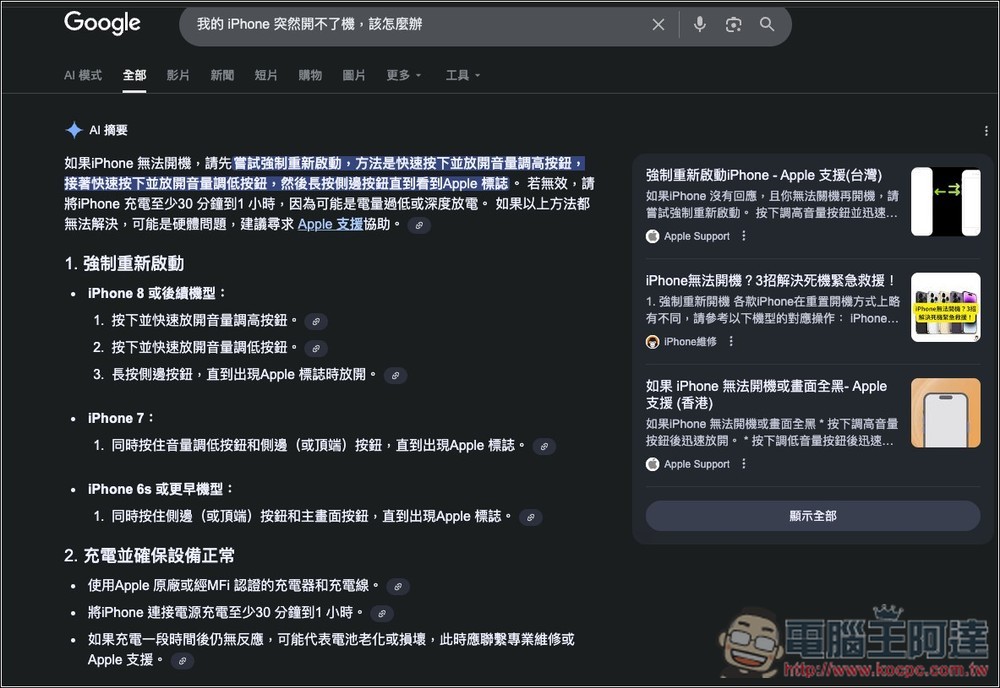
What’s the difference between Google AI mode and regular search results?
A regular search only lists links to various websites, meaning you need to manually visit each site to read and organize the content. Searches primarily rely on keywords, which may not always find what you’re looking for.
In addition to listing source links, AI mode also organizes the answers for you, helping you save time on searching for information. When asking questions, you can use natural language, and AI can understand your questions and find the information you need.
Of course, since this is AI-compiled, there’s still a chance of hallucinations or incorrect information at this stage (though the probability is now much lower than before). So if you feel the answer seems a bit off, be sure to double-check it yourself.
Source: KOCPC Chinese