


by Black Forest Labs and Krea AI co-developed FLUXThe Krea text-to-image model has been very popular since its launch. Although you can download the model and use it locally, not everyone’sComputerall have sufficient performance to run, and this article will recommend one that can be generated directly online.Free toolsIt’s called ‘AI Flux Krea Image Generator’. Both registration and daily check-ins give you free credits, so that means if you don’t need to generate a lot of images, you can use it for free.
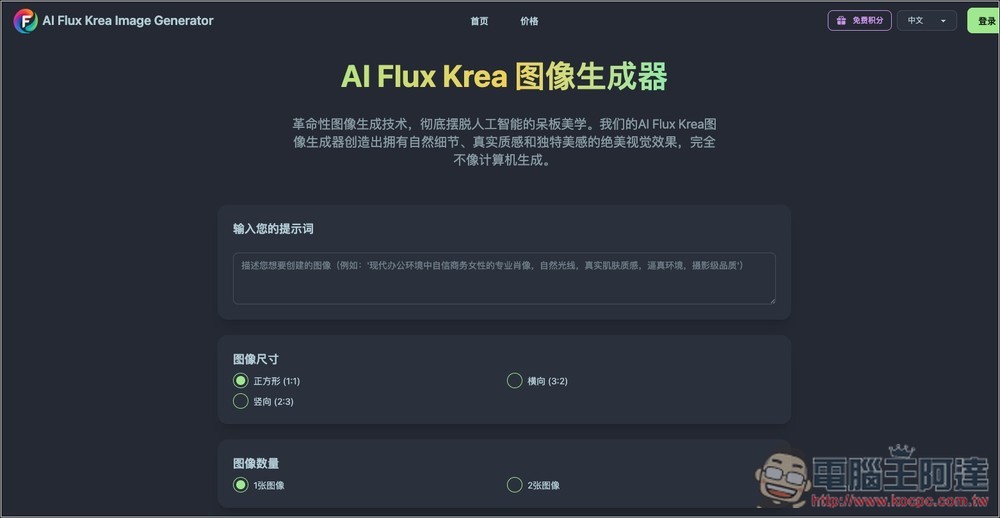
AI Flux Krea Image Generator Introduction and Tutorial
AI Flux Krea is an image generator based on the 12-billion-parameter FLUX.1-Krea model. Its core lies in adopting the revolutionary “anti-AI aesthetics technology,” which aims to eliminate the plastic or waxy look commonly found in traditional AI-generated images, producing more natural and realistic pictures. It creates images with natural lighting and shadows that look more like real photography.
Key features
- Anti-AI aesthetic techniques: eliminating typical AI issues to create natural, beautiful images.
- Realistic texture rendering: generates lifelike skin, materials, and environmental details.
- Natural lighting and composition: creating light, shadow, and composition that resemble real photographs.
- FLUX.1-Krea model: Utilizes advanced diffusion transformer technology to ensure high-quality images.
- Aesthetics first: with visual beauty and natural appeal as the primary goals.
- Quick generation: can generate high-quality images in 30-90 seconds.
- Full commercial rights: Images created by users can be used in commercial projects.
Go to AI Flux Krea image generator
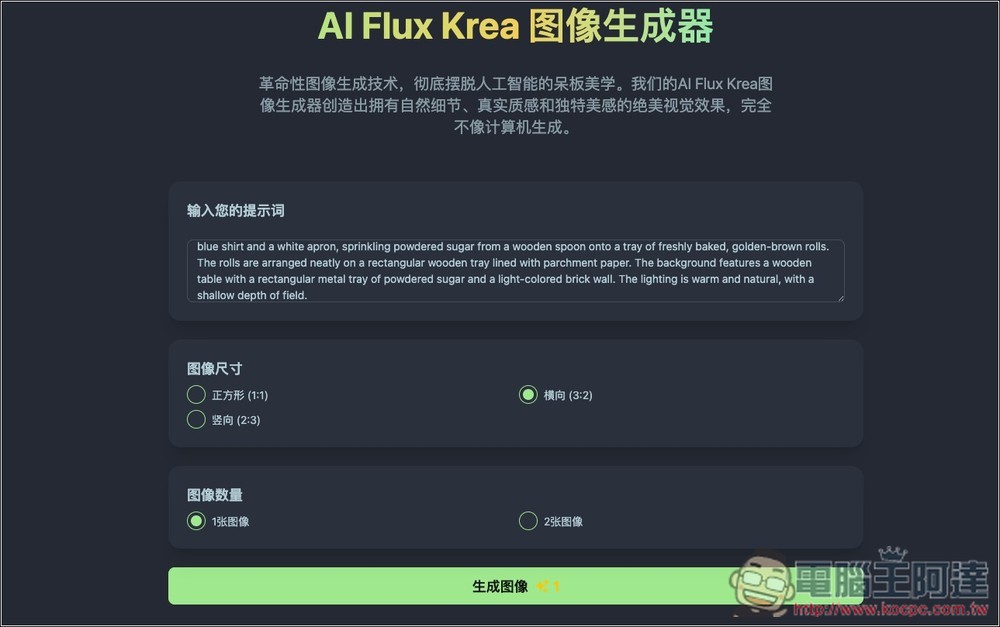
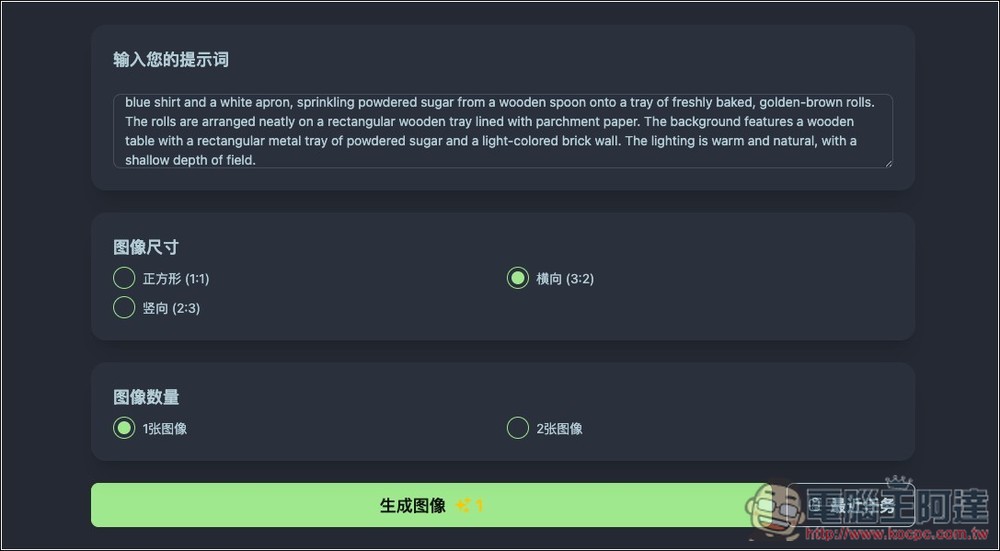
After entering the AI Flux Krea image generator via the link above, you’ll see the screen shown below. Enter your prompt at the top, select the size in the middle—there are three options: square (1:1), landscape (3:2), and portrait (2:3)—and set the number of images to 1 or 2. Since generating images costs credits, it’s recommended to set it to 1 image (costing 1 credit).
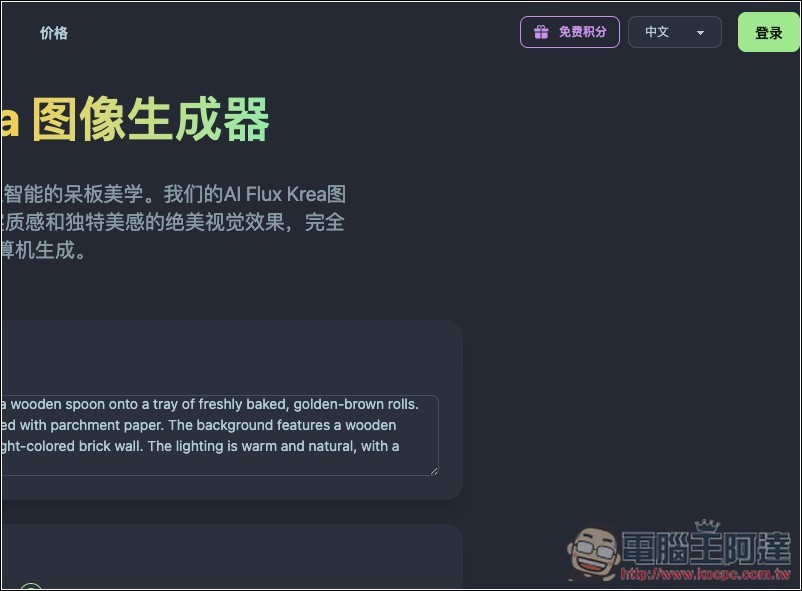
To use it, you need to register an account. Click “Login” in the upper right corner:
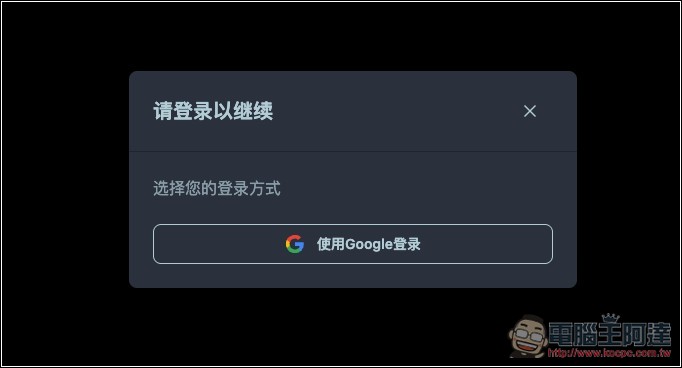
Currently only supports via Google Account login, email registration not supported:
After registering, remember to first click the free points button at the top right to check in. After checking in, you can get 1 point:
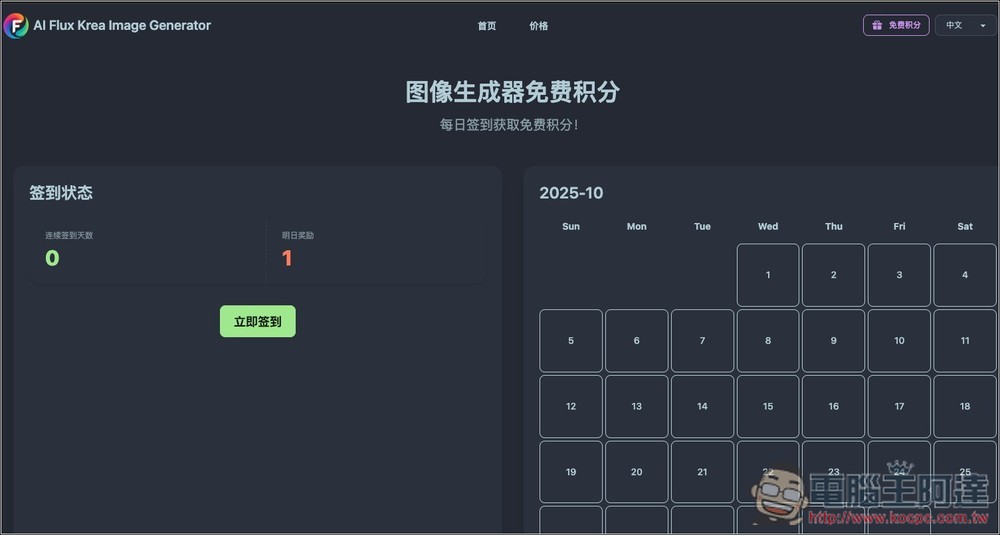
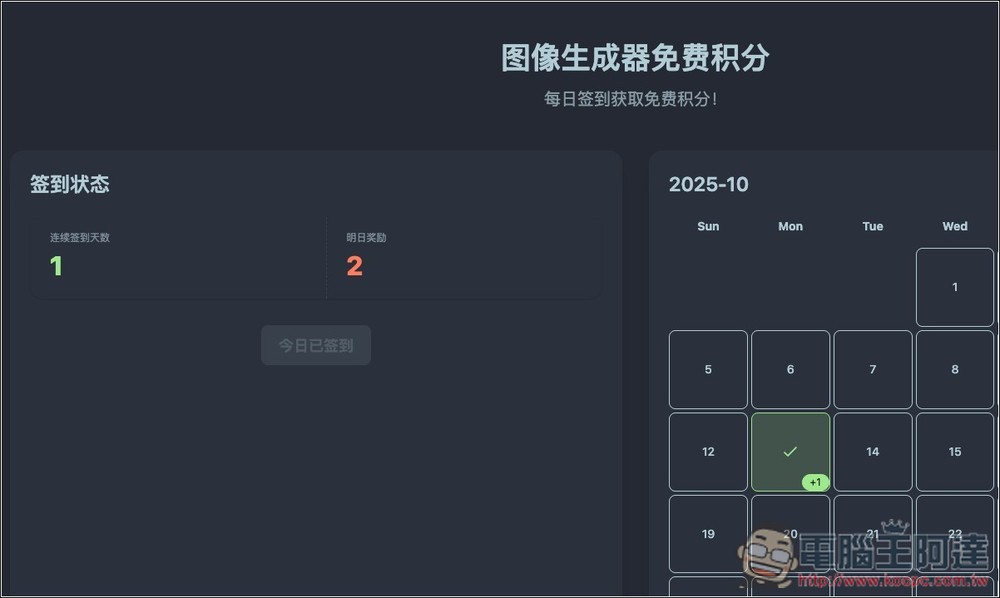
Points seem to increase with the number of check-in days. After I checked in, tomorrow’s reward became 2:
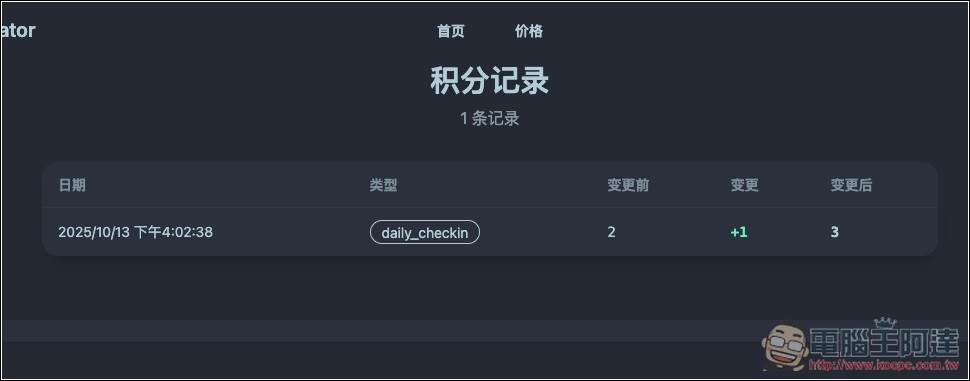
You can check your point balance in the point records under your account. You get 2 points just for registering, plus the ones from just now when you checked in, so you’ll have 3 points, which is enough to generate 3 images.
Then you can return to the main screen to generate the image you want:
After clicking Generate Image, a sidebar of recent tasks appears on the right, with the generation task you just submitted below it. Compared to ChatGPT, Gemini, and Grok, the AI Flux Krea image generator takes slightly longer to generate:
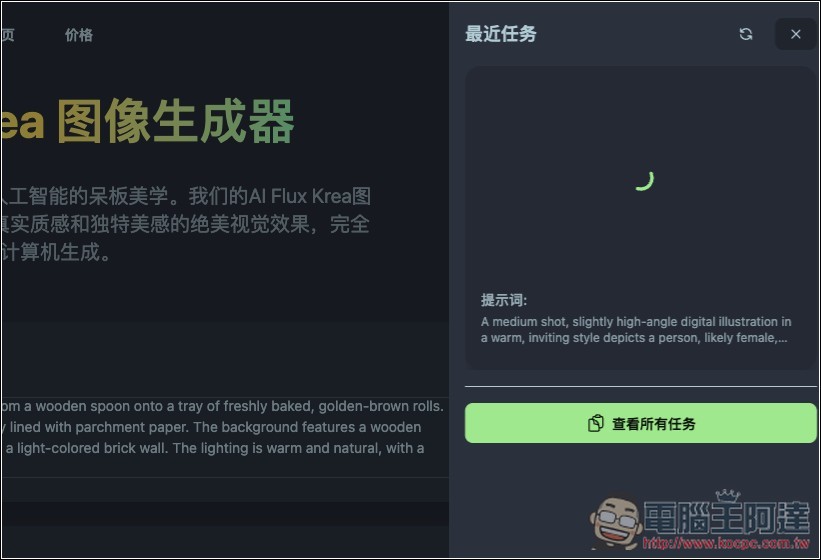
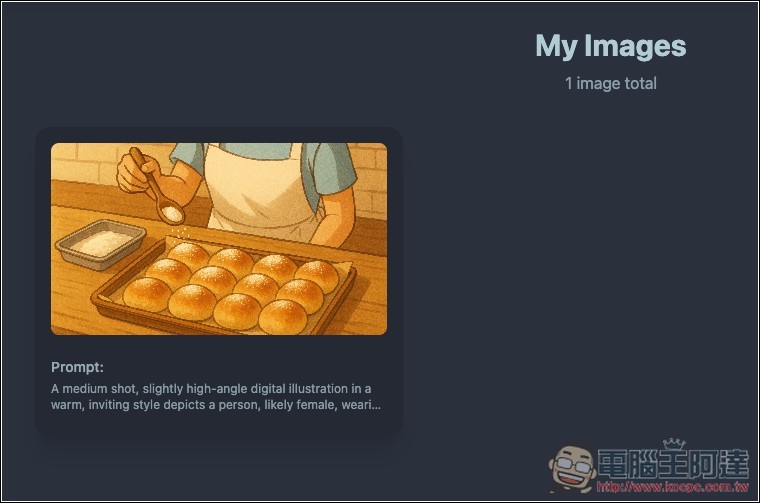
You can come back to my task later to check whether the image has been generated. If it’s done, the image will be displayed:
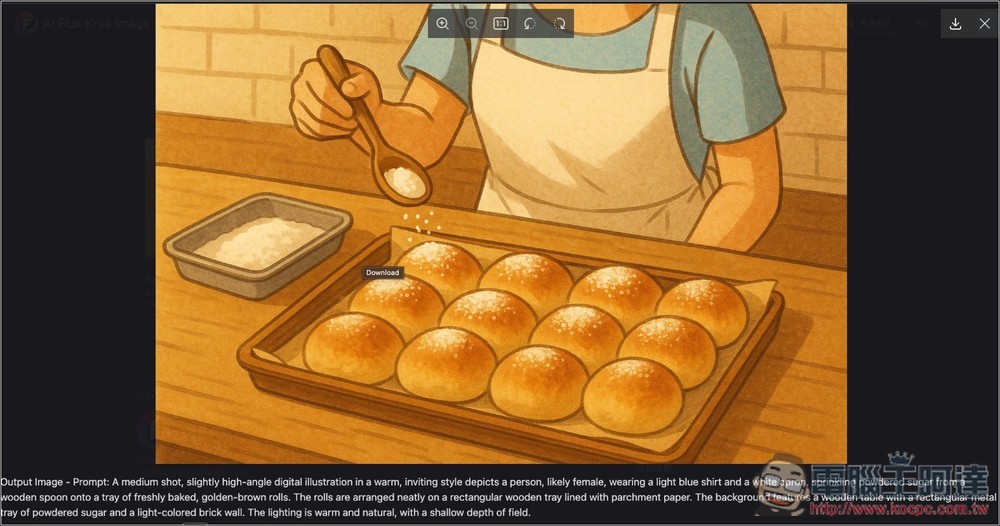
Expand the large image, and you can find the download button at the top right corner:
Regarding the commercial use portion, it is stated in the Q&A section below:
當然可以!使用我們AI Flux Krea圖像生成器創造的圖像擁有完整的商業權利,專門設計用於與專業項目無縫集成。
Source: KOCPC Chinese