


I never would have thought. Grok Suddenly launching the new generation Imagine v0.9 at this time. Video generationModel, and the results surprised everyone. It’s almost fair to say that every aspect has been greatly upgraded. In addition to better image quality, it can also generate sound simultaneously, just like Sora 2 and Veo 3. More notably, Imaging v0.9 when you uploadImageAfterwards, it will automatically convert intoMovie, no need to give any prompts, I actually tested it and the results are amazing, the visuals look super natural.
Furthermore, Imagine v0.9’s content restrictions are much more lenient than others, meaning that even some NSFW content can be turned into videos. It’s free to use, and you don’t need to use any… VPN。
Grok Imagine v0.9 video generation model is here! Major upgrades across the board—it can generate sound simultaneously, and content restrictions are very lenient.
Earlier, Musk announced on X the release of the Grok Imagine v0.9 model, jumping straight from v0.1 to v0.9 — that’s truly wild.
Grok Imagine v0.9 uses the new Aurora engine, a rendering system optimized for real-time generation and audio synchronization, boasting that users can generate standard-quality videos in just 5 seconds, with high-resolution output completed in under 15 seconds.
Unlike competitors that rely on prompts or lengthy rendering times, Grok Imagine focuses on instant creative feedback, so users only need to upload an image and Imagine automatically converts it into a video—no prompts required. If adjustments are needed later, prompts can be added via the Custom feature.
In addition, Musk also mentioned that Grok Imagine v0.9 is a major update to the generative AI platform, integrating image creation, video generation, and speech synthesis into a single unified experience. You just need to open the Grok web version and log in to your account to use all features, including the latest video generation.
The image below is the interface of Imagine. The difference from other AI generation tools is that Grok’s video and image generation are combined. That is, after you enter a prompt in the input box, it first generates multiple images. Once you find an image you like, you go to the inner page and then convert it into an image. Click the paperclip next to the input box to upload your image:
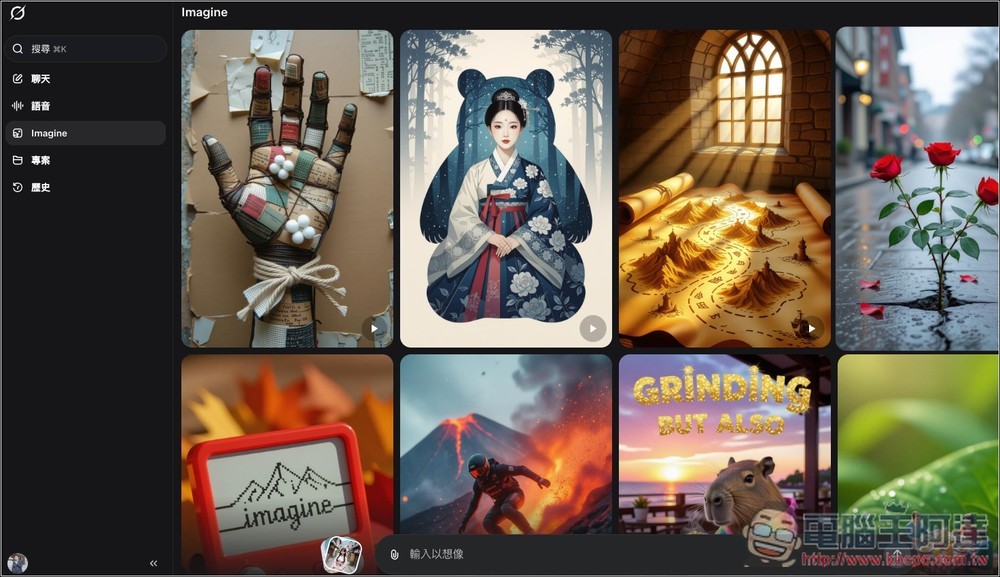
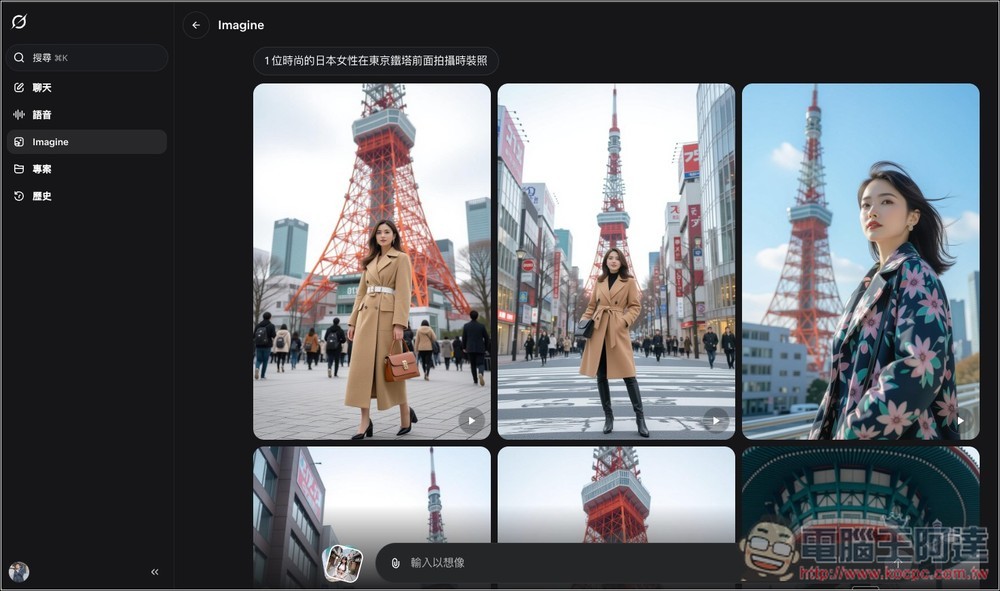
My prompt was “a stylish Japanese woman taking fashion photos in front of Tokyo Tower,” and Grok generated tons of images for me to browse through. Keep scrolling and it just keeps generating, and it’s super fast:
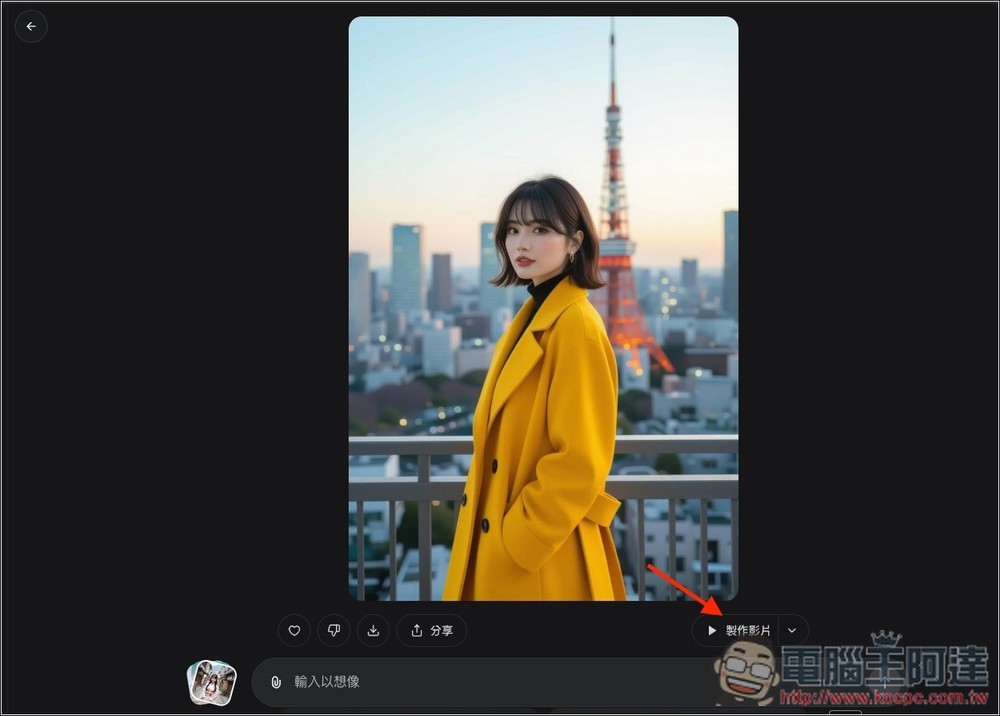
I think this one is quite good. Once you’re on the page, you’ll find a “Create Video” button in the bottom-right corner; clicking it will start converting it into a video:
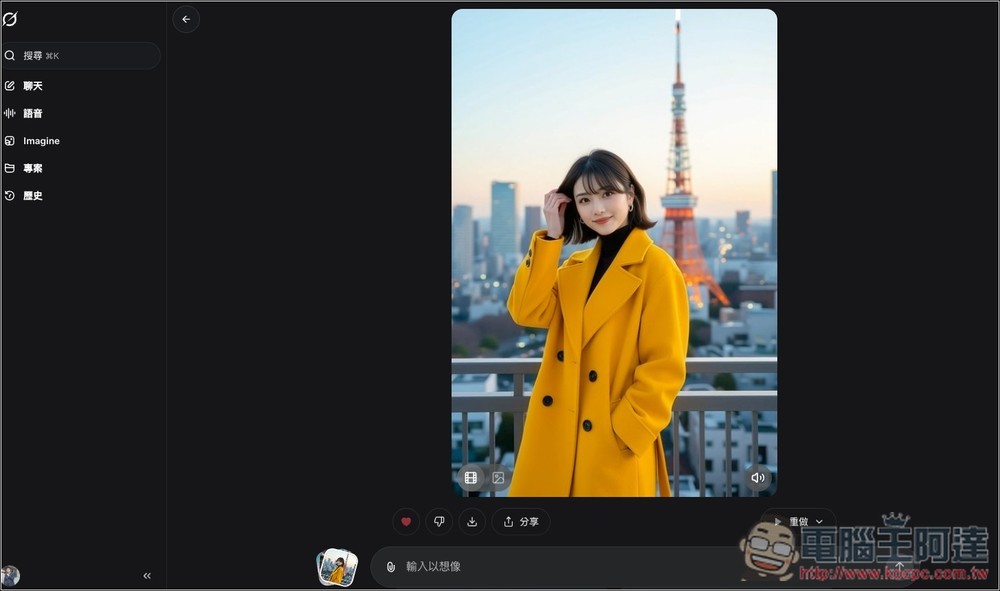
This is the result of Grok’s automatic conversion, and it’s already very good—the movements look natural, and there’s voice-over too.
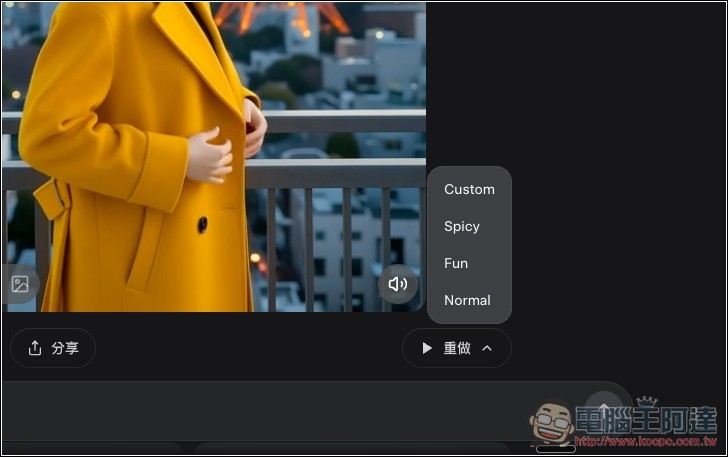
If you’re not satisfied with the generated video, you can click Redo, or open the arrow menu, which contains four options: “Custom,” “Spicy,” “Fun,” and “Normal.” With Custom, you can enter your own prompt; Spicy requires you to be 18 or older and will generate NSFW videos.
This is the prompt I used for “take off everything, leaving only underwear,” and Grok can generate it too — the content really pushes the limits. There’s no way Sora or Veo 3 would work with a prompt like this.
Spicy’s video generation result:
Source: KOCPC Chinese