


the past ChatGPT can upload videos, but it can’t play them.FilmTherefore, the video content cannot be directly analyzed. Recently, netizens on foreign communities have discovered that ChatGPT iOS The version quietly received a video update that not only lets you upload videos (via drag-and-drop) but also lets you watch them, meaning you can upload a video and ask ChatGPT about its content. I tested it, and it actually works.
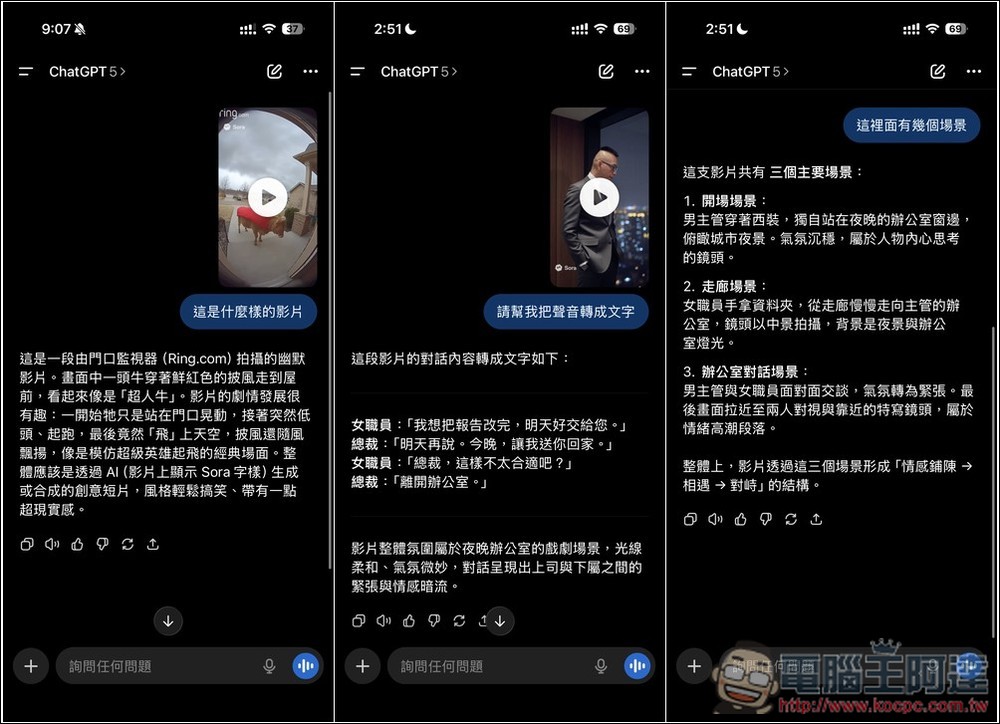
ChatGPT iOS quietly added a video import feature, and now it can analyze videos.
To use the new video upload feature on ChatGPT iOS, make sure you’ve upgraded to the latest version first. Additionally, the in-app upload function still doesn’t support video uploads—you’ll need to drag and drop videos from the Photos app into ChatGPT. This also means your video files must be saved in the Photos app.
After confirming all of the above, you can start using it.
The steps are a bit complicated, you can refer to the one below. GIF Okay, first long-press the video you want to import in the iOS Photos app. Then, while the video is in a floating state, use another finger to swipe up from the bottom, and all apps in the background of the iPhone will appear. Then drag the video into the ChatGPT app, and slide it over the input box area. A green + will appear in the upper right corner. At this point, you can release your finger to import the video:
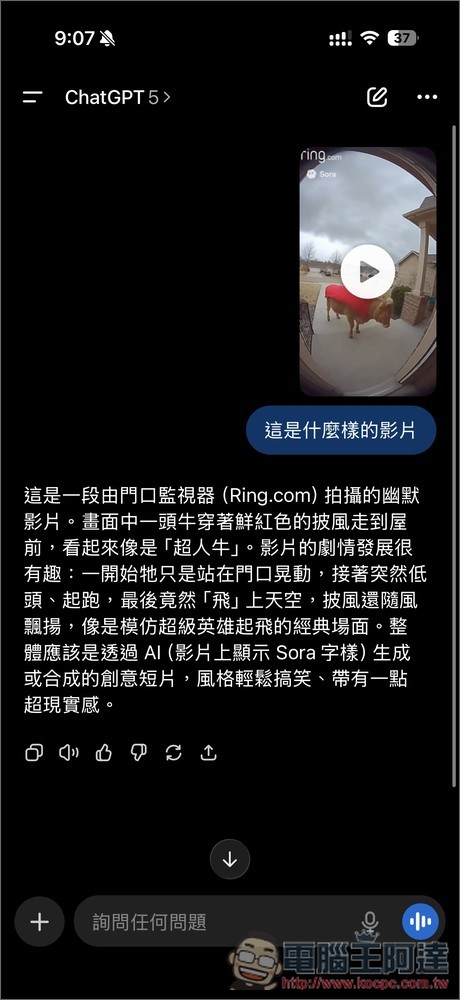
Enter the question you want to ask, like when I asked “What kind of video is this,” ChatGPT successfully identified it as a humorous video. The cow in the scene was wearing a red cape, just like Superman cow, and the subsequent plot was also correct—the cow initially just stood at the door swaying, then flew up into the sky. More importantly, ChatGPT also noticed that it was Sora Generated video
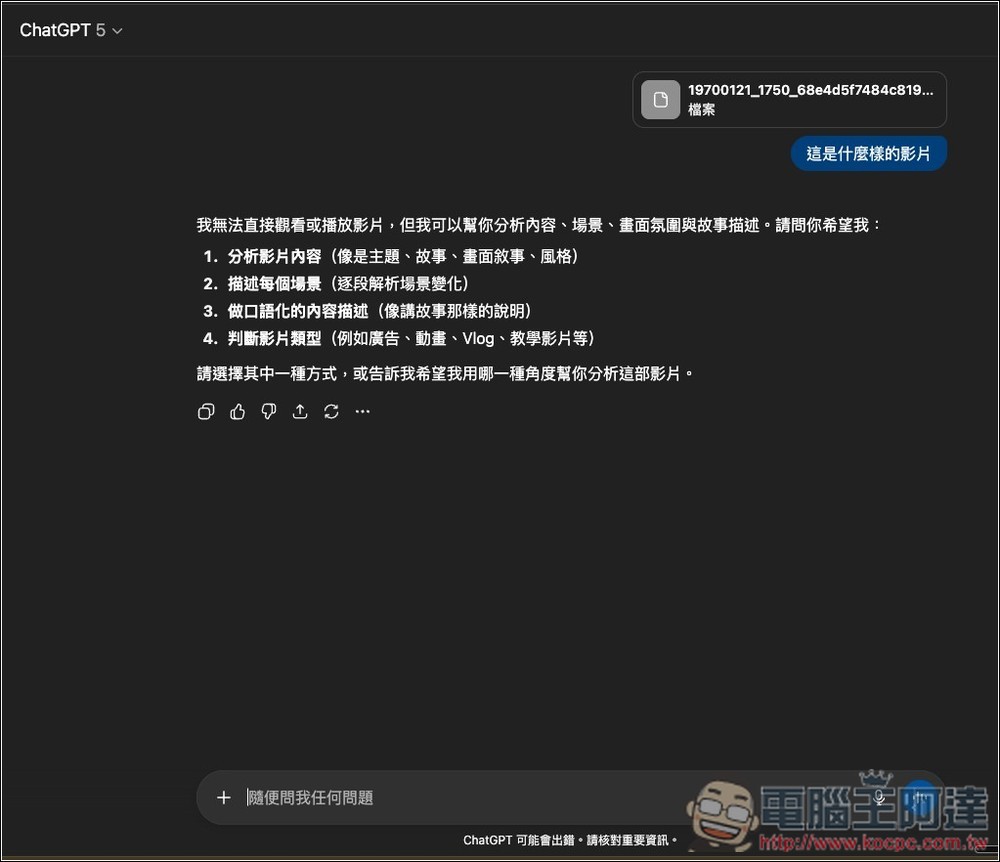
Additionally, I’ve also tested the web and desktop versions, and I still can’t analyze videos. I’m not sure why only the iOS version was updated:
And with the video viewing feature, ChatGPT can do even more, for example you can ask:
- For AI video generation, what kind of prompt should be used to generate the same video? ChatGPT will analyze and provide suitable prompt content.
- Video audio transcription: You can also have ChatGPT transcribe the dialogue or sounds in a video, then generate a text summary. This is very useful for interview videos—beyond extracting the conversation, you can later ask it to summarize the key points or translate it into other languages.
- Video element analysis: When you want to learn how to shoot a particular video, you can first feed it to ChatGPT to analyze the key elements, such as how many scenes are in the video and how each scene is presented.
The above is what I can think of for now. Everyone’s welcome to play around with them. I just hope… OpenAI Can you quickly roll out this feature to the web and desktop versions? The iOS version is still not that convenient to use.
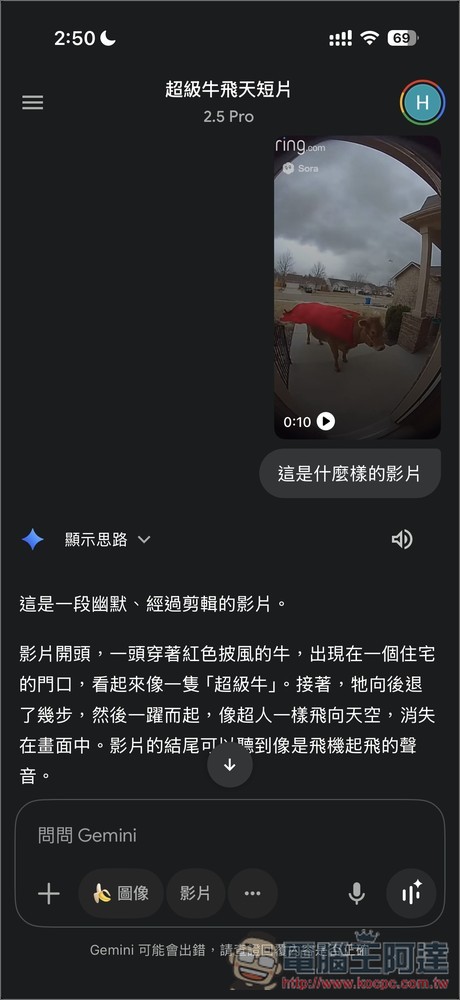
Besides ChatGPT,Gemini It has long supported video viewing as well; you can compare the two:
Source: KOCPC Chinese