


along withApple recently adjusted its strategy to open game emulators to the App Store After that, users can play some classic retro games of the year directly on their iPhone or iPad through the emulator. But in the past few days, there have beenSeveral emulator APPs were removed from the shelves soon after they were launched., until earlier today, the Delta game emulator was officially launched on the App Store, allowing everyone to easily play various Nintendo games on the iPhone, including emulators for classic handheld game consoles such as Game Boy, GBA, GBC, NES, SNES, N64, NDS, DS, etc. This time I will share with you its hands-on playing and game installation tutorials!
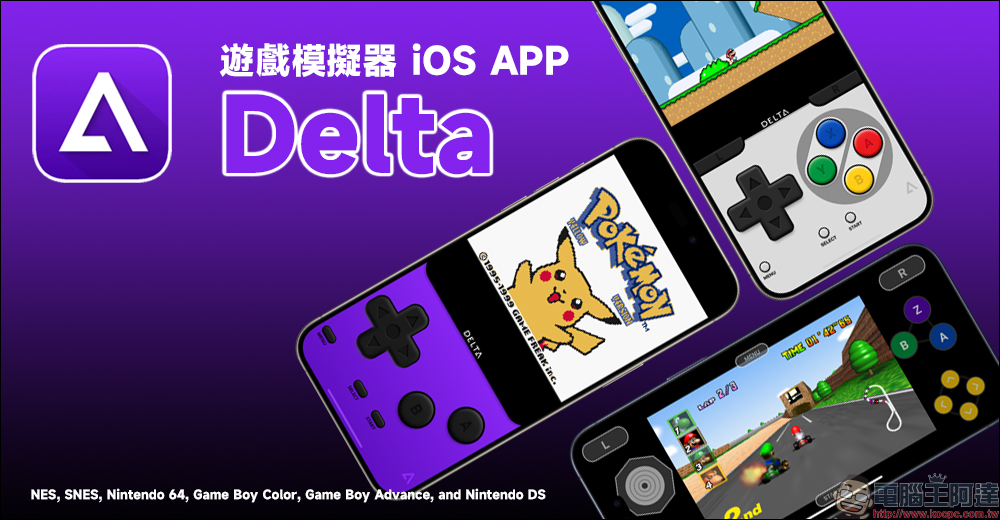
Delta Game Emulator iOS APP is now available | Nostalgic classic game consoles return on iPhone, game installation tutorials and hands-on play (Game Boy/GBA/N64/NDS/NES/SNES)
A while ago, Apple quietly revised its own App Store application review guidelines, opening up the freedom to list applications corresponding to game emulators. Several game emulators have been briefly put on the App Store in the past few days, but it was not until the emergence of this “Delta-Game Emulator” earlier today that players can finally have a better gaming experience.
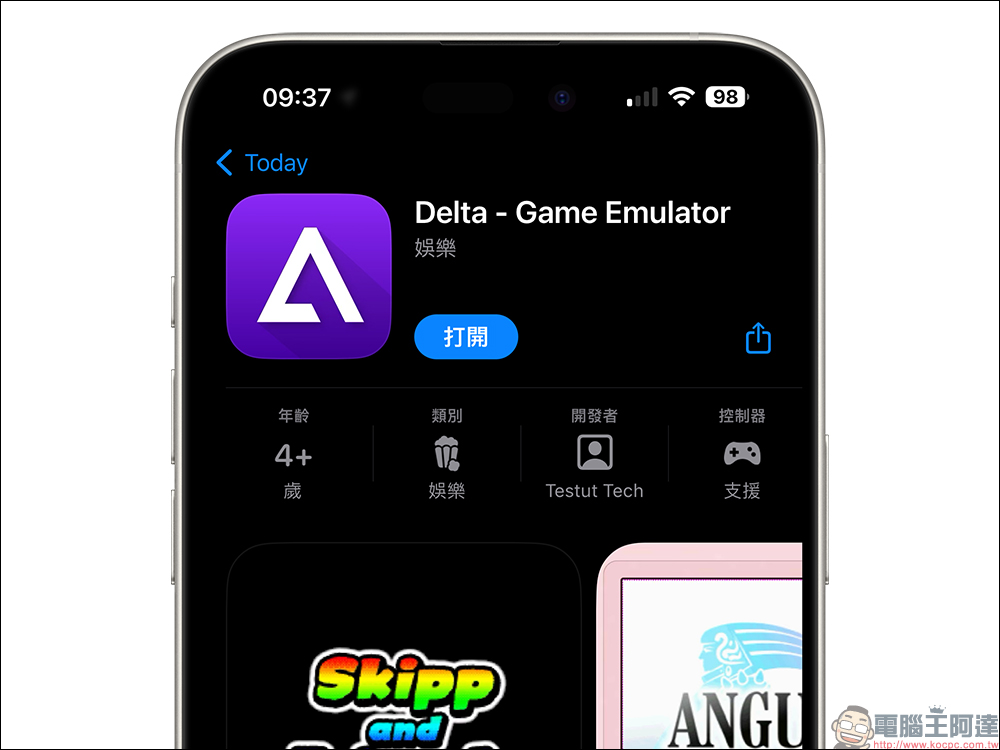
If you want to play these games on your iPhone, just go to the App Store and download them directly.Delta−Game Emulator“For this APP, the minimum system requirement is iOS 14, macOS 11.0 (or above) version, and it can be run on these devices.
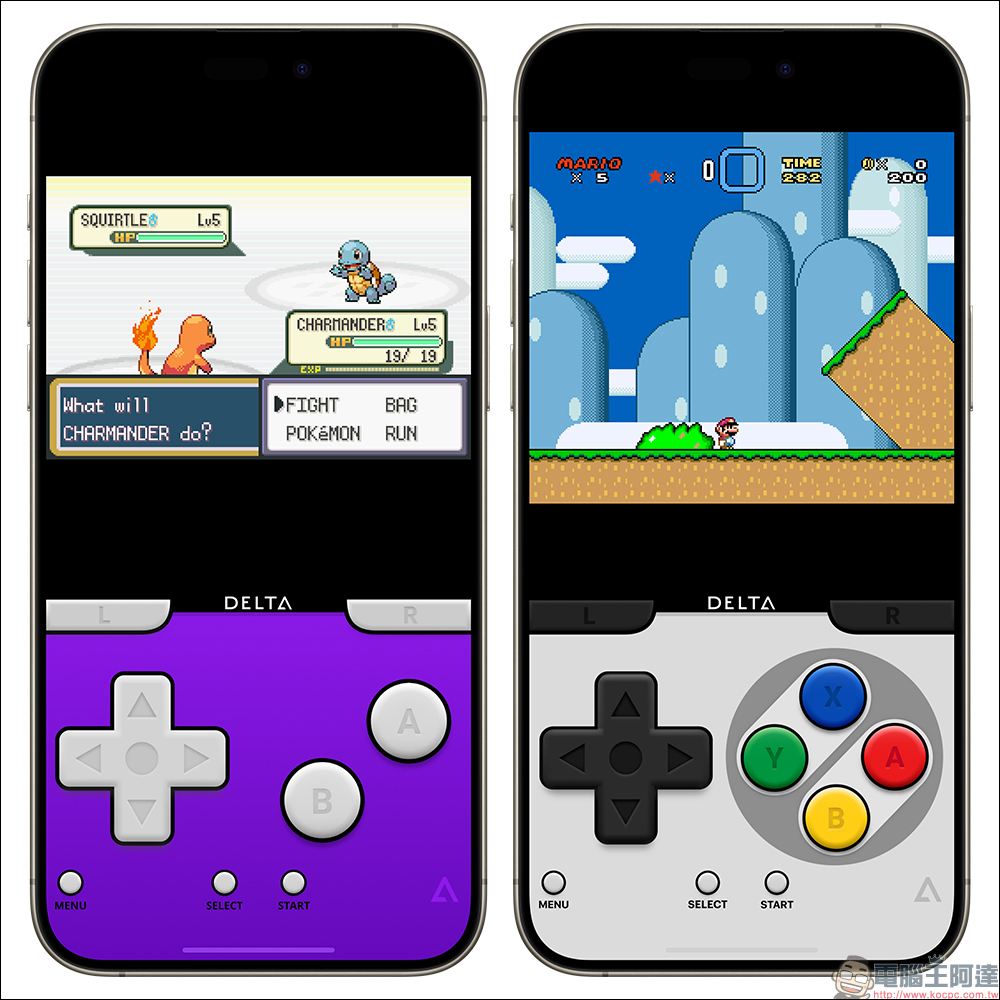
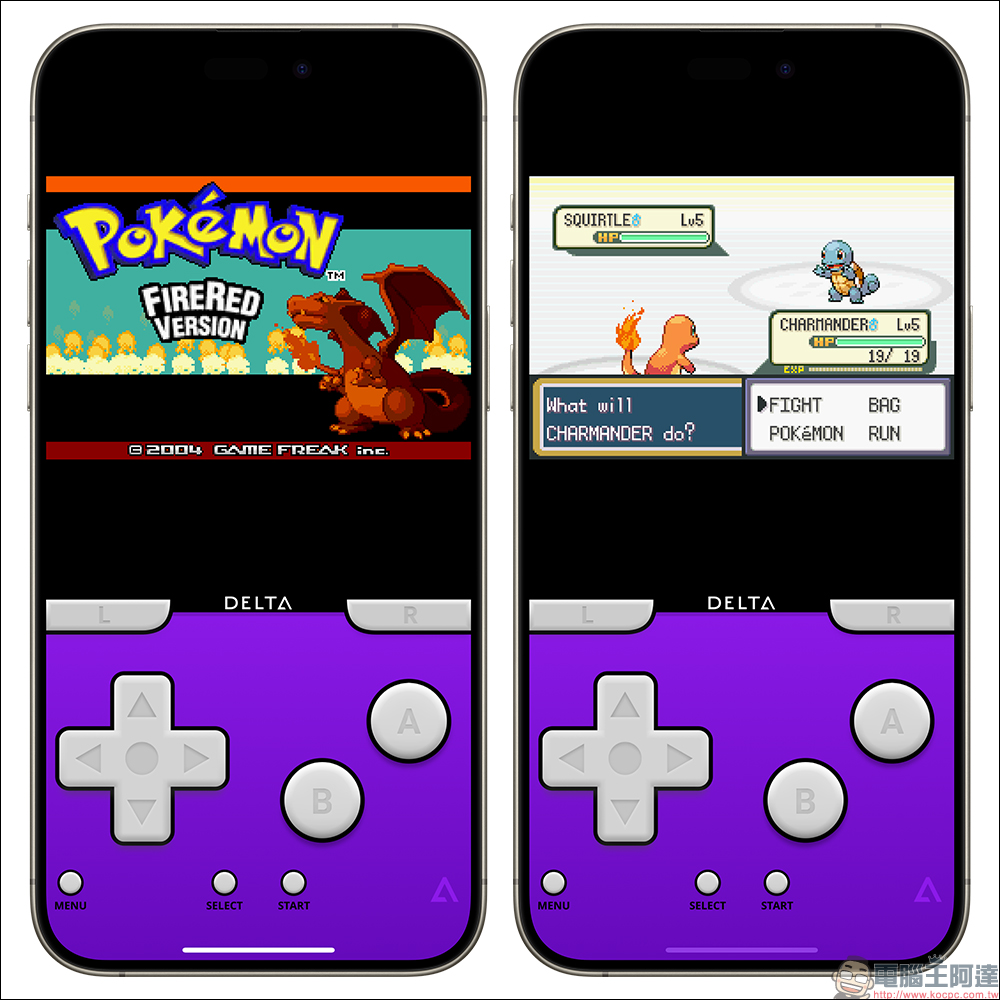
Delta, an iOS game emulator, can play many classic game console games directly on iPhone, such as Game Boy Color, Game Boy Advance (GBA), NES, SNES, Nintendo 64, Nintendo DS and other console games. It can also simulate the appearance of these game consoles, and the game control functions are also completely converted to a method suitable for iPhone users.
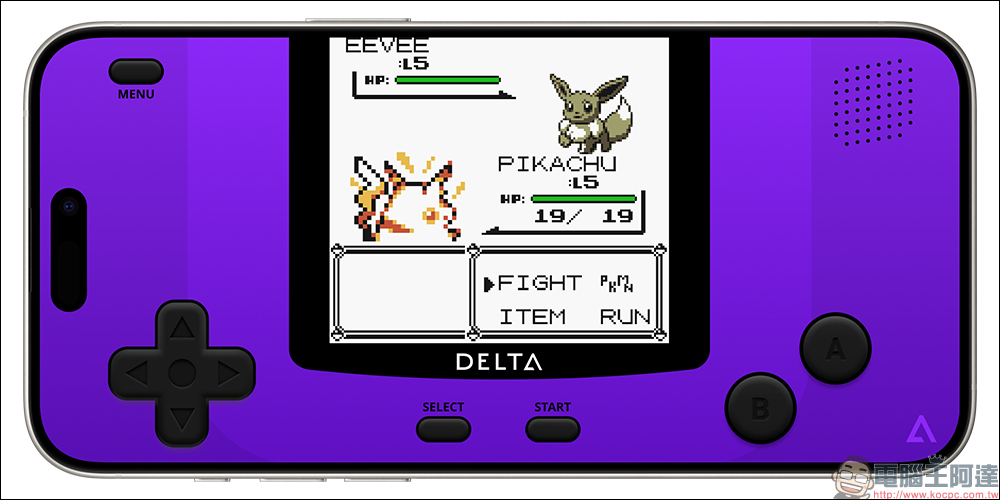
By controlling the iPhone vertically or horizontally, you can also switch between different game interfaces, just like actually playing Game Boy Advance (GBA)! In the past, the Delta emulator could not pass the App Store review. Now, with the policy adjustment, it can finally be successfully put on the App Store. This APP is free, ad-free, and does not require jailbreak, allowing everyone to relive the memories of the past.
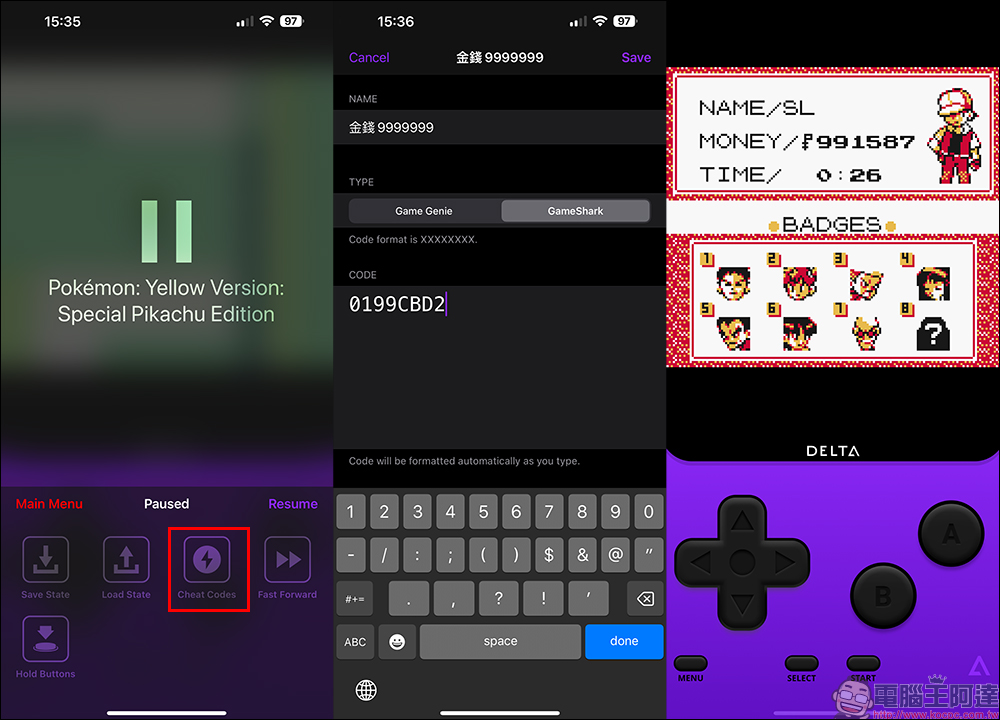
Delta game simulator has built-in functions such as Cheat Codes, Fast Forward and Hold Buttons. If you want to use a cheat to open cheats in the game, select “Cheat Code” in “Menu”, then add a cheat and save it. Since the interface is in English, here we briefly share the content to be entered in these fields:
- Name: plug-in name (this part can be customized for your own convenience)
- Type: Plug-in type (can be selected according to the cheat format)
- Code: Cheat Finger Code (you can search on the Internet by yourself, enter (game name) + Cheat Codes as the keyword, and you can find a lot of Cheat Finger information)
Download “Delta−Game Emulator” APP (App Store)
Compatible game emulators:
- NES
- SNES
- N64
- GBA
- GBC
- DS
Support game controller:
- Nintendo Switch Pro Controller, Joy-Con
- Nintendo Switch Online Controller (NES, SNES, N64)
- PS4, PS5 game controller
- Xbox One S, Xbox Series X Game Controller
- MFi Game Controller
- Bluetooth and wired keyboards
summary
For many people, before smartphones became popular, handheld game consoles were memories that many people grew up with when they were children. Back then, they could play games for a long time with a Game Boy and a few game cartridges. There were also many classic games that people miss. Now if you want to play emulator games on your iPhone, you only need to download this Delta game emulator. There is no need to jailbreak or complicated settings. You can easily play by loading the game with the game file. Of course, if you want to collect this APP and regain the gaming fun of the past, it is still recommended that you download this APP as soon as possible to avoid being removed from the App Store without warning later.
Further reading:
4 camera upgrades expected for the iPhone 16 Pro series this year
Source: KOCPC Chinese