


OpenAI Latest Sora 2 After the video is generated, there will always be on it LOGO WatermarkAlthough it won’t significantly affect the viewing experience, some people may not want watermarks. Currently, OpenAI doesn’t officially offer a generation option without a logo watermark. However, the good news is that there’s now a tool called “Free SoraWatermark Remover” available online.Free tools, you simply need to upload your video, and it will through AI A technique to remove Sora’s LOGO, and it’s completely free to try, no registration needed.
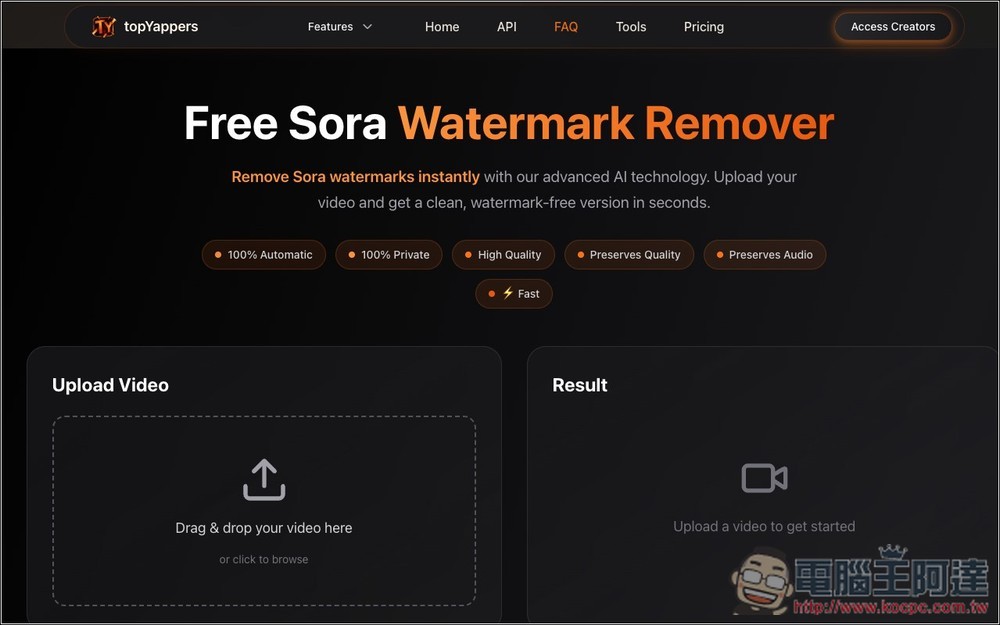
“Free SoraWatermark Remover” Tutorial: Remove Sora Video Watermarks with One Click
Free SoraWatermark Remover is a tool developed by TopYappers AI videoA watermark removal tool designed specifically for videos generated by OpenAI’s Sora model. After uploading a video with a Sora watermark, it uses AI technology to automatically detect and remove the watermark.
According to the introduction, this tool uses an advanced repair algorithm that can intelligently fill in the blank areas left after watermark removal, while preserving the original video quality as much as possible to ensure the final output looks as if the watermark was never added. However, from my testing, you can still actually tell — the area where the LOGO was becomes something resembling a mosaic.
The removal process will take a little while, but you can close the webpage, and it offers an email notification once it’s done, so it’s pretty convenient.
Go to Free SoraWatermark Remover
Main features
- Fully automatic: Using AI technology, it can automatically detect and remove watermarks. Depending on the length and complexity of the video, as well as the current number of users, processing time ranges from about 30 seconds to 1 hour.
- High quality: uses an intelligent restoration algorithm to preserve the original video quality, making the processed result nearly indistinguishable from the original without a watermark, with the same resolution.
- Preserve audio: The original audio of the video will not be affected in any way during processing.
- Privacy-focused: User-uploaded videos will be automatically deleted after 24 hours to protect user privacy.
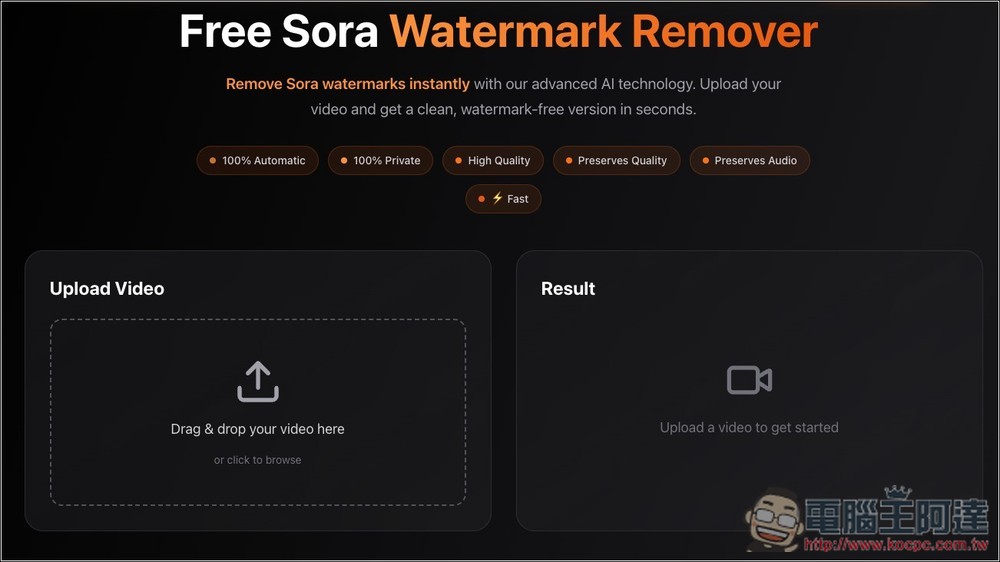
After clicking the link above to go to Free Sora Watermark Remover, drag the Sora video you want to remove the watermark from to the upload area on the left, or manually select it as well:
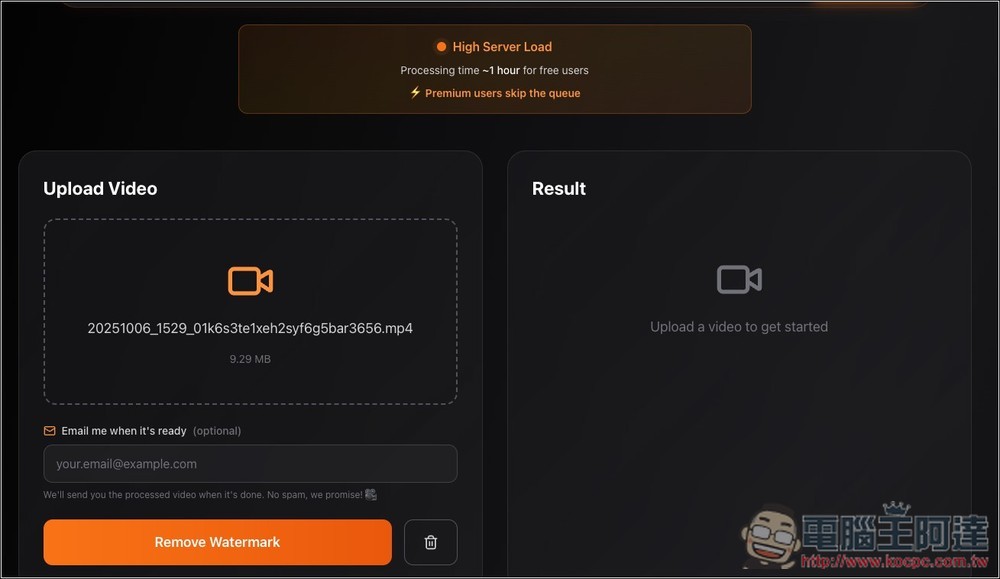
However, it seems to be because there are too many users right now. After you upload a video, it will show “High Server Load,” meaning the server is currently under a bit of heavy load. As a result, free users will have to wait longer for processing, up to an hour at most, while paid users can skip this step. However, I wouldn’t really recommend upgrading to a paid account, since the price isn’t exactly cheap.
After you press “Remove Watermark,” you can close this webpage, so I’d recommend entering your email address above. That way, once the video is processed, it’ll send you an email notification—no need to keep the page open and wait.
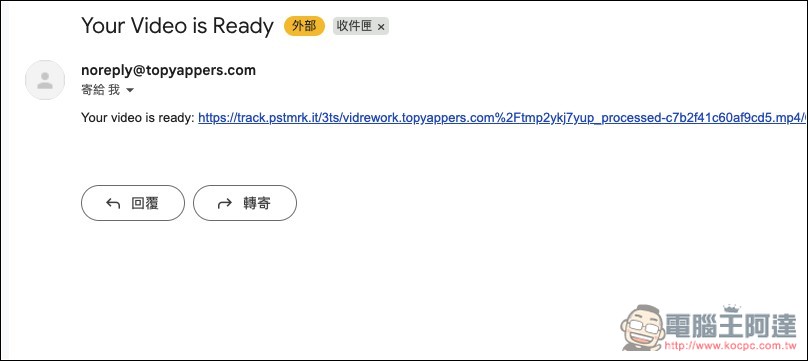
Once the video has been processed, you’ll receive this email with the link to the watermark-free video. Click it to watch online:
It will open a player screen like this:
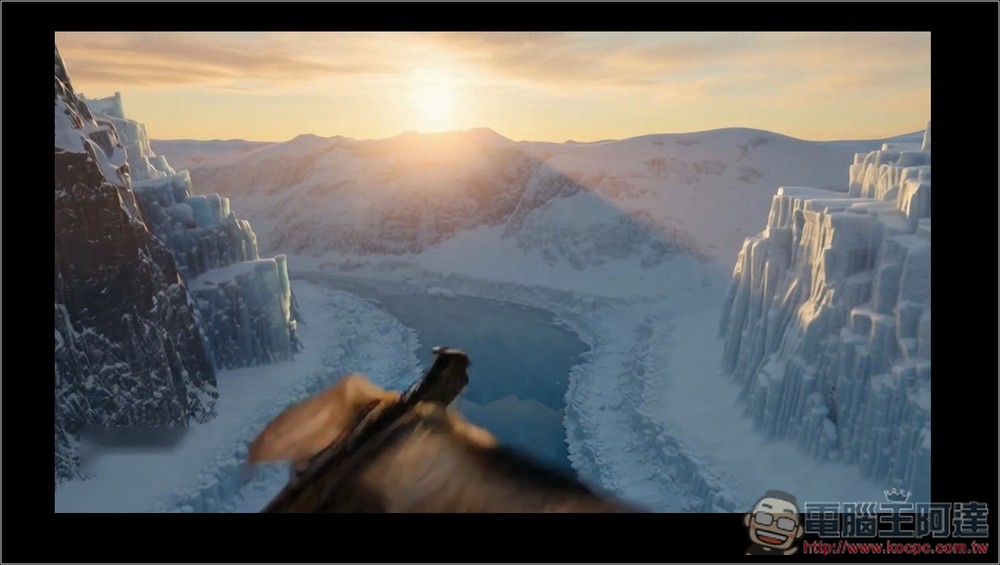
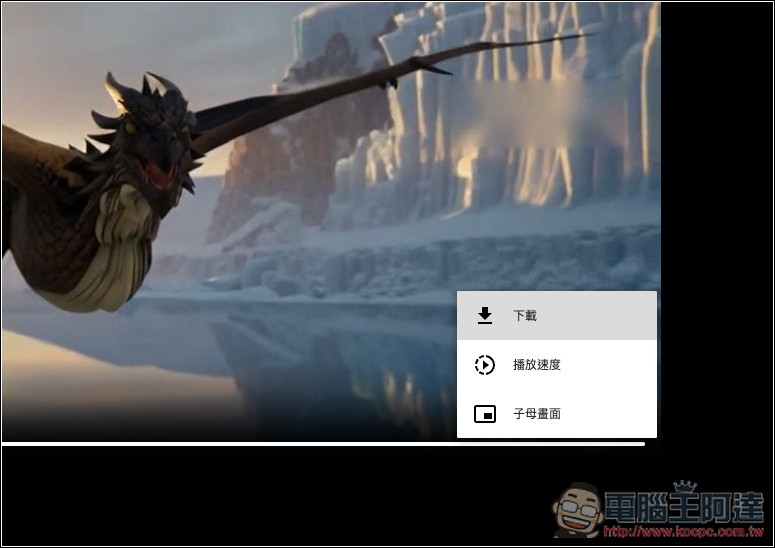
You can find it in the menu at the bottom right corner.Download videothe button. Additionally, you may notice that at the top of the image below, there is a mosaic-like area. This is where the original Sora logo was, so the removal effect of this tool is not 100% perfect, and there is still room for improvement:
Below is my test video, which hasn’t had the watermark removed yet:
This is the video with watermark removal completed:
Source: KOCPC Chinese