


Along with Sora 2 launchedseeing, OpenAI After watching the actual video shared, you’ll definitely want to try it out. Unfortunately, even for paying users, most people can’t use it at this stage—only those with an invitation code. The good news is, this post is here to share an invitation code with you and show you how to successfully sign up and use it.
Also, just a heads-up: each user can only invite up to 4 people, so the set of invitation codes shared below won’t be enough for everyone. If you’ve successfully registered, please In Facebook postsAlso share your invitation code so more people can use it.
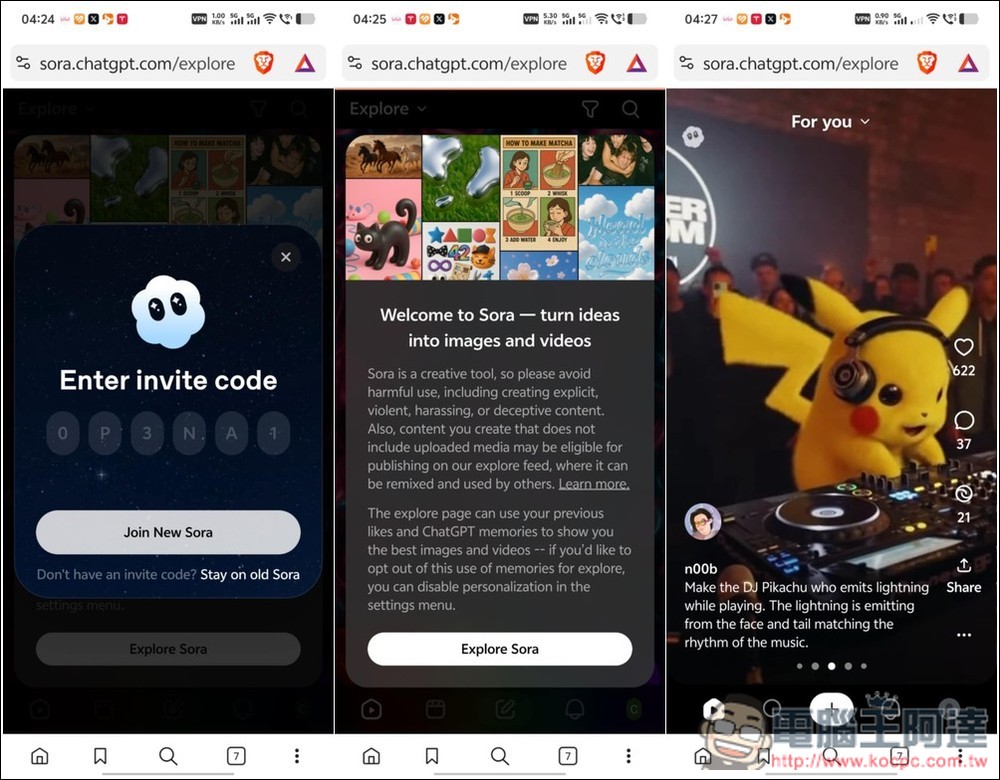
This is how to get early access to the Sora 2 video generation model (invitation code included).
To register for the Sora 2 video generation tool, you need to prepare the following three things:
- Sora 2 invitation code
- ChatGPT account (currently free for all users for a limited time)
- VPN
First, connect your VPN to a US server. Any VPN will work, just make sure your IP has been switched to the US. I use ExpressVPN.
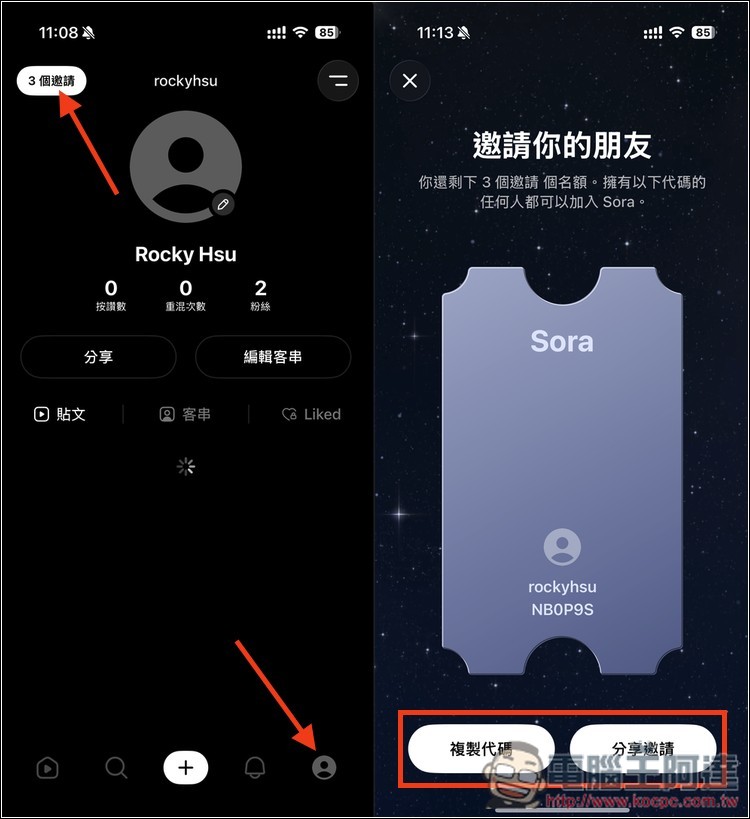
Once that’s done, open the Sora web version. Of course, if you have the official Sora by OpenAI app, that works too—below I’ll use the web version as an example. After entering the page, click Get started and enter the 6-digit invitation code. Invitation code “NB0P9S」:
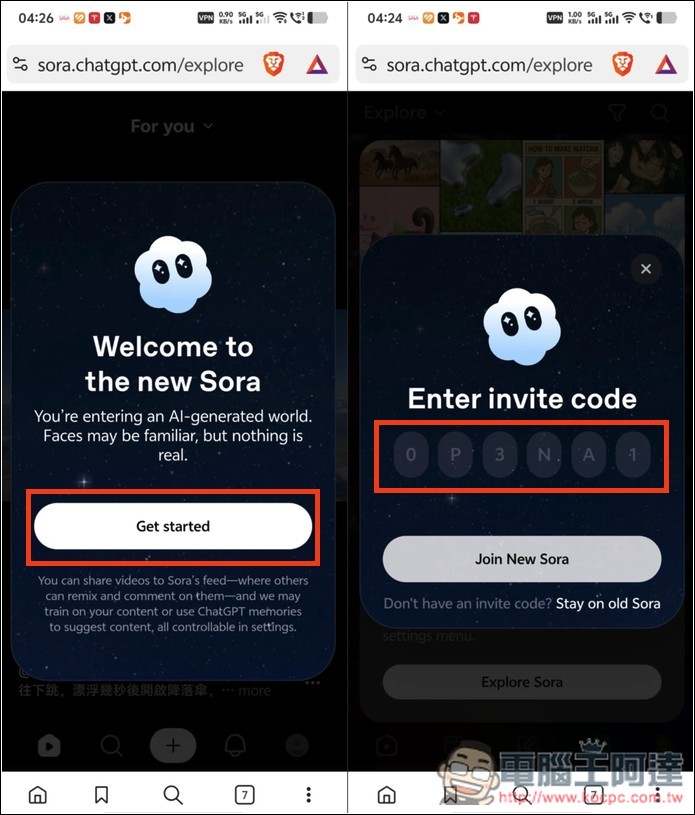
If it expires, I’ll also share the latest invitation code I get in the comments below this post. Please let me know after you’ve used it.This postShare your invitation code below:
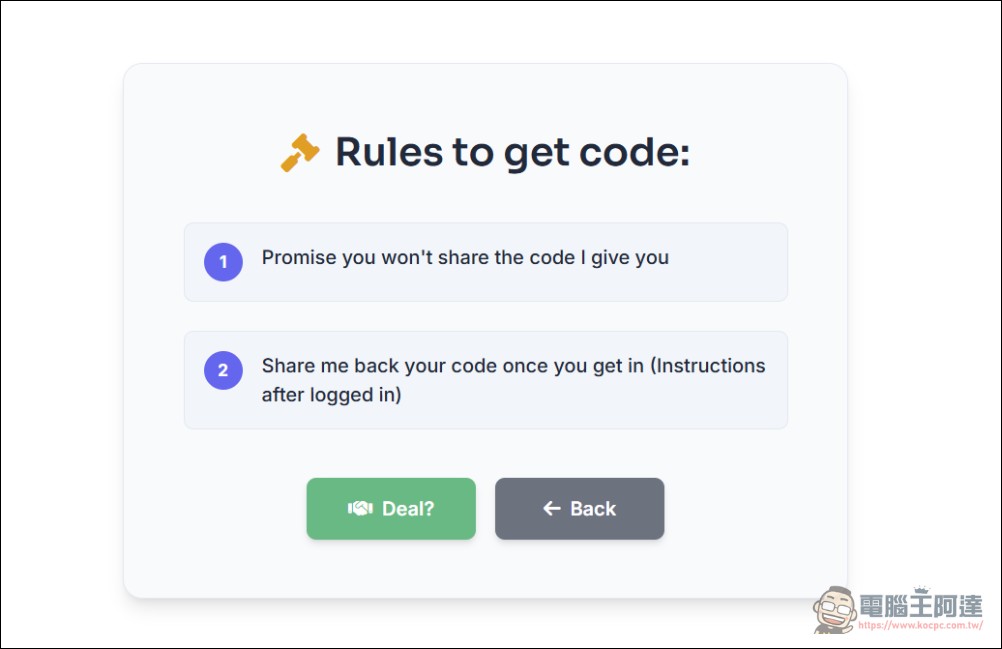
Additionally, there is also one abroad now.Website (click me)Let netizens share invite codes, and you can also try your luck there:
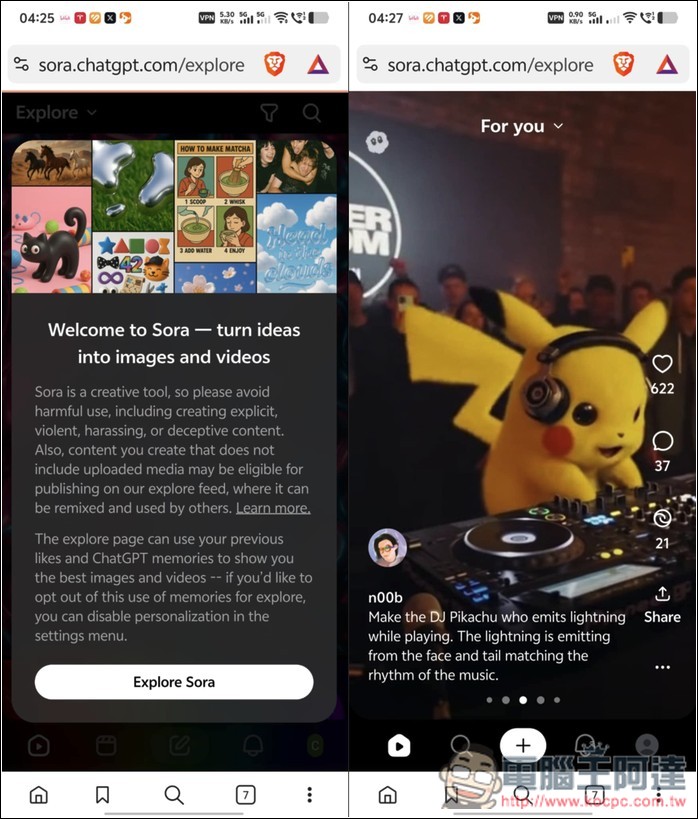
If the invite code still works, you’ll be taken to the new Sora page and can start using the Sora 2 generation tool. As for the VPN, you can also disconnect—you don’t need it while using the service. However, if you want to record the cameo feature, you’ll need the VPN. In my test, without VPN it got stuck on the camera opening screen.
How do I find my Sora 2 invitation code?
After successful registration, if you want to share your invite code with others, it’s simple. Open your personal page and you’ll see the invite code button in the upper left corner, along with the number of invites you have left. Tap it to view your invite code, then press “Copy Code” below to copy it in one click.
How to use the Sora 2 generation tool
Both the Sora web version (new version) and the Sora by OpenAI App can access Sora 2, and the way to use them is basically the same. Here, I’ll use the App as an example.
On the homepage, tap the + icon below to enter the video generation tool interface. Above the input box, there’s an available cameo (guest appearance) feature. If you want to try it, just tap the avatar icon. You can also simply enter a text description, or tap the icon on the left to upload an image:
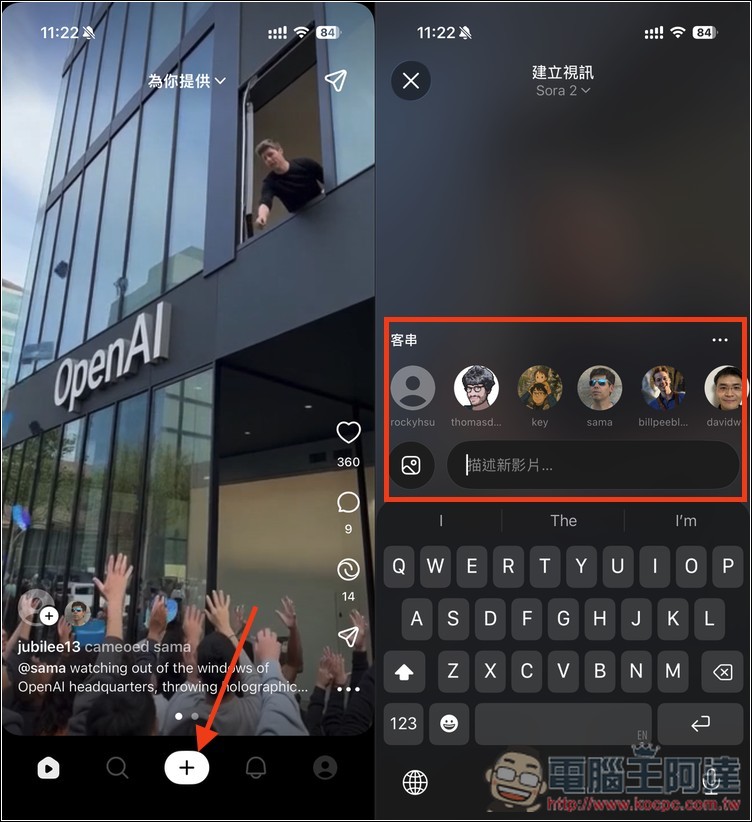
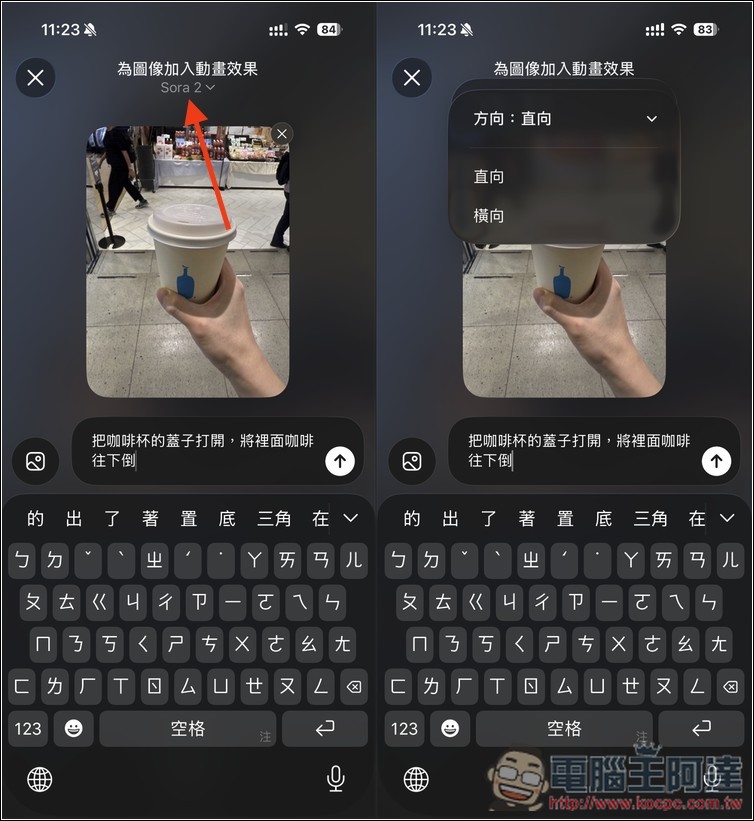
I used an image plus text to ask Sora 2 to open the lid of the coffee cup in the image, then pour it downward. At the top, you can switch the video presentation format between “Portrait” and “Landscape,” with the former set as the default.
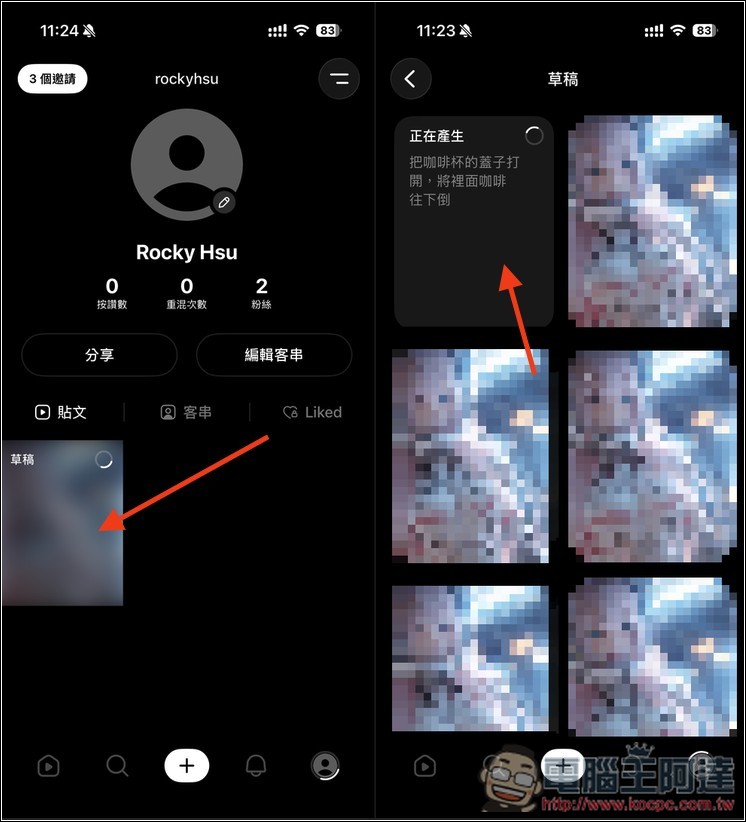
After you submit the generation, you can go to the drafts in your personal page to check the current generation progress. A video takes about 1–2 minutes to wait, but if there are too many people using it at the moment, it will take longer:
This is the coffee video I tested, it’s really realistic, but for now there’ll definitely be a Sora Logo on screen, no way to remove it:
Additionally, Sora 2 is currently quite strict about human portraits — even AI-generated portraits may not be usable in Sora 2. If you want to create a video of someone speaking, I’d recommend using Simplified Chinese instead, like this “这是一个测试”, or using English to ask the AI to speak in Mandarin (Speaking Mandarin), which tends to have a higher success rate. The prompt for the video below is (After walking toward the camera in a swimsuit, a 20-year-old young woman from Taiwan smiles and says in Mandarin: “Please like and subscribe to the Computer King Ada channel, and turn on the notification bell.background is swim pool.)
Source: KOCPC Chinese