


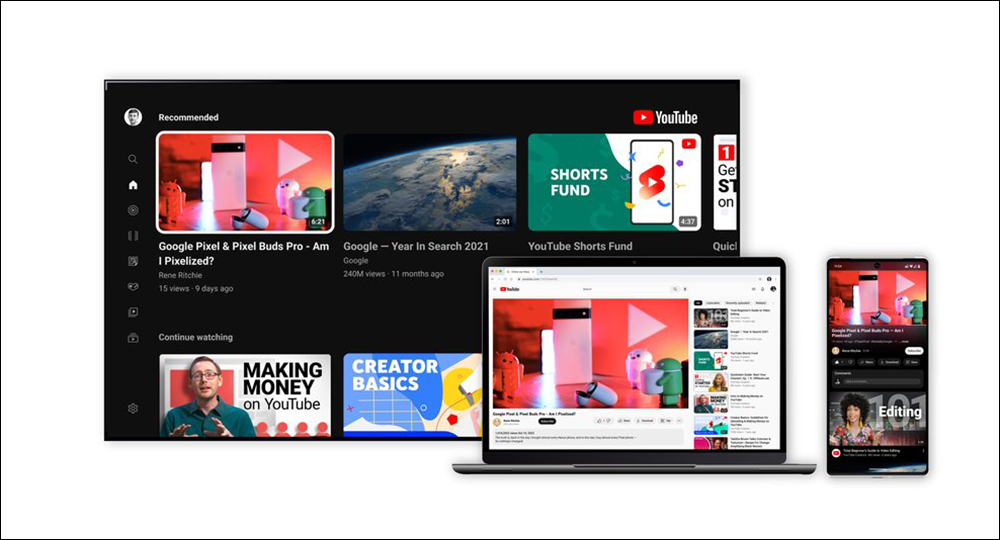
When you learn to cook a dish you go straight to YouTube and watch some tutorials, and for the first few minutes everything is fine until the ads come and cause trouble, and you have greasy hands and no choice but to sit down and watch two miserable 30-second ads in a row. If you are also annoyed by ads, then YouTube Premium may be what you need. Not only can you avoid watching ads on YouTube and YouTube Music, but you can also use some fancy features, such as downloads, picture-in-picture, better video quality, etc. But before you click subscribe excitedly, you must first read this compilation.
5 things to know before subscribing to YouTube Premium
Experimental features
One of the benefits of a Premium subscription is access to experimental features. Premium members have the right to try out new features before they are rolled out to the public, depending on the development team. To try out these experimental features, all you have to do is visitNew features page, browse what’s currently available for trial, and press the Try button for the selected item.
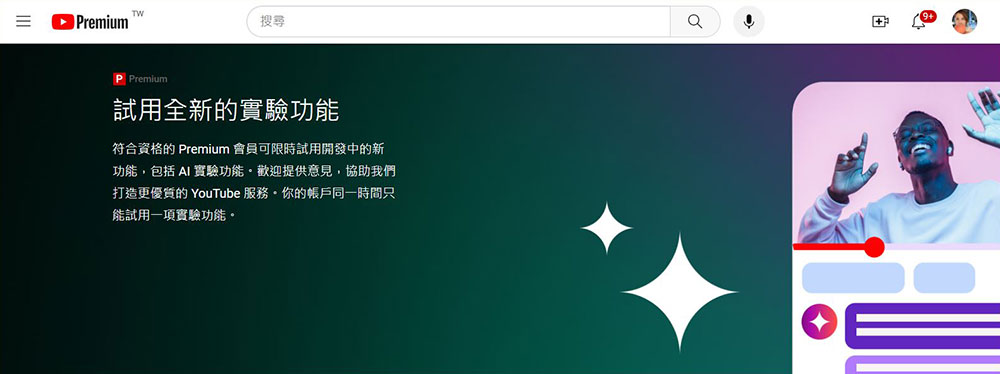
However, you can only use one experimental feature at a time. If you get bored of the first experimental feature and want to try other available options, you can easily turn off the first option from the same features page. Each experiment only runs for a set deadline, which you can see on the New Features page and send your ideas and feedback to YouTube.
Cheaper subscription plans
For some, a personal YouTube Premium subscription of $199 per month may be prohibitively expensive. The good news is, you can always opt for cheaper options, such as an annual subscription plan for just $139.99, a family plan that costs $399 a month for five members in addition to yourself, or a student plan for $119 a month. While the above options are cheaper, they do come with some conditions.To view and select subscription plans, click here。
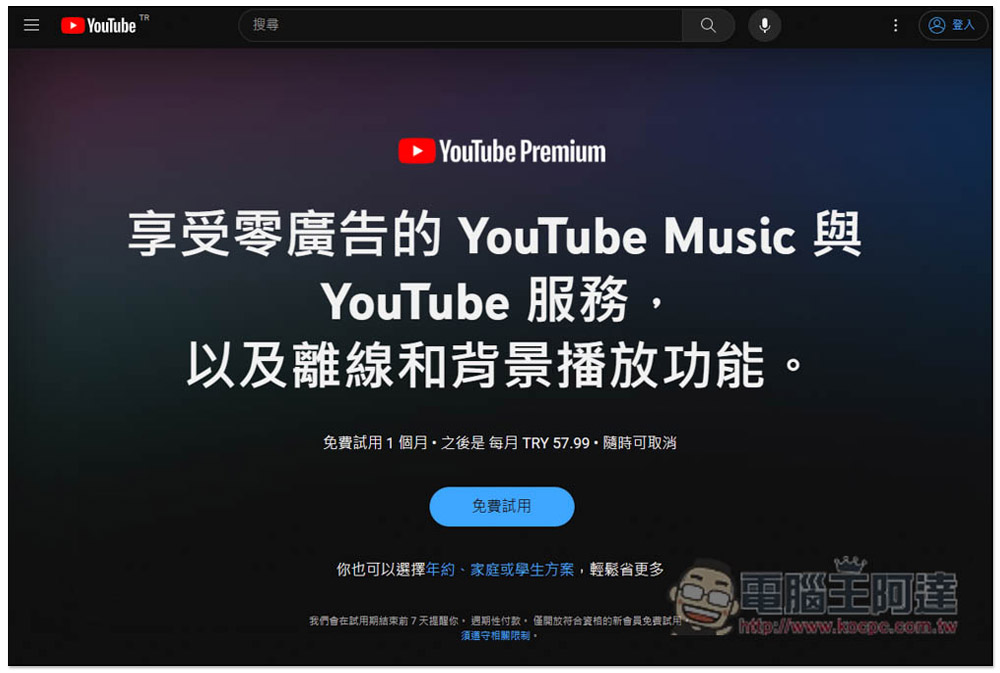
Annual plans are only available for individual subscriptions and are currently only available in the United States, Canada, Germany, Russia, Brazil, Mexico, Japan, India, and Thailand. You need to cancel your current plan before subscribing to the annual plan. Unlike other plans, annual memberships don’t automatically renew at the end of the year, so you’ll have to resubscribe manually every year if you want to use the same plan. Family subscriptions also have certain restrictions. The master account and all five members of the family group should live in the same household, use a regular Google account rather than a Google Workspace account, and not belong to any other family group. The master account must be 18 years or older, but all members must be 13 years or older. Student membership, on the other hand, comes with limited eligibility. This program is only available to full-time students recognized by SheerID. The subscription period is also capped: up to four consecutive years, requiring annual re-verification of student status. You can exit your student subscription at any time when you know you are no longer eligible for the discounted price, but if you don’t, your account will automatically be converted to the regular individual plan.
| plan | cost | Available features | |
| Android and web version | Personal plan | 199 yuan/month | Ad-free viewing, background playback, offline downloads, YouTube Music Premium, one-month free trial |
| family plan | 399 yuan/month | Ad-free viewing, background playback, offline downloads, YouTube Music Premium, up to 5 new family members 13+, one-month free trial | |
| Student Program | 119 yuan/month | Ad-free viewing, background playback, offline downloading, YouTube Music Premium, subsidy for up to four years (re-certification required every year), one-month free trial | |
| iOS | Personal plan | 260 yuan/month | Ad-free viewing, background playback, offline downloads, YouTube Music Premium, one-month free trial |
| family plan | 520 yuan/month | Ad-free viewing, background playback, offline downloads, YouTube Music Premium, up to 5 new family members 13+, one-month free trial | |
Streaming limits
With YouTube Premium, streaming is much less stressful since you don’t have to deal with annoying ads popping up right when you get to the best part of a video, however, YouTube still enforces certain streaming restrictions that may impact your viewing and listening experience.
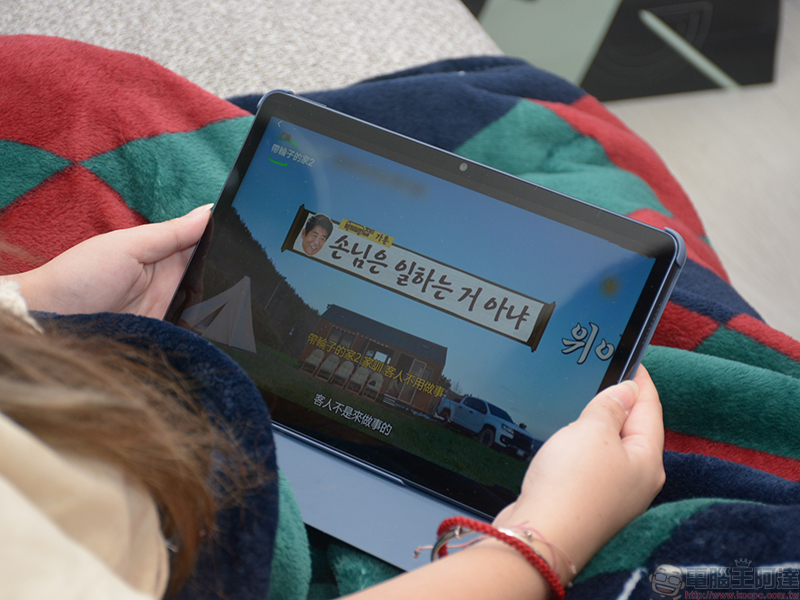
First, YouTube has ad-free movies that you can get with a subscription and can be accessed on the app. But they can only be streamed on a maximum of two devices simultaneously; if you subscribe to a family plan, you can watch the movie on up to four devices. As for videos in the Music category, the streaming limit is set to one device at a time, no more, no less. In both cases, the different hardware (phone, tablet or computer) and software (browser or app) are considered different devices. So if you try to stream a movie on Chrome and Edge on the same computer and the YouTube app on your iPhone, you’ll be considered over the limit. Playback will pause on one of your devices with an error message stating that the content is being watched elsewhere.
Restrictions on downloading videos
Probably one of the biggest benefits you can get from YouTube Premium is downloading for offline viewing. Whenever your home Wi-Fi is up, or at an attraction without service, you can switch to downloaded content to watch the movies you want. However, you should pay attention to these important considerations when downloading videos.
Starting with how to download YouTube content, this feature is only available when you use the YouTube app on iOS and Android devices and on your computer using browsers such as Chrome, Firefox, Edge, and Opera. Download support is not yet available in any other browser outside of these four options. If there is no Internet connection, these videos will expire after 29 days, so you can only watch offline downloaded content during this time. However, you may not be able to retrieve all downloaded videos after reconnecting to the Internet. Creators can change the offline playback permission of their content, so some titles will no longer be available for download and will automatically disappear from your download list.
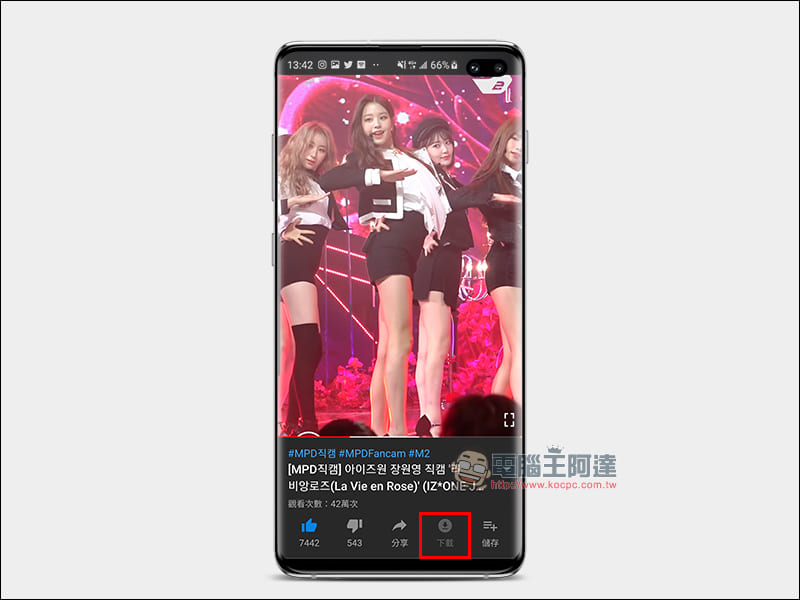
Another key point to remember about YouTube downloads is that, although they are called so, don’t expect the videos to show up in your photo album. Although they are saved to your device, they are encrypted and can only be viewed using the YouTube app. Finally, keep in mind that the number of devices allowed to download videos is also limited to 10 devices.
Premium benefits and locations
YouTube Premium is currently only available in 110 regions around the world. If you live in or travel to a country or region that also provides Premium services, you can enjoy Premium membership benefits without restrictions. However, once you leave these regions, you may temporarily lose some benefits.
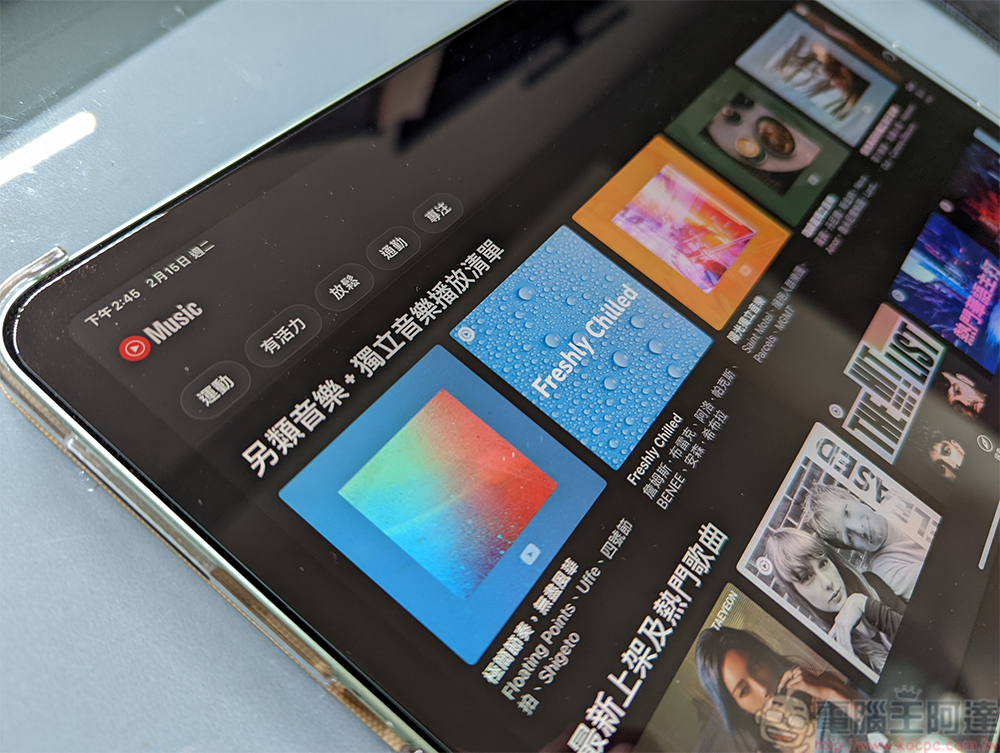
For example, on your YouTube app, when you watch a video again, ads will start appearing, and downloads and background playback won’t work. However, you’ll still be able to view your favorite YouTube Original movies and TV shows, as well as any downloads you’ve saved, before leaving a supported location (note that downloads will no longer be accessible after 29 days of offline availability). On the other hand, you can retain YouTube Music privileges even if you’re in an unsupported region, which means you can still listen to songs without any ad breaks, play some catchy tunes with the screen off, and download music for offline listening, but you’ll need to use the YouTube Music app instead of the YouTube app itself.
Source: KOCPC Chinese