


We have introduced many P2P online file transfer services in the past, such as rDrop、ShareDrop Wait, these have a limitation, that is, they must be supported under the same network, so they are not easy to use in some situations. This article recommends another free P2P peer-to-peer network file transfer tool called “PairDrop” that can be used across networks. You can also open a browser to send or receive files without installing anything.

PairDrop is a free P2P network file transfer tool that supports cross-device and different networks.
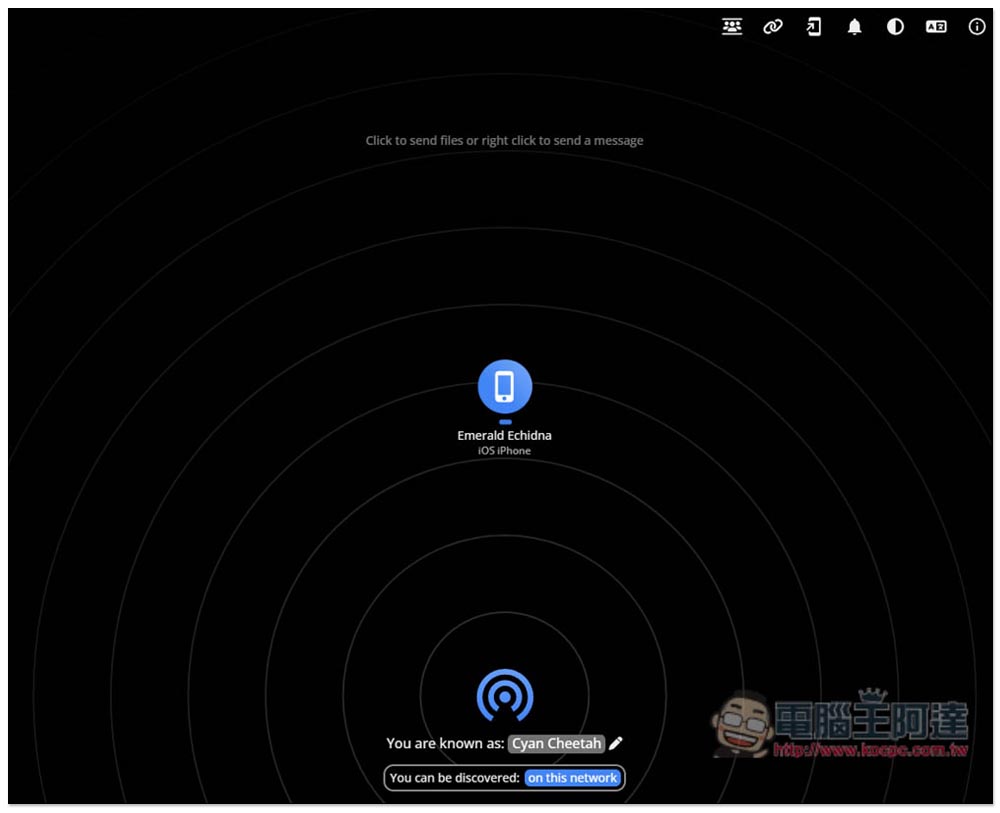
The interface of PairDrop is the same as that of most P2P peer-to-peer network file transfer services. After clicking above to enter the website, if you are under a network and open the PairDrop website, you will see the names of other devices on the page, and then you can start transferring files:
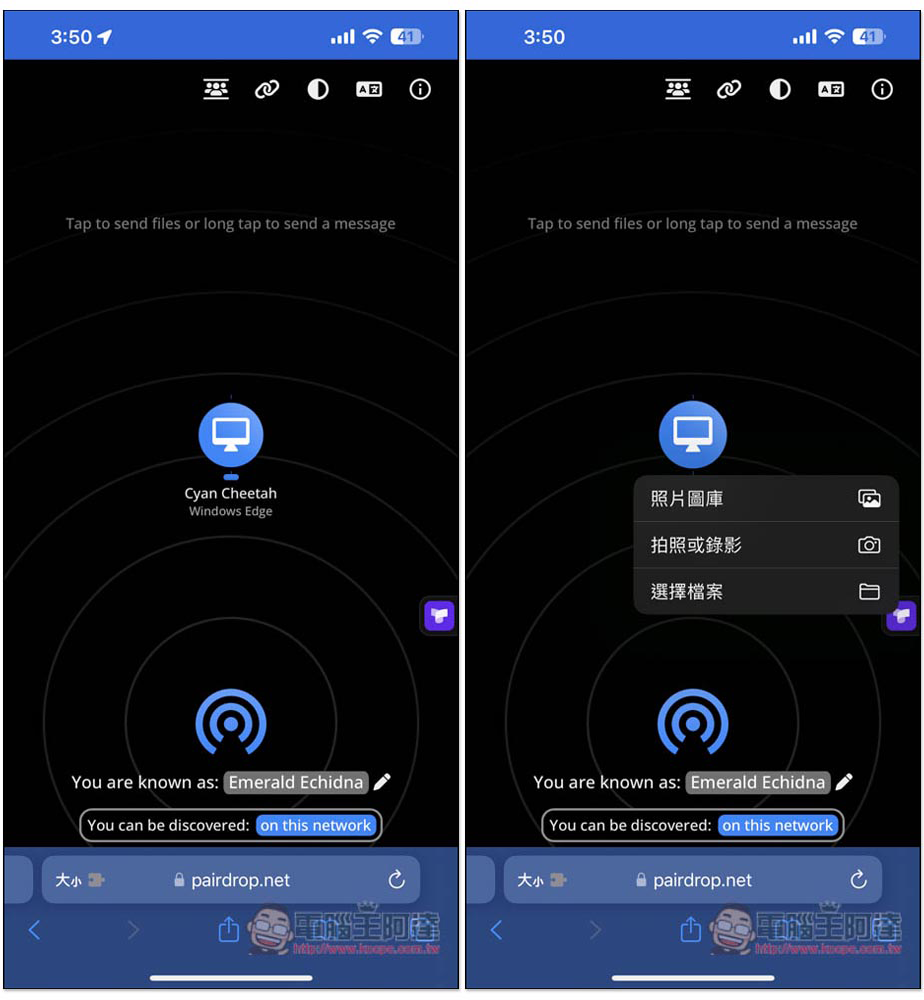
For example, if I want to transfer pictures from iPhone to a Windows computer, first make sure that iPhone is connected to the same Wi-Fi network. After clicking on the Windows device name, a menu will pop up. If I want to transfer pictures, click “Photo Gallery”:
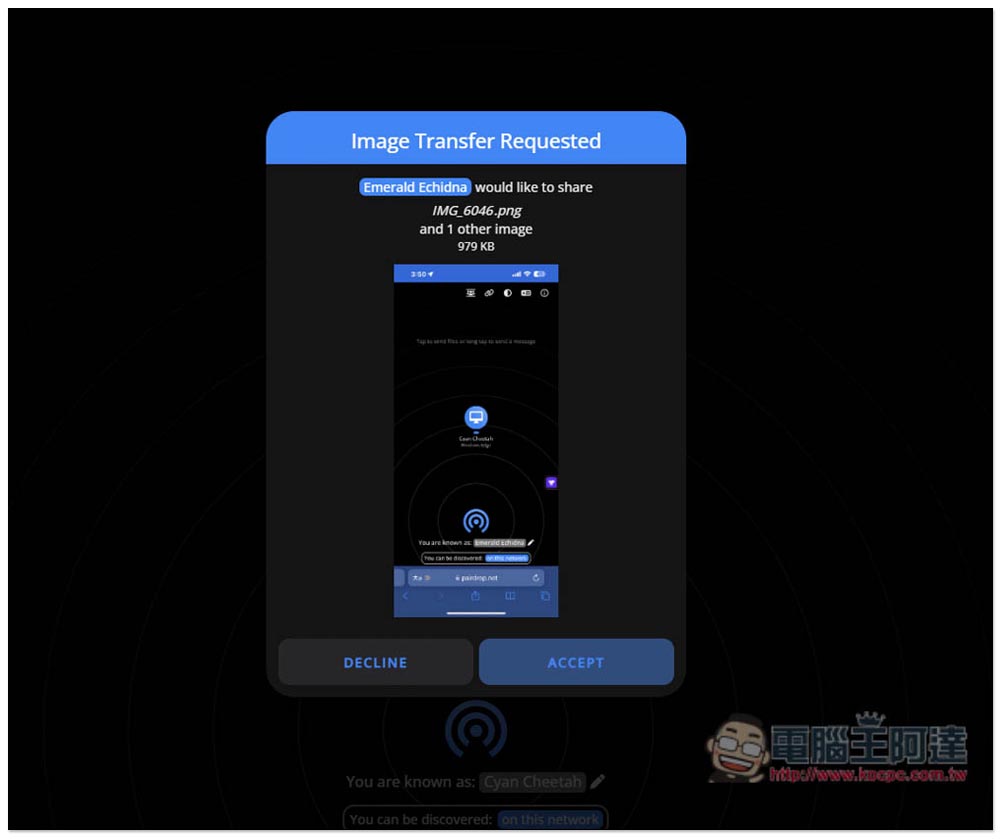
Then the file acceptance request will pop up, just press ACCEPT to accept:
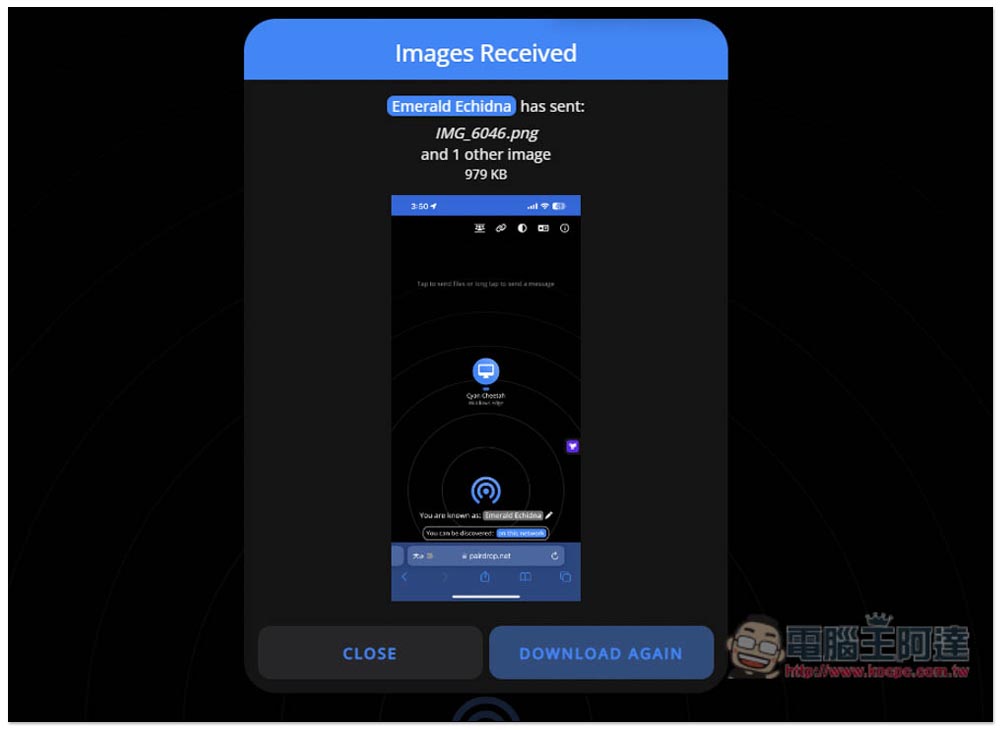
The transfer speed is quite fast:
There is a row of function icons on the upper right side of the web page, one of which is Pair Devices Permanently. After pairing, you no longer need to click ACCEPT when receiving files, it will be automatically accepted. Enter the code provided on the screen to pair:
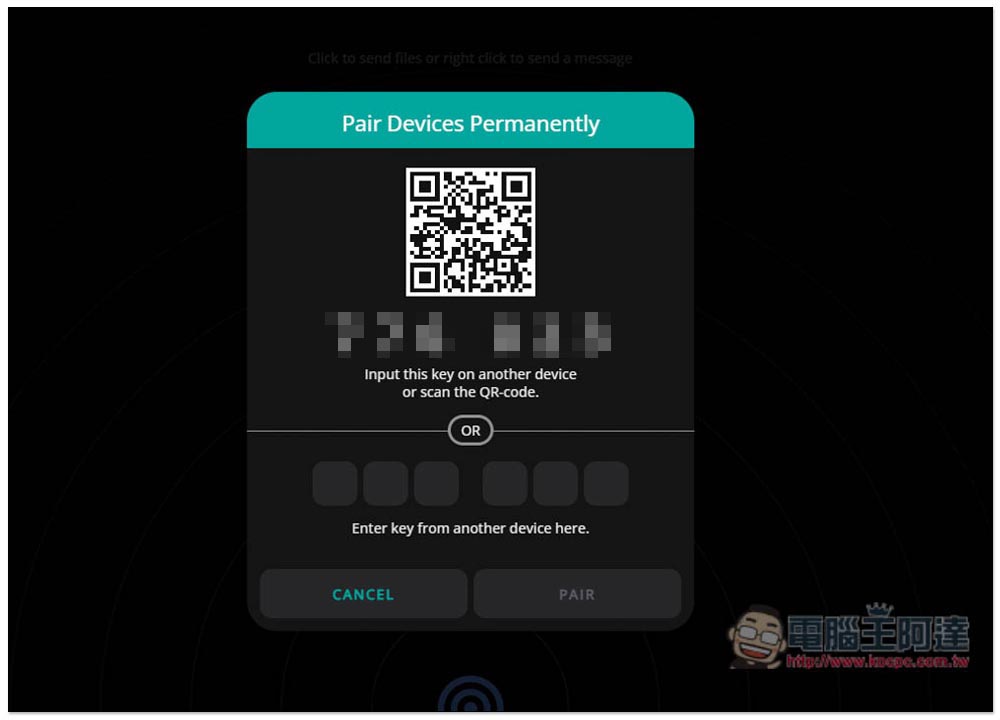
When pairing is successful, a Devices Paired notification will appear:

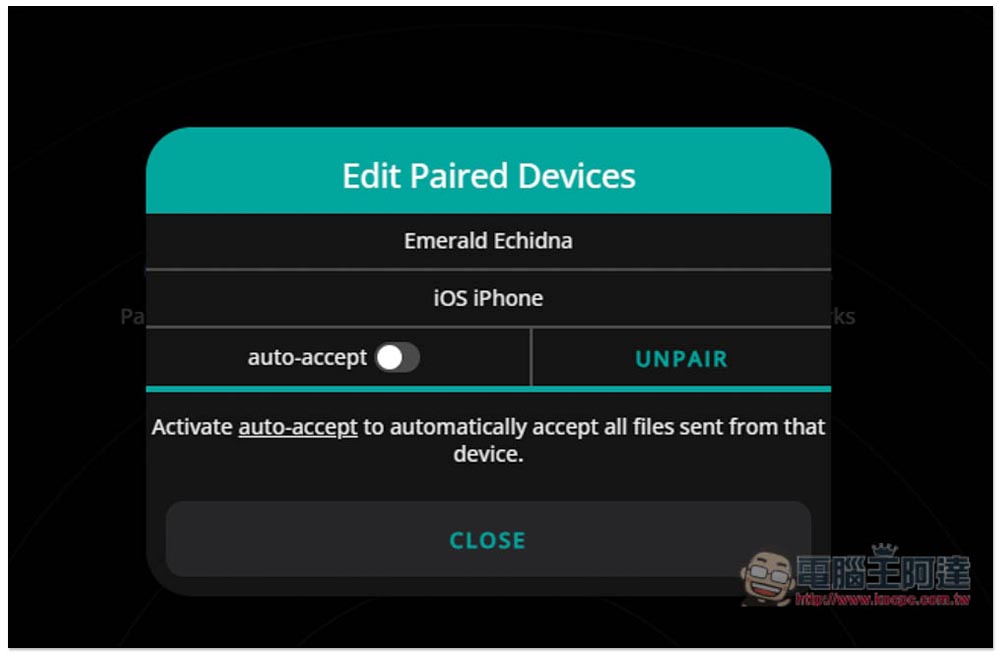
Then remember to go into settings and turn on the “auto-accept” function option:
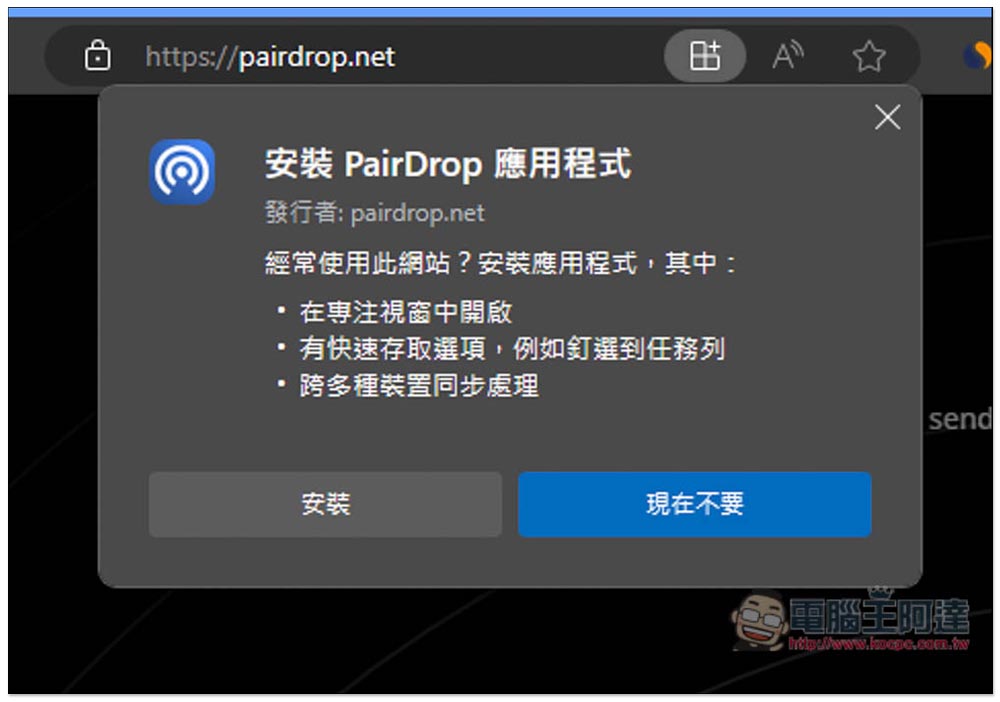
The computer version provides the function of installing the PairDrop web version App. People who use it frequently can try:
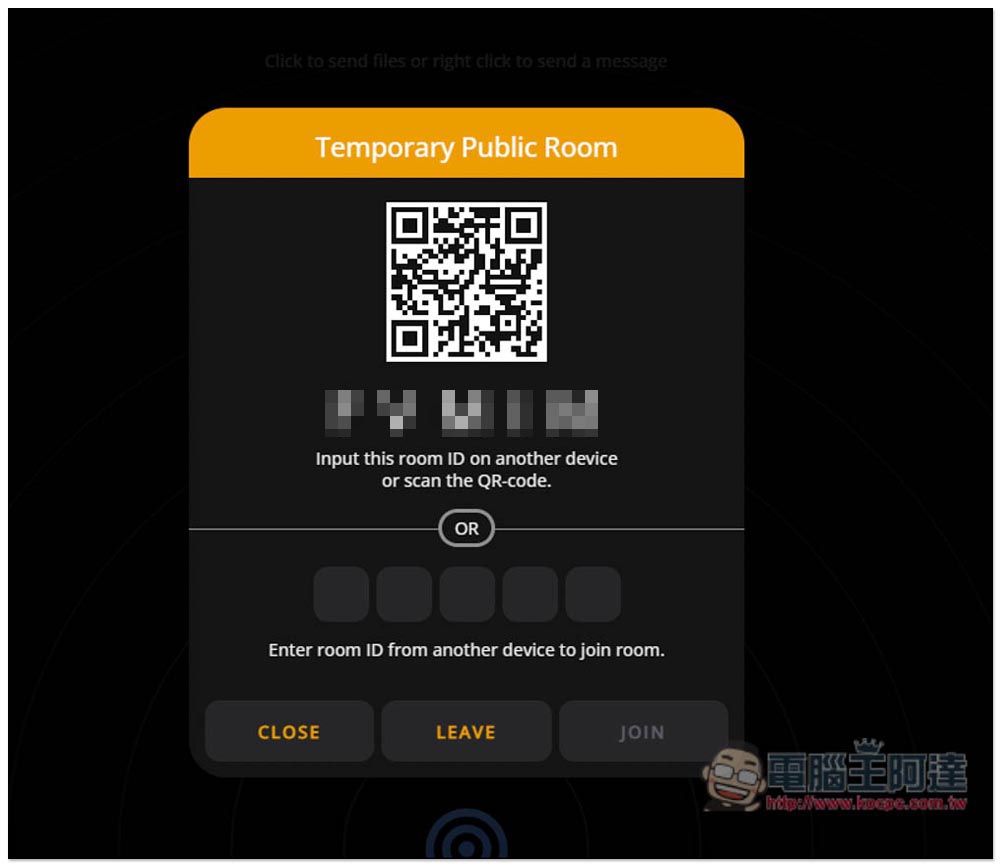
If you are not on the same network and want to transfer files to each other, for example, if one uses the home network and the other uses the company network, you can create a temporary public room (Temporary Public Room). After entering the code, both parties will enter the same room, and then they will see each other’s devices:
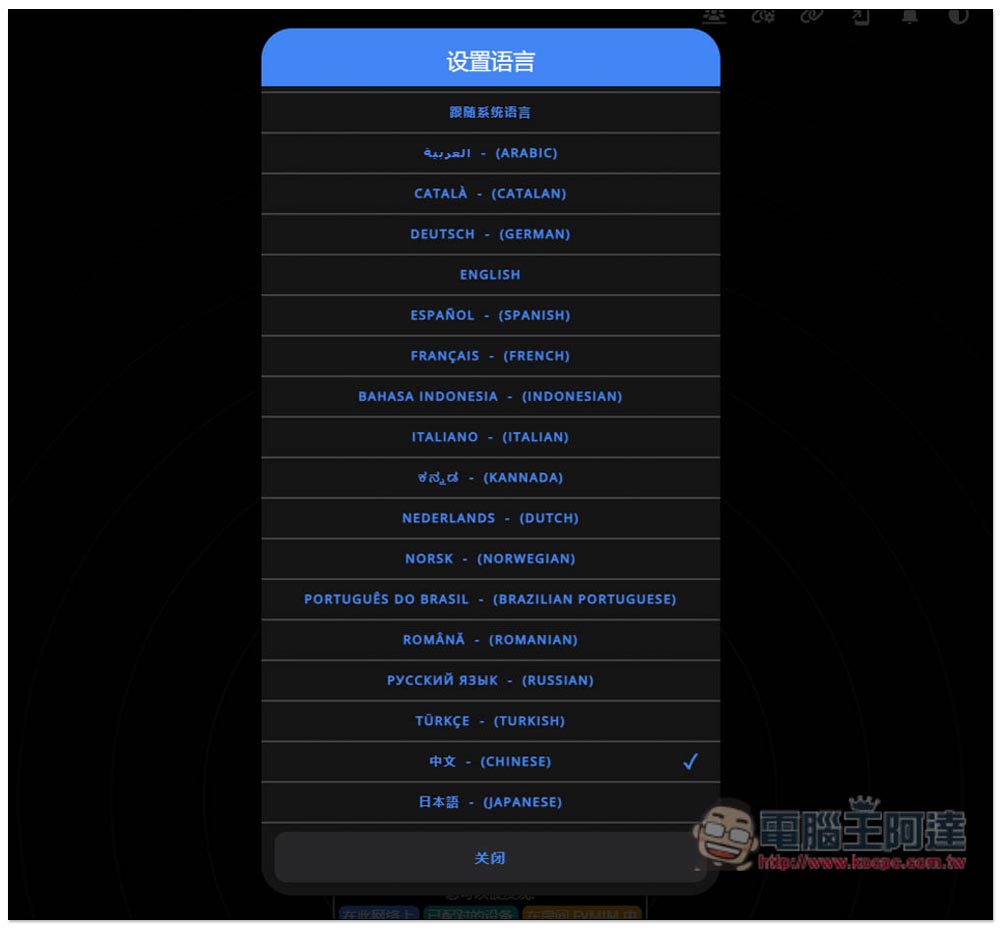
This website also supports multiple languages, including Traditional Chinese:
The device name can also be changed manually. In addition, “You can be discovered” at the bottom will display your current status:

According to the developerQ&A instructions, the file is guaranteed to be transmitted directly between the two parties and will not be transmitted to any third-party server. It will also be encrypted during the transmission process, so you can use it with confidence.
Another interesting point is that the Q&A also mentioned that it supports the hotspot function, which means that you can connect another device to the mobile hotspot to transfer files to each other. Moreover, the transfer is directly between the devices, and no network traffic is used, which means that the transfer speed will be much faster.
Although P2P peer-to-peer is a very good cross-device solution, for large files, it is recommended to use cloud space. The transmission speed will be much faster, especially if the network speed of the file sharer is very fast, so there is no need to wait for a long transmission time. After the upload is completed, it can be left for others to download without worrying about the slow network speed of the other party.
Source: KOCPC Chinese