


In order to allow users to more quickly determine whether the applications installed in the Android Auto car system are available while driving. Google recently quietly launched a new App labeling classification mechanism. Continue reading No more accidental openings! Android Auto updates make it easy to see which apps can use story text while driving.
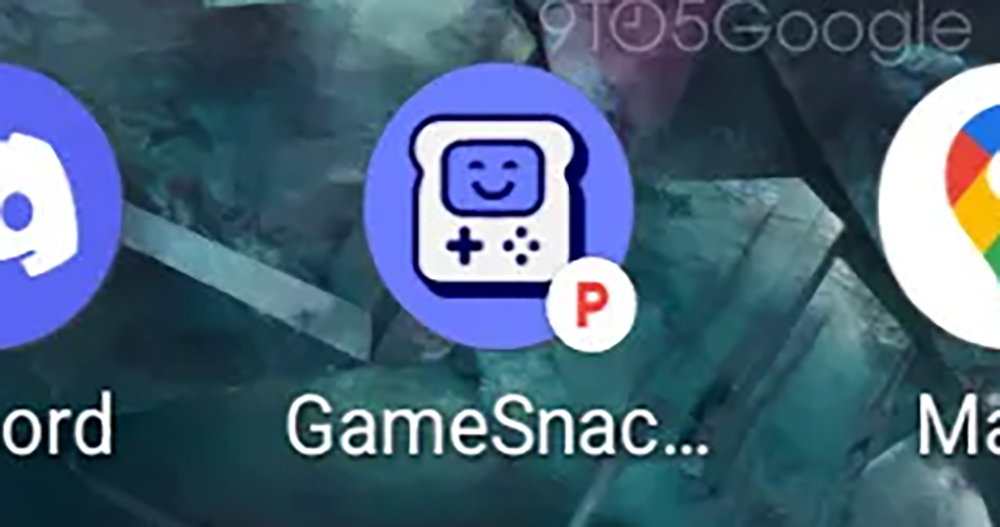
▲Image source: 9to5Google
No more mis-opening! Android Auto update makes it easy to know which apps you can use while driving
Facing various three treasures and emergencies on the road, the design of the system used when driving also needs to minimize any possible factors that affect concentration, so as to provide the greatest assistance for driving safety. However, as Android Auto began to adapt to the needs of users, it has greatly opened up functions including parking lot search, online meetings, and even video watching and GameSnacks games.
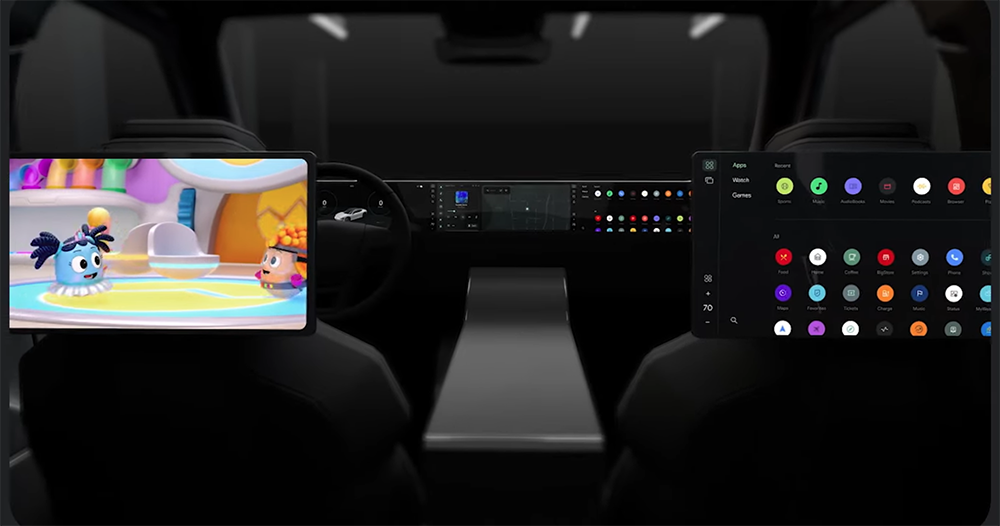
▲Image source: Google
Faced with a large number of newly supported apps filled with app shortcuts, even though most people may be able to easily determine which apps are parking-only apps when parking, that is, apps that are not suitable and cannot be used while driving.
But seriously, when you need to always pay attention to the driving status of traffic on the road, if you expand the program list of the car system such as Android Auto, I believe it will also cause a considerable degree of confusion, making people have to pay more attention to the screen.
▲Image source: Google
In order to allow users to more quickly determine whether the applications installed in the Android Auto car system are available while driving. Google recently quietly launched a new App labeling classification mechanism.
Foreign media found that in the app list of Android Auto version 11.4, you can see that some apps suddenly have a big red “P” marked in the lower right corner of the shortcut. After a little confirmation, the main meaning of the application with such a mark is that it requires a complete parking, that is, the application can be used only after parking the car in P gear.
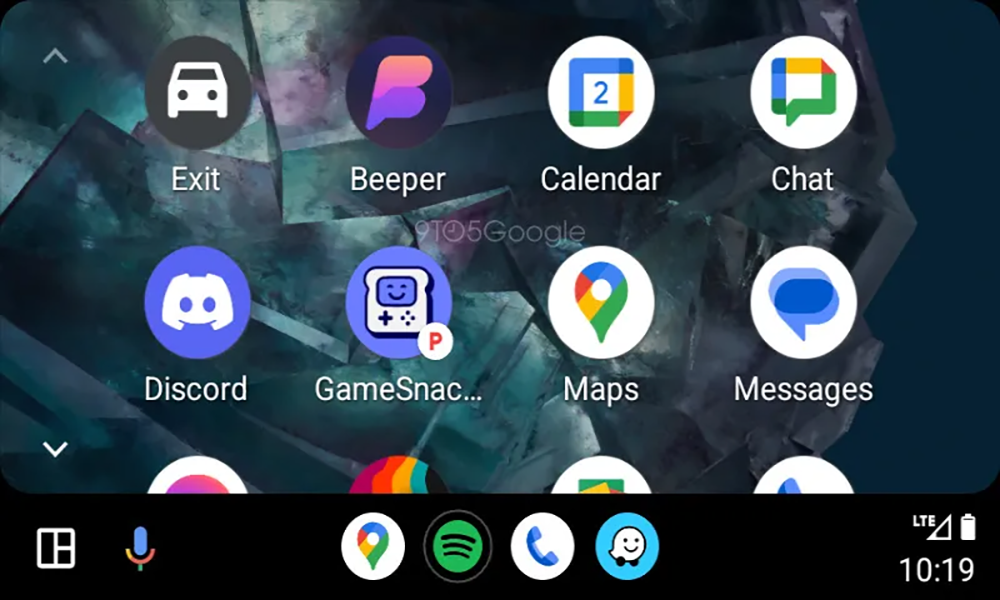
▲Image source: 9to5Google
Android Auto will begin to lift restrictions on games and other entertainment-related applications that were originally not supported at all around 2021. However, for safety reasons, this kind of support is naturally not meant for you to use while driving – it is mainly designed to meet the needs of charging electric vehicles or other parking conditions.
However, with the increasing number of apps that are limited to Android Auto car parking, I believe that some people may not intentionally launch it while driving, but may accidentally launch it without being sure whether the app has parking usage restrictions.
▲Image source: Google
Although as far as the system’s safety mechanism is concerned, Android Auto does not allow you to actually activate game functions such as GameSnacks while driving. But this process of “clicking on the application > displaying the warning” will already cause the driver’s attention to shift to the screen to a considerable extent.
I believe that Google hopes to more effectively prevent applications from being launched in the wrong state, so it added a new labeling function for App shortcuts in the Android Auto system.
Now that it seems that Android Auto 11.4, which supports the latest information aggregation AI function, should be widely available, I wonder if you have received the changes in this update? Can you share it with us and see if the experience becomes better.
Further reading:

Source: KOCPC Chinese