


As the Japanese currency becomes cheaper and cheaper, many people want to take advantage of this opportunity to buy products sold in Japan. Amazon is one of the websites that many people visit. It often has special promotions. However, people familiar with Amazon Japan know that even if some products are given huge discounts, they are not necessarily the cheapest, and may be more expensive than before. Therefore, it is best to know the historical price of the product before purchasing.
This article will recommend a very useful tool “Keepa”. It has a web version. It is highly recommended to install the extension function. After installation, just go to the Amazon product page in the future and you can view the price trend of this product in the past three months below, so you don’t have to worry about buying it expensively.
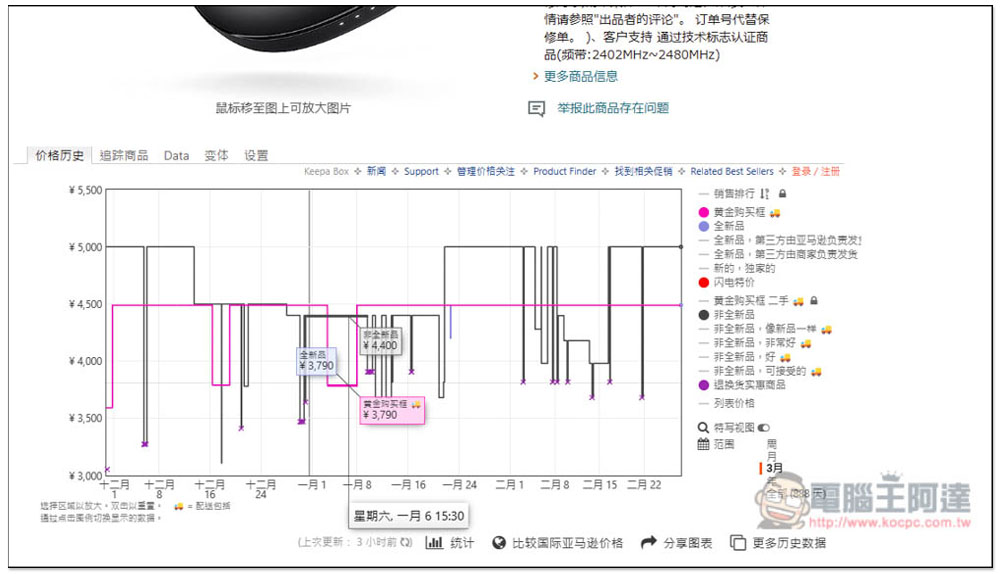
How to track Japan Amazon price history? “Keepa” allows you to get the price trend of the past three months directly on the product page.
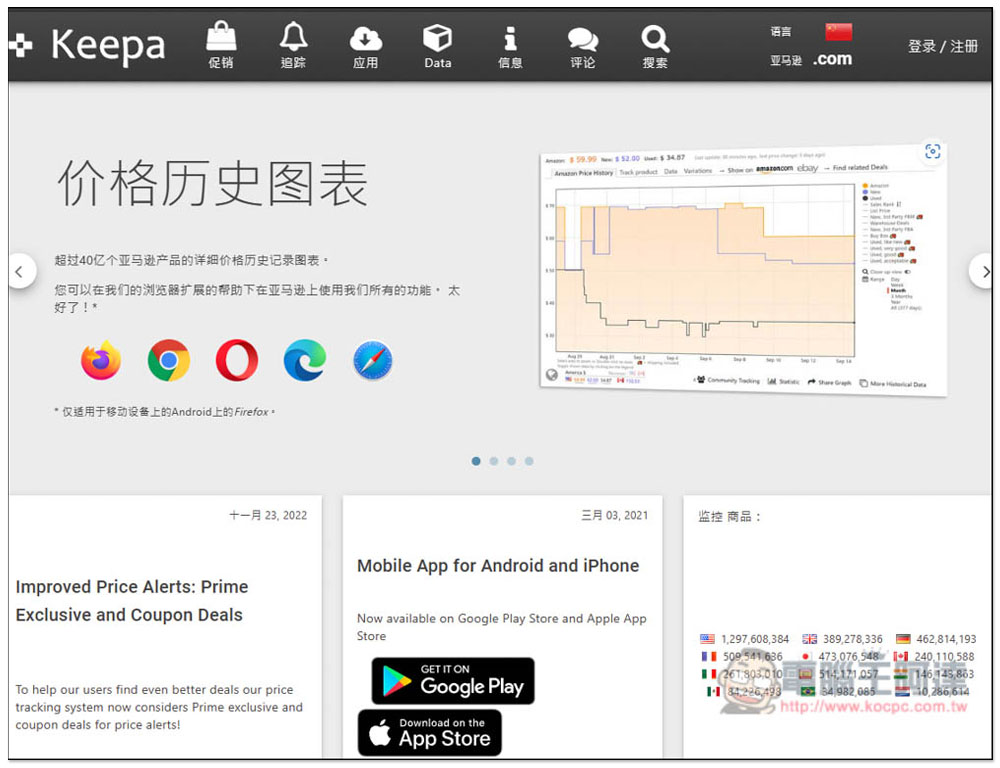
After clicking the link above to enter the Keepa official website, you can directly use the web version to query. This tool supports Amazon in multiple countries, which means not only Japan, but also the United States, the United Kingdom, Germany, etc. You need to switch to the corresponding country before querying the web version. Click Amazon.com in the upper right corner to switch. I will not demonstrate the search process of the web version here. It is more convenient to install the extension function directly. There is an App version for mobile phones:
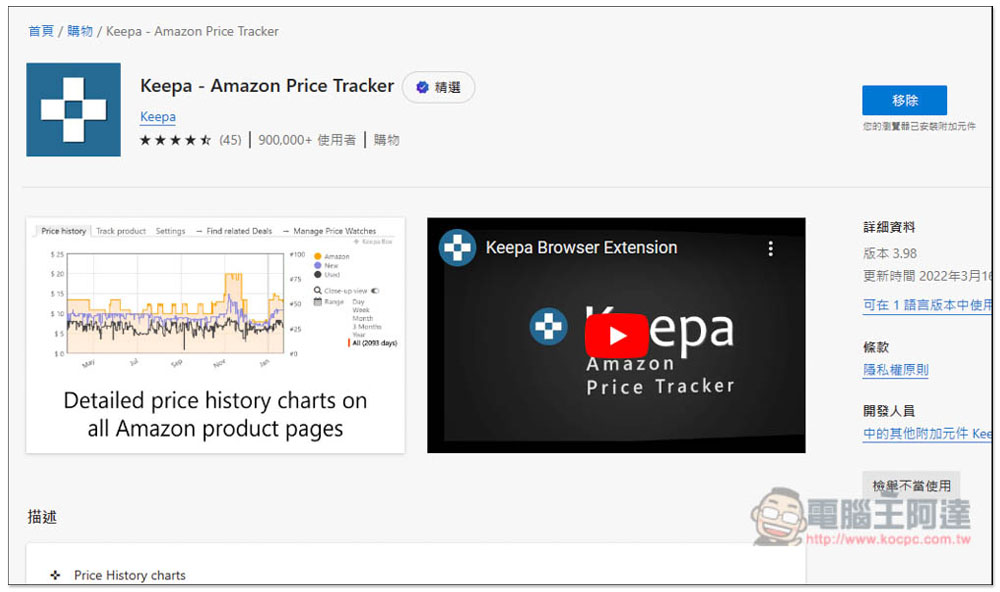
Firefox, Chrome, Opera, Microsoft Edge, and Safari all support it. I use Microsoft Edge:
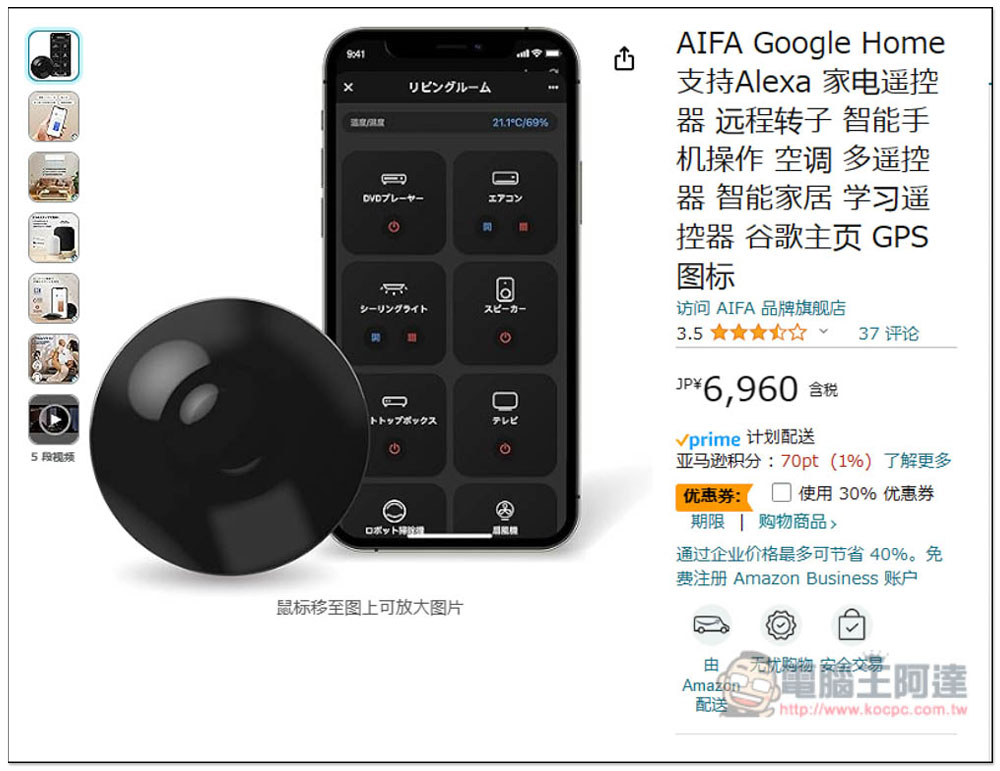
After the installation is complete, you can open the Japanese Amazon product page. I looked for a product at random. This one has a 30% discount coupon, which means it is very cheap after the discount, from nearly 7,000 yen to more than 4,000 yen, which is quite tempting:
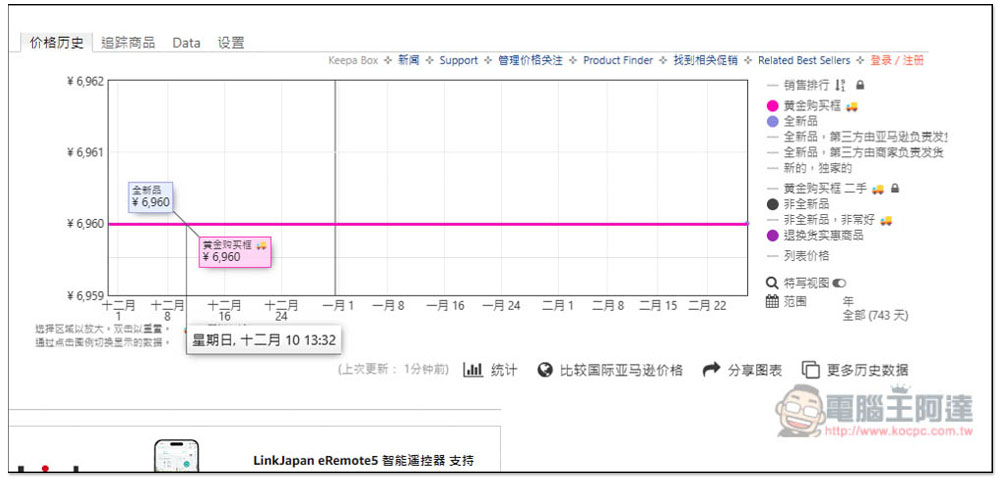
At this time, scroll down the web page and you will see a new section showing “Price History”. You can see the changes in the past three months. This product is fixed at 6960 yen without any discounts. Therefore, after using the 30% coupon, it is indeed the cheapest price recently:
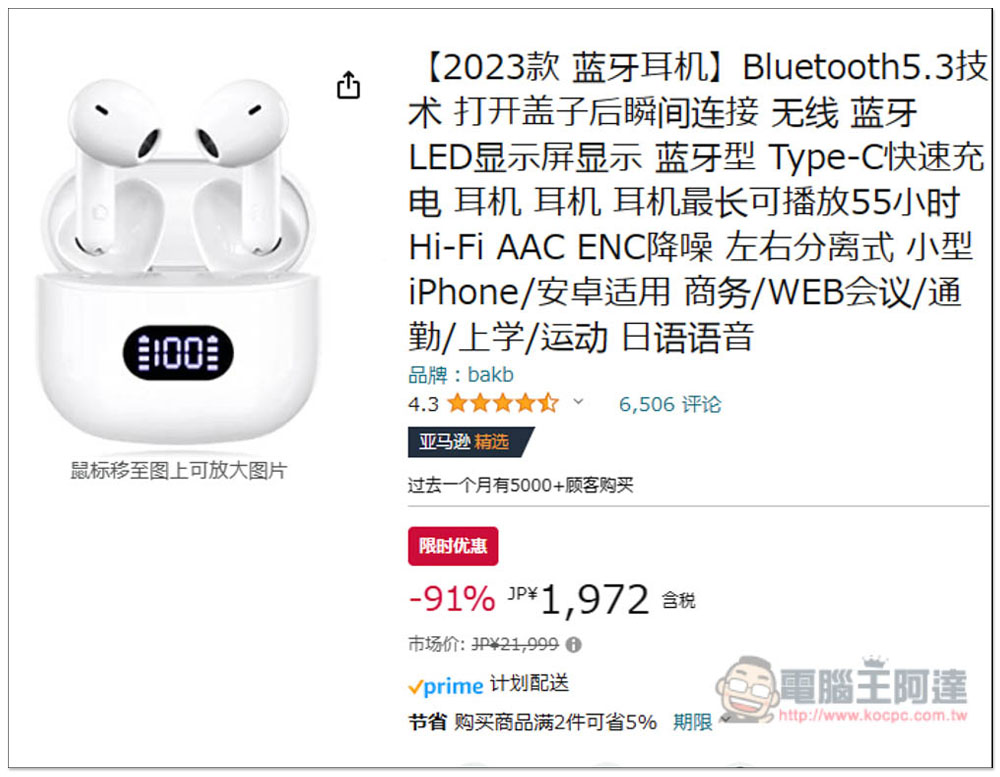
Next, I found an unbranded Bluetooth headset that advertised a limited-time discount, and it was as high as -91%. The original price was 21,999 yen. Although it was clear at first glance that the original price was filled in randomly, but seeing such a high discount, you may be cautious. Don’t place an order at this time, but also check to see if it is really a “limited-time” super cheap:
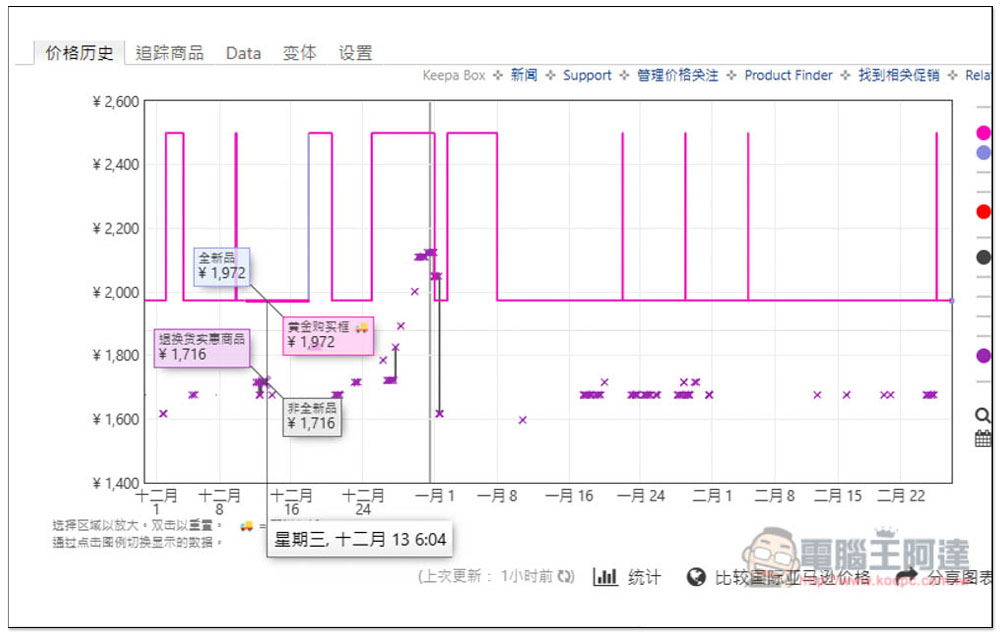
As a result, I saw that most of the sales in the past three months were 1,972 yen. The representative said that this limited-time offer was a scam and would make people immediately put off their anger:
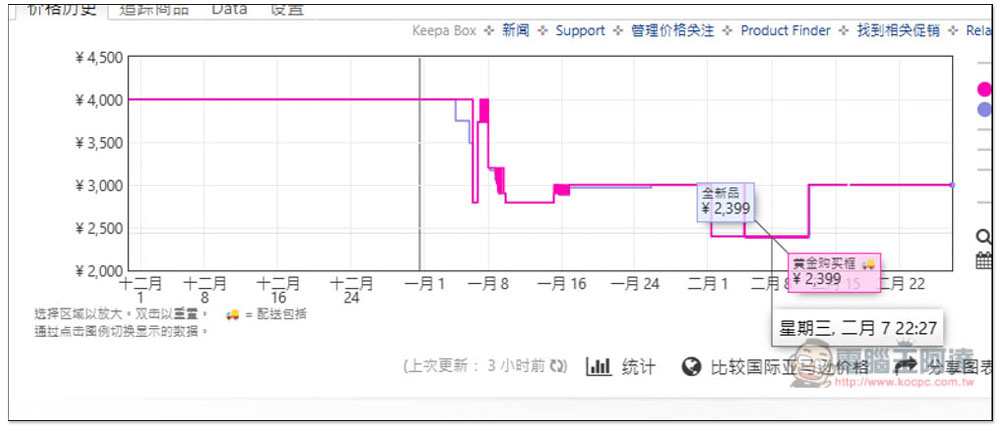
Next is a product with a big discount and coupons, discount after discount, it looks super cheap:
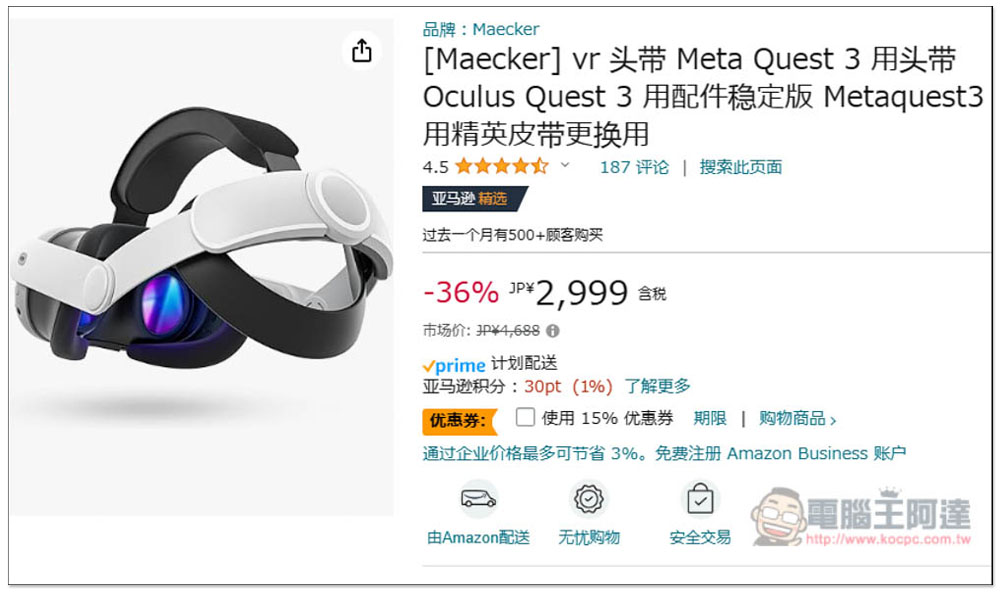
Looking at the historical price, it reached 2,399 yen in early February. The representative said that this discount is another discount and is not the cheapest. It is more than 100 yen more expensive than before:
Therefore, if you want to see discounts on Amazon Japan or even other countries in the future, remember to check the historical prices to make sure you are really getting the lowest price.
In addition, some merchants do occasionally launch discount prices, and you can also use the historical prices to track the extent to which prices may be reduced when there are events. Some are really much different. It is highly recommended to install it for people who often buy things on Amazon, it is very easy to use.
Source: KOCPC Chinese