


We have previously introduced a “AnimeGenius IMAGE TO PROMPT”, a tool that can convert images into prompts. Although it is very useful, the generated prompts are slightly simpler, which means that it is difficult to generate very similar images. In this article, I would like to recommend another “ImageToPrompt.com”. Not only is it completely free, but the prompt descriptions it generates are also very detailed. I tested using other AI generation tools to generate AI images, and the similarity is very close. People in need can try it.
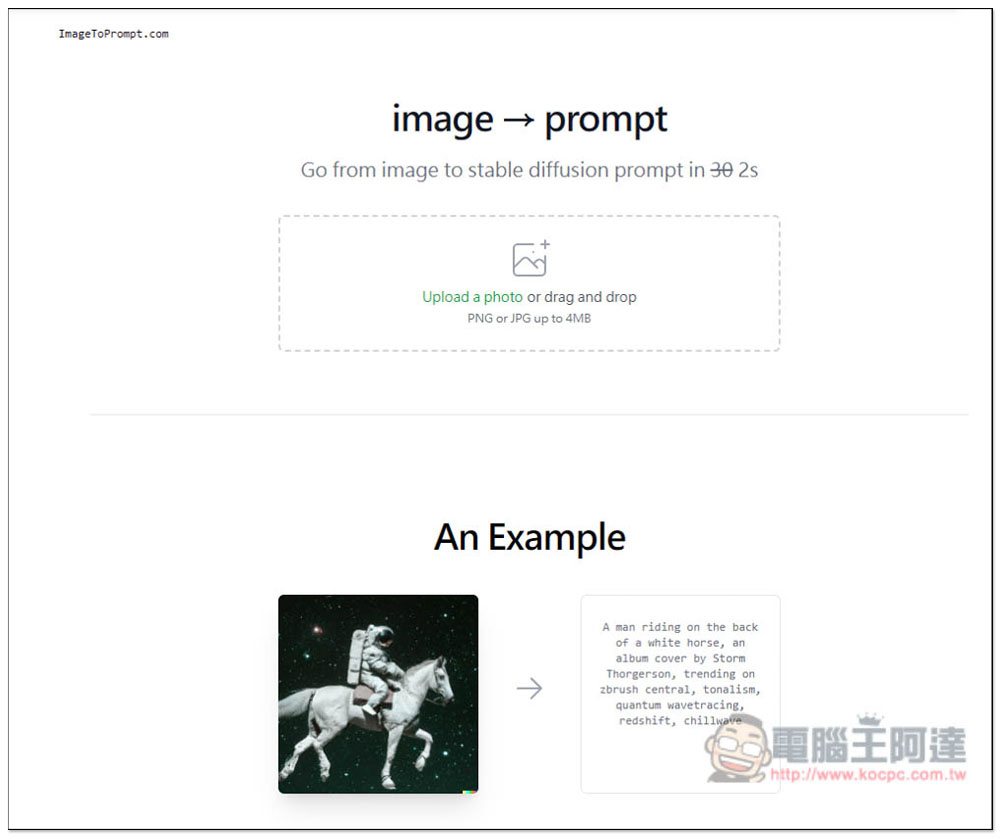
“ImageToPrompt.com” uploads an image and you can get the Prompt prompt command to generate this image, completely free of charge
ImageToPrompt.com is very simple to use. After clicking above to enter the website, upload the image you want to convert into a Prompt description command. According to the instructions, the Prompt it generates is suitable for the Stable Diffusion model, but I tested other models with no problem. Image formats only support JPG and PNG, with a maximum size of 4MB. Please note these two limitations:
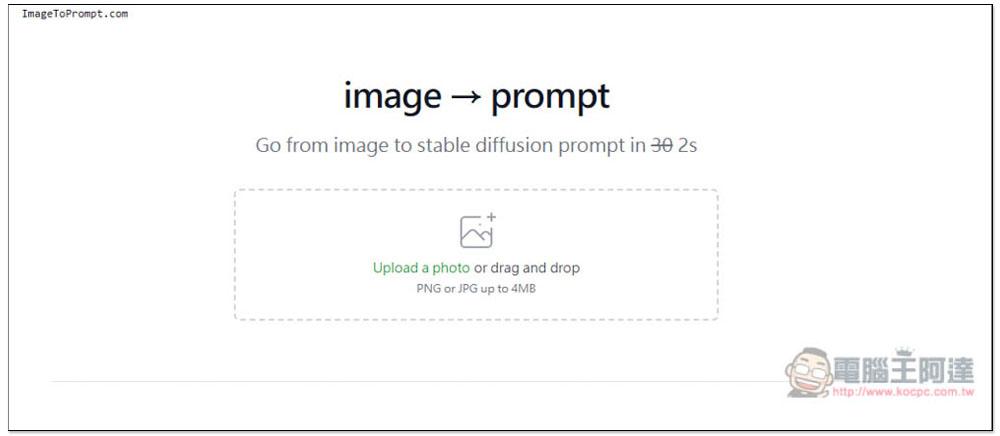
I upload an AI image generated by DALL-E. If there is no problem, press the Generate prompt:
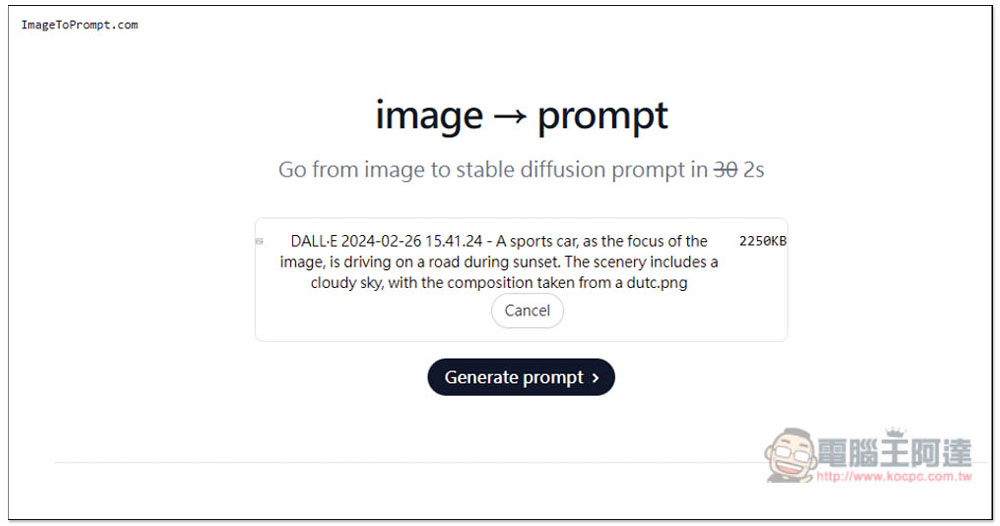
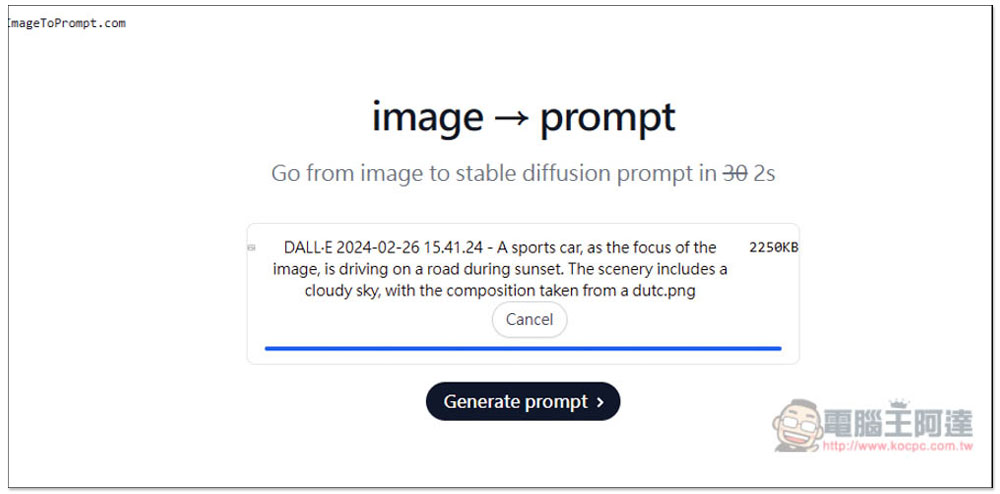
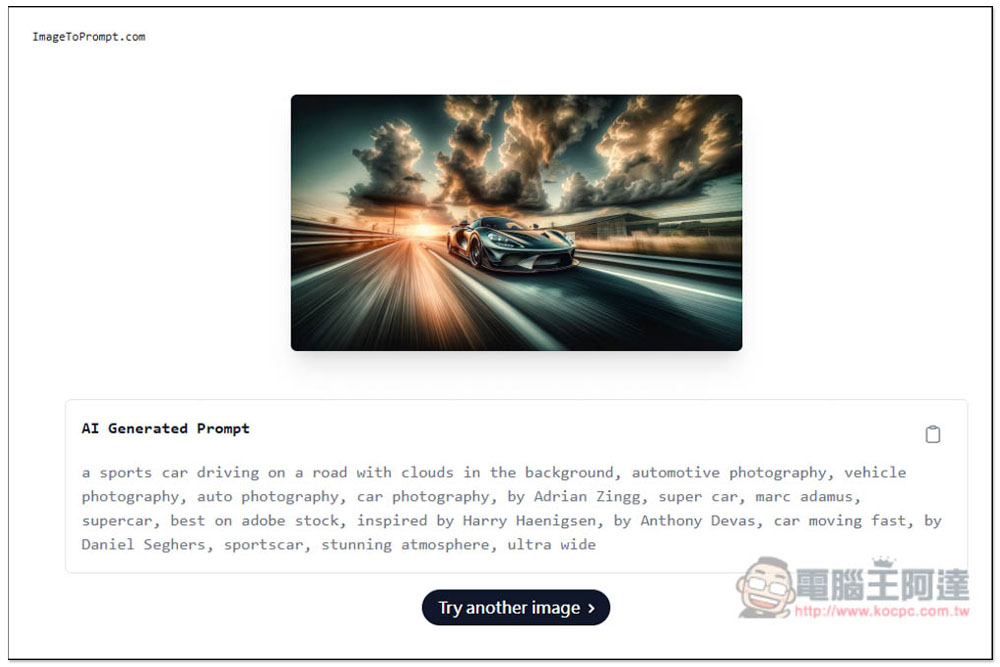
I uploaded this picture:

Although the web page advertises that it can be completed in 2 seconds, the speed of generating Prompt in my test is still slower than AnimeGenius IMAGE TO PROMPT, which takes about ten seconds:
Then you can get a detailed prompt description. You can click the icon in the upper right corner to copy all prompts with one click. I used another AnimeGenius IMAGE TO PROMPT to generate the same picture prompt before, but it was not so detailed:
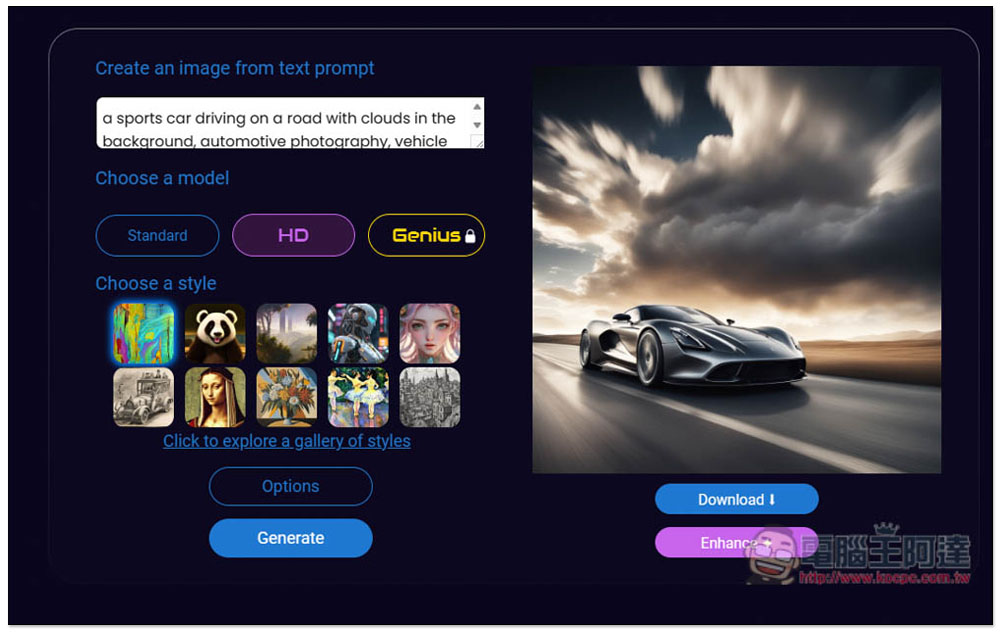
I tested a DeepAI AI image generation tool on the Internet. It used HD models and preset styles. The generated AI images were very similar to the ones I uploaded. I was really shocked by this one. I didn’t expect it to be so similar:
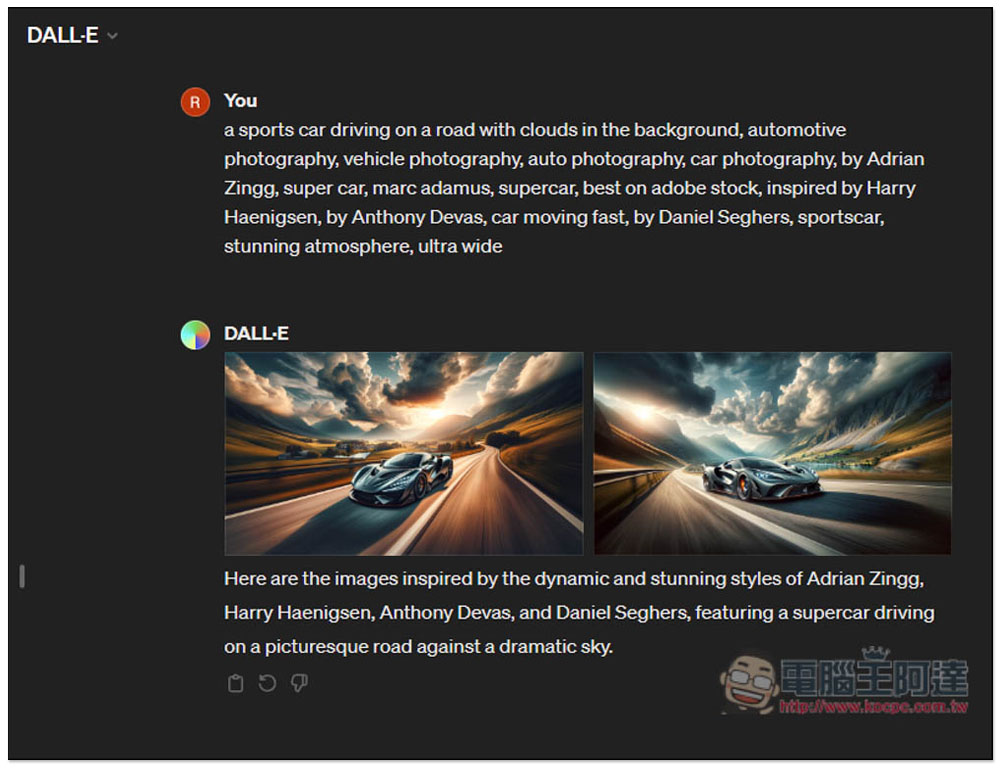
Next, I threw it into ChatGPT’s DALL-E generation again to see if the image looked like it. Unexpectedly, it was very similar. This image to Prompt tool is really powerful:
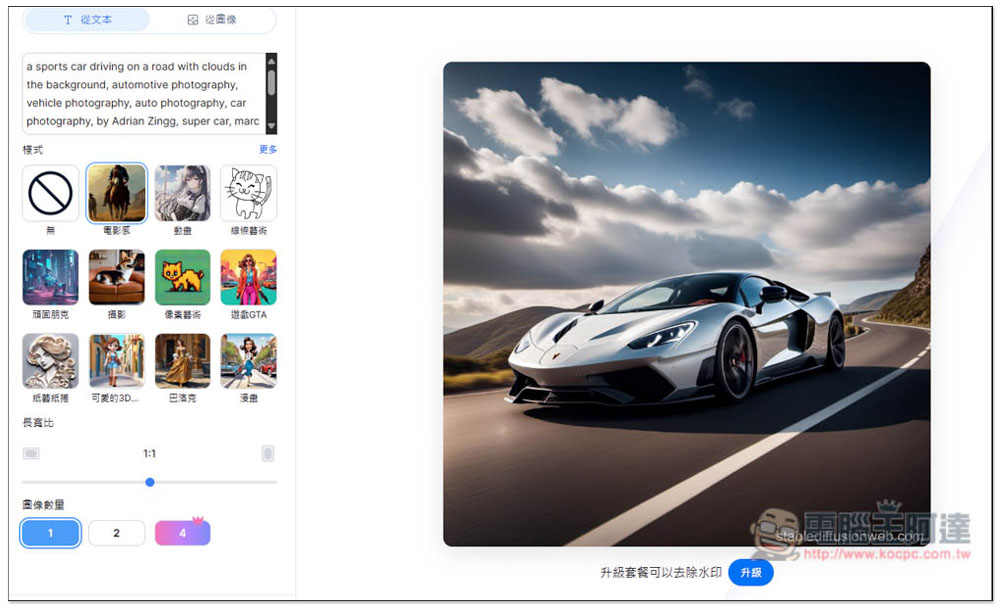
I also tested the Stable Diffusion online web version that I introduced before. Surprisingly, using the Stable Diffusion model generation tool, the images generated looked less like:
Therefore, if you need to generate similar images in the future, you can try this ImageToPrompt.com online tool to obtain the Prompt of this image.
However, one thing to note is that the stability of this tool does not seem to be very good. I could not open the webpage for several days before. I originally thought it was broken, but it turned out that I could open it normally when I tested it again earlier. So if you encounter the same situation, it is recommended to wait a few days and try again.
For readers who want to know more about Prompt, you can also read our previous articles:5 websites that collect a large number of Prompts. If you want to learn ChatGPT prompt commands but don’t know how to download them, this is the right place to find them.
Source: KOCPC Chinese