


Apple announced that it will launch a series of new assistive usage updates later this year that are combined with Apple Intelligence, bringing more powerful capabilities to functions that are highly relied on in daily life such as “Voiceover”, “Magnifier”, “Voice Control”, and “Assistive Usage Reader”. At the same time, Apple also announced two important new tools: one is the ability to automatically generate verbatim transcripts for videos that do not provide subtitles on the device, and the other is a new control method that allows Apple Vision Pro users to control compatible electric wheelchairs with their eyeballs. In addition, starting today, the Hikawa Grip & Stand, an iPhone adaptable accessory designed for auxiliary use and supporting MagSafe, is also available in three new colors in the Apple Online Store.

Apple launches new accessibility features and feature updates powered by Apple Intelligence
“Narrator” and “Magnifying Glass”: Comprehensive upgrade of exploration capabilities
Users who are blind or have low vision rely on Narrator and Magnifying Glass to understand screen content and the surrounding environment. Through Apple Intelligence, these tools gain more detailed visual description capabilities.
- VoiceOver
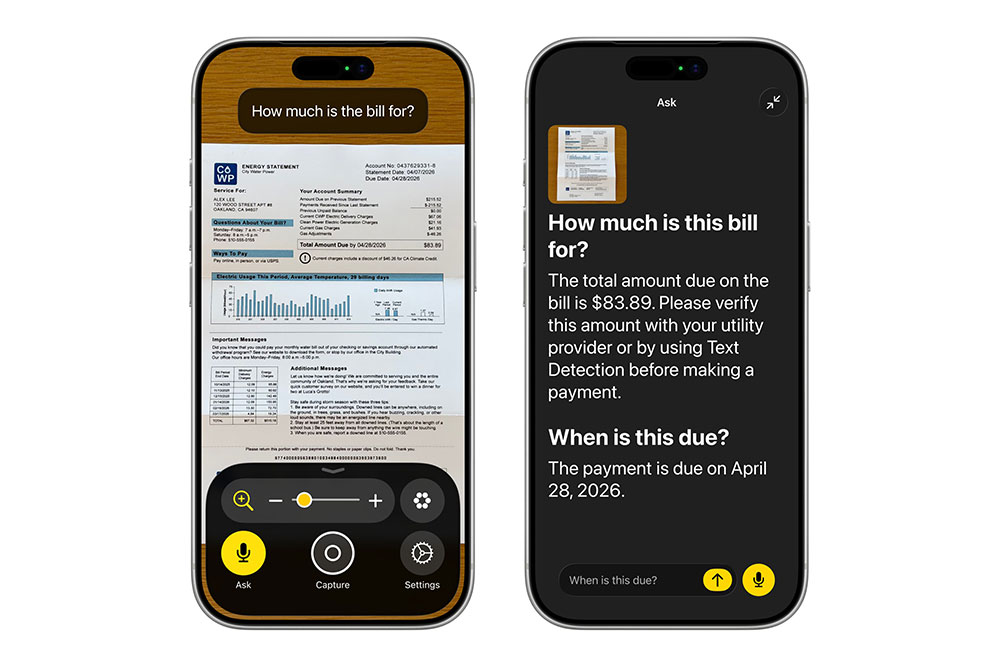
The new Image Explorer provides a more complete description of images across the system, including photos, scanned documents, bills and other visual content. The updated “Instant Recognition” also allows users to press the iPhone action button to directly ask about objects in the camera viewport and get detailed answers, and even ask for more information in natural sentences. - Magnifier
“Magnifying Glass” also introduces the image exploration capabilities of Apple Intelligence and maintains its high-contrast, low-vision-friendly interface design. Users can quickly ask questions through action buttons, and can also control the app with voice, such as saying “zoom in” or “turn on flashlight.”
“Voice control”: more natural language, more intuitive operation
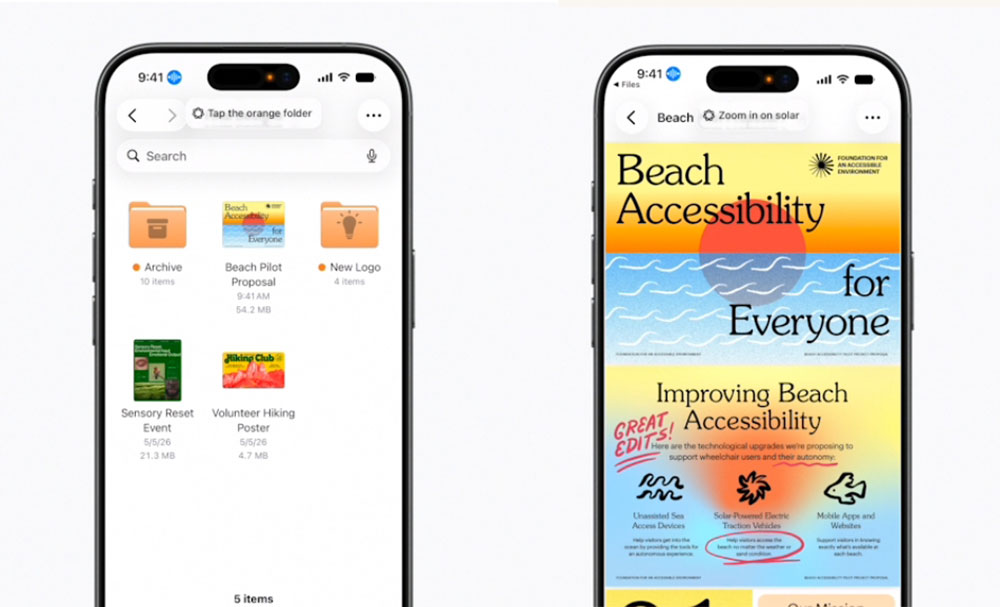
Apple Intelligence makes “voice control” closer to natural language, helping users with physical disabilities to fully operate iPhone and iPad with voice. Users no longer need to remember button names or labels; they can simply describe what they see on the screen, such as “Click the best restaurant guide” or “Open the purple folder.” This feature helps users operate smoothly even if interface elements are not properly labeled with accessibility information. Voice Control, powered by Apple Intelligence, will be available in English in the United States, Canada, the United Kingdom and Australia.
“Assisted Reader”: a more flexible reading method
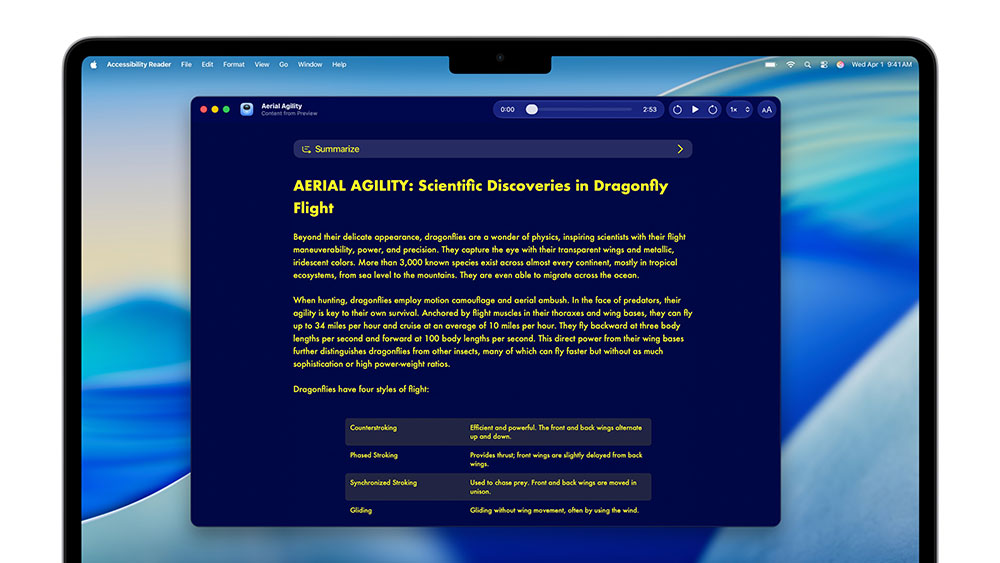
“Assistive Reader” provides a customizable reading experience for people with dyslexia and low vision. With the addition of Apple Intelligence, it can handle more complex content, such as multi-column scientific articles, and organize images and tables.
- On-demand summaries: Get the key points first, then read in depth.
- Built-in translation: Read content in your native language while retaining original formatting and layout.
Video subtitles are automatically generated: add key information for content that does not provide subtitles
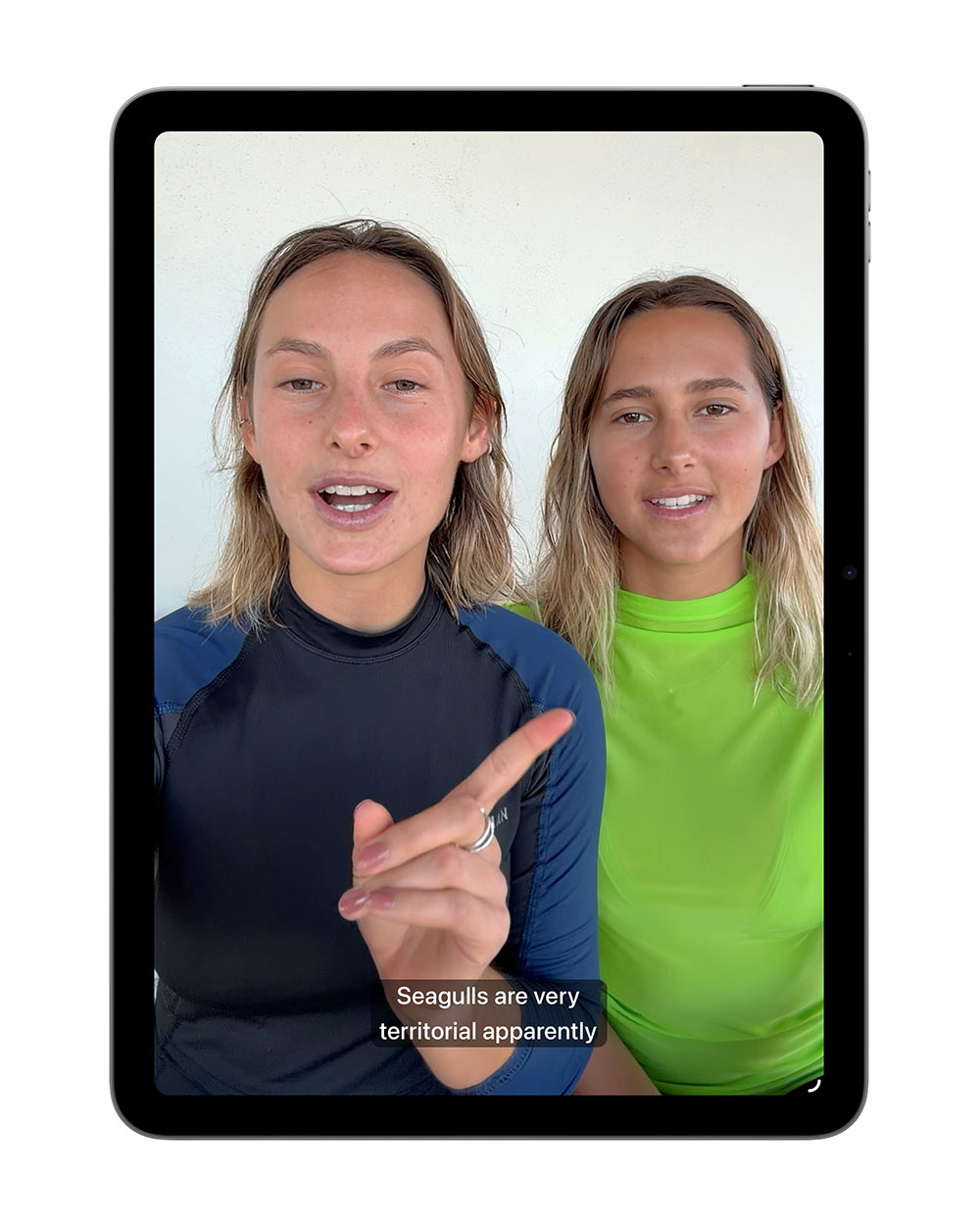
Subtitles are still not available on many personal videos, content shared by friends and family, or some online media. The new subtitle generation function can automatically generate verbatim transcripts using device-side speech recognition when the video does not have subtitles, and display them on iPhone, iPad, Mac, Apple TV and Apple Vision Pro. Users can also adjust the subtitle style in the playback menu or “Settings” and get a more complete viewing experience without sacrificing privacy. The subtitle generation feature will be available in English in the United States and Canada.
Apple Vision Pro: Control an electric wheelchair with your eyeballs
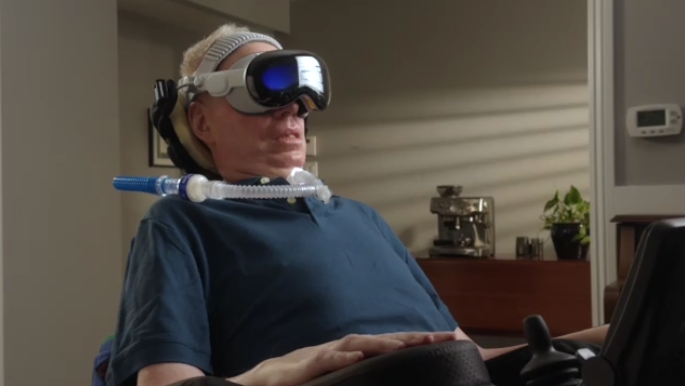
For some electric wheelchair users, traditional joysticks are not a viable control method. Apple Vision Pro’s new features leverage its precise eye-tracking technology to provide a responsive, stable input method for compatible alternative drive systems that doesn’t require frequent recalibration and can operate in a variety of lighting environments. This feature will be the first to support Tolt and LUCI systems in the United States, as well as support Bluetooth and wired accessories. Apple will also continue to work with developers to expand support for more wheelchair-driven devices. Many advocates in the field of ALS and assistive technology also said that this technology has far-reaching significance for people with limited mobility and can truly improve the quality of daily life.
Hikawa Adaptable MagSafe Accessories: Global Availability
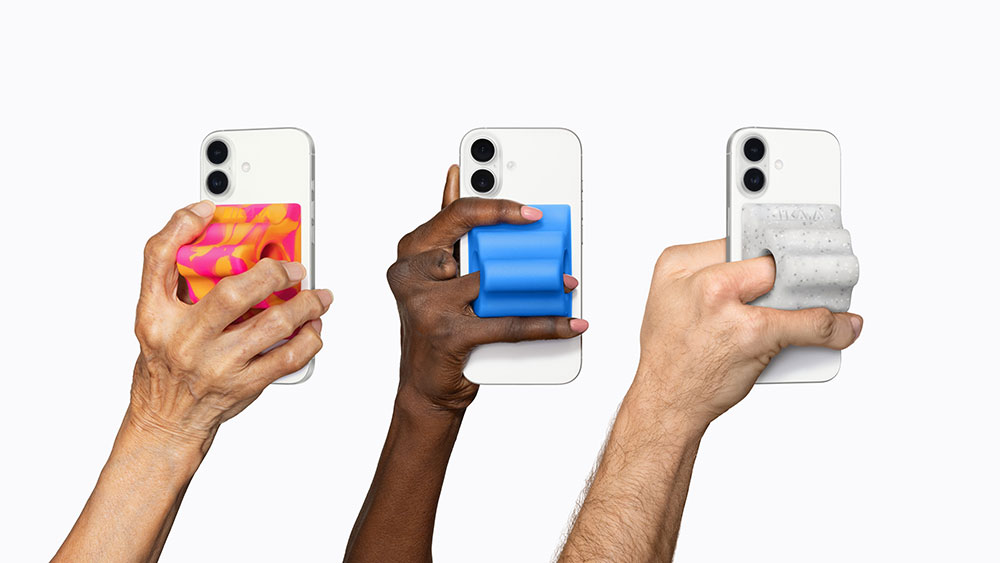
Hikawa Grip & Stand for iPhone is now available in three new color options at Apple Online Stores worldwide. Designer Bailey Hikawa worked with users whose grip, muscle strength or mobility was affected to create this adaptable accessory that helps hold their iPhone more comfortably, and is now available globally for the first time through a partnership with PopSockets.
Other updates
- Vehicle Dynamic Alerts will be available on visionOS to help reduce motion sickness for passengers using Apple Vision Pro in moving vehicles.
- Apple Vision Pro will support clicking and operating with facial movements, and will add a new eye-controlled selection method to “Dwell Control.”
- Touch Accommodations provide more personalization in iOS and iPadOS.
- Made for iPhone makes pairing and switching of hearing aids more stable and provides a more consistent setup experience across platforms.
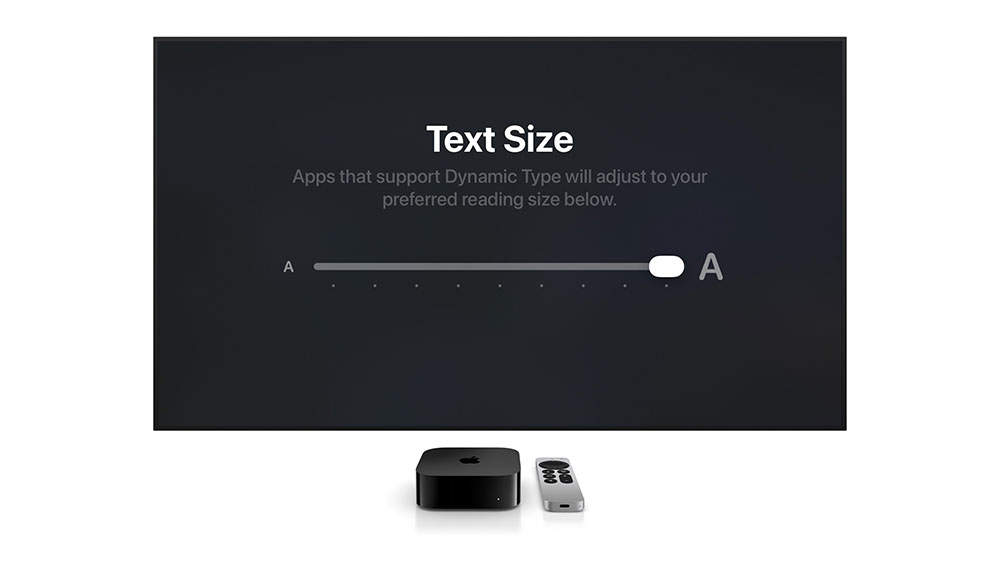
- tvOS adds a new “enlarge text” function, allowing users with low vision to enlarge interface text.
- Name recognition notifies people who are deaf or hard of hearing when their name is called, and is available in more than 50 languages.
- A new API allows sign language translation apps to add human sign language interpreters to FaceTime calls.
- Users who have difficulty using traditional controllers can connect Sony Access controllers to iOS, iPadOS and macOS and customize the configuration of joysticks, buttons and external switches, or even combine two controllers to create a more personalized gaming experience.
Source: KOCPC Chinese