


Computer gaming is a popular pastime that encompasses everything from building your own computer, to choosing the right gaming accessories, to sitting in front of a monitor for hours. However, there are times in every PC gamer’s life when tough decisions need to be made. No computer can stand the test of time and the hardware requirements for running games are getting higher and higher, but GPUs, CPUs and various components are not cheap. You may notice signs that your computer needs an upgrade, but where should you spend your money first to maximize the value? Should I upgrade the CPU or GPU first? Need to build a new computer? Is it time to get a new monitor?
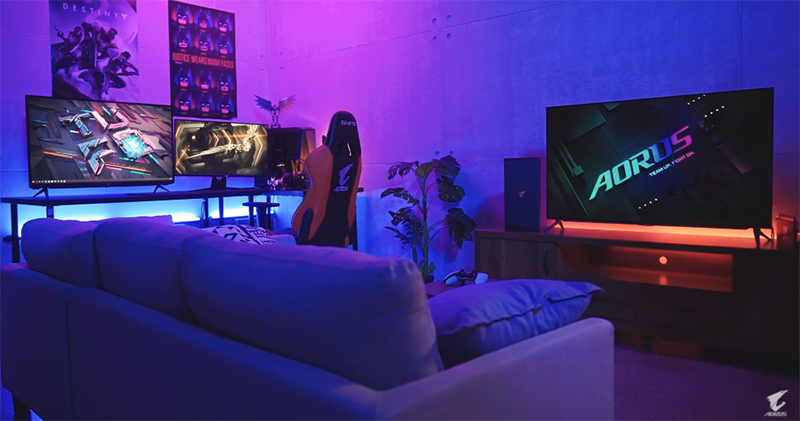
To improve your gaming experience, should you upgrade your GPU or monitor first?
Let’s imagine a situation. You know that upgrading your computer is something you must do in the future, your CPU life can be extended for a while, and you are indeed using a new GPU at your own pace. The question that often makes you wonder is, which one makes more sense, to upgrade the GPU or the monitor first? Buying a monster GPU is fun, but if your monitor doesn’t give the GPU a stage to show off its performance upgrades, it may no longer be a good idea. The point of spending so much money on a GPU seems weak if you can’t always use, see, or feel the new features promised by the new GPU. If you’re confused about whether to prioritize your GPU or monitor upgrade, this time we’re going to give you a little help.
When do you need to upgrade your GPU for the first time?
Striking a balance between fast and stable frame rates and high-definition images is the ideal goal for almost all PC gamers. If you notice that your gaming PC is struggling to reach your current monitor’s maximum frame rate (or your desired frame rate) in your favorite games, it’s obviously helpful to buy a new GPU first. Depending on how much of an upgrade you can afford, the extra performance cap on your current monitor may be used up by the new GPU, giving you a temporary boost while you wait to pair it with your new screen.
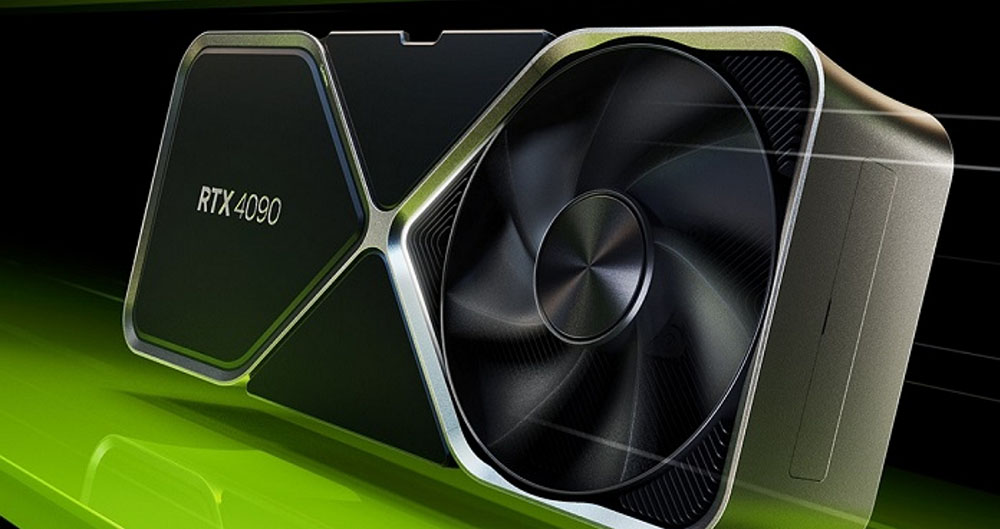
Assuming your current monitor already has a 144Hz refresh rate, only about 50 to 75% of that is used by your GPU. Buying a new monitor (especially a higher-resolution one) may make your games look sharper and more vivid, but it won’t improve overall performance. It can get even worse if you add more pixels. For some, this won’t matter, but for most, a balance between smoothness, high frame rates, and image quality is the goal.
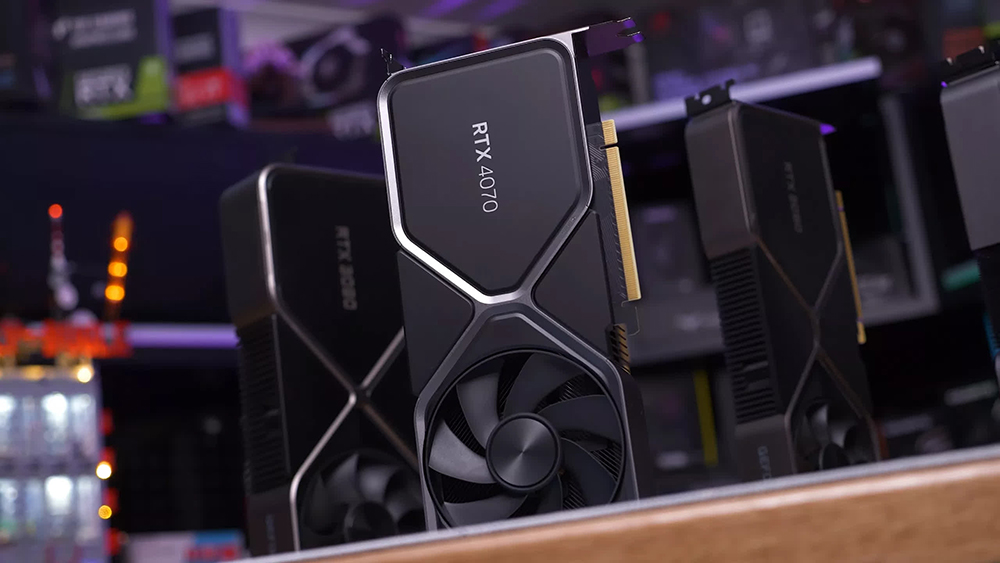
GPU prices have leveled off compared to a year or two ago, but they are still very expensive pieces of hardware. If you find a discounted price on a top-tier gaming GPU, I’d ditch most of the online advice and buy it to save money. Even though it might not work to its full potential on your monitor right now, you’ll be glad you saved a bunch of money in the long run.
When should you upgrade your monitor first?
It’s not uncommon to see gamers pairing powerful computers with older monitors that lack many modern features. There’s often a disconnect between a powerful computer and a powerful monitor, which is why we’re discussing this increasingly common problem.
When your original GPU can already keep up with the speed of your current monitor, it makes sense to prioritize upgrading your monitor. Let’s say you have a 1080P (FHD) monitor with a 144Hz refresh rate, and your favorite game can hit 144FPS and maintain that level on your current GPU. There may be some potential left in the computer, and buying a new monitor with a higher update rate can unlock it completely, and you may even find that you don’t need a new GPU after a year or two.
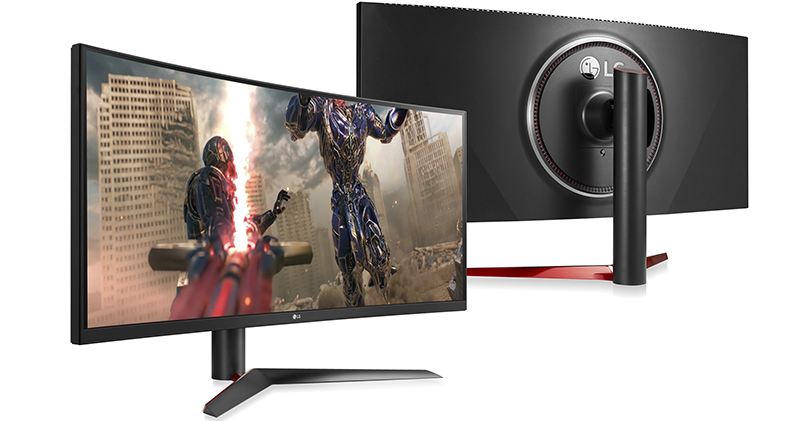
However, if you are pursuing high frame rate image quality, you need to consider the change in resolution. As performance hardware expands, QHD (also known as 1440P) becomes more common, and users of 1080p will undoubtedly gravitate toward higher resolutions. Your games will look better than ever, and you might get some new monitor features you didn’t know you needed, like HDR support, G-Sync or FreeSync, or even AI tuning.
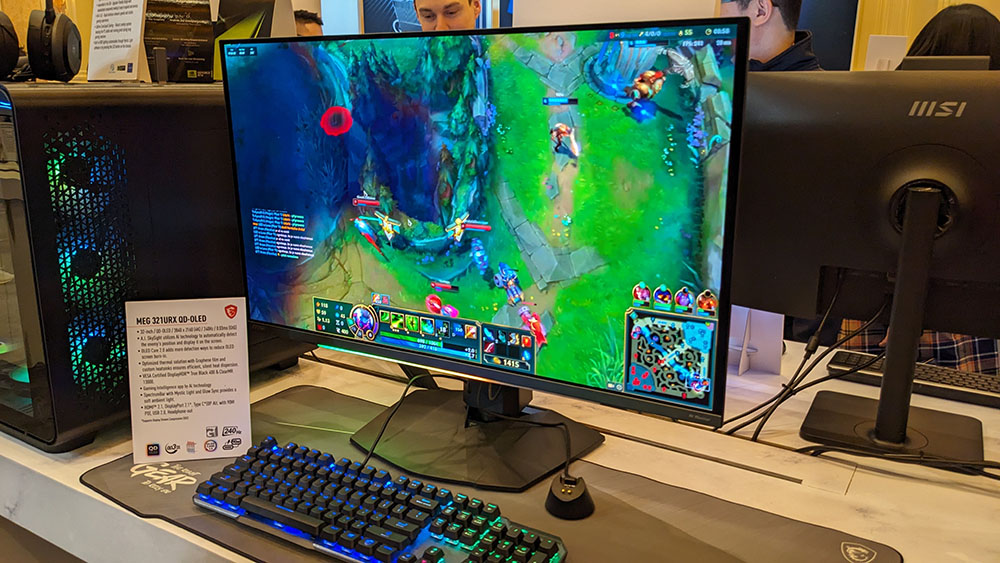
The transition from 1080P to 1440P is bigger than you might think, and your GPU has to work nearly twice as hard (1.77x, to be more precise) to achieve the same frame rates in QHD as in FHD. If you’re currently seeing 100FPS at 1080P, then in theory the framerate would drop to around 56FPS when switching to 1440P. Similar math can be applied to the jump from 1440P to 4K, or if you’re adding more horizontal pixels with an ultrawide monitor.
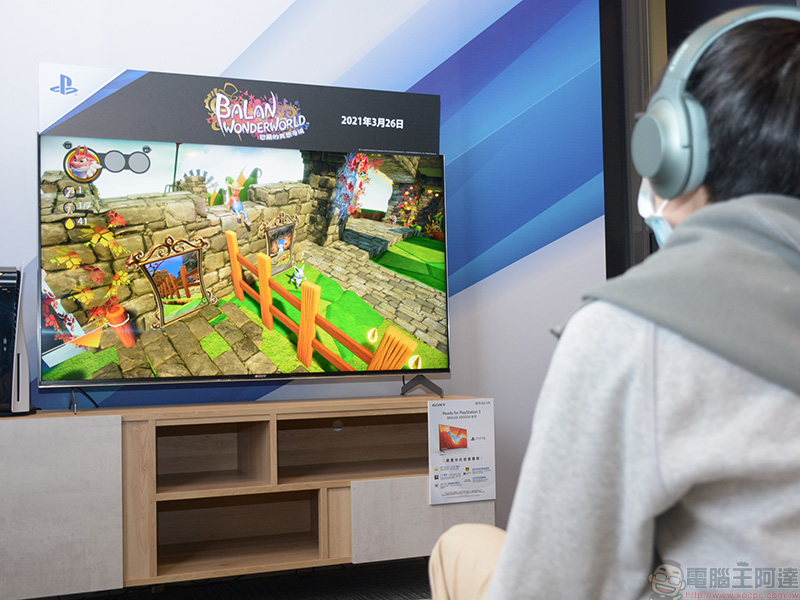
If your GPU is already taking full advantage of the capabilities of your current monitor, I still recommend investing in a new high-definition monitor first. You’ll get a good visual of how the hardware keeps up with the new screens, and you’ll at least know that the next step is a GPU upgrade. You might even be surprised at how well your current GPU performs in gaming on new high-end monitors.
Written at the end…
Choosing to upgrade your GPU or monitor first will depend on whether you value image quality or frame rate, and how your current computer pairs with your current monitor. If you already have a good gaming monitor but your GPU isn’t taking full advantage of it, it may be helpful to upgrade your GPU first. Buying a new monitor won’t make your GPU perform any better, and it will actually have the opposite effect if you jump to a higher resolution.
Users who already have a powerful GPU and can already hit high frame rates should consider upgrading their monitor first. Existing GPUs may have enough power to handle higher resolutions while still delivering acceptable frame rates. Even if it doesn’t reach the true potential of a new monitor, you’ll have plenty of flexibility when you eventually upgrade your GPU.
Source: KOCPC Chinese