


Immediately after the news of the release of Windows 11 build 26052, the official account of Microsoft’s Windows Insider Program unexpectedly announced simultaneously on the former Twitter / Therefore, it is strongly recommended that if there is such a need, you can back up the data before restoring the old system just in case. Continue reading If you play games and die, Windows 11 build 26052 crashes, and the data of the previous version will still disappear! Report text.
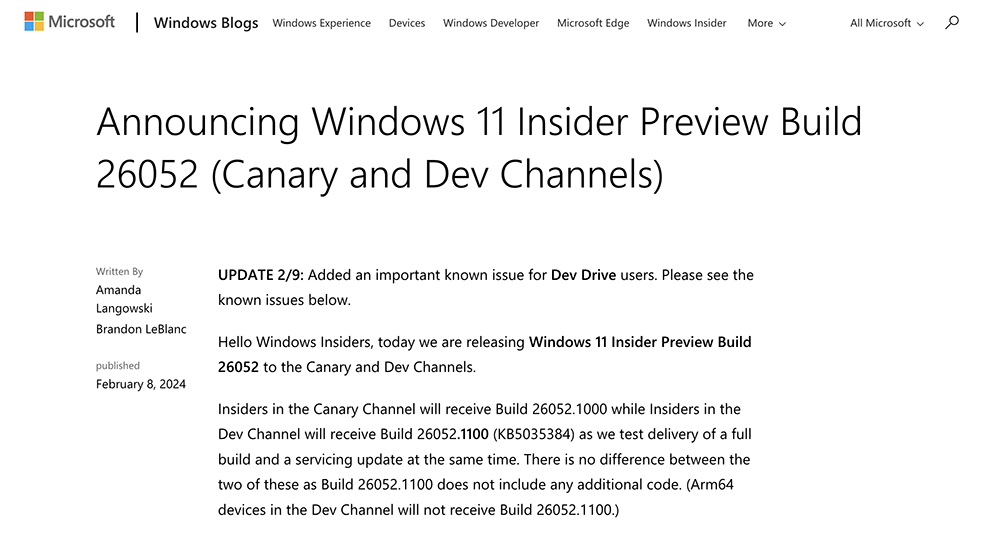
▲Image source: Microsoft
Playing games is a disaster. Windows 11 build 26052 crashes, and the data of the previous version will still disappear!
Although there should not be too many people chasing Windows Insider Preview Build preview version updates. However, I was surprised to find it after it was pushed a few days ago, bringing the awesome accessibility feature “Speak for me”. Windows 11 build 26052. Unexpectedly, this is the Chinese New Year, causing users who installed this preview system update to be in a dilemma, which can be called a super embarrassing situation.
If you have installed Windows 11 build 26052 preview in the past few days, and then find that you seem to encounter frequent crashes when running large 3D games or even just playing videos. Then, you are most likely piracy A victim of the Windows Insider Preview Build latest update disaster.
Immediately after the news of the release of Windows 11 build 26052, the official account of Microsoft’s Windows Insider Program unexpectedly announced simultaneously on the former Twitter / Therefore, it is strongly recommended that if there is such a need, you can back up the data before restoring the old system just in case.
https://twitter.com/windowsinsider/status/1756061423262990708
That is to say, I believe everyone can guess that if something had not happened, it would be difficult for the official to immediately notice that the system has a serious bug in Rollback, right?
As for the current reports on the Internet, some people mentioned that when playing games and other situations, this time Windows 11 build 26052 hasEncountered a problem with a green system page when the computer crashes. In short, people will feel that there is something wrong with this update and want to go back to the previous version – and then… just… (silent)
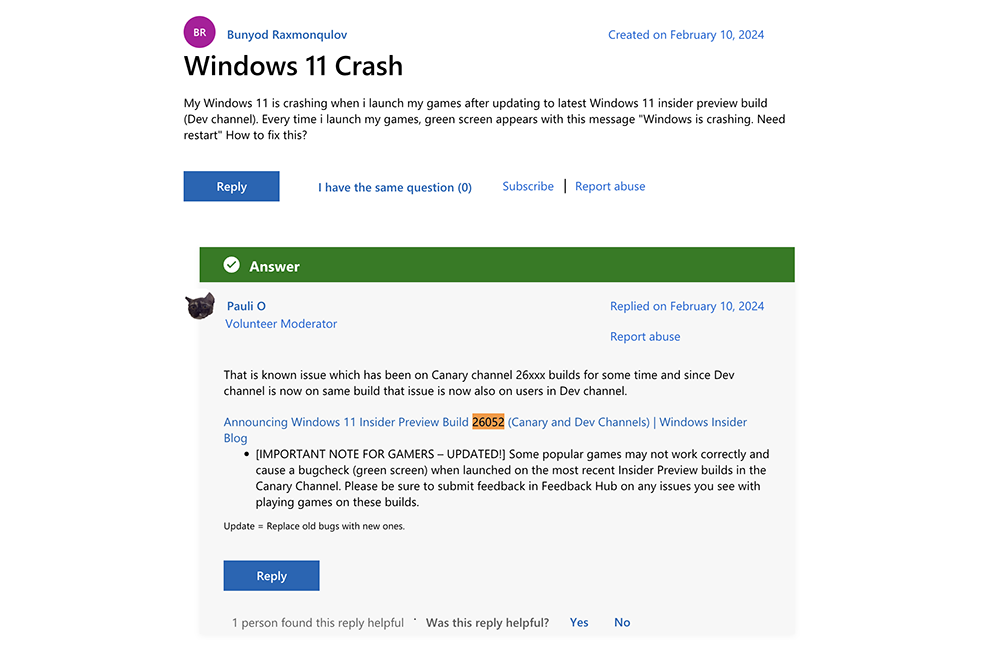
It has to be said that this kind of crash occurs during the Lunar New Year holiday, a time when theoretically you should show off your skills and play games, which is enough to make people feel frustrated and disappointed. However, even if users have already encountered bugs in the preview version of the system update, they are mentally prepared to need to restore the previous version at any time. It’s probably hard for anyone to imagine that this time the mines can actually trigger a Combo – you’ll really be knocked unconscious if you encounter one, right?
All in all, regarding this embarrassing situation, we can only advise everyone to stay away from this update until the official amendment is proposed. As for friends who have already updated, it is recommended that before the official launch of the corrected update, if you want to restore the previous version in advance, you should at least remember to back up important data first just in case (actually, this is recommended as long as there is an update…).
Further reading:
The power continues to increase! Xiaomi 14 Ultra more specifications revealed

Source: KOCPC Chinese