


There are many ways to start your Google search journey, from simple keywords and questions to reverse image searches. Google recently launched another “circle search”, which first appeared on the Samsung Galaxy S24 series of mobile phones. Now, this feature has officially come to Google’s own Pixel 8 and Pixel 8 Pro mobile phones.

Google’s new feature “Circle Search” is here, how to use it?
The circle search function is very convenient, allowing you to search directly on any screen. Whether you are watching a video, browsing the web, or in other applications, you can immediately search for content of interest without jumping to the search application. So how to use this new feature?
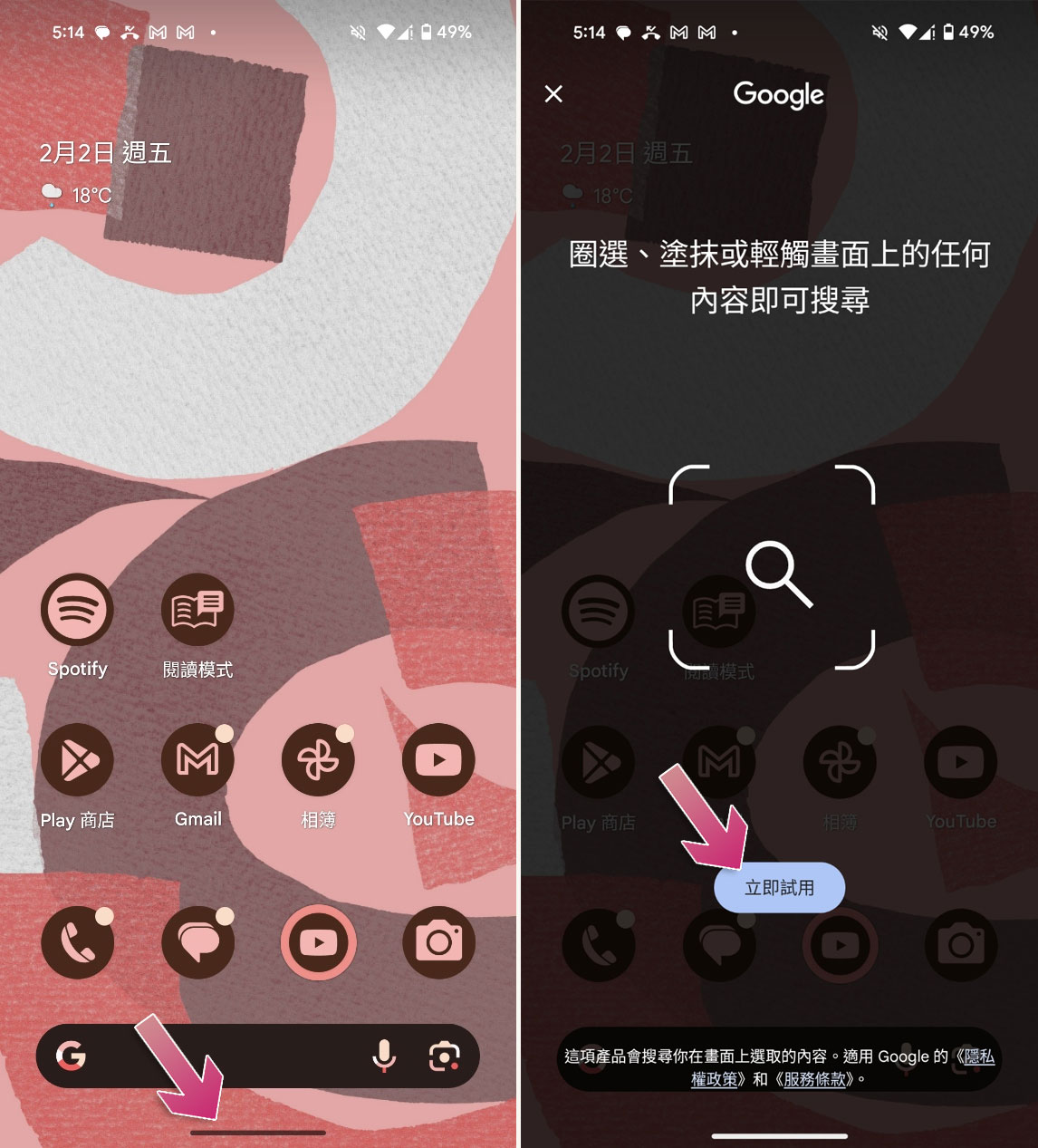
- In any screen you want to search for, press and hold the bottom line at the bottom of the screen to call up the Google search screen. When calling for the first time, a simple instruction will be displayed on the screen, then click “Try Now”. (This seems to replace the original gesture activation method of Google Voice Assistant)
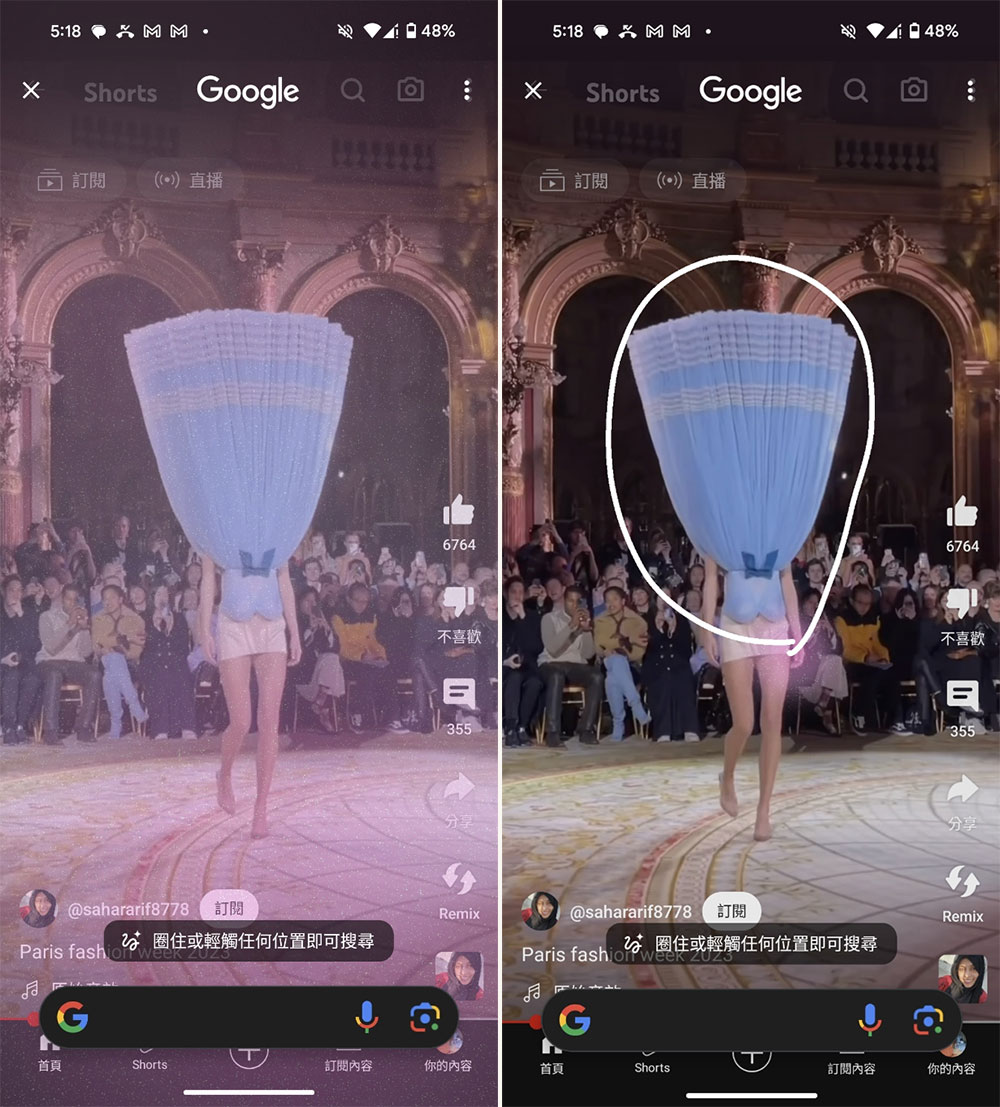
- Next, you can directly circle, smear or click on the screen to select the part you want to search.
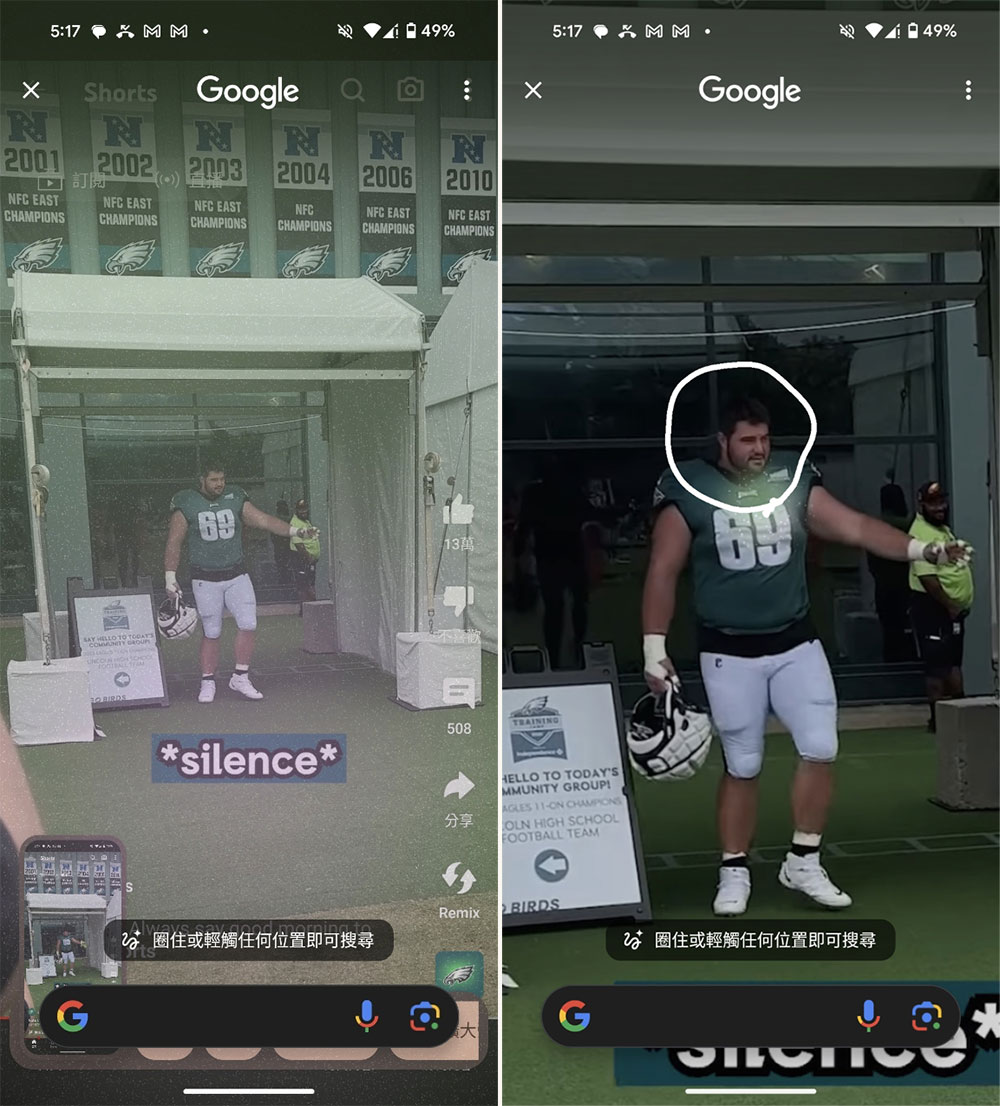
- If the area you want to circle is small, you can also use the pinch gesture to enlarge the area and then circle it. If the part you want to circle is blocked by the search field, the search box can be dragged and moved freely, so don’t worry.
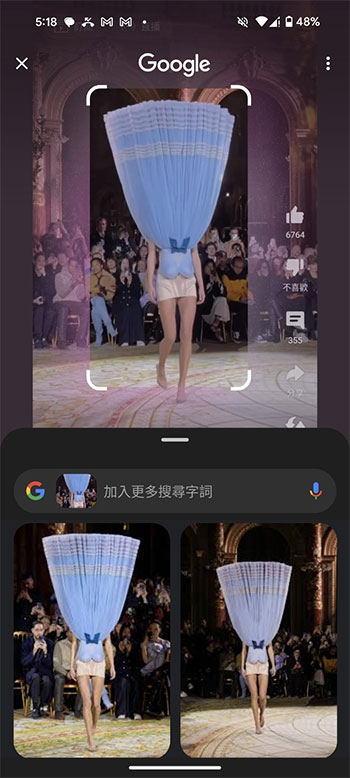
- Wait a moment and the relevant information you want to search for will be displayed below.
If circle searches look similar to you, that’s probably because Google has experimented with on-screen object and text-detection searches on Android several times in the past. Launched on Android phones in 2015, Google Now on Tap can scan text on the screen and search for keywords. For example, opening it in a text conversation where people are talking about a restaurant will pull up information like a Google Map of that restaurant. The feature was quietly abandoned at some point, but Google later added basic text selection to Android’s multitasking pane.
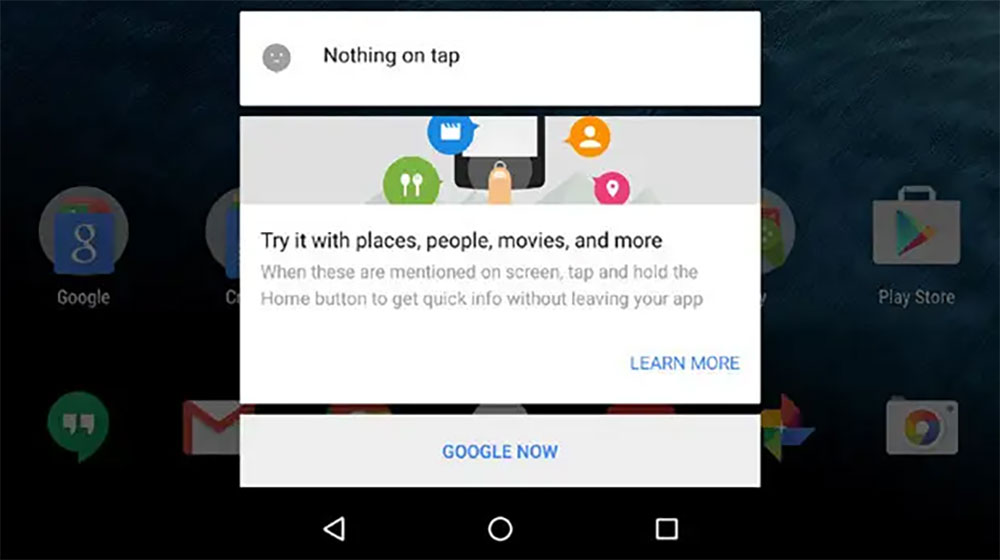
Circle search seems to be a return to the old Google Now on Tap feature, but the content that can be searched is more selective, and it may also use the Gemini AI on the device for object detection. Google didn’t confirm this detail, but it did mention that the feature would first roll out to the Pixel 8, Pixel 8 Pro, and Galaxy S24 series, which are currently the only phones that support on-device Gemini AI. The new circle search feature is available starting January 31, but as mentioned, you’ll need to have a Pixel 8 series or Galaxy S24 series to try it out, and hopefully it’ll roll out to more Android devices in the coming weeks and months of 2024.
Source: KOCPC Chinese