


There is a lot of new information on the Internet every day, and everyone has limited time. It is impossible to absorb all the information that interests you. At this time, you can actually consider using the assistance of AI tools to speed up the acquisition of new information. For example, the “Glarity” recommended in this article is a very good extension function. It can not only use ChatGPT to quickly sort out the summary of the current web page and YouTube video with one click, but also directly ask it questions to find out whether there is any information you want to know. When doing Google When searching, the results of ChatGPT and questions you may be interested in will also be displayed simultaneously, which is quite good.
What’s even better is that it also supports translation functions, and it also uses ChatGPT to translate the current web page content (if it fails, it will automatically switch to Google Translate). The above functions are free to use, and it is highly recommended that you give it a try.
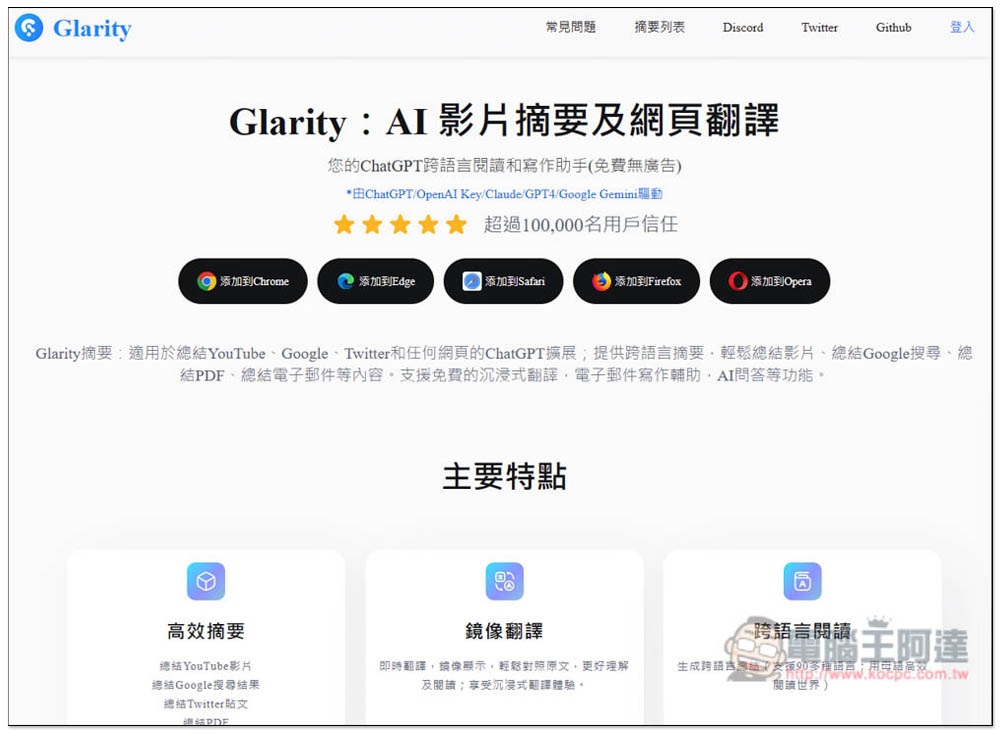
“Glarity” enables one-click summarization of web articles, YouTube videos, translation of content and enhanced Google search using ChatGPT
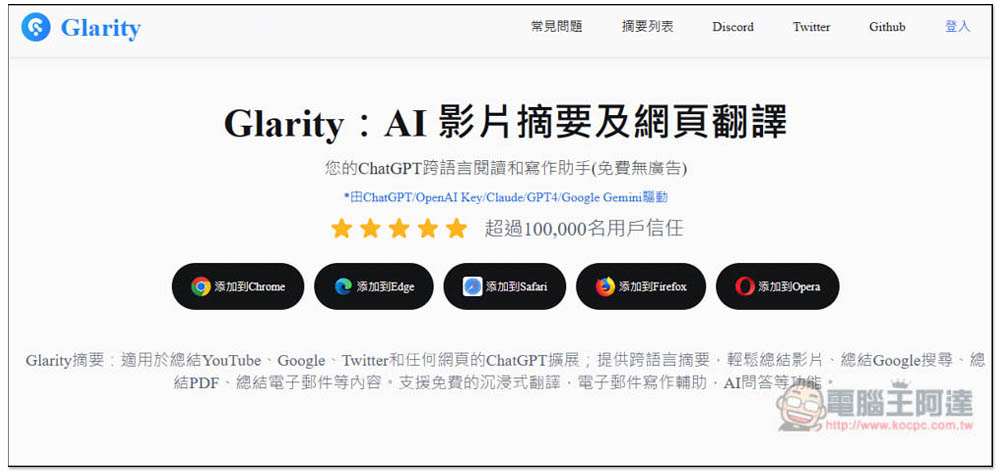
Glarity supports many browsers, including Chrome, Edge, Safari, Firefox and Opera. The Edge version can also be installed in the Chrome store. Here we use the Chrome version as an example, and the usage methods are the same:
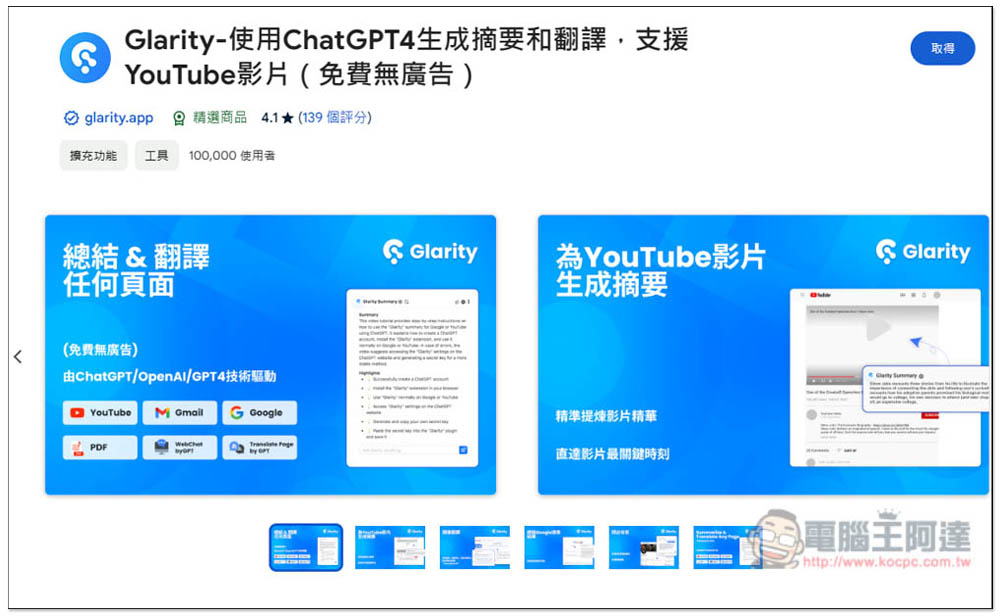
After entering the Chrome Store, click “Get” on the upper right:
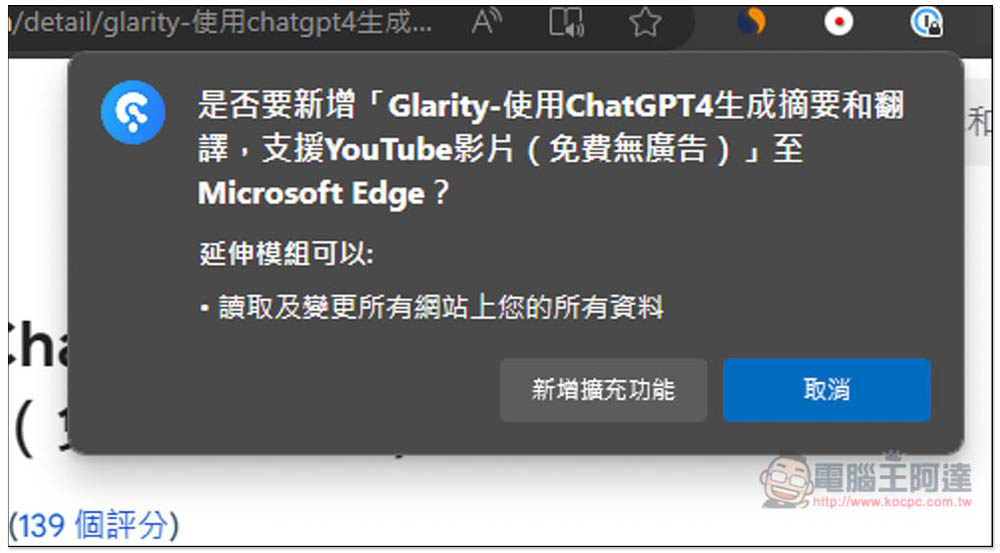
This message will be selected at the top, click “Add Extension”:
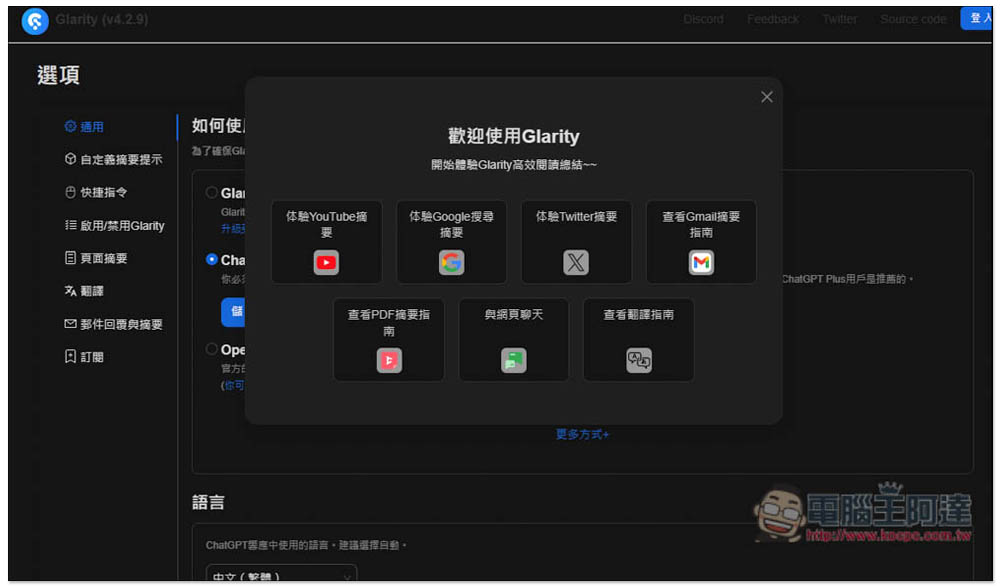
After installation, the setting page will be automatically opened, and a tutorial will pop up at the beginning. Those who are interested can take a look:
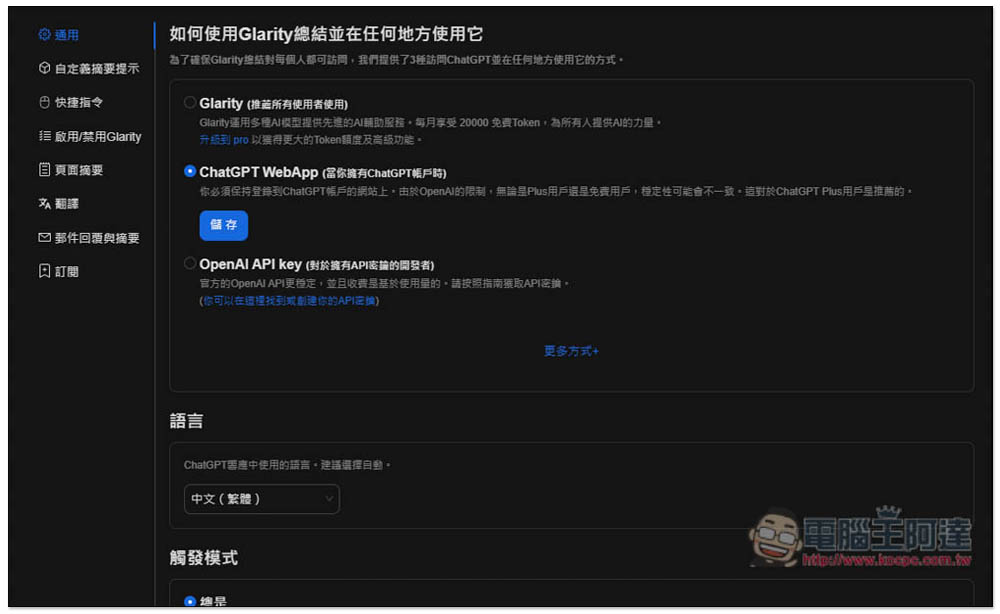
Confirm whether “ChatGPT WebApp” is selected in the general menu, so that ChatGPT can be used for summary, summary, etc. Remember that you must have a ChatGPT account. This one also provides its own AI, but there is a free quota, you can try it out:
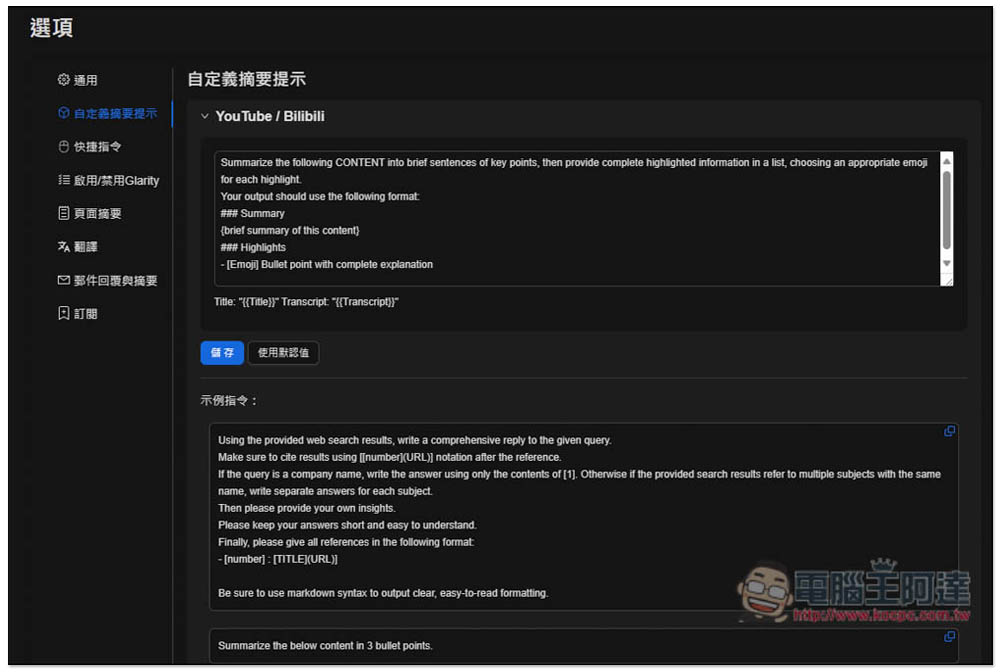
The prompts for popular websites have already been set, such as YouTube and Bilibili, and there is no need to adjust:
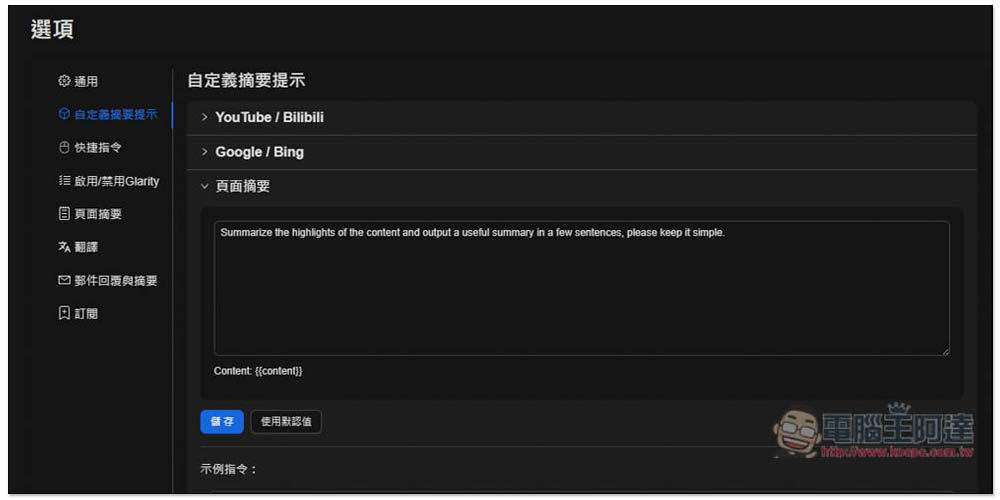
The same goes for the page summary of the web page. Of course, you can also change it to a Prompt tip that you think is better:
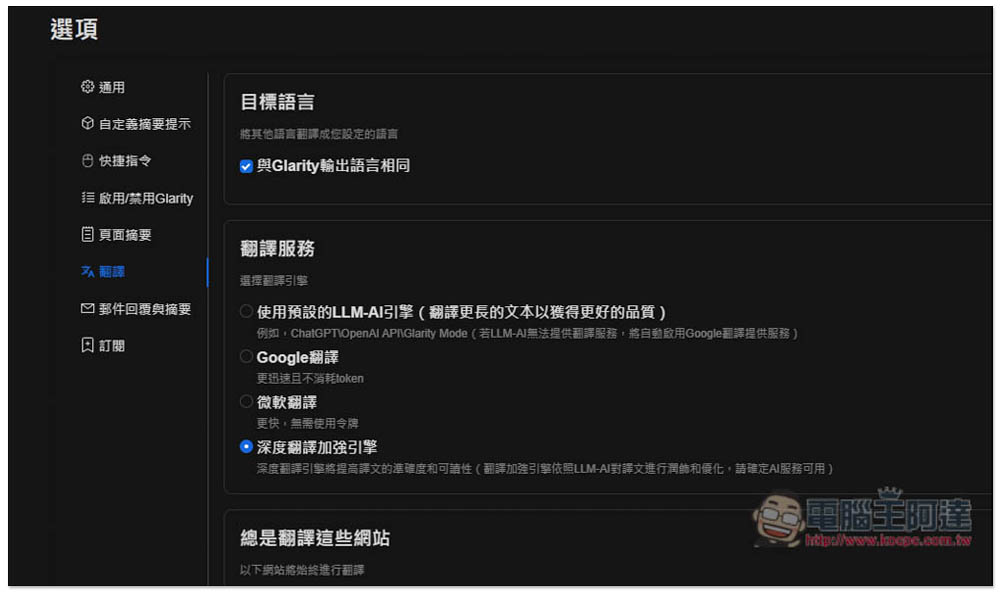
For translation services, it is recommended to select “Use the default LLM-AI engine”, which will use ChatGPT/OpenAI API/Glarity Mode. If LLM-AI cannot be used, it will automatically switch to Google Translate:
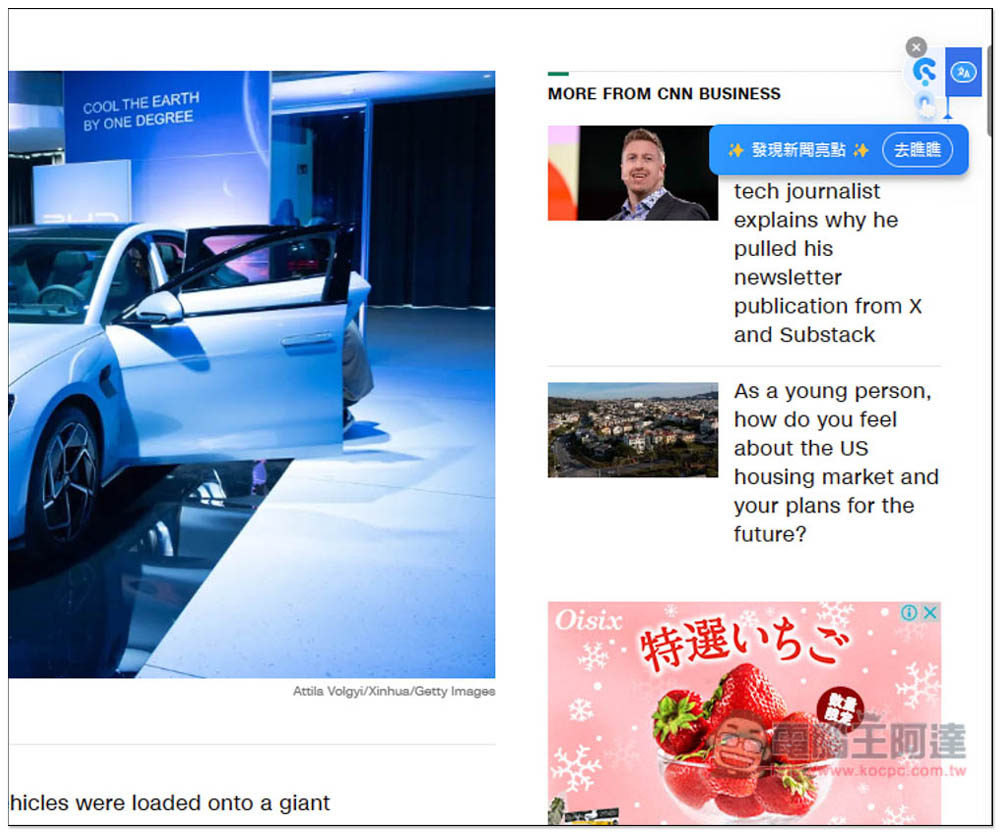
When you enter any web page, you will see two more small icons on the right. This is the function menu of Glacity. The left is the summary and the right is the translated web page:
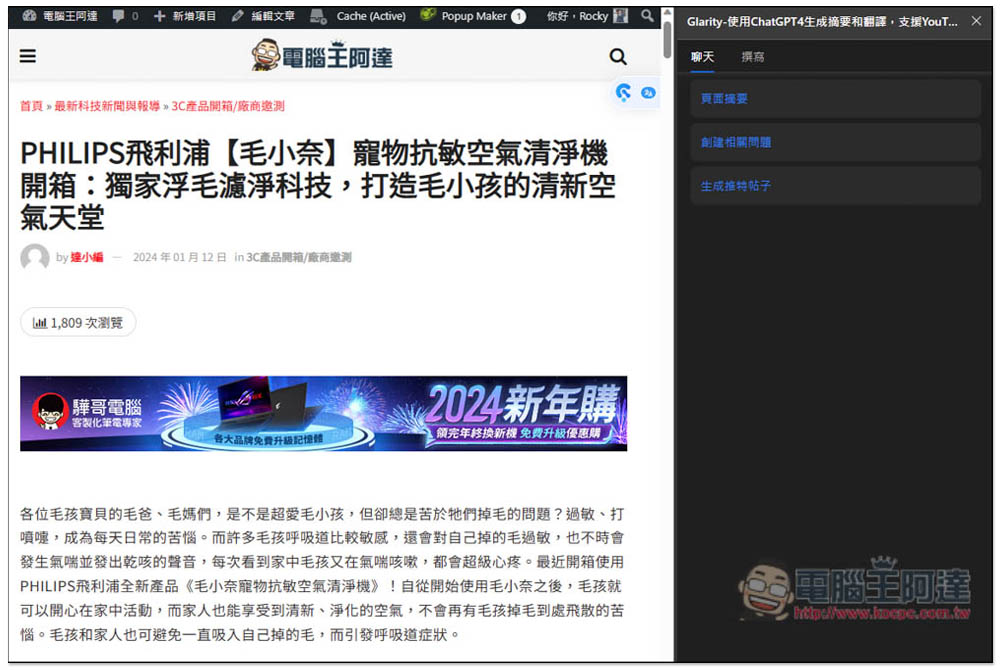
Clicking on the summary test will pop up a window. There are three options in the chat section, “Page Summary”, “Create Related Questions”, and “Generate Twitter Posts”. If you want to know the summary of this article, click “Page Summary”:
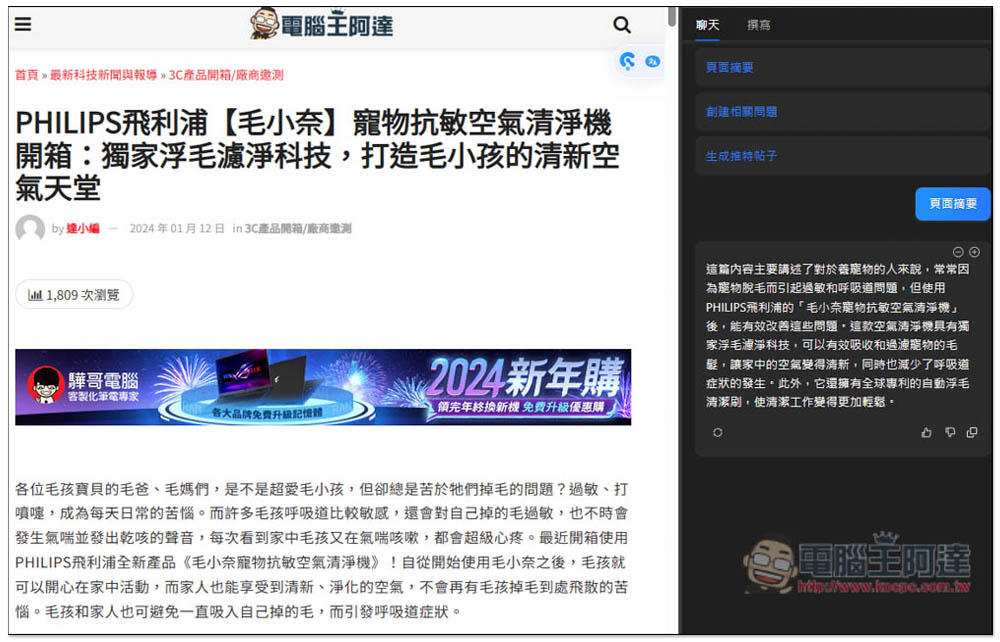
Then the summary will be obtained through ChatGPT:
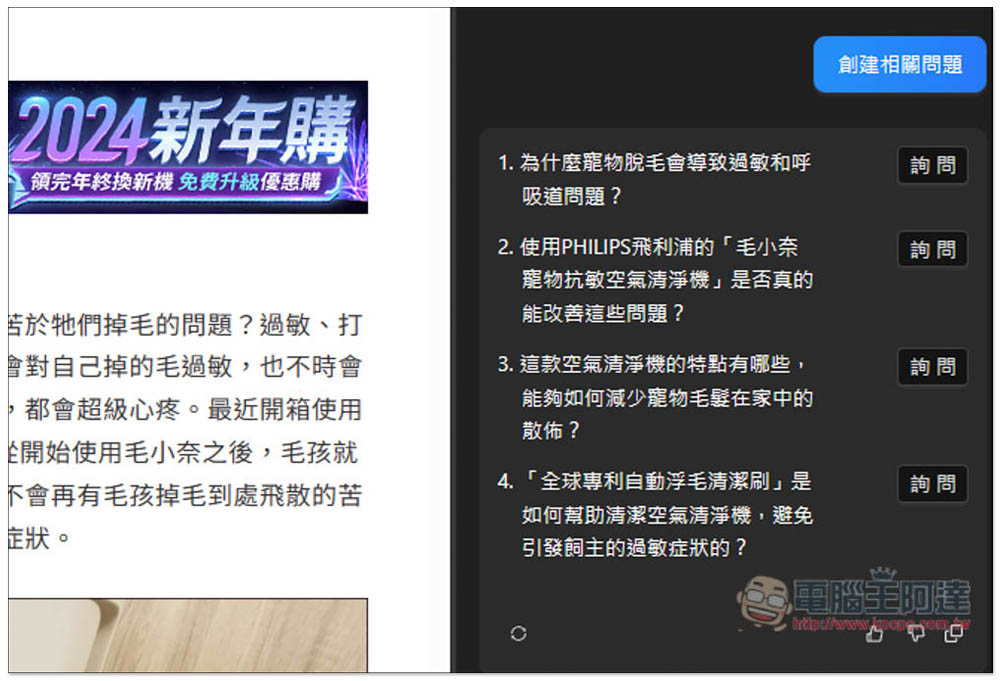
“Create related questions” will create questions that many people may have based on the content of this article. At this time, there may be questions that you want to know but are not explained in the abstract. Click the question on the right to get the answer:
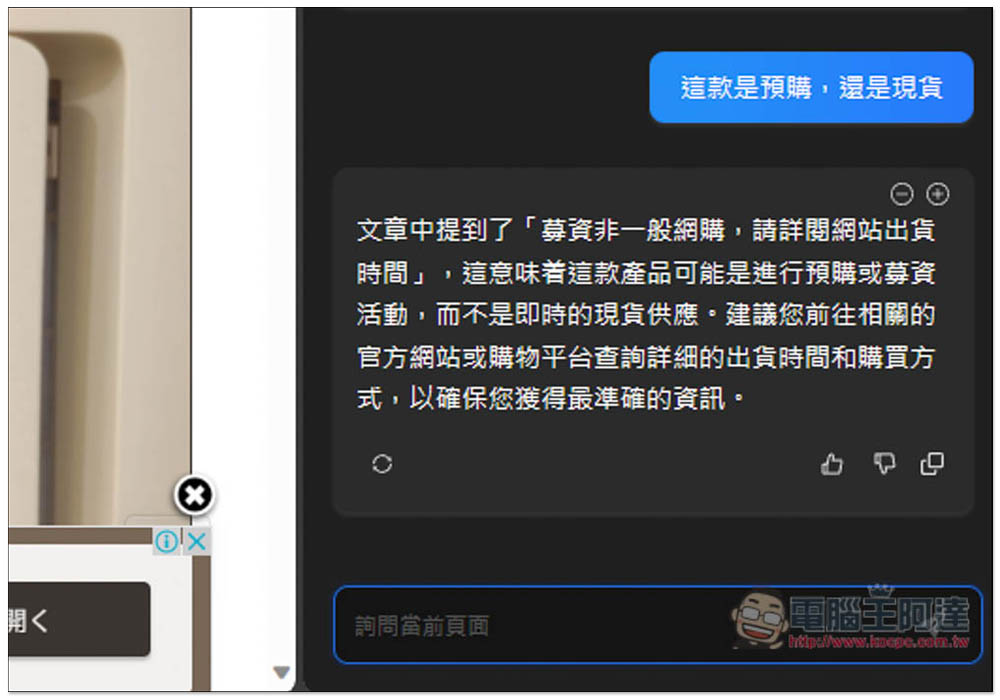
You can also ask it directly. However, please note that my test does not seem to be 100% correct. Sometimes the text mentions it, but it says not:
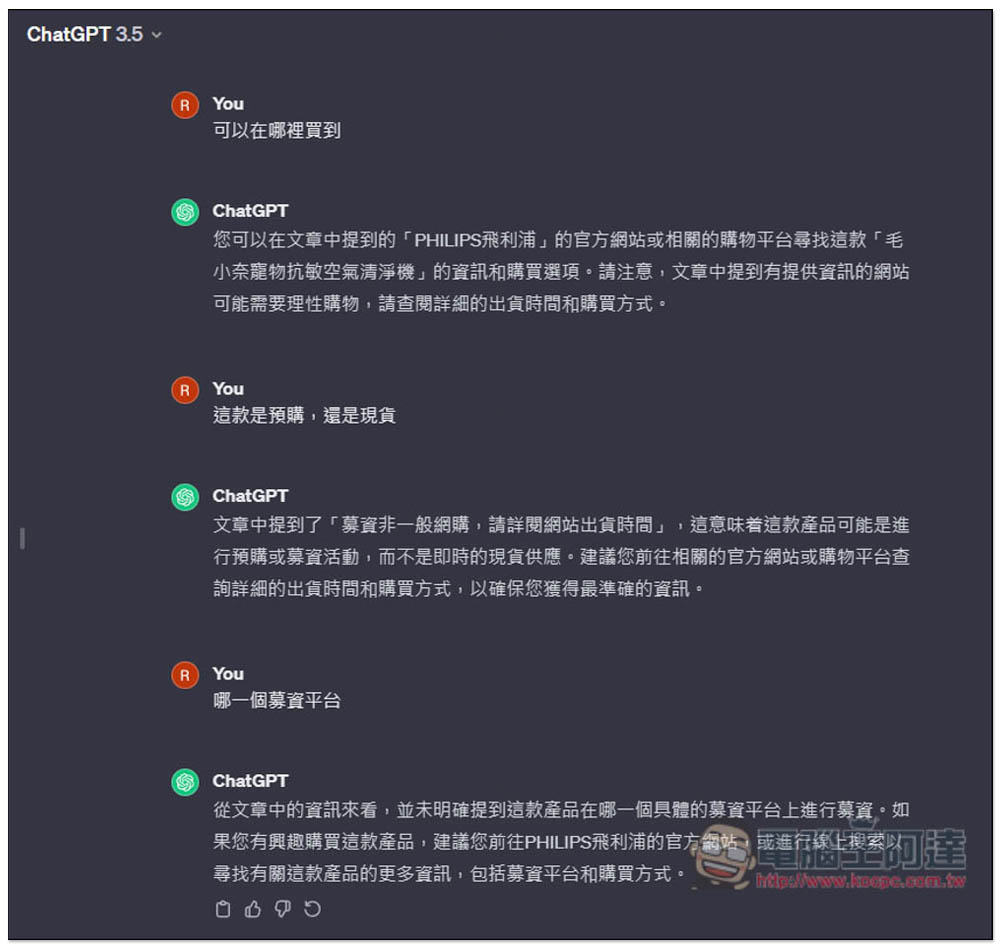
I opened ChatGPT to check, and sure enough, a new chat window was added about the article content I asked, using the ChatGPT 3.5 model. This is a pity, and there is no way to use ChatGPT 4:
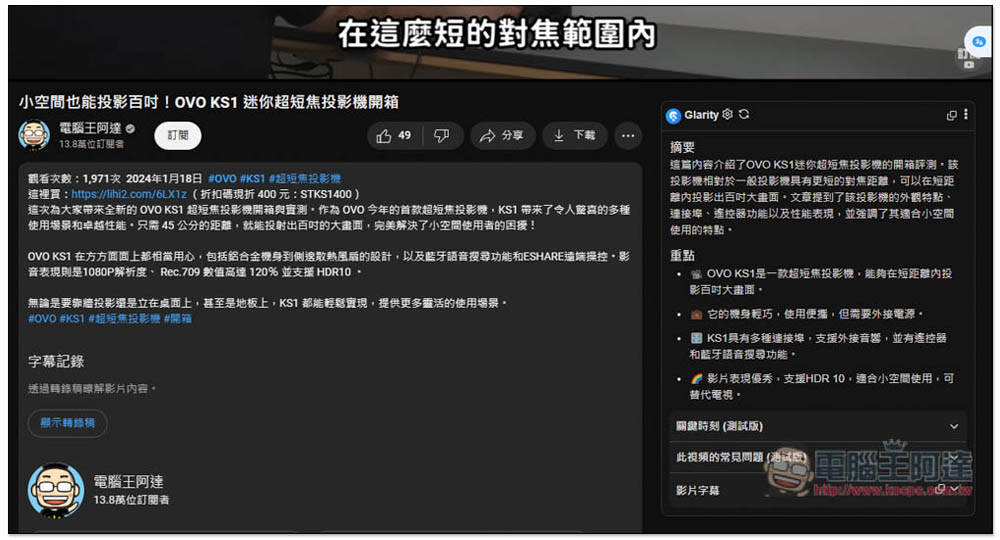
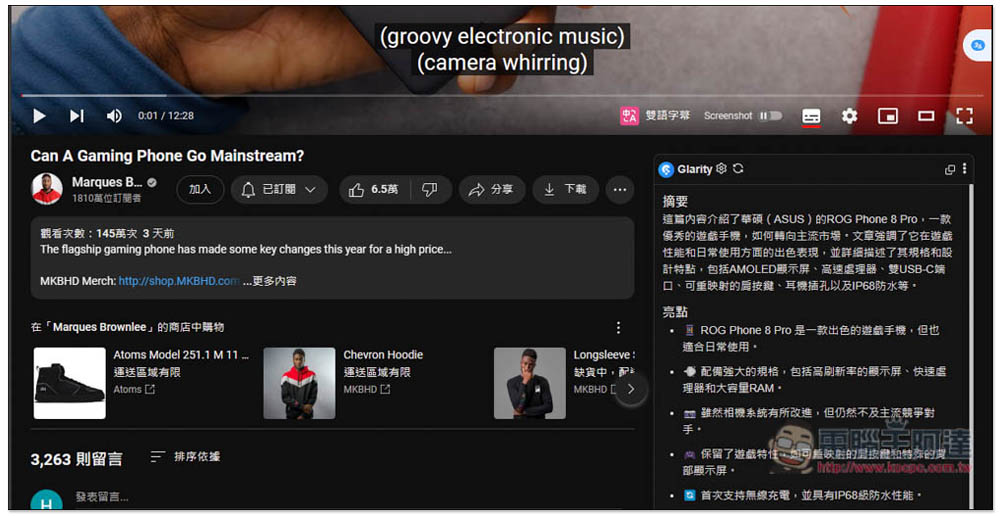
YouTube videos will automatically be summarized on the right side without clicking any functions. There are also “Critical Moments (Beta)”, “FAQs about this video”, and “Video Subtitles” below:
English YouTube videos will also be summarized, with answers in Traditional Chinese:
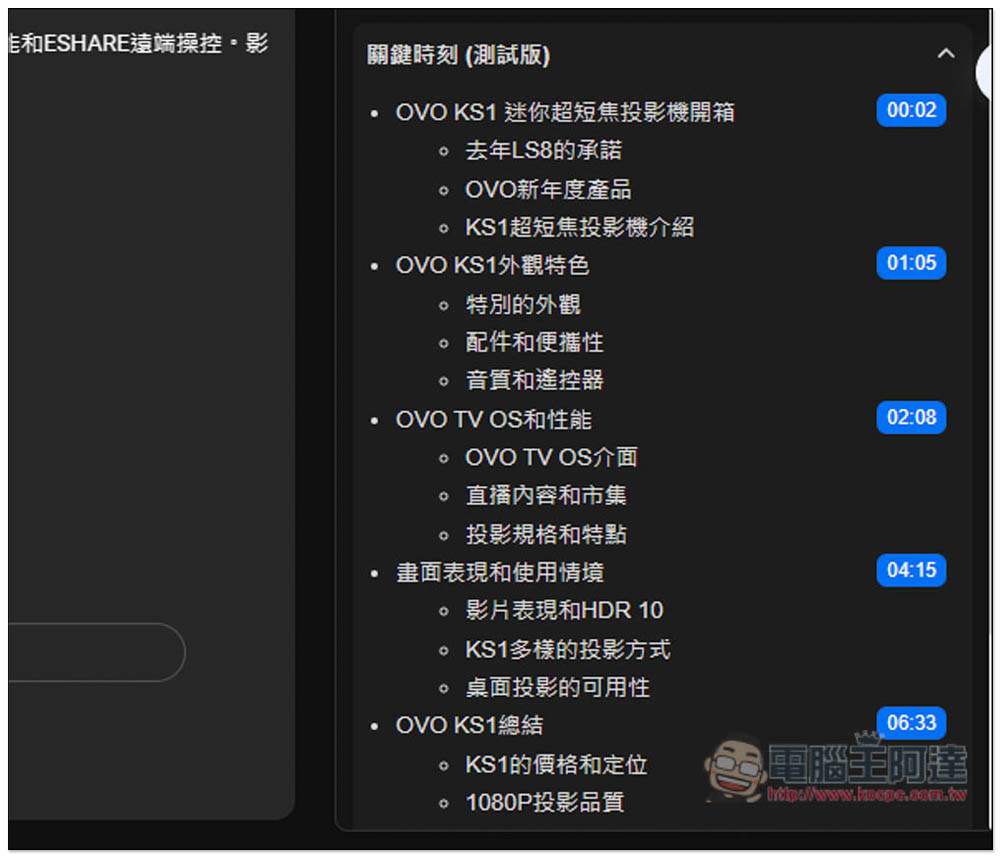
“Critical Moments” is a function that I think is very useful. It will mark the key points at several points in time. The representative said that if I want to know the introduction of OVO TV OS, I should start watching from 2 minutes and 8 seconds. If you want to know the summary, just start watching at 6 minutes and 33 seconds, you don’t have to watch the whole movie:
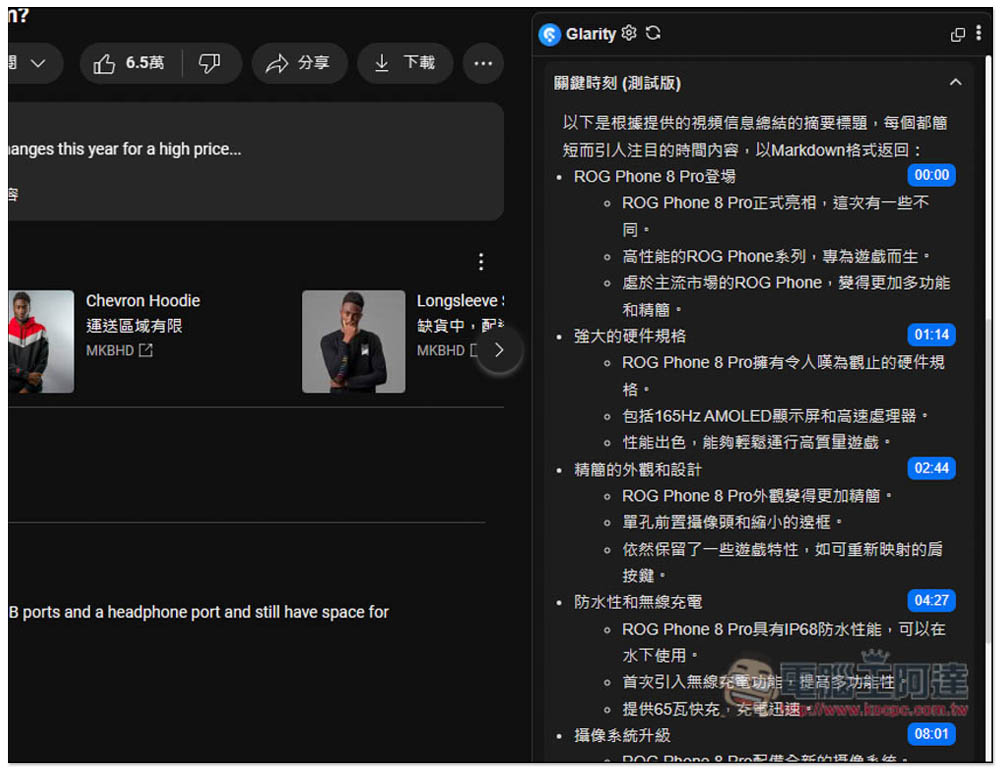
English videos are also supported, and they also display Traditional Chinese:
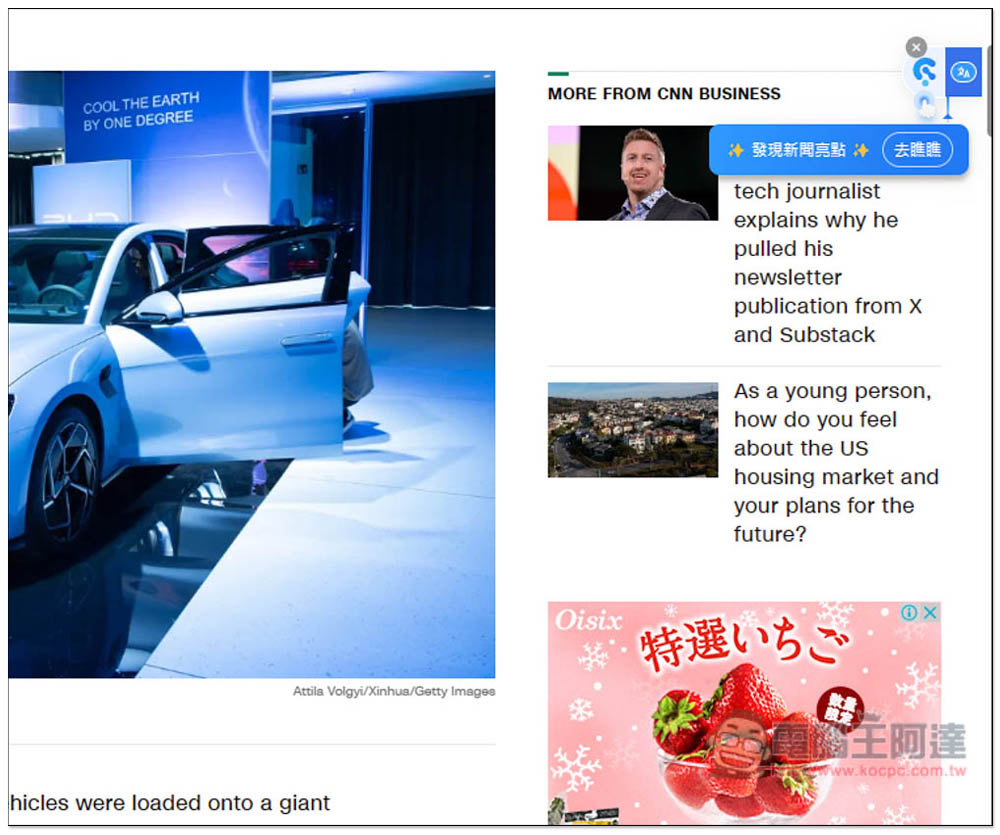
If you want to translate the content of the current web page, click the icon on the right:
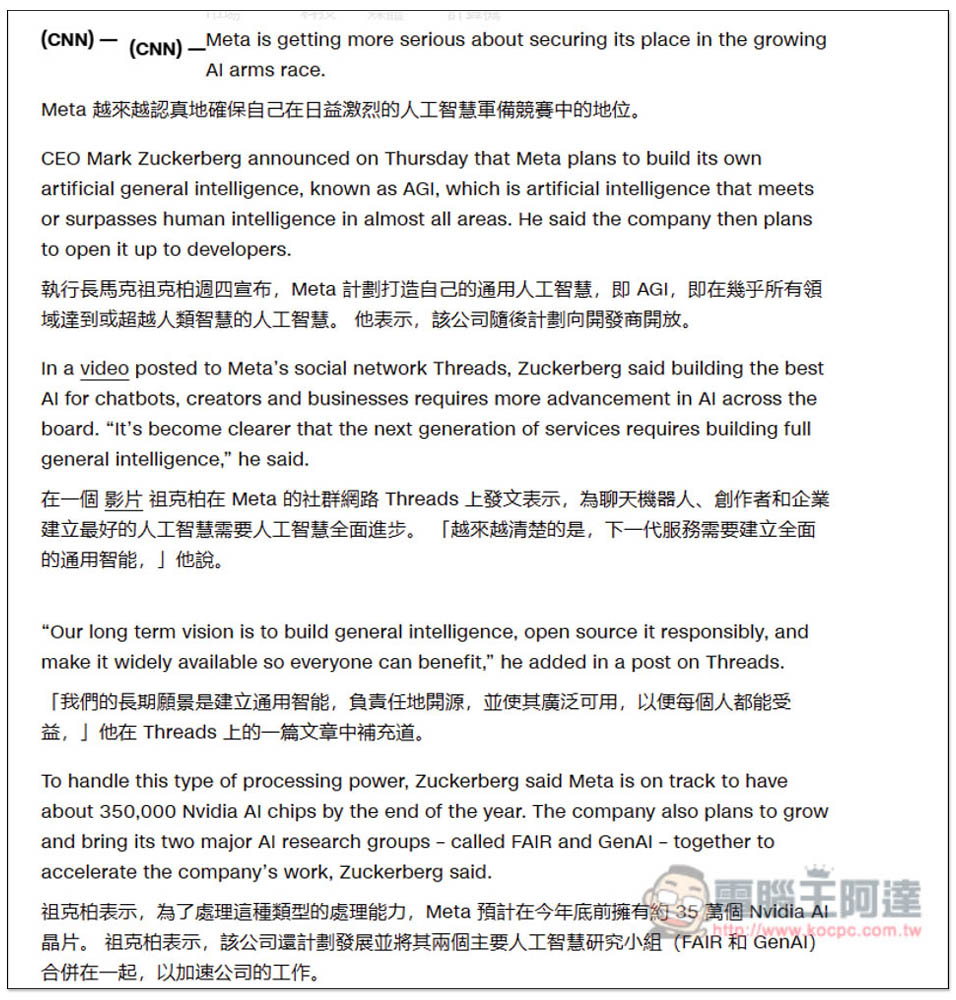
Then the Chinese translation will be displayed below the article. Although this product supports AI translation, I still use Google Translate in most cases:
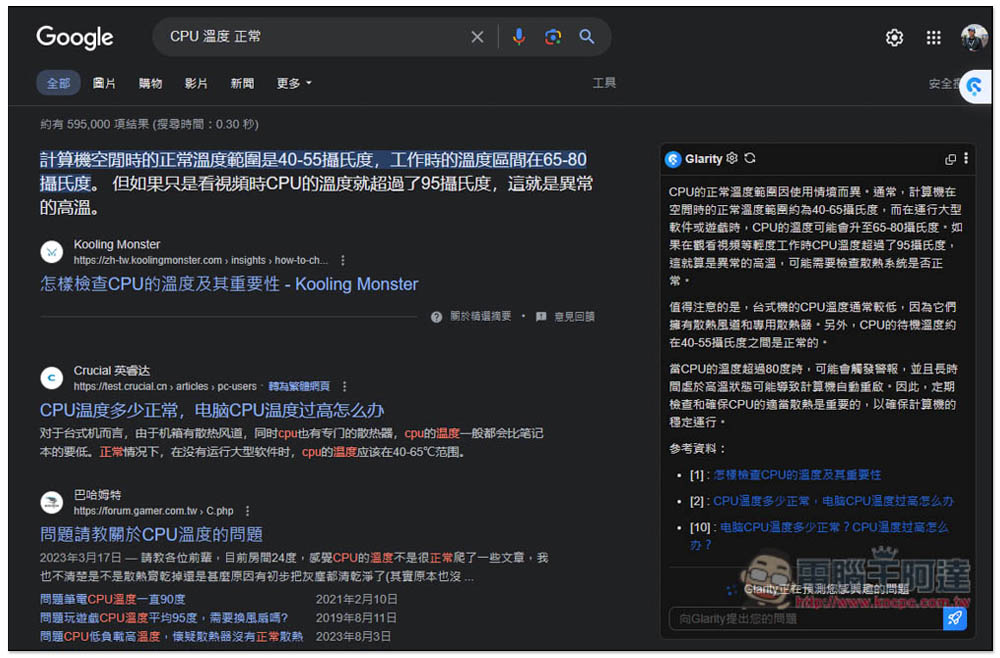
When performing a Google search, Glarity’s AI results will be displayed on the right side. I am not sure whether this part is through ChatGPT, because I did not see this search chat in the ChatGPT web page:
The only disadvantage of using this extension is that there will be a lot of useless chat windows in ChatGPT, so you need to manually delete them regularly, otherwise the number accumulated over a long time will be staggering (of course you can also manually delete them all at once, but remember to make sure there are no other important chat records).
Source: KOCPC Chinese