


Reading Coach was originally built into Microsoft Teams and was regarded as an English speaking practice coach with classroom/work study assistance functions. With the blessing of more powerful responsible AI (responsible AI) functions, Microsoft chose to transform it into an independent Windows application and a Web app online application, allowing this infinitely patient artificial intelligence tutor to benefit people around the world who are interested in learning English speaking. Continue reading AI helps you practice English and correct your accent! Microsoft’s free English speaking practice coach Reading Coach usage instruction (both App and web version can be used!) Report content.
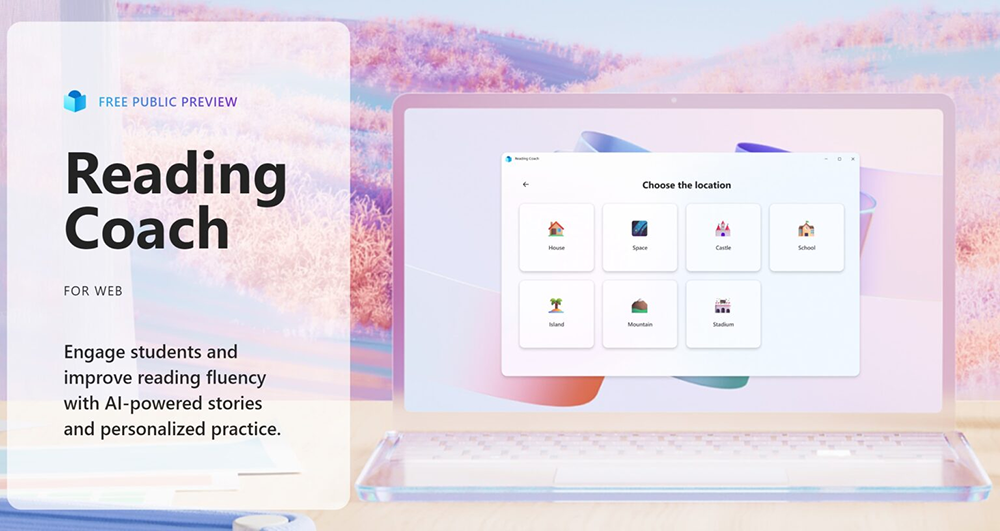
▲Image source: Microsoft
AI helps you practice English and correct your accent! Microsoft’s free English speaking practice coach Reading Coach usage instruction (both App and web version can be used!)
Reading Coach was originally built into Microsoft Teams and was regarded as an English speaking practice coach with classroom/work study assistance functions. With the blessing of more powerful responsible AI (responsible AI) functions, Microsoft chose to transform it into an independent Windows application and a Web app online application, making thisAn artificial intelligence tutor with infinite patienceIt benefits people all over the world who are interested in learning English speaking.
That’s right, as long as you apply for (or already have) a Microsoft account, you can use Reading Coach, a free English speaking practice coach independent from Teams, for free. The following is the official translation of the features of Reading Coach, which is based on the new generation of generative AI and provided independently:
- Personalized: Learners co-create their own stories with responsible AI, keeping even children who resist reading engaged.
- Precise practice: The reading coach can automatically detect words that learners encounter difficulties and automatically introduce more independent practice opportunities.
- Designed to be inclusive: Emerging readers and learners with dyslexia can build confidence using Immersive Reader’s built-in accessibility features.
- Responsible AI: Keep learners safe with all AI tools based on the principles of fairness, reliability, security, privacy, confidentiality, inclusion, accountability, and transparency.
In fact, we have noticed before that Teams’ education service provides a Reading Coach function that can actively distribute reading assignments – such as the video embedded above.
This time Microsoft independently launched a free public preview test of Reading Coach (Click me for web application portal – orChoose from the official websitefunctions you need). It feels like a slightly simplified version when using it – currently there are no voice selections for other AI characters, no playback of self-spoken messages, and no functions of assigning tasks and managing customized learning interfaces – but since it is still in the public beta stage, there should be a good chance that it will be introduced in the official version in the future.
How to apply for Microsoft Reading Coach
You can open the Reading Coach function through a web browser through the Windows app or Web app. After entering, you will need to log in to your Microsoft account and check the user terms to agree. Then you will enter the main reading practice main function interface.
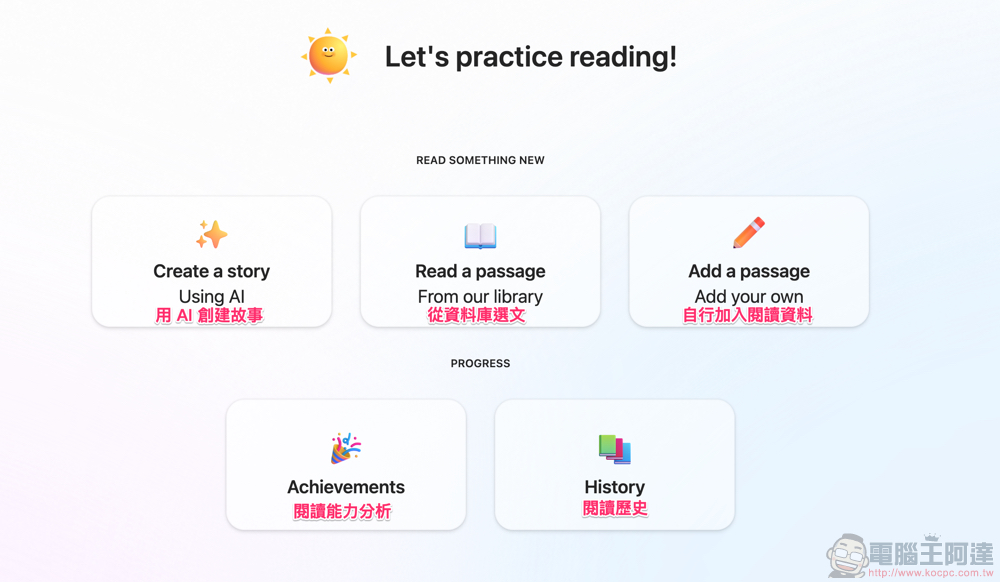
The function is just like the picture above – you still need to have some English ability to use it, but I believe that since you want to practice English reading, you should have a certain level of English ability before you want to do this practice (right). The function here that I personally think is the coolest is the function of directly generating reading materials through AI.
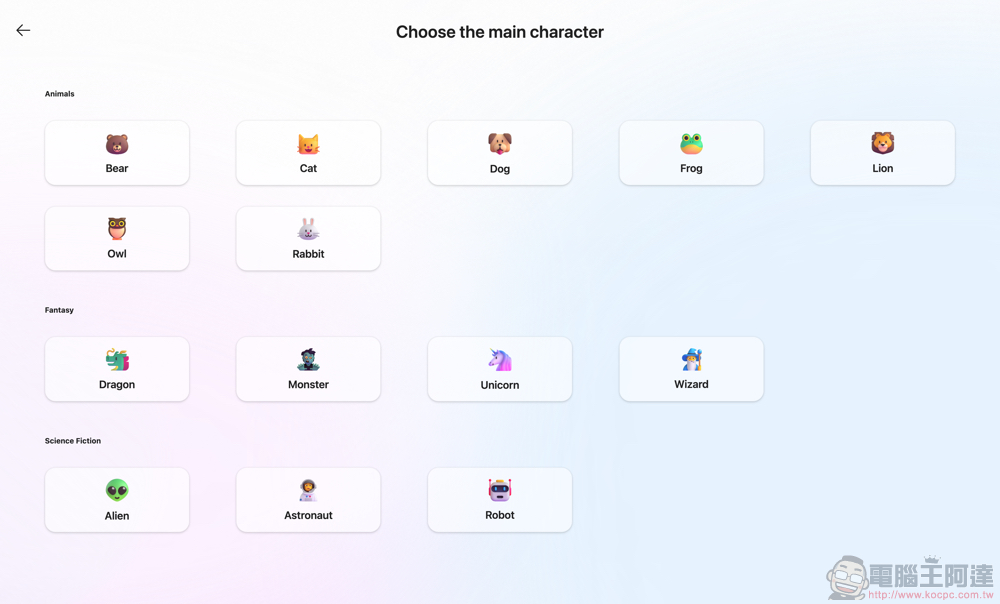
After clicking, Reading Coach will ask you to choose the protagonist of the story.
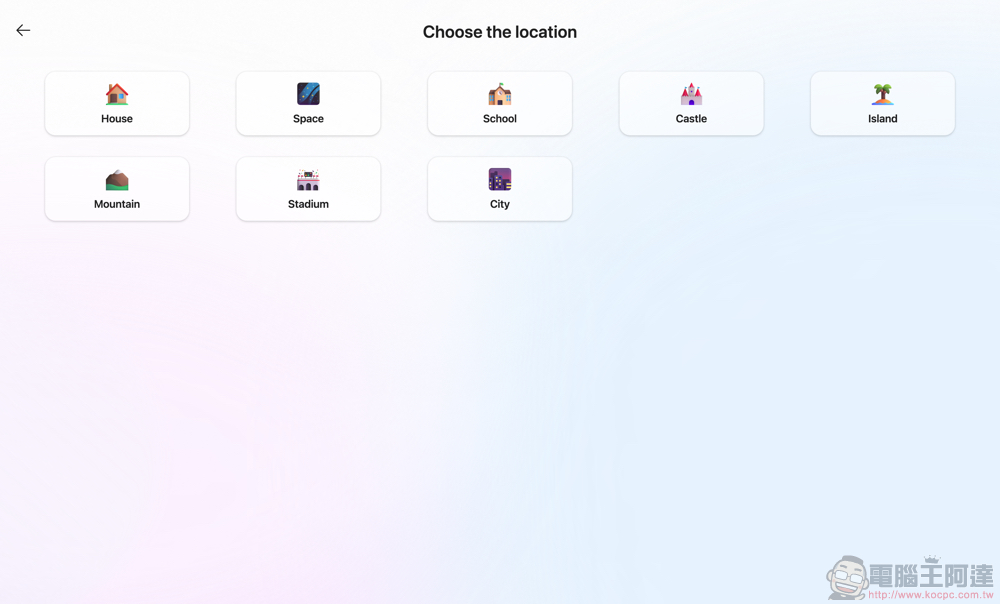
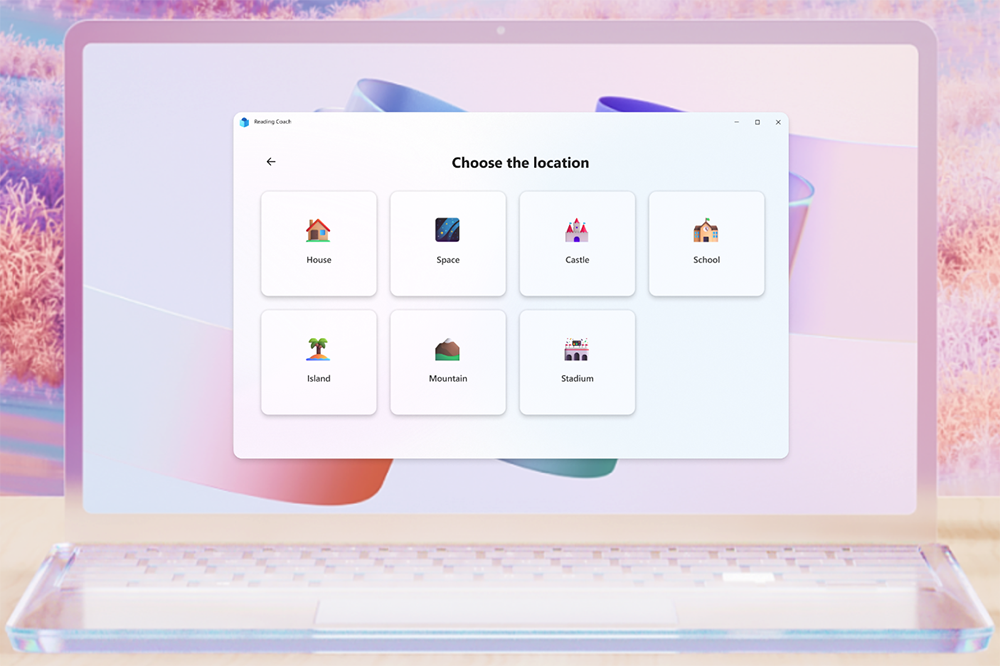
Then there are the details such as the place where it happened.
The story will then be generated by AI.
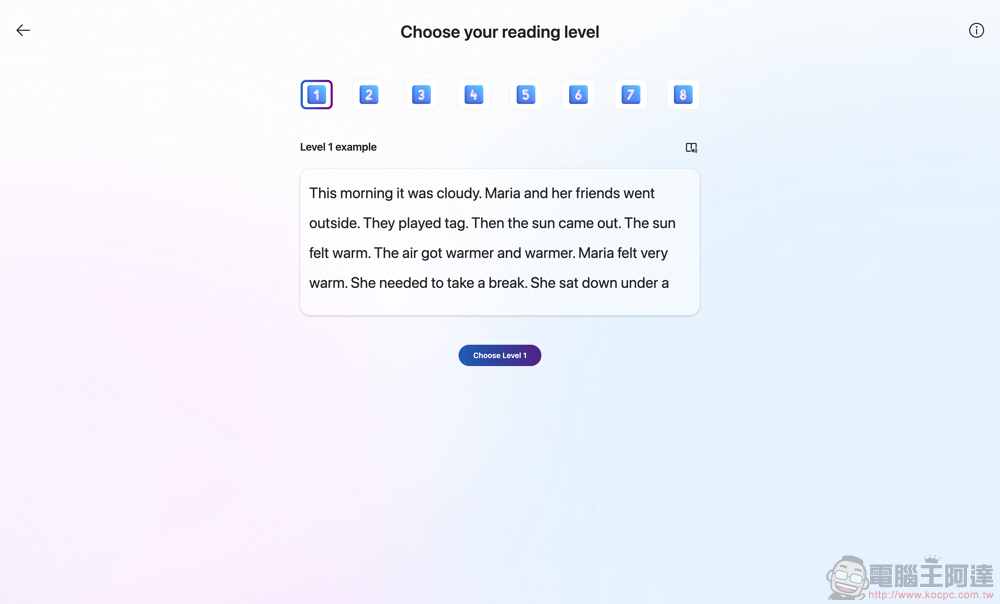
Finally, you will see the option to select the difficulty of the article, which ranges from 1 to 8. Below we simply post examples of the highest and lowest levels:
Robyn’s City Adventure: Chapter 1
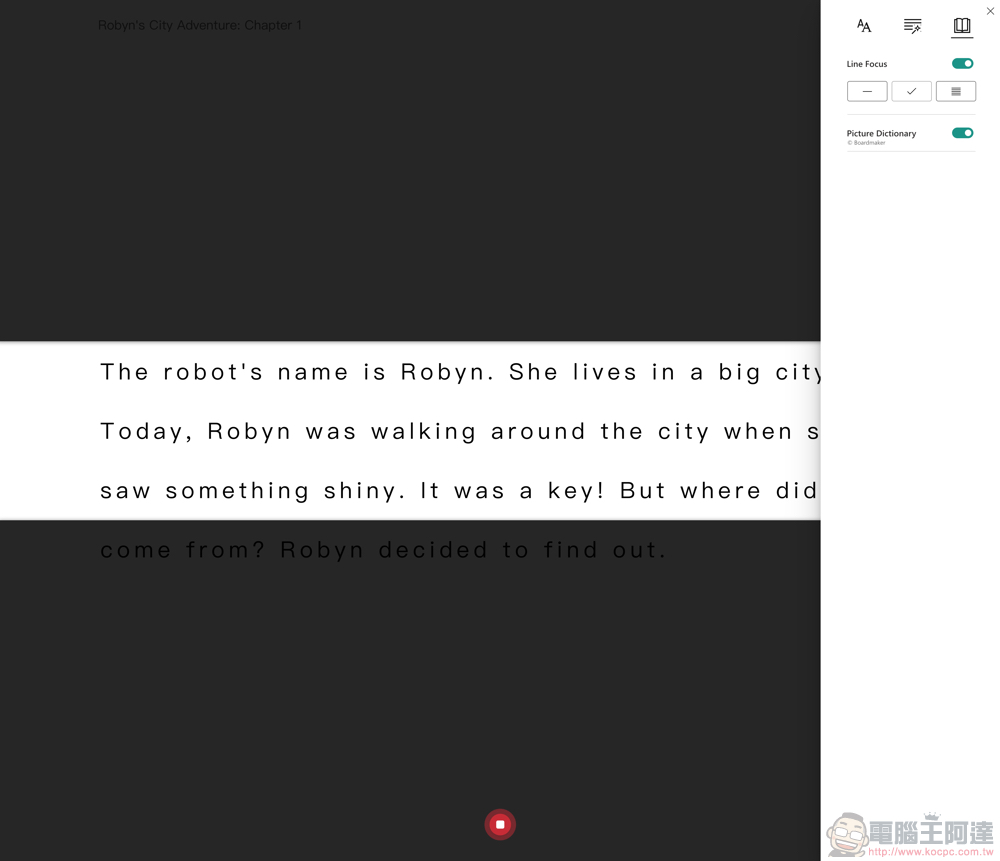
The robot’s name is Robyn. She lives in a big city.Today, Robyn was walking around the city when she sawsomething shiny. It was a key! But where did it come from? Robyn decided to find out.
—
Alexa’s Clock Crisis in the City: Chapter 1
just made things worse. She asked people on the street for help, but nobody seemed to understand her problem.As she walked further, she noticed a group of mechanics working in a garage. She approached them and asked for their help.The mechanics were intrigued by Alexa’s problem and agreed to help her. They took her to their workshop and began to examine her clock. After a few hours of hard work, they finally found the problem. A tiny wire inside her clock had come loose, causing the malfunction. They quickly fixed the wire and sent Alexa on her way.As Alexa walked back to her headquarters, she noticed the world around her was back to its normal speed. She felt relieved and grateful to the mechanics that helped her. From now on, Alexa made sure to regularly check her clock to prevent any future malfunctions.
After selecting the level, if you are using it in a browser, a permission request to access the microphone will pop up. Then simply press the microphone button at the bottom to start speaking exercises while reading the article.
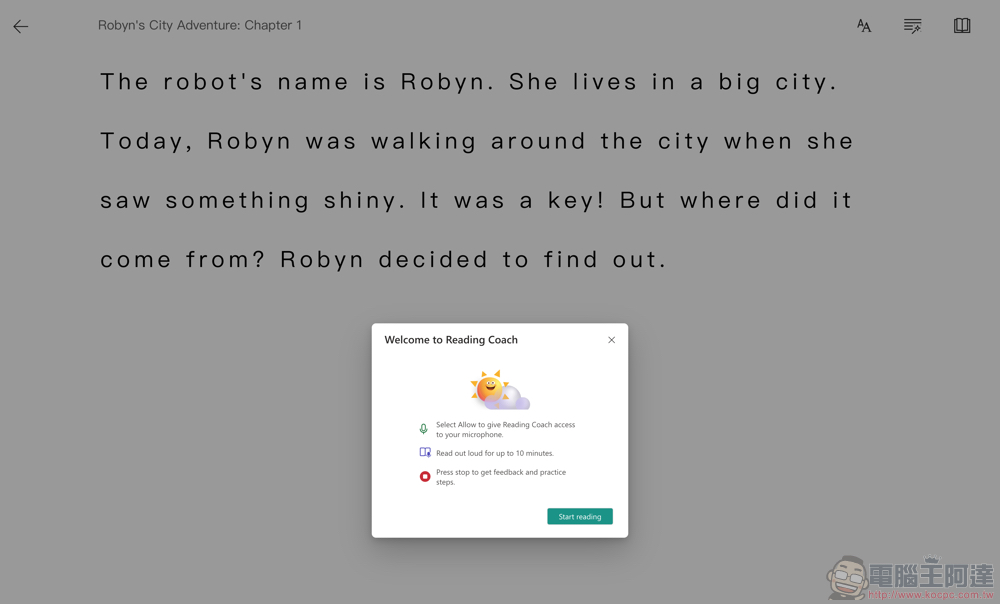
Reading Coach will provide you with extended storylines to practice step by step.
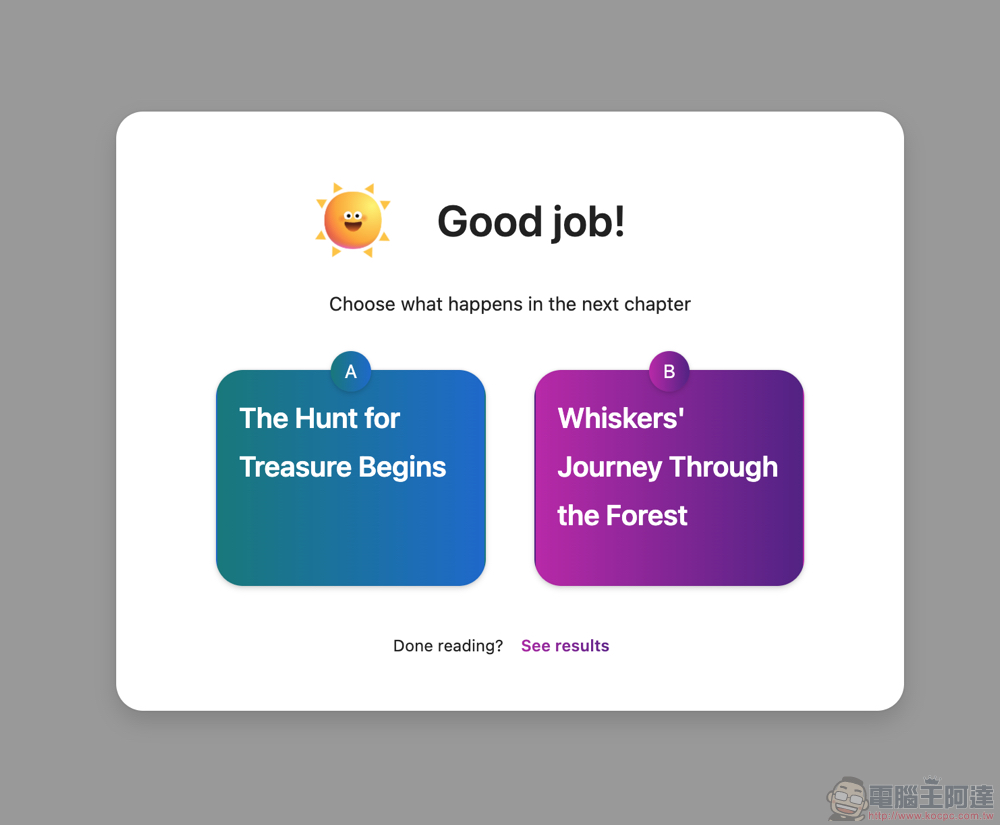
In the end, you will be provided with an analysis score of your practice results. You can also use AI to help you select the more critical words that need repeated practice for in-depth practice through the “Practice Words” interface.
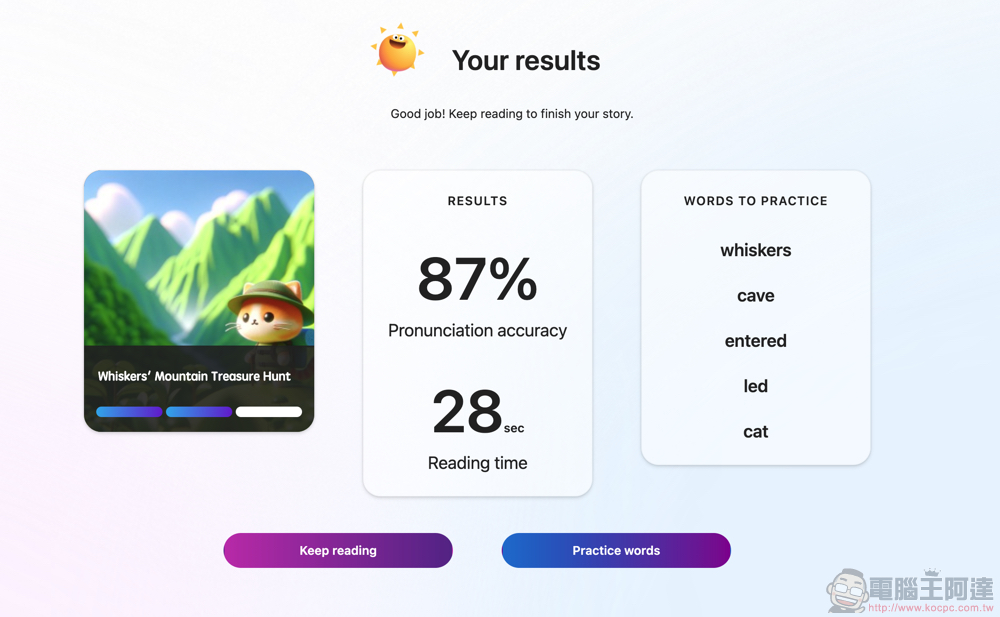
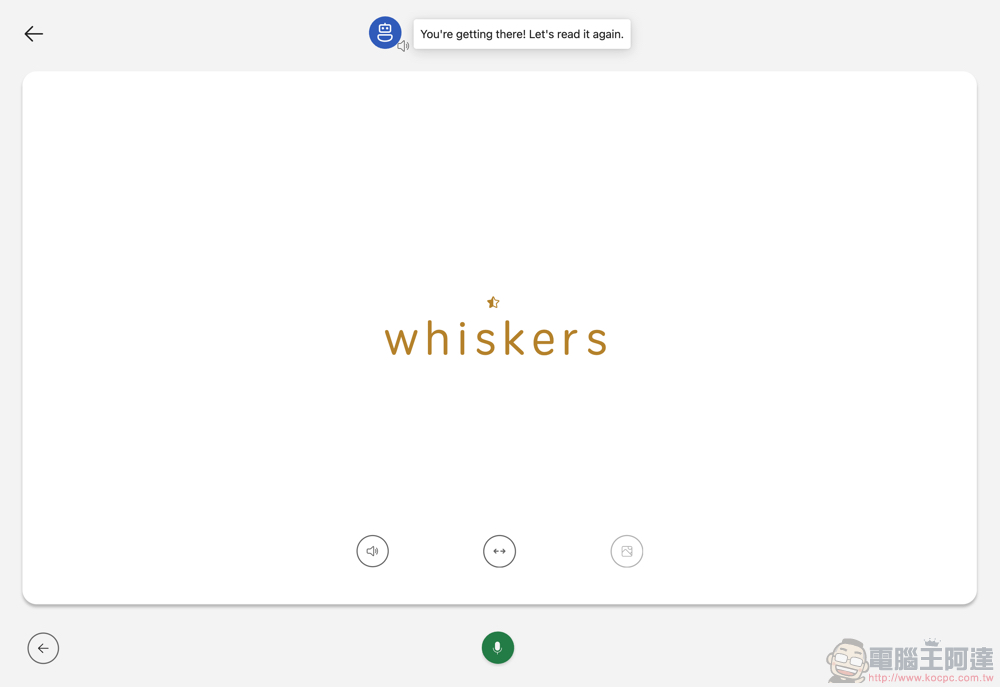
At the bottom of this interface, you can choose to listen to the pronunciation of the word in the computer voice. The button in the center can provide segmented display of syllables. Finally, you can use pictures to help you understand the word. Use the recording button to practice word practice, and you will immediately receive ratings and guidance from the AI assistant.
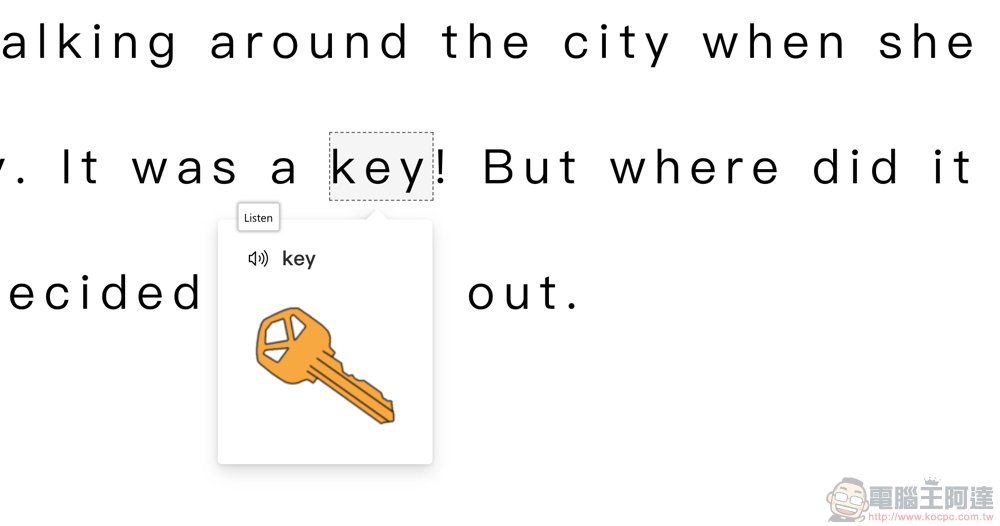
Finally, let’s talk about the customization functions of the reading interface. The one that everyone should use most often is the function that allows you to click on a word to provide voice and picture prompts.
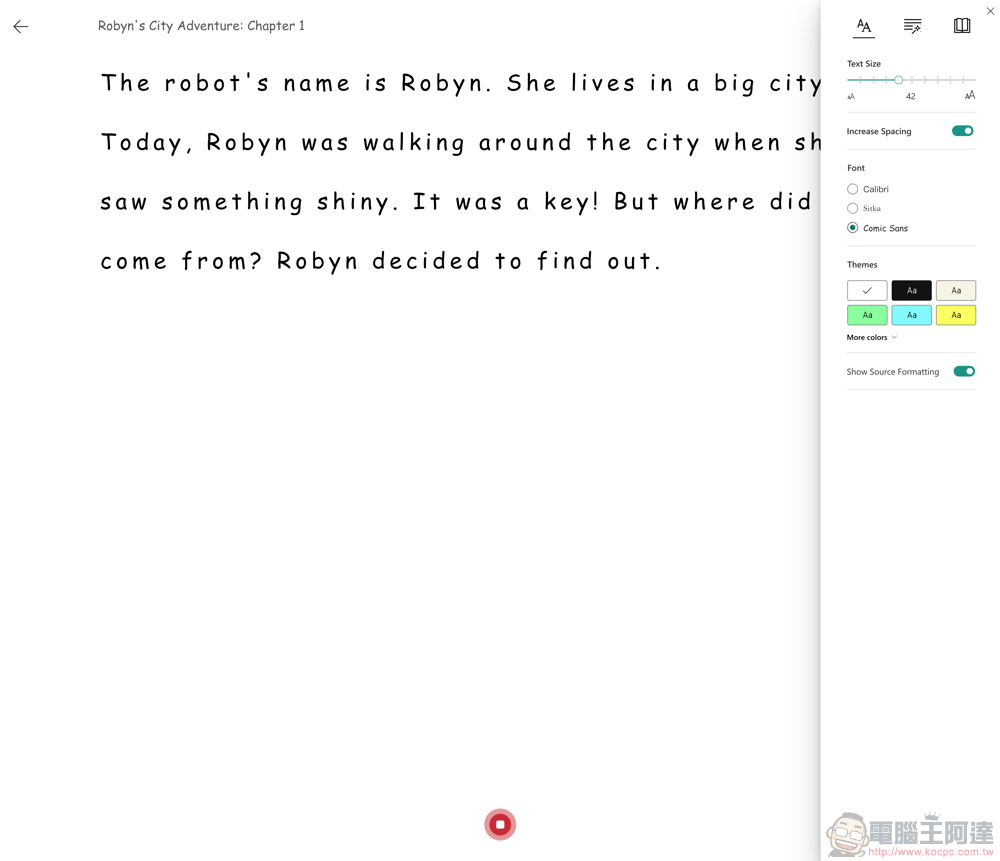
The button in the upper right corner can expand the adjustment function of the article interface – it is quite detailed, such as font size, etc., and it can also mark nouns, verbs and other information.
It also provides a focus reading mode for better reading.
Conclusion
After using the stand-alone application version of Reading Coach, overall I like this learning tool very much. Not only can you always generate learning content, but you can also practice through articles you find yourself. With the help of AI, you can slowly learn to correct your English accent from a very basic level. The most important thing is that the AI will not feel impatient, and it will also make people dare to practice their English.
Recommended to friends who want to practice speaking English but can never find the time and resources. Now you can directly open the web page and start practicing!
Further reading:
Let the professionals come (teach)! YouTube will prioritize healthcare content for emergency videos
Source: KOCPC Chinese