


except inAirPods Pro released in limited edition in Taiwan, special model for the Year of the Dragon, Apple also released a firmware update for AirPods 3 earlier today (18th). The latest firmware version this time is 6A321, which is higher than the previous 6A317 launched in December. This update is only for AirPods (3rd generation) models, so continue reading this article to learn about the update process!
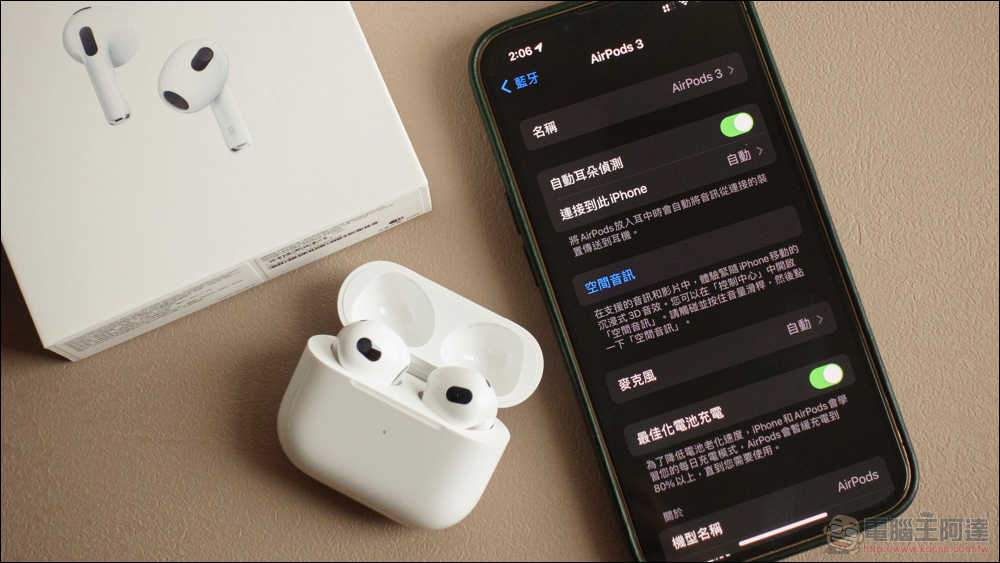
Apple releases AirPods 3 firmware update 6A321
Apple released a firmware update for AirPods today (18th). This firmware update, version 6A321, is only for AirPods (3rd generation). As usual, Apple did not further explain the details of new features in AirPods firmware updates, only mentioning “bug fixes and other improvements.”
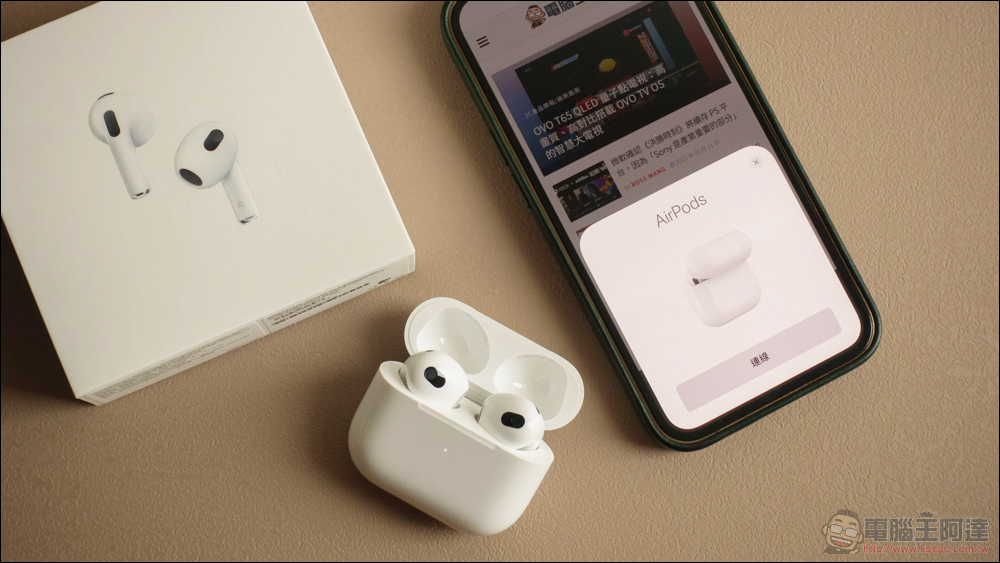
How to update AirPods?
at present Apple There is no “software update” interface for AirPods firmware updates for devices such as iPhone, iPad, Apple Watch, etc. Users need to automatically update the firmware for AirPods through iPhone. The steps for AirPods firmware update are as follows:
- Place the AirPods headphones back into the AirPods charging case
- Complete the connection and pairing of AirPods and iPhone
- Connect the AirPods charging box to the power source (either Lightning wired charging or wireless charging)
- Place your iPhone/iPad connected to the Internet close to the AirPods and make sure it is connected
- Make sure the AirPods and charging case are fully charged and wait for a while for the update to complete automatically.
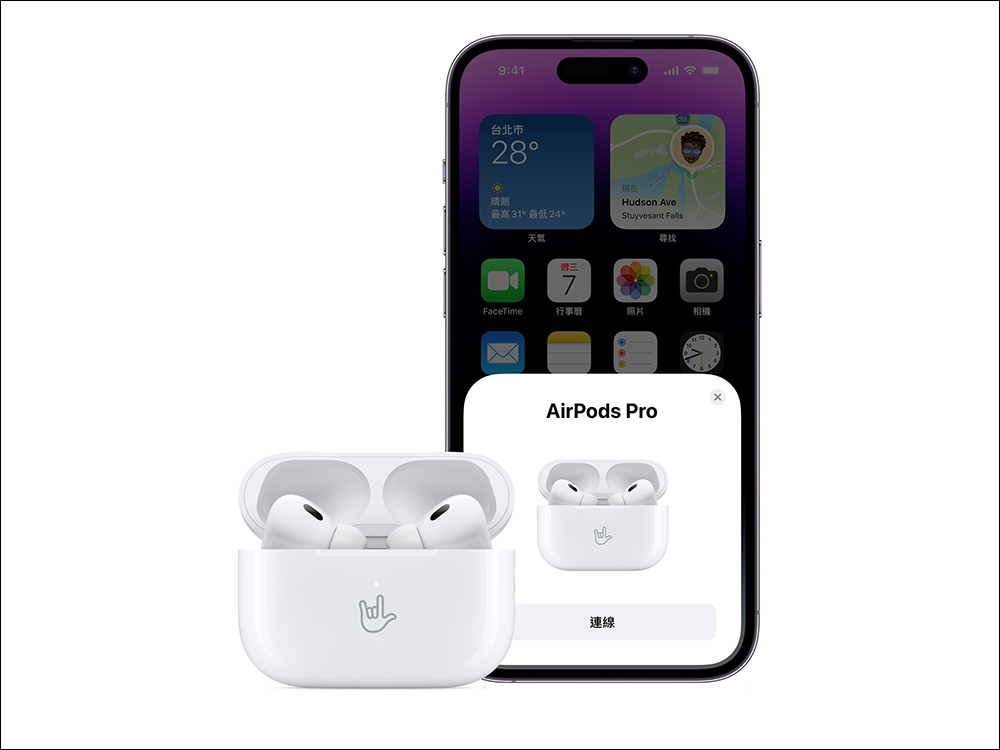
Review it again AirPods firmware updateThe trick is to put the AirPods earphones into the charging case and the charging box for charging. You can choose to use wired charging to charge the AirPods charging box. Then open the charging box without taking out the earphones. As long as you find that the iPhone is successfully connected to the AirPods. At this time, as long as you continue to charge the AirPods and leave them for a period of time, the update will be completed successfully! For example, if AirPods Max does not have a charging box, you can directly connect the Lightning charging cable.
After a while, check the settings page again to confirm the firmware version of AirPods. It has been successfully updated to the latest version 6A321!
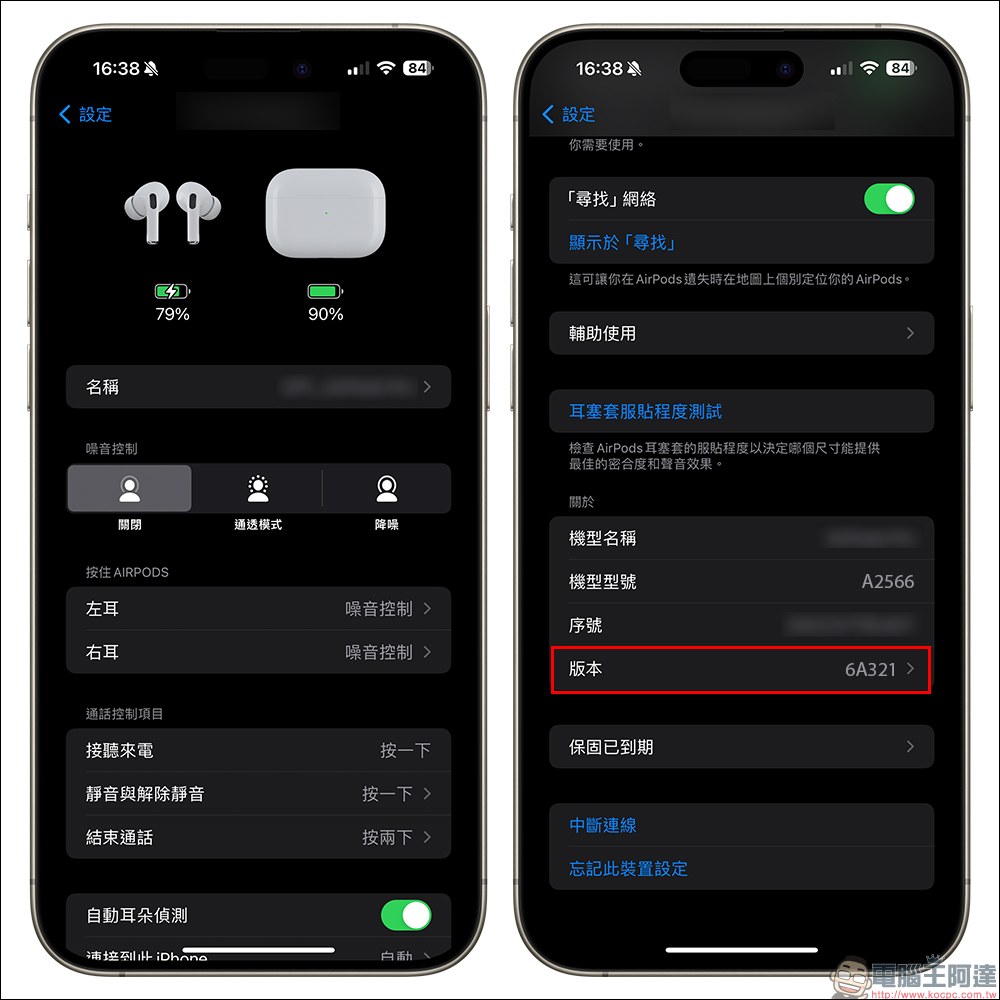
The following is the current version of each AirPodsLatest firmware version, the “6A321” update released this time is only for AirPods (3rd generation):
- AirPods Pro (2nd generation) with MagSafe Charging Case (USB‑C): 6B34
- AirPods Pro (2nd generation) with MagSafe charging case (Lightning): 6B34
- AirPods Pro (1st generation): 6A300
- AirPods (3rd generation): 6A321 (model for this update)
- AirPods (2nd generation): 6A300
- AirPods Max:6A300
- AirPods (1st generation): 6.8.8

Source: KOCPC Chinese