


Curious what you’d look like if you traveled back to 1950 or 1980? Or maybe you want to try out different fashion styles, hairstyles, or even turn yourself into a mini collectible figurine? The latest viral trend Nano Banana That’s all it takes! With two free web app tools, just upload a photo and generate personalized images in different styles with one click—you’ll even get six different versions at once. No need to know how to write prompts or worry about AI commands—just a few clicks and it’s done. Whether you’re looking for new style inspiration, want to refresh your social media profile picture, or need to create professional headshots, these two tools have you covered.
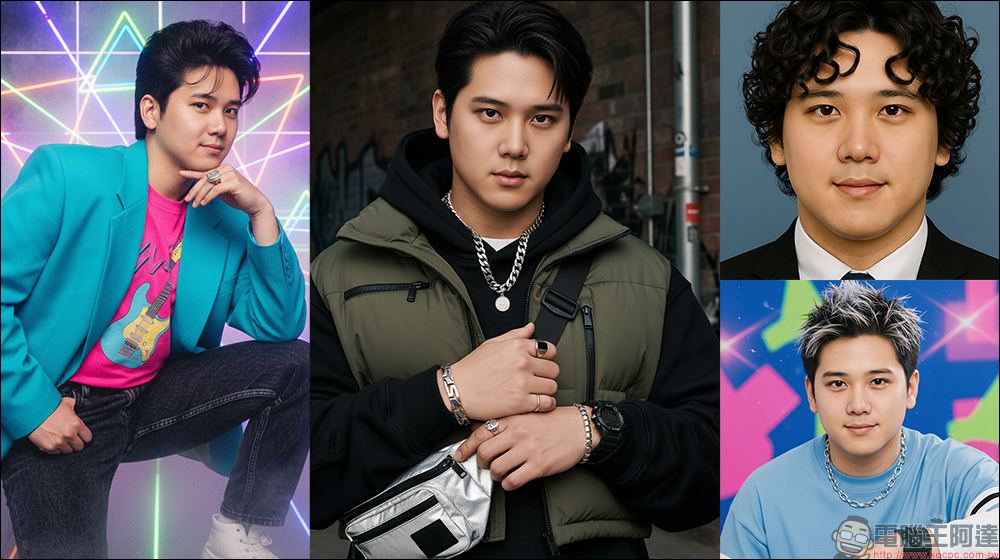
Blow away Nano Banana! PictureMe and Past Forward let you transform with one tap into different eras, stylish looks, and hyper-realistic avatars. It’s free, and you can even play with hairstyles and outfit changes.
AI There are plenty of photo editing tools out there, but what makes Nano Banana special is that it doesn’t just retouch photos—it can put your personal pictures straight into “costume show mode.” These features require no understanding of complex prompts, because netizens have already created “one-click transformation” apps that even sort things into different themes, like retro-era photos, fashion magazine style, figurine models, hairstyle changes, professional portraits, and more.
Even better, these features are completely free—just sign in with your Google account and you can use the tools powered by Nano Banana. The two web apps I’m introducing this time are PictureMe and Past Forward. The former offers more comprehensive features, while the latter focuses on “time-travel” style transformations.
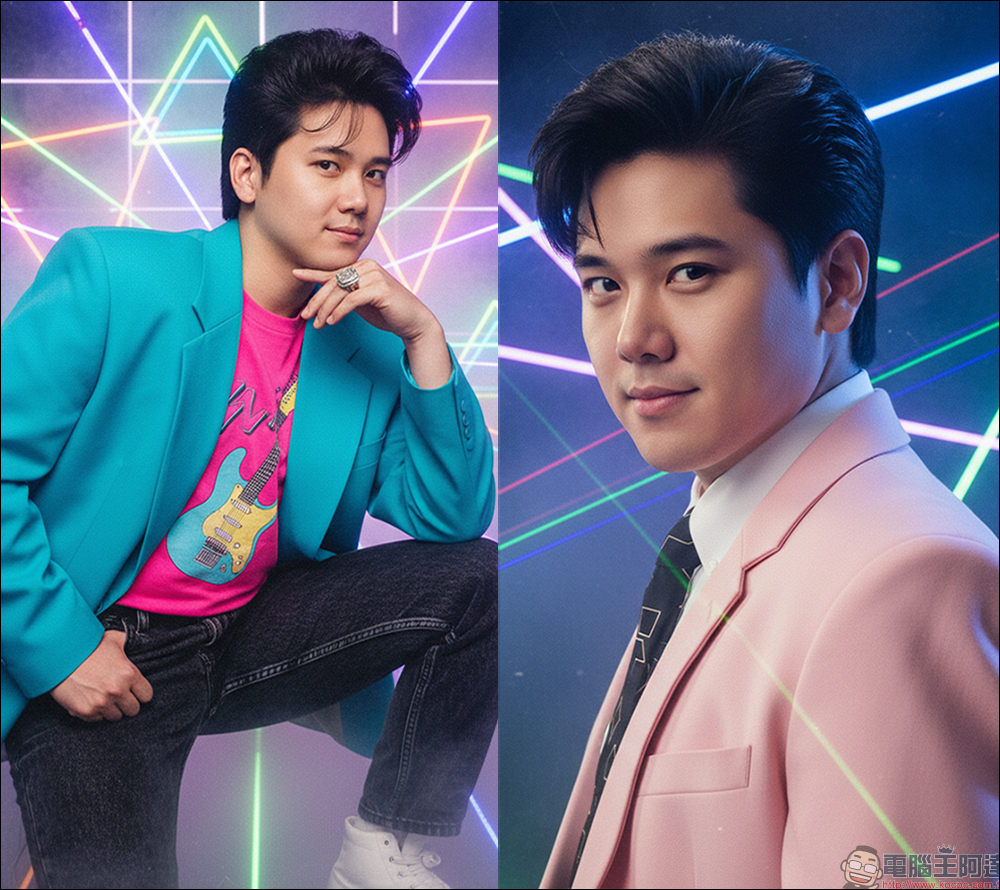
PictureMe | 7 Major Types × Multiple Styles, All Yours to Play With
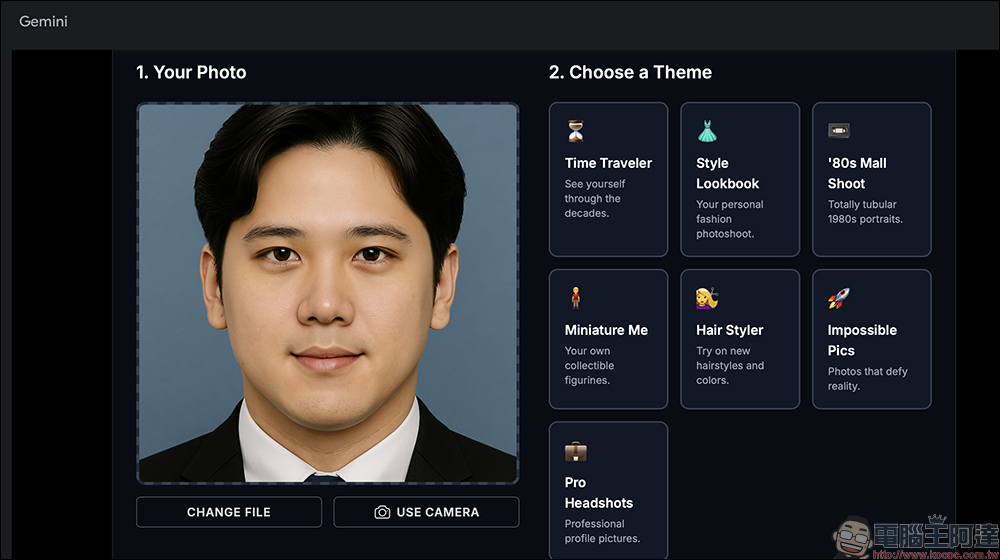
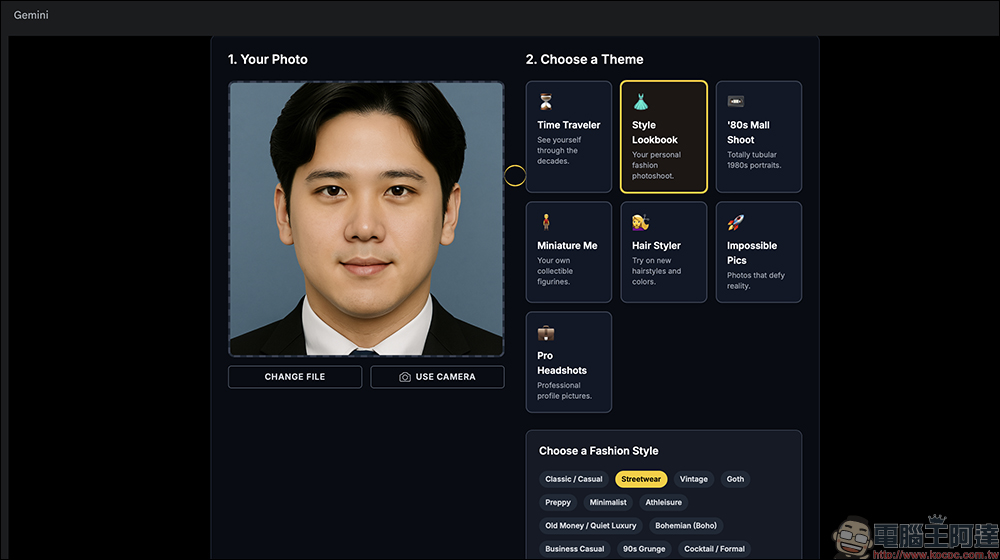
PictureMe is a free web app powered by Nano Banana and available through Gemini. Just upload one photo, and with a single click you can generate up to seven types of personal photos, including time traveler, fashion lookbook, 80s mall studio, action figure, hairstyle simulation, fantasy group photo, and professional portrait. The interface is simple and intuitive, so even the English UI is easy to use. Each session gives you six different styled results at once, and you can choose square or vertical formats when downloading. It works for social media fun and professional use alike, making it the most versatile AI personal photo generator.
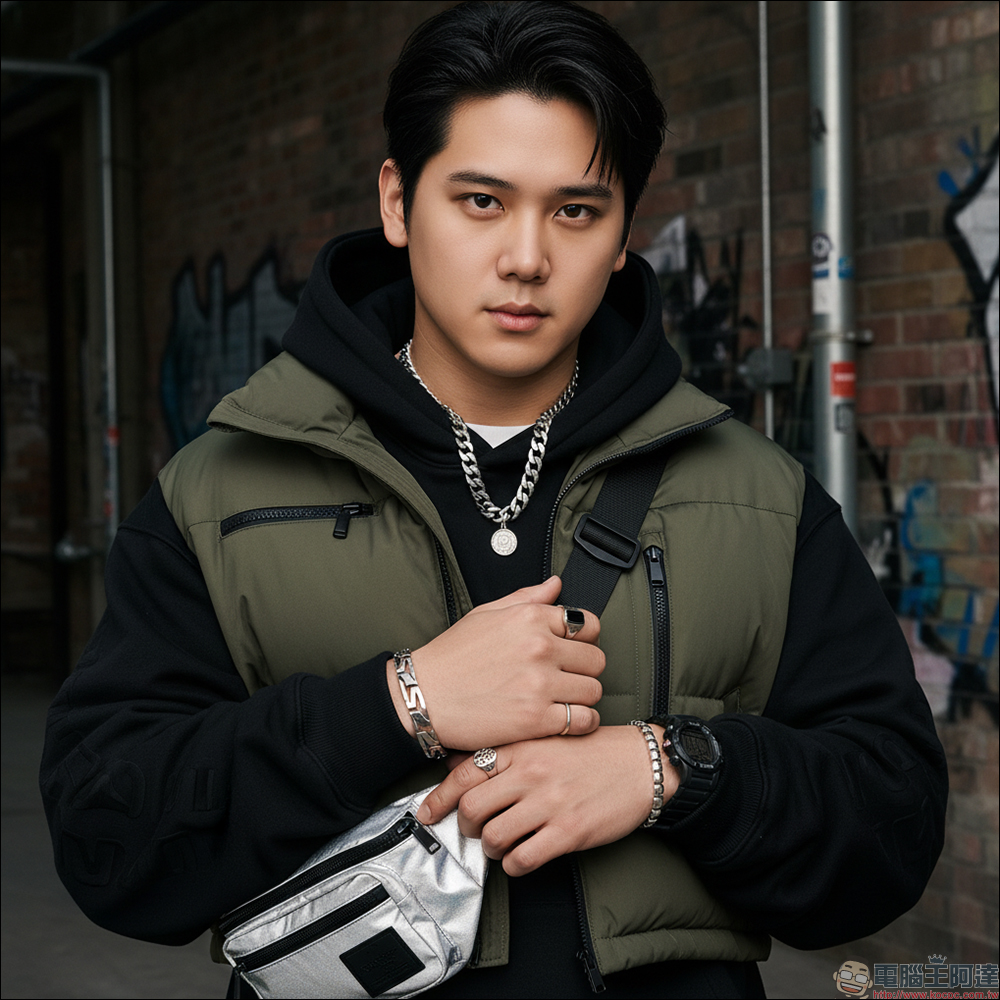
PictureMe offers 7 theme modes, each with a different style:
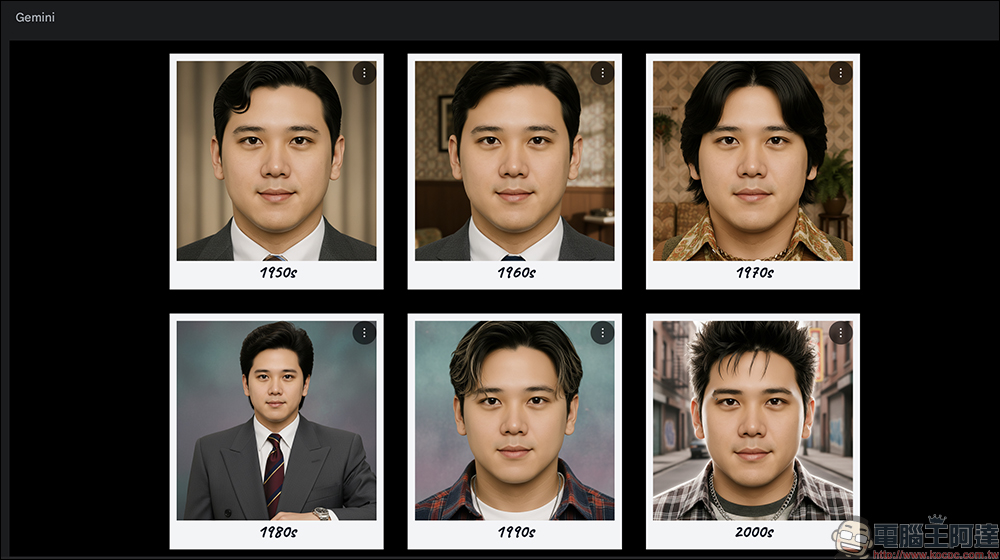
- Time Traveler: puts you in different eras, with looks covering everything from 1950 to 2000. Retro slicked-back hair, 70s bell-bottoms, even Y2K style—you can try it all.
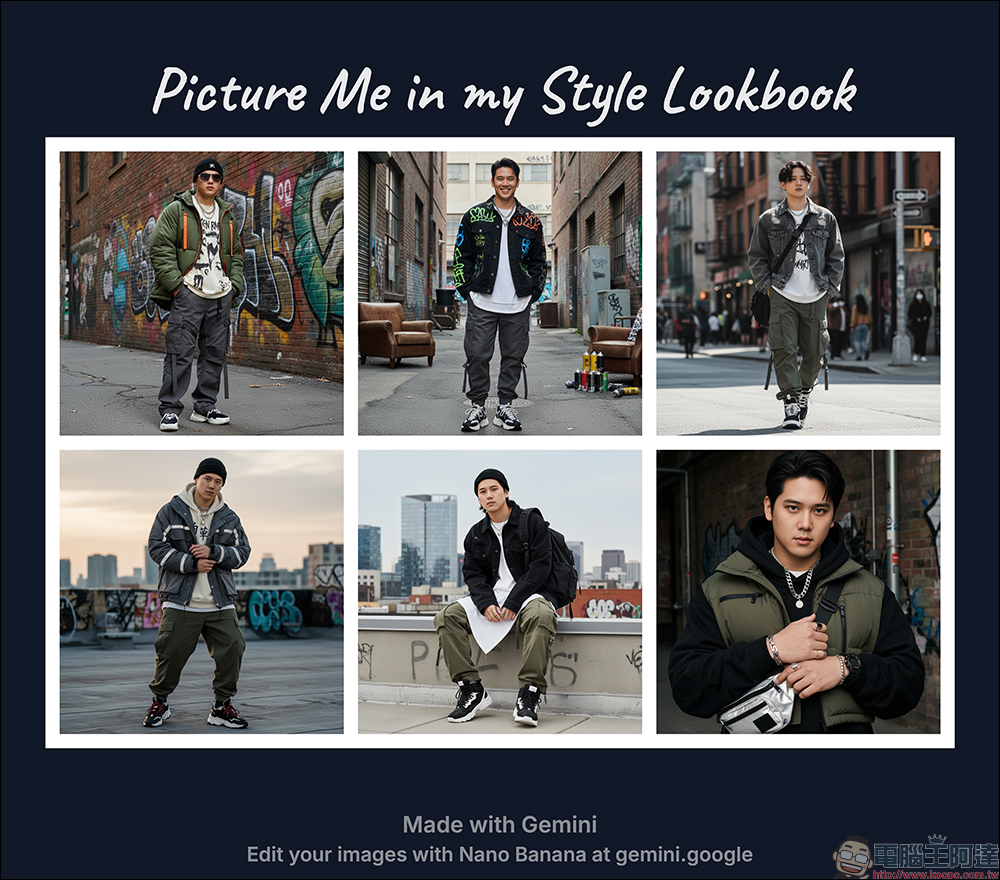
- Style Lookbook: Simulates a fashion magazine shoot style, from street fashion to haute couture—your choice.
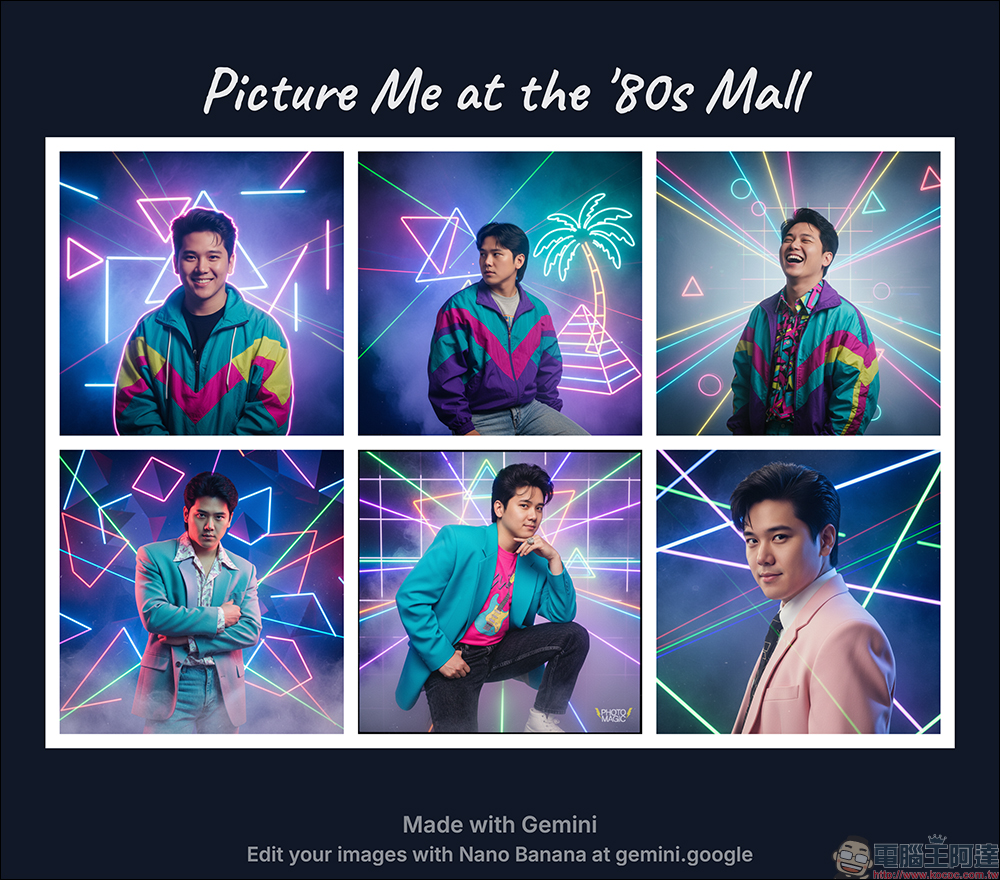
- ’80s Mall Shoot: a super retro American studio vibe, steeped in the atmosphere of the film era.
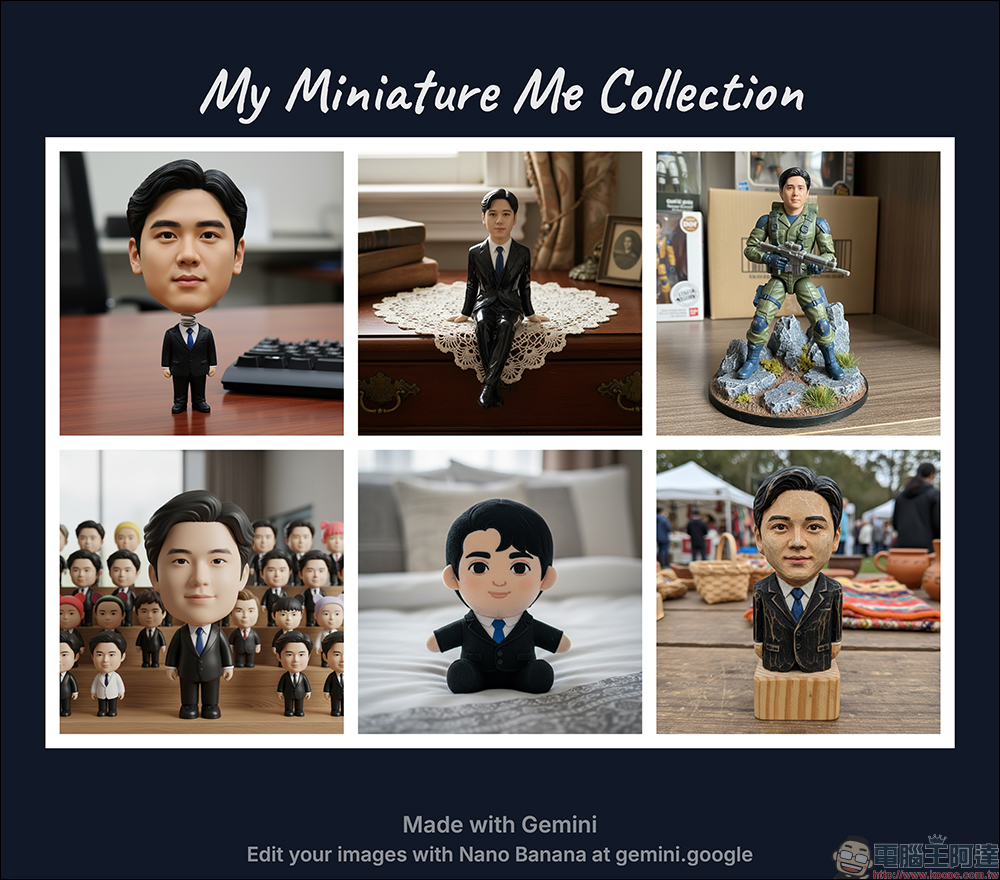
- Miniature Me (Mini Figure): directly creates you as a miniature model, looking like a collectible figurine about to go on sale.
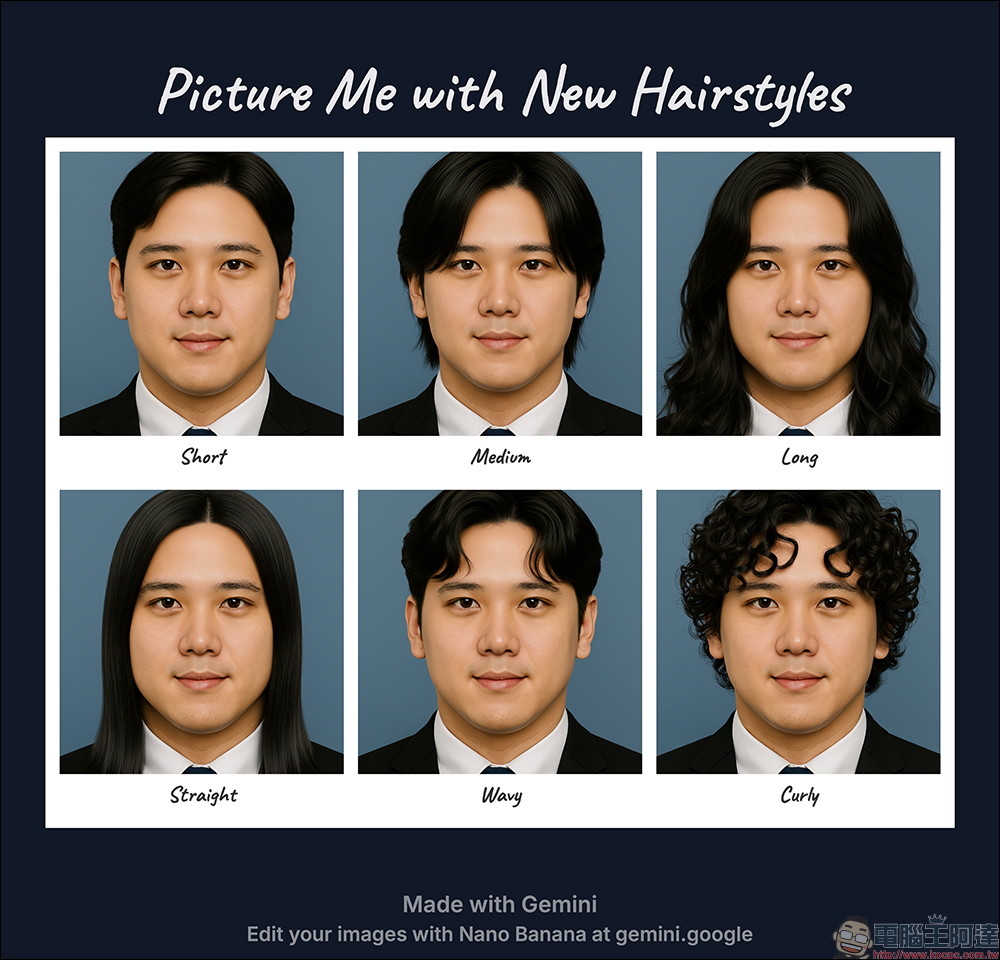
- Hair Styler (Hairstyle Simulation): Try on new hairstyles and new hair colors, and take AI-generated images with you to discuss with your designer.
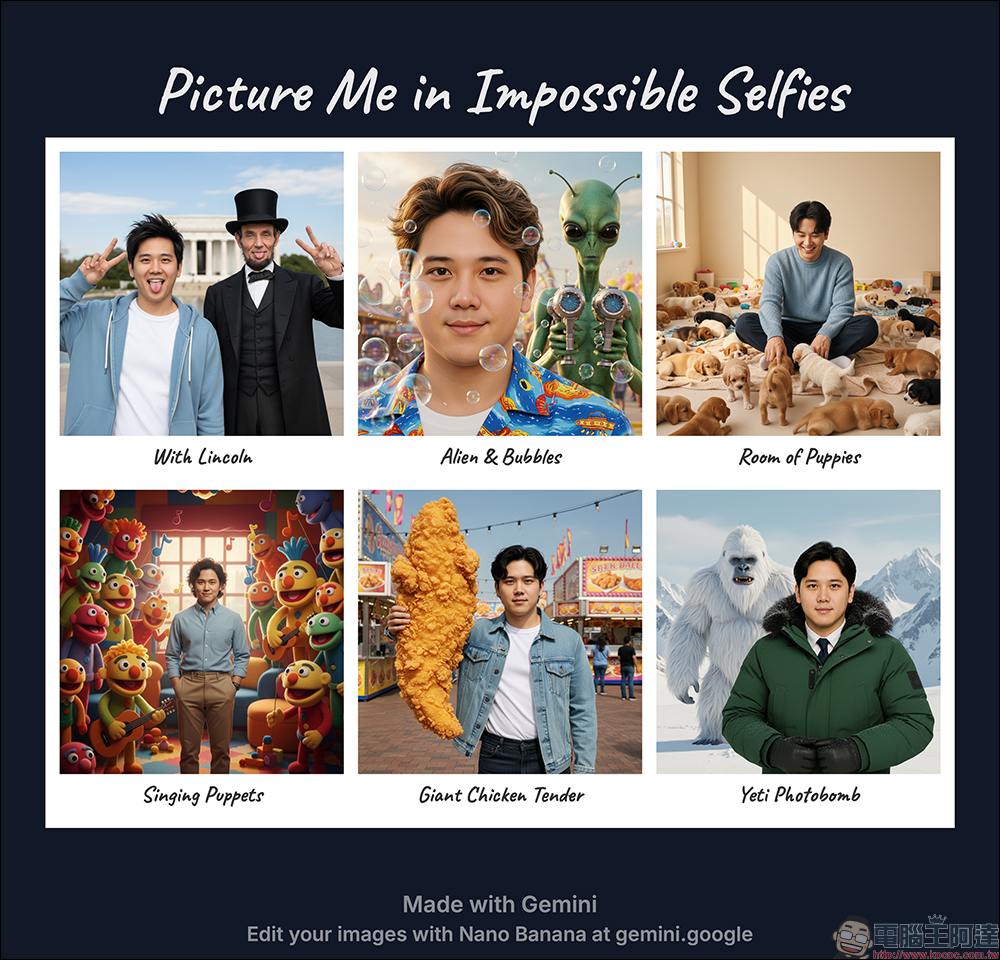
- Impossible Pics (impossible group photo): You can share a frame with celebrities, historical figures, aliens, or even a group of dogs—any far-fetched idea can be made real.
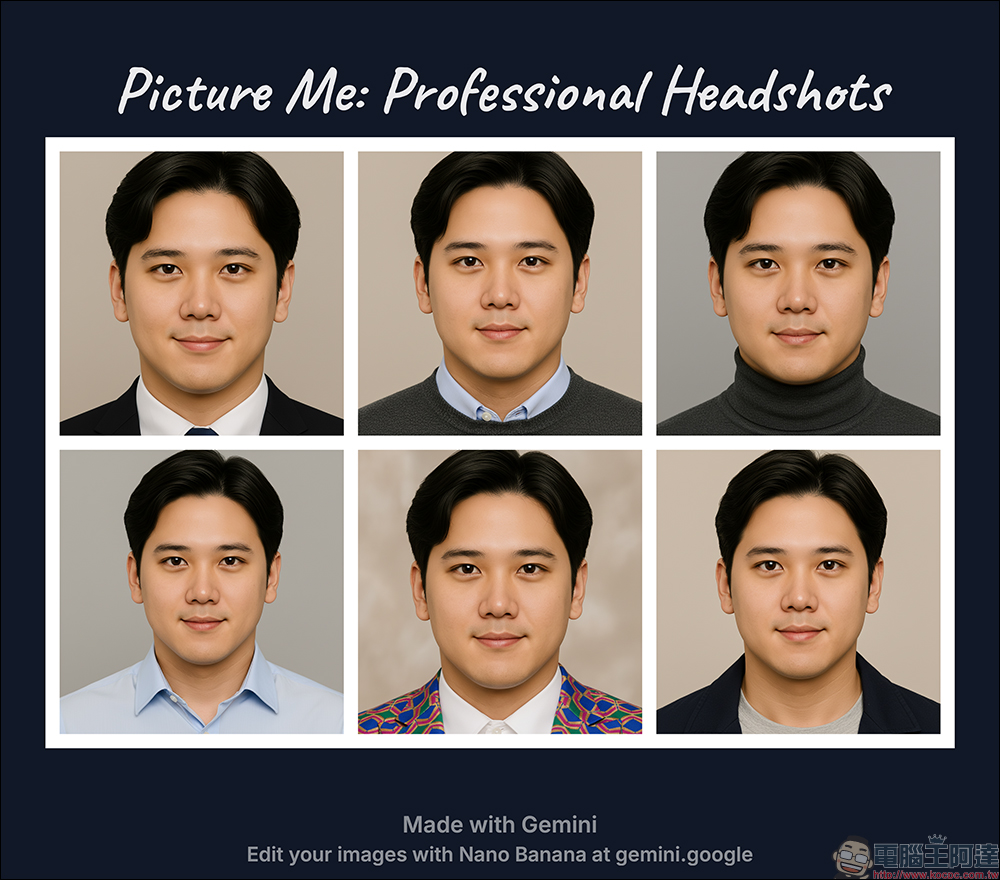
- Pro Headshots (Professional Headshots): Great for resumes, LinkedIn, or formal settings.
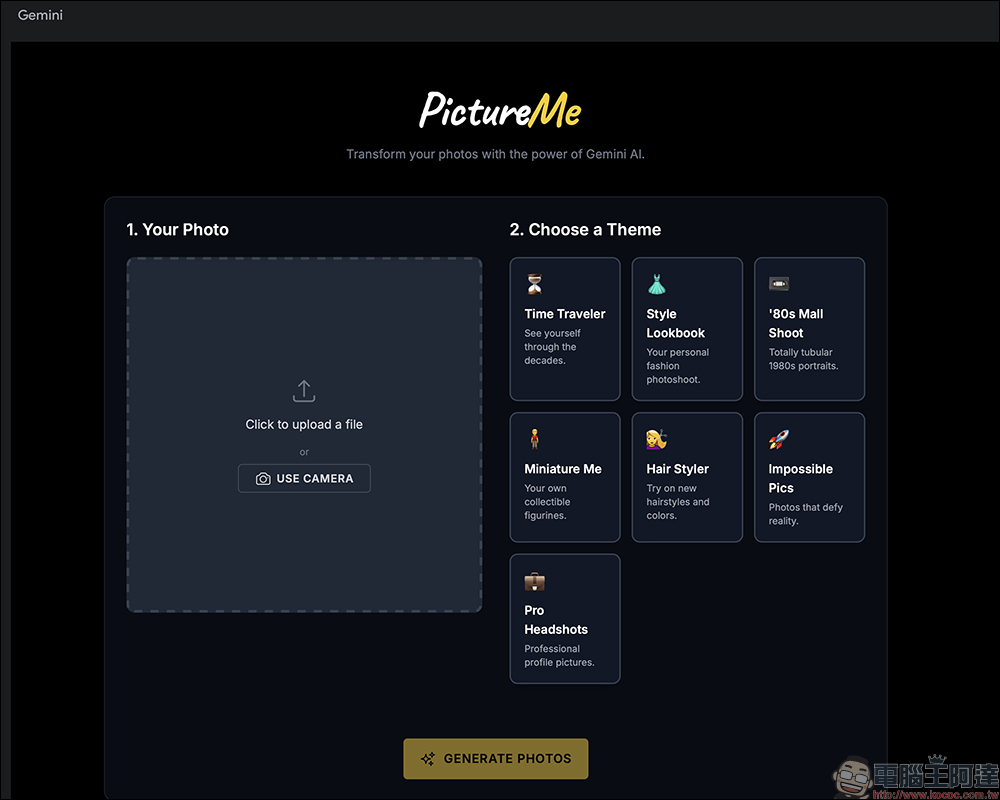
First, upload a photo! Pick a personal photo from your computer, or simply click the “USE CAMERA” button to take one with your computer’s webcam.
Generate images: Press “Generate Photos” to start processing, and you’ll see results in a few seconds to about a minute.
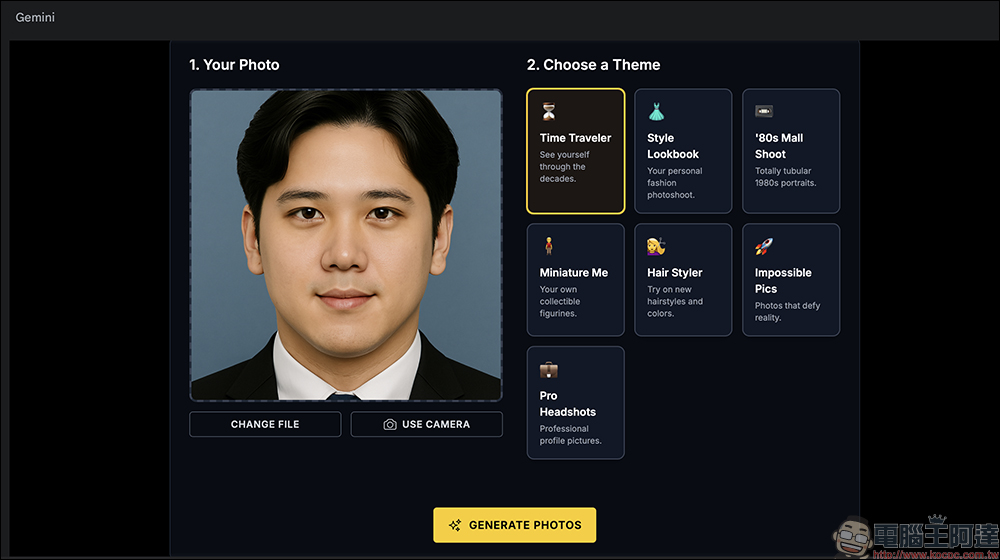
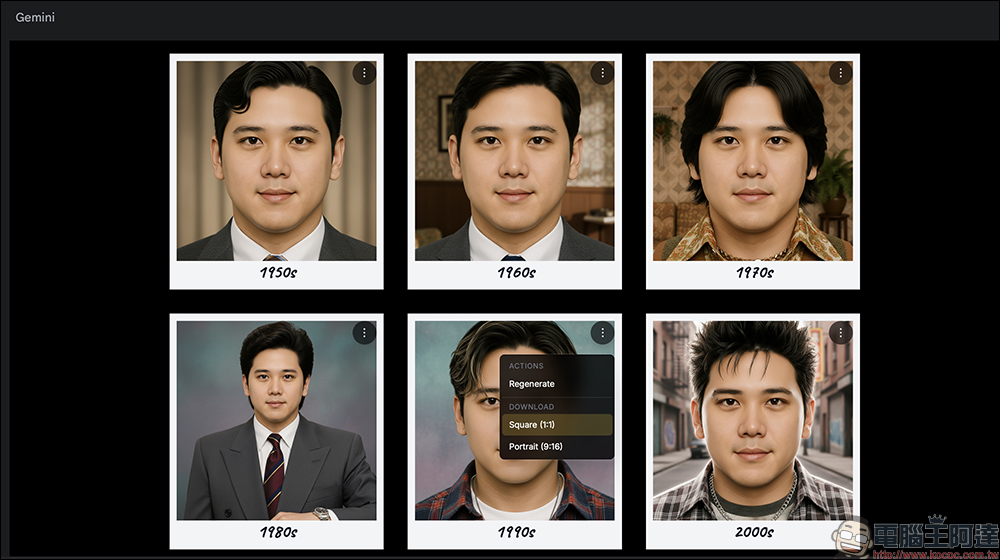
After generation, the system will give you 6 pieces of artwork at once:
Want a different effect? Just click “Regenerate” to try again.
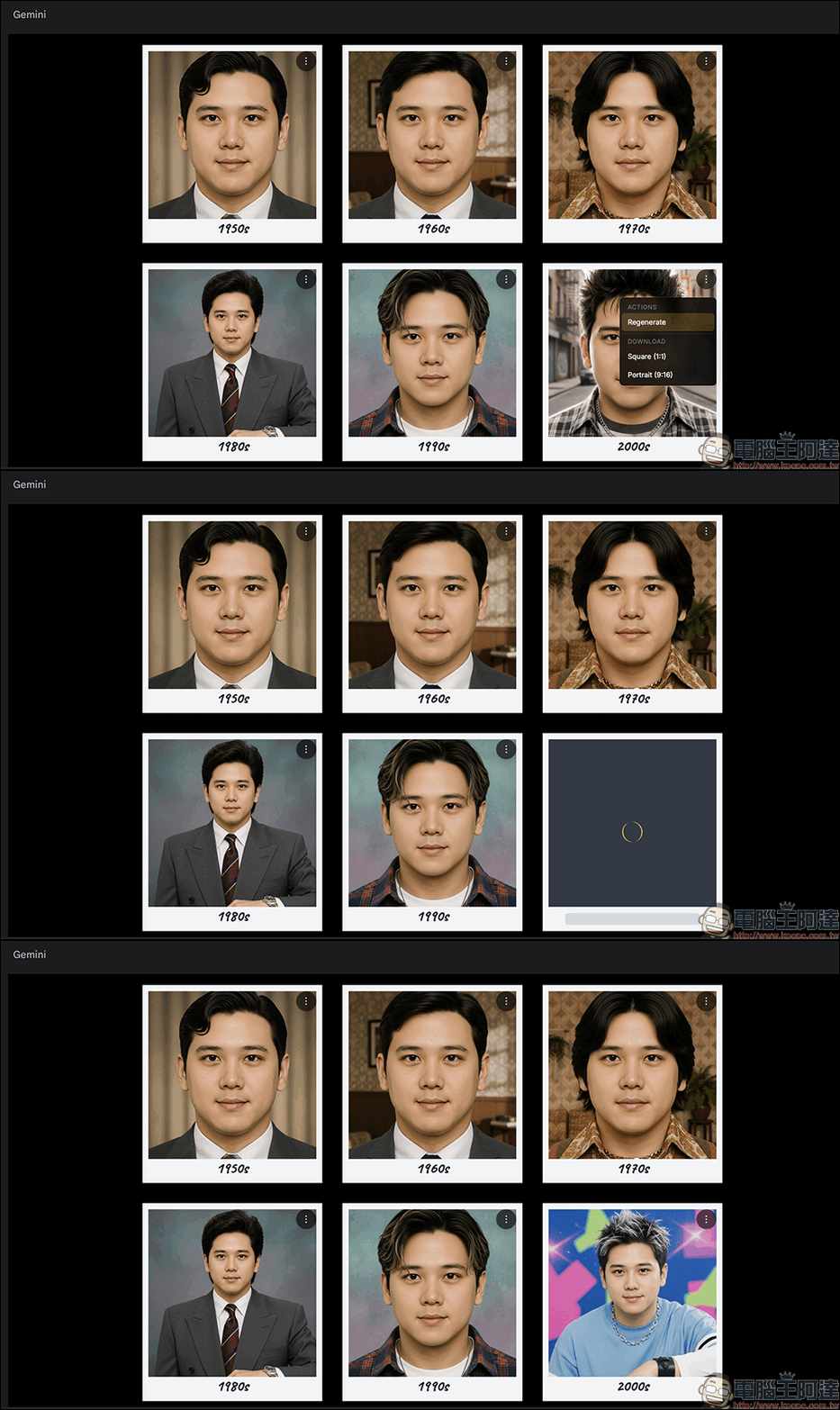
and offers download formats of 1:1 (square) and 9:16 (vertical):
All downloaded images will display the prompts that were generated by Gemini. If you want to further edit them for use, you can simply crop them yourself!
Next, try Style Lookbook (fashion lookbook), which simulates fashion magazine shoot styles, letting you imagine sharing your OOTD with others for a thrill.
Here, transforming with street style fashion, it instantly feels like being captured on the street by a fashion magazine, giving off major celebrity vibes.
1980s shopping mall photo studio style, with a somewhat nostalgic feel, but it still looks really cool.
Also, they can be turned into little figurines, which is really soothing. Looking at my own model photos, I even want to make them into keychains.
Thinking hard on the translation request. The user wants me to translate Traditional Chinese into natural English, with specific constraints: only return the translation, no additional content, preserve certain elements like numbers and brand names.
Let me analyze the Chinese text: “想換個新髮型?或是好奇哪些髮型適合自己?就用他幫你模擬一下,下次拿去給設計師說幫我剪這樣!”
This is promotional copy encouraging people to use some kind of app or tool to simulate hairstyles. The tone is casual and inviting, like marketing copy you’d see in an ad or social media post.
The key elements to convey:
– “想換個新髮型?” – Want to change to a new hairstyle?
– “或是好奇哪些髮型適合自己?” – Or curious about which hairstyles suit you?
– “就用他幫你模擬一下” – Just use it to simulate for you
– “下次拿去給設計師說幫我剪這樣!” – Next time take it to your designer/stylist and say “cut it like this!”
The pronoun “他” likely refers to an app or tool, so “it” works well in English. The tone should remain friendly and conversational. The final part about telling the hairstylist “cut it like this” captures the practical application.
Let me craft a natural English version that flows well and captures the encouraging, casual tone.Want to try a new hairstyle? Or curious about which styles would suit you? Just use it to simulate your look, then take it to your stylist next time and say, “Cut it like this!”
It can also create photos impossible in real life, like taking a picture with Lincoln, aliens, and a bunch of dogs. I laughed so hard I nearly spat out my food. It’s a total tool for pranks.
Besides all the fun effects, there are also professional headshot options that look incredibly polished — makes me want to update my LinkedIn profile picture right away.
Go try it out now👉 PictureMe
Past Forward
If PictureMe is a department-store-grade all-in-one tool, Past Forward is more like a specialty shop. Its focus is purely on time travel: through Google AI Studio, it can transform your photos with backgrounds, outfits, and hairstyles from different eras.
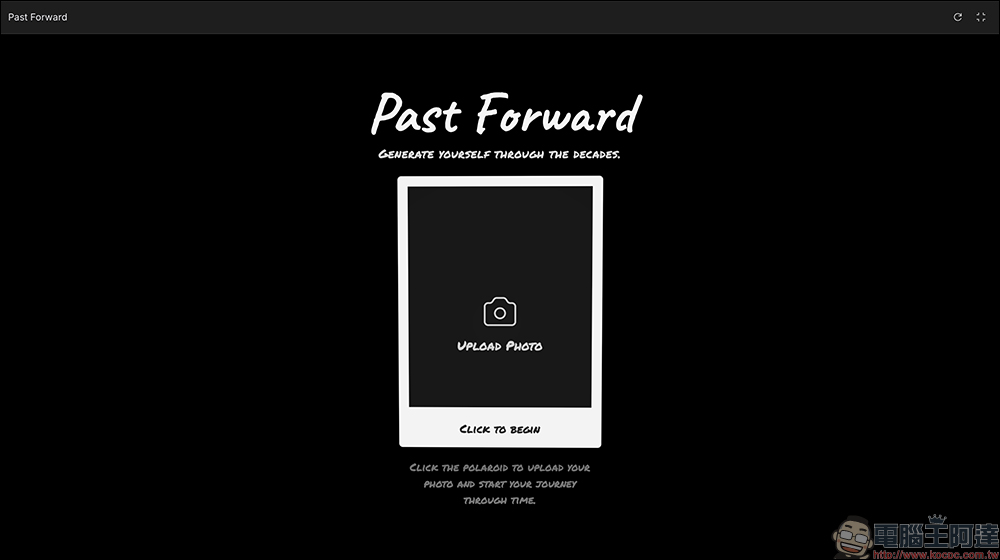
It’s the same: just log in with your Google account and upload a photo. The system will transform you into looks like 1960s mod outfits, 1980s disco style, or 1990s classic streetwear.
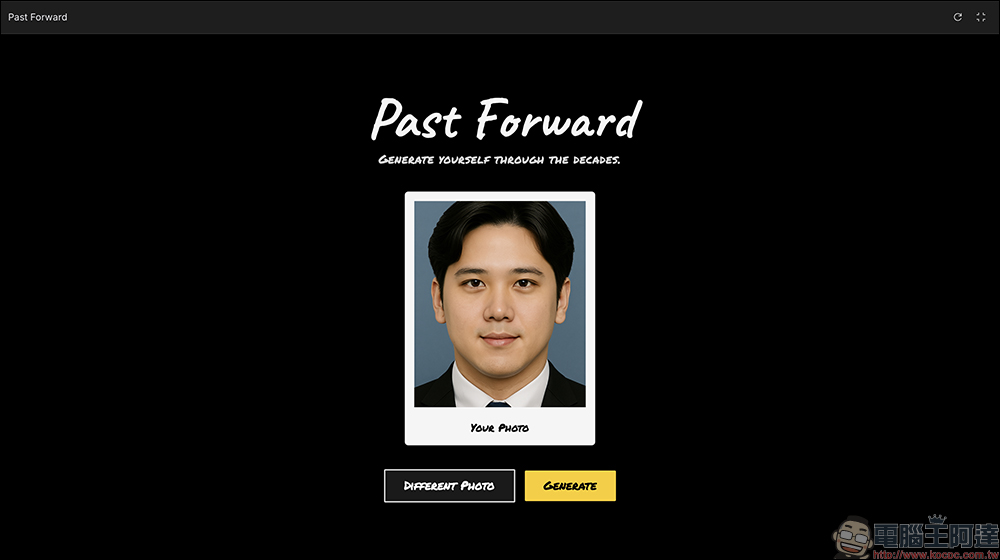
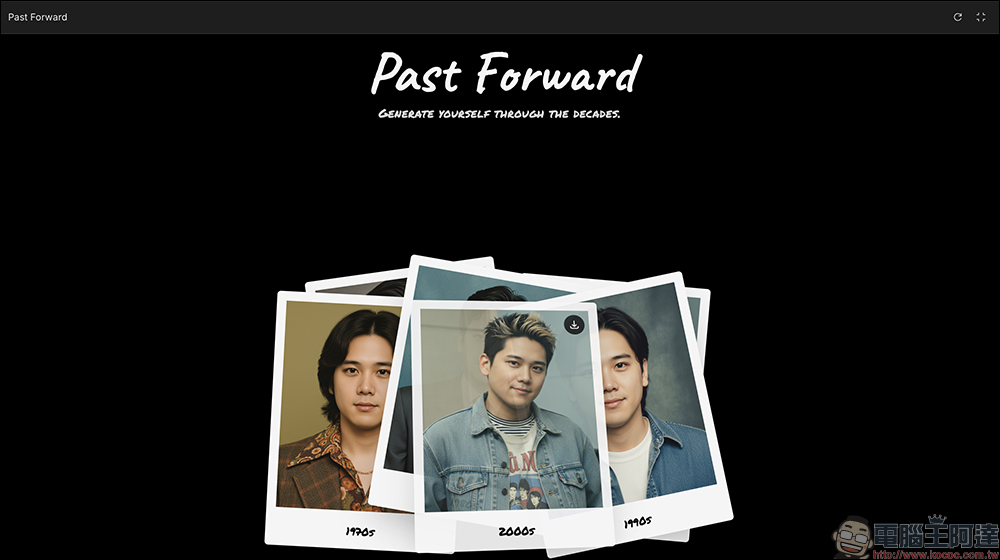
It will also generate 6 images from different eras at once, presenting a Polaroid-like effect.
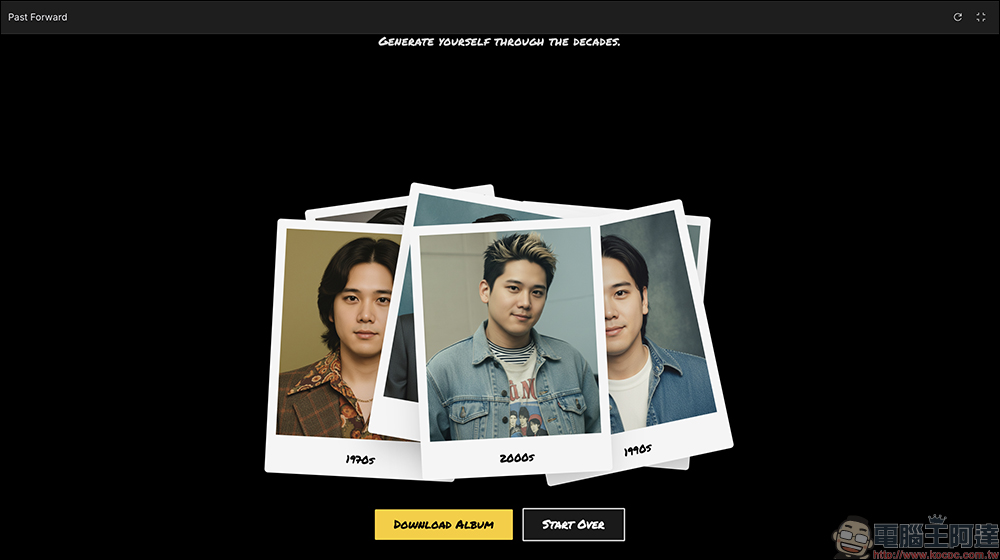
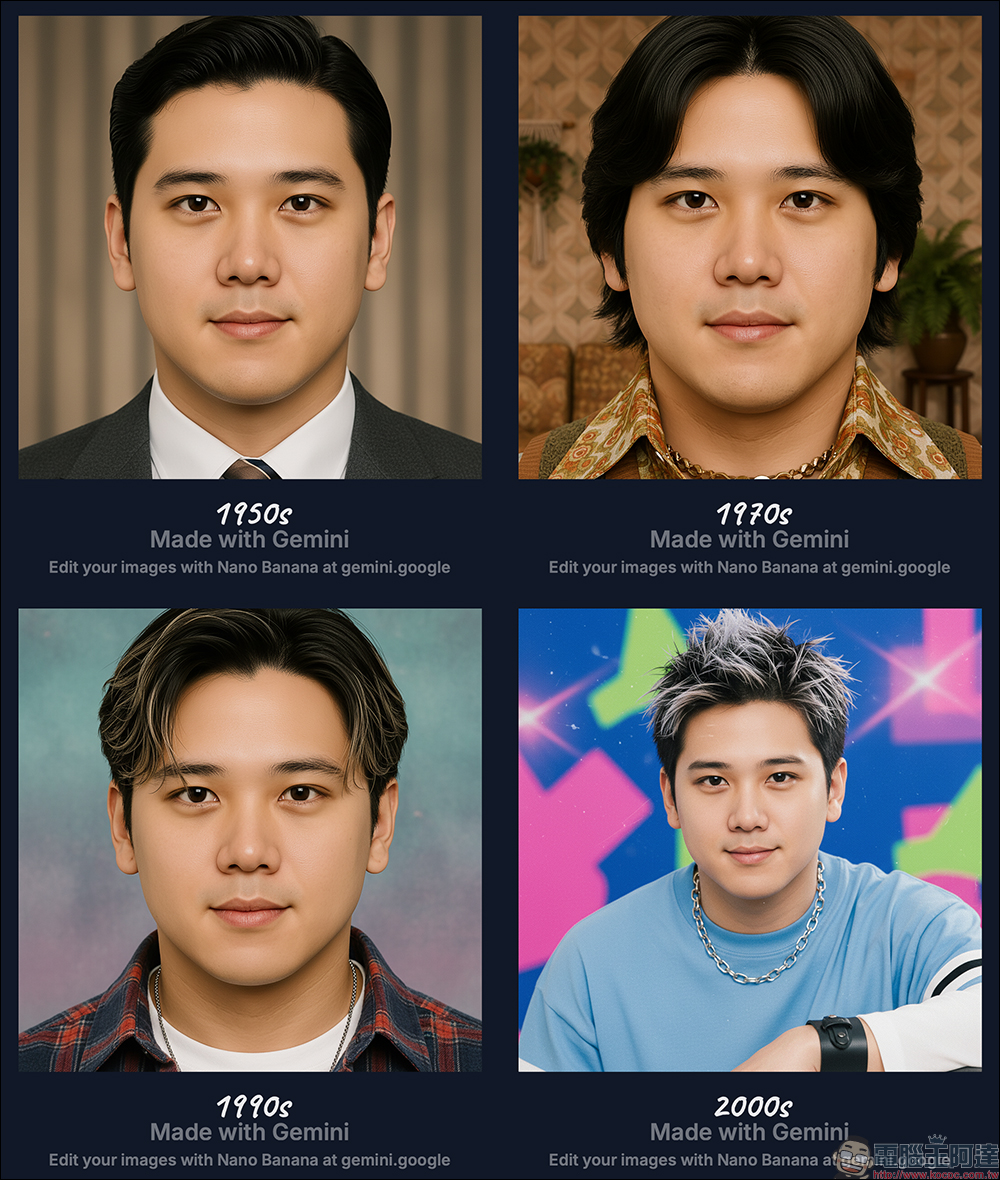
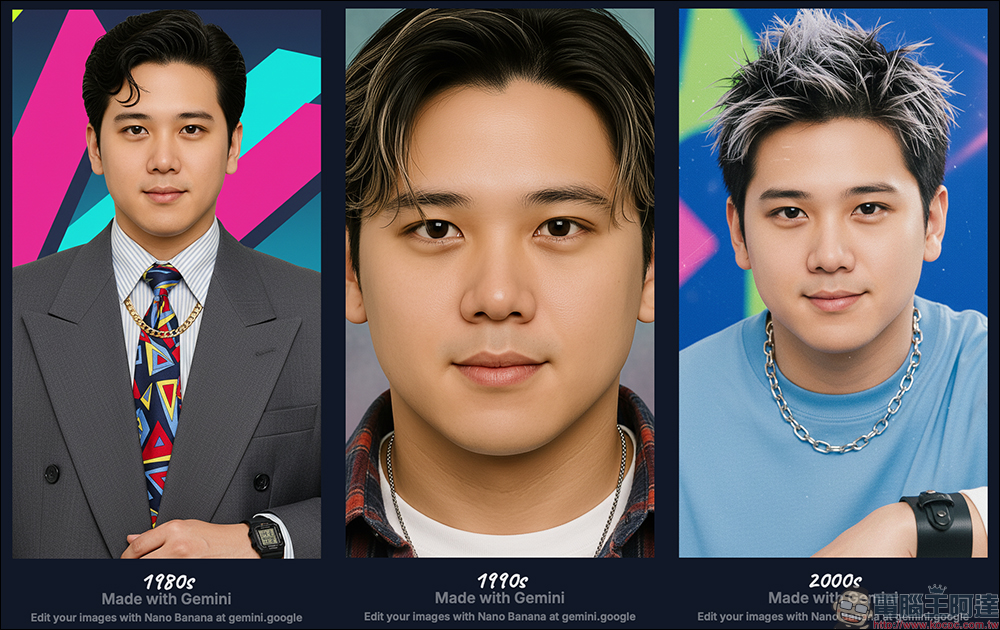
Some photos may be blocked; simply press and drag the image to an empty area to browse. Click the “DOWNLOAD ALBUM” button to download the entire set at once.
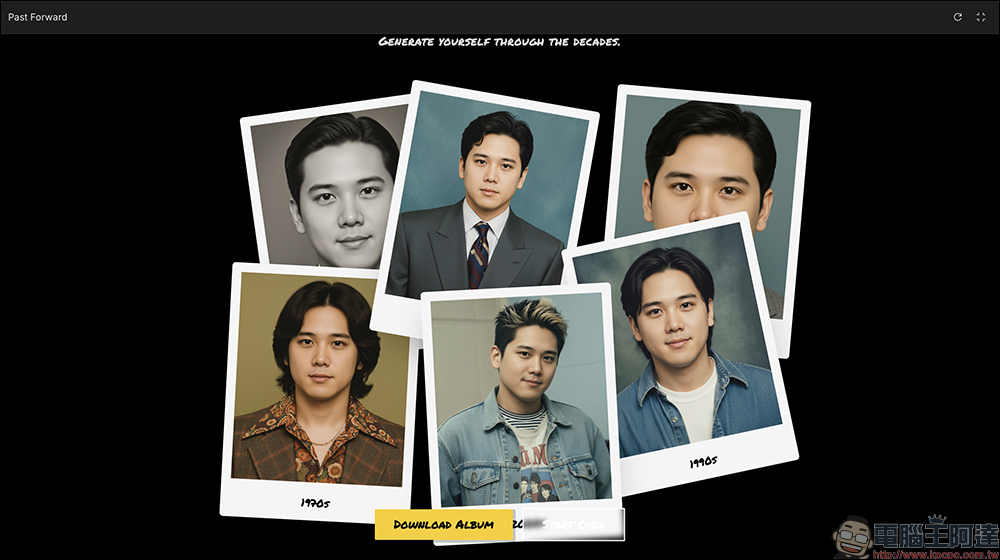
Image sets will also be marked as being created through generated prompts.
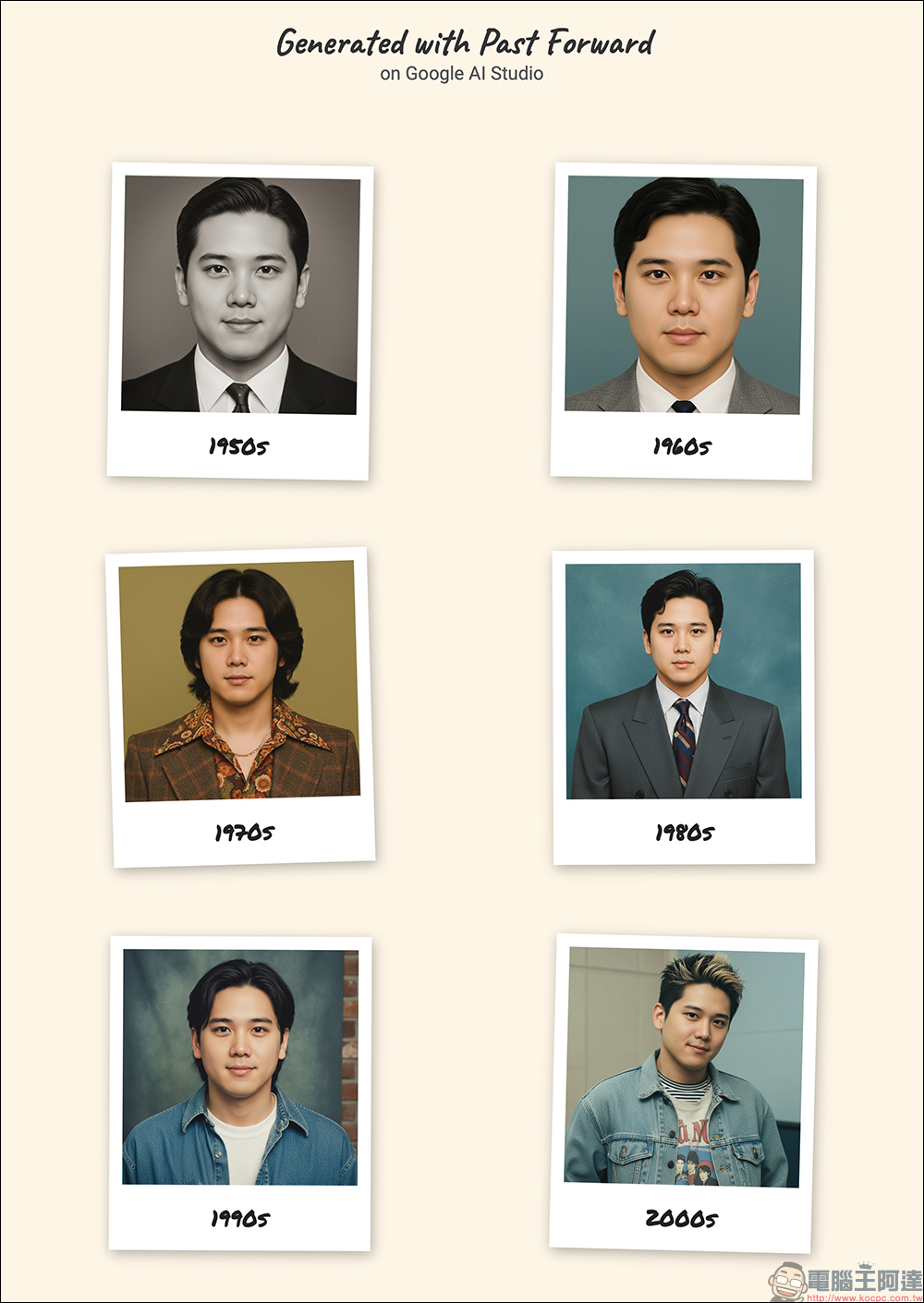
Of course, you can also download individual images.
From 1950 to 2000, different eras differ not only in hairstyles, but also greatly in clothing, background images, and photo styles.
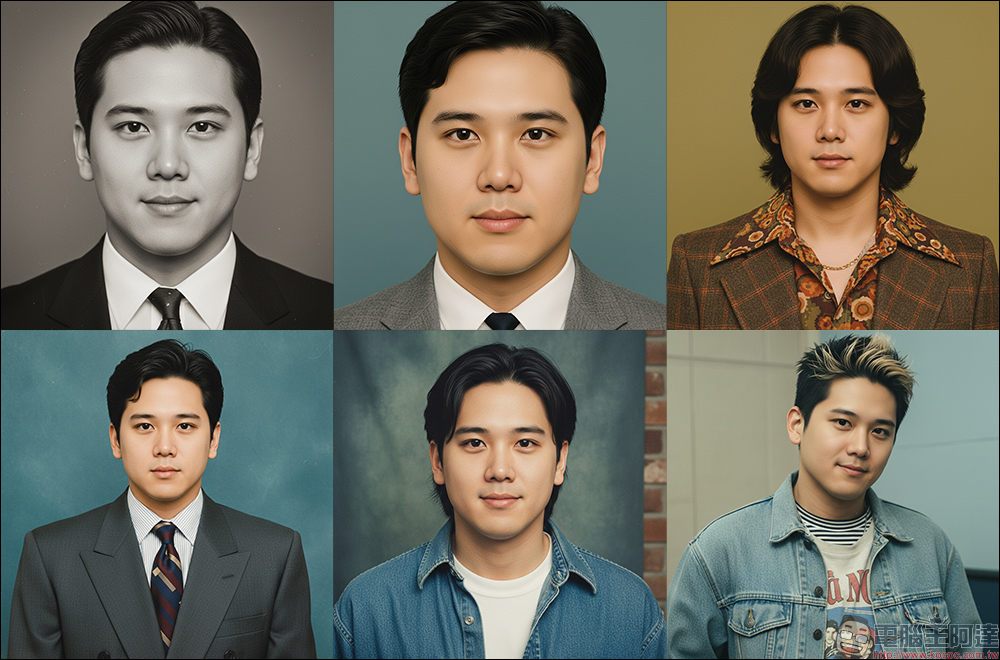
Go try it out!👉 Past Forward
Conclusion
These free web apps powered by Nano Banana really push AI to creative new heights. No technical background needed, and no complex commands to learn—just click a few times and instantly transform. From PictureMe’s seven gameplay styles to Past Forward’s retro era time travel, they’re all full of surprises. Personally, I’d recommend giving PictureMe a try. Not only does it offer more variety and more customizable content, but it’s also not too complicated for most people, making it a great way to get the older folks in your family in on the fun!
Whether you’re looking for a new social media avatar, seeking style inspiration, or just want to have some fun, these two tools are worth a try. The next time you change your profile picture or get a haircut, let AI do a few “virtual try-ons” for you first—maybe it’ll help you find the best version of yourself.
Further reading:
Source: KOCPC Chinese