


Something many people have dreamed of—running Android software and games on an iPhone—has actually come true recently! Independent developer Leviidev’s open-source project “Husk 2.0” skips the emulator approach for Android games and software and instead directly uses a translation layer to let the games’ built-in 64-bit Android code run natively on the iPhone’s processor. It supports iOS 16 and above, requires no jailbreak, and supports more than 150 games and apps.
What Is a Translation Layer: A “Fake Android” Running on a Real CPU
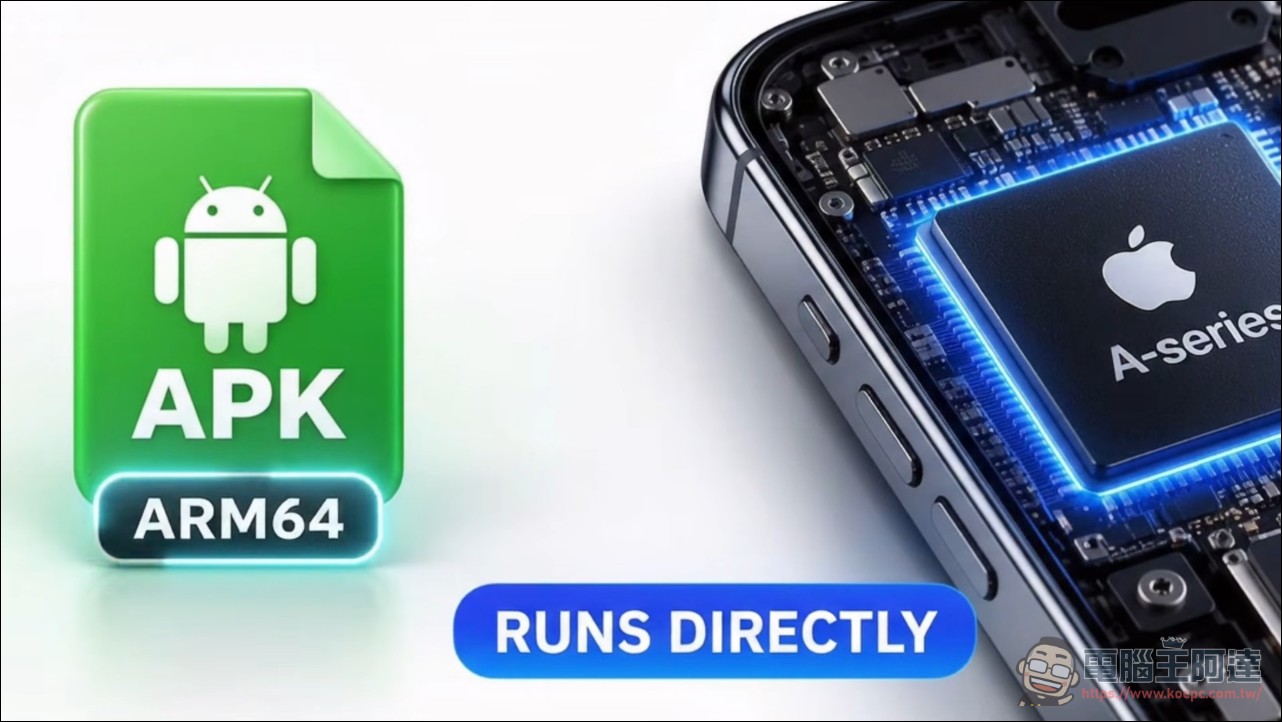
First, let’s make it clear: Husk 2.0 is not an emulator. Traditional approaches like QEMU emulate an entire Android system—booting, loading the kernel, running system services—and consume several minutes before the game even appears on screen. Husk’s translation layer skips the entire system and loads the game’s Dex and .so files directly into a regular app process. Husk provides the Android environment the game needs from the outside: C libraries, the Java interfaces the game calls, graphics through OpenGL ES translation (ANGLE) and Vulkan translation (MoltenVK), plus audio, touch, and controller support. The game’s code runs on the physical CPU, with no emulation layer eating performance, and compatible games boot in seconds. Behind it is a complete custom Android runtime environment: ART (Android Runtime) is compiled into an iOS version, Android’s bionic library interfaces are mapped to iOS’s system layer, and the game’s .so library loader is also custom-written—essentially building a thin Android foundation inside iOS to steadily hold the game up.
Husk 2.0 Supported Titles List: 150+ Games, Including GTA:SA
Husk 2.0 requires iOS 16 or later. Its installer supports four formats—APK, XAPK, APKM, and APKS—and split installation packages from the Play Store can also be unpacked and used. Game engine support includes Unity, Unreal Engine 4, Godot 3 and 4, plus cocos2d-x and SDL2/SDL3; it even runs Rockstar’s in-house engine for GTA: San Andreas. The officially announced playable list includes more than 150 games and apps, and video tests have demonstrated up to 120 FPS. In early testing, the translation layer used Flappy Bird at full speed and Subway Surfers at a stable 60 FPS as acceptance thresholds, and the current list of 150 was built through continuous testing. Version 2.0 also brings a window manager, a brand-new interface, and in-app help.
Your iPhone can run Android games. Seriously. Husk 2.0 doesn’t simply emulate Android. Its translation layer takes 64-bit Android code and makes it run directly on the iPhone’s processor, while Husk provides the Android environment the game needs. • iOS 16+ • No jailbreak required • APK, XAPK, APKM & APKS • Unity, Unreal Engine 4 & Godot • 150+ games and apps • JIT support • Up to 120 FPS demonstrated And when translation isn’t enough, Husk can boot a full Android environment through LineageOS. I tested Husk with Android games and apps. Watch my full video to see how this actually works. Would you try this? Full video: https://t.co/eqrb8ehl35
— Techjunkie Aman (@Techjunkie_Aman) October 14, 2026
The JIT hurdle is unavoidable.
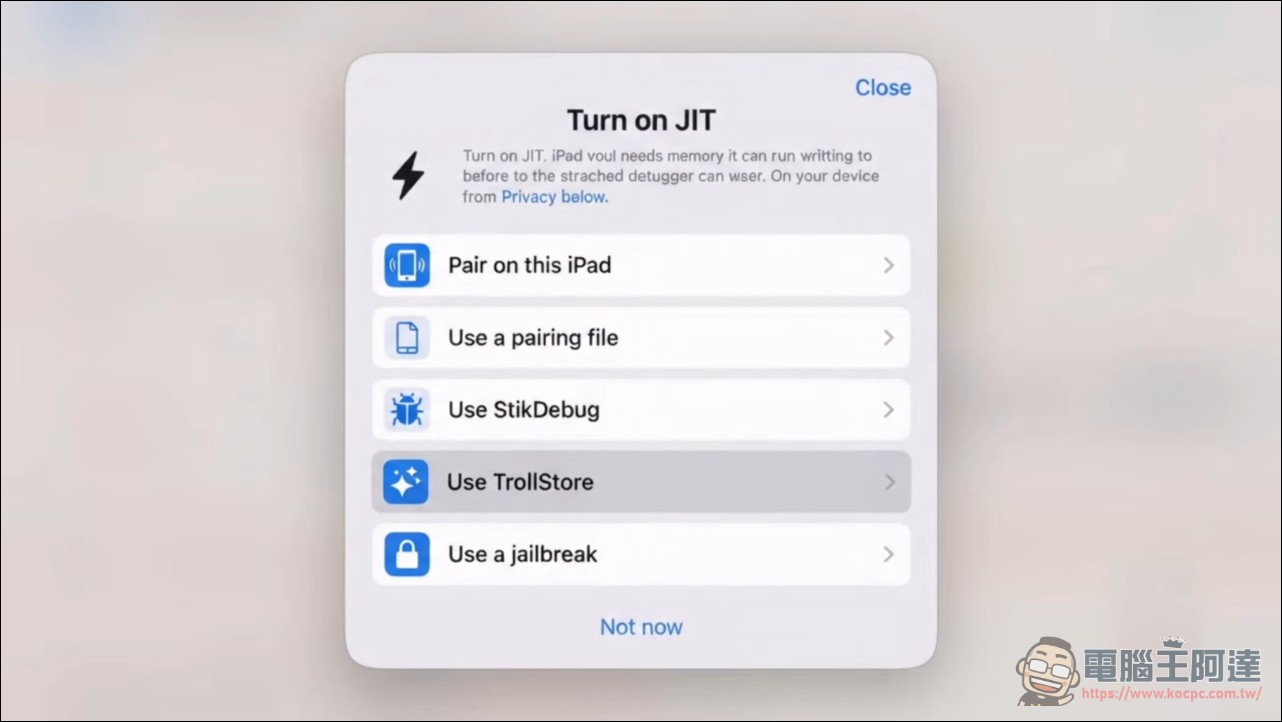
Using Husk 2.0 “jailbreak-free” is true, but that doesn’t mean it won’t take time and effort. iOS only allows a debugger to grant JIT (just-in-time compilation) permissions, and both translation layers and virtual machines rely on JIT. This restriction is a deliberate Apple design; it blocks the technology for dynamically generating machine code, and tools like translation layers inherently tread on that red line. So the first time you get started, you have to get past this hurdle first: starting with iOS 26, you can enable it yourself using Husk’s built-in StikJIT; on iOS 27, you can even pair directly with an iPhone from Settings, no computer needed; or install a tool like StikDebug. Older systems before iOS 26 require TrollStore or a jailbreak. On top of that, it can only be installed via sideloading (JIT and GPL licensing mean it is destined never to make it onto the App Store), only one game can run at a time, switching requires completely closing and reopening Husk, and the APK must contain 64-bit code. Honestly, wanting to play Husk 2.0 is not very simple; the project currently can only be used by being distributed through signed sideloading stores.
The homework Google left behind was completed by an independent developer.
The concept of a translation layer didn’t come out of nowhere. Google itself built Android Translation Layer (ATL), an experiment to bring Android apps to Linux and other platforms; Husk adopts the same philosophy of separation, interposing the Android framework between apps and the system, then rewriting the entire framework as a native iOS version. The project documentation states it clearly: all translation-layer code is Husk’s own, licensed under GPL-2.0, and uses no code from ATL or AOSP; the licensing boundaries are drawn very clearly, and this was planned before any work began. Even the two APK-parsing programs were fuzzed—300,000 runs with zero crashes before work wrapped up. That kind of engineering discipline is rare in independent projects. An independent developer took the experiment Google started and pushed it to the point of booting and running games on an iPhone; the engineering substance is undeniable, and it is also the most technically demanding project in this wave of “reverse engineering.”
Husk 2.0 – GitHub
Husk’s current positioning is clear: an experimental playground for enthusiasts, not a consumer product. JIT, sideloading, and the single-game limitation are all hurdles that remind you how difficult it is. But the direction has already been proven viable; the conventional wisdom that “iPhone can only run iOS apps” no longer exists.
Those who want to study it can refer to the tutorial video below; the difficulty is moderate, just with more tedious steps.
Source: KOCPC Chinese