


Recently, many friends around me are rushing to grab tickets, such as concert tickets, special air tickets, limited-time products, etc. When the time is up, they will keep pressing Refresh to refresh the page. In fact, you can directly use the free extension function “Auto Refresh Plus”. After setting the time, the page will automatically refresh. There is even a countdown timer function to prevent you from forgetting the time to grab tickets. It is simple and easy to use. I will introduce it to you below.
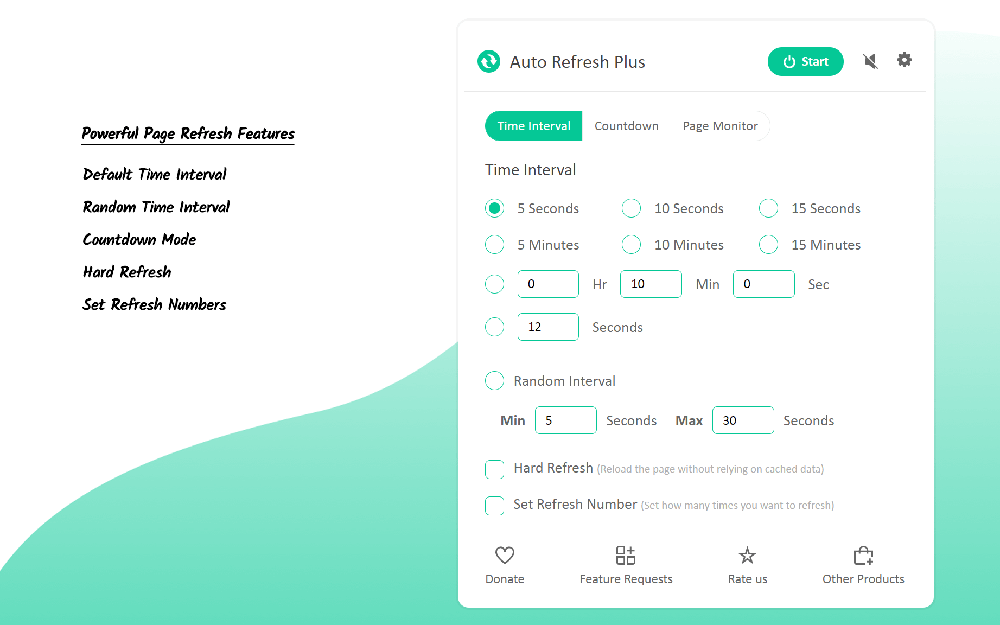
Auto Refresh Plus is a good helper for grabbing tickets and products, and automatically refreshes the web page regularly.
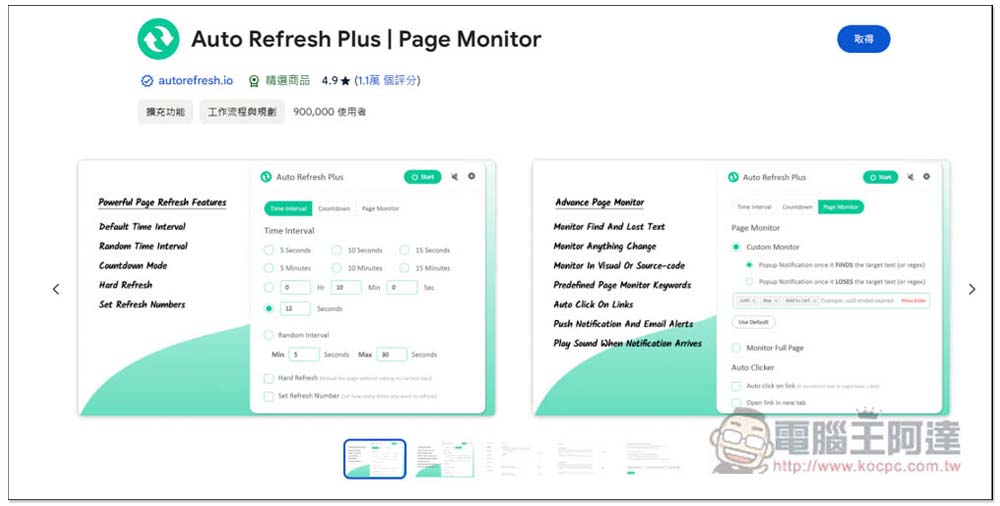
Auto Refresh Plus | Page Monitor is a Chrome extension that can also be installed on Microsoft Edge browser. After entering the expansion store page, click Get in the upper right corner:
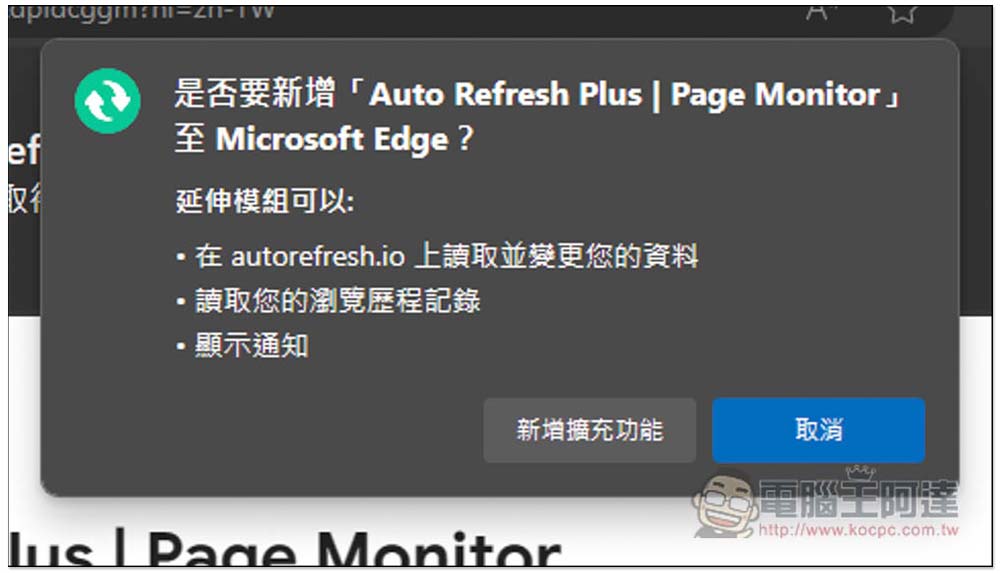
This message will pop up above, click “Add Extension”:
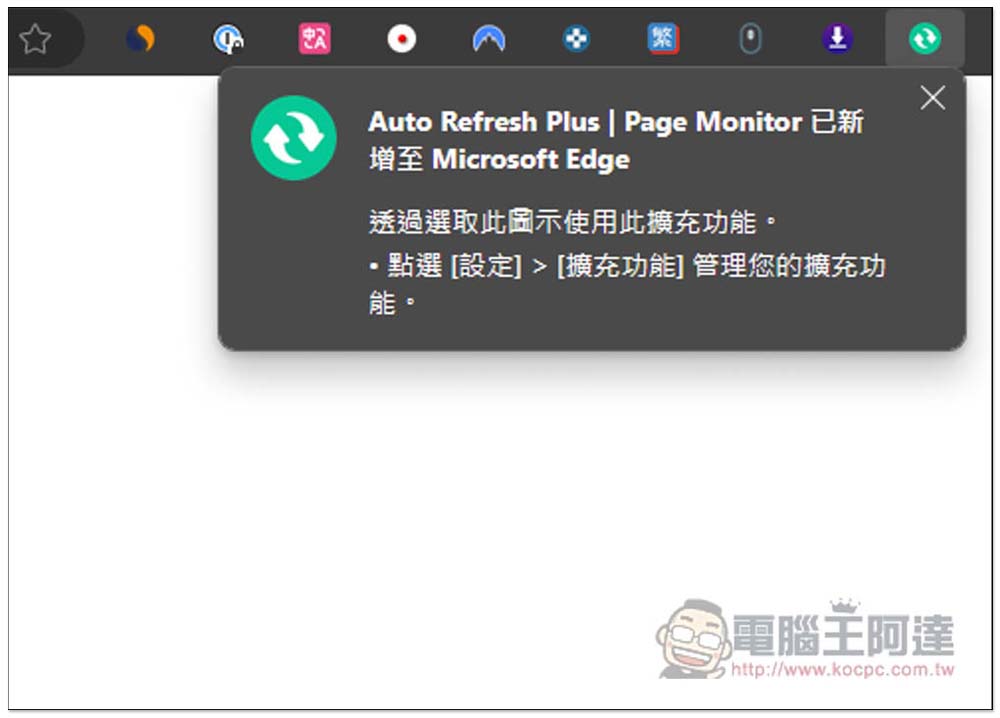
This message appears to indicate completion:
It will also automatically open the settings page. This model does not support the Chinese language yet. You can use the browser’s full-page translation function, or you can ignore it completely. The settings here are mainly advanced functions:
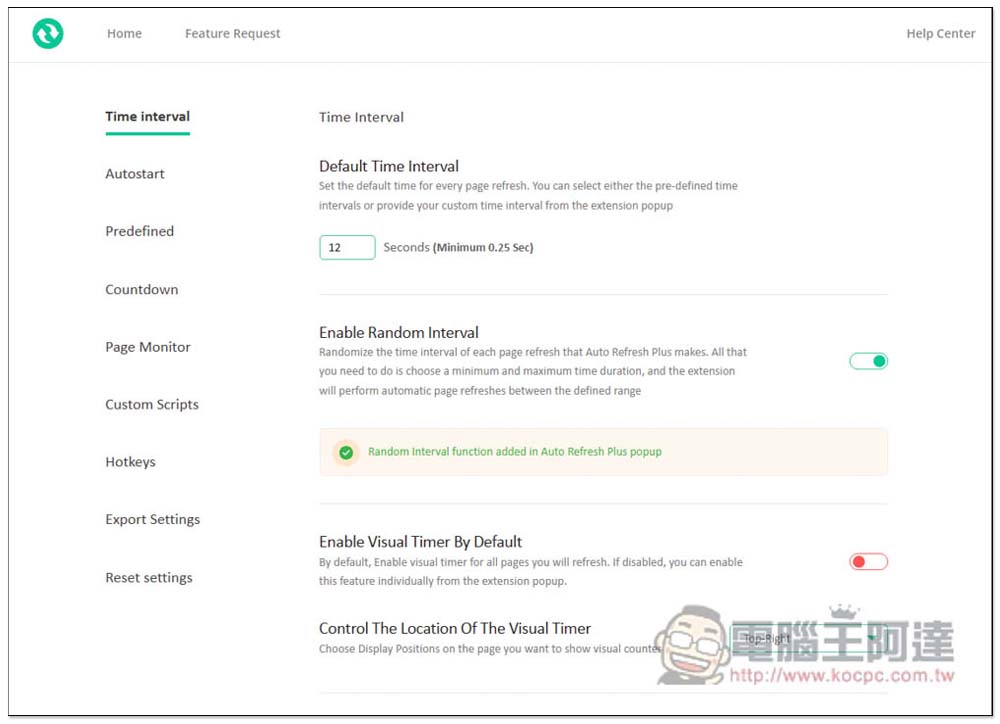
For example, you can add an auto-start URL. When you open this web page, the refresh timer of Auto Refresh Plus will be automatically started:
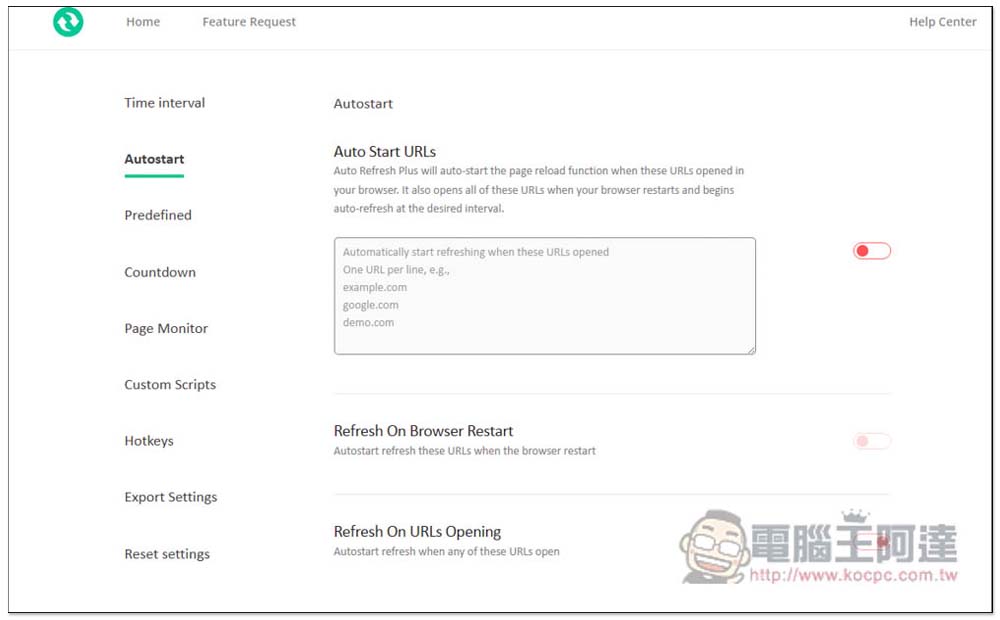
There is also a hotkey setting function. For those who frequently use this extended function, it is highly recommended to set it up, so that in the future you only need to use shortcut keys to start the automatic rearranging function, which will be faster and more convenient:
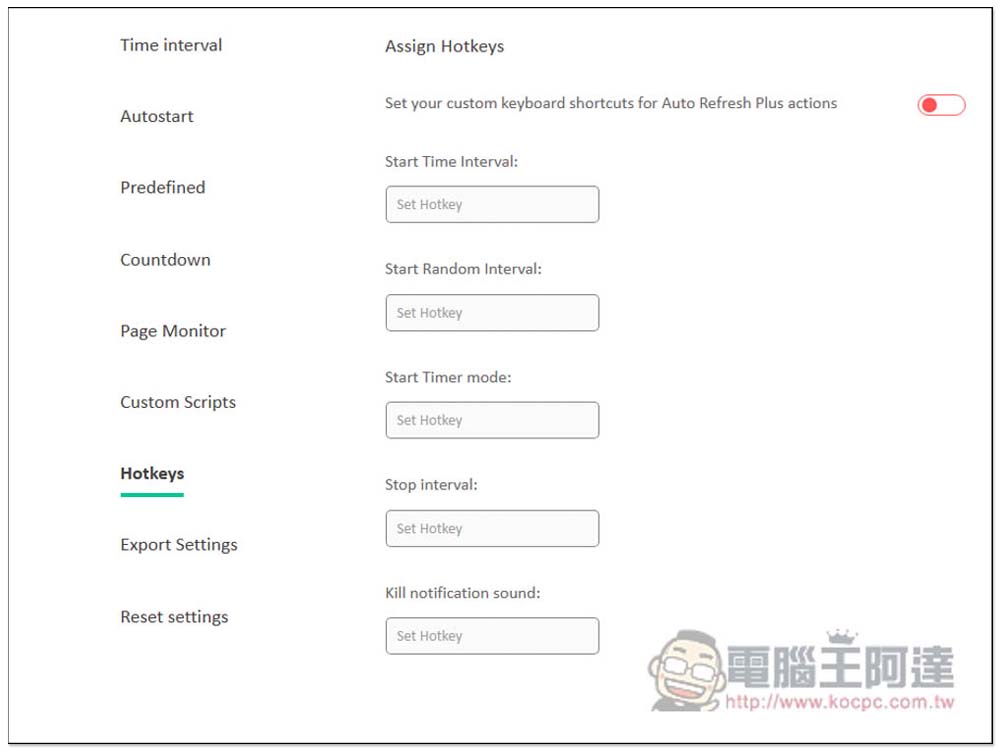
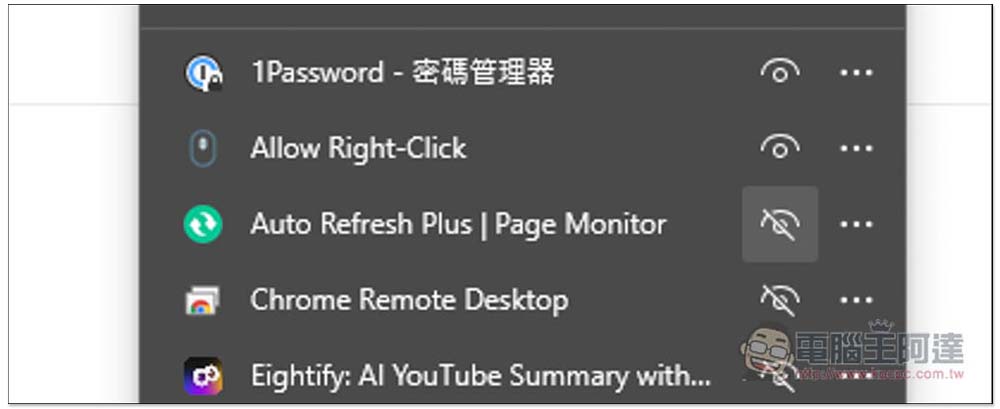
Default extensions will be hidden and need to be opened manually. Click the puzzle icon on the far right of the extension toolbar, find Auto Refresh Plus, and open the right eye:
This will appear. There are four menus: “Time Interval”, “Countdown”, “Active Tabs” and “Page Monitor”. The automatic refresh timer is the first one. The default is 12 seconds. You can change it to other seconds, or click on the options above, such as: 5 seconds, 10 seconds, 15 seconds, 5 minutes, etc. You can even set the refresh timer after a few hours, minutes, or seconds:
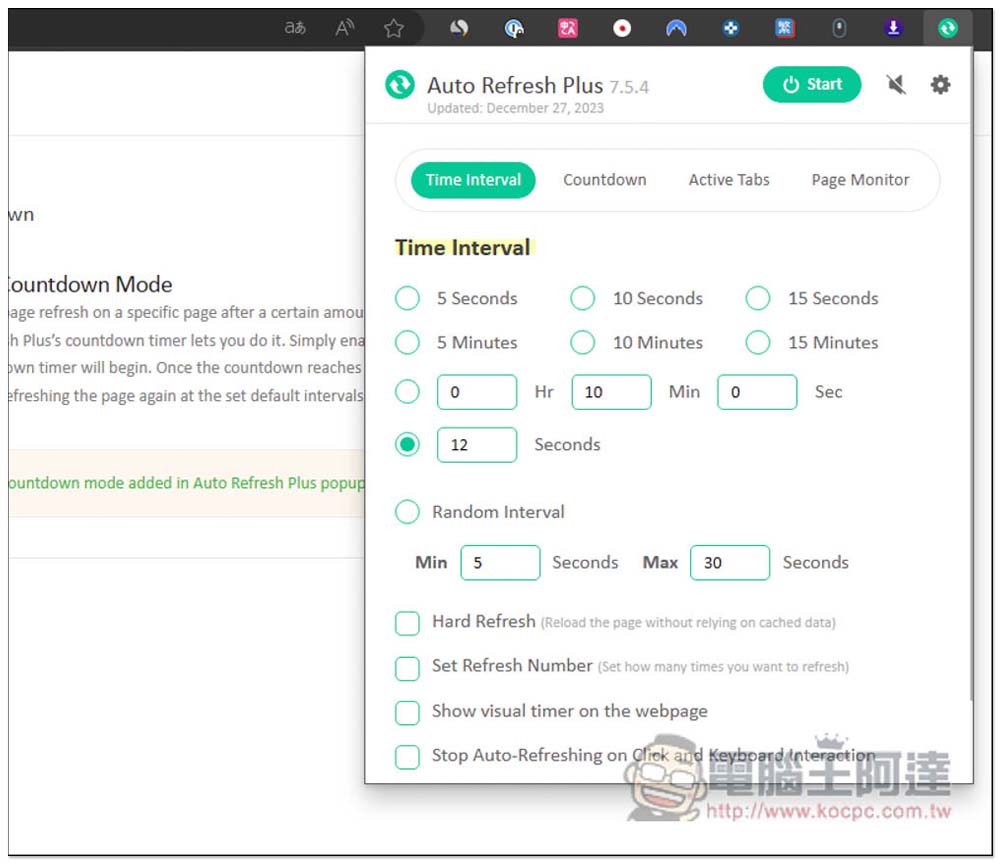
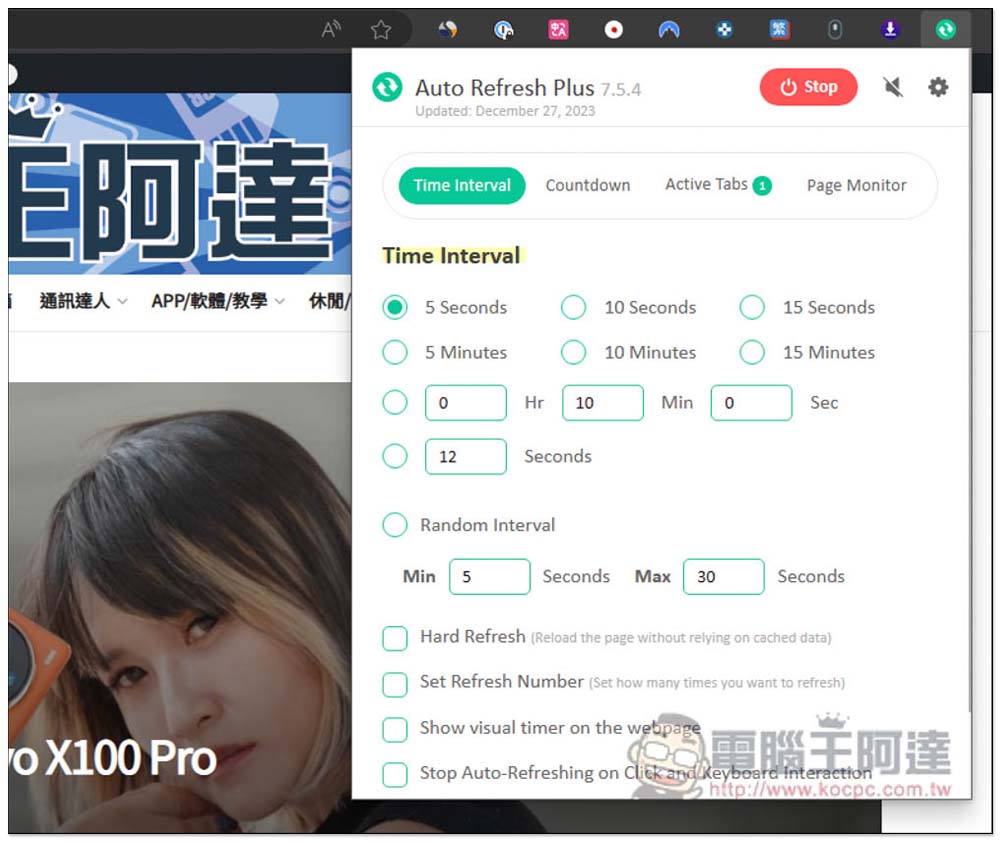
After setting, press Start in the upper right corner, and the current page will start to be automatically rearranged. If you want multiple tabs to be automatically rearranged, you can modify it in Active Tabs:
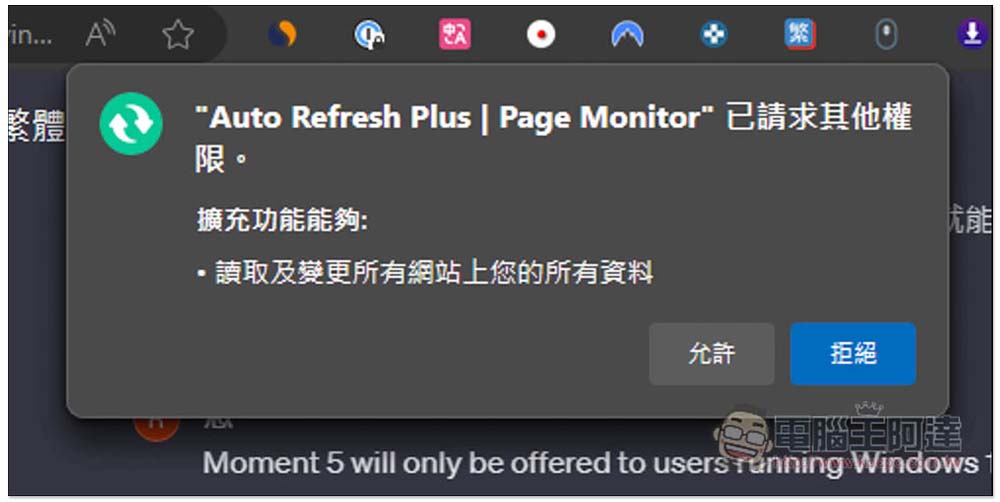
This message will pop up when you activate it for the first time, remember to click Allow:
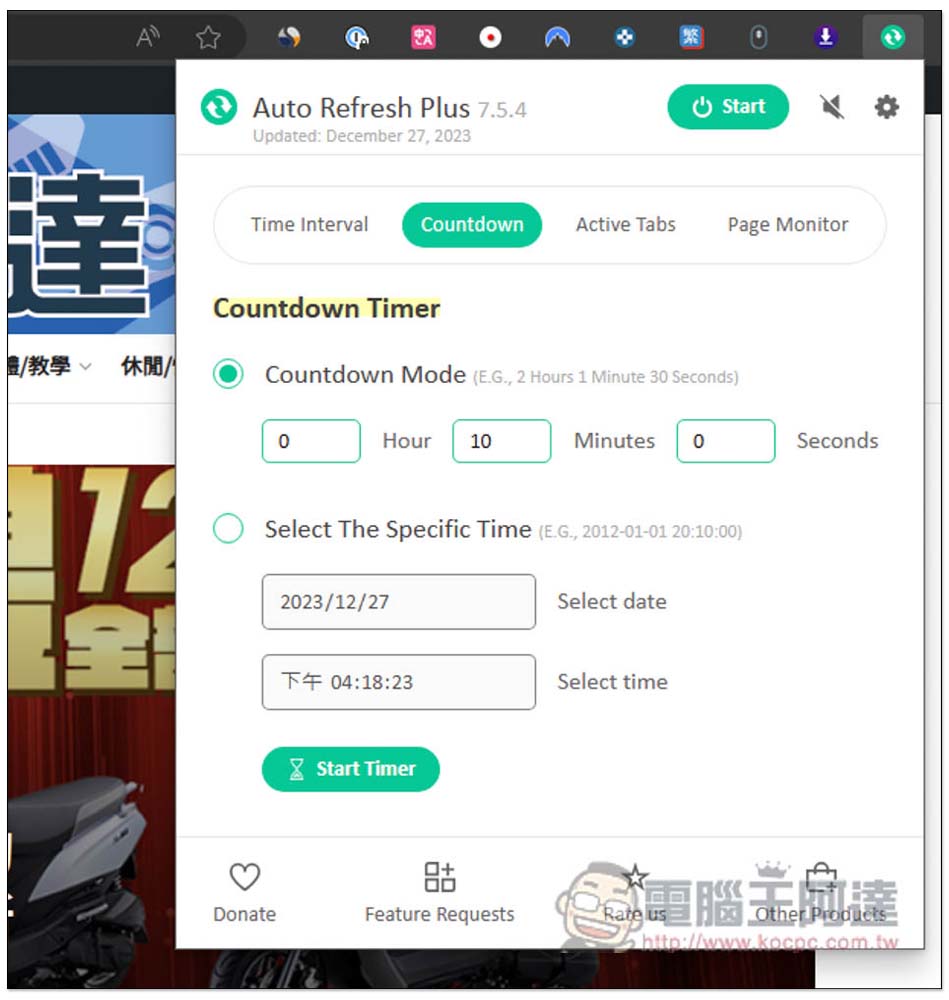
If you are afraid of forgetting the time to grab tickets, you can use the Countdown timer function. In addition to setting a few hours, minutes and seconds, you can also specify a specific time, such as: which time point on which day, which is quite good:
Page Monitor is a function that monitors whether the page has changed. You can set it to monitor the entire page or XHR. When changes are found, you can set up an email notification so that you can receive it as soon as possible. It is very useful for tracking prices.
Auto Refresh Plus also has many functions. It can be said to be a very powerful free expansion function. The rest is for everyone to play and see by themselves.
Source: KOCPC Chinese