


With the advancement of AI, many software have begun to be equipped with AI functions to enhance the user experience of the software itself. AI automatically generated image services such as Midjourney and Stable Diffusion that we often introduced before also rely on AI calculations to calculate images. I believe everyone should understand Ada’s previous teachings, right? In fact, the scope of AI applications is quite wide, such as speech recognition, image recognition, real-time translation functions, etc. There are too many examples to cite. In the past few years, we should have seen the emergence of many useful software and hardware equipped with AI. I am also looking forward to this.
Recently, I saw a software called “HitPaw Photo AI” on the Internet. It has AI photo quality repair, AI drawing, removing unnecessary objects from photos… and many other functions that can be applied to pictures. It provides free trial times, so out of curiosity, I will test this software to see if it is easy to use:
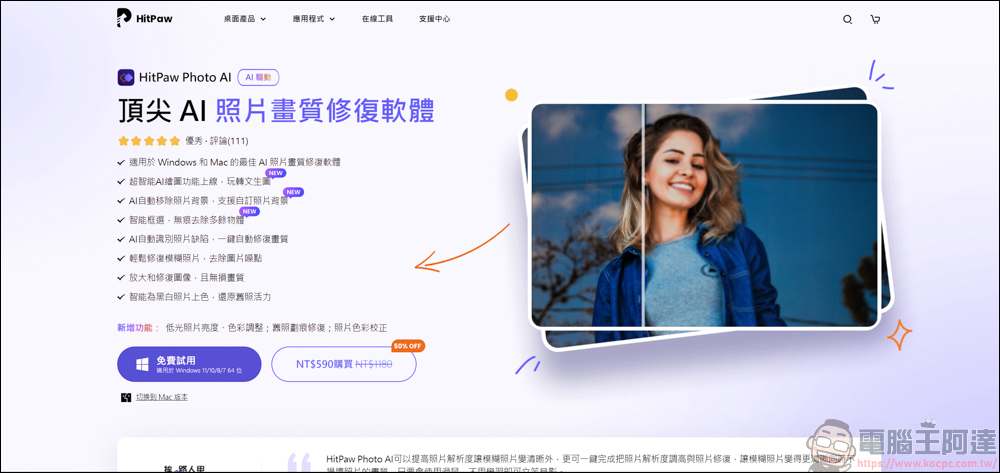
Introduction to HitPaw Photo AI
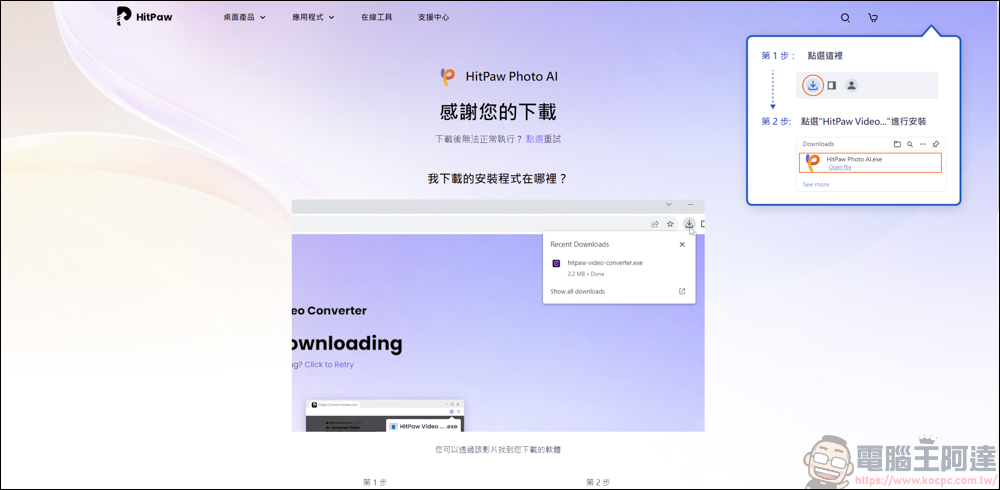
You can go to HitPaw’s official website to download HitPaw Photo AI, URLPlease click me:
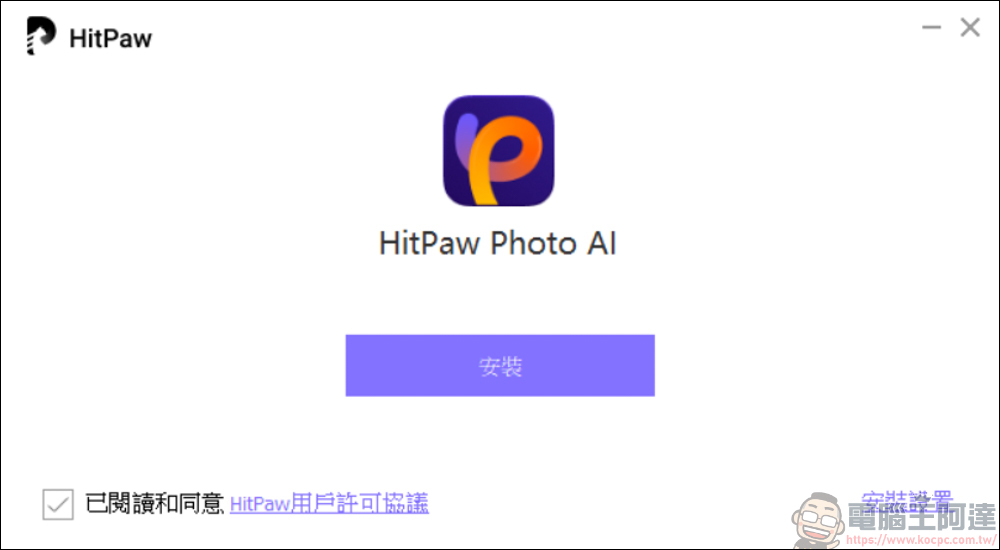
The installation process is also very simple, just keep going to the next step:
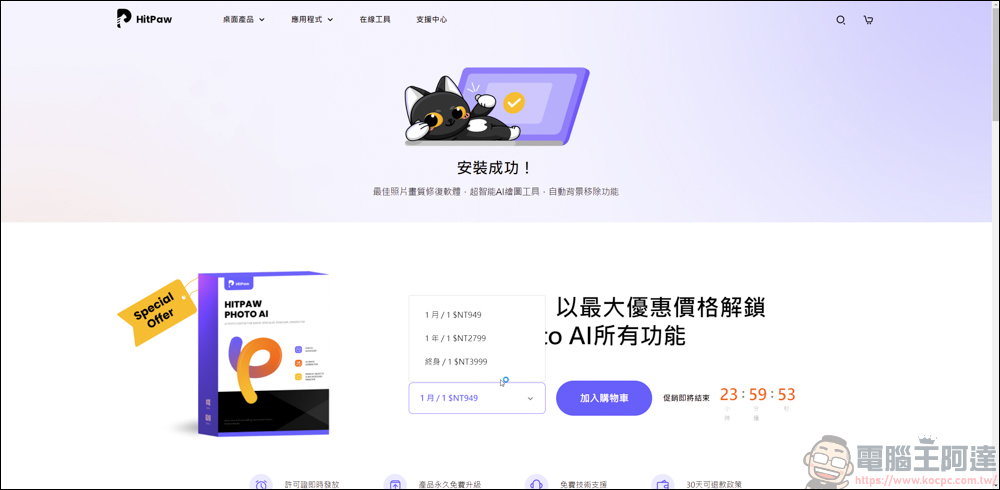
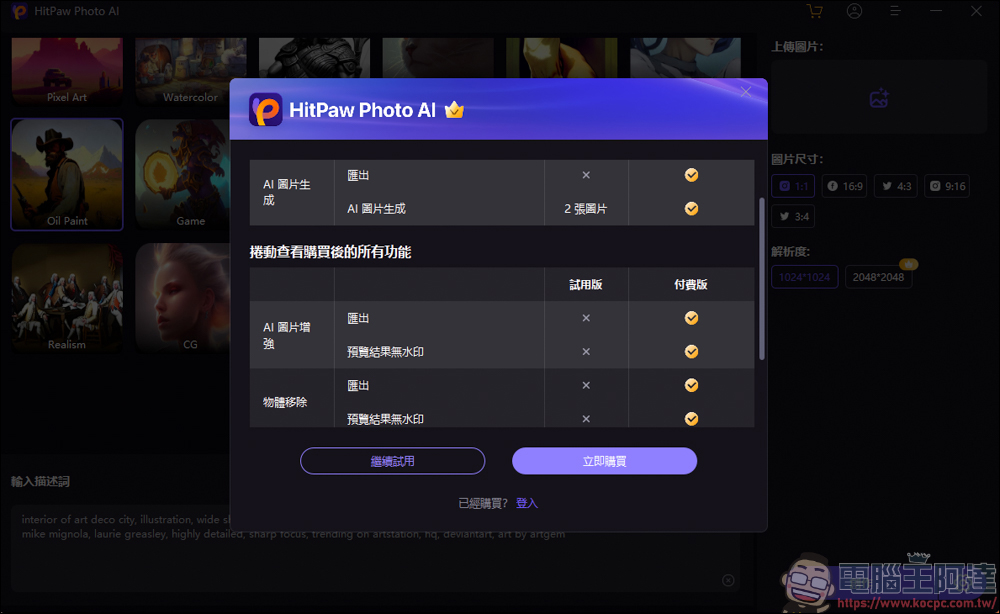
HitPaw Photo AI has different charging systems. It is recommended that you try it first before deciding whether to buy it:
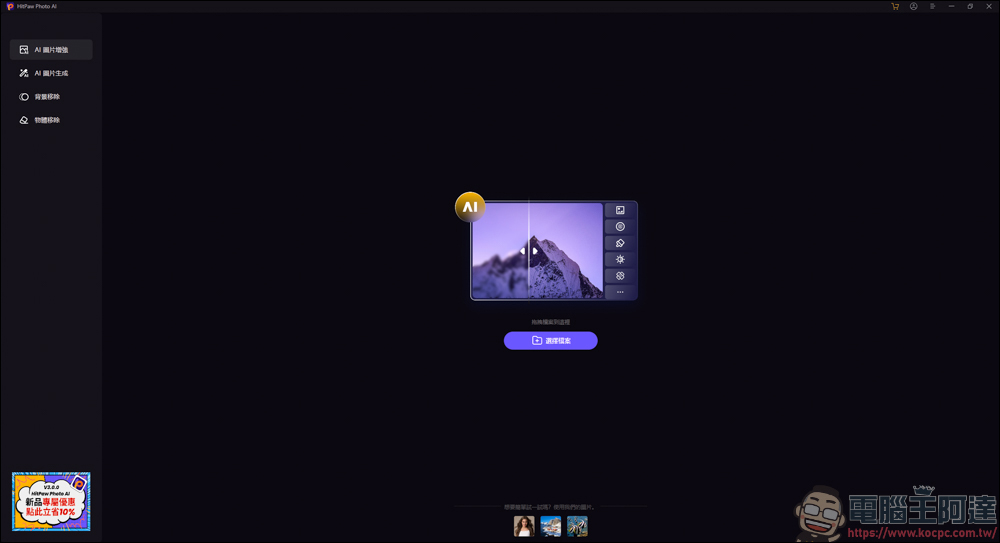
The first function is AI image enhancement, such as improving photo quality, repairing face details, restoring photo colors, etc., all of which can be used here:
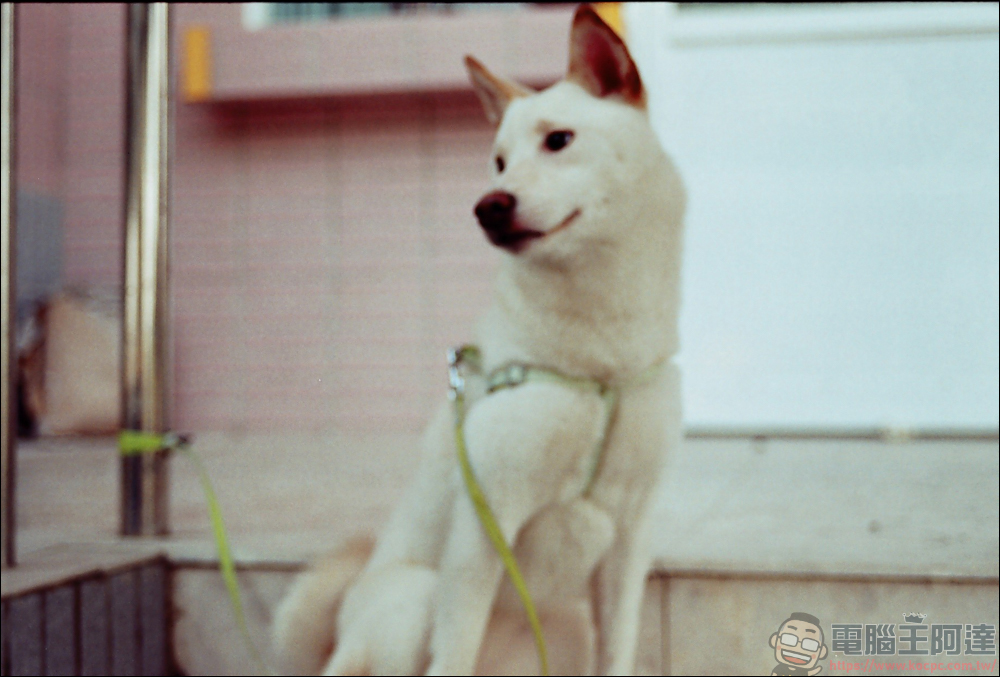
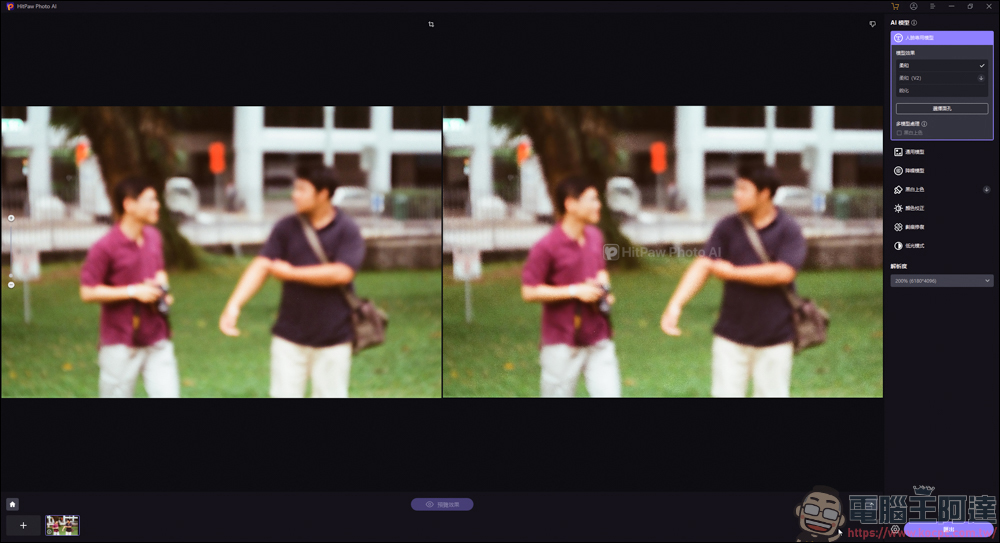
Here I will take a photo that was out of focus with my old film camera as an example:
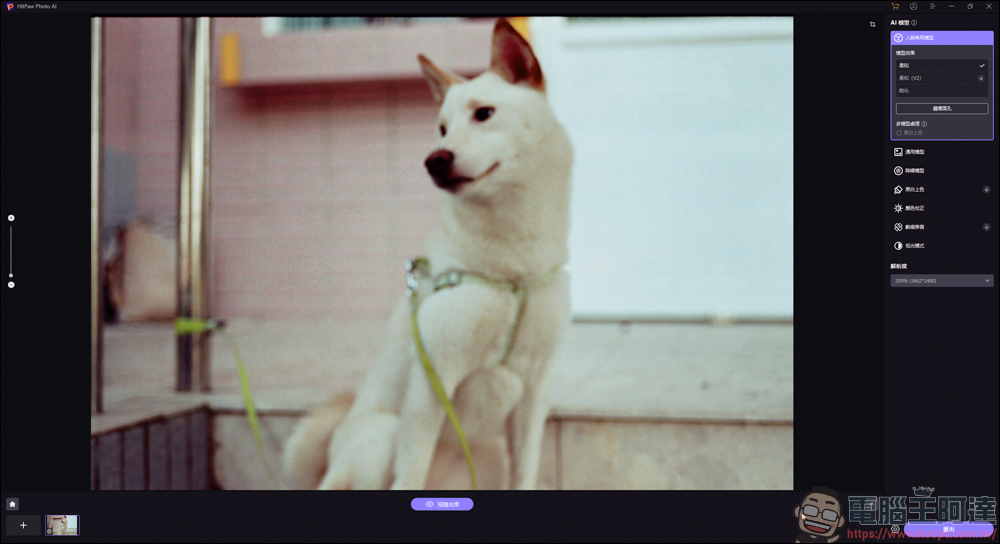
After loading the image, there are many function options on the right, including portrait restoration, general purpose, noise reduction, black and white coloring, color correction, etc.:
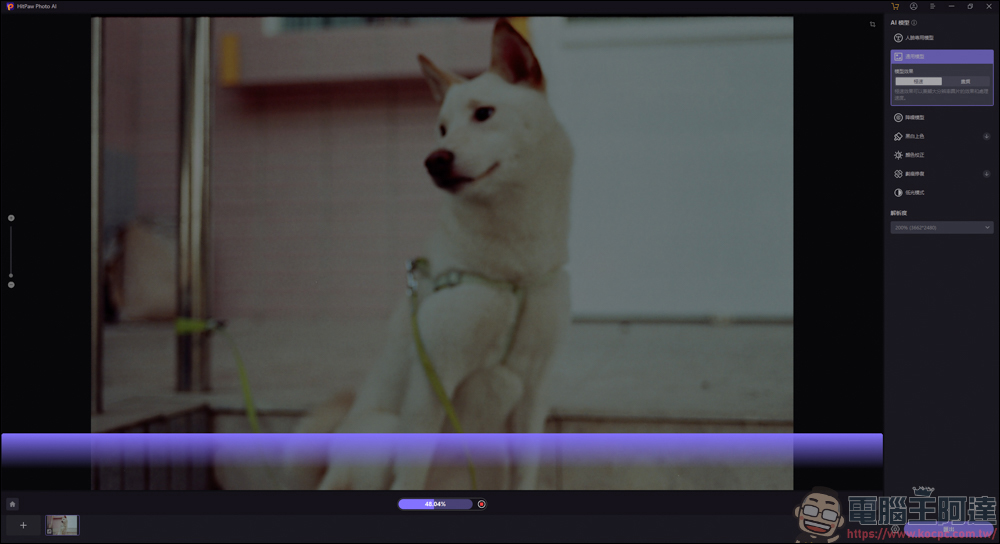
Since dogs are not humans (nonsense, so here we select the universal model and let the software scan it once. Just click on the browsing effect below the photo and it will scan automatically. The scanning speed depends on the speed of your computer:
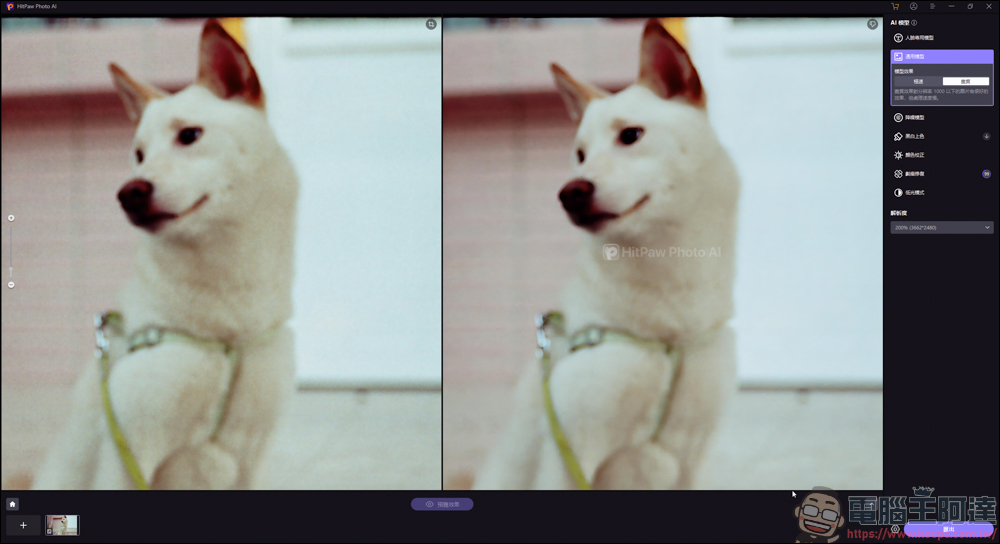
After scanning, take a look at the comparison picture. The left side is before scanning, and the right side is after scanning. You can see…where did the repair go? XD
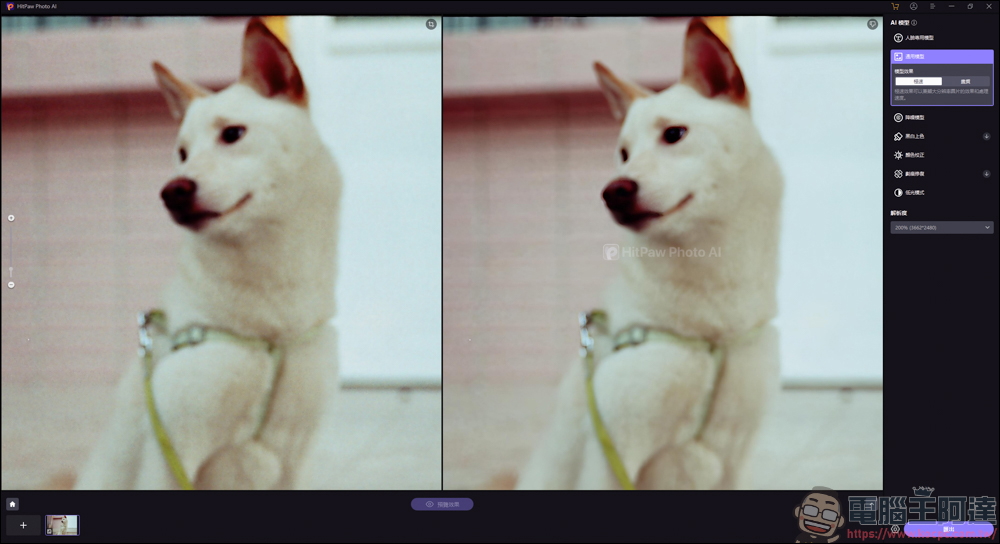
I changed the selection to another image quality and recalculated, but it was still blurry.
Test another portrait shot on film:
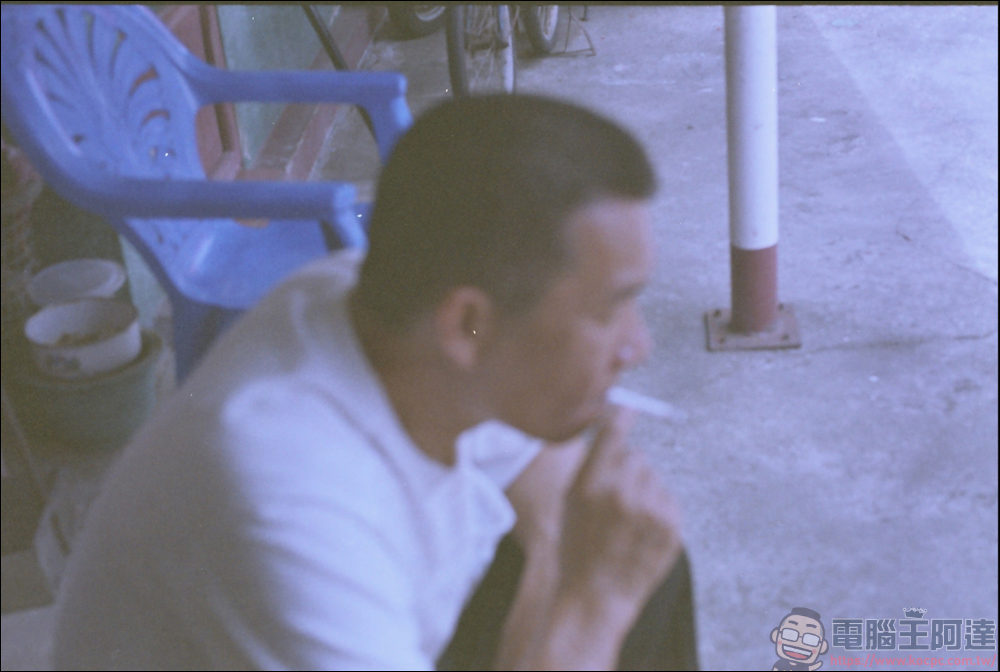
This time it has a slight effect. The picture is a little bit clearer on the face, but the overall picture is still blurry:
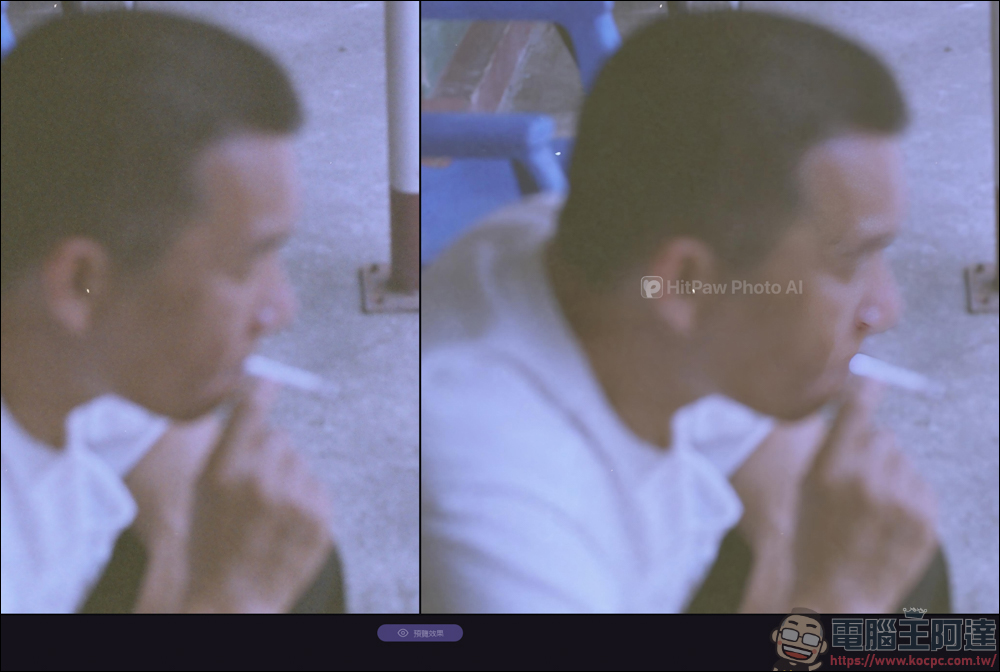
I think the repair function is a bit exaggerated. I think it’s impossible to rely on the repair function to fully present the details when shooting in such a blurry way of excitement:
But if it is a slightly out-of-focus state like this, it can be perfectly solved by relying on the repair function of the software:
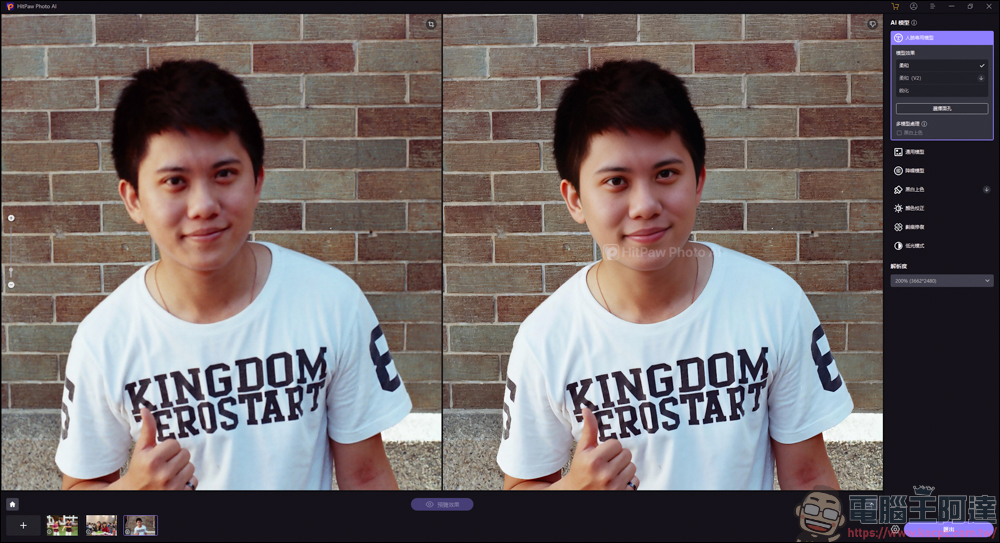
As long as the photo is not completely blurred, the computing power of the software AI can still give you a picture that retains details:
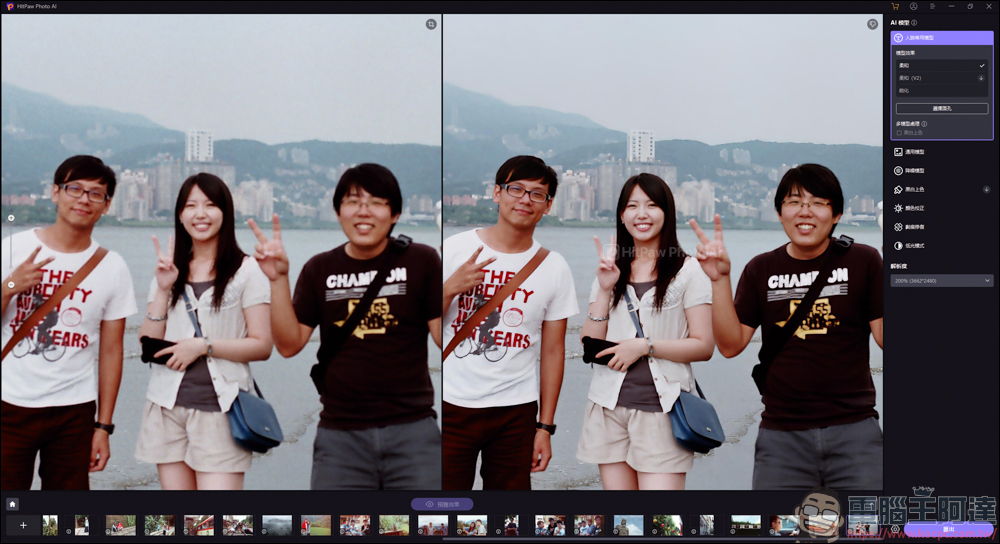
The photos just now were all taken with my film camera. I also tested the portraits taken with one eye. The original photos were not very clear due to hand shake. But after AI repair, the clarity of the face became normal and no longer blurry. The AI enhancement function even applied some beautifying effects to the portrait. I think the repair performance is pretty good:
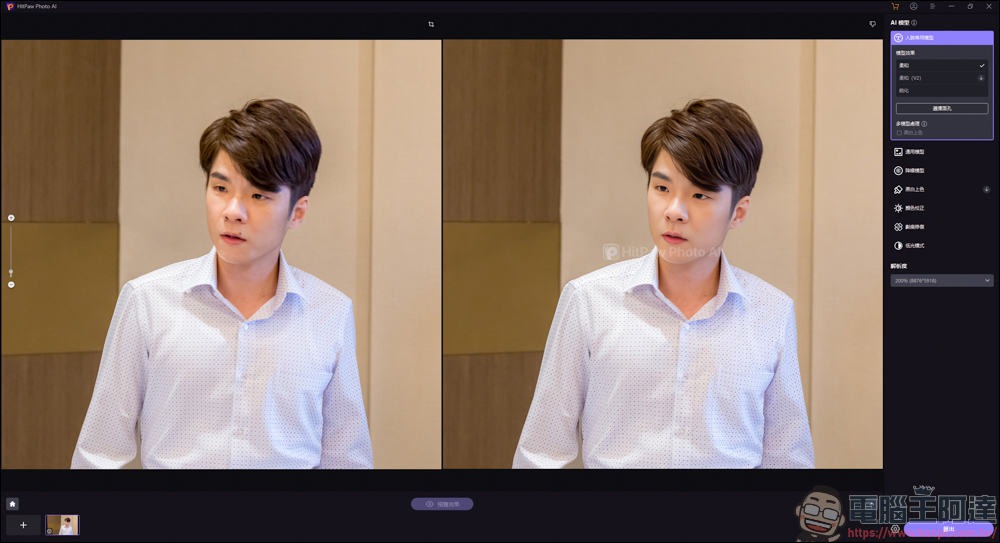
I think the repair effect is okay. For face repair, it can restore the details of the face and apply beautiful skin, but you can see that except for the surrounding area of the face, it is still blurry:
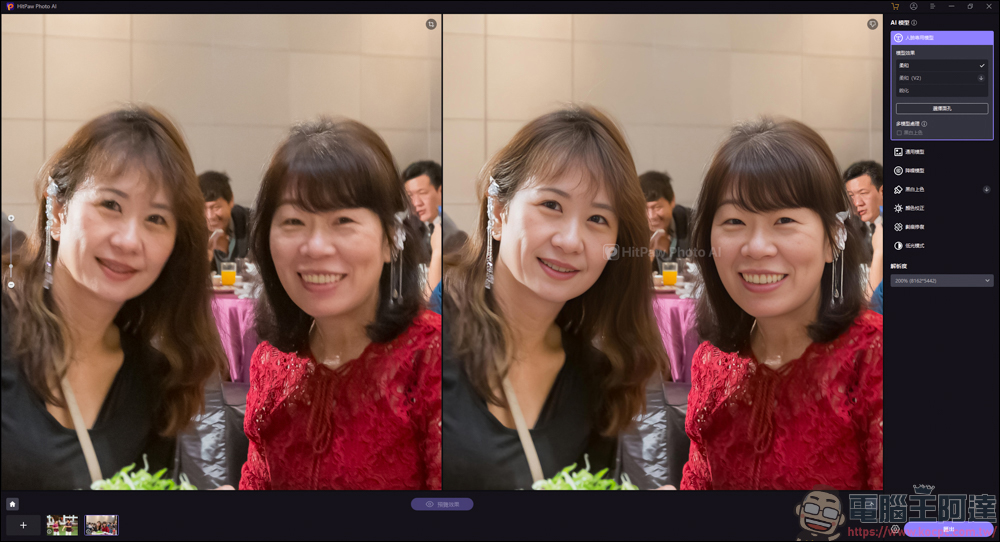
If you change it to a general model for calculation, it will have no effect at all, so you still have to choose function repairs according to the situation:
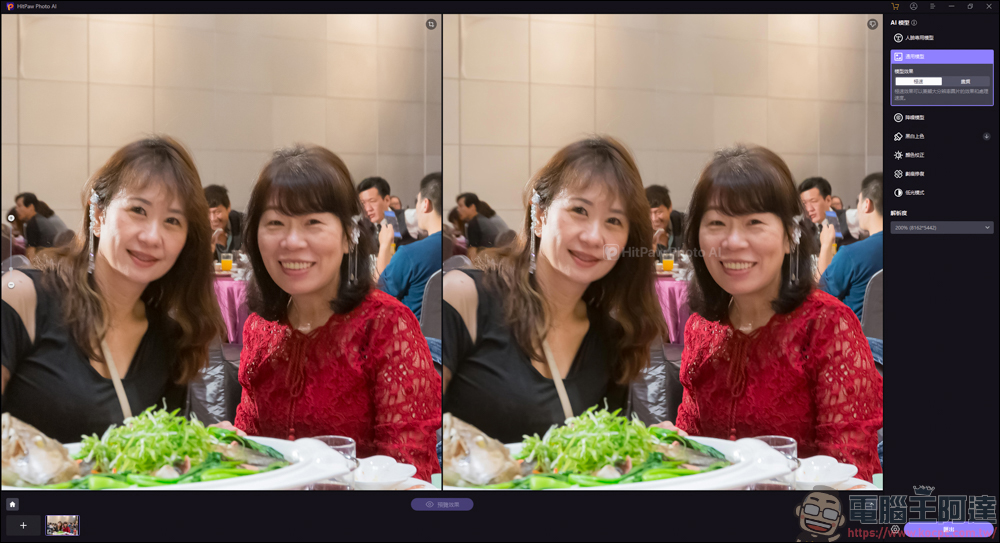
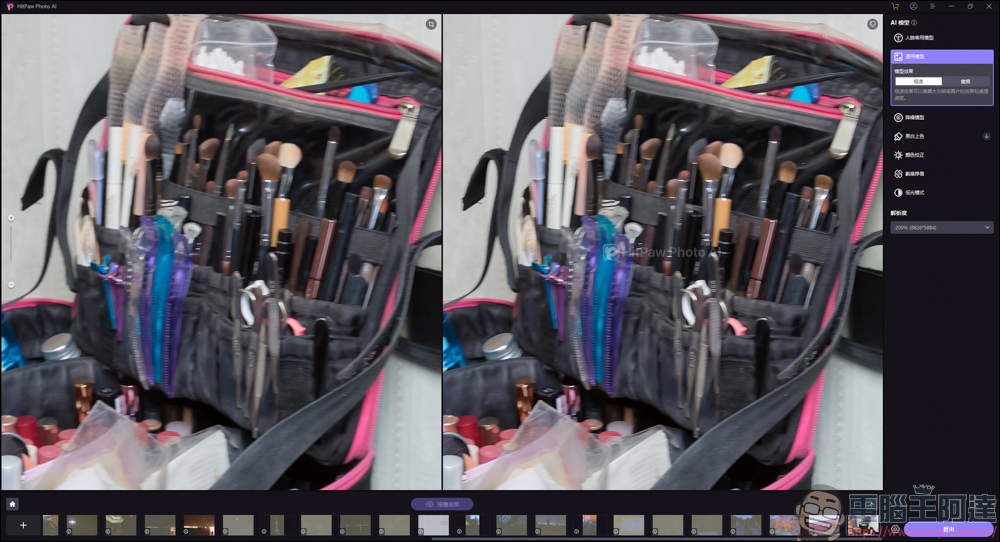
However, for photos like this taken with too shaky hands, the repair effect is very low. Basically, the effect will not be visible after repair:
In addition, she also has the function of generating AI pictures with one click:
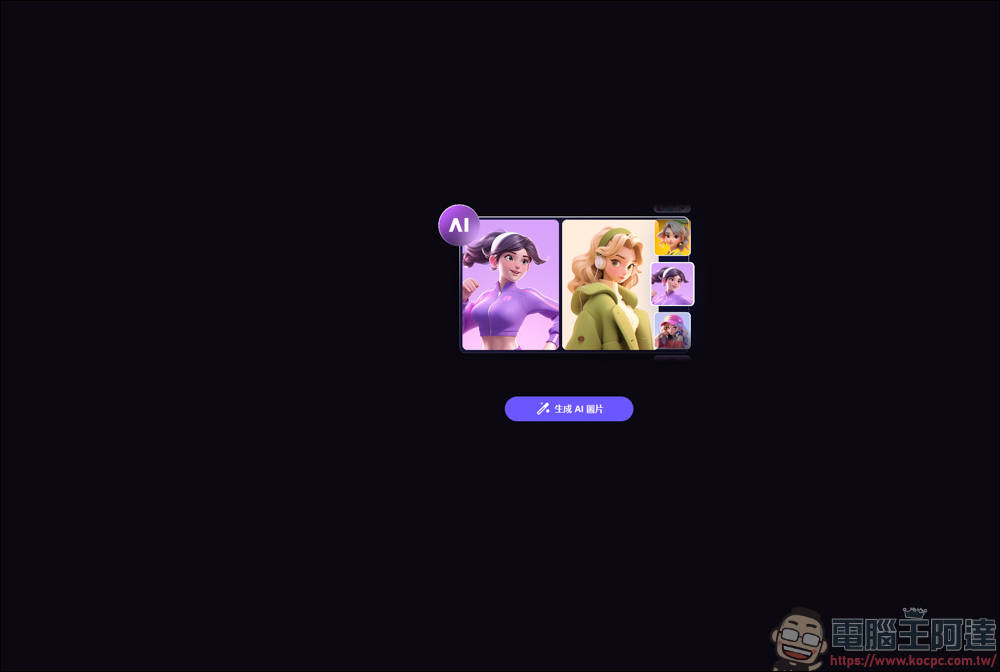
You can upload your photo first, then choose the style you like, then insert the descriptor, like Midjourney or Stable Diffusion, and then generate it:
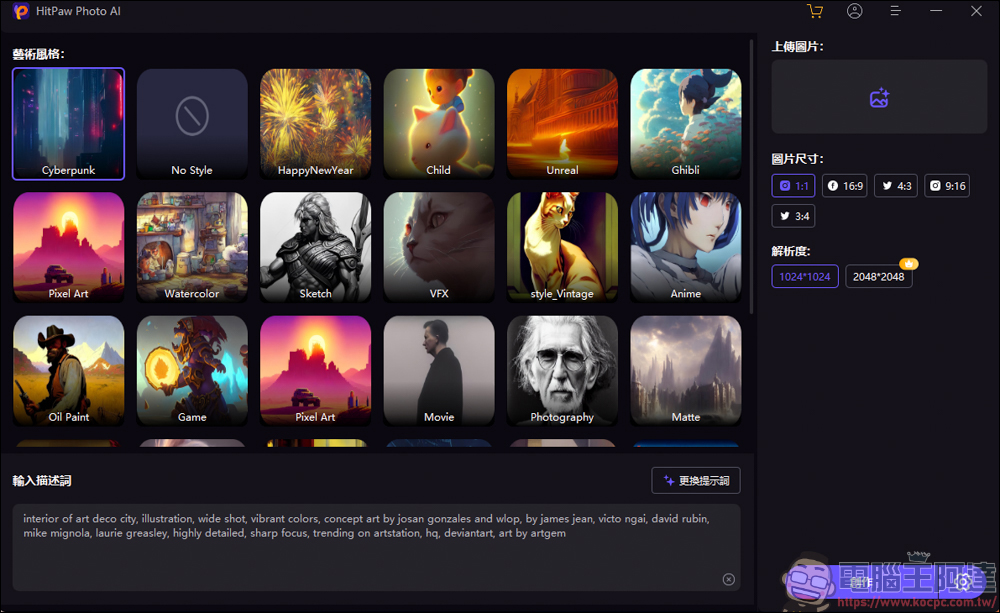
The trial version allows you to play with two pictures for free, but I don’t know what I pressed and the two free bucks disappeared, so I won’t introduce more in this part:
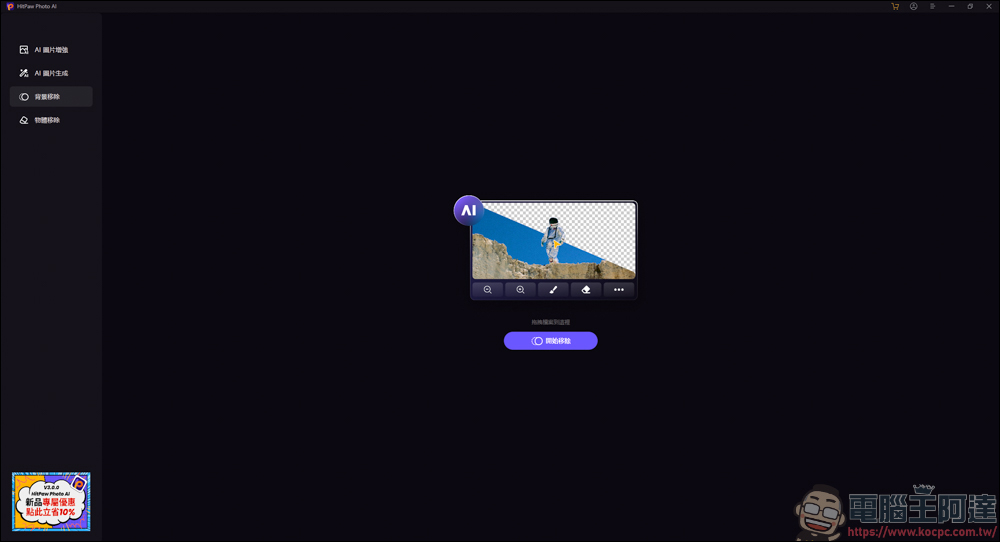
Next is the background removal function:
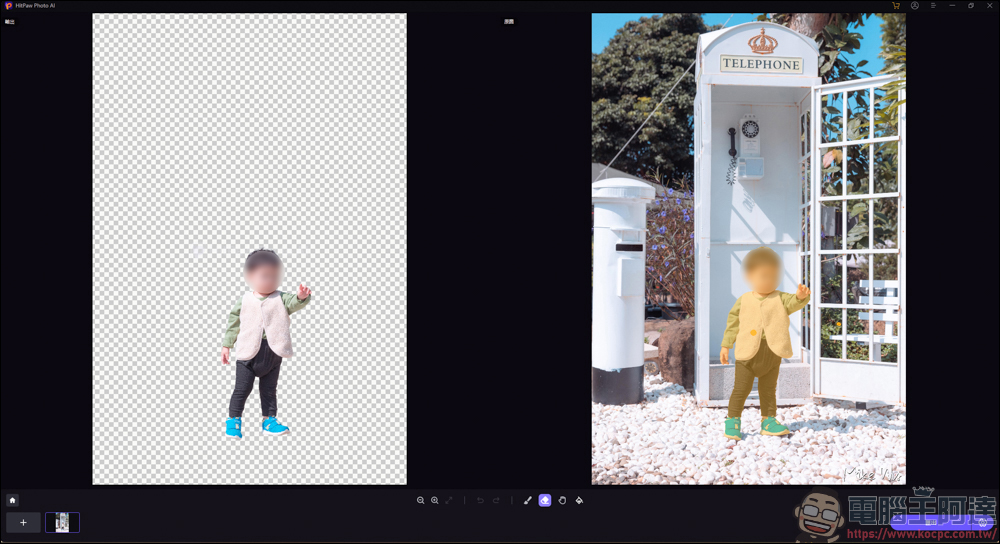
I think Moray Eel has a powerful background removal effect. It automatically cuts out the characters after the picture is loaded:
Finally, there is the item removal function:
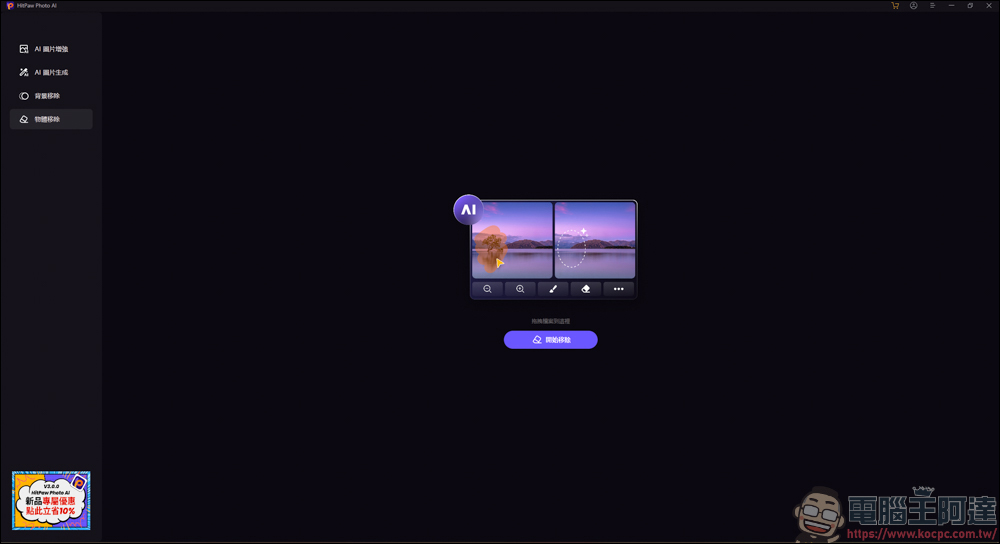
For example, I think the mailbox next to me is a bit out of place, so I just need to fill it with a brush or use an AI marquee to circle it:
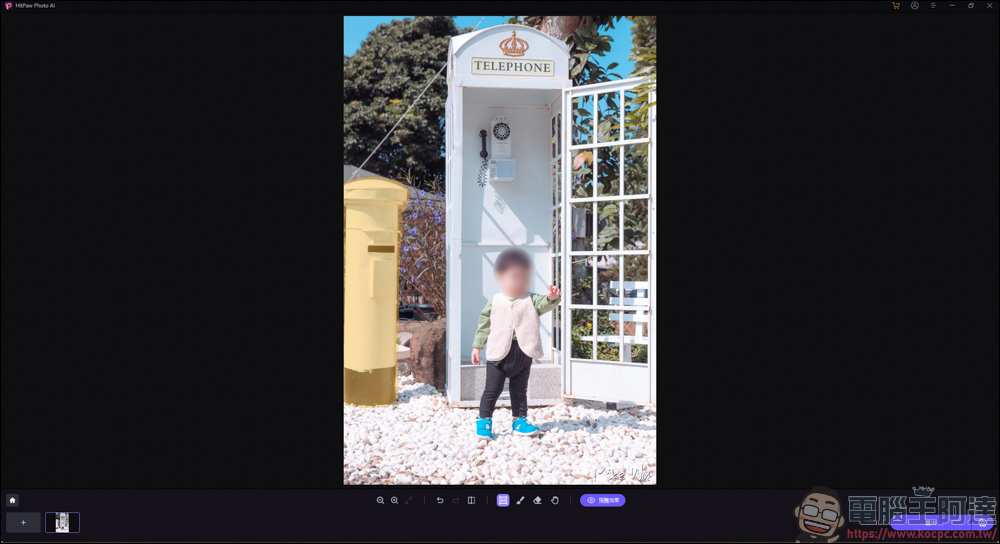
Then he disappeared:
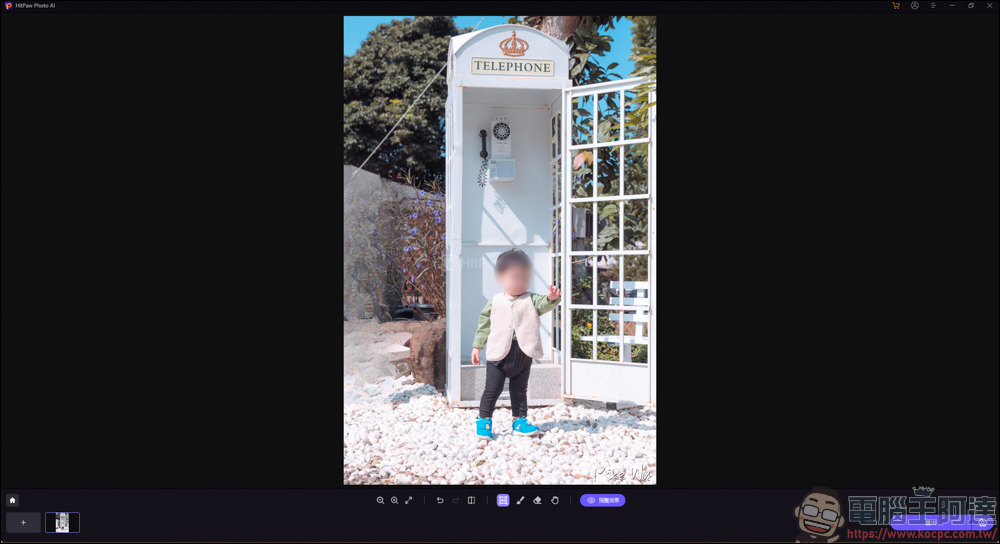
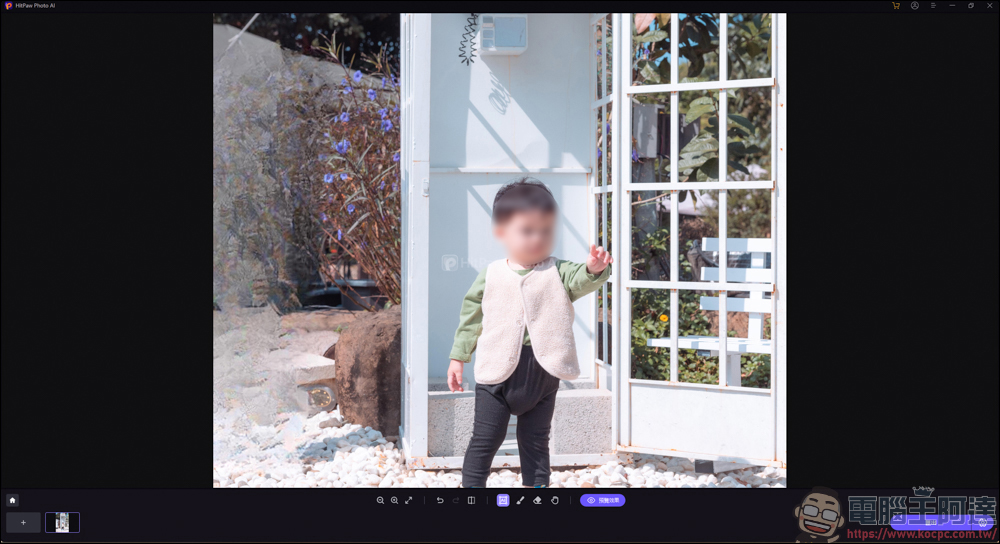
You can take a look at the effect of the repair after he memorized it. Personally, I don’t think it’s too bad, and it’s still a usable function:
Experience
I have played around with the HitPaw Photo AI software for a while. Although it cannot repair very blurry photos, it is still very effective at repairing some photos with slightly blurred faces, and it can even help you add skin beautifying effects. But I have tried to repair photos of dogs and other objects, but the effect is not that good. Maybe it is more optimized for the human face?
Of course, it doesn’t just have repair functions. It also has AI mapping, back removal, and item removal, so the playability is quite high. As for whether you need to spend money to buy it, it’s up to you! If you prefer the lazy method of retouching pictures, perhaps this software is suitable for you to use.
Source: KOCPC Chinese