


ASUS has chosen to bring a great gift to Windows users around the world on Christmas Eve – a useful input method, that is, their self-developed “ASUS Smart Input” is now available for free download in the Microsoft Store. Continue reading It can also be used on non-ASUS computers! ASUS Smart Input is available for free download in the Microsoft Store.
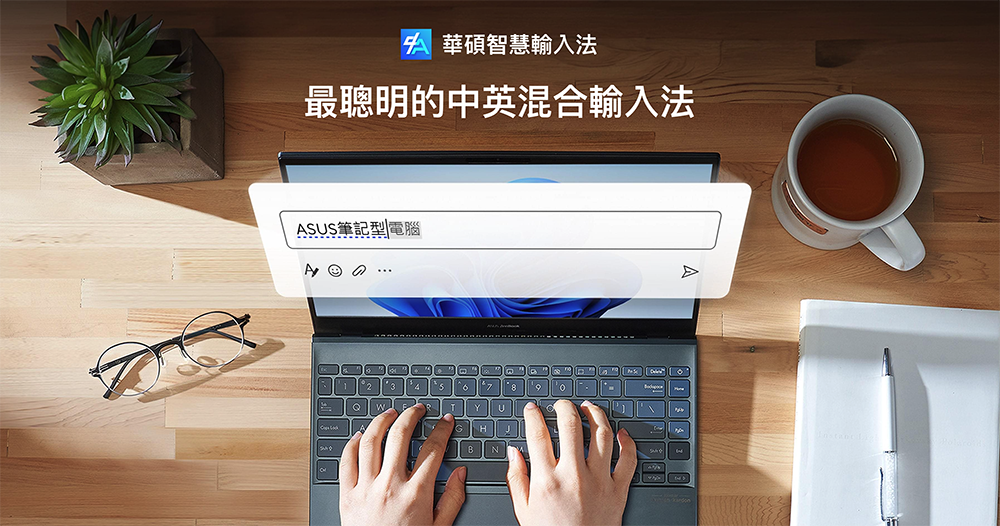
▲Picture source for this article: ASUS
Free for non-ASUS computers too! ASUS Smart Input Method is available for free download on Microsoft Store
ASUS has chosen to bring a great gift to Windows users around the world on Christmas Eve – a useful input method, that is, their self-developed “ASUS Smart Input” is now availableFree to download and use on Microsoft Store。
That’s right, this was originally only available to ASUS computer users and featured the “smartest Chinese-English mixed input method” for Windows. Although people who have never been in contact with it may not be able to feel how Buddhist-minded this opening is.
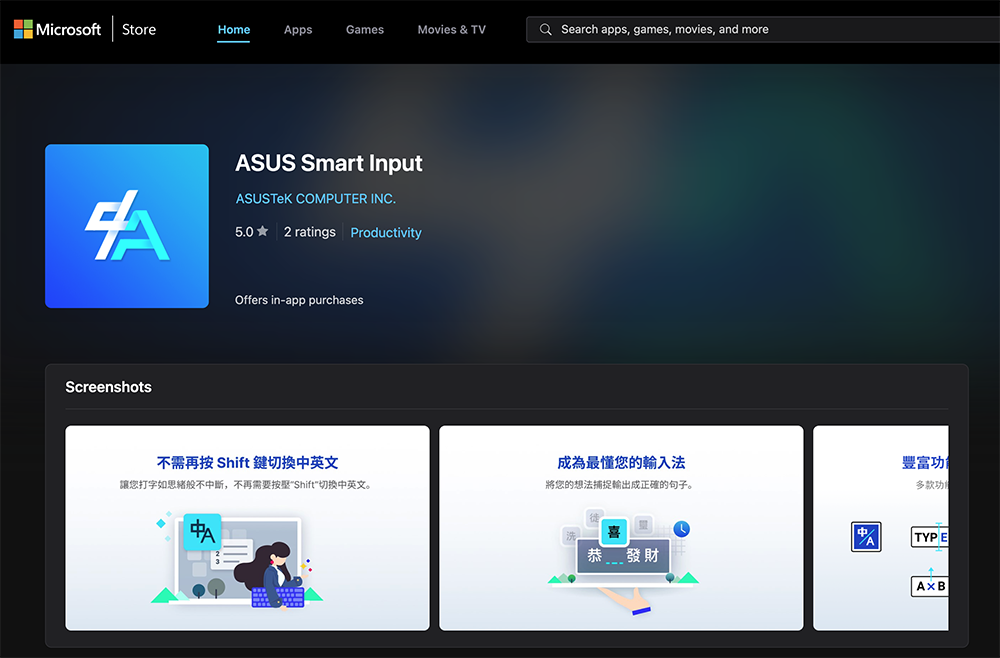
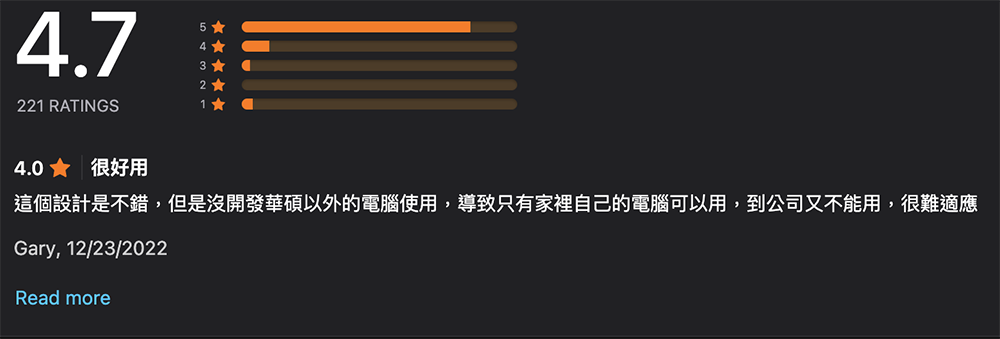
Basically, except for observing that ASUS Smart Input Method already had a high rating of 4.7 points in the Microsoft Store when this article was published. You can even see the user’s regret that although he gave a “very useful” evaluation, he had not previously opened the computer for use with computers other than ASUS, resulting in inconsistent experiences at home and work.
As ASUS officially announced that the smart input method they developed will be open to non-ASUS computers, it can be downloaded and installed for free from the Microsoft Store, which also adds another high-quality input method for Windows systems that is worth considering.
ASUS Smart Input Method is an exclusive input method designed for Zhuyin input users. Functionally, it can provide users with a personalized text input experience. Functions include: phonetic/English mixed mode, auto-complete, punctuation and special symbols, box selection query, deletion of redundant words, customized vocabulary and shortcut text, etc.
ASUS Smart Input Method can easily mix Chinese and English input without using the Shift key. It also introduces its own word selection algorithm to help users improve typing efficiency, and can suggest possible vocabulary for you to complete the input directly by pressing the “right” key or “Tab”.
In order to eliminate the tedious input steps of the full-width input method, ASUS Smart Input Method also provides the ability to directly input punctuation marks by pressing the “accent” key, or the “~” key, or pressing the “Ctrl” key directly with any “symbol” key. For example, “Ctrl” + “,” can enter the punctuation mark “,”.
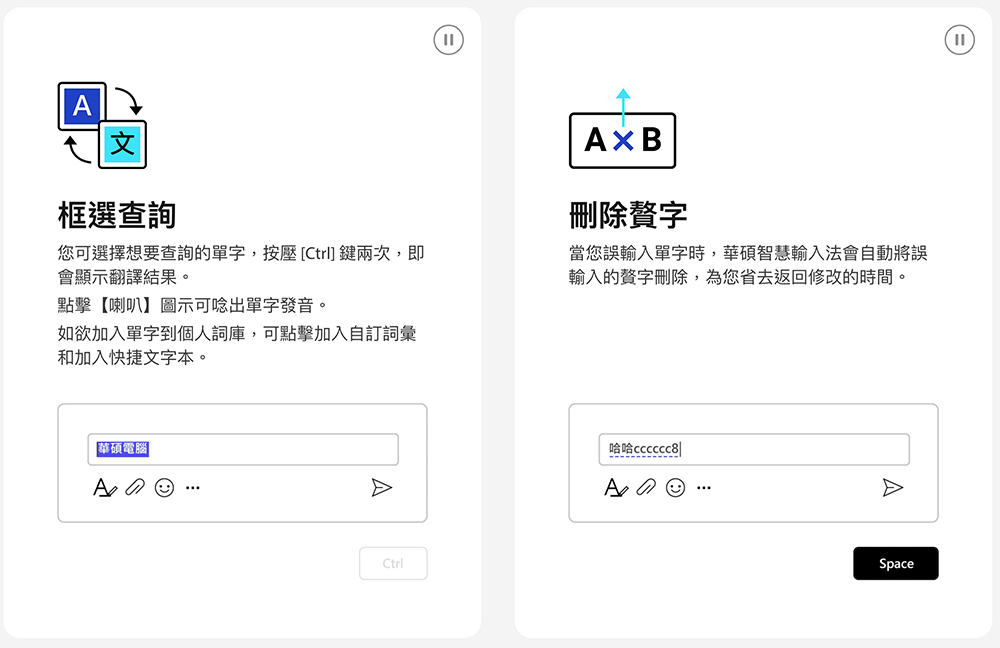
ASUS Smart Input Method will also automatically help correct redundant words that are often mistakenly entered in English (but actually need to be entered in Chinese) during phonetic notation; you can also directly press “Ctrl” twice during the input process to quickly start the translation function – Tips: In this interface, you can also use the mouse to click on the speaker icon to pronounce it!
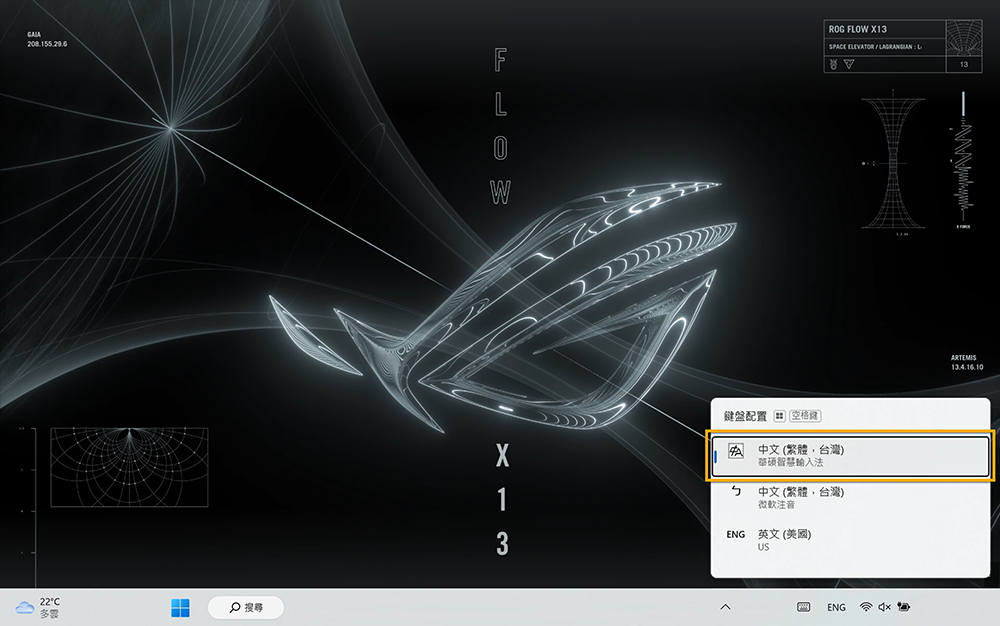
ASUS Smart Input Method indeed has many smart functions that solve the pain points of Zhuyin input. Now, whether ASUS users want to use it on another computer, or they can never find a truly considerate Zhuyin input method, they can download it and use it!
Further reading:

Source: KOCPC Chinese