


Microsoft Edge Browsers can be said to have recently started to follow Copilot Deep integration: following the Copilot Mode at the end of July, according to foreign media reports, AI automation features similar to Perplexity Comet may be introduced in the future, but it should be limited to Windows 11; Windows 10 users won’t get to use it.
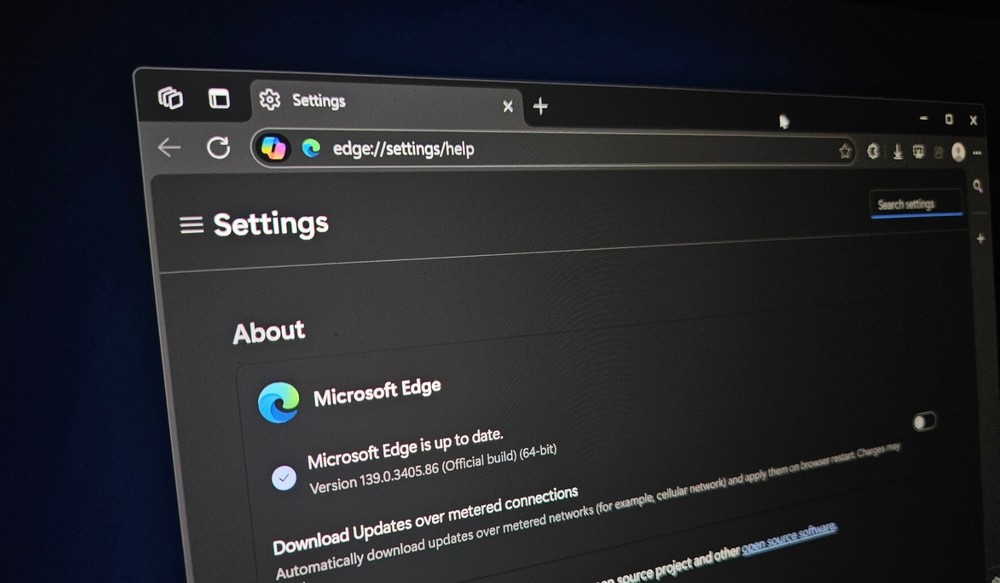 Image source: Windows Latest
Microsoft Edge browser may introduce AI automation features similar to Perplexity Comet.
Windows Latest has found that Microsoft is currently sending surveys to certain user groups, mostly those using the Microsoft Edge browser and potentially interested in trying the new Copilot mode. The survey mentions a few AI automation features.
Copilot 未來可能能夠直接控制 Edge 來執行操作,如:把表格匯出到 Excel、從網頁草擬一封電子郵件、自動填表單,從多個分頁生成購物清單,簡單來說,就是類似 Perplexity Comet,會完成你所下的指令任務。

However, Microsoft Edge users shouldn’t get too excited, because recent reports indicate that some upcoming advanced AI features in Edge will be limited to paying subscribers, namely the $20 Copilot Pro, so free users might not get to use this AI automation feature. There are also reports that Copilot Pro can unlock Edge’s hidden “Journeys” feature, which uses on-device AI (not Copilot) to summarize and organize your browsing activity.
Since AI browsers like Dia and Perplexity Comet launched, they’ve received positive feedback from many users, so it’s basically certain that Microsoft Edge will become increasingly AI-driven. In fact, “AI” has already been attached to its listings on the App Store and Google Play, so I think the chances of Edge introducing AI automation features are very high.
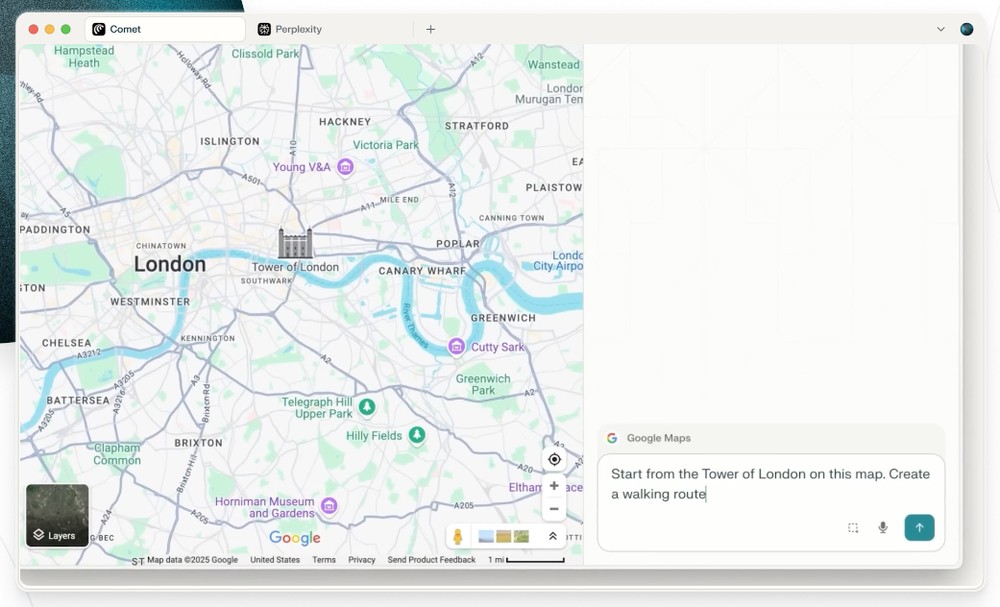
In fact, when Copilot Mode was launched at the end of July, Microsoft already hinted that automated operations would be added in the future. Just grant Copilot permissions, such as history and credentials, and it can perform more advanced actions, like booking or managing to-do items.
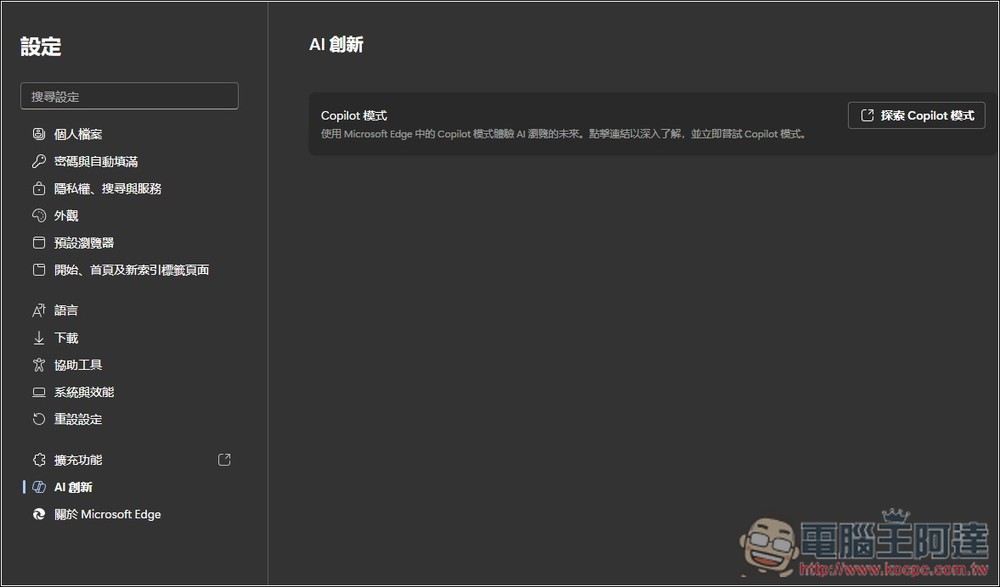
This questionnaire also mentioned that Microsoft may try to improve Edge Copilot’s “multi-tab context” support, enabling Copilot to better understand and reason about all open tabs, and then provide answers based on the full context.
As for when it will be added? We don’t know yet, but it shouldn’t take too long.
At this stage, Google Chrome’s progress in introducing AI features seems a bit slow. However, Google’s strategy in the AI field has always been like this—coming from behind. For example, when Gemini first launched, its reviews were very poor, not matching other AI models like OpenAI’s. But in less than a year, Gemini can now not only compete, but even perform better in some areas. Not to mention the Veo video generation model, which is now almost the best one.
Source: KOCPC Chinese