


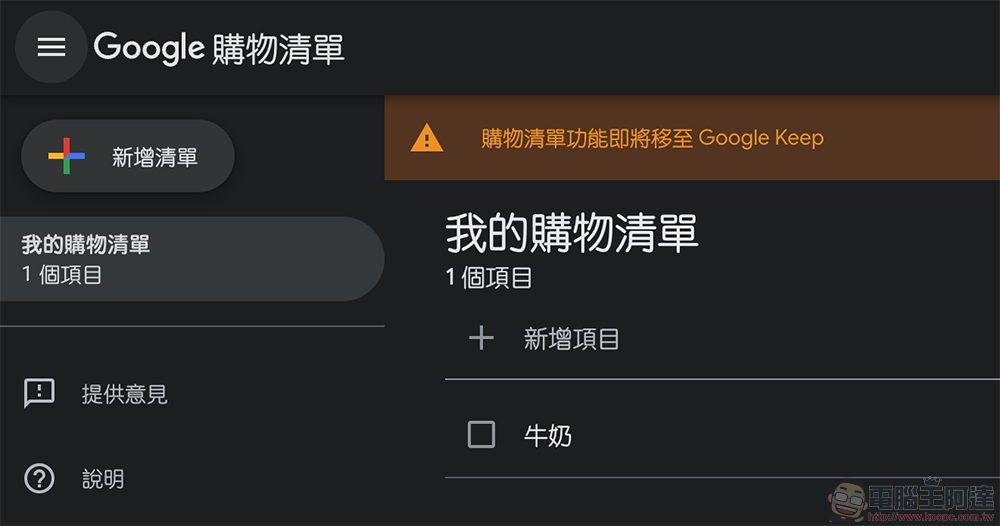
If you are a friend who frequently uses the Google Assistant’s “List and Notes” function and often confirms it through the web interface, you should have noticed that the “function will be moved to Google Keep” prompts have begun to appear on the interface recently.继续阅读 Google 语音助理备忘录与购物清单将转移至 Keep,有极少案例无法转移(该怎么办看此)报导内文。
Google Voice Assistant memos and shopping lists will be transferred to Keep. There are rare cases where the transfer cannot be done (see here for what to do)
Although many people may use Google Assistant voice assistant “Lists and Notes“The content in it may all be due to a situation that was recognized by voice recognition and then accidentally confirmed. You can click on the previous link to take a look. Maybe there will be many surprises for your family (and yourself). However, if you are a friend who frequently uses this function and often confirms it through the web interface, you should have noticed that the “function will be moved to Google Keep” prompts have begun to appear on the interface recently.
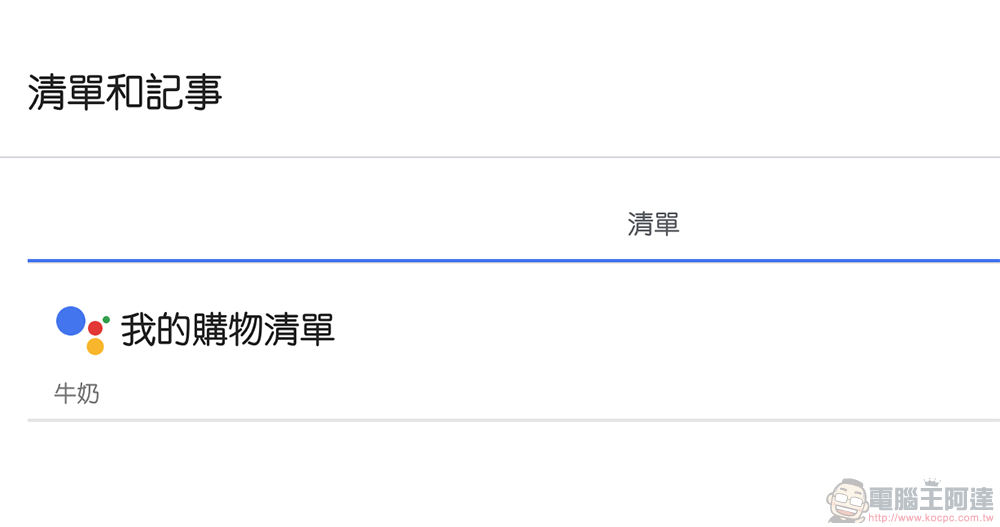
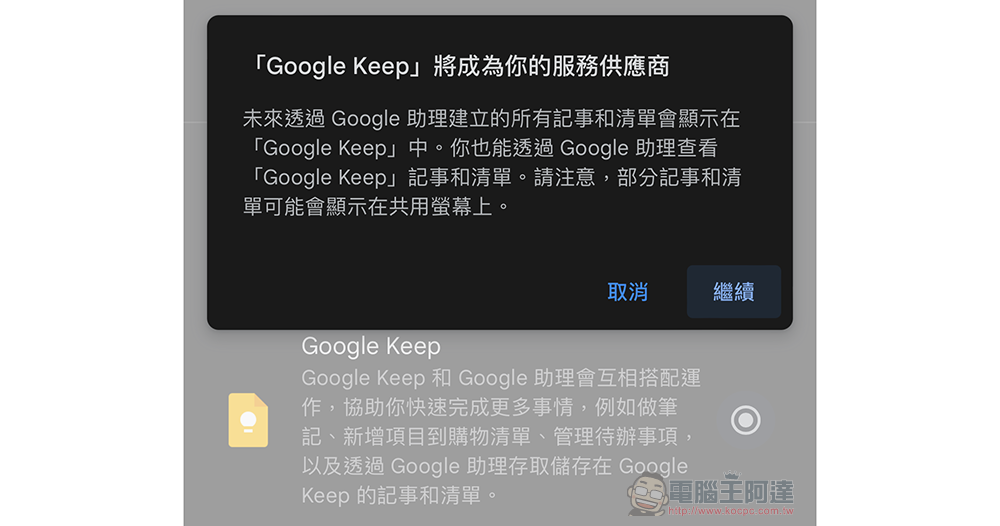
In short, in the future, shopping lists and notes created through smart speakers or smart screens using the Google Assistant function interface will be recorded in Google Keep by default. As for the data that has been previously transferred to Google Assistant’s built-in lists and notes, “if everything goes well” all will be automatically transferred to Google Keep. According to official instructions, such a process generally only takes a few minutes, but some users may take up to several hours to complete, and can confirm whether the transfer is completed directly in Google Keep.
As for the rare cases that may lead to so-called unsatisfactory situations, one of them is the family notes created in the smart display through your account. In addition, there are some lists or notes that are too large to be stored on Google Keep, such as: notes or lists with titles exceeding 999 characters, notes containing more than 19,999 characters, lists containing more than 999 items, and any item in the list exceeding 999 characters. Otherwise, they will not be able to be transferred to Google Keep.
I mean, it turns out that the previous lists and notes had so much freedom XD.
If unfortunately you encounter the above conditions and cannot be completely automatically converted to the new service, Google can still allow you to export all the data to avoid problems caused by loss, pageYou can click this portal to go to Takeout to export.. It should be noted that these two projects have remittance deadlines and must be completed before May 1, 2024. So I suggest that since you have seen this report, you can do the export by the way – or at least ask Google Assistant to help you remember this task.
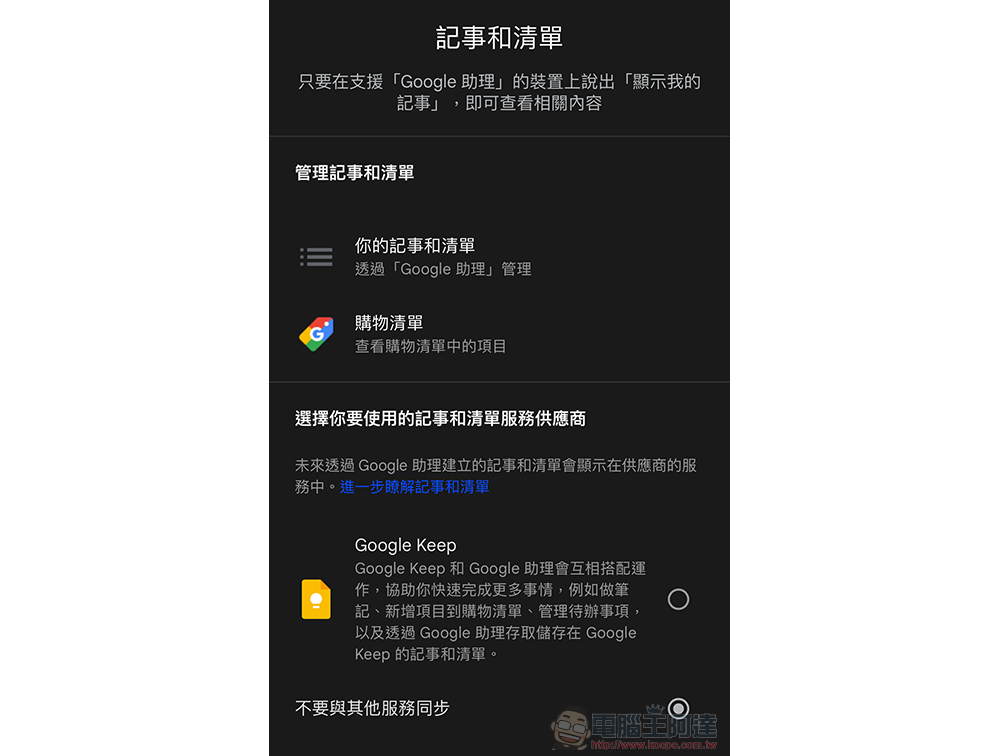
Then if you want to switch directly to Google Keep to use it as the default service, you can go to “Settings” at the bottom of the Google Home app, click the “Services” tab to find “Notes and Lists” and make relevant settings.
Further reading:

Source: KOCPC Chinese