


Feeling depressed or stressed is a very common problem, and mental health issues have received much attention in recent years. According to a May 2023 Gallup poll, both the number of adults diagnosed with depression in the United States and the demographics seeking treatment have increased significantly. Globally, approximately four in 10 adults over the age of 15, or someone close to them, suffer from depression or anxiety. Additionally, there may be an unknown percentage of people who are not even aware of their depression or anxiety.

How to use Health on iPhone to measure your anxiety and depression levels?
If you are unsure of how you are feeling or are currently experiencing mental or emotional struggles, it is important to explore several avenues of support. At a minimum, you can talk to a close circle of trusted friends and loved ones. You can also seek professional help through therapy and consultation with a doctor. You can also contact several mental health support groups. If you’re not ready to do so, use your phone to self-reflect and take a step in the right direction to resolve any issues you may be facing. iPhone users in particular can take advantage of one of the most important features in iOS 17: an upgraded Health app that lets you track your mental health more effectively with a variety of tools.
How to use iPhone’s built-in mental health quiz
iPhone’s built-in Health app can help you do things like track your sleep, steps, exercise, weight, and even your menstrual cycle. In a recent iOS update, you can now also take standardized mental health assessments to better understand underlying psychological conditions. While these questionnaires may be similar to those used by clinicians and mental health professionals, it is important to note that filling out these tests on your iPhone will not produce an actual and usable medical diagnosis or recommendation, these tools are simply intended to assist you in determining whether you may be at risk for depression, anxiety, or both, and in deciding what to do next based on regular self-reflection.
If you’ve updated your iPhone to iOS 17 or later, here’s how to find and use the Health app to take a mental health test:
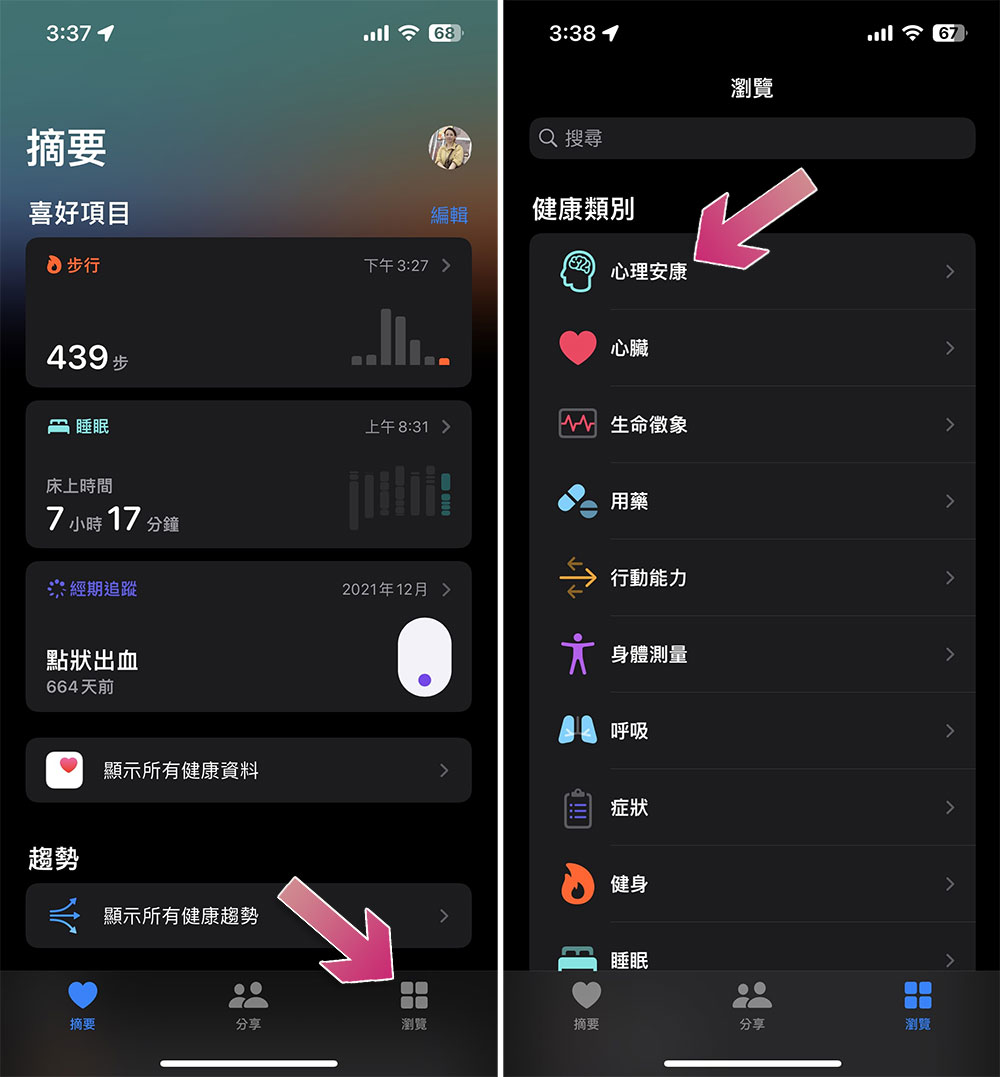
- Open the Health app on your iPhone and click the “Browse” tab.
- Select “Mental Well-Being” under “Health Category”.
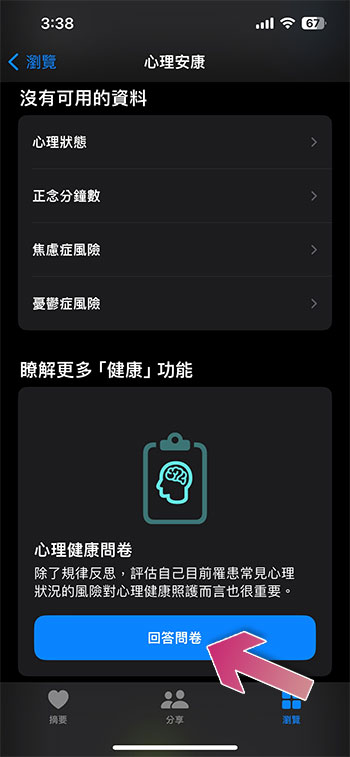
- Scroll down and click the “Answer Questionnaire” button of the “Mental Health Questionnaire”.
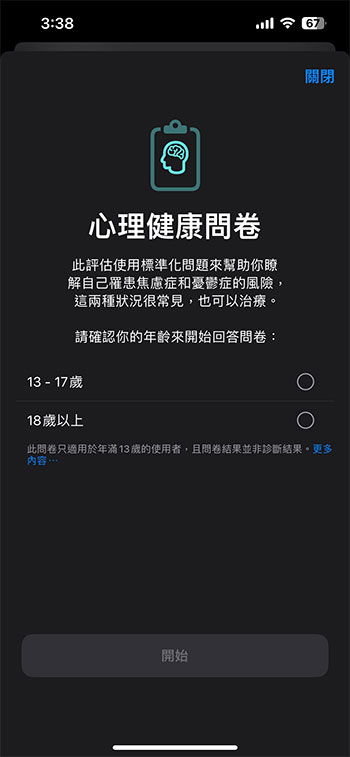
- After filling in your age, start the test.
To consider the accuracy of these tests, be sure to be honest about your chronological age and your responses to the individual multiple-choice questions. After answering all questions, click Done to complete the selected quiz. The Anxiety and Depression Risk Questionnaire will run a series of assessments based on how you feel and how often you’ve been bothered by a given prompt in the past two weeks. For each question, you can choose from a range of answers: not at all, a few days, more than half the time, or almost every day, making sure to choose the option that best suits your current situation.
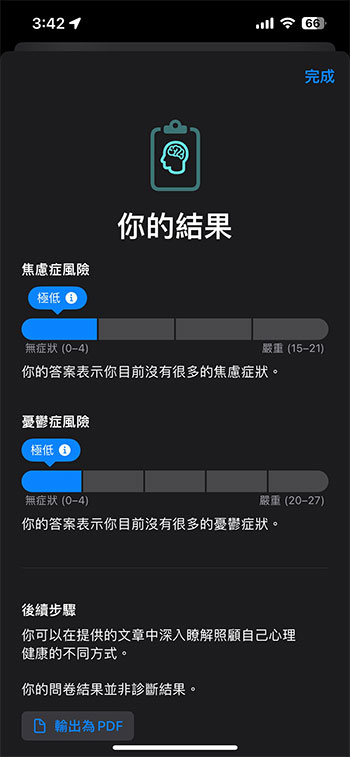
You can export the results to a PDF file to make a copy for personal use or to show to your doctor or care team. The “Learn More” section at the bottom of the page will contain relevant articles about what you can do to look after your mental health. After you complete the test, the results will appear on the Mental Health page of the Health app. You can click Anxiety Risk or Depression Risk to refill the questionnaire, view past results, export a PDF of recent results, and turn on reminders to retake the questionnaire occasionally in the future.
Source: KOCPC Chinese