


After several months of beta testing, Google has finally launched the official version of Android 14 on compatible Pixel phones. Next, various brands will launch it on their own phones one after another (it just takes longer or shorter time). Although there are no major feature upgrades on Android 14, there are some cool new features, including longer battery life and the ability to generate AI wallpapers. There is another thing that Google has not missed. There are still hidden easter eggs in Android 14. The author will take you to find it.
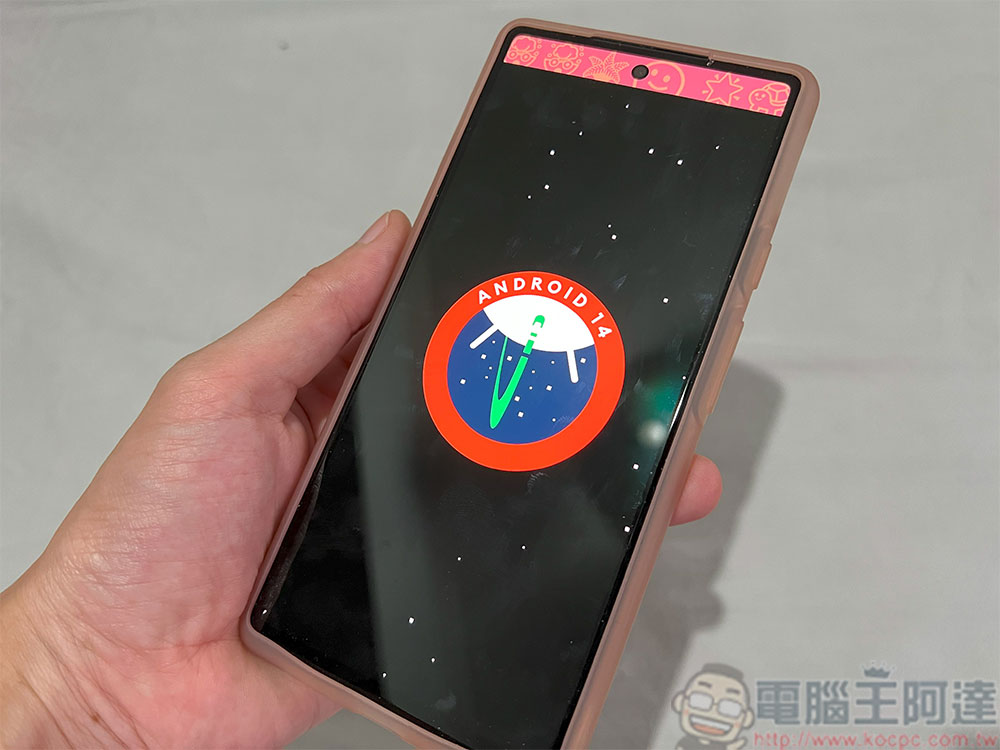
How to find hidden easter eggs on Android 14 phones?
Google puts hidden Easter eggs in every generation of Android system to show its playfulness in different but equally clever ways. Just like when the official version of Android 13 is launched, there is a new hidden Easter egg game in the latest Android 14. It is a cool little surprise from the developers to people who like to play with the operating system settings. It is not a new hidden feature, but an affirmation of the user’s intelligence.
Further reading:Google’s Rugrats, the 5 most talked-about easter eggs in the Android system of all time

Oh, this isn’t the return of the cat emoji, but a fun little space game themed to reflect the new OS upgrade. It’s not difficult to find Easter eggs in Android 14, but they are too secretive, so you can follow our steps to find them, saving you the time and energy of exploring on your own.
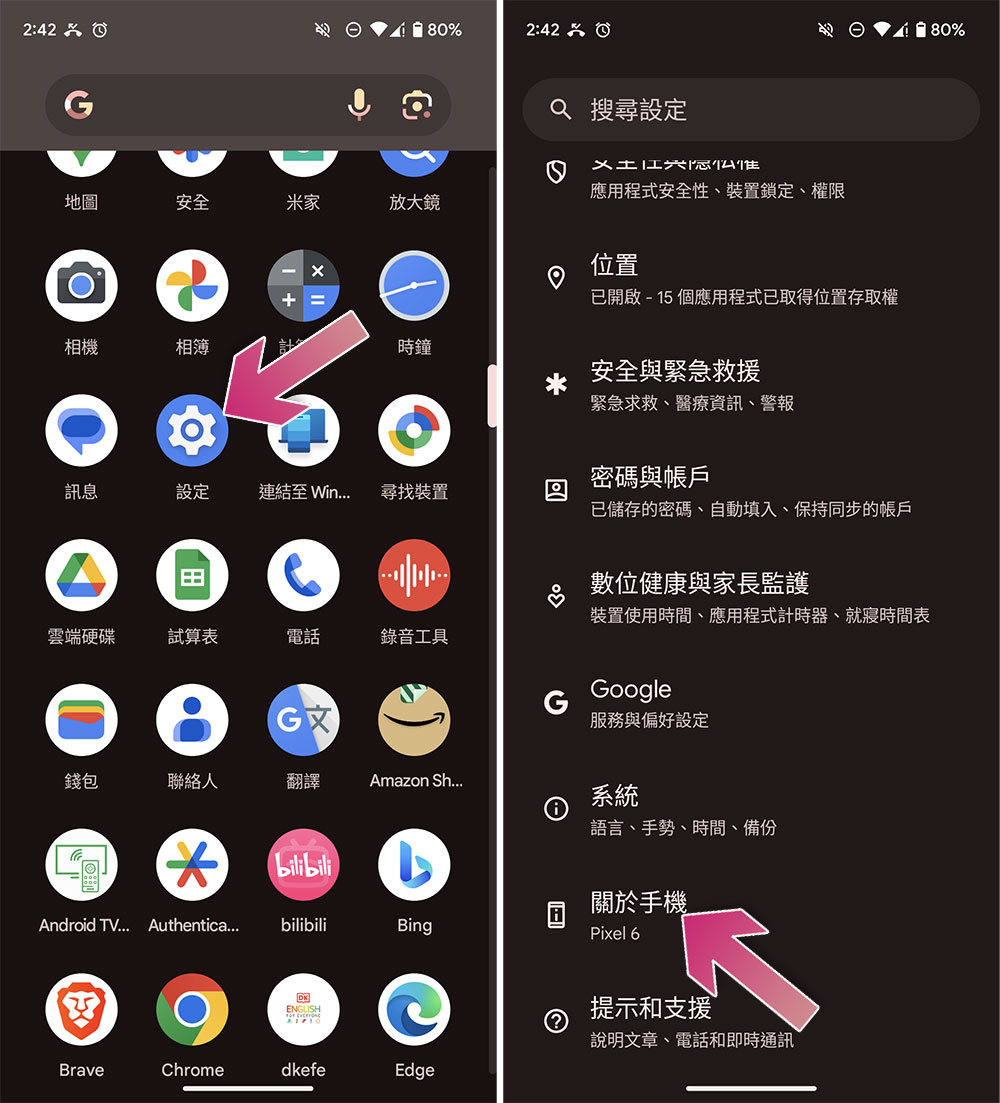
- Open the Settings app on your phone and scroll down to “About Phone”.
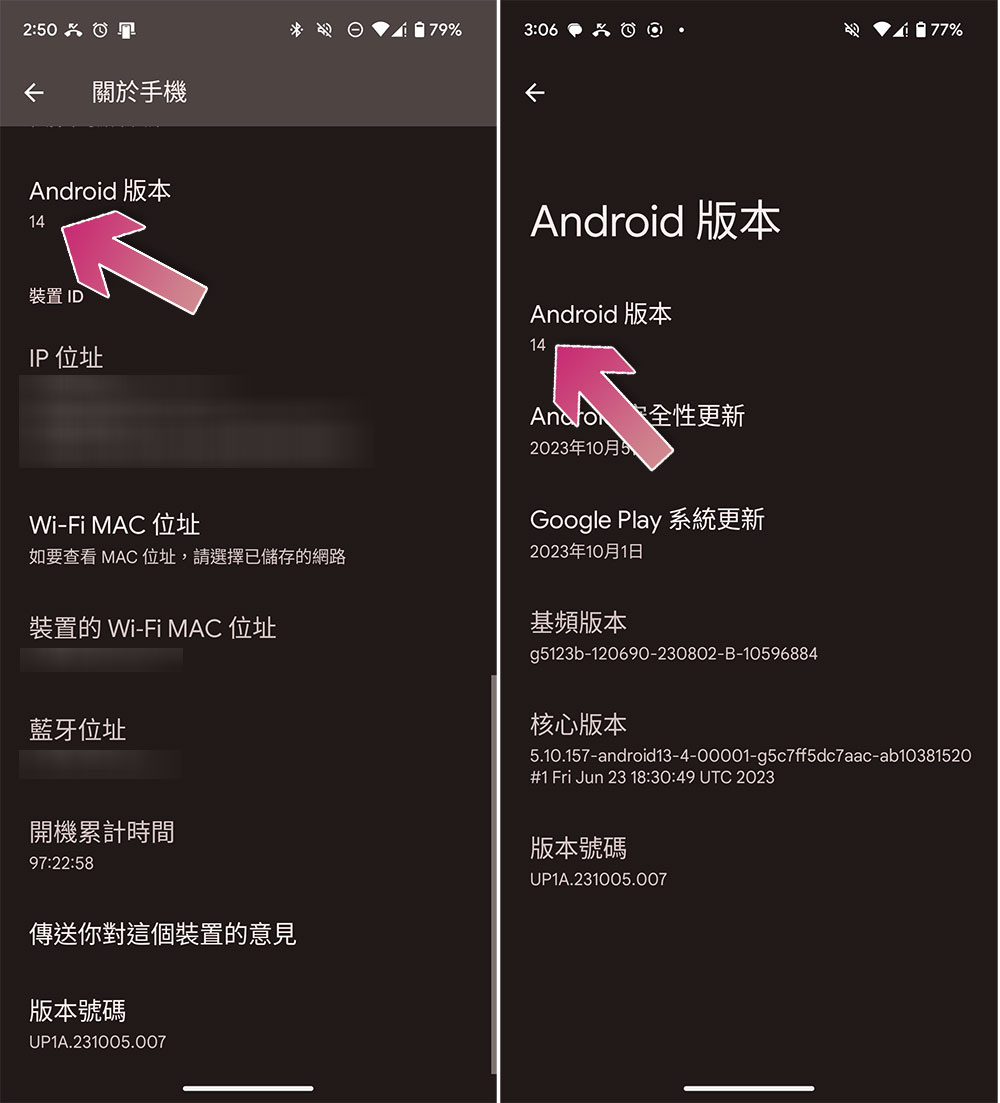
- Scroll down until you see “Android Version,” click on it, and then quickly tap a few times on the version number (14).
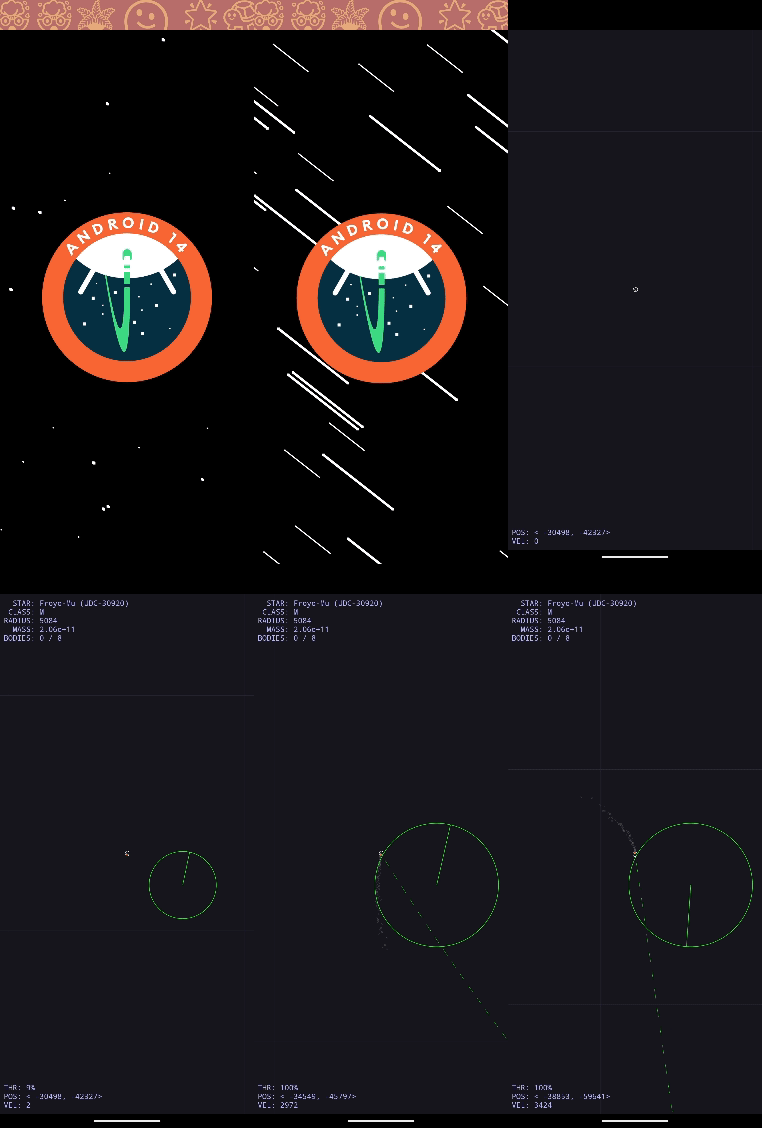
- You’ll see the screen go black, with stars floating in the background, and a big Android 14 in the foreground. Press and hold the Android 14 icon until the screen, icon, and phone vibrate while held, and the game launches.
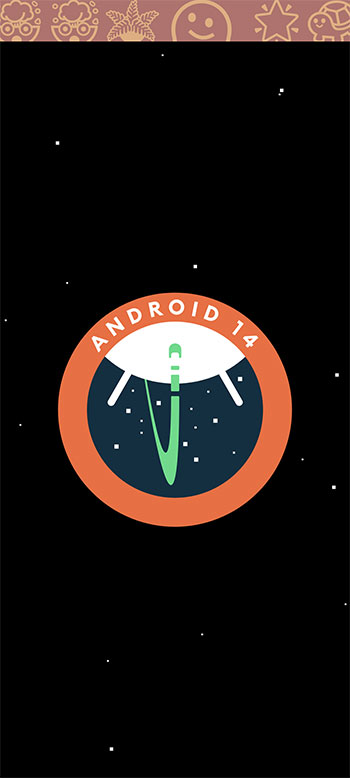
There is no end to this mini-game, you control a small ship floating in space and explore the entire map. In the lower left corner of the screen, there will be the status, coordinates and speed of the spacecraft. You can press and hold the spacecraft and slide your finger on the screen to move it. You can simply explore any nearby planets or stars, or even hit them.
Source: KOCPC Chinese