


There are a lot of free material websites on the Internet now. Although there are many choices and you have a higher chance of finding the materials you need, it takes time to find them. This article will recommend a very good “CC Search Portal”, which can quickly search 15 search engines that provide CC authorized websites. Google, Flickr, Openverse, Open Clip Art, YouTube, etc. are all supported. This should save you a lot of time.
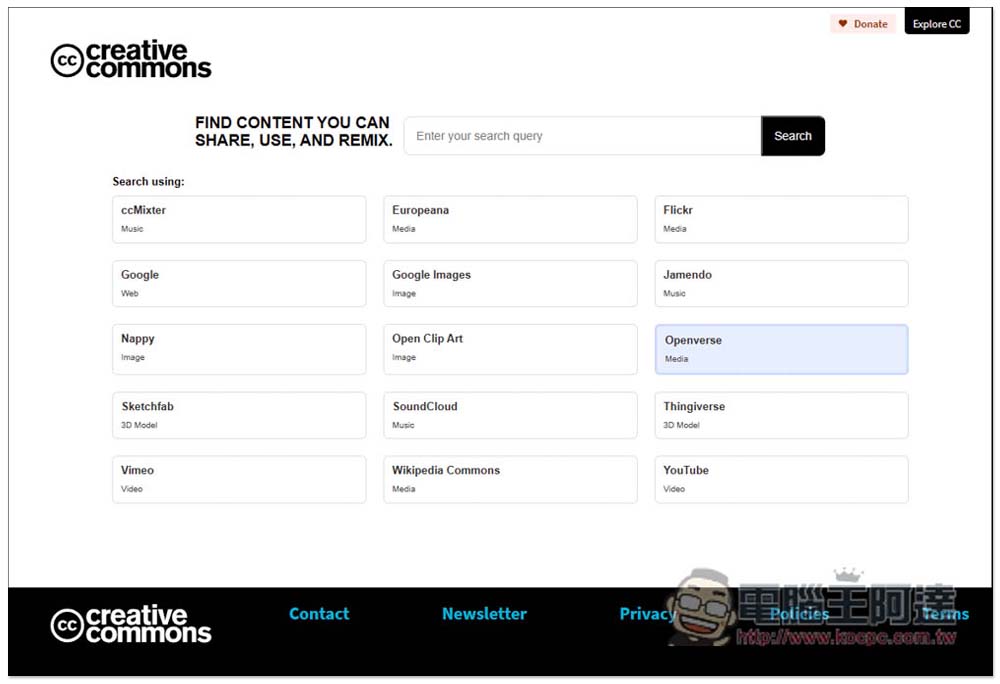
CC Search Portal quickly searches 15 websites that provide CC licensing platforms to quickly find the free materials you need.
The 15 websites supported by CC Search Portal include, “ccMixter”, “Europeana”, “Flickr”, “Google”, “Google Images”, “Jamendo”, “Nappy”, “Open Clip Art”, “Openverse”, “Sketchfab”, “SoundCloud”, “Thingiverse”, “Vimeo”, “Wikipedia Commons” and “YouTube”, and the CC that can be found Authorized materials include music, media, pictures, videos, and 3D models.
The working principle of CC Search Portal is very simple. It is a search engine that connects these websites. When you enter a keyword and press search, the website will automatically open and the search results will be displayed.
As shown in the picture below, first select the website you want to search, like me choosing Google Images, and then enter the keywords you want to find on it. You don’t have to enter English, you can also enter Chinese. You can imagine that you are searching on this material website. You can also find a lot of materials by searching for Chinese on Google Images, so I will enter Chinese:
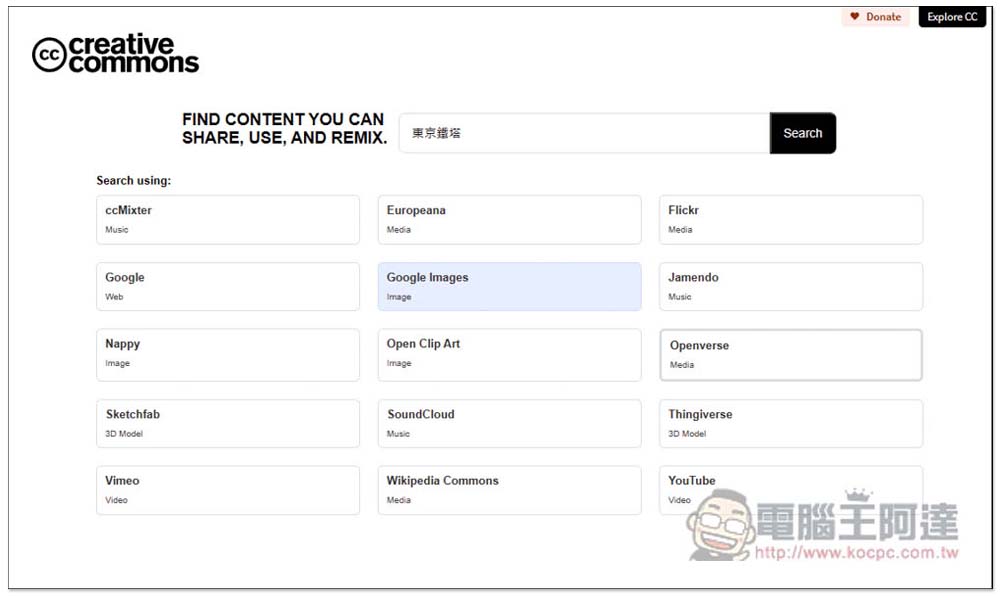
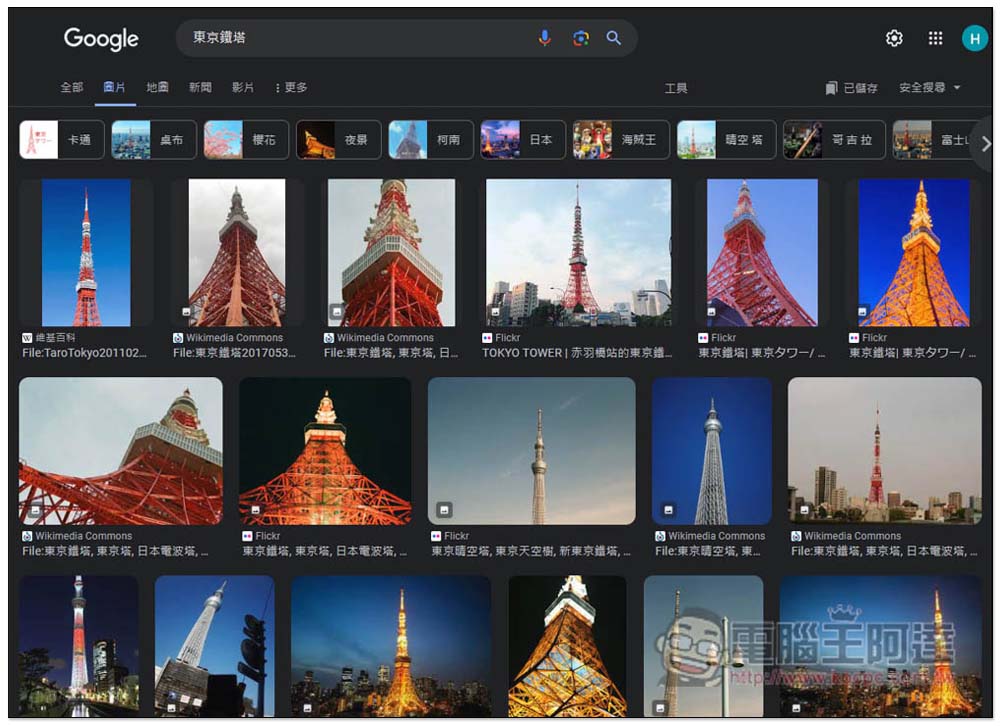
Once you press search, you’ll open the Google Images website and search for Tokyo Tower. At this point you may ask, are these all CC licensed images? Not yet:
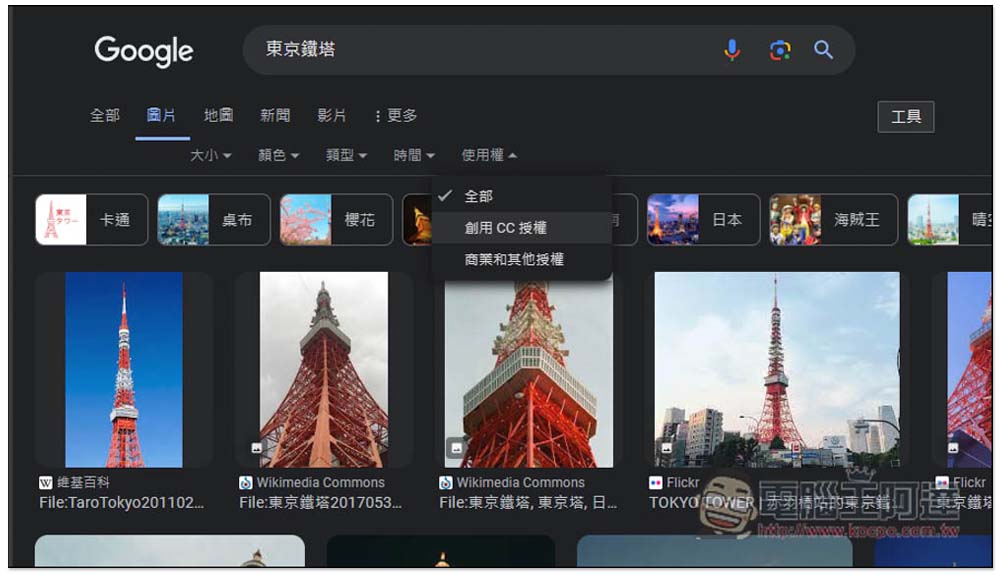
After clicking the tool button in the upper right corner of the Google Image section, a row of toolbars will pop up, open the usage rights menu, and then find “Creative CC License”. Selecting this one will display CC licensed images:
I personally like to use Openverse, because after searching this website, the filter will be displayed on the right side, and then I can select the CC license I want, such as CC0:
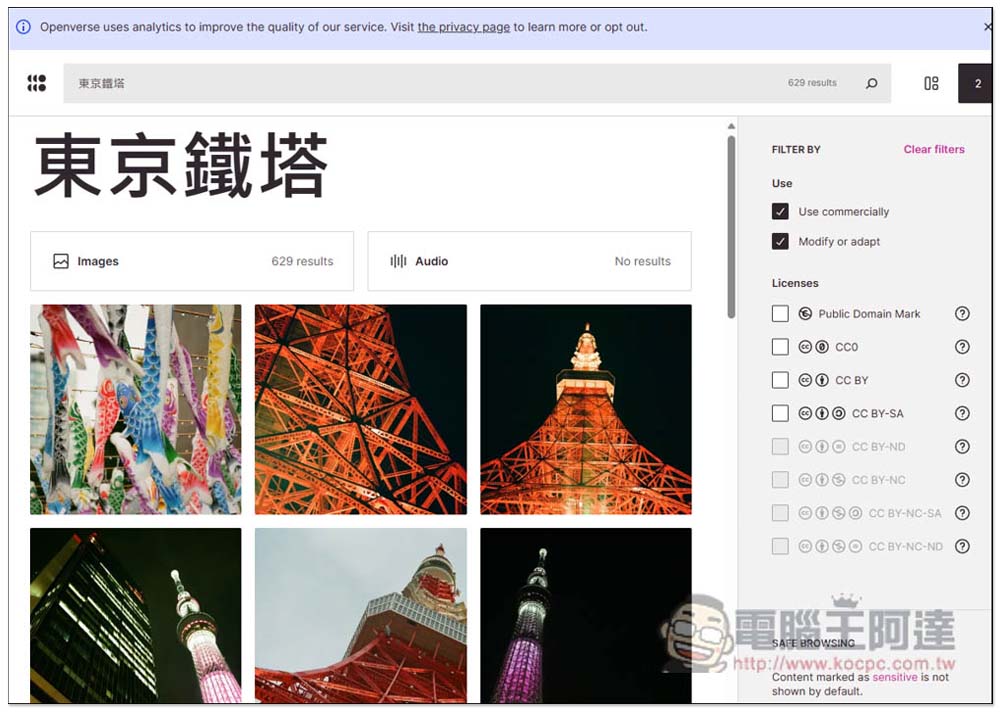
However, there are no Chinese “Tokyo Tower” images authorized by CC0. After I searched for English Tokyo tower, there were many CC0 images available. Therefore, it is recommended that if possible, it is better to search in English, there are many free materials:
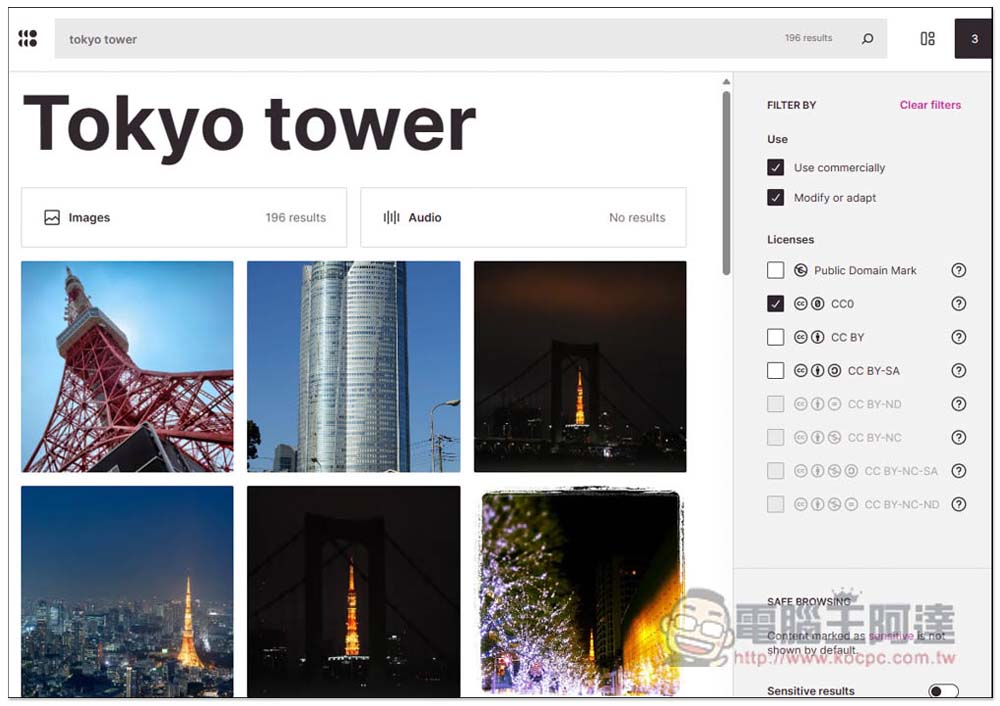
Therefore, one thing to note when using this search engine is that the search results displayed are not necessarily CC authorized. You also need to find the CC authorized filter of the website, and be careful not to cheat.
Don’t worry about whether it will be difficult to find. These websites basically have CC-authorized filters, either at the top or bottom, or on the left and right, so they are easy to find.
Source: KOCPC Chinese