


When it comes to the article application of ChatGPT, many people may only think of writing articles, that is, completing the topic article or part of the content you want more quickly. In fact, it is not just that. ChatGPT can do many things, such as helping you proofread the article content for typos, changing some awkward sentences to be smoother, or presenting the content in a different style. Here are some practical ChatGPT article tips.
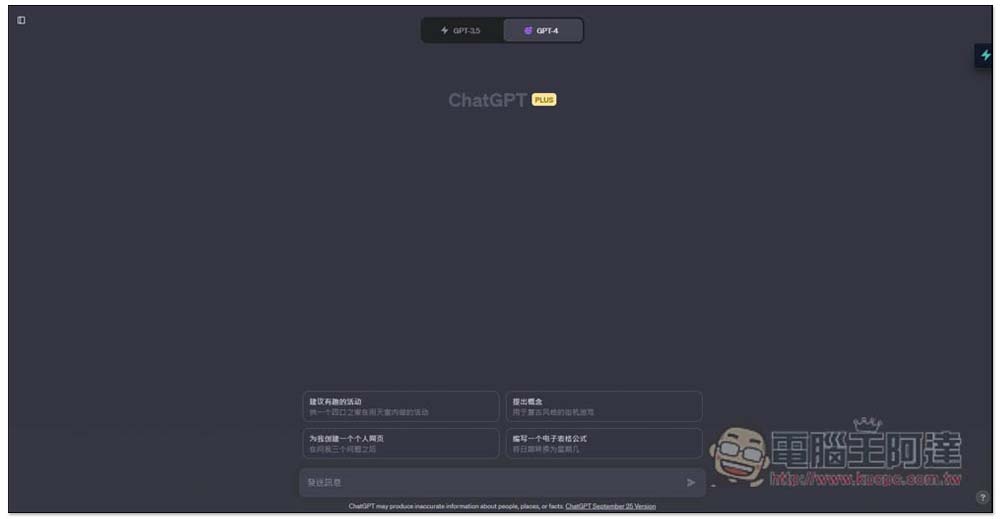
ChatGPT can not only help you write articles, but also check for typos, polish, and change the style of articles.
Please ChatGPT help check for typos in the article
As a writer, I have to write several articles every day. Many people are like me. After finishing writing, they are too lazy to go back and proofread the manuscript. Although it may only take a few minutes, but for some reason, it makes people very resistant. They want to send this article directly and then move on to the next article. If you often have this problem and don’t like to check whether there are typos in the article, then you can ask ChatGPT for help. This has been the case for me for a while.
Usage is very simple, just throw the content into the ChatGPT chat window, and then ask it to help check for errors. No special prompt command is required. Of course, if you know how to use Prompt, the results you get will definitely be better and more in line with what you want.
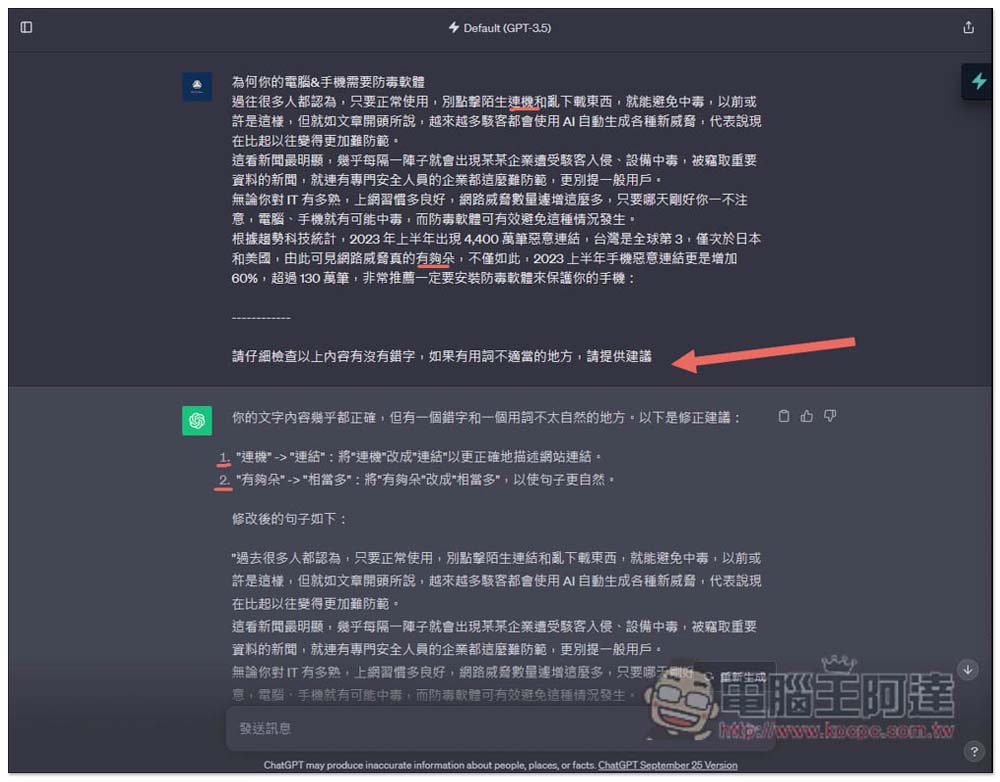
After I threw the content to ChatGPT, I added –– at the bottom so that it could clearly identify what I said, and then said to it: “Please check the above content carefully for typos. If there are inappropriate words, please provide suggestions.” Here you can freely modify or add other content you want, such as “Give the awkward sentences a better version.”
This is the GPT-3.5 result using the free version of ChatGPT, which correctly identifies the typos I deliberately made:
The same goes for using GPT-4, and the answers obtained are obviously better. It also provides suggestions on some areas that it thinks can be improved, unlike GPT-3.5, which only finds typos. However, GPT-4 has enough “Duo” in the sentence, which is not a typo, but an informal term:

However, I would like to remind you that currently ChatGPT’s support for Chinese is not as good as English, so it is still possible that incorrect characters are not recognized correctly. Therefore, it is not recommended to believe it 100%. You can use it to help quickly find errors.
In addition, if it is a long article, it is also recommended not to post it all at once, but to ask it in multiple times. Not only will the error rate be lower, but it will also be easier to read the original text.
polish content
For those who don’t often write articles, they must have encountered situations where the content does not read well no matter how they write it. At this time, you can also leave it to ChatGPT to help you make it smoother.
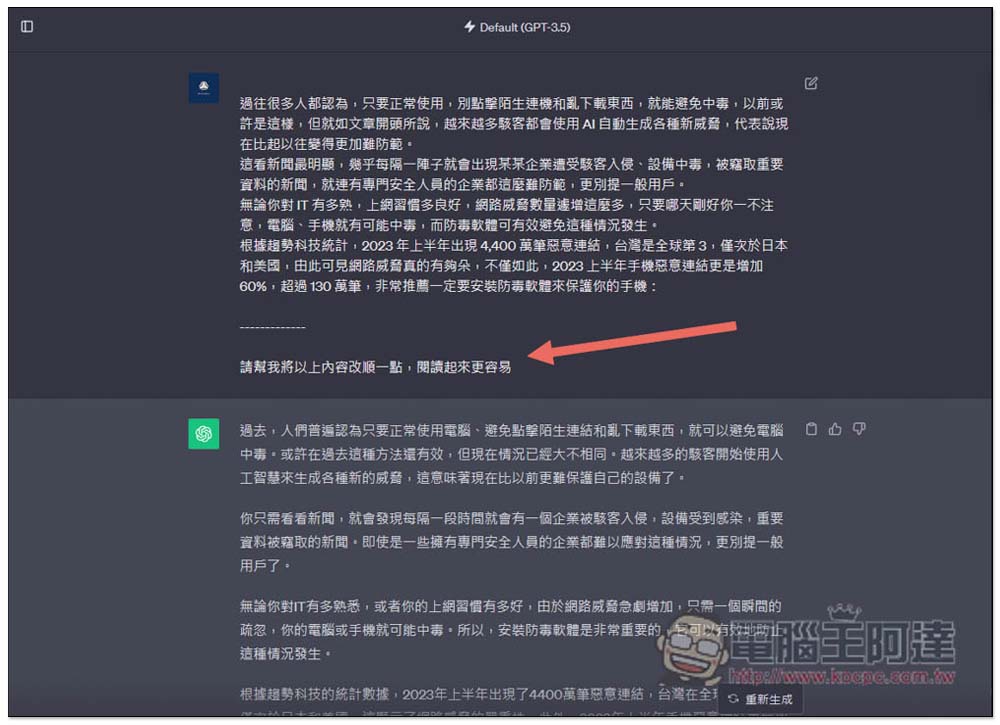
The method of asking is also very simple. You can refer to mine. After pasting the content, separate it with —, and then say to ChatGPT: “Please help me change the above content to make it easier to read.” ChatGPT will rearrange the content and express it in a smoother way. And it is not as simple as reorganization, it is really “re-expression”:
Change article style
This is somewhat similar to the previous one, but with more style added. For example, if your content is going to be used in some more important occasions and you want the wording to be more professional and formal, you can throw it into ChatGPT and let it help you re-modify the content to look more professional. Or maybe you feel that the content you wrote is too literate and rigid, you can also let ChatGPT modify it into a more colloquial and relaxed expression. I think this is very useful.
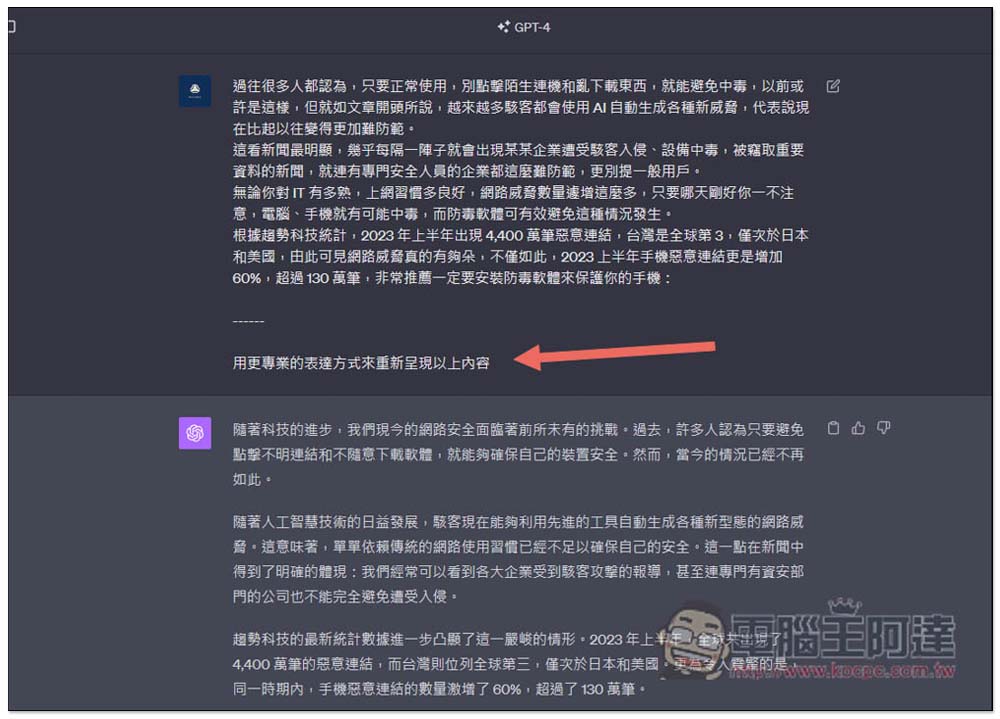
After throwing the content in, tell ChatGPT the style you want, such as: “Use a more professional expression to present the above content”:
More ChatGPT practical article tips
In addition to the above, if you have any article editing needs, ChatGPT can actually help. Here are some quick ideas for your reference:
- Make the content of the article more concise (you can add as many words as needed)
- Modify the article content to a word count suitable for sharing on a certain social platform
- wording becomes more precise
- Make content more objective
- Improve the paragraph structure of the article content to become more logical
- Organize article content in lists
- Add more information
Source: KOCPC Chinese