


In Facebook groups, you will see people asking for help memorizing pictures every once in a while. In fact, with the advancement of technology, there is no need to use any professional software to memorize pictures. Many free tools can easily memorize pictures with one click. For example, this “online cutout tool” can not only memorize pictures with one click, but also supports background changing (more than 50 backgrounds are available), and AI generates backgrounds and replaces them. It is very easy to use. If you are looking for a free tool that can memorize pictures and change backgrounds, it is highly recommended to try it.
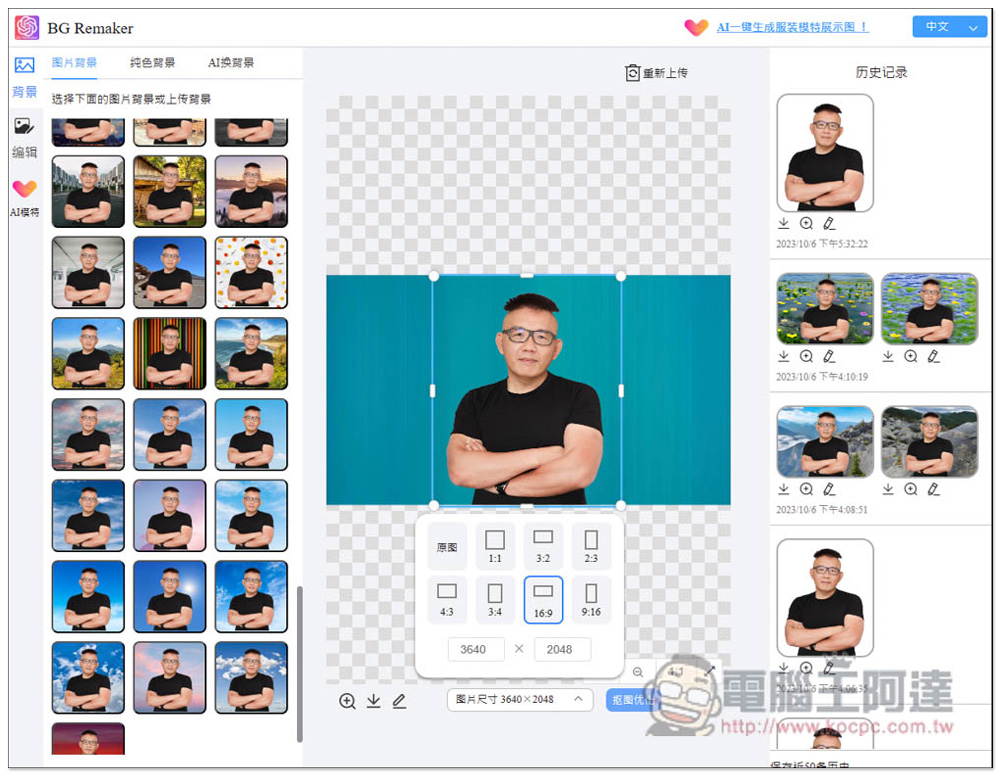
“Online cutout tool” is a free tool that can easily remove memorization and change backgrounds with one click. It also supports AI background generation function.
That’s right, the “Online Cutout Tool” is a browser extension that is supported by both Chrome and Edge, and must be installed to use it. It does not have a web tool. I am using the Microsoft Edge version here, and the operation methods are the same.
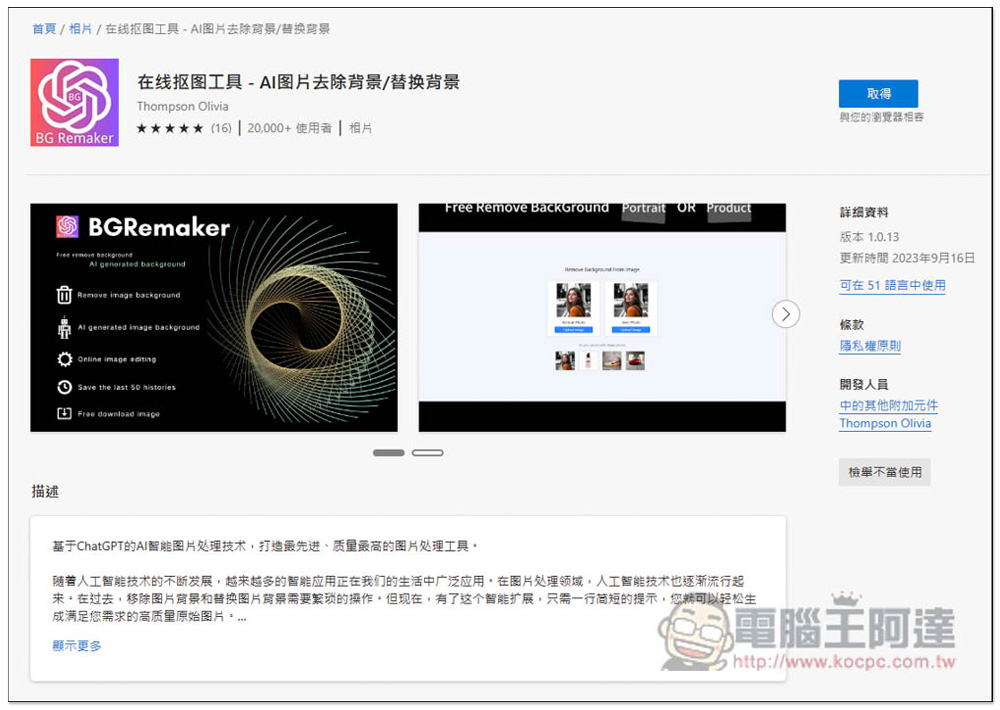
After entering the store page, click on the right to get:
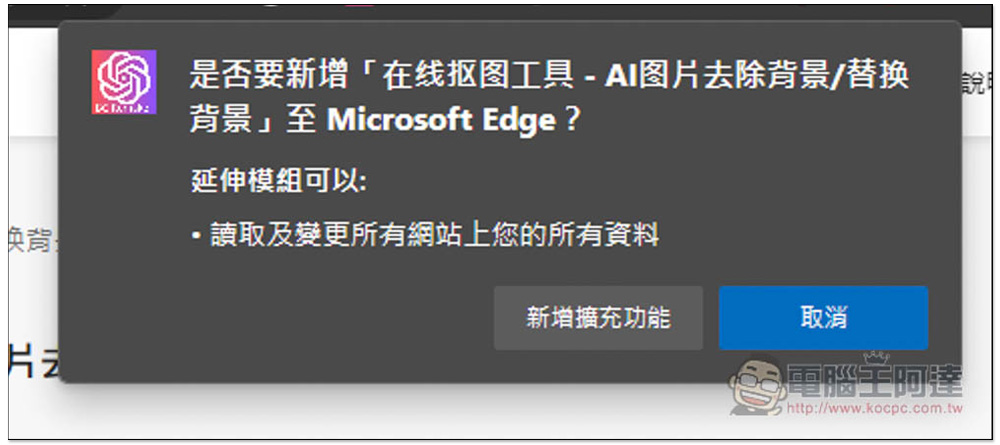
This message will pop up above, click “Add extension”:
This completes the addition, but now both Chrome and Edge will hide the newly added extension icons by default and needs to be opened manually. Please click on the puzzle icon on the right:
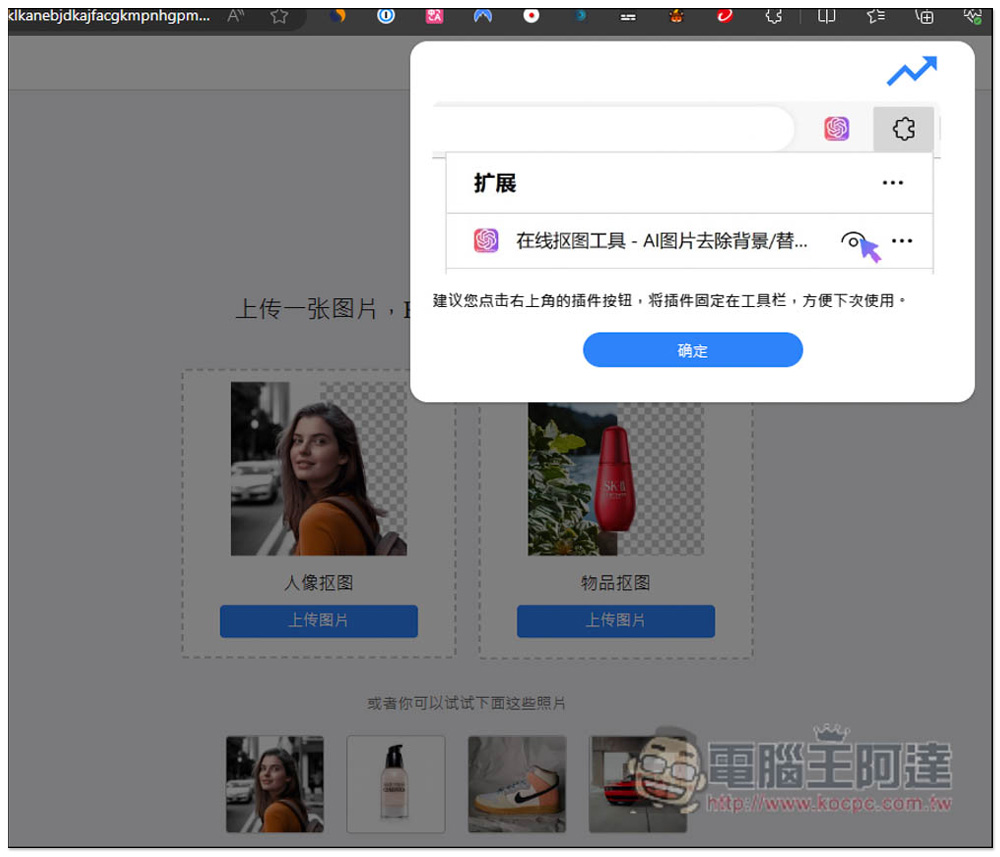
Open the eye on the right side of this tool so that it will appear in the upper right corner:
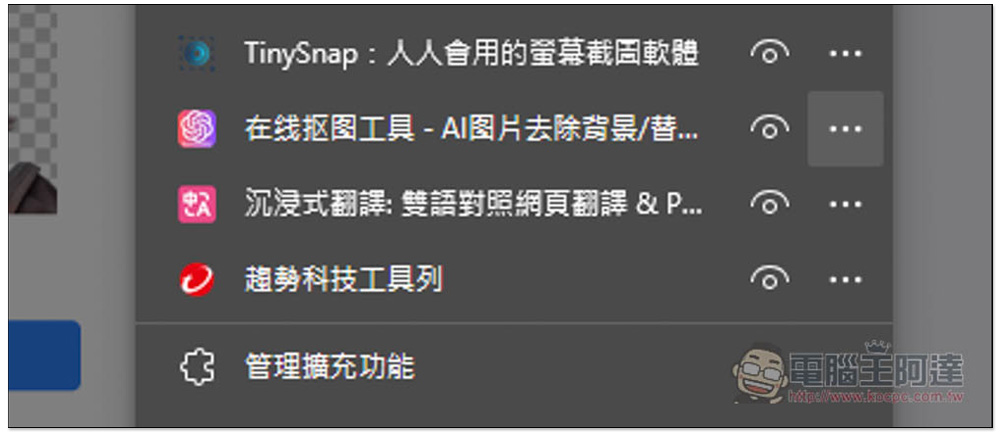
When you want to use it, click on the icon of this extended function, and this page will open. There are two types of “character cutout” and “object cutout”, depending on which type of pictures you want to memorize. Here I use character cutout:
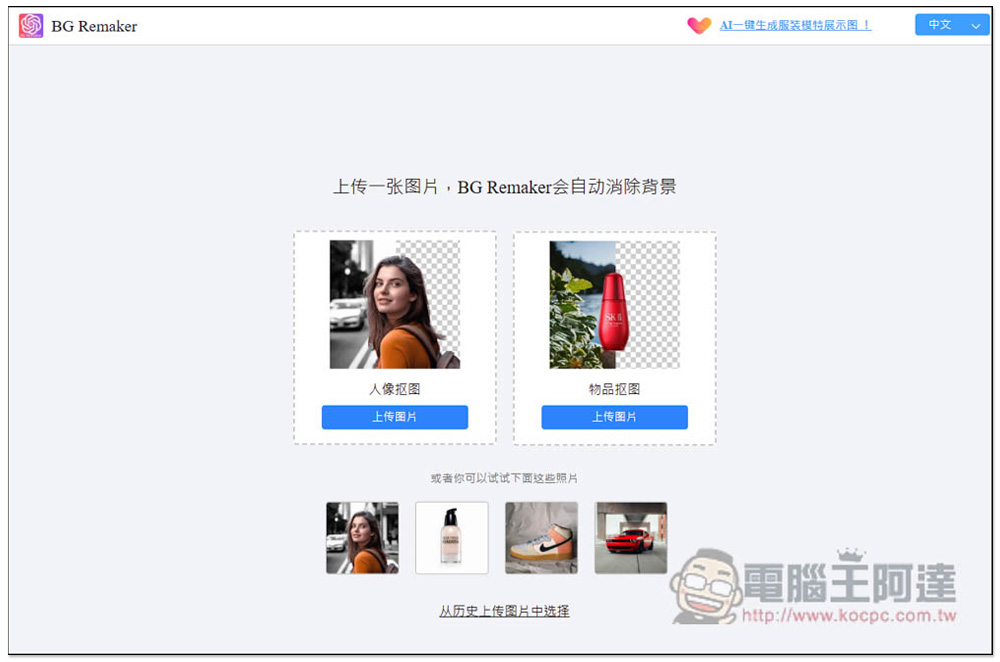
After selecting the picture, it will start to memorize it automatically, and then wait for a few seconds to see the result. If you just want to memorize it, and if you are satisfied, click the download icon below the picture to download the picture that has been removed from the back:
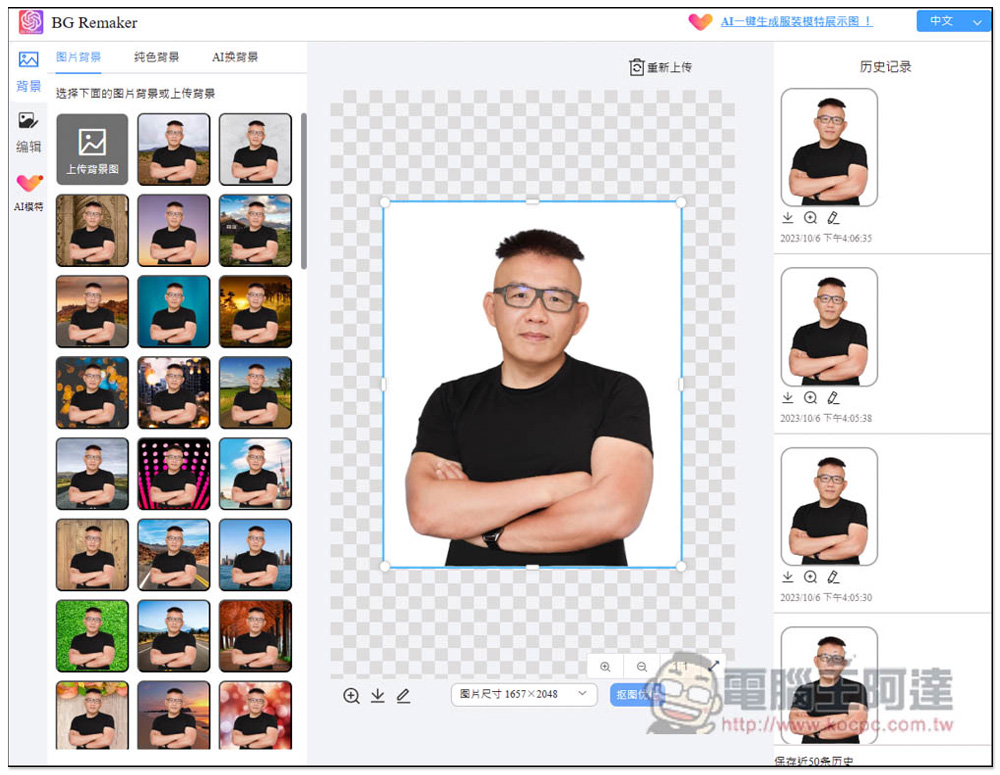
It also provides the function of changing the image size, including 1:1, 3:2, 2:3, 4:3, 3:4, 16:9 and 9:16. After selecting the ratio, you can move your image to the desired position:
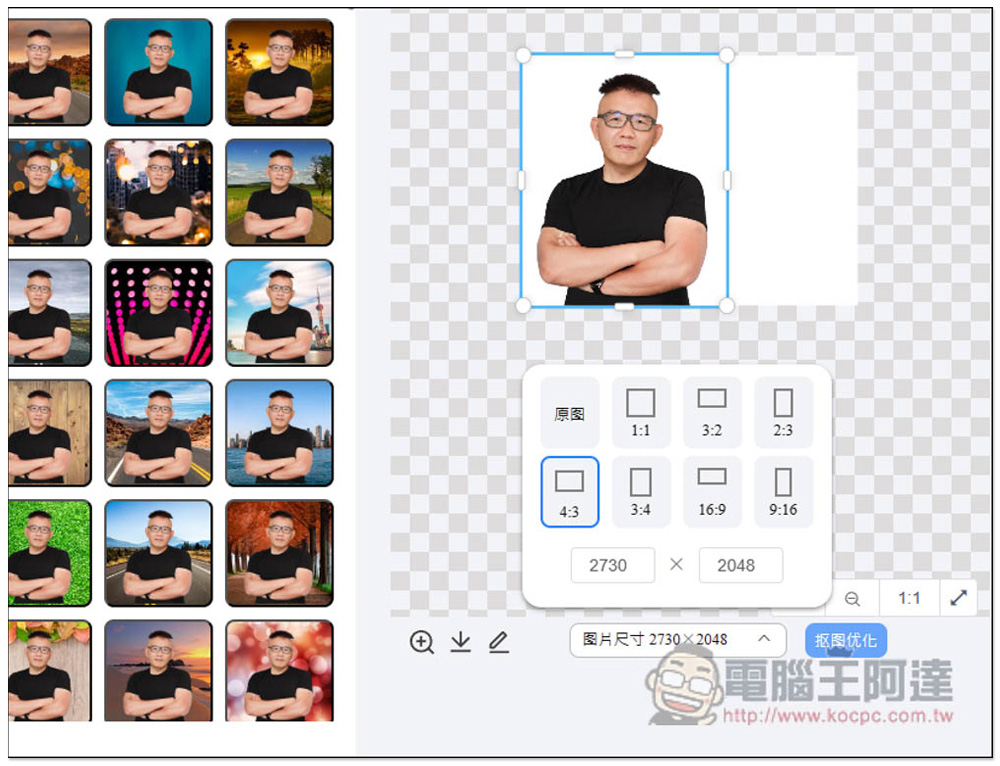
Click Cutout Optimization to make detailed adjustments, but basically I think the automatic back removal effect is very good. In the photo of Ada, the hair removal is also very beautiful, and there is no need to modify it at all:
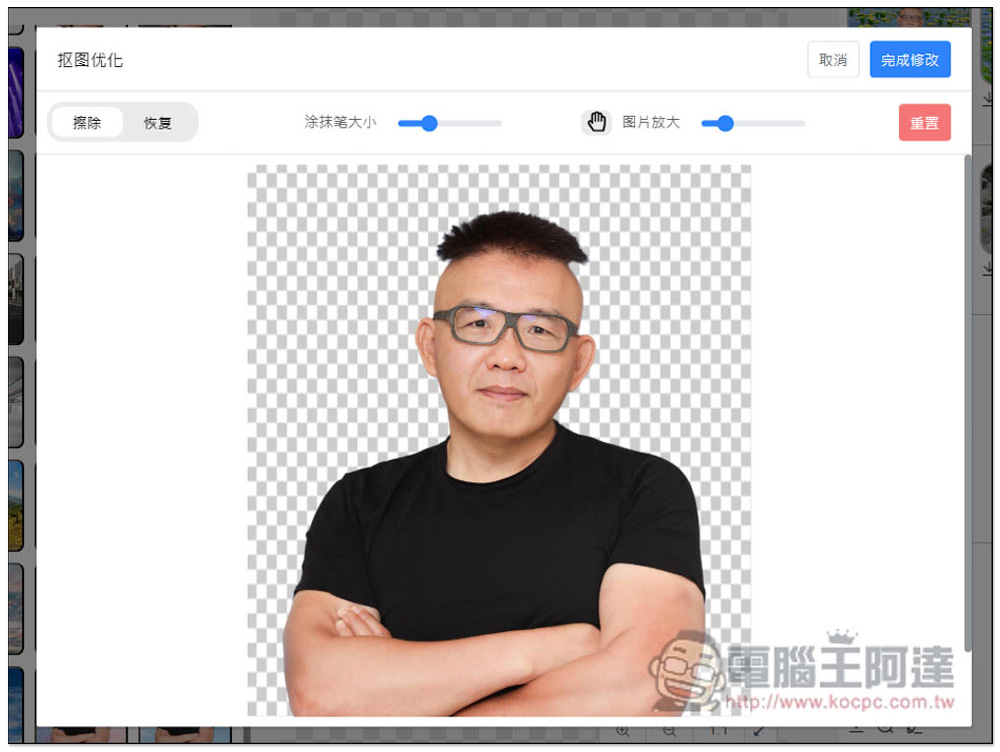
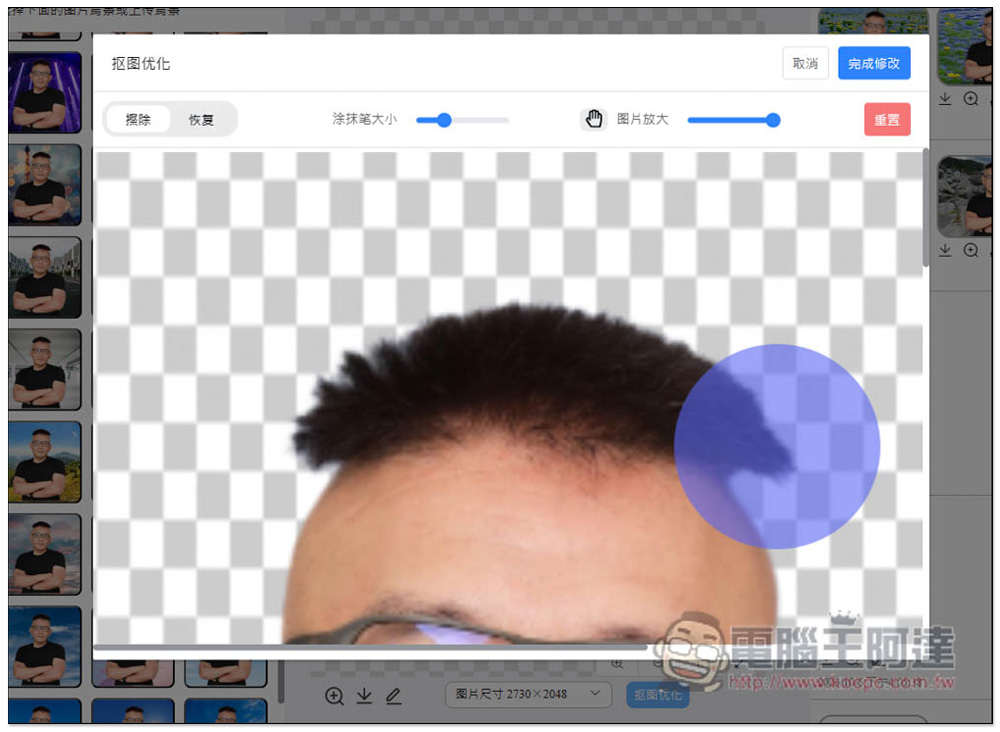
If there are any flaws in your image, you can adjust it by zooming in and changing the brush size:
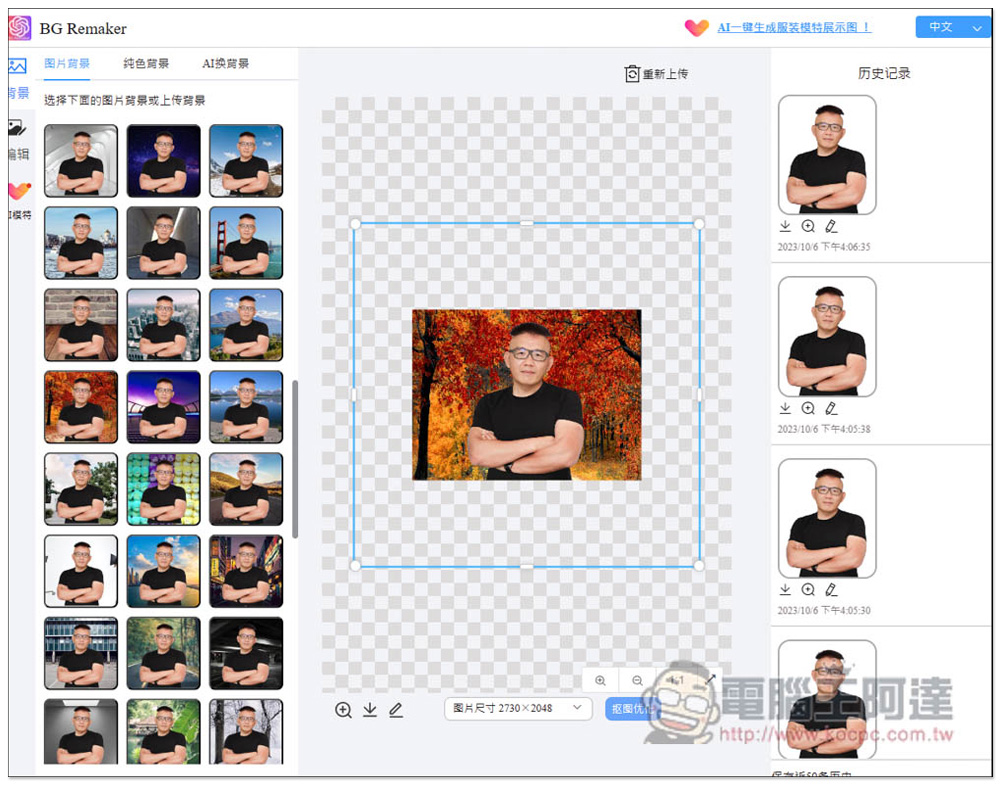
There are three options for the background function on the left, “Picture Background”, “Solid Color Background” and “AI Change Background”. In the picture background section, in addition to you being able to upload your own background image, there are also dozens of backgrounds for you to apply. The quality of each one is quite good, and you can change it with just one click. Download it if you are satisfied:
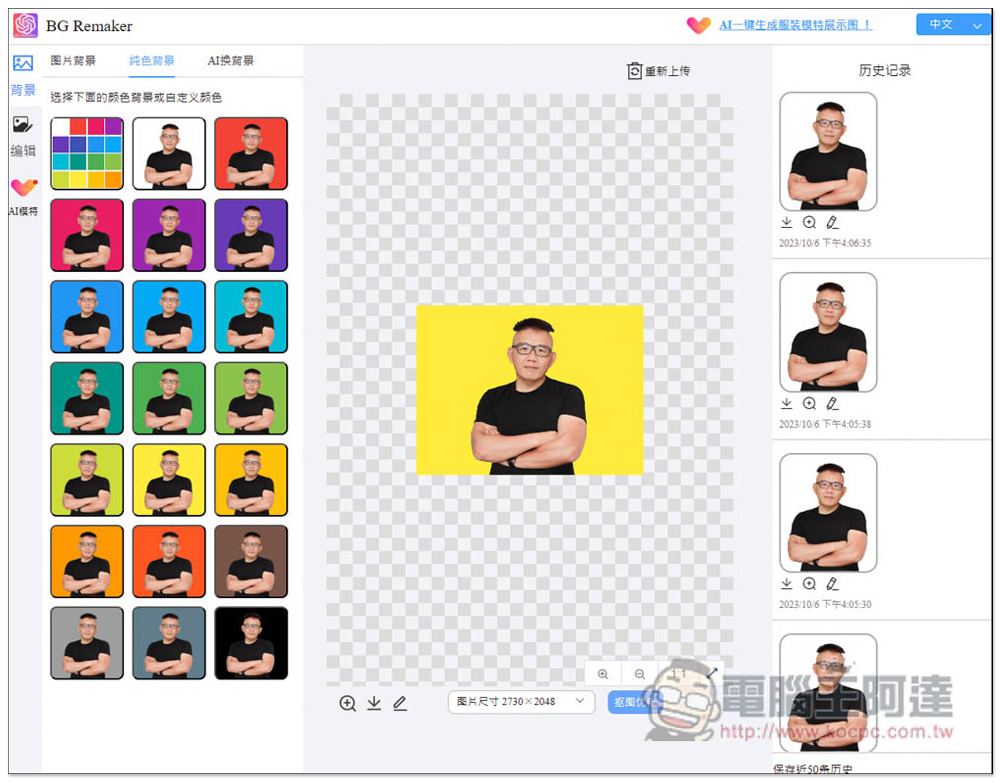
There are also many solid color backgrounds:
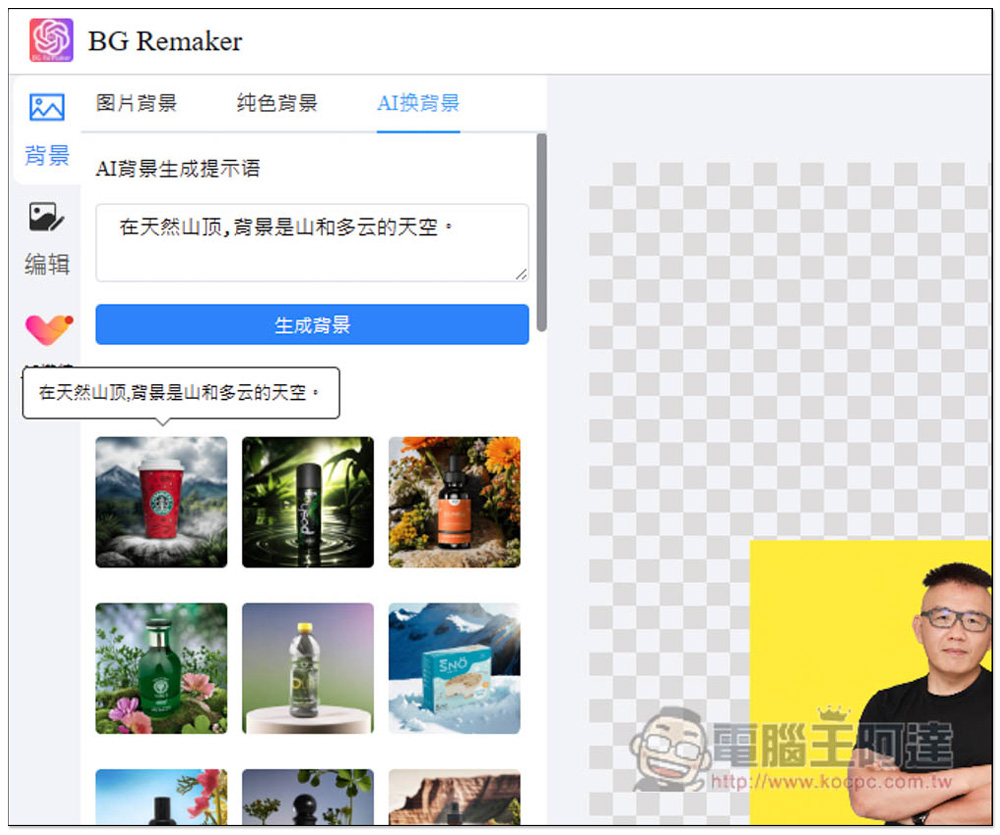
For the AI background change part, you can click on the image example below to apply the prompt word, or enter the image description you want to generate, and then click Generate Background:
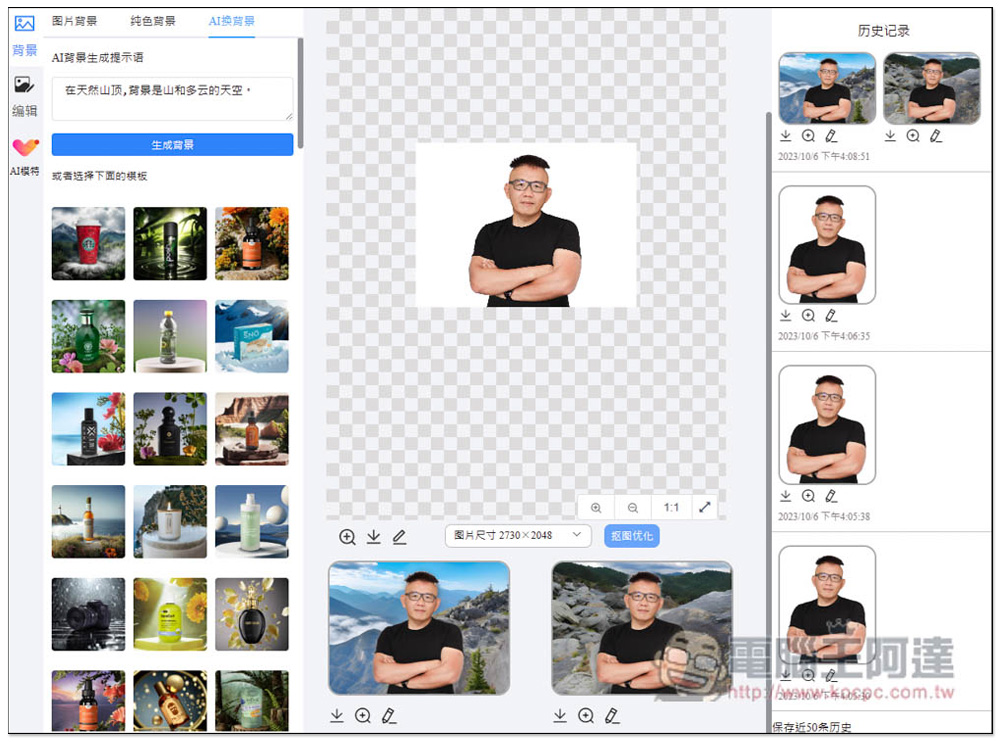
After completion, the results will be displayed below. Two AI background images will be generated each time and the images will be applied directly:
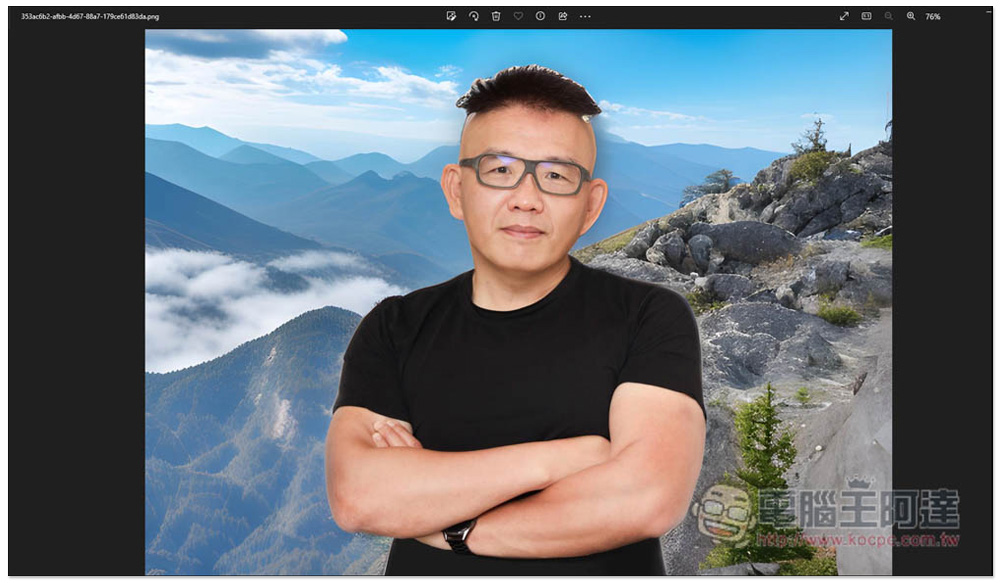
However, I don’t think AI’s background change is very good, because there are slight white lines at the edges of the subject, like Ada’s hair, which is very obvious and looks a bit abrupt:
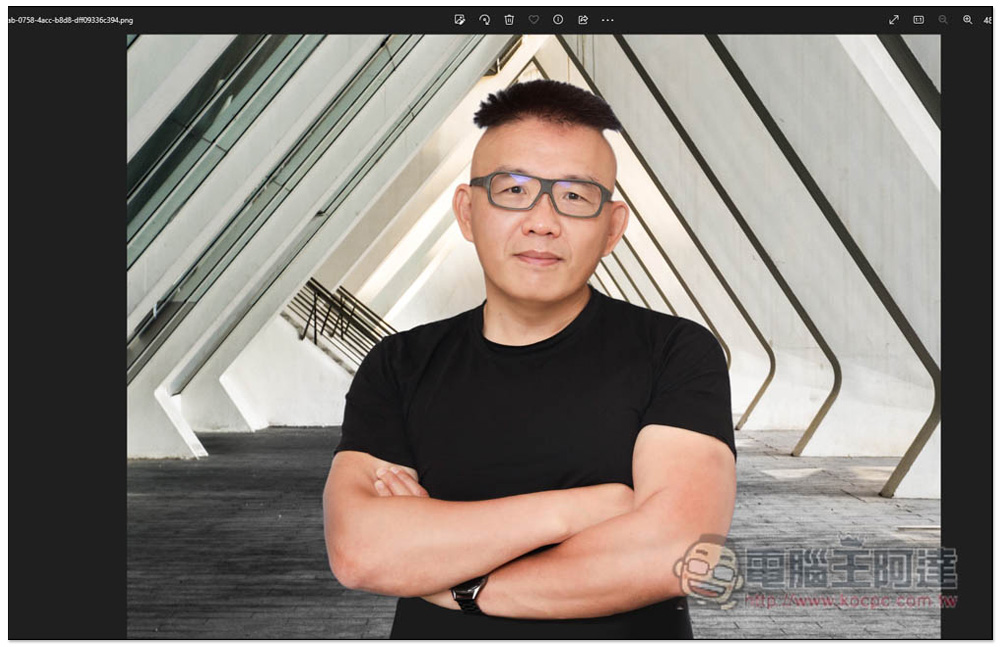
If you apply the image background and solid color background it provides, there will be no such situation:
As far as the memorization and background changing functions are concerned, this product performs quite well and is recommended to those who need it.
Source: KOCPC Chinese